8 Best MAGI-2 Alternatives: Open & Hosted Video Models 2026
What’s new on this page
- — Published. Model specs, prices, free plans and watermark rules as each model and tool lists them in November 2026; AI Photo Animator examples are real renders.
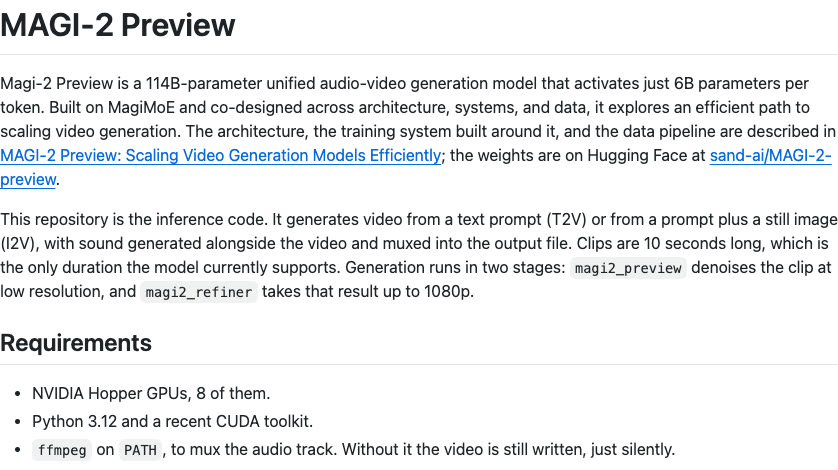
MAGI-2 is one of the most interesting video models of 2026. Sand.ai released the open MAGI-2 Preview on August 5: a 114B-parameter mixture-of-experts model that turns a prompt, or a prompt plus a still image, into video with the sound generated in the same pass. On November 24, Higgsfield started hosting a larger MAGI-2 that makes clips of up to 30 seconds at 1080p with synchronized sound.
The catch is where you can actually use it. The open version needs a GPU server most people don't have, and the 30-second version only lives on one paid platform. So I compared 8 MAGI-2 alternatives the way you'd compare video models: open weights or not, native audio, clip length and resolution, the GPU you need, free credits, watermarks, and what one 10-second clip costs.
Why look for a MAGI-2 alternative?
Most people look for a MAGI-2 alternative because neither version of MAGI-2 is easy to use for a normal creator. Here is what stands in the way:
- The open model needs eight H100-class GPUs. The MAGI-2 Preview README lists "NVIDIA Hopper GPUs, 8 of them" as a requirement. The checkpoints are about 307 GB, and there is no quantized or consumer-GPU build yet.
- The open model only makes 10-second clips, slowly. Ten seconds is "the only duration the model currently supports". Neither transformer is step-distilled, so each clip runs about 100 preview steps plus a refiner pass. A faster distilled version is listed as coming soon.
- Users are asking for something smaller. One of the two open issues on the repo is titled "Can we get a ~30B dense MAGI-2 model please?"
- The 30-second version is a Higgsfield exclusive. Higgsfield's MAGI-2 costs 2.5 credits a second. Its free plan has no monthly credits and puts a visible watermark on downloads, and the open weights for this bigger model are only "coming soon".
- MAGI-2 isn't the top model even on its own host. In Higgsfield's blind-vote arena (snapshot November 24, 2026), MAGI-2 ranked second with 1146 points, behind Seedance 2.5 at 1219.
MAGI-2 alternatives at a glance
AI Photo Animator is the best MAGI-2 alternative if you want a finished video with sound from your photo without a GPU or a subscription; Kling 4.0 and Seedance 2.5 are the strongest hosted models, and Wan 2.2, LTX-2.5 and HunyuanVideo 1.5 are the best open models you can run yourself.
| Model / tool | Best for | Why pick it over MAGI-2 | Open weights | Native audio | Longest clip | Free plan | Watermark on free downloads | Entry price |
|---|---|---|---|---|---|---|---|---|
| AI Photo Animator (Seedance 2.5, Kling 4.0, Wan 3.0) | Your photo in a finished video with sound, no prompt | No GPU, no subscription, trend templates with the song already set up | No | Yes | 30 s, 1080p | 75 credits on sign-up | No, on every plan | $5.99 one-time for 540 credits |
| MAGI-2 Preview (for reference) | Research and self-hosting on a GPU server | — | Yes, Apache 2.0 | Yes | 10 s, 1080p | Free to run | No | $0, but needs 8 H100-class GPUs |
| MAGI-2 on Higgsfield (for reference) | Using MAGI-2 itself online | — | Not yet | Yes | 30 s, 1080p | No monthly credits | Yes | $19/mo Starter (270 credits) |
| Kling 4.0 | 30-second clips in 4K with stereo sound | Same 30-second length, plus 4K and extension up to 2 minutes | No | Yes | 30 s, 4K | Free account, no monthly credits | Yes | Under $10/mo |
| Seedance 2.5 (Dreamina) | Best image quality and character consistency | Ranked above MAGI-2 in Higgsfield's own arena | No | Yes | 30 s, 1080p | Daily free credits | Yes | About $18/mo |
| Wan 2.2 | Running a model on your own RTX 4090 | Runs on one 24 GB card instead of eight H100s | Yes, Apache 2.0 | No | About 5 s, 720p | Free to run | No | $0 (your GPU) |
| LTX-2.5 | Open weights with sound on your own GPU | Audio and video together, with fp8 for smaller cards | Yes, free under $10M revenue | Yes | About 5 s, 1080p (4K upscale) | Free to run; LTX Studio 800 credits once | Studio: yes | $0 local; Studio $15/mo |
| HunyuanVideo 1.5 | A 14–16 GB graphics card | 8.3B parameters, the lightest of the open models here | Yes (not EU, UK, South Korea) | No | About 5 s, 720p (1080p upscale) | Free to run | No | $0 (your GPU) |
| Google Flow (Veo 3.1) | Dialogue shots and free daily tries | 50 free credits every day, no setup | No | Yes | 8 s | 50 credits a day | Invisible SynthID on all; visible mark depends on plan and country | $19.99/mo Google AI Pro |
| Runway Gen-4.5 | Editing and post-production control | A full editor around the model | No | No | 10 s | 125 credits once, no Gen-4.5 | Yes | $15/mo ($12 yearly) |
#1 AI Photo Animator: Best MAGI-2 Alternative for Videos With Sound From Your Photo
If you want to turn your own photo into this week's TikTok trend with the original song, without writing a prompt, pick AI Photo Animator. Every trend template already has the motion, the timing and the music set up, so you upload one or two photos and press Generate. It's the same job MAGI-2 does (image in, video with sound out), packaged for people who want the finished clip: a birthday video of your cat singing, you and a friend in the 58th Floor trend, your face in a movie scene for a group chat.
Compared with MAGI-2, you trade open weights for zero setup. MAGI-2 Preview needs a GPU server and gives you 10 seconds; MAGI-2 on Higgsfield needs a subscription. Our photo-to-video tool runs Seedance 2.5 (the model that beat MAGI-2 in Higgsfield's arena), Kling 4.0 and Wan 3.0, all up to 30 seconds with native audio, in the browser and paid per clip. Most of our trend templates run on Wan 3.0. If you only care about the lowest price per second and already pay for Higgsfield, MAGI-2 there is cheaper: a 10-second clip is about $1.08–$1.76 at monthly list prices, against 260 credits (about $2.60) for 10 seconds of Wan 3.0 at 720p here. What you save with us is the subscription, the GPU and the prompt-writing.
New accounts get 75 free credits, downloads never carry a watermark on any plan, and a one-time $5.99 pack (540 credits) needs no subscription. Failed renders give their credits back automatically.


Key features
- Three 30-second models with sound in one place: switch between Seedance 2.5, Kling 4.0 and Wan 3.0 per clip instead of picking one platform.
- Trend templates instead of prompts: dance, funny, movie-scene and pet templates come with the motion and music ready.
- Up to three photos per video: put two or three people from separate photos into one clip.
- Pay per clip: credits from one-time packs, no GPU rental, no monthly minimum.
Best for
- TikTok and Reels creators who want to post a trend today, with the song, from a selfie.
- Friends and couples who want a duo or trio video from photos taken apart.
- People who tried MAGI-2's demos and want 30-second clips with sound without running a server.
Pros
- No GPU and no prompt needed for trends
- Seedance 2.5, Kling 4.0 and Wan 3.0 with native audio, up to 30 s
- No watermark on any plan, free accounts included
- One-time packs, failed renders refunded
Cons
- No open weights to run yourself
- Per 10 seconds, MAGI-2 on a Higgsfield plan costs less
- Seedance 2.5 at 1080p is expensive (2,530 credits for 10 s)
#2 Kling 4.0: Best for 30-Second 4K Clips With Stereo Sound
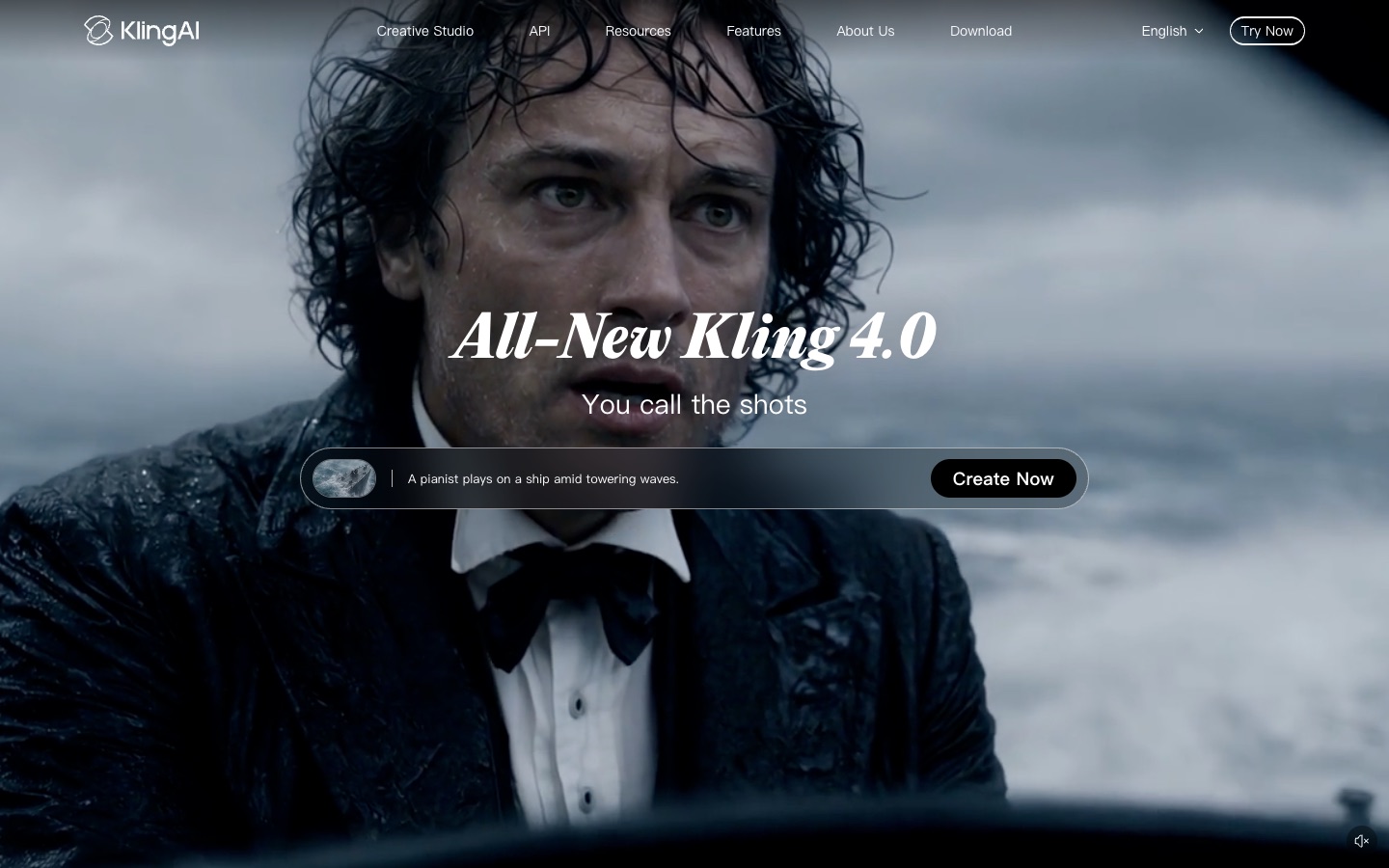
If you want one long, continuous shot (a 30-second product reveal, a short scene with dialogue) at the highest resolution, pick Kling 4.0. Kling's own docs list clips from 3 to 30 seconds, output in 720p, 1080p or 4K with optional 10-bit HDR, and native stereo audio with dialogue, effects and ambient sound. You can extend a clip several times up to about two minutes.
Kling 4.0 is the closest match to the Higgsfield version of MAGI-2 on paper: the same 30-second ceiling and sound in the same pass, plus 4K, which MAGI-2 doesn't offer. You give up open weights entirely, and Kling only lets you upload voice profiles as audio references, not your own music. If you need to run the model on your own hardware, Kling isn't for you.
The free account has no monthly credits now, free downloads carry a watermark, and paid plans start under $10 a month.
Key features
- 30-second clips in one generation, extendable to about 2 minutes.
- 4K and 10-bit HDR output for footage you want to grade or reuse.
- Stereo audio with lip sync for dialogue shots.
Best for
- Small brands making one long product shot for an ad.
- Short-film makers who need dialogue in the same pass as the picture.
Pros
- 30 s per clip and up to 4K
- Native stereo audio with dialogue
Cons
- Free plan has no monthly credits and adds a watermark
- Closed model; audio references limited to voices
#3 Seedance 2.5 on Dreamina: Best for Image Quality and Consistent Characters
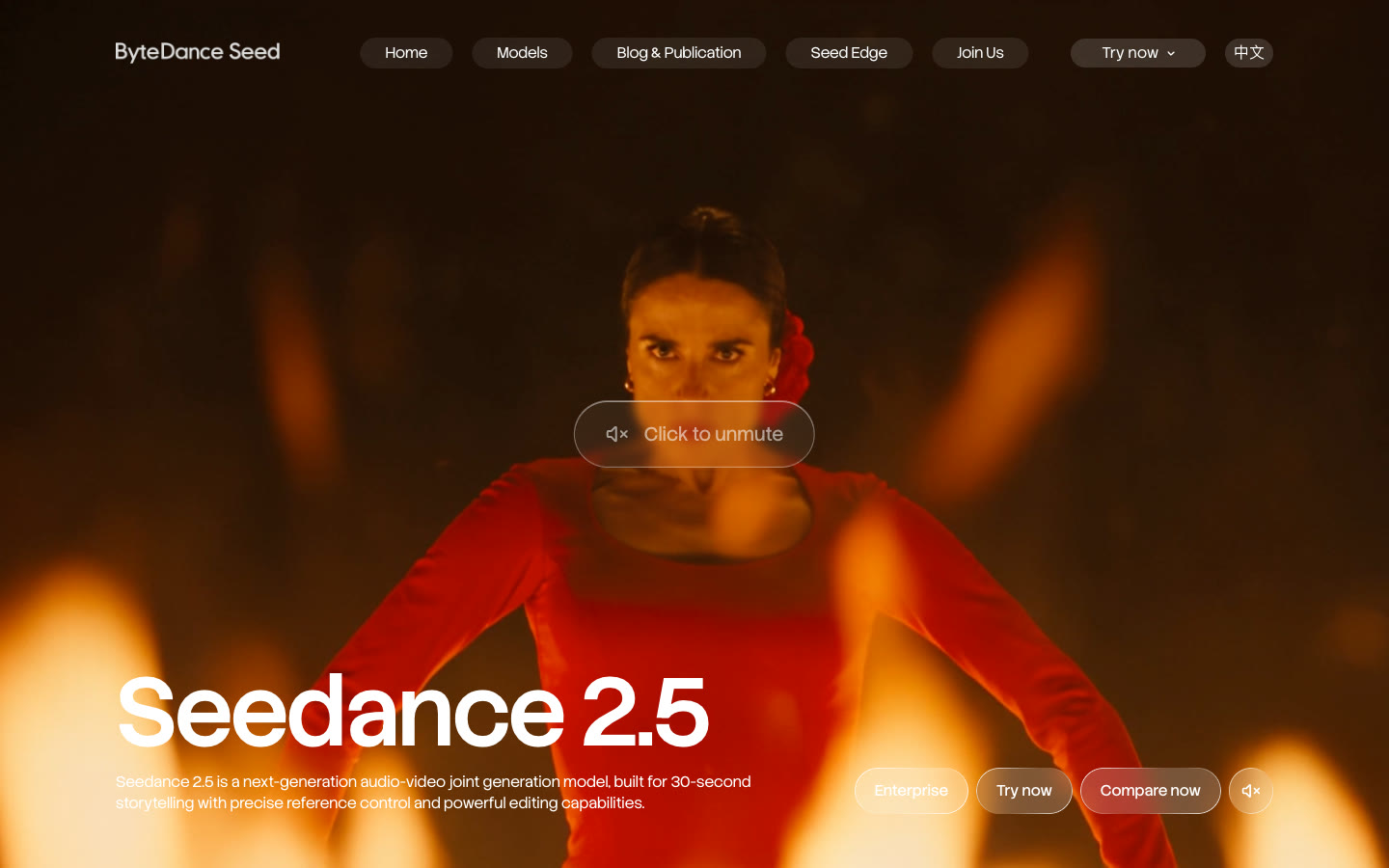
If you want the cleanest image and a character who looks the same in every cut of a multi-shot story, pick Seedance 2.5. ByteDance built it as an audio-video model for 30-second storytelling with reference control and editing, and Dreamina (CapCut's AI studio) is its official consumer home.
Seedance 2.5 beat MAGI-2 in the one public head-to-head that exists: Higgsfield's own arena, where it scored 1219 against MAGI-2's 1146. Both make 30 seconds with sound, so you lose nothing on length. You give up any chance of self-hosting, and Dreamina's credit rules and promotions change often and differ by country.
Dreamina gives daily free credits, free downloads carry a watermark, and paid plans start around $18 a month. You can also use Seedance 2.5 on AI Photo Animator without a subscription.
Key features
- Reference control to keep a face, an outfit or a product the same across shots.
- Native audio generated with the picture.
- Video editing on clips you already have.
Best for
- Storytellers making a multi-shot short with one recurring character.
- Anyone who judges a model by image quality first.
Pros
- Ranked above MAGI-2 in Higgsfield's blind-vote arena
- 30 s with sound, strong character consistency
Cons
- Watermark on free downloads
- Credits and promotions vary by region
#4 Wan 2.2: Best Open-Source MAGI-2 Alternative for One Consumer GPU
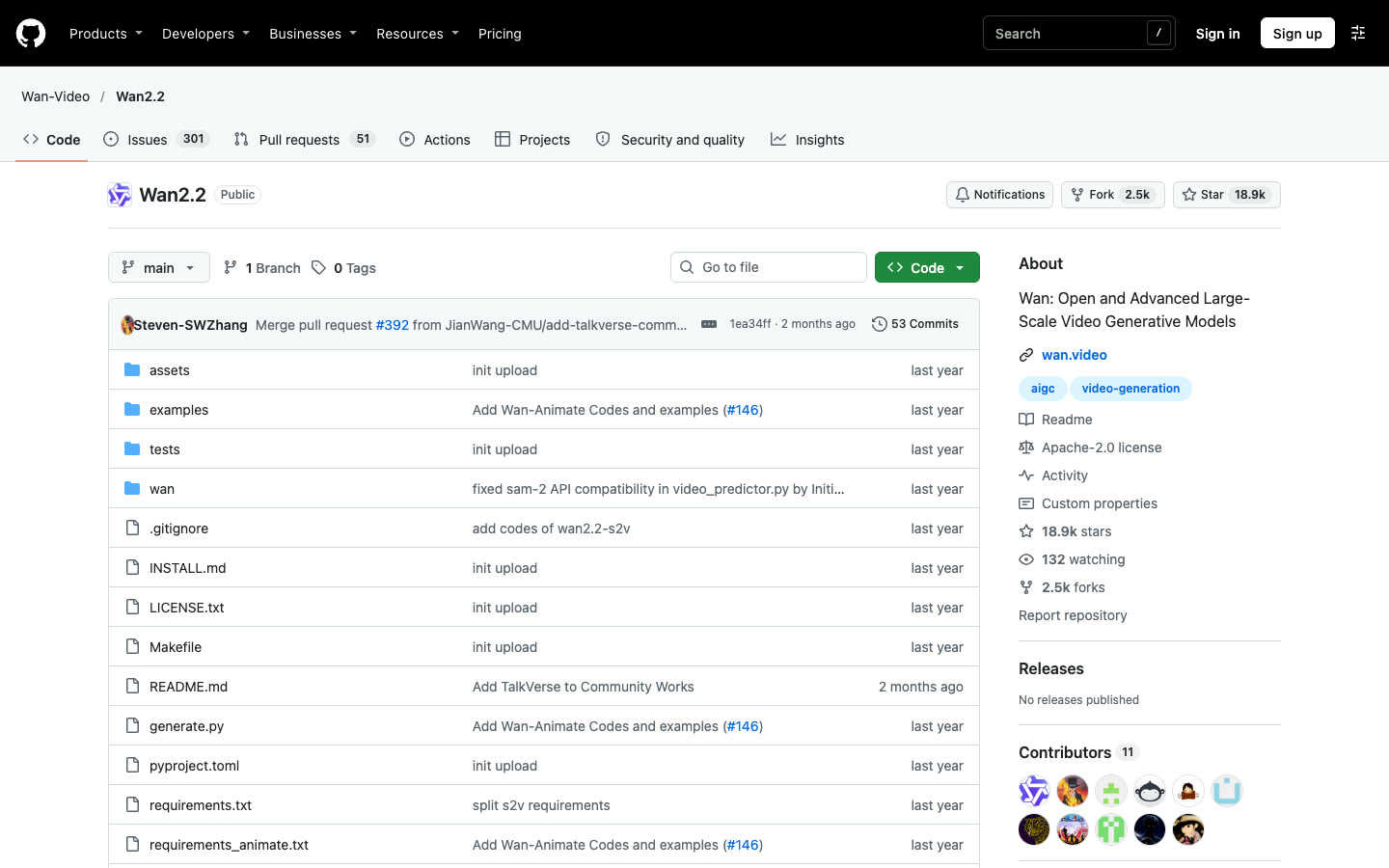
If you want to run a video model on your own RTX 4090 and own every frame, pick Wan 2.2. Alibaba's TI2V-5B model needs about 24 GB of VRAM and makes a 5-second 720p clip in under nine minutes on one consumer card; it has worked in ComfyUI since July 2025. It's the easiest way to batch-generate clips for a product or an app without paying per video.
Wan 2.2 does what MAGI-2 Preview promises (open weights you can build on) on one graphics card instead of eight H100s, and its Apache 2.0 license allows commercial use. In exchange you lose sound: Wan 2.2 doesn't generate audio (its S2V model only lip-syncs to audio you give it), and clips are short and 720p. The newer Wan 3.0, which has native audio and 30-second clips, is closed and available through APIs and apps such as AI Photo Animator.
Wan 2.2 is free to run, has no watermark, and costs only your own GPU time.
Key features
- Apache 2.0 license for commercial projects.
- ComfyUI support so you can build workflows without code.
- Animate and S2V models for character replacement and lip sync.
Best for
- Developers building a video feature without per-clip fees.
- Hobbyists with a 4090 who want unlimited local experiments.
Pros
- Runs on one 24 GB GPU
- Apache 2.0, free commercial use
Cons
- No native audio
- About 5 s at 720p per clip
#5 LTX-2.5: Best Open Model With Native Audio
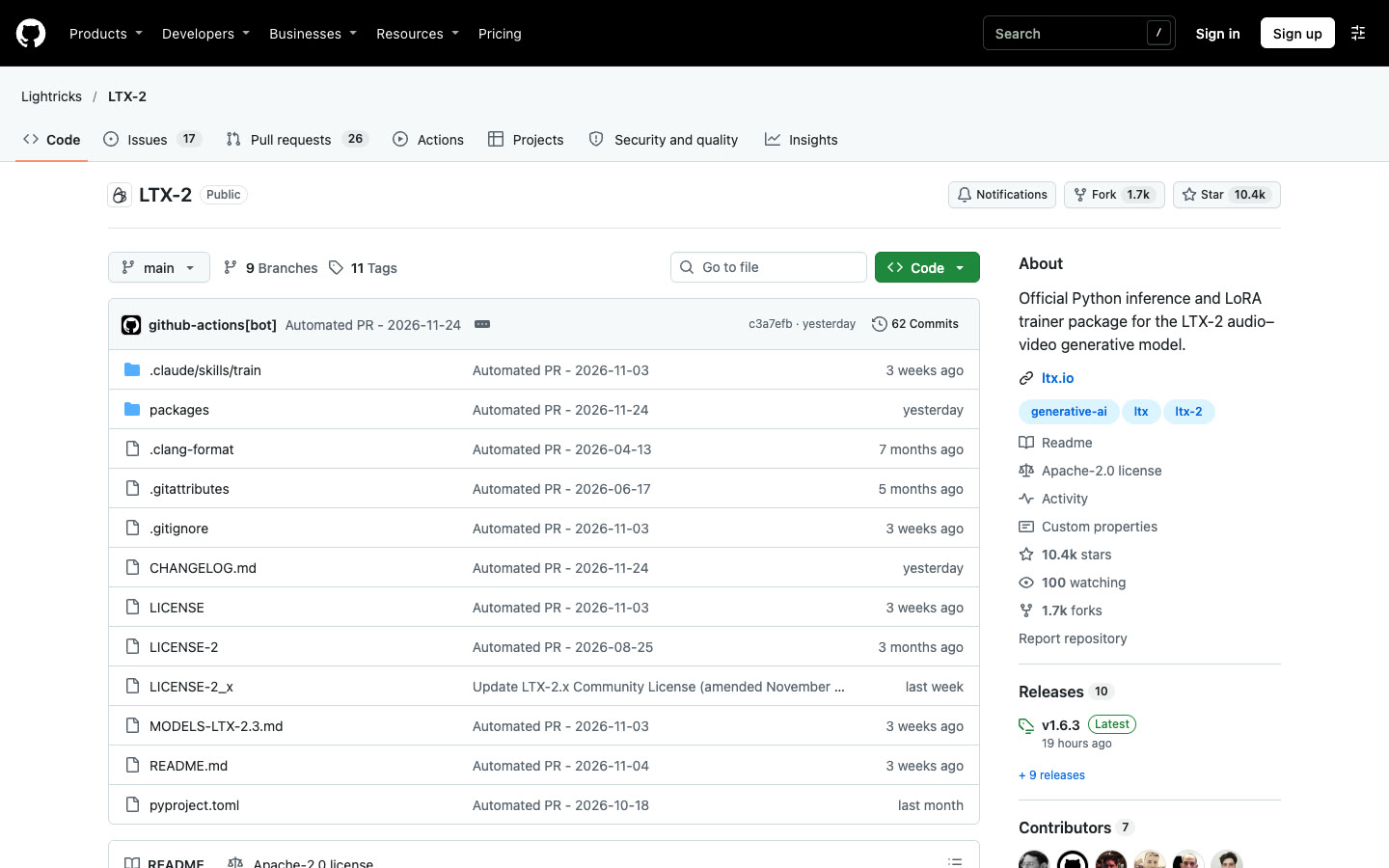
If you want open weights and sound in the same clip on your own machine, pick LTX-2.5. Lightricks' model generates synchronized audio and video at up to 1920×1088, with a 4K upscaling pass, and documents fp8 weights and offloading for smaller GPUs. The full download is about 66 GB, a fifth of MAGI-2 Preview's.
LTX-2.5 is the open model closest to MAGI-2's main idea, one pass for picture and sound, without an eight-GPU server. You give up MAGI-2's Apache license: the LTX-2 Community License is free for companies under $10 million in yearly revenue and needs a paid license above that. Clips in the examples are about 5 seconds, so it isn't a 30-second model.
Running it locally is free; the hosted LTX Studio gives 800 credits once, watermarks free exports, and starts at $15 a month.
Key features
- Audio and video together from an open model.
- 1080p native, 4K with upscaling.
- fp8 and offloading for smaller GPUs, plus ComfyUI nodes.
Best for
- Indie studios under $10M revenue who want sound without API fees.
- Tinkerers who want MAGI-2's audio idea on their own GPU.
Pros
- Open weights with native audio
- Free commercial use under $10M revenue
Cons
- Not Apache: paid license above $10M revenue
- Short clips, large download
#6 HunyuanVideo 1.5: Best for a 14–16 GB Graphics Card
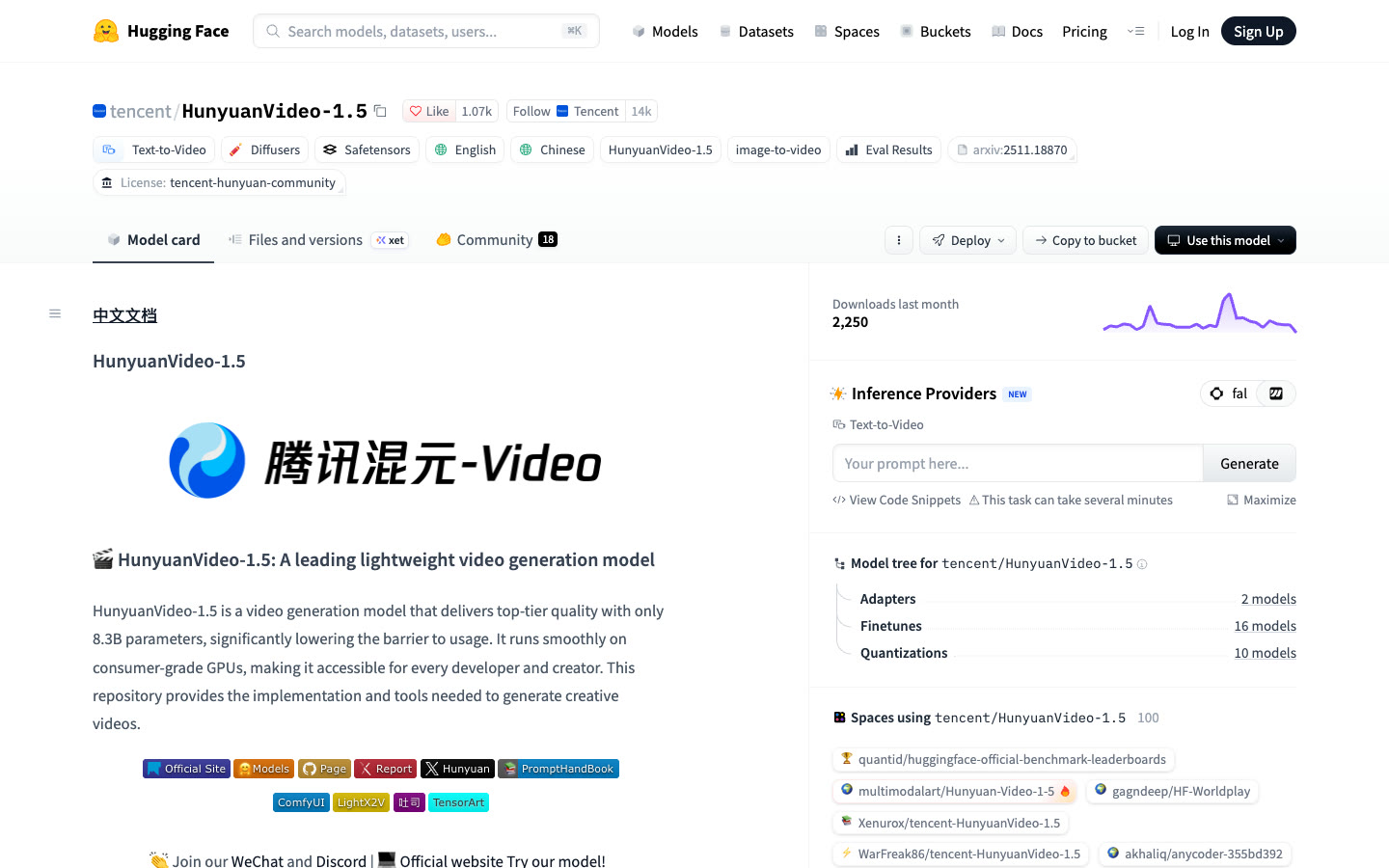
If your graphics card has 14–16 GB of VRAM and you still want to run a video model locally, pick HunyuanVideo 1.5. Tencent's 8.3B-parameter model runs with as little as 14 GB using offloading, makes 480p or 720p clips, and has an official upscaler to 1080p. It's the quickest way to test prompts and image-to-video ideas on a mid-range PC.
Against MAGI-2, HunyuanVideo 1.5 is the opposite trade: a model small enough for a gaming PC instead of a 114B model that needs a server. You lose audio and long clips. Check the license before you build on it: the Tencent Hunyuan Community License doesn't cover the European Union, the United Kingdom or South Korea.
HunyuanVideo 1.5 is free to run and has no watermark.
Key features
- 8.3B parameters, runs from 14 GB of VRAM.
- 720p with a 1080p upscaler.
- ComfyUI support.
Best for
- PC owners with an RTX 4070 Ti or 4080-class card.
- Prompt testing before you pay for a bigger hosted model.
Pros
- Smallest open model here
- Free, no watermark
Cons
- No native audio
- License excludes the EU, UK and South Korea
#7 Google Flow (Veo 3.1): Best for Dialogue Shots and Free Daily Tries
If you want a character to speak a line on camera and you'd like to try it free every day, pick Google Flow. Flow runs Google's Veo models with native audio, and even without a subscription you get 50 credits a day; a Veo 3.1 Lite clip costs 10 of them.
Flow is the zero-setup opposite of MAGI-2 Preview, and unlike Higgsfield it lets you start without paying. You give up length: Veo 3.1 clips top out at 8 seconds, against MAGI-2's 10 (open) or 30 (Higgsfield). Google is also retiring Veo 3.1 Fast and Quality on December 5, 2026, with Omni Flash 1.2 (up to 15 seconds) replacing them.
Every Flow video carries an invisible SynthID mark, and visible watermarks depend on your plan and country. Google AI Pro, which adds 1,000 Flow credits a month, costs $19.99.

Key features
- 50 free credits a day without a subscription.
- Native audio for dialogue and sound effects.
- Scene builder to string clips together.
Best for
- Anyone testing talking-character ideas before paying for anything.
- Google AI subscribers who already have Flow credits.
Pros
- Free daily credits
- Strong dialogue and sound
Cons
- 8-second clips on Veo 3.1
- Model lineup changes on December 5, 2026
#8 Runway Gen-4.5: Best for Editing and Post-Production Control
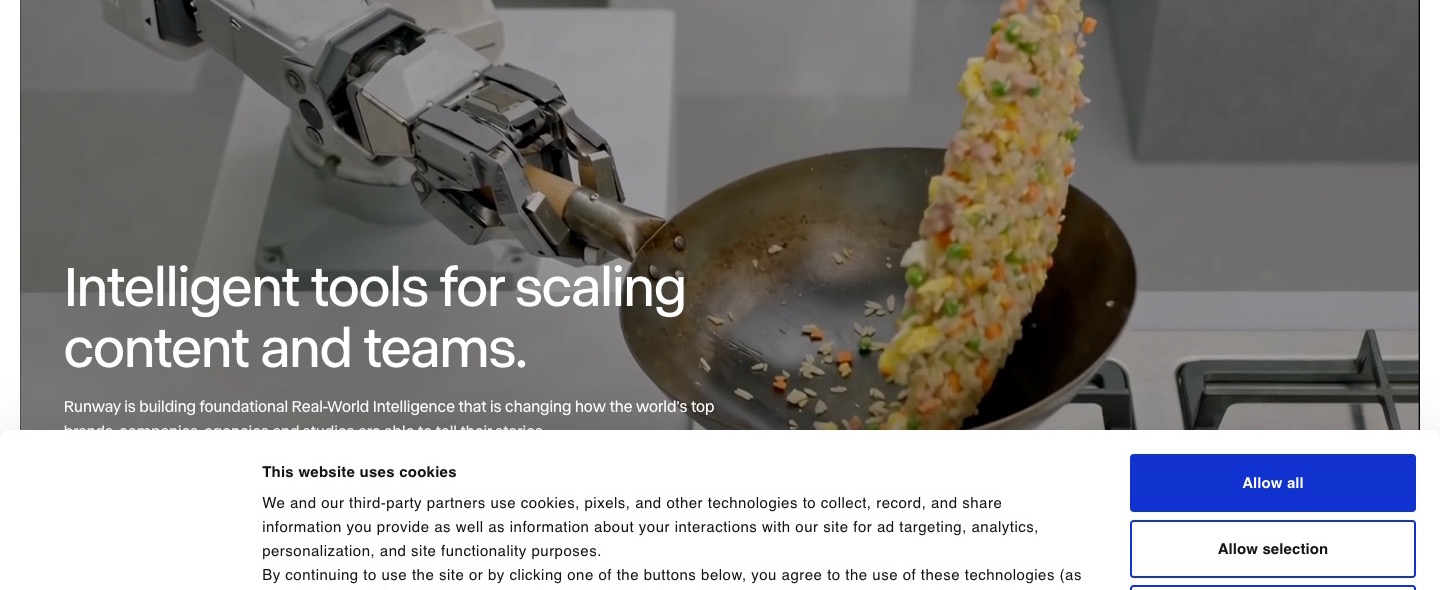
If your video goes into an edit afterwards (an ad, a music video, a client project) and you want the generator and the editing tools in one place, pick Runway. Gen-4.5 makes 5- or 10-second clips from text or an image, and Runway wraps it in tools for keyframes, extending, masking and cleanup.
Runway gives you a production workflow MAGI-2 doesn't have. You give up sound: Gen-4.5 doesn't generate audio, so you'll add it in the edit. It's also pricey per second, at 12 credits a second on a plan with 625 credits a month.
The free plan gives 125 credits once, can't use Gen-4.5, and watermarks every video. Standard costs $15 a month, or $12 billed yearly.
Key features
- Gen-4.5 text-to-video and image-to-video.
- Editing tools around the model for finishing work.
- Clear per-second credit pricing.
Best for
- Video editors and agencies who finish clips in post.
- Teams who need one tool from generation to export.
Pros
- Editing suite around the model
- Predictable credit pricing
Cons
- No native audio on Gen-4.5
- Free plan can't use Gen-4.5 and adds a watermark
How I compared these MAGI-2 alternatives
I judged each model by what you actually want when you leave MAGI-2: a usable clip with sound, without a GPU server or a subscription you didn't plan on. I looked at:
- Model access: are the weights open, and what GPU do you need to run them?
- Sound: does the model generate audio in the same pass, or do you add it later?
- Length and resolution: how long can one clip be, and at what resolution?
- Cost of one clip: what does a 10-second video cost on the cheapest way in?
- Free plan and watermark: can you try it free, and are free downloads watermarked?
- License: can you use the output, or the model itself, commercially?
Model specs come from each model's GitHub, Hugging Face page or official site, and prices, free credits and watermark rules from each tool's pricing page and help center, in November 2026. AI Photo Animator examples are real renders from our template pages.
Which MAGI-2 alternative should you choose?
| If you want… | Pick | Why |
|---|---|---|
| A trend video with the song from your photo, no prompt | AI Photo Animator | Motion and music are already in the template |
| 30 s with sound, no subscription | AI Photo Animator | Seedance 2.5, Kling 4.0 and Wan 3.0 paid per clip |
| MAGI-2 itself, at the lowest price per second | MAGI-2 on Higgsfield | 2.5 credits a second on a plan you already pay for |
| One 30-second shot in 4K | Kling 4.0 | 4K and 10-bit HDR up to 30 s |
| The best image quality and one consistent character | Seedance 2.5 | Beat MAGI-2 in Higgsfield's own arena |
| An open model on one RTX 4090 | Wan 2.2 | Apache 2.0, 24 GB VRAM |
| An open model that also makes sound | LTX-2.5 | Audio and video together, free under $10M revenue |
| Something that runs on a 14–16 GB card | HunyuanVideo 1.5 | 8.3B parameters, 14 GB with offloading |
| A free try every day | Google Flow | 50 credits a day, no subscription |
| Generation plus editing in one tool | Runway Gen-4.5 | Editor built around the model |
My take
If I wanted to turn a photo into a short video with sound this week, AI Photo Animator would be my first pick. I'd choose a trend or open the photo-to-video tool, upload the photo, pick Wan 3.0 or Seedance 2.5, and download a watermark-free clip a few minutes later, without renting a GPU or starting a subscription.
If I wanted MAGI-2 itself, I'd still use Higgsfield: it's the only place to run the 30-second version, and per second it's the cheapest option on this list if you're already subscribed. And if I wanted to own the model, I'd install Wan 2.2 on a 4090, or LTX-2.5 if I needed sound.
But as long as I want 30 seconds with sound, a choice of models, ready-made trends and no monthly bill, AI Photo Animator is the one I'd keep using. If you're also weighing creative suites, my Krea AI alternatives guide compares them from the same video angle.
FAQ
What is the best MAGI-2 alternative?
For turning a photo into a short video with sound without a GPU or a subscription, AI Photo Animator is the best MAGI-2 alternative: it runs Seedance 2.5, Kling 4.0 and Wan 3.0 (all up to 30 seconds with native audio) in the browser, has ready-made trend templates, and every download is watermark-free. Kling 4.0 is the closest match on specs, and Wan 2.2 is the best open-source model to run locally.
Is there a free alternative to MAGI-2?
Yes. Wan 2.2 (Apache 2.0) and HunyuanVideo 1.5 are free to run on your own GPU with 24 GB and 14 GB of VRAM, but neither generates audio; LTX-2.5 is free with audio for companies under $10 million in yearly revenue. Online, Google Flow gives 50 free credits a day, Dreamina gives daily credits for Seedance 2.5, and AI Photo Animator gives 75 free credits with no watermark (November 2026).
Can I run MAGI-2 on my own GPU?
Not on a consumer graphics card. The open MAGI-2 Preview (114B parameters, 6B active per token) officially needs eight NVIDIA Hopper GPUs such as H100s, its checkpoints are about 307 GB, it only makes 10-second clips, and there is no quantized or distilled version yet (November 2026).
Where can I use MAGI-2 online, and how much does it cost?
Since November 24, 2026, MAGI-2 is hosted exclusively on Higgsfield at 2.5 credits per second, which works out to about $1.08–$1.76 for a 10-second clip at monthly list prices (Starter is $19 a month for 270 credits). Higgsfield's free plan has no monthly credits and watermarks downloads.
Is MAGI-2 better than Seedance 2.5 or Kling 4.0?
Not in the only public comparison so far. In Higgsfield's blind-vote arena (snapshot November 24, 2026), MAGI-2 ranked second with 1146 points, behind Seedance 2.5 at 1219. Kling 4.0 also makes 30-second clips with audio and adds 4K output, which MAGI-2 doesn't offer.
What happened to Sora 2?
OpenAI shut down the Sora app on April 26, 2026 and scheduled the Sora API to end on September 24, 2026, so Sora 2 is no longer an option for new videos.
Are my photos used to train AI?
No. On AI Photo Animator, your photos and videos stay in your account and are never used to train AI models. They are only sent to the video model provider that renders your clip.