AI Broom Riding Video Generator
Ride a broomstick past the car window in the viral "My Ride Is Here" trend — one photo, no editing, no prompts.
Template
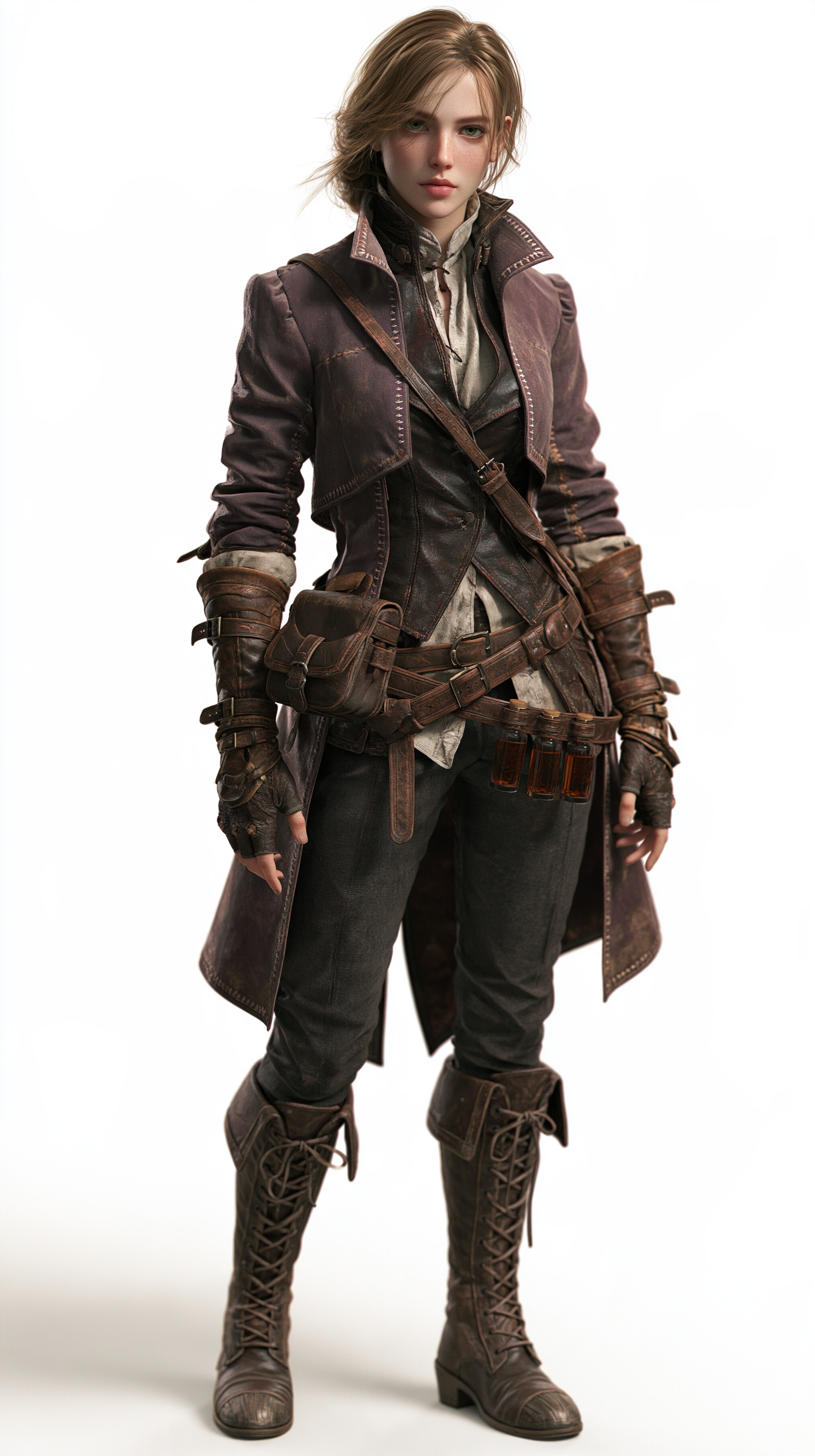
Your photos1 photo
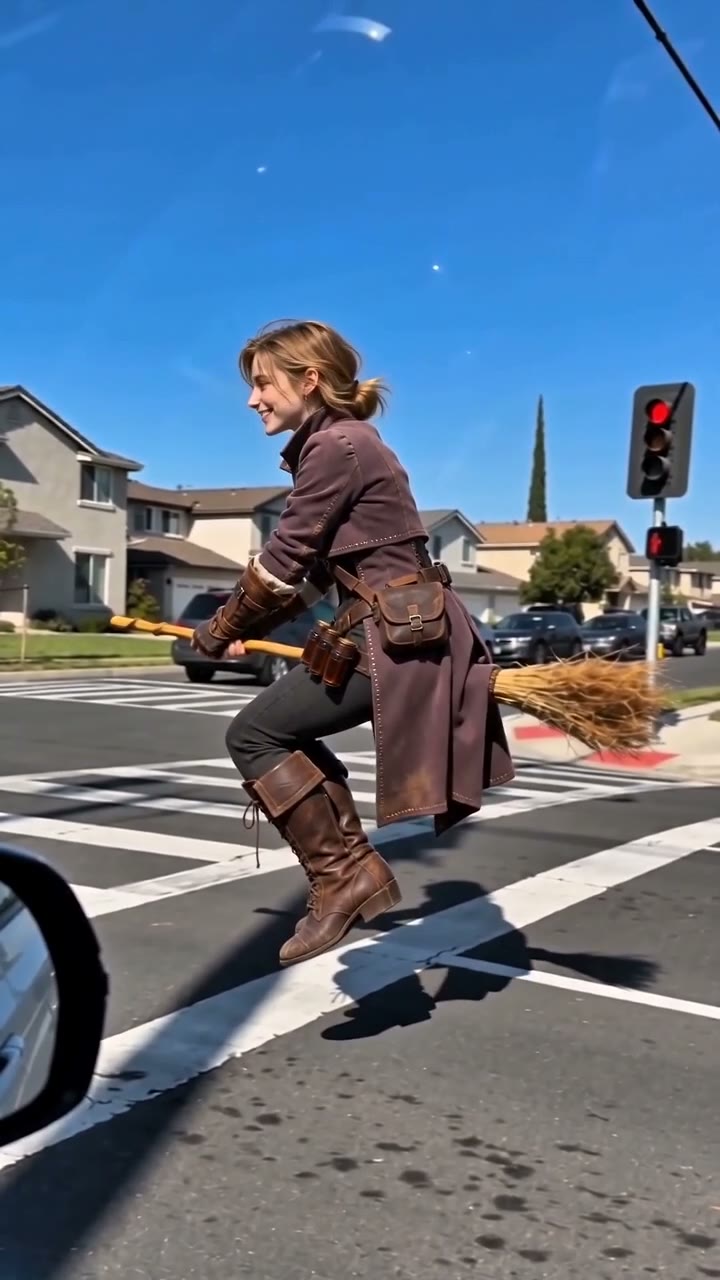
 Example
The trend: TikTok #AIBroomFlying ↗
What is the AI broom riding video trend?
The AI broom riding video is the Halloween-season trend taking over TikTok and Reels, often captioned "My Ride Is Here". Filmed as if from a passenger seat, the road beside the car is empty — then someone on a wooden broomstick glides up, hovers alongside at the same speed, turns to the camera with a grin and shoots off down the street. It looks like an ordinary commute, except the commuter is flying.
Most tutorials have you write long prompts, try several AI apps and fix a bent broom or a rider who drifts into the sky. This AI broom riding video generator is a ready-made template instead: the suburban street, the car-window framing, the model (Seedance 2.0 Mini) and a tuned prompt are already set up. You keep your own face, hair and outfit, and fly the whole scene with the sound on.
Upload one photo at the top of this page and press Generate. Witch costume optional — a hoodie works just as well. Prefer to pick your own model and prompt? Read our step-by-step guide: how to make an AI broom riding video.
Only upload photos of yourself, people who gave you permission, or characters you created.
- Input
- 1 photo
- Output
- 10s · 720P
- Audio
- On by default (toggle Audio off for silent)
- Aspect ratio
- auto
How to make an AI broom riding video
Fly a broomstick past the car window — the viral My Ride Is Here trend.
IMG_01 Open the template
The broom riding template is already open at the top of this page. The street scene, Seedance 2.0 Mini and the prompt are set up: 10s · 720p · vertical with sound.
Upload one photo
Use a clear photo of one person with the face visible. Waist-up or full-body shots let the AI carry over your outfit too.
Generate & download
Press Generate. Finished videos stay in My Videos, so you can close the tab. Download the MP4 without a watermark and post it to TikTok, Reels or Shorts.
Why use this broomstick template
One photo is enough
No green screen, no props, no real broom. One selfie or portrait puts you on the broomstick.
Looks like a real car-window clip
Passenger-seat framing, sunny suburban road, low flight and a natural shadow — the details that make the trend so believable.
Broom stays in one piece
The prompt is tuned so you stay seated on the broom, it doesn't bend or vanish, and you don't fly off into the sky.
Sound included
Sound is on by default, so the video is ready to post. Failed renders refund credits automatically.
Vertical & no watermark
A 9:16 MP4 with no logo on every plan, free credits included — made for TikTok, Reels and Shorts.
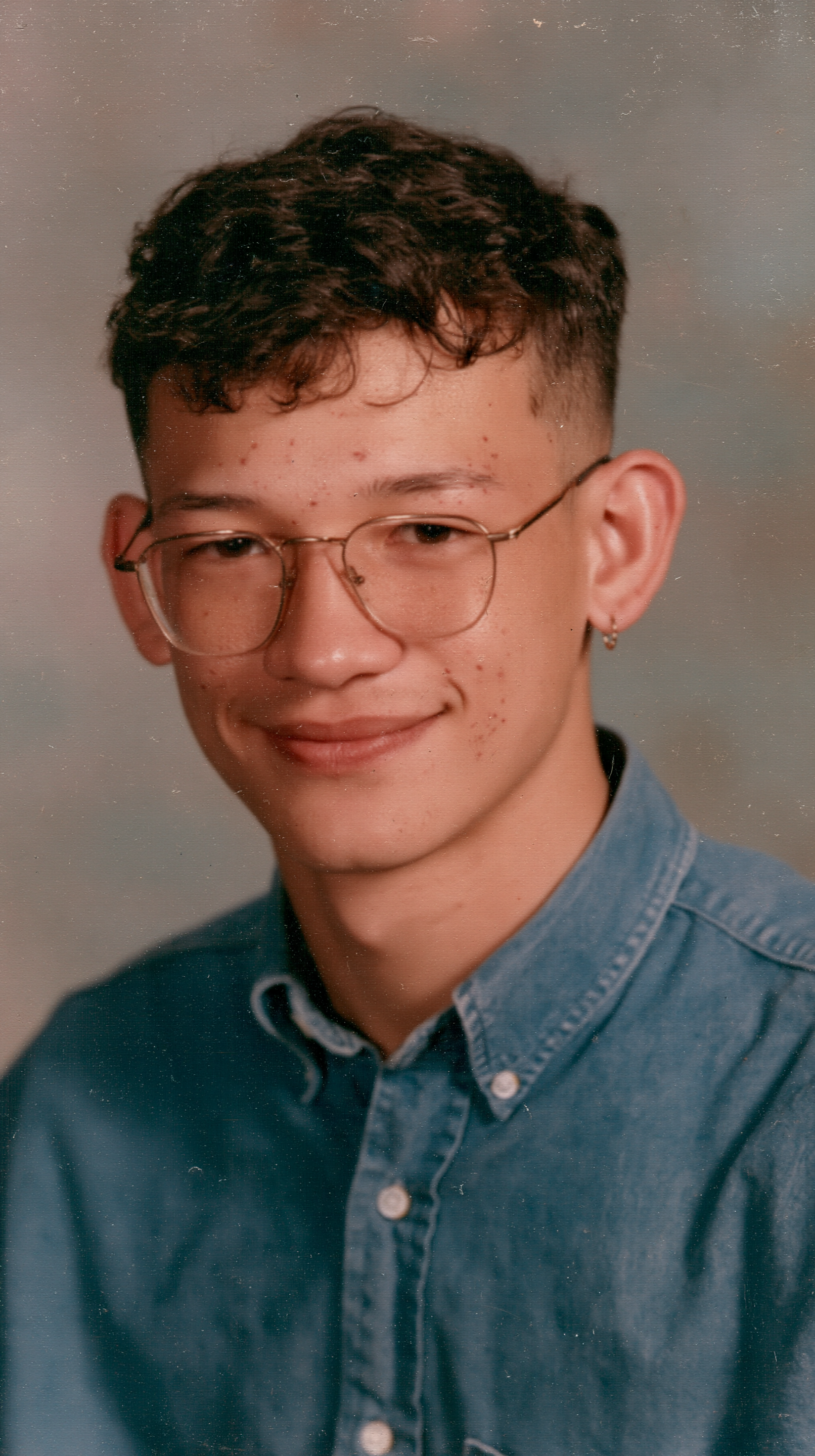
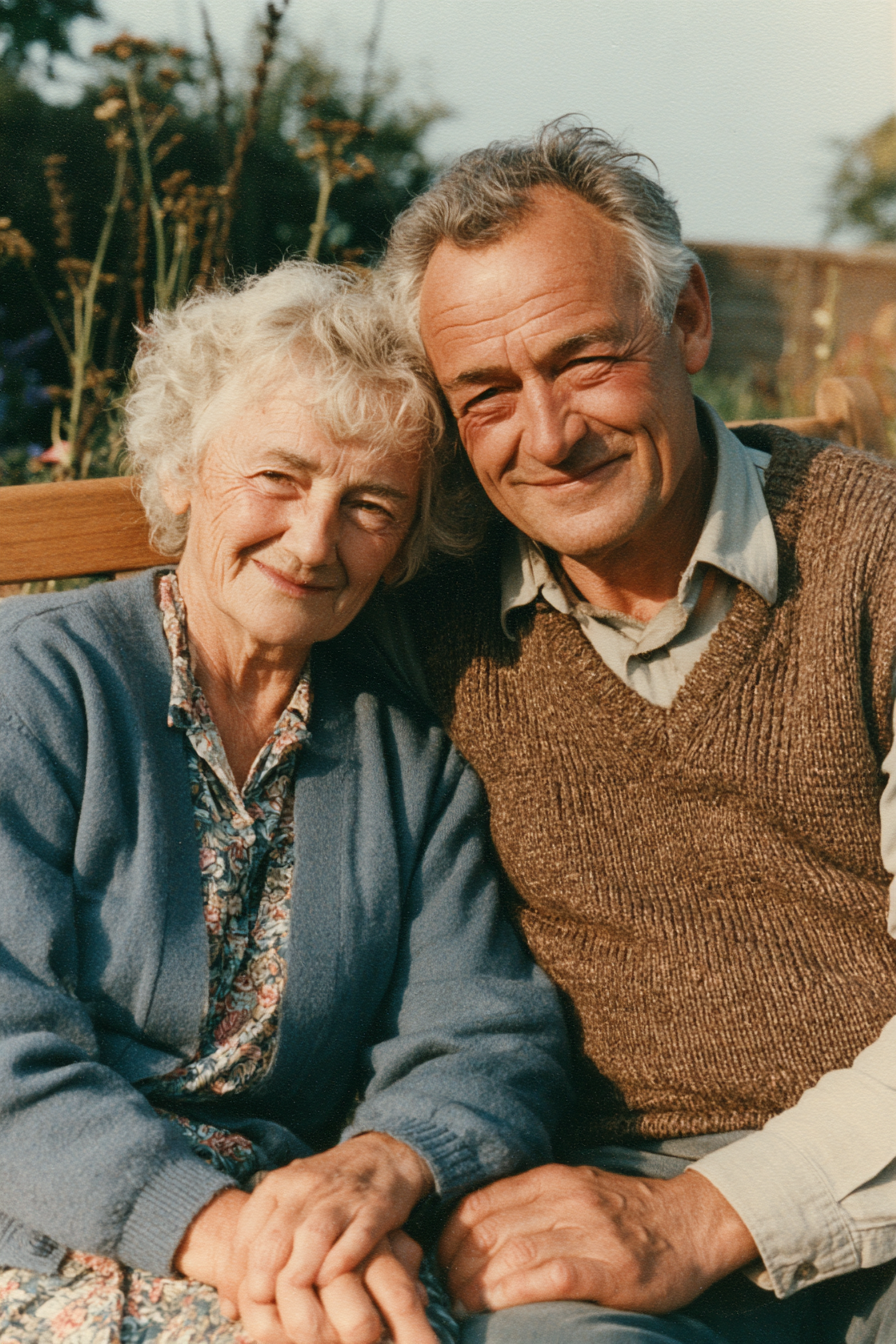
More AI video templates
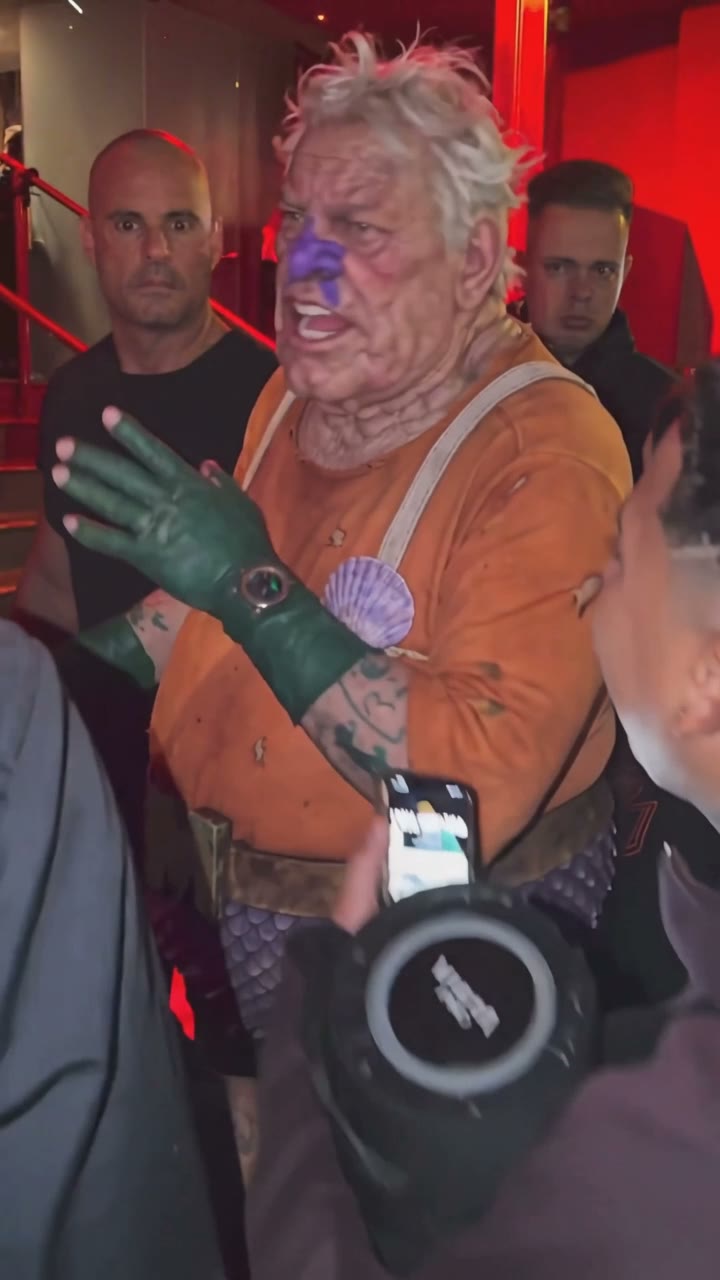
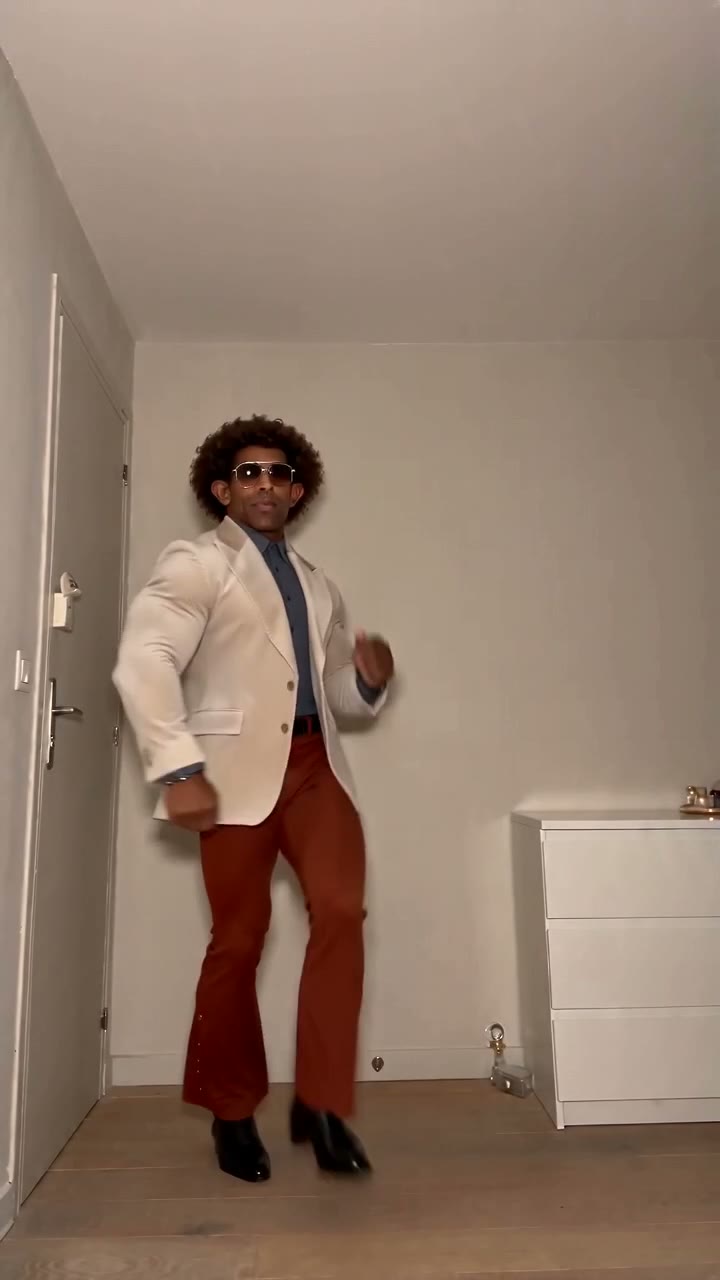
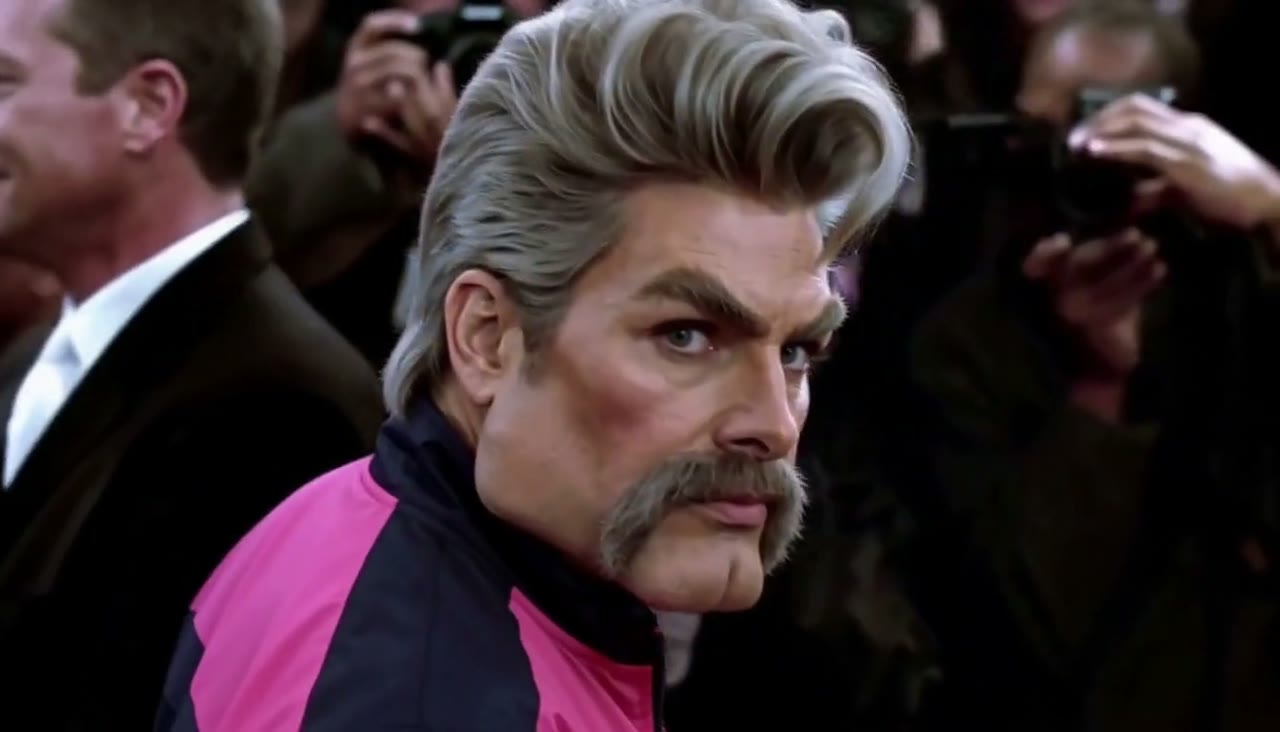
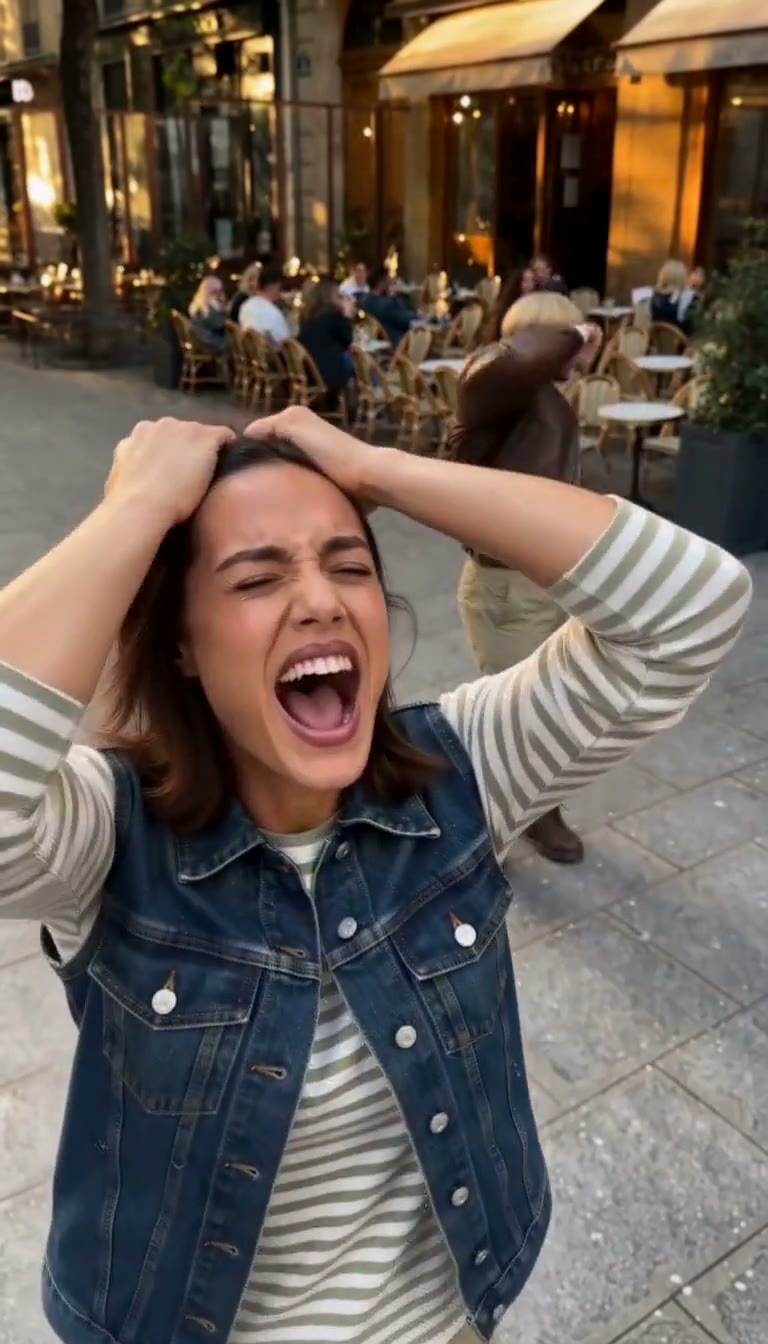
AI broom riding video FAQ
How do I make the AI broom riding video?
Open this page, upload one photo and press Generate. The scene, model and prompt are already set up.
What is the "My Ride Is Here" broom trend?
It's the same trend: a car-window view of someone flying a broomstick beside the road, glancing at the camera and speeding off. Creators often caption it "My ride is here".
Do I need a witch costume?
No. The AI keeps the outfit from your photo, so everyday clothes work. A cloak or hat in your photo just makes it look more magical.
Is it free?
New accounts get free credits to try the site. The exact credit cost is shown on the Generate button before you start, and failed renders are refunded.
What photos work best?
One person per photo, face clearly visible, sharp and well lit. Waist-up or full-body shots carry over the outfit and hair. Avoid sunglasses, heavy filters and group photos.
Can I use a photo of my pet or a cartoon character?
The template is tuned for one person. Characters you created may work; pets usually don't sit on the broom convincingly.
Does the video have sound?
Yes. Sound is on by default; you can switch Audio off for a silent video.
How long does it take?
Usually a few minutes. You can close the tab; the result appears in My Videos when it is ready.
Can I upload photos of other people?
Only of yourself, people who gave you permission, or characters you created. Do not upload celebrities, public figures or minors.
Where did the AI broom riding trend start?
It took off on TikTok in autumn 2026, just before Halloween: creators posted car-window clips of witches gliding past traffic under tags like #AIBroomFlying and captions like "my ride is here". There is no single official original video, and the trend keeps evolving — witches, wizards, office workers, grandmas. This template gives you the look in one click, so you can post your own version on TikTok, Reels or Shorts the same day.