Dogs
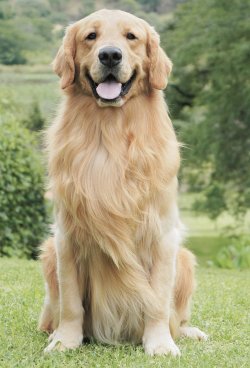
- → Standing or sitting, legs in the frame for dance templates
- → Face toward the camera, not hidden by a toy or hand
- → One dog per photo
Turn one photo of your dog or cat into a video where it actually moves and still looks like your pet. Free to try in the browser, no watermark.
Effect
Your photos1 photo
What works best: Whole pet, face visible · Sharp and well lit
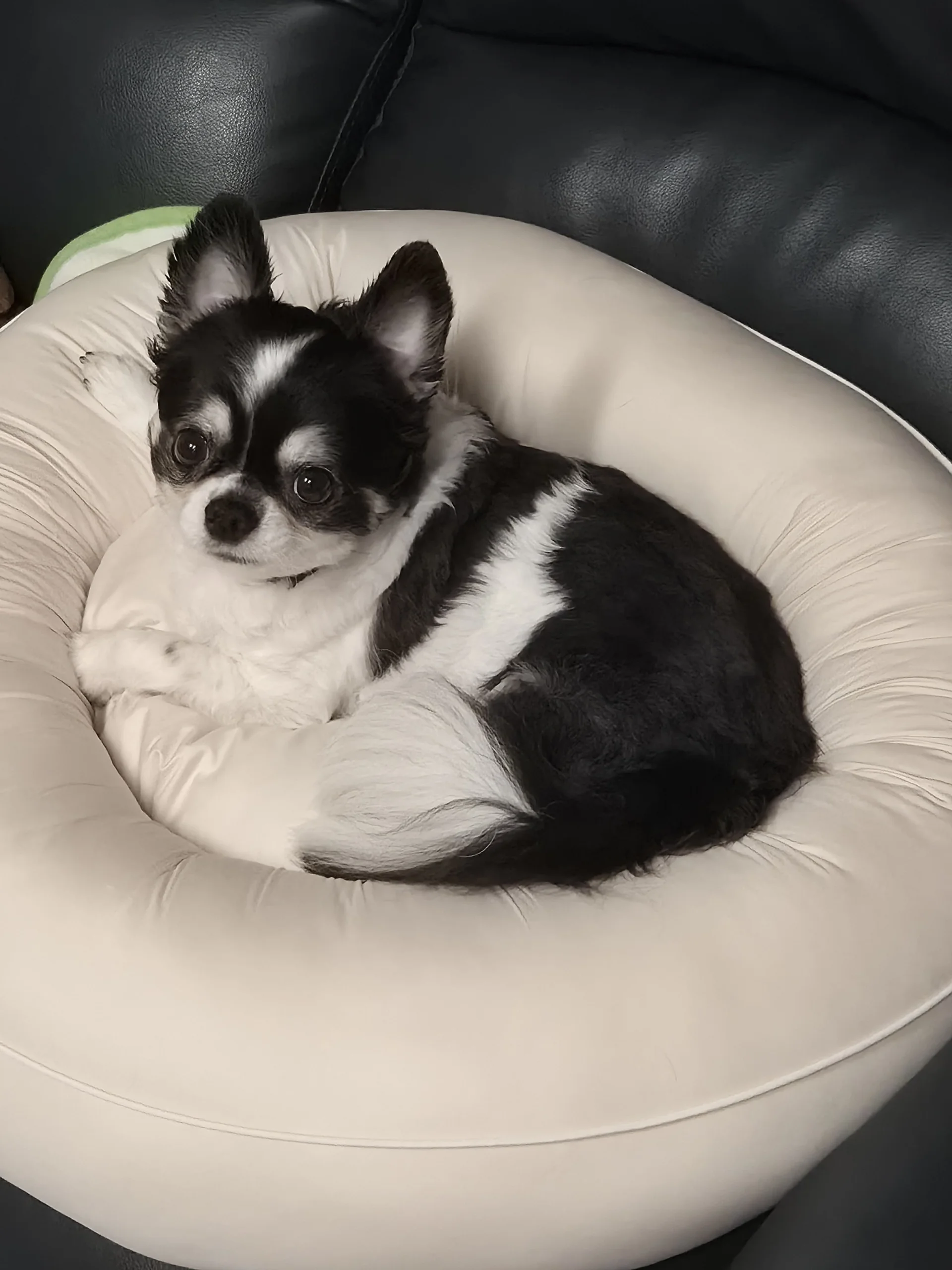
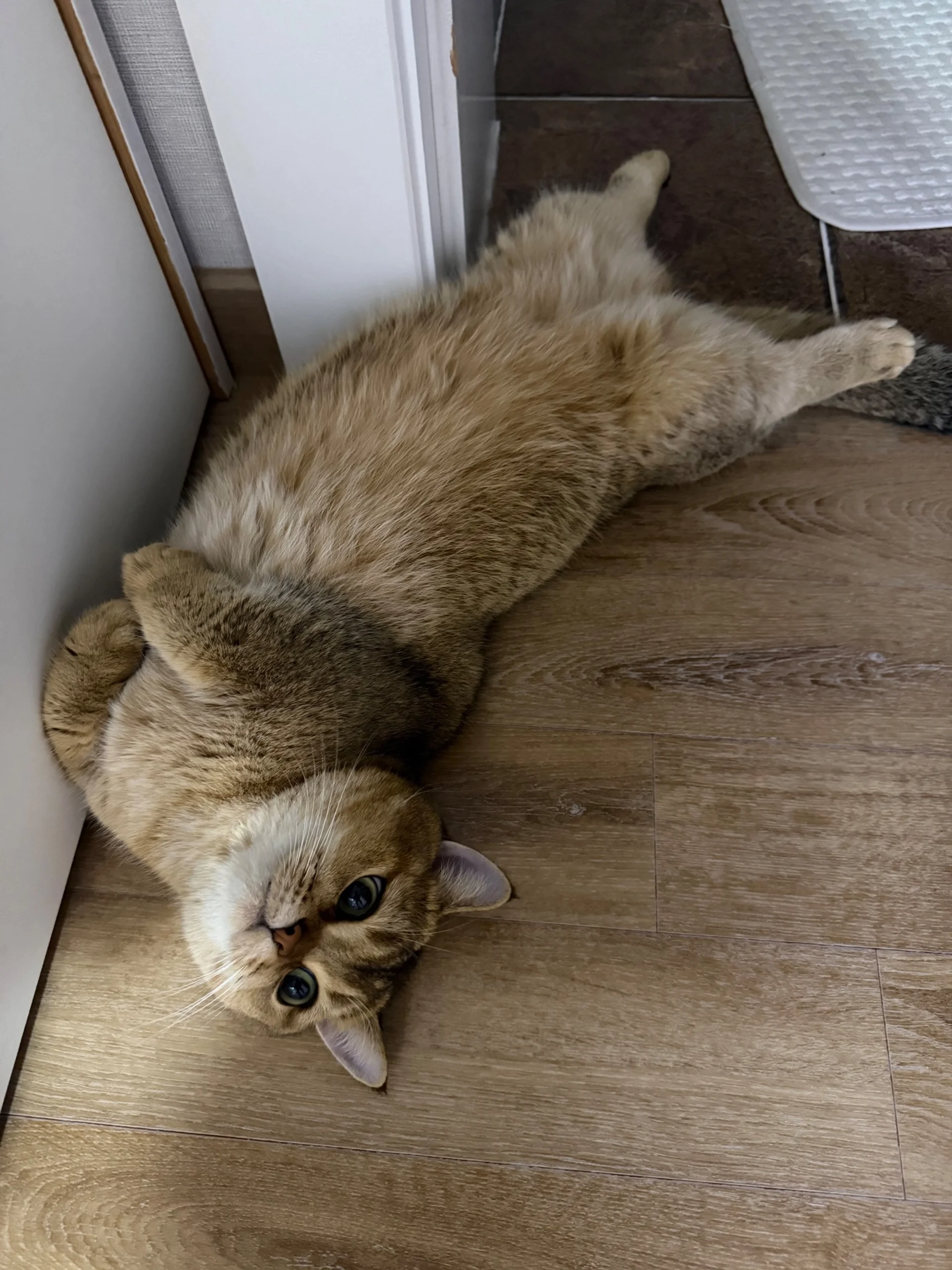
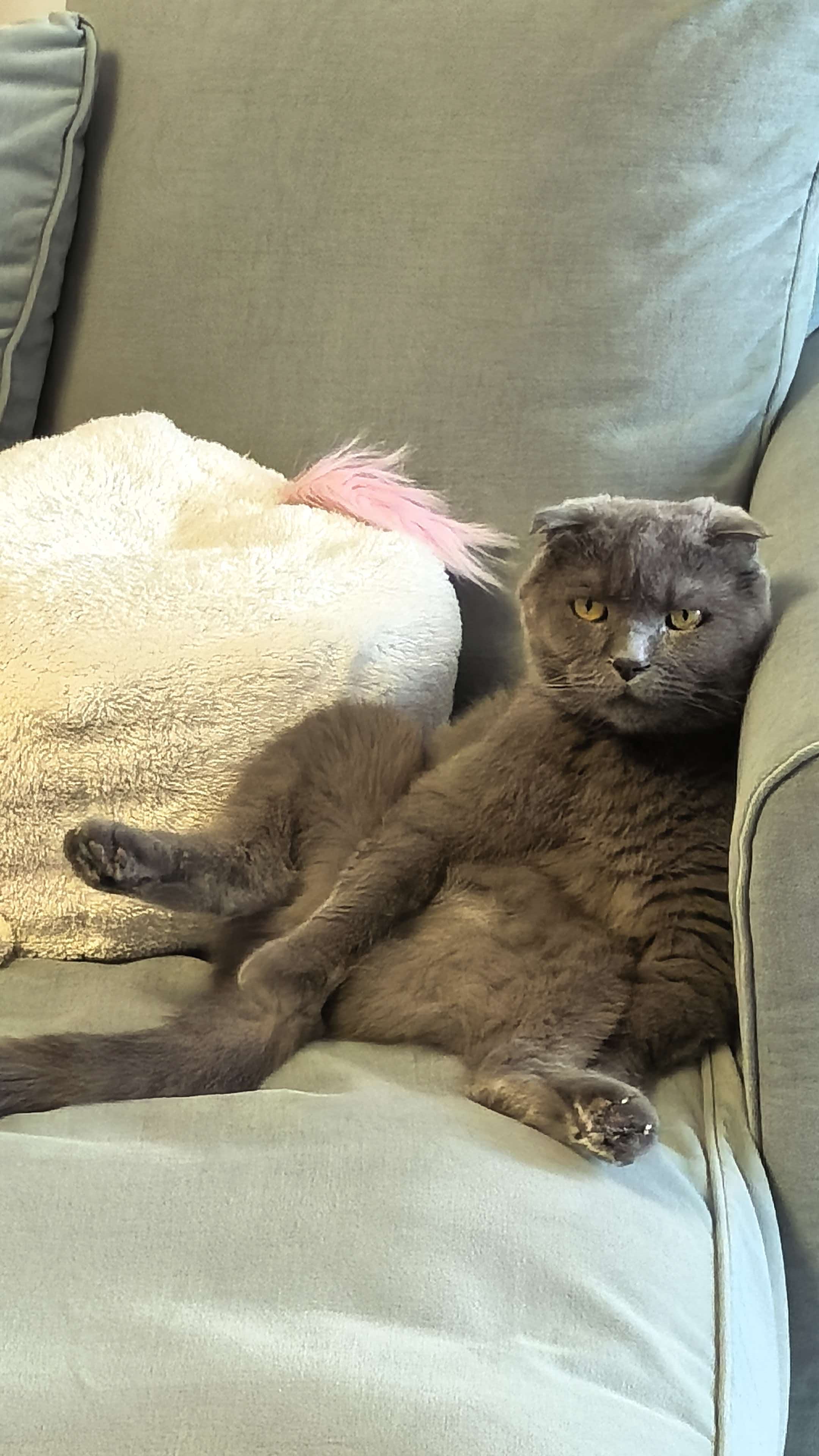
New cat and dog templates are added as soon as they launch. Pick one and make yours with one photo.
Animate pet photo AI turns one still photo of your dog, cat or other pet into a short video where it blinks, turns its head, wags, stands up or dances. No filming, no editing, no app.
Pets don't hold still for the camera, and the best shot is usually a photo you already have: the dog mid-zoomie, the cat asleep on the sofa. One clear photo is enough. Fur color, markings and ear shape come from that photo, so the video looks like your pet, not a stock animal.
There are two ways to do it here. Pick a pet template such as Otsukare Summer, where your cat or dog stands up and dances, and you only add the photo. Or choose “No template”, pick a model and write the motion yourself, for example “the dog tilts its head and wags its tail”. The step-by-step cat dance guide shows real results and photo tips.
Many people use it for a pet that has passed away. For a memorial video, pick a calm motion (a slow blink, a head turn, breathing) instead of a dance. If the photo is old, scratched or blurry, restore it first and then animate it.
Upload only photos of your own pets or ones you have permission to use.
No filming, editing or app needed.
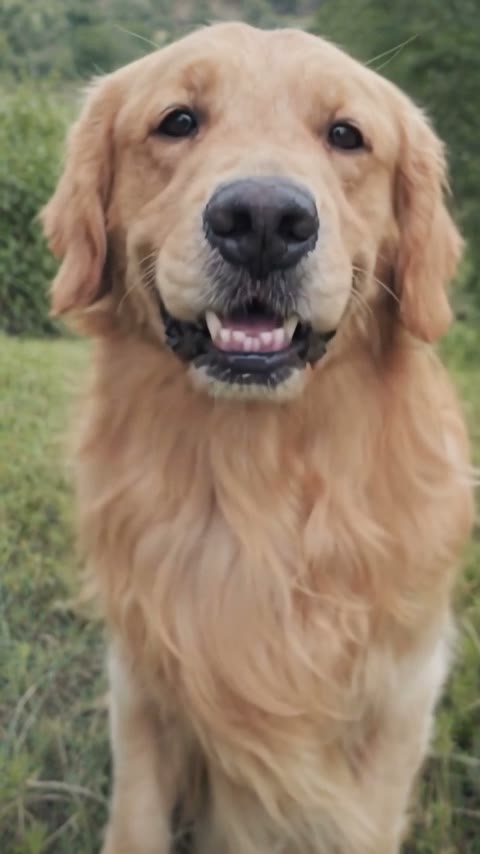
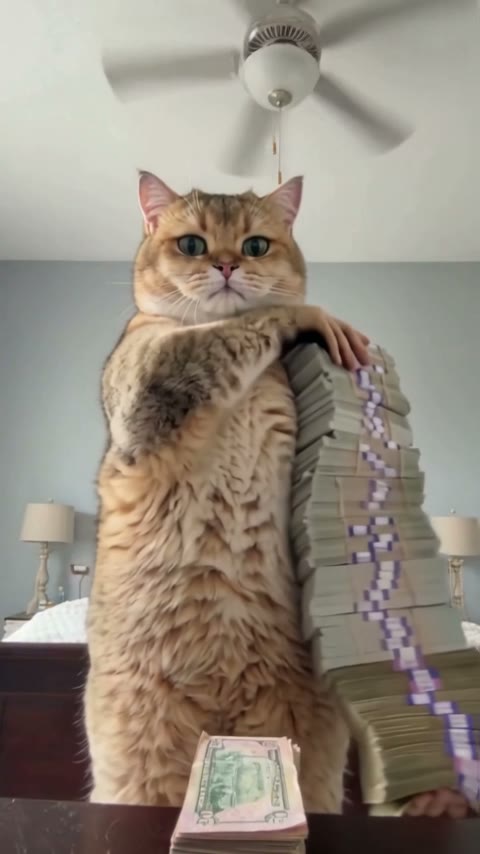
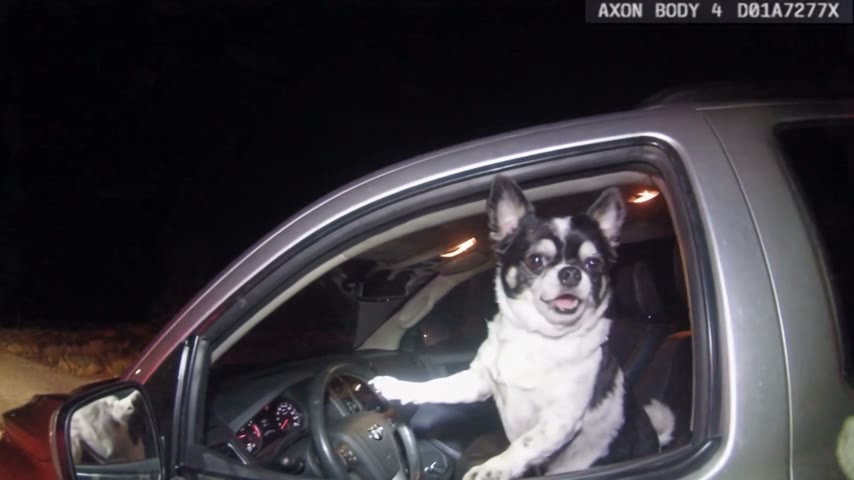
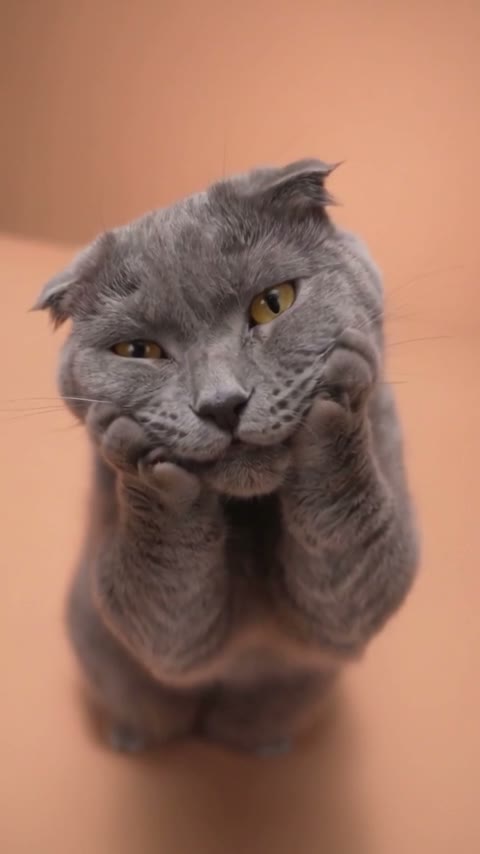
Choose a pet template like Otsukare Summer: the model and prompt are already set up. New cat and dog templates show up here as soon as they launch. Want a specific motion? Choose “No template”, pick a model and describe it.
A sharp photo with the whole pet in frame and the face visible works best. Dogs, cats, rabbits and other pets all work. The credit cost is shown before you generate.
Your video is ready in a few minutes and saved under My videos on this page. Download the MP4 without a watermark and share it on TikTok, Reels or the family chat.
Most failed pet videos come from the photo, not the model. Check these before you upload.
Whole pet, face visible
The AI sees the body it needs to move.
Sharp and well lit
Fur color and markings stay like the photo.
Several pets in one photo
Bodies can merge. Crop to one pet.
Dark photo of dark fur
The AI has to guess the shape, so it looks off.
No app to install. Upload and generate on iPhone, Android or desktop.
Each template is a ready-made scene with the model and prompt set up. You only add the photo.
When a new cat or dog trend launches on the site, it appears on this page right away.
Skip the template, pick a model like Seedance, Wan or Hailuo, and write the motion you want.
The cost is shown up front, downloads have no watermark, and failed generations are refunded automatically.
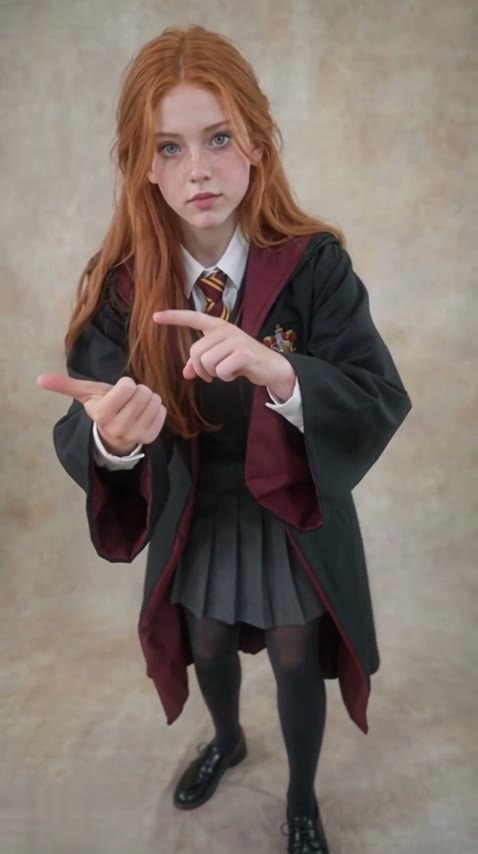
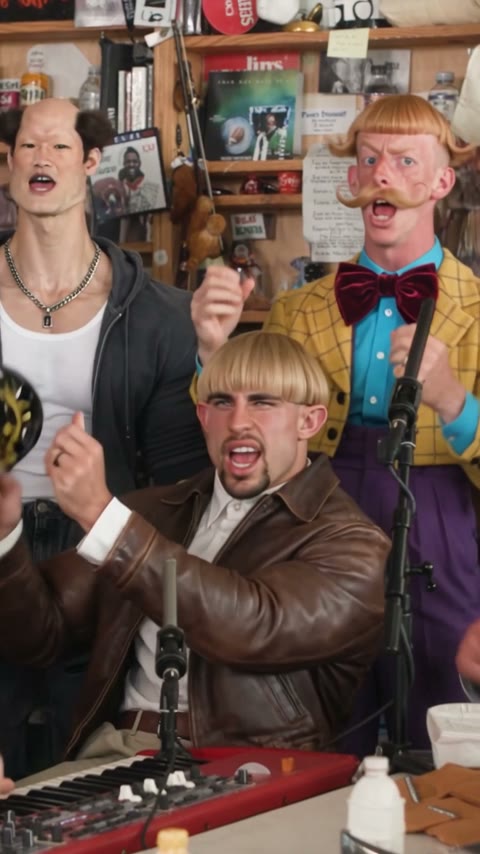
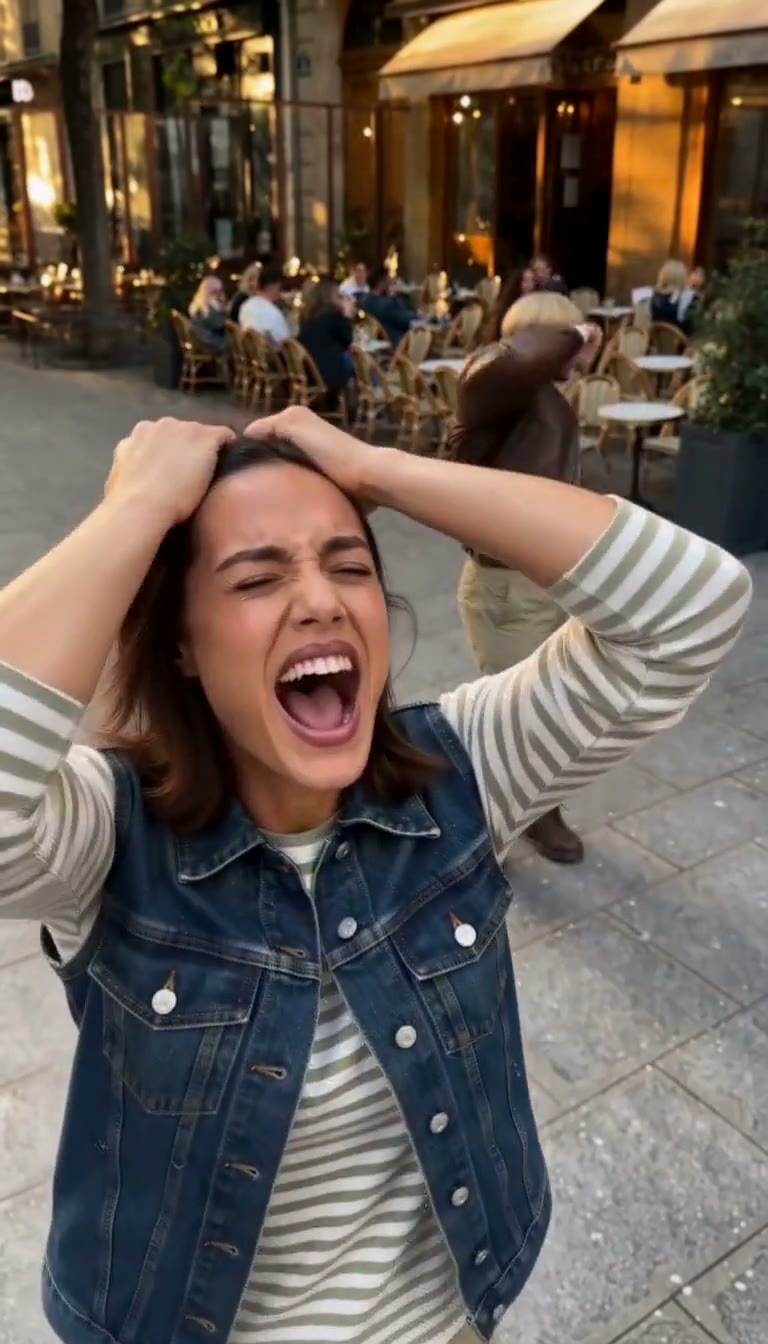
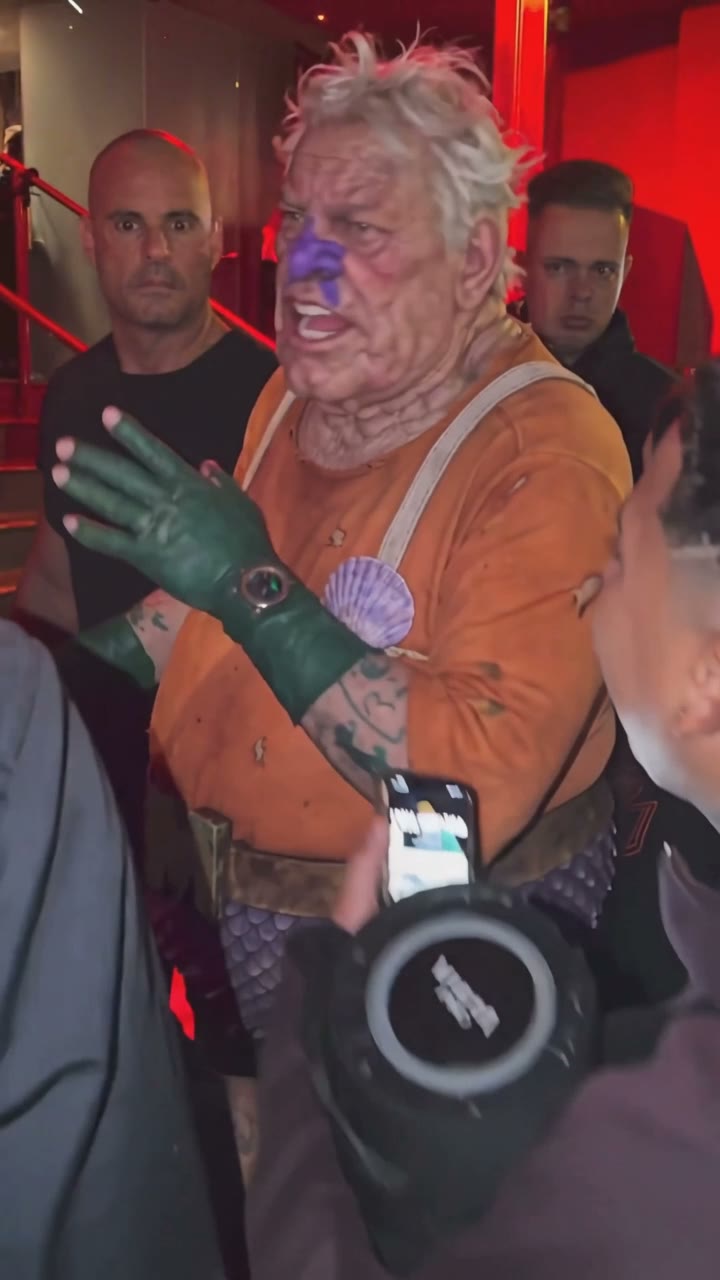
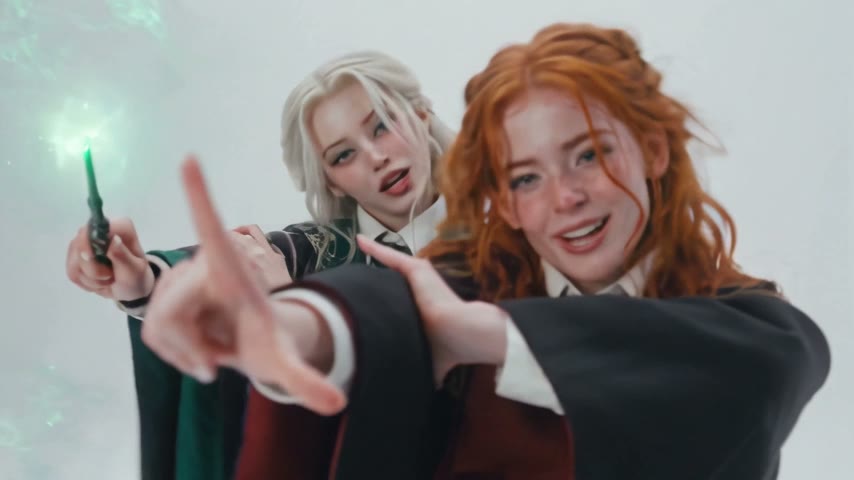
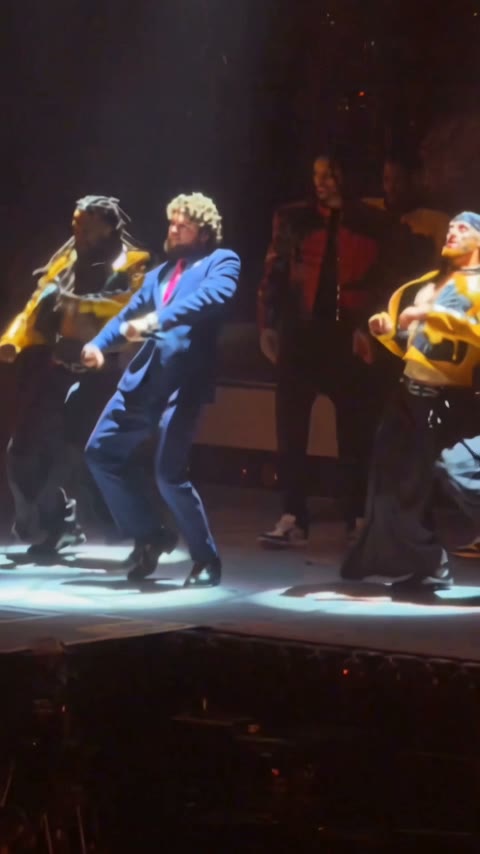
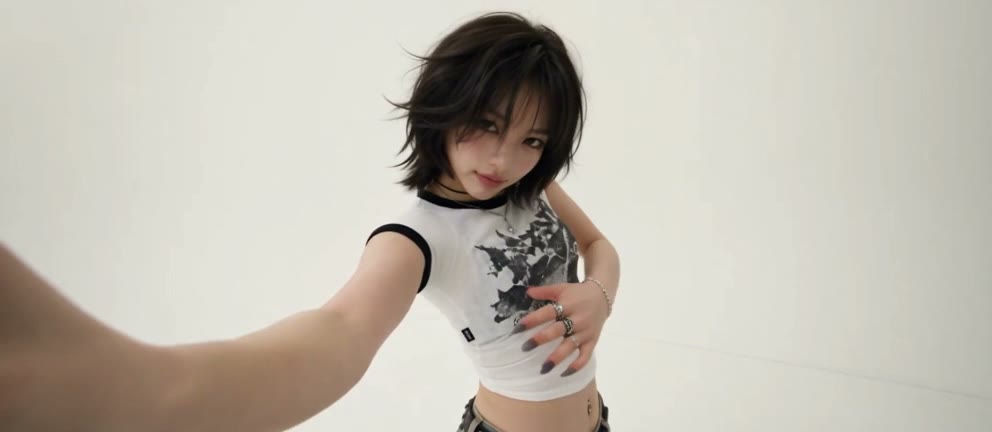
Upload one clear photo of your dog on this page, pick a pet template or write the motion you want, and click Generate. In a few minutes you get a video of your dog moving, with its fur and markings kept.
Same steps for cats, dogs and other pets: one photo, a template or your own prompt, then Generate. You don't need to film anything.
You don't need an app. This works in the browser on any phone or computer. New accounts get free credits, so the first pet video costs nothing.
ChatGPT can make or edit still images, but turning a photo into a moving video needs a video model. Here you upload the photo and a video model such as Wan or Seedance does the animation.
Yes. Choose a calm motion like a slow blink or head turn rather than a dance. If the photo is old or blurry, restore it first, then animate it.
Fur color, markings and face shape come from your photo. Sharp, well-lit photos with the face visible keep the likeness best.
Yes. Pet dance templates like Otsukare Summer make your pet stand up and dance, and every template on the AI dance video generator also accepts pet photos.
There is no dedicated talking-pet template yet. You can try it with “No template”: pick a model that generates sound and describe what your pet says.
Yes. Any animal works as long as the photo is clear and the whole animal is visible. Cats and dogs give the most consistent results.
Usually the photo: several pets in one shot, a hidden face, a curled-up pose or dark fur in low light. Use one pet, face visible, good light.
Most videos are ready in a few minutes. Length and credits depend on the template or model, and the exact cost is shown before you generate.
Last updated