Framing
- → Full body or knees up, so the arms and turns fit
- → Some space above your head for the hands-up moves
- → Sharp and well lit, no heavy filter
Upload one photo of yourself and watch you do the whole routine, hands up, spin, hands over your head, right in the place the photo was taken. Post it to TikTok as it is.
Effect
Your photos1 photo
Pick It Up Dance AI turns one photo into a 12-second vertical video with sound of you doing the Pick It Up (Make It Jump) dance. It's a one-click template, not a prompt-based generator like Sora or Kling. The background is the place in your photo, so you dance in your own bedroom, office or street instead of a stage someone else picked.
Pick It Up is a short TikTok dance, also tagged Make It Jump. The dancer bounces, throws both hands up, spins to face away, joins the hands over the head while swaying, then turns back, opens both palms and ends with hands on the hips.
Half the routine is danced with your back to the camera, so the moment people replay is the turn back around, when the face shows up again on the beat. That reveal is funnier when the room behind you is one your friends know.
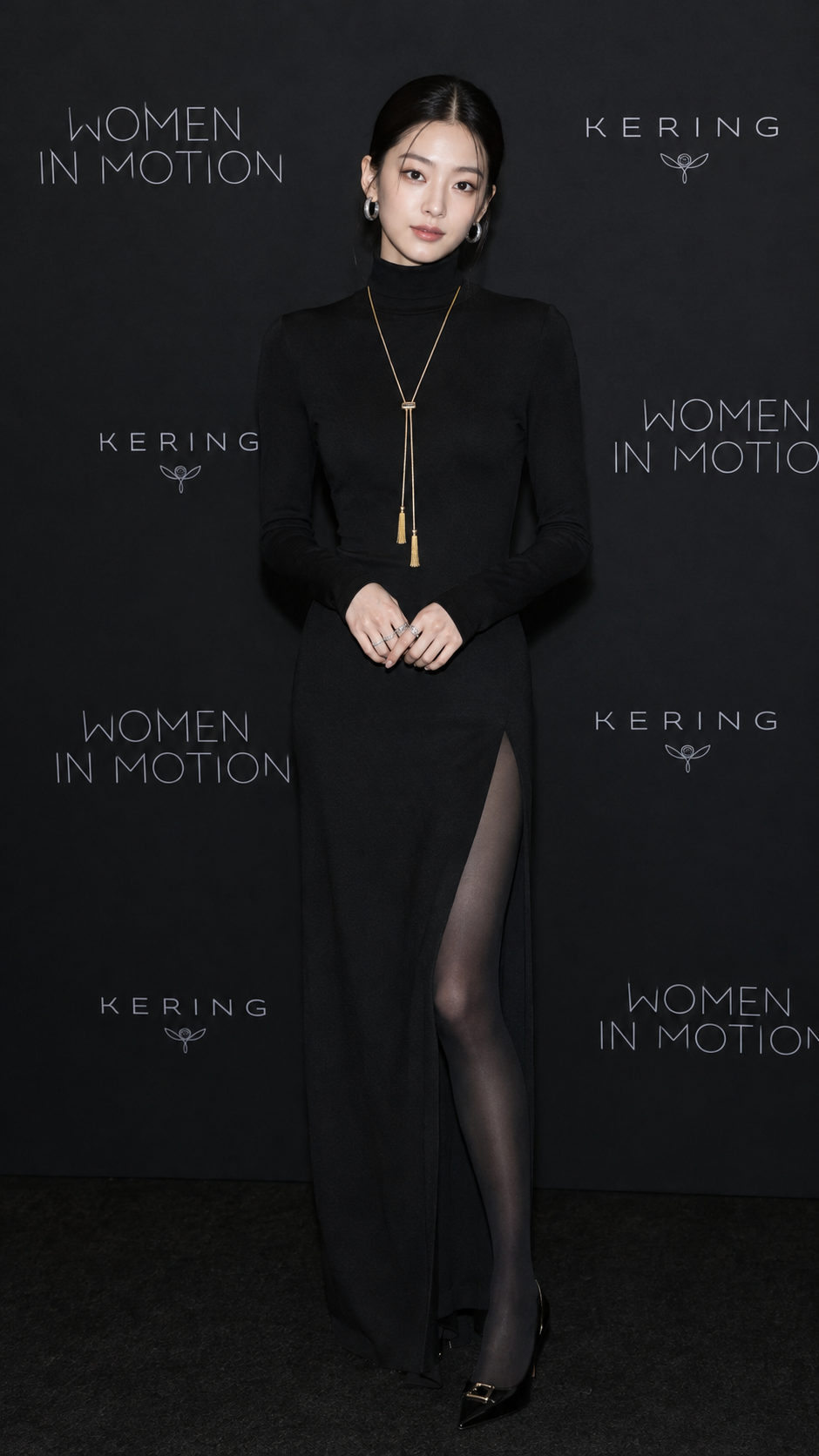
Upload one photo of one person, full body or knees up. Face, hair, outfit and the whole background come from your photo; the moves and the sound come with the template. In our test a black evening dress stayed the same through every turn, and the event wall behind her kept every logo in place. Our Pick It Up Dance AI tutorial shows the three tests it took to get there.
Fan-made template, not affiliated with TikTok or the creators of the trend. Only upload yourself or people who said yes. You must be 18 or older, and photos of celebrities, public figures or children aren't allowed.
The Pick It Up dance trend is a 12-second solo TikTok routine, also tagged Make It Jump, built around one turn away from the camera and one turn back.
One photo: you do the Make It Jump routine right where the photo was taken.
The Pick It Up template is already open at the top of this page, with Wan 3.0 and the prompt set up: 12s, with sound.
One person, full body or knees up, facing the camera. Whatever is behind you becomes the dance floor.
Press Generate. It takes about 4 minutes and lands in My Videos, so you can close the tab. Download the MP4 without a watermark and post it.
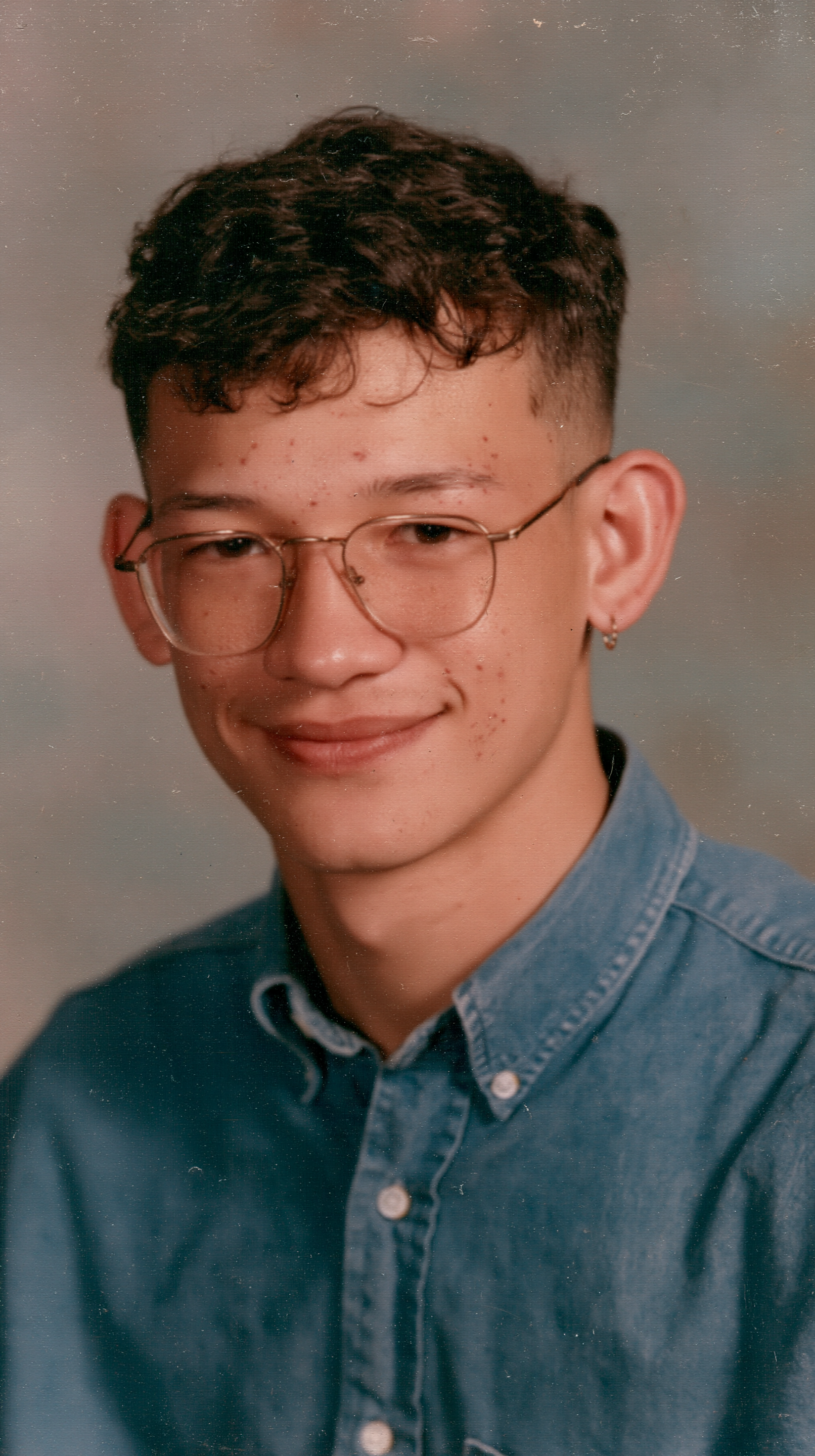
The best photo for Pick It Up Dance AI is one person, full body or knees up, facing the camera, in a place you want to dance in, because the template keeps your background and spends half the video showing your back and outfit.
Whole body in frame
Arms go up and you turn around; there has to be room for it.
A place worth showing
It stays behind you for all 12 seconds.
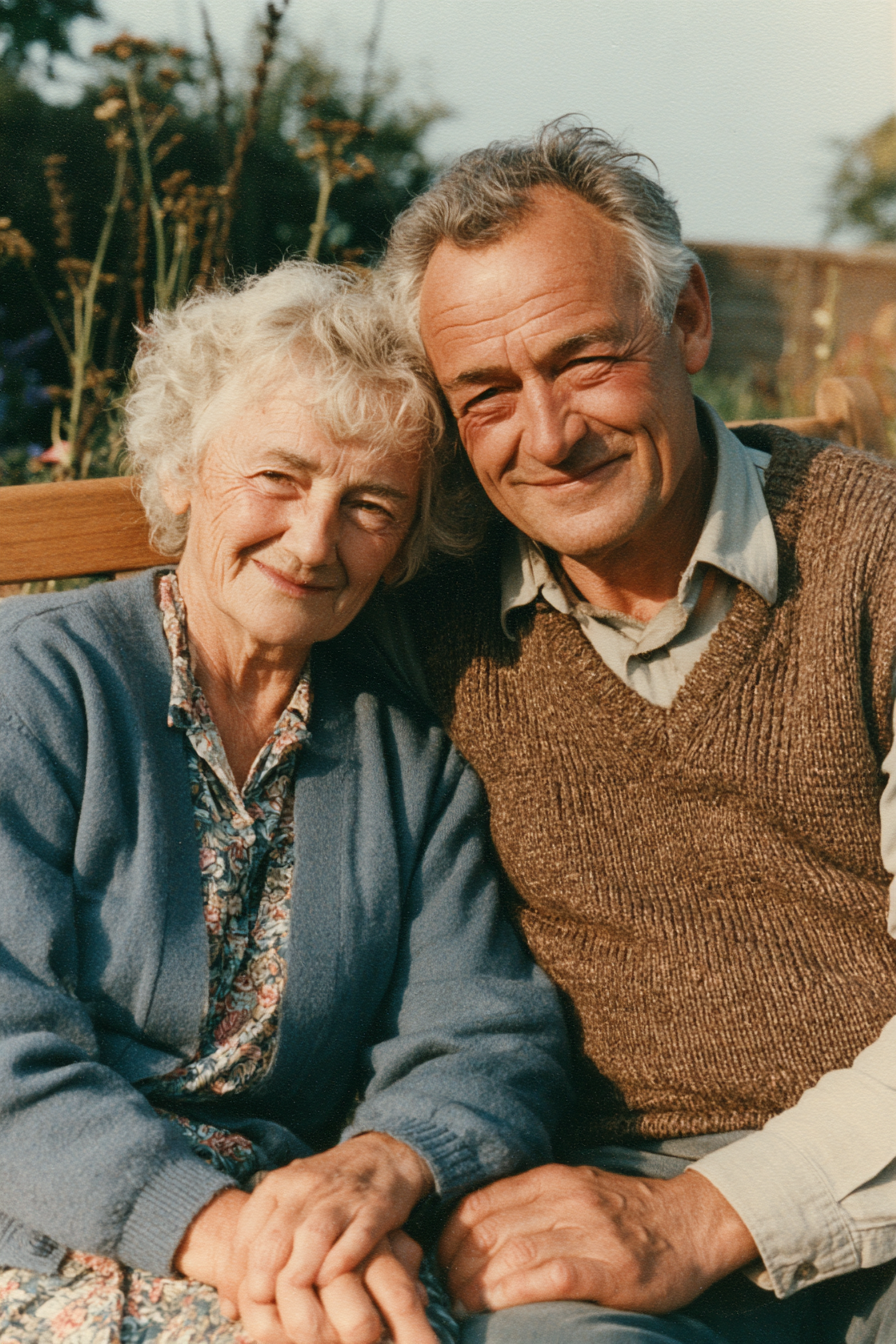
Two people in one photo
The template has one dancer; the model can't tell who it is.
Covered faces
The turn back is the payoff; your face needs to show.
People who like the trend but don't want to film themselves dancing upload a mirror selfie or a full-body photo at home and post the Pick It Up Dance AI clip from their own bedroom.
A photo from the office, a train station or a red-carpet style backdrop turns into a Pick It Up dance in that exact spot, signs and logos included, without dancing there for real.
With a friend's OK, use their full-body photo, make the 12-second clip and send it to the group chat. Make one for each friend and post them back to back.
The room, street or wall behind you stays in place for all 12 seconds, signs and logos included. Our first setting turned the backdrop into a dark studio; the template uses the one that keeps it.
Face, hair and outfit carry through every spin, including the six seconds danced facing away.
Ready for TikTok, Reels and Shorts. No cropping or editing.
Download a clean MP4 on every plan, free credits included. Failed renders refund credits automatically.
Unlike Sora or Kling, you don't write or tune a prompt to keep your background. Add a photo, press Generate in your browser, and post the MP4 as it is. No app or CapCut needed.
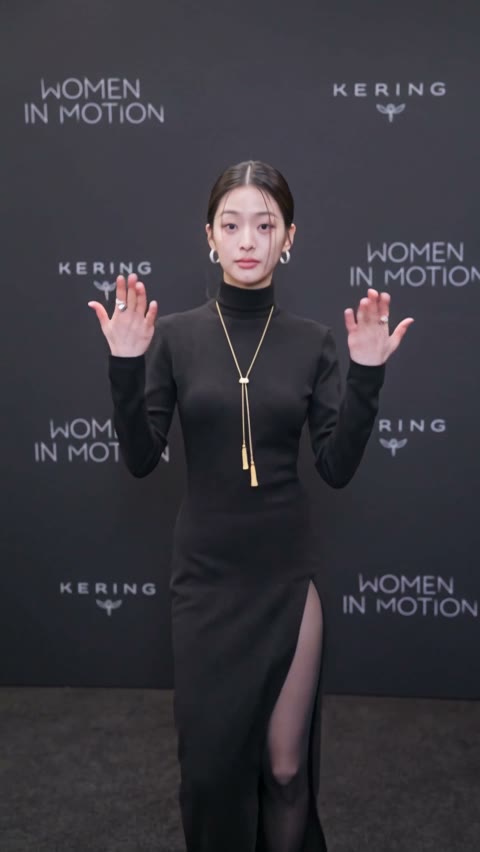
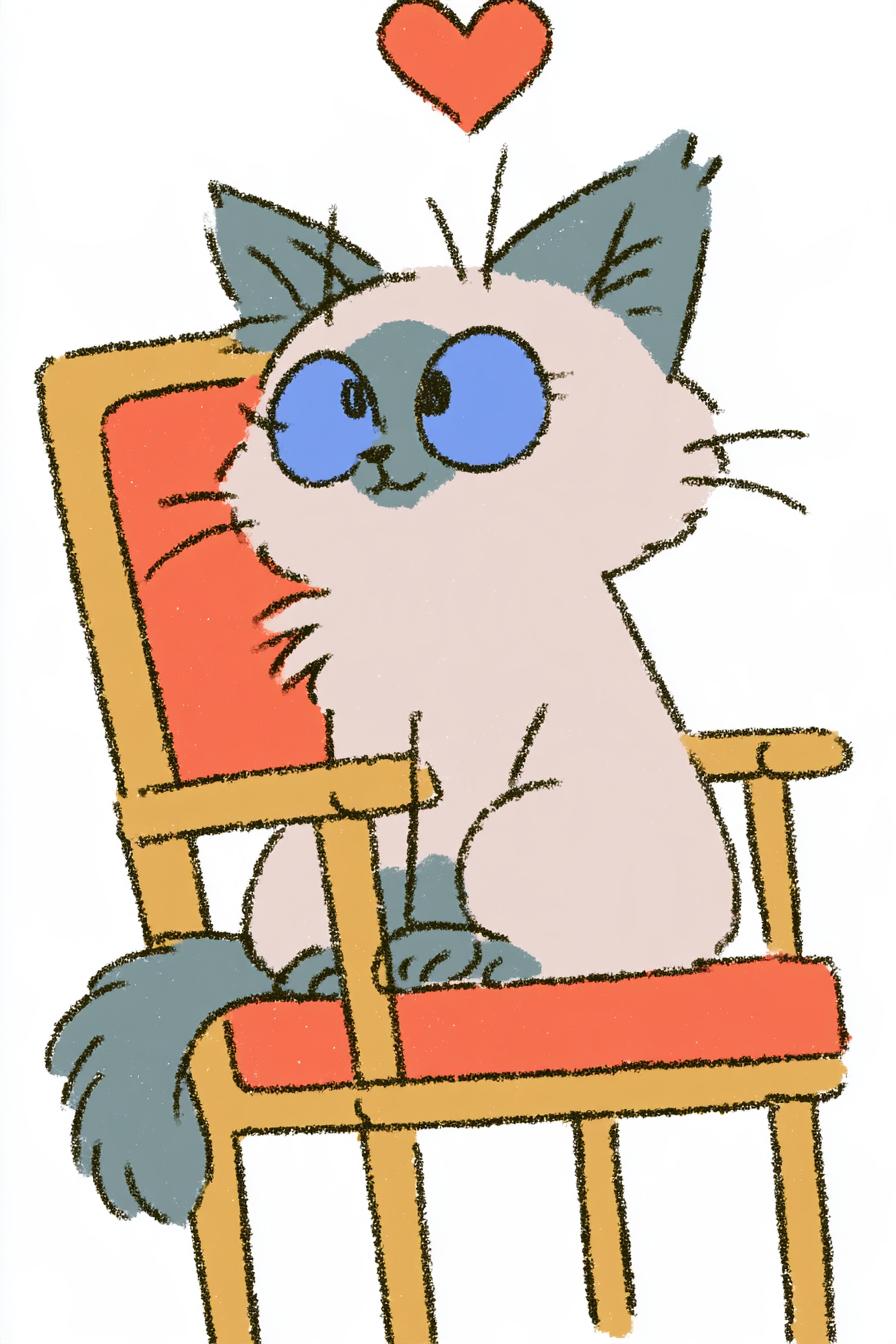
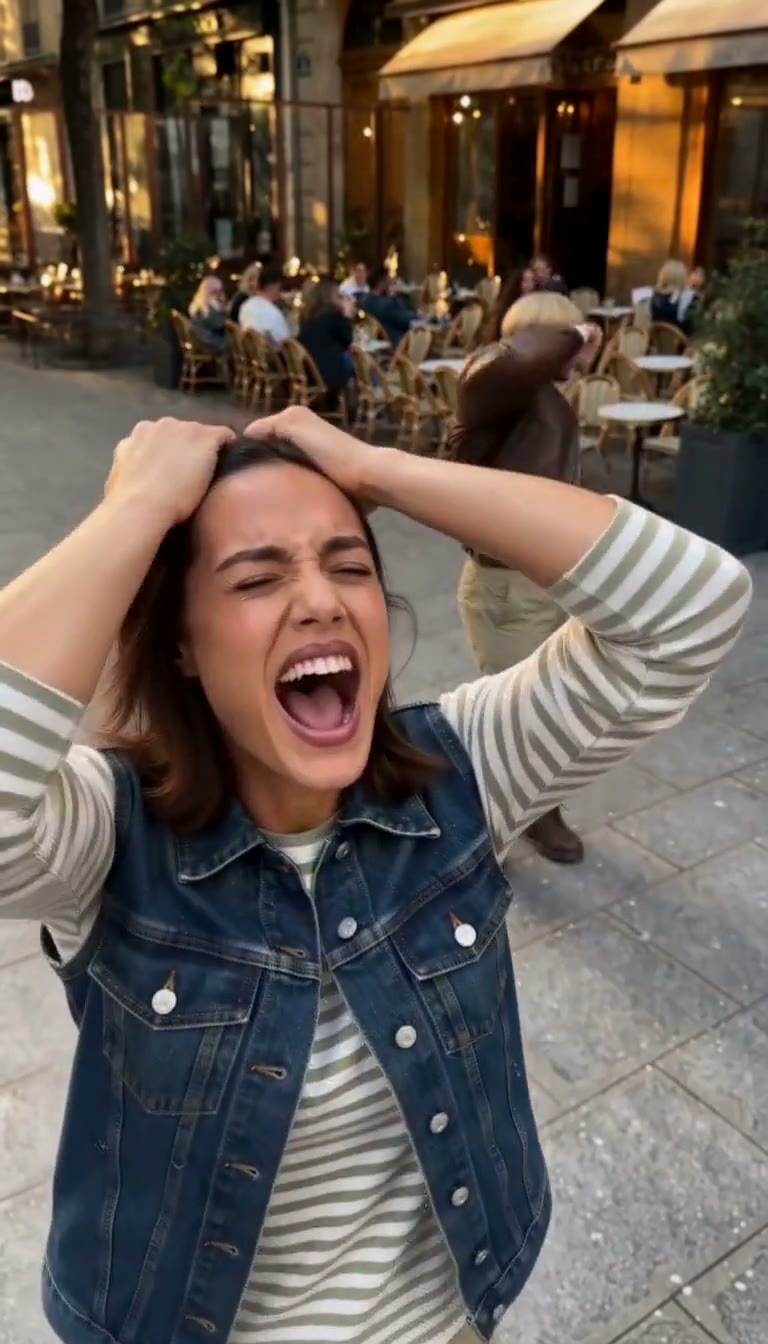
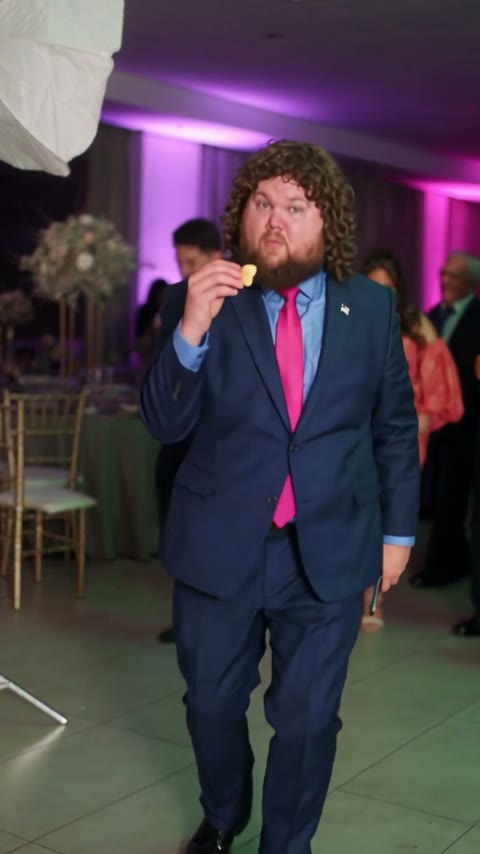
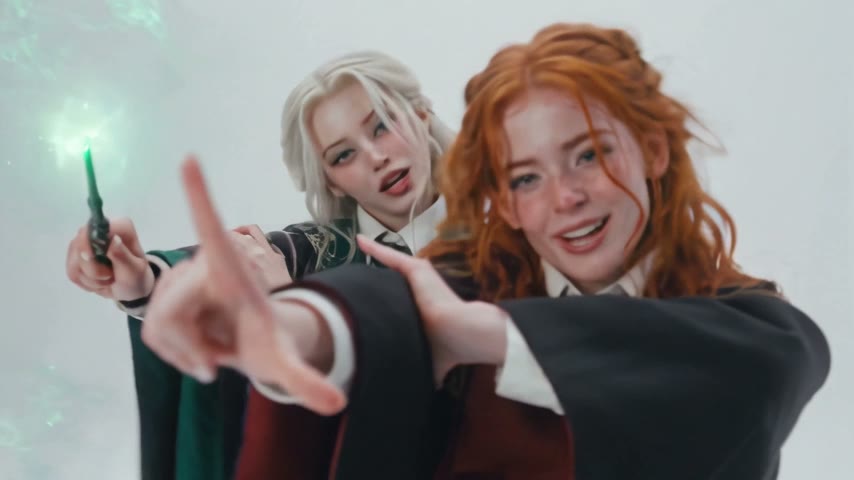
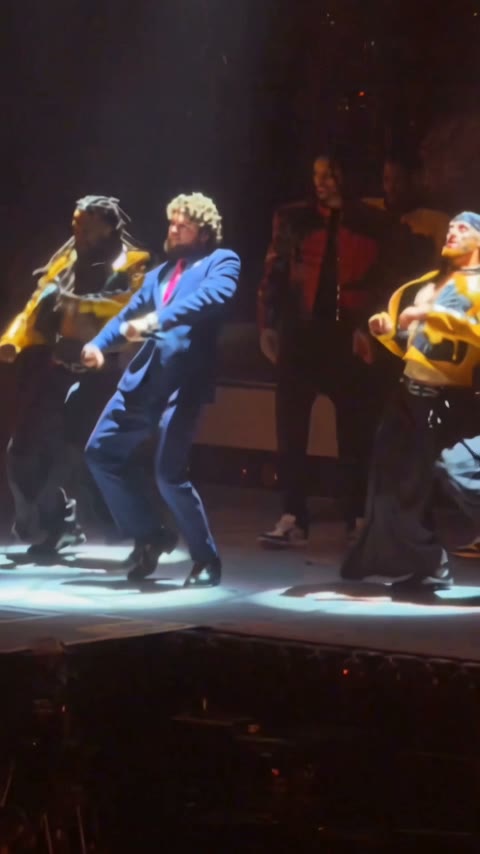
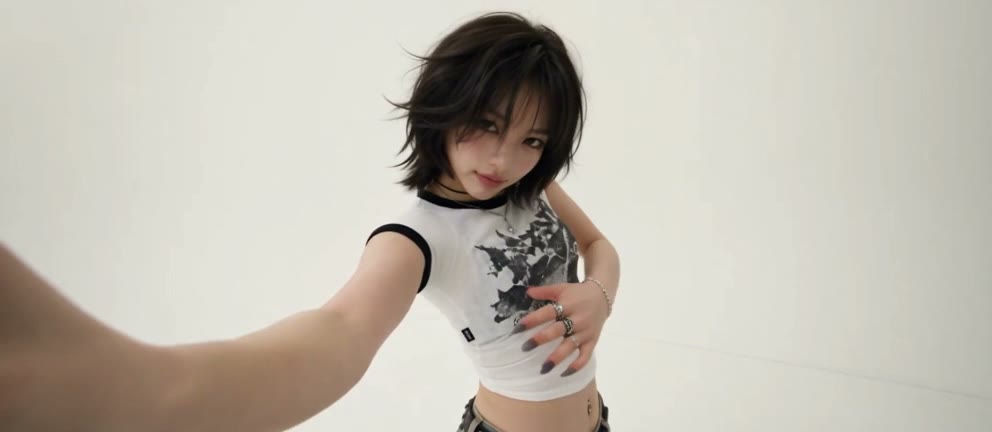
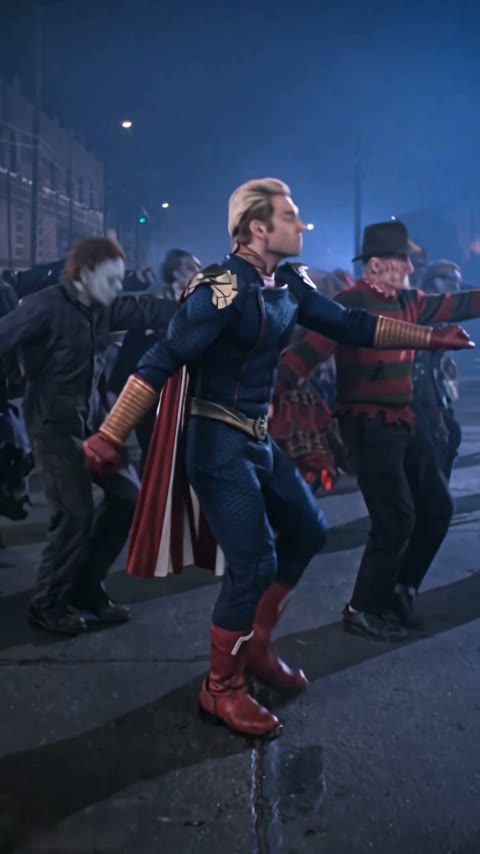
Open this page, upload one full-body or knees-up photo of one person and press Generate. The model and prompt are already set up, so in about 4 minutes you get a 12-second vertical video of you doing the Pick It Up dance in the place the photo was taken, with sound.
The Pick It Up dance trend is a 12-second solo TikTok routine: hands up, a spin to face away, hands joined over the head, then a turn back to the camera with open palms. It's also tagged Make It Jump.
0–1s, you bounce on the beat; 1–2s, both hands go up; 2–3s, you spin to face away; 3–6s, back to the camera, hands joined over your head, swaying; 6–8s, you turn back around; 8–10s, both palms open at shoulder height; 10–11s, hands over the head again; 11–12s, hands on the hips.
It's also called the Make It Jump trend and tagged #pickitupdance on TikTok. Both names point to the same solo routine.
No. Famous Dex's "Pick It Up" featuring A$AP Rocky is a 2018 rap song. The TikTok dance uses a different club sound, and the template video comes with that sound.
Yes. The room, street or wall in your photo stays behind you for the whole video, signs and logos included, and any part your body was hiding is filled in to match the same place. Other people in the background don't dance.
Not completely. New accounts get 75 free credits, and one Pick It Up Dance AI video takes 240. The one-time $4.99 trial pack (540 credits) covers two videos at about $2.22 each, with no subscription. The exact cost shows on the Generate button, and failed renders are refunded automatically.
About $2.22 for one video. That is 240 credits for a 12-second, 480p vertical clip with sound, ready in about 4 minutes.
Four reasons: you dance in your own background and look like your photo, it costs little, you get a clean video, and it's ready to post.
Looks like you, where you are: your face, hair and outfit stay the same through every spin, and the place in your photo stays behind you. Our first setting turned the backdrop into a dark studio; the template uses the one that kept it, so you don't pay for retries.
Costs little: about $2.22 per video with a one-time $4.99 pack, no subscription.
Clean video: no watermark on any plan, free credits included, and if a render fails your credits come back automatically.
Ready to post: vertical, 12 seconds with sound, so it goes straight to TikTok, Reels or Shorts with no editing, dubbing or cropping.
Usually it's a generic dance prompt, which lets the model invent a stage. This template is already tuned to keep the place from your photo, so run it here again.
Usually it's a face-only close-up or a face turned away. Use a sharp full-body or knees-up photo of one person facing the camera, then run this template again.
One photo makes one dancer. To do it with friends, make one video per person, each from their own photo, and post them side by side or back to back.
No. It's a fan-made template, not affiliated with TikTok or the creators of the trend.
Your photos and videos stay in your account, so you can download them again from My Videos at any time. They are never used to train AI models and are not sold or shared, except with the video model provider that renders your clip.
Last updated