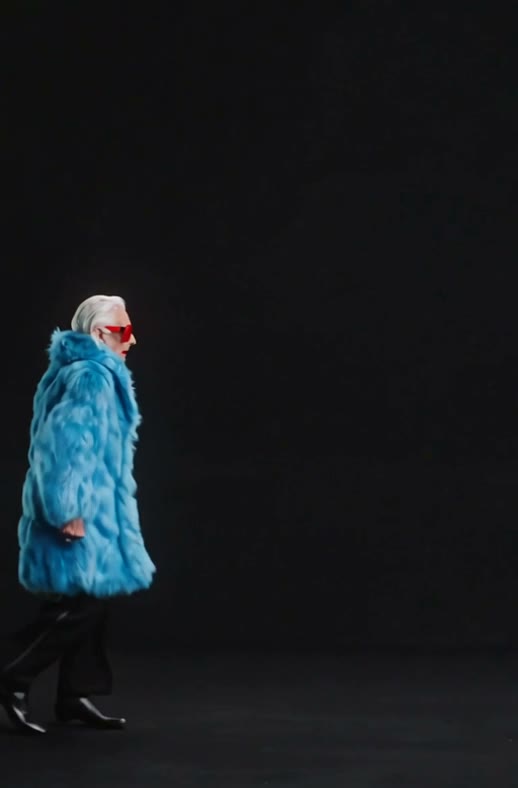
AI Moonwalk Dance Video: Make Any Photo Moonwalk
Upload one photo and watch them glide backwards in a smooth moonwalk: you, your grandma, your friend or your favorite character.
Template
Your photos1 photo
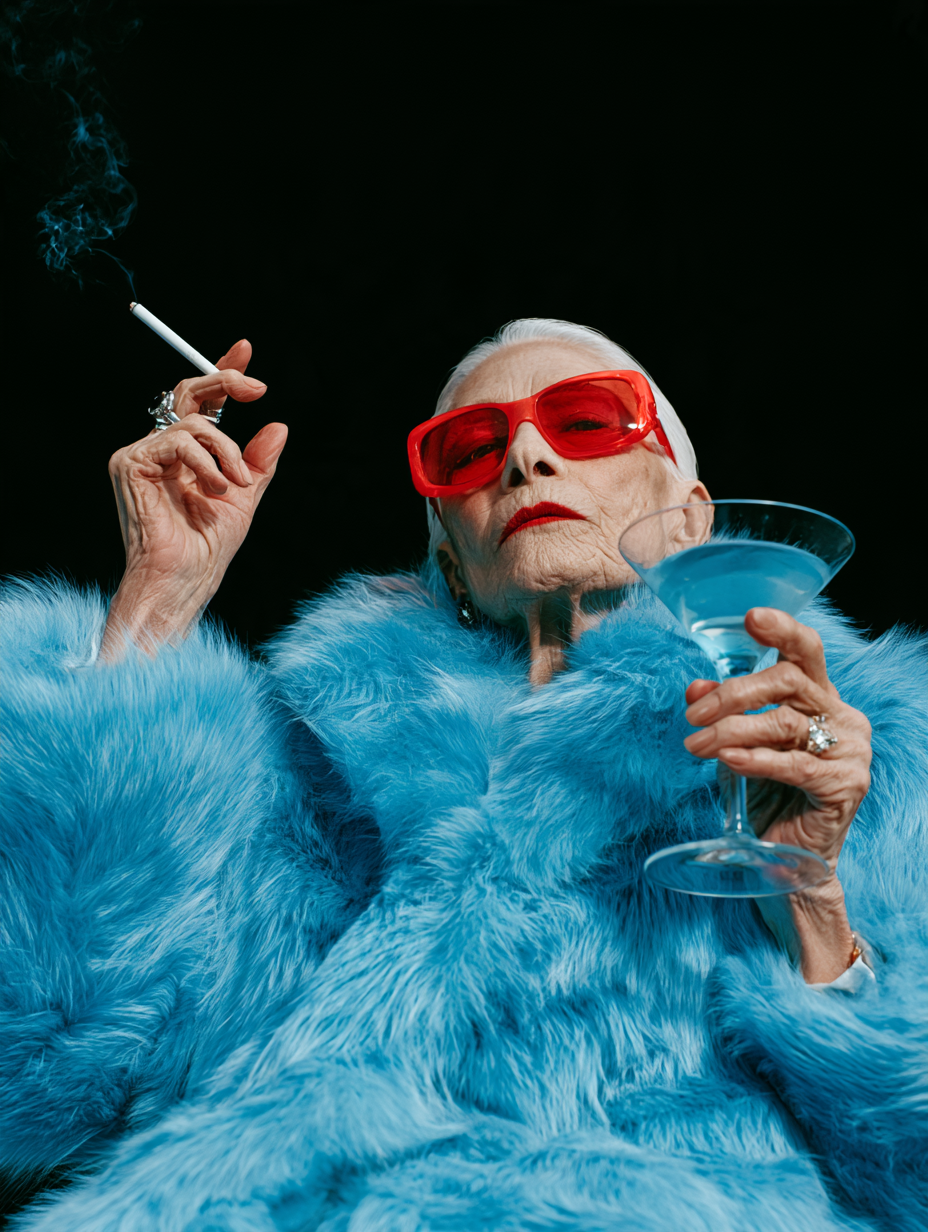 Example
What is an AI moonwalk dance video?
An AI moonwalk dance video takes one still photo and turns it into a clip of that person sliding backwards across the floor in the famous moonwalk, the glide that looks like walking forward while moving back and that Michael Jackson made iconic with Billie Jean. It's one of the most shared AI dance videos on TikTok and Reels, and the less likely the dancer, the better it lands.
This photo moonwalk video maker is a ready-made scene. The model (Wan 3.0) and the prompt are already set up: the glide, the steps, the timing and the sound are all there. Your photo plays the dancer, keeping the face, hair and outfit, and the background in your photo becomes the stage.
Upload one photo at the top of this page and press Generate. Our example is a silver-haired grandma in a fluffy blue fur coat and red sunglasses, and she kept her whole look through every step.
Only upload photos of yourself, people who gave you permission, or characters you created.
- Input
- 1 photo
- Output
- 7s · 480P
- Audio
- On by default (toggle Audio off for silent)
- Aspect ratio
- auto
How to make a photo moonwalk with AI
Glide backwards across the floor in a smooth, Michael Jackson–style moonwalk.
IMG_01 Open the template
The Moonwalk template is already open at the top of this page, with Wan 3.0 and the prompt set up: 7s, with sound.
Upload one photo
One person or character, full body with the feet in frame, so the glide looks right. The background of your photo becomes the stage.
Generate & download
Press Generate. The video lands in My Videos, so you can close the tab. Download the MP4 without a watermark and post it to TikTok or Reels.
Why use this AI moonwalk template
A real moonwalk, no practice
The backwards glide, the heel-toe steps and the timing, done for you. You don't need to know a single dance move.
Keeps your look
Face, hairstyle and outfit stay the same from the first step to the last, and your photo's background becomes the stage.
Sound included
Sound is on by default, so the clip is ready to post. Turn Audio off for a silent version.
No watermark
Download a clean MP4 on every plan, free credits included. Failed renders refund credits automatically.
One click, no prompt or editing
Upload a photo and press Generate. No prompt to write, no editing app, nothing to install. Works in your browser on phone or desktop.
More AI video templates
Animate Old Photos with AI
Photo to Video AI
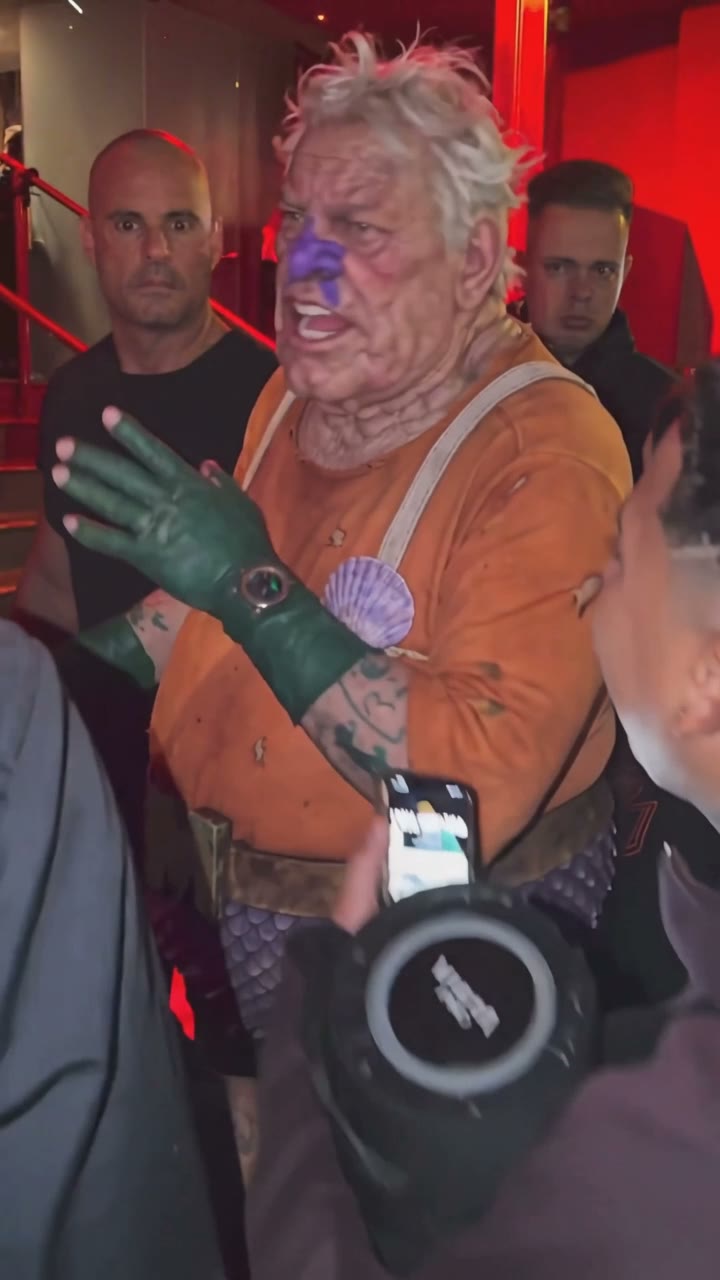
Bulin 47 AI Viral Video Generator
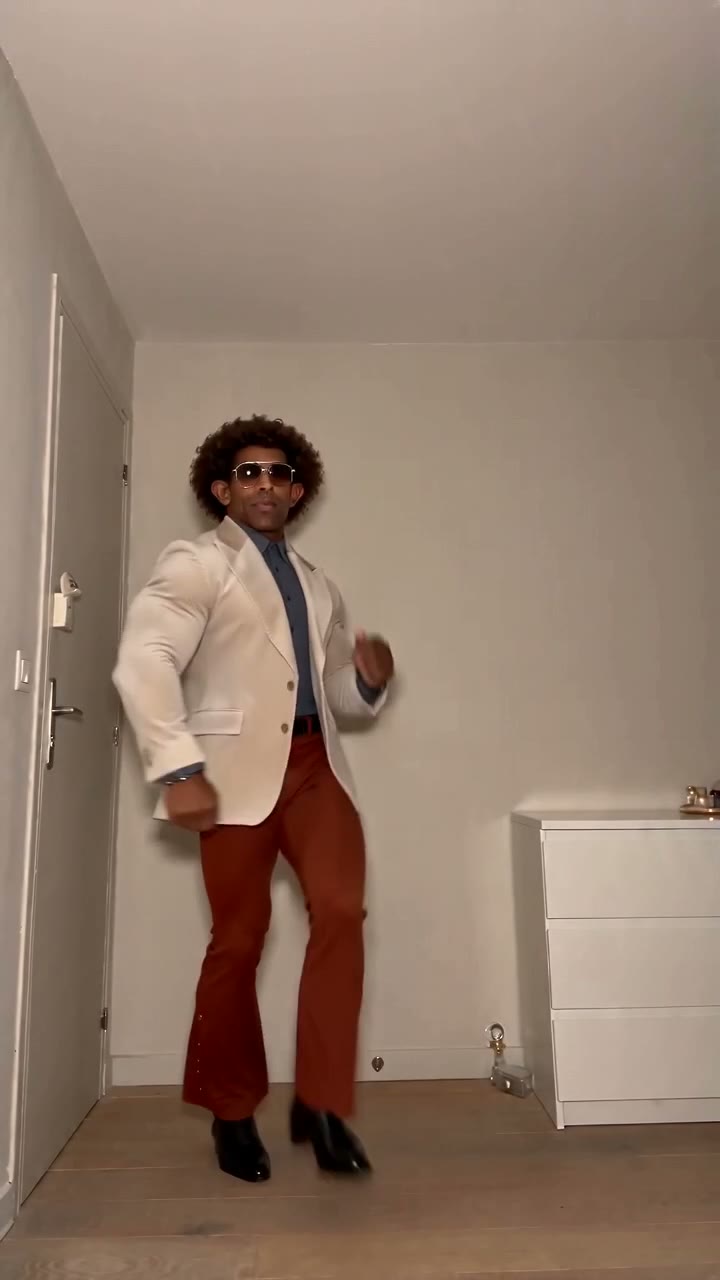
Toc Toc AI Dance Generator
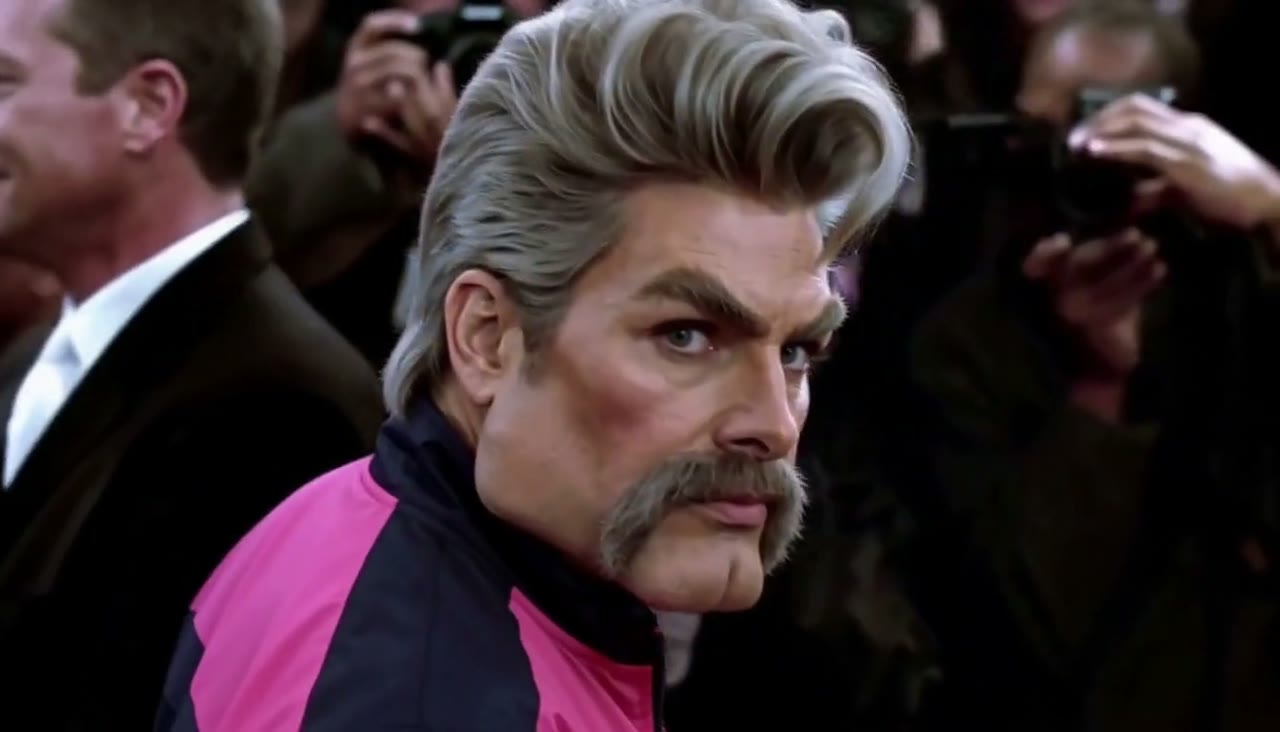
Zoolander AI Video Generator
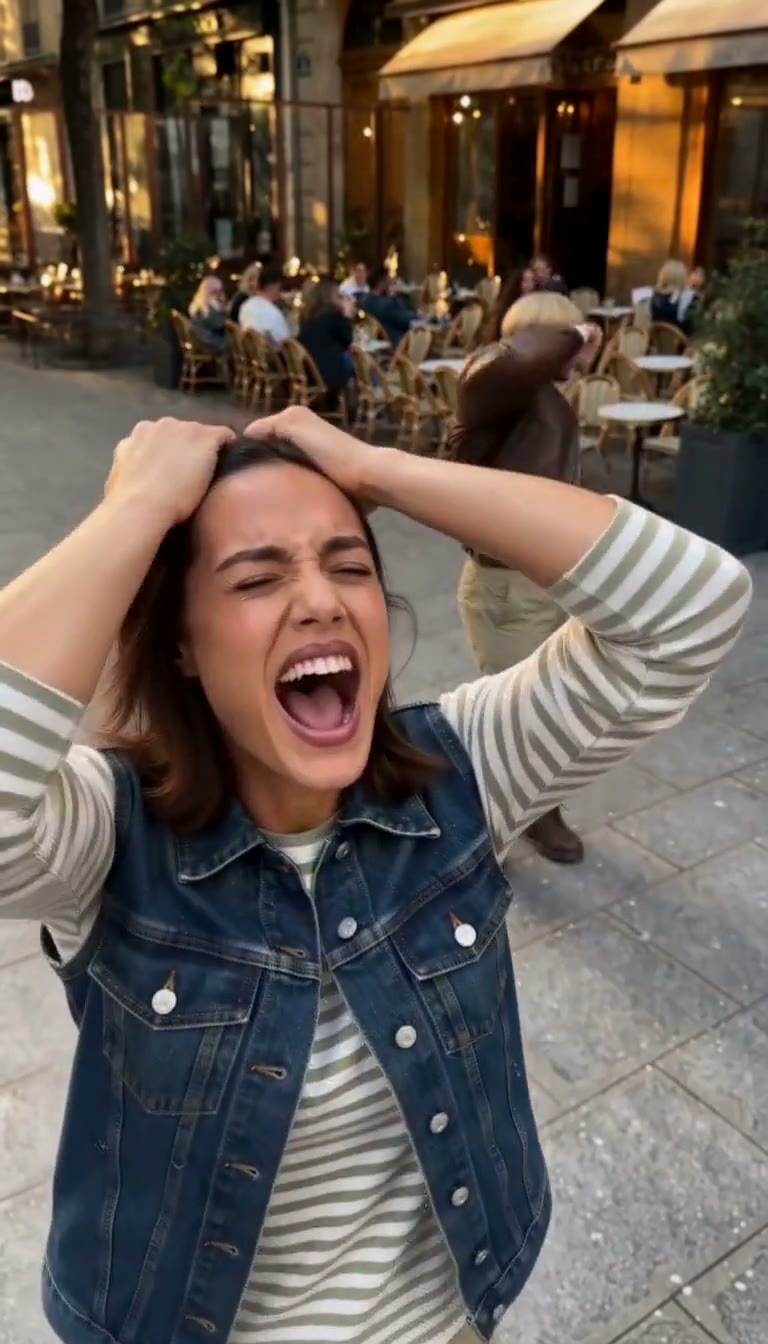
Smalltown Boy AI Dance Video Generator
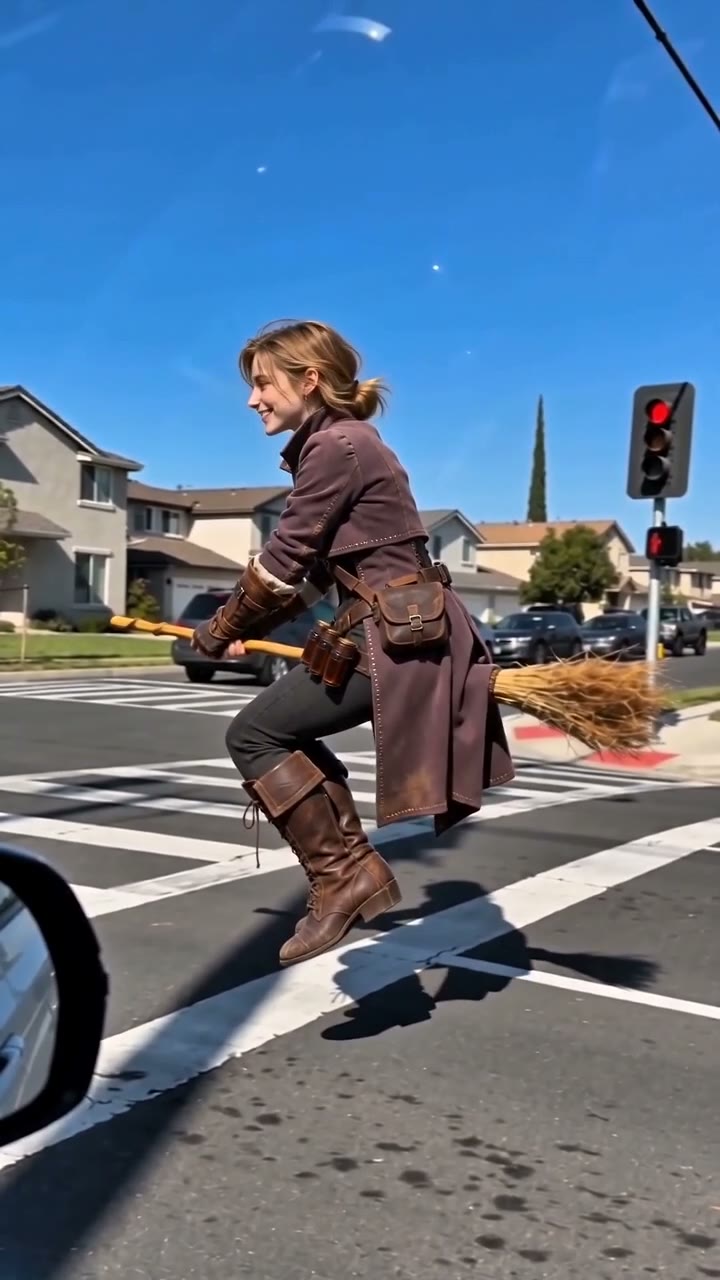
AI Broom Riding Video Generator
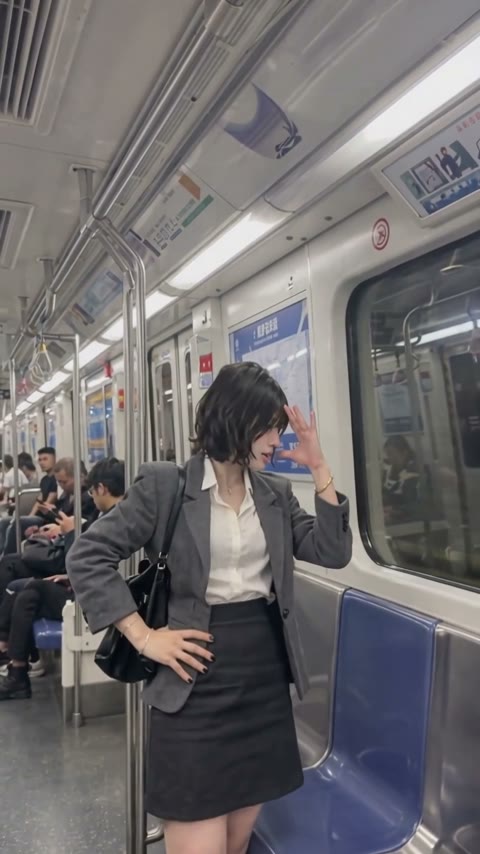
Bad Times AI Video Generator
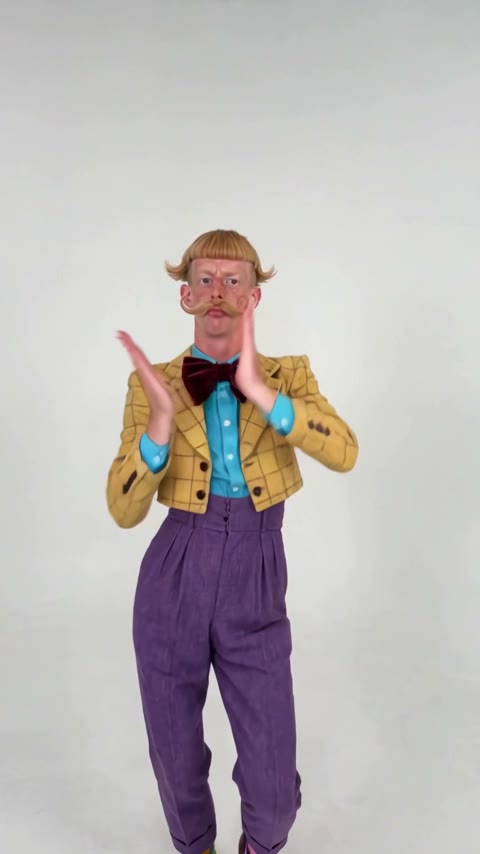
Nicole Kidman Dance AI Video Generator
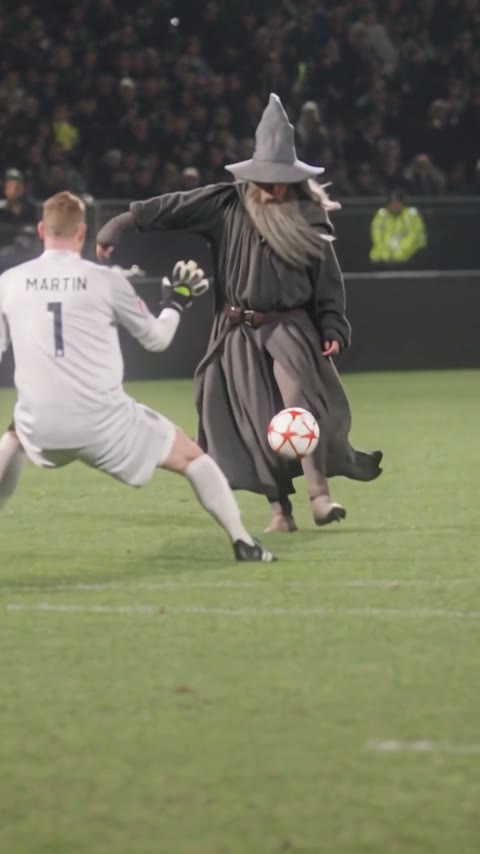
Ozil Goal AI Video Generator
AI Basketball Dunk Trend: Photo to Dunk Video
AI Moonwalk Dance Video FAQ
How can I make a photo of someone moonwalk with AI?
Open this page, upload one full-body photo and press Generate. The model and prompt are already set up, so you don't write anything and get a 7-second moonwalk video with sound.
What AI app makes you moonwalk like Michael Jackson?
There are several. This one is a ready-made moonwalk template in your browser: no app to install, no prompt to write, and the MP4 downloads without a watermark.
How do I make an AI dance video from just one picture?
Pick a dance template like this one and upload a single photo. One clear, full-body picture is all it needs.
Can I make my grandma, my friend or a cartoon character moonwalk?
Yes, as long as they agreed. Grandparents, friends, mascots and characters you created all work, and the unexpected ones are the funniest.
Will it keep my face and outfit?
Yes. The template is set up to keep the face, hairstyle and clothes from your photo, and the background in your photo becomes the stage.
What photos work best for a moonwalk video?
One person or character, full body with the feet in frame, face visible, sharp and not heavily filtered. Plain or open backgrounds give the dancer room to glide.
Is the AI moonwalk generator free?
New accounts get free credits. The exact cost shows on the Generate button before you start, and failed renders are refunded.
Does the video have sound?
Yes, sound is on by default. You can turn Audio off.