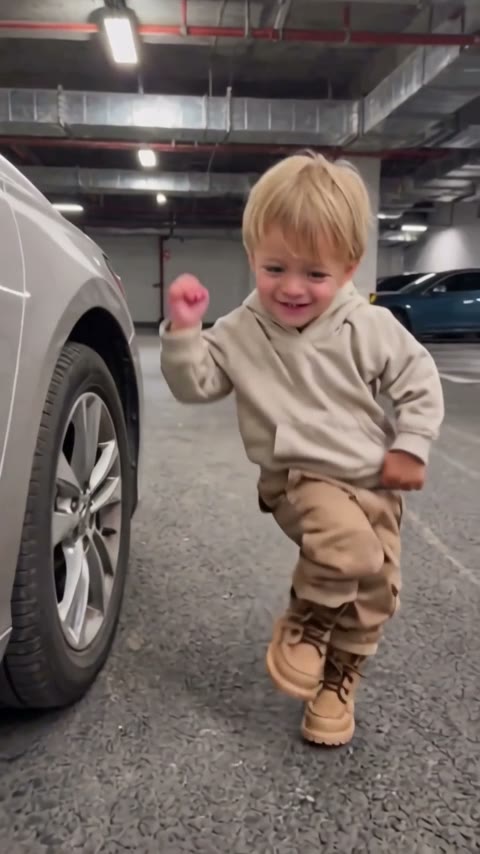
Parents joining the TikTok trend
Pick a full-body photo of your toddler in their favorite outfit and post the Car Alarm Dance AI clip with "when the car alarm hits different".
Upload one photo of your kid and watch them dance to a car alarm's beep-beep.
Effect
Your photos1 photo
Car Alarm Dance AI turns one photo of your child into a 10-second video of them dancing to a car alarm's beeps in a parking garage, sound included. No prompt, no filming, no CapCut. It's a one-click template, not a prompt-based generator like Sora or Kling.
The fun is in the timing: an alarm meant to scare people off becomes a dance beat, and every beep gets a fist pump, a stomp or a knee lift from a toddler who clearly loves it.
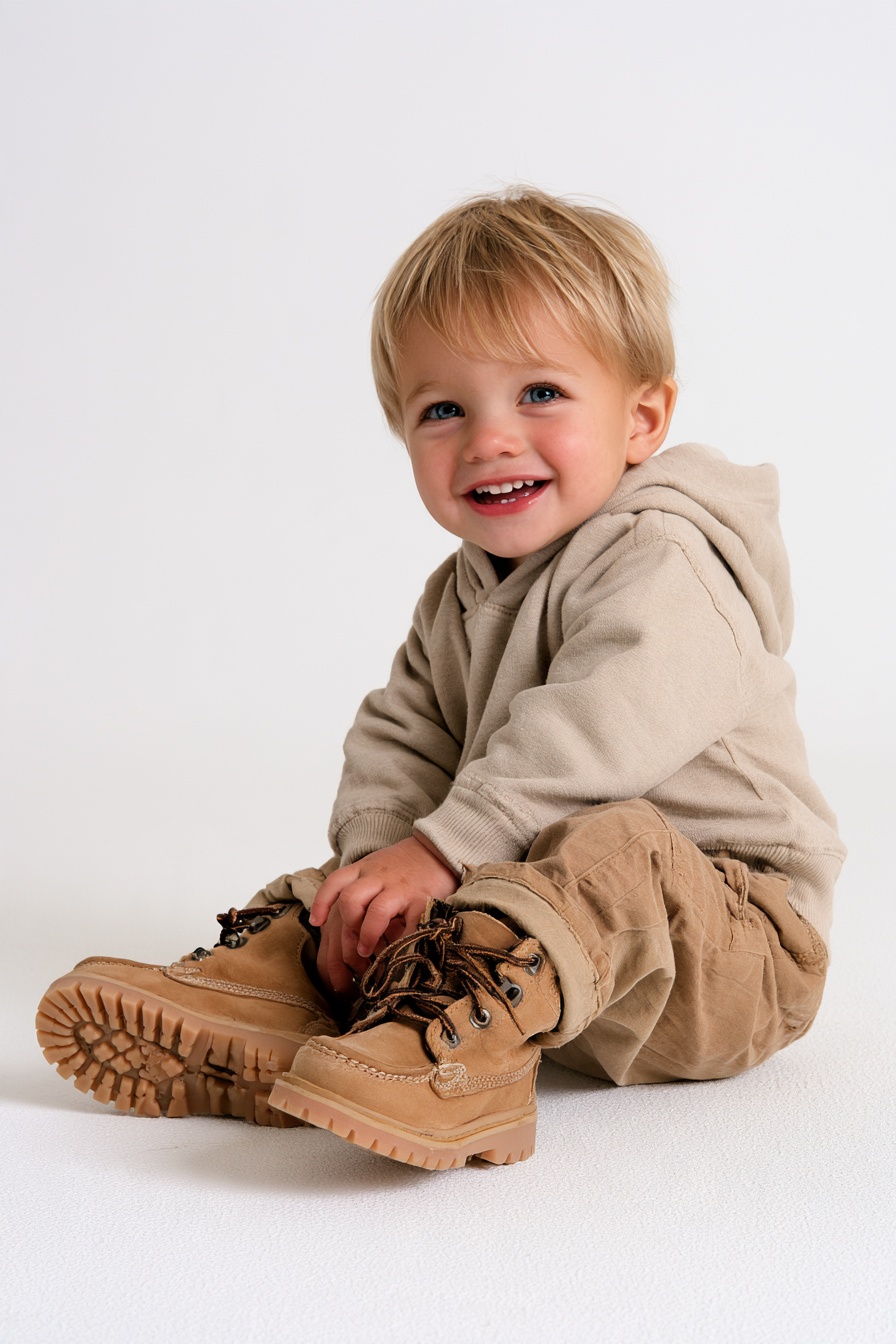
Upload one photo of one child, ideally full body with shoes, face clear. Face, hair, clothes and shoes come from your photo, and the parking garage, the car and the alarm come with the template. Our Car Alarm Dance AI tutorial has photo tips and the full settings.
Fan-made template, not affiliated with any car brand or the original creators. Only upload your own child, or a child whose parent or guardian said yes. You must be 18 or older, and photos of celebrities or public figures aren't allowed.
The car alarm dance started with real kids. In mid-2026 a clip of a 6-year-old girl went viral: she touched a parked car, the alarm went off, and instead of running she danced to the beeps (shared by GoChengdu on Facebook).
From 19 October 2026 the AI version took over: one photo of a kid or a pet, turned into a clip of them dancing next to a car to the alarm. Searches for "car alarm dance" peaked on 24 October 2026.
One photo of your kid, and they dance to a car alarm in a parking garage.
The Car Alarm Dance template is already open at the top of this page, with Wan 3.0 and the prompt set up: 10s, with sound.
One child, full body with shoes, face toward the camera.
Press Generate. The video lands in My Videos, so you can close the tab. Download the MP4 without a watermark and post it.
Pick a full-body photo of your toddler in their favorite outfit and post the Car Alarm Dance AI clip with "when the car alarm hits different".
Grandparents ask for new videos every day. Ten seconds of your kid dancing to a car alarm gets more replies than another still picture.
First steps, a new pair of boots, a third birthday: use the photo from that day and the car alarm dance becomes the clip you share for it.
The template takes one child per video. Make one for each kid from separate photos and post them side by side.
The moves land on the alarm's rhythm: a tap on the car, then fist pumps, stomps and knee lifts beep after beep, with the alarm sound in the clip.
Face, hair, clothes and shoes come from your photo.
Vertical, 10 seconds, with the car alarm sound. No cropping or editing.
Download a clean MP4 on every plan, free credits included. Failed renders refund credits automatically.
Unlike Sora or Kling, you don't write or tune a prompt. Add a photo, press Generate in your browser, and post the MP4 as it is. No app or CapCut needed.



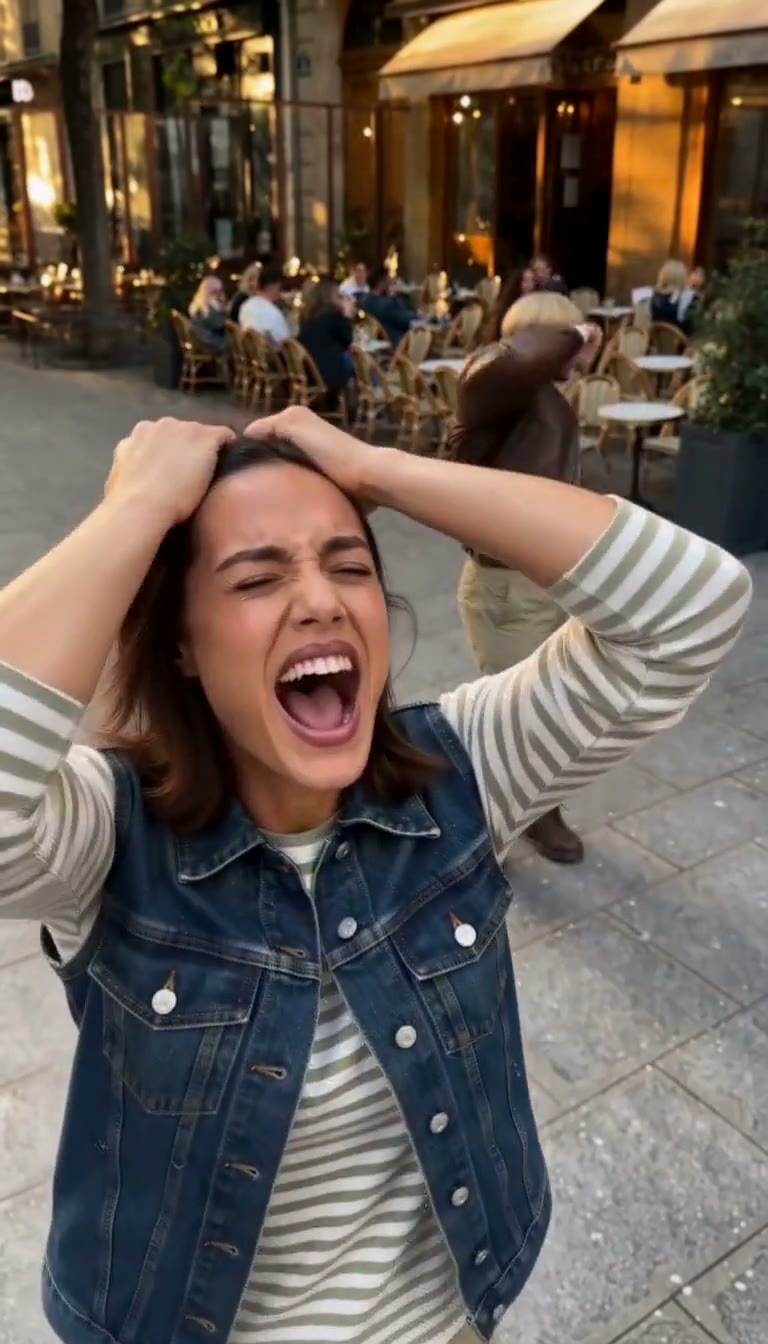

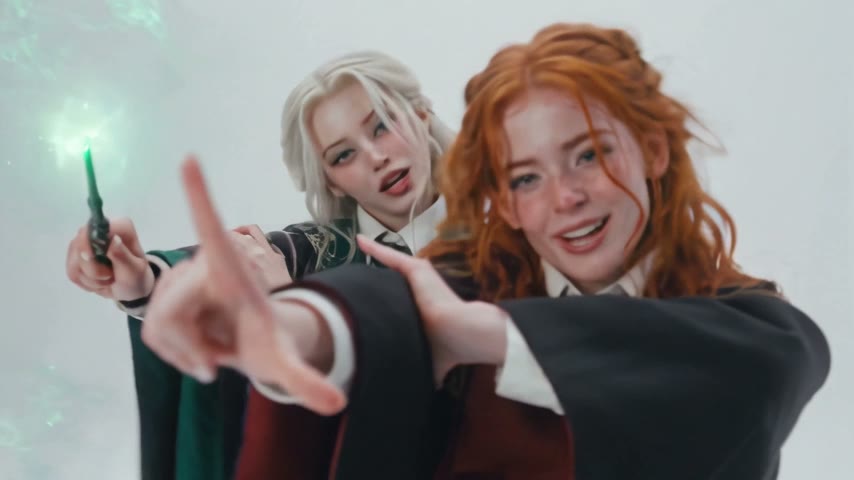

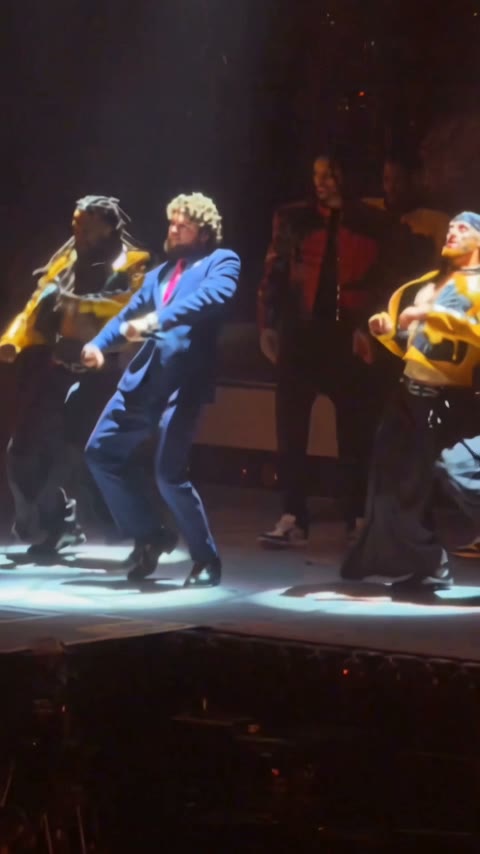
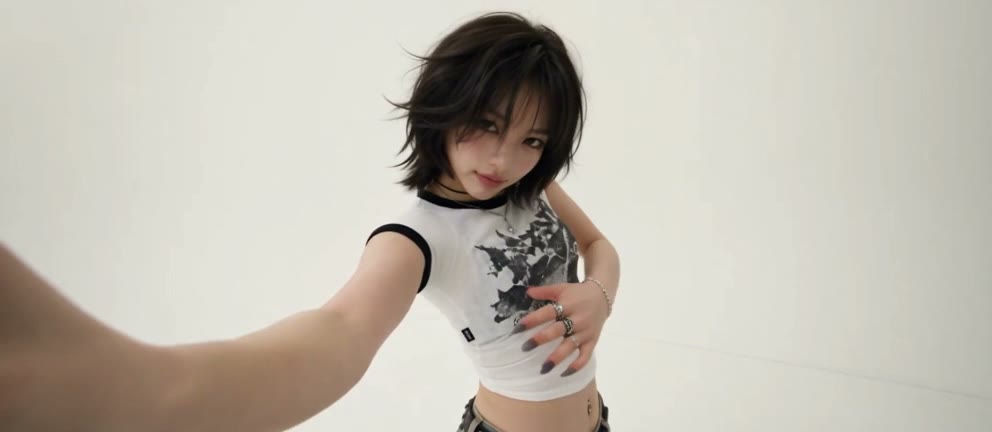
Open this page, upload one full-body photo of your child and press Generate. The model and prompt are already set up, so you get a 10-second video of your kid dancing to a car alarm, with the beeping sound.
It's a trend where a child, or sometimes a pet, dances to the beeps of a car alarm as if it were a song. It took off from real clips such as a 6-year-old girl who started dancing when a car's alarm went off, and AI versions made from one photo spread from 19 October 2026.
There is no song. The beat is the car alarm itself: a repeating beep-beep that the kid dances to, and the video keeps that sound.
0–1s, your kid stands by a silver car and taps it; 1–2s, a little squat and bounce as the alarm starts; 2–4s, fist pumps and stomping steps on the beeps; 4–7s, knee lifts and arms out, dancing toward the camera; 7–10s, bouncy steps and a last leg kick.
Not completely. New accounts get 75 free credits, and one Car Alarm Dance AI video takes 200. The one-time $4.99 trial pack (540 credits) covers two videos at about $1.85 each, with no subscription. The exact cost shows on the Generate button, and failed renders are refunded automatically.
About $1.85 for one video. That is 200 credits for a 10-second, 480p vertical clip with the car alarm sound.
Four reasons: your kid still looks like your kid, it costs less, you get a clean video, and it's ready to post.
Still your kid: face, hair, clothes and even the shoes come from your photo. We tested this setting until it worked, so you get it right the first time instead of paying for retries.
Costs less: about $1.85 per video with a one-time $4.99 pack, no subscription.
Clean video: no watermark on any plan, free credits included, and if a render fails your credits come back automatically.
Ready to post: vertical with the alarm sound, so it goes straight to TikTok, Reels or Shorts with no editing, dubbing or cropping.
One child, standing or sitting, with the whole body and shoes in frame and the face toward the camera. The outfit in the photo is the outfit in the video, so pick the one you like. Avoid sunglasses, hats over the face and other people in the shot.
Usually the face in the photo is too small, blurred or turned away, or a parent is holding the child. Use a sharp photo of one child looking at the camera, then run this template again.
We have only tested it with a child's photo, and that is what the template is tuned for. For pets, try our pet effects instead.
Only use your own child or a child whose parent said yes. Your video goes to My Videos and is not posted anywhere by us. Keep an AI label on when you share it.
Your photos and videos stay in your account, so you can download them again from My Videos at any time. They are never used to train AI models and are not sold or shared, except with the video model provider that renders your clip.
Last updated