Dog owners
Dog owners who saw the husky version put their own dog in slot 1 and themselves in slot 2, then post the Dog Elevator Prank AI video with a caption like "he's been planning this for weeks".
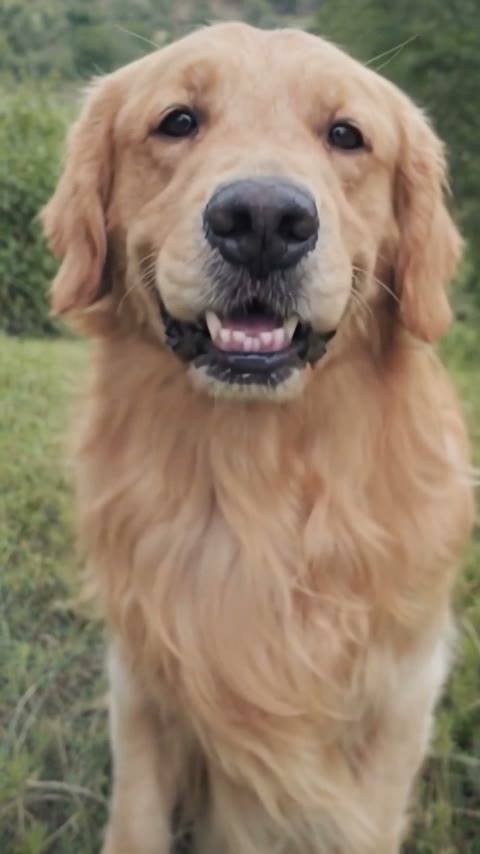
Upload one photo of your dog (or any character) and one of you. Your pet taps you on the back, beats you to the button, boots you into the lift and throws your shoes in after you.
Effect
Your photos2 photos
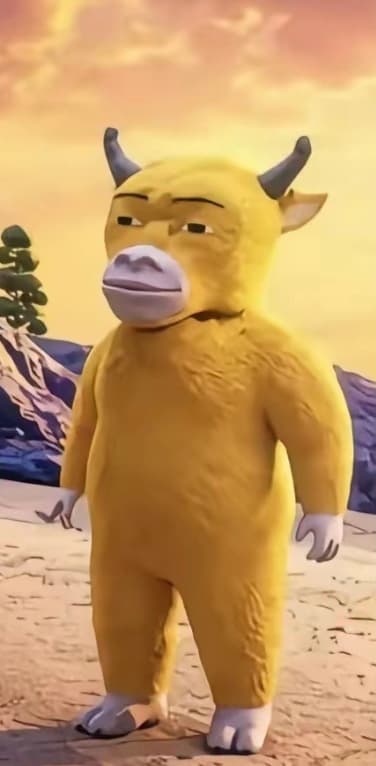
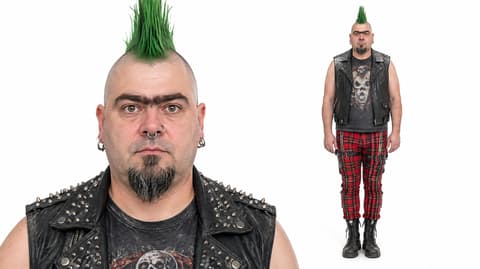
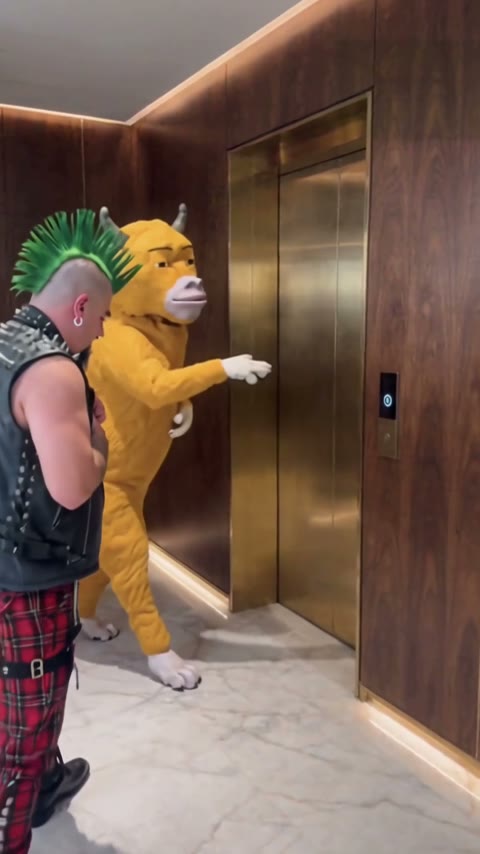
Dog Elevator Prank AI turns two photos, one of your pet and one of you, into a 15-second vertical video with sound: your dog walks you to a hotel elevator, presses the button, kicks you in and throws your shoes after you. It's a one-click template, not a prompt-based generator like Sora or Kling. The prankster doesn't even have to be a dog: in our test a cartoon bull played the part and a punk with a green mohawk got kicked in.
The dog elevator prank is a short clip in which a husky standing on its hind legs waits for an elevator with a man in a suit, taps the button for him, kicks him through the doors while he takes off his shoes, then tosses the shoes in and walks off past the camera.
People share it for the kick at the 10-second mark. Up to then the dog behaves like a polite bellboy, so the boot comes out of nowhere, and the shoe toss afterwards makes it look planned.
Upload a full-body photo of your pet or character in the first slot and a full-body photo of the person getting kicked in the second. Our Dog Elevator Prank AI tutorial shows our cartoon bull test frame by frame.
Fan-made template, not affiliated with the creators of the first clip. Only upload yourself, your own pets, or people who agreed to appear. You must be 18 or older, and photos of celebrities, public figures or children aren't allowed.
Dog owners who saw the husky version put their own dog in slot 1 and themselves in slot 2, then post the Dog Elevator Prank AI video with a caption like "he's been planning this for weeks".
Friends put a roommate or coworker in the victim slot, with their OK, and the group dog or a mascot in the prankster slot, then drop it in the group chat.
Fans and brand accounts upload a cartoon character or mascot as the prankster; in our test a yellow cartoon bull walked upright, pressed the button and did the kick.
Cat owners use a full-body cat photo in slot 1 for the version everyone already believes: the cat was always going to do this.
The Dog Elevator Prank AI trend is a pet prank meme in which a dog standing upright walks its owner to an elevator, presses the button, kicks him inside and throws his shoes in after him. The best-known version stars a husky and a man in a green suit in a wood-panelled hotel lobby.
The clip is widely believed to be AI-generated: a husky standing and kicking on two legs for 15 seconds is not something a real dog does. We could not find the first account that posted it. By early November 2026 AI template sites were offering remakes with your own pet, which is when this page went up.
Two photos: your pet taps you on the back, beats you to the button, kicks you into the lift and tosses your shoes in after you.
The Dog Elevator Prank template is already open at the top of this page, with Wan 3.0 and the prompt set up: 15 seconds, 480p, with sound.
Slot 1: your dog, cat or a character, whole body visible. Slot 2: you or a friend, full body with a clear face.
Press Generate. Ours was ready in about 5.5 minutes and lands in My Videos, so you can close the tab. Download the MP4 without a watermark and post it.
The best photos for Dog Elevator Prank AI are two full-body shots, one of the pet or character and one of the person, because both characters are on screen head to toe for all 15 seconds, including the shoes that get thrown.
A full-body pet or character
The prankster stands upright the whole time; our cartoon bull kept its horns, colour and white hooves.
A person with visible clothes
The outfit comes from the photo: our punk kept his studded vest and tartan trousers.
Two subjects in one photo
Each slot plays one role, so a second face in the photo can get mixed in.
A face-only selfie
Without a body in the photo the outfit and shoes have to be guessed.
Your pet taps your back, presses the button, waits while you take off your shoes, kicks you in at the 10-second mark and throws the shoes after you. Every beat of the prank people recognise, with your cast.
Each photo plays one role and keeps its own look. In our test the cartoon bull kept its horns and white hooves, and the punk kept his green mohawk, studded vest and tartan trousers in every frame.
The full prank with sound in 9:16, ready for TikTok, Reels and Shorts.
Download a clean MP4 on every plan, free credits included. Failed renders refund credits automatically.
Unlike Sora or Kling, you don't write or tune a prompt to get two characters, a button press and a kick in the right order, and there's no CapCut to learn. Add two photos in your browser and press Generate.

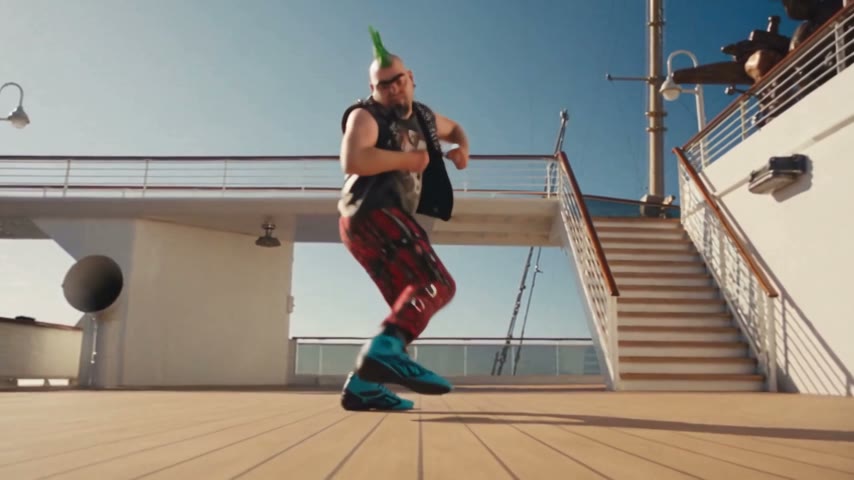

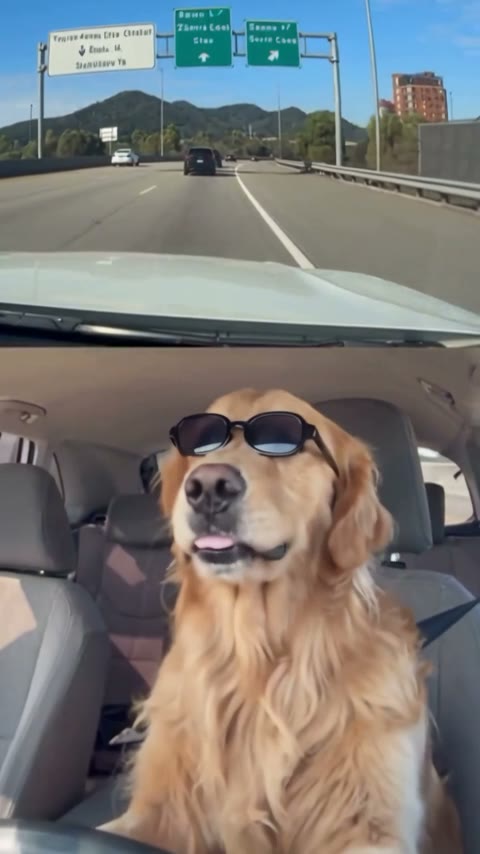
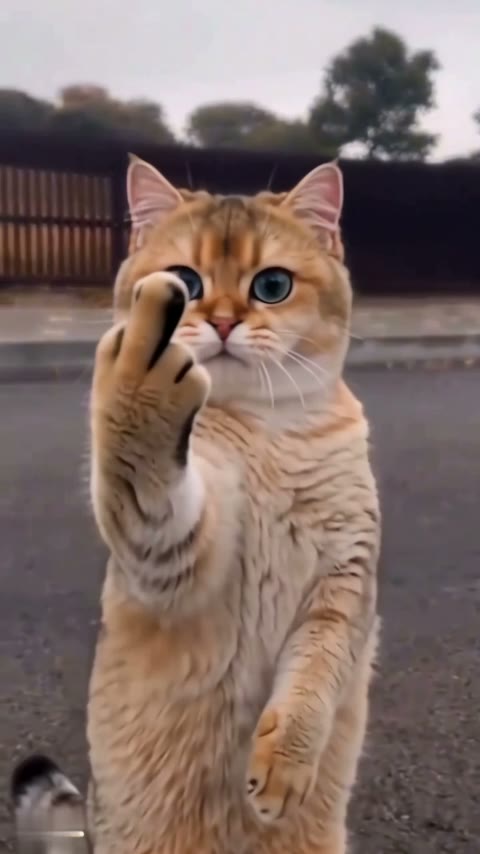
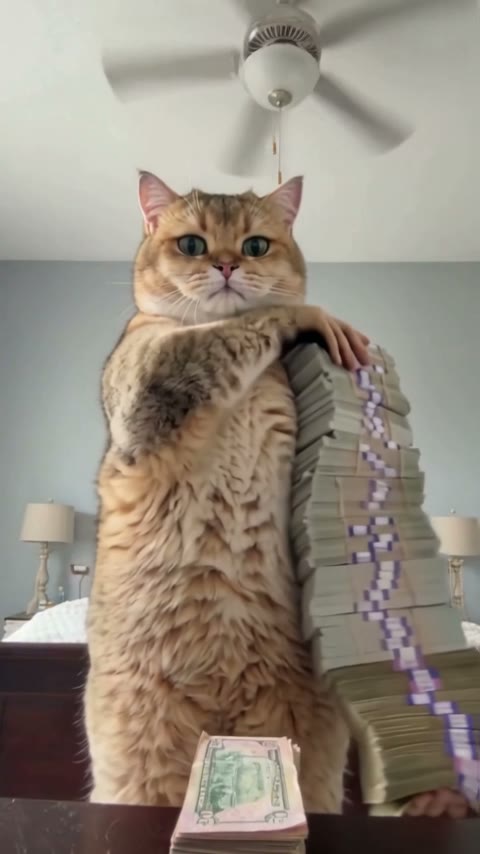
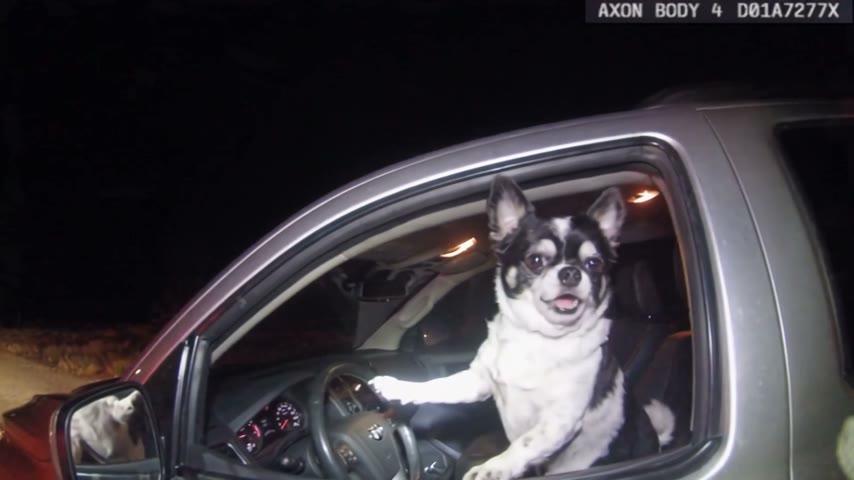
Open this page, upload a full-body photo of your pet or character and one of you, and press Generate. You get a 15-second vertical video with sound of your pet pressing the elevator button, kicking you in and throwing your shoes after you; ours was ready in about 5.5 minutes.
The Dog Elevator Prank AI trend is a pet prank meme in which a dog standing upright walks a man to a hotel elevator, presses the button, kicks him inside and throws his shoes in after him. The best-known version stars a husky and a man in a green suit; the first account that posted it is unknown.
0–2s, the pet taps the man on the back in front of the elevator; 2–5s, he presses the call button and waits; 5–7s, the pet reaches past him and presses it too; 8–10s, he bends over and takes off his shoes; 10–11s, the doors open and the pet kicks him in, so he lands sitting on the floor; 12–13s, the pet picks up the shoes and throws them in; 14–15s, it glances at the camera and walks out of frame.
It's also called the dog lift prank and "dog kicks owner into elevator". Lift is the British word for elevator, and the second name is how people describe the clip in captions and on AI template pages.
The dog elevator prank video is AI-generated, as far as anyone can tell: no real husky stands on two legs, presses buttons and kicks a grown man for 15 seconds. That's also why remakes with your own pet are possible.
No. Slot 1 takes a dog, a cat or a cartoon character. In our test a yellow cartoon bull character stood upright, pressed the button and did the kick; it kept its horns, colour and white hooves in every frame.
Yes, as long as your friend agrees to appear. Put a full-body photo of them in slot 2; their face, hair and outfit carry into the video, and their shoes are the ones that get thrown.
Usually it's a face-only crop or two subjects in one photo. Use a full-body photo with one subject each, then run this template again.
Not completely. New accounts get 75 free credits, and one Dog Elevator Prank AI video takes 300. The $5.99 trial pack (540 credits) covers one video at about $3.33, leaving 240 credits in your account. The exact cost shows on the Generate button, and failed renders are refunded automatically.
About $3.33 for one video with the trial pack, or about $3.00 on the Lite plan. That is 300 credits for a 15-second, 480p vertical clip with sound; ours rendered in about 5.5 minutes.
Four reasons: both characters look like your photos, it costs less, you get a clean video, and it's ready to post.
Looks like your photos: each photo plays its own role, so the pet keeps its coat and the person keeps their face and outfit, with no mixed-up clothes. We ran this setup until it worked, so you can get it on the first try instead of spending credits on retries.
Costs less: about $3.33 per video with a one-time trial pack and no subscription, far below the 3,596 credits one dedicated dog elevator prank site lists for a 720p run.
Clean video: no watermark on any plan, free credits included, and if a render fails your credits come back automatically.
Ready to post: 15 seconds, vertical 9:16 with sound, so it goes straight to TikTok, Reels or Shorts with no editing or dubbing.
Post the video as it is with the sound. A caption like "he pressed the button for me, I should have known" works; mention it's AI and add #dogprank and #dogsoftiktok.
No. It's a fan-made template, not affiliated with the creators of the first clip. Only upload yourself, your own pets, or people who agreed to appear.
Your photos and videos stay in your account, so you can download them again from My Videos at any time. They are never used to train AI models and are not sold or shared, except with the video model provider that renders your clip.
Last updated