Animate Old Photos with AI: Upload a vintage portrait and watch it blink, smile and look back at you.
Engine
Reference images0/9
Prompt0/4000
Bring old family photos to life
Most of us have a shoebox of black-and-white portraits: grandparents on their wedding day, a great-grandfather in uniform, a mother at sixteen. Animate Old Photos turns one of those still pictures into a short video where the person blinks, breaks into a gentle smile and turns slightly toward the camera.
The motion is deliberately subtle. Big gestures are what make AI-animated faces look "creepy" or stop looking like the real person, so this template keeps movements small and natural and preserves the original grain, tones and vintage look of the photo.
There is nothing to set up: the prompt, model and settings are already tuned. Upload one photo, press Generate and download a watermark-free clip a few minutes later. Want a different motion? Use the AI photo animator on the home page and describe your own.
- Input
- 1 photos
- Output
- 4s · 720P
- Audio
- Music built in
- Aspect ratio
- 9:16
How to animate an old photo in 3 steps
An old portrait blinks, smiles and turns to the camera — film look intact.
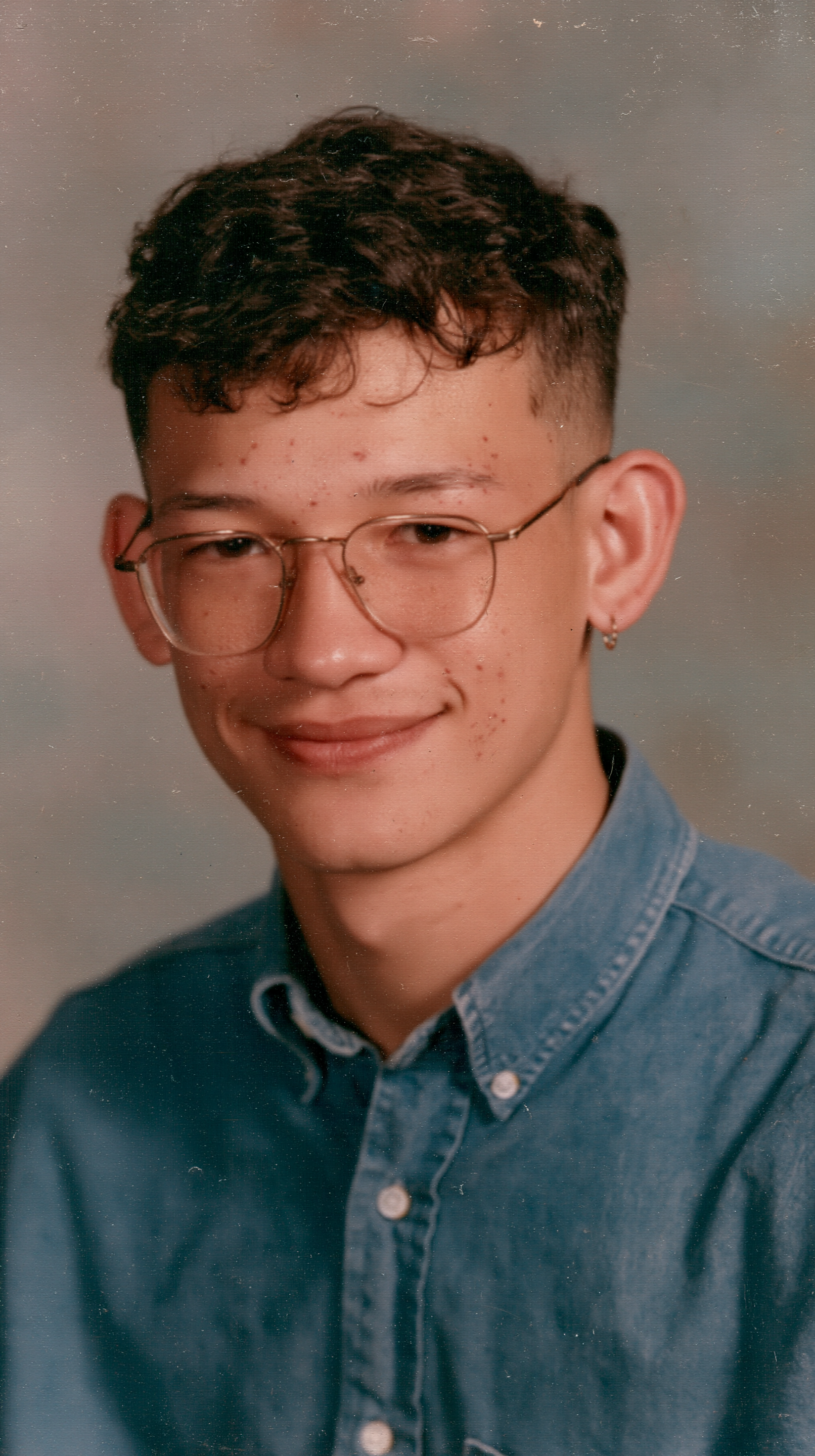
IMG_01 Upload your old photo
Scan or photograph the print, then upload a JPG, PNG or WebP. A clear, front-facing portrait with one visible face works best.
AI brings the face to life
The tuned template adds a soft blink, a warm smile, a slight head turn and gentle breathing while keeping the original grain and tones.
Download & share
In a few minutes your clip is ready in 720p with no watermark. Download it for a family chat, slideshow, memorial video or social post.
Why animate old photos with AI Photo Animator
Natural, not creepy
Small, believable movements (a blink, a smile, a slight turn) keep the person recognizable and avoid the uncanny look of over-animated faces.
Vintage look preserved
Black-and-white, sepia and faded color photos keep their grain and tones. The photo comes alive without looking like a modern filter.
No prompt needed
The prompt, model and settings are already tuned for old portraits. Upload one photo and press Generate.
No watermark, private option
Downloads are watermark-free. Members can turn on Private generation so family photos are never shown publicly.
Animate old photos FAQ
How can I animate old photos for free?
Sign up to receive 60 free credits. Select the Old Photo Revival template to try animating a portrait. The exact credit cost is shown before you generate.
Do I need to write a prompt?
No. The template already includes a prompt tuned for vintage portraits: a soft blink, a gentle smile, a slight head turn and subtle breathing. Just upload your photo.
What kind of old photo works best?
A clear portrait with one front-facing face, well lit and in focus. Scan the print or photograph it flat without glare. Heavily damaged, very small or blurry photos give weaker results.
Can I animate black-and-white or sepia photos?
Yes. The template keeps the original black-and-white, sepia or faded color look instead of turning it into a modern color video.
Why do some animated photos look creepy or unlike the person?
Usually because the motion is too strong or the face is too small or blurry, so the AI has to invent details. This template keeps movements subtle. For best likeness, use the sharpest, largest version of the face you have.
Can I animate a photo with several people?
This template is designed for single portraits. For group photos, use the generator on the home page and describe the motion for each person.
How long is the video and what format is it?
About 4 seconds, 720p, vertical 9:16, delivered as an MP4 you can download and share.
What is the best app to animate old photos?
MyHeritage Deep Nostalgia, VEED and Canva all offer photo animation. AI Photo Animator runs in your browser with no app to install, uses a template tuned for vintage portraits and exports without a watermark.
Can ChatGPT animate a photo?
ChatGPT is built for text and images. To turn an old photo into a moving video you need an image-to-video tool like this one.
Are my family photos private?
Members can turn on Private generation so the result is never shown publicly. See our privacy policy for details.
What if the animation fails?
If a generation fails, the credits are refunded automatically.