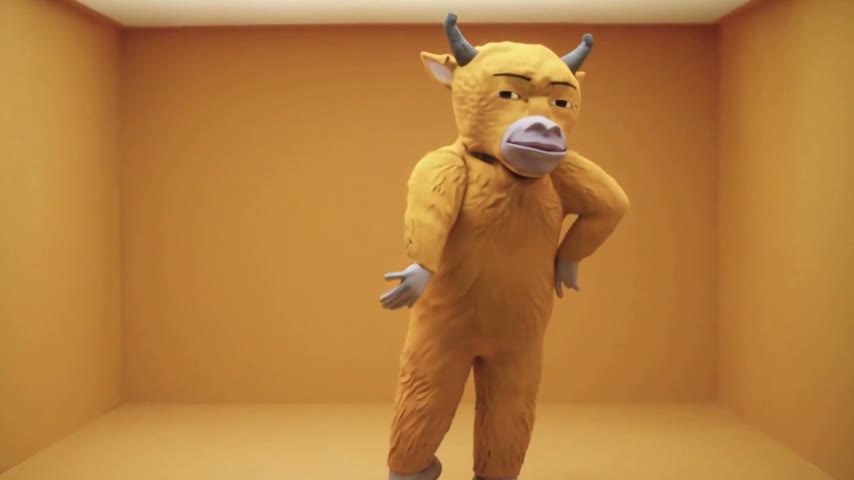
2015 throwback fans
People who grew up on the Hotline Bling memes make a Hotline Bling Dance AI video of themselves in the color rooms and post it on TikTok as a throwback with the song.
Upload one photo and you dance Drake's famous moves through the glowing rooms of the 2015 video, keeping your own face and outfit. Send it to the group chat or post it as your TikTok throwback.
Effect
Your photos1 photo
Hotline Bling Dance AI turns one photo into a 14-second dance video with the Hotline Bling song: you do Drake's loose, hand-waving moves through five glowing color rooms, from a mustard-yellow box to a lit white staircase. It's a one-click template, not a prompt-based generator like Sora or Kling. Whoever is in your photo, a person or a cartoon character, keeps their own look in every room.
"Hotline Bling" is Drake's 2015 single, and its video, directed by Director X, has him dancing alone in empty rooms that glow one color at a time. The AI version keeps those rooms and puts you in them.
What makes people share it is the mismatch: a coworker, your dad or a stuffed mascot doing those relaxed hip sways and finger points with total confidence, in a set that looks like an art gallery.
Upload one clear photo of one person or character, full body or waist up. What you wear in the photo is what you dance in, no red puffer jacket required. Our Hotline Bling Dance AI tutorial shows the full setup we tested.
Fan-made template, not affiliated with Drake, OVO or Director X, and it doesn't use Drake's face or likeness. Only upload photos of yourself or people who agreed to be in the video. You must be 18 or older, and photos of celebrities, public figures or children aren't allowed.
People who grew up on the Hotline Bling memes make a Hotline Bling Dance AI video of themselves in the color rooms and post it on TikTok as a throwback with the song.
Friends pick the stiffest dancer in the group, with that friend's OK, and drop the video in the group chat: the joke is them pulling off Drake's moves in a set that looks like a gallery.
Artists and creators upload their own original character, like the plush bull we tested, so it dances through all five rooms, and share it with their followers as a fan-made trend clip.
The Hotline Bling Dance AI trend puts the person or character from a photo into the empty, glowing rooms of Drake's "Hotline Bling" video, doing the same unpolished moves. Drake released the single on July 31, 2015, and the video, directed by Director X, came out on October 19, 2015.
The video's rooms, each lit a single color, were widely compared to James Turrell's light installations, and clips of Drake dancing in them spread as memes and reaction GIFs. In October 2026 AI template sites started offering a version where your photo does the dance in those rooms.
One photo: you do Drake's dance through five glowing color rooms.

The Hotline Bling template is already open at the top of this page, with Wan 3.0 and the prompt set up: 14 seconds, 480p widescreen, with the song.
One person or character, full body or waist up, face clearly visible. Wear the outfit you want to dance in.
Press Generate. Ours took about 6 and a half minutes and lands in My Videos, so you can close the tab. Download the MP4 without a watermark and post it.
The best photo for the Hotline Bling Dance AI video is one person or character, full body or waist up, with the face clearly visible, because the video moves from close shots in the yellow room to tiny figures inside floating boxes.
A clear full-body photo
The rooms show you head to toe, so a full-body photo gives the model your shoes, legs and outfit instead of guessing.
A character or mascot
In our test a plush yellow bull kept its horns, fur and face in all five rooms, from the yellow box to the staircase.
A group photo
With several people in the photo, the dancer can end up mixing their looks. Crop one person out first.
A tiny face
The floating-box shots make you small already. Starting from a far-away photo makes the face drift. Use a closer one.
You dance through the mustard-yellow box, a dark hall with glowing cyan walls, a lavender room with a lit white staircase, small colored boxes floating in black, and a pink-blue room for the finish.
Your face and outfit come from your photo, with no red puffer jacket added. In our test a plush bull kept its horns and fur in every shot.
The finger point, the hip sways, the walk down the stairs and the close finish, set to Hotline Bling, in 480p widescreen.
Download a clean MP4 on every plan, free credits included. Failed renders refund credits automatically.
Unlike Sora or Kling, you don't write or tune a prompt to get the rooms and moves right, and there's no app or CapCut to install. Add one photo in your browser and press Generate.
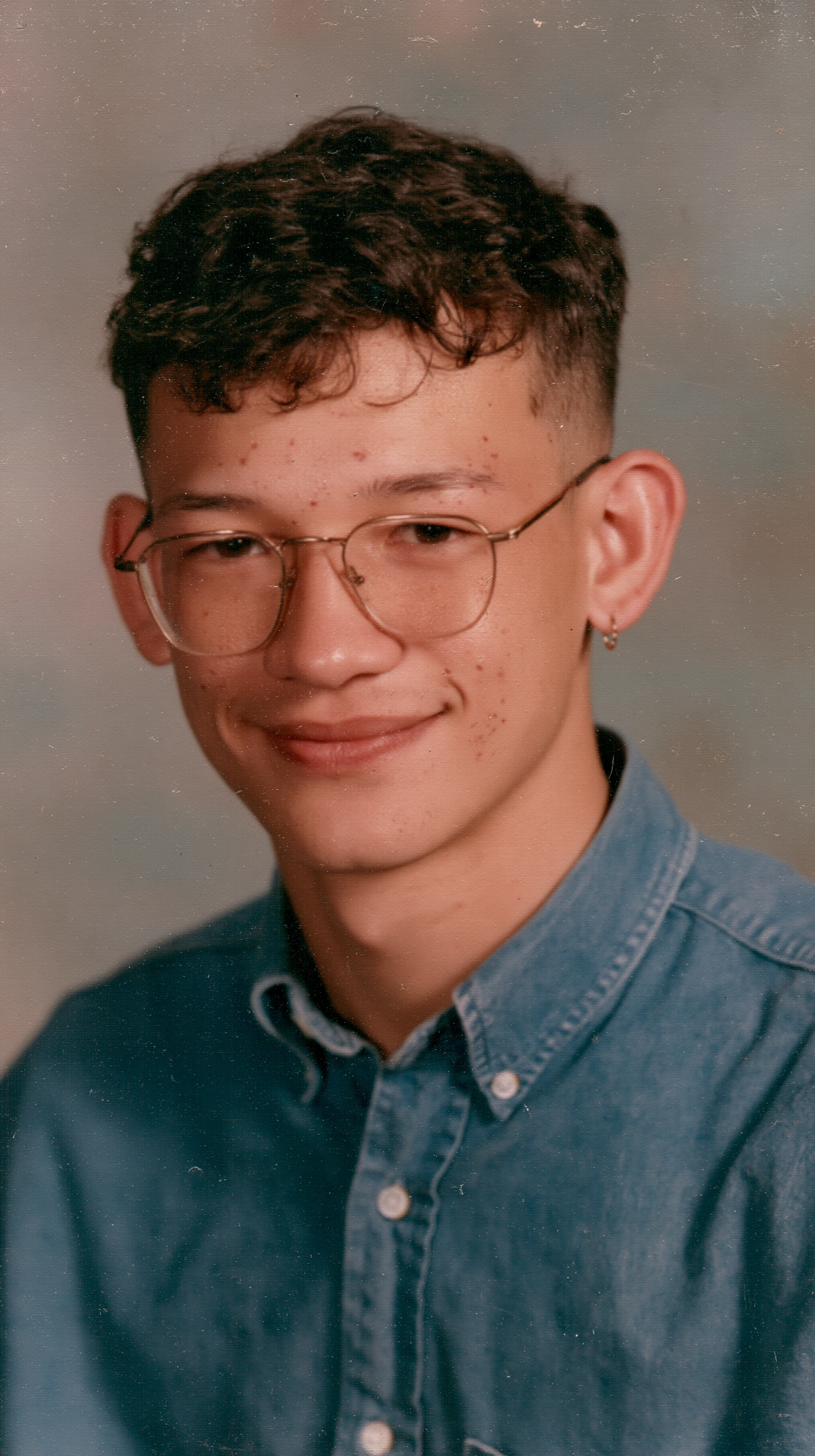
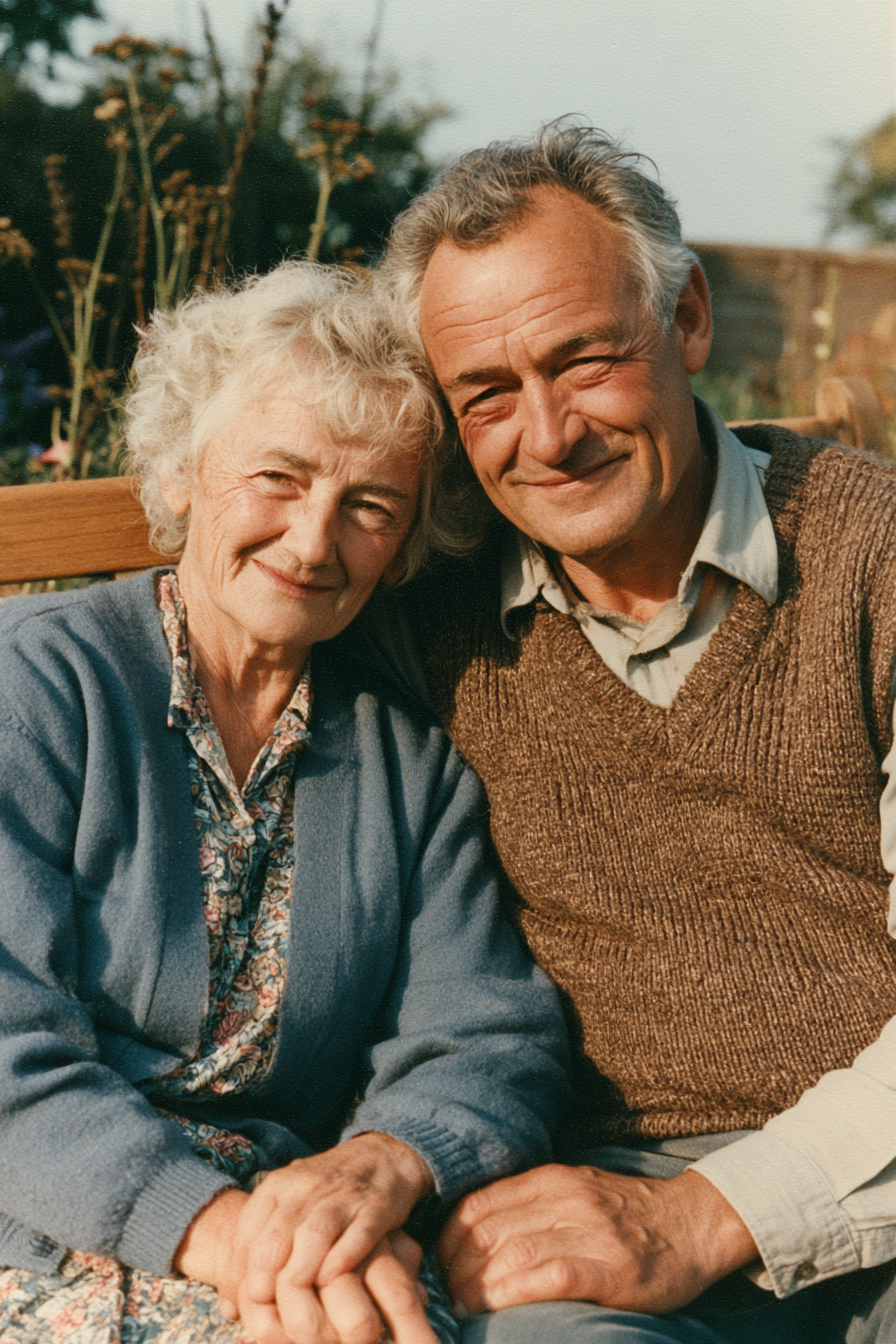
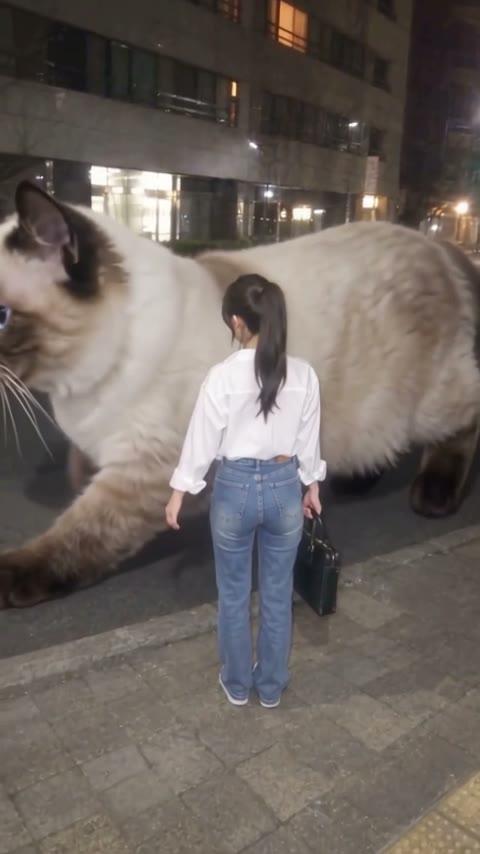
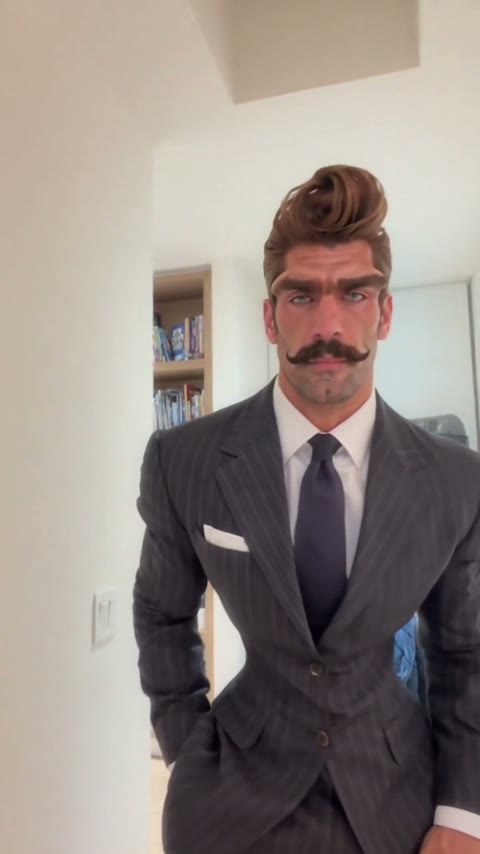
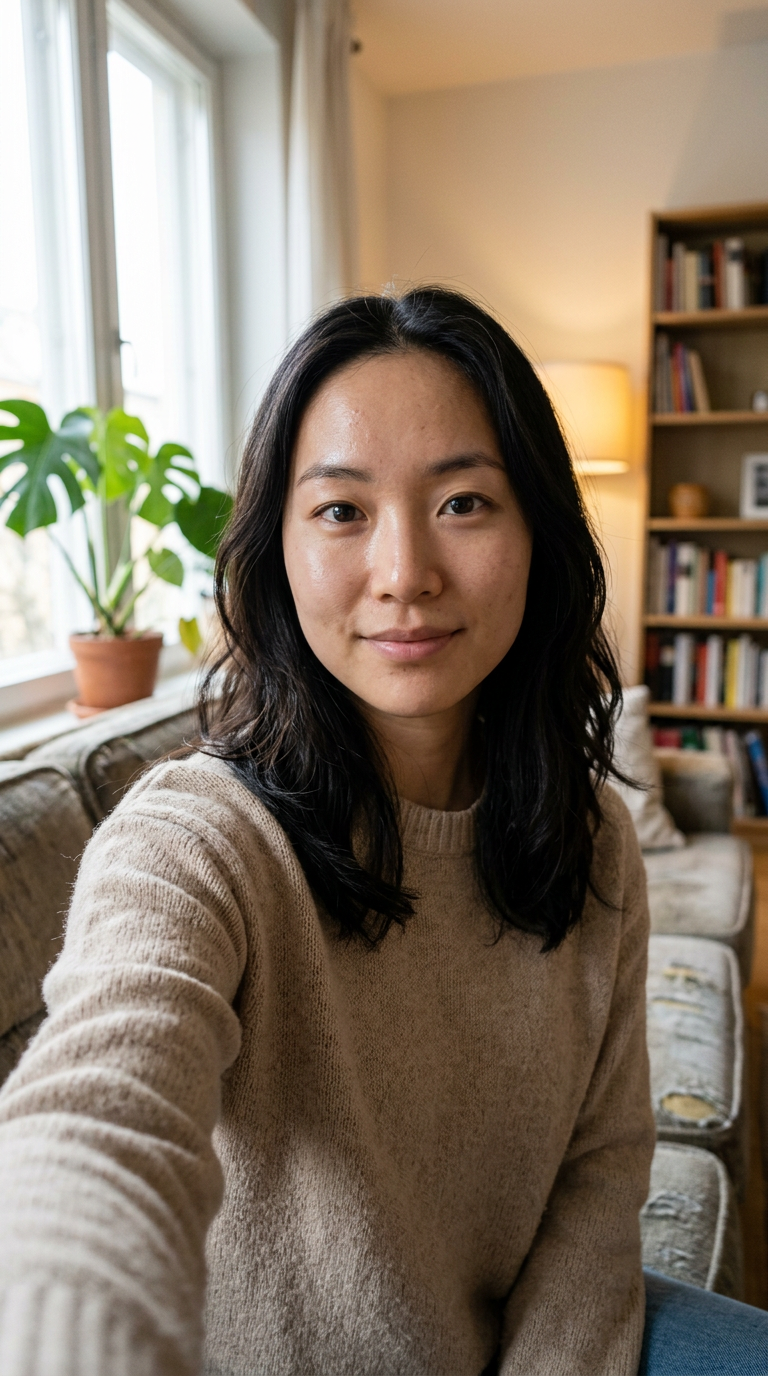
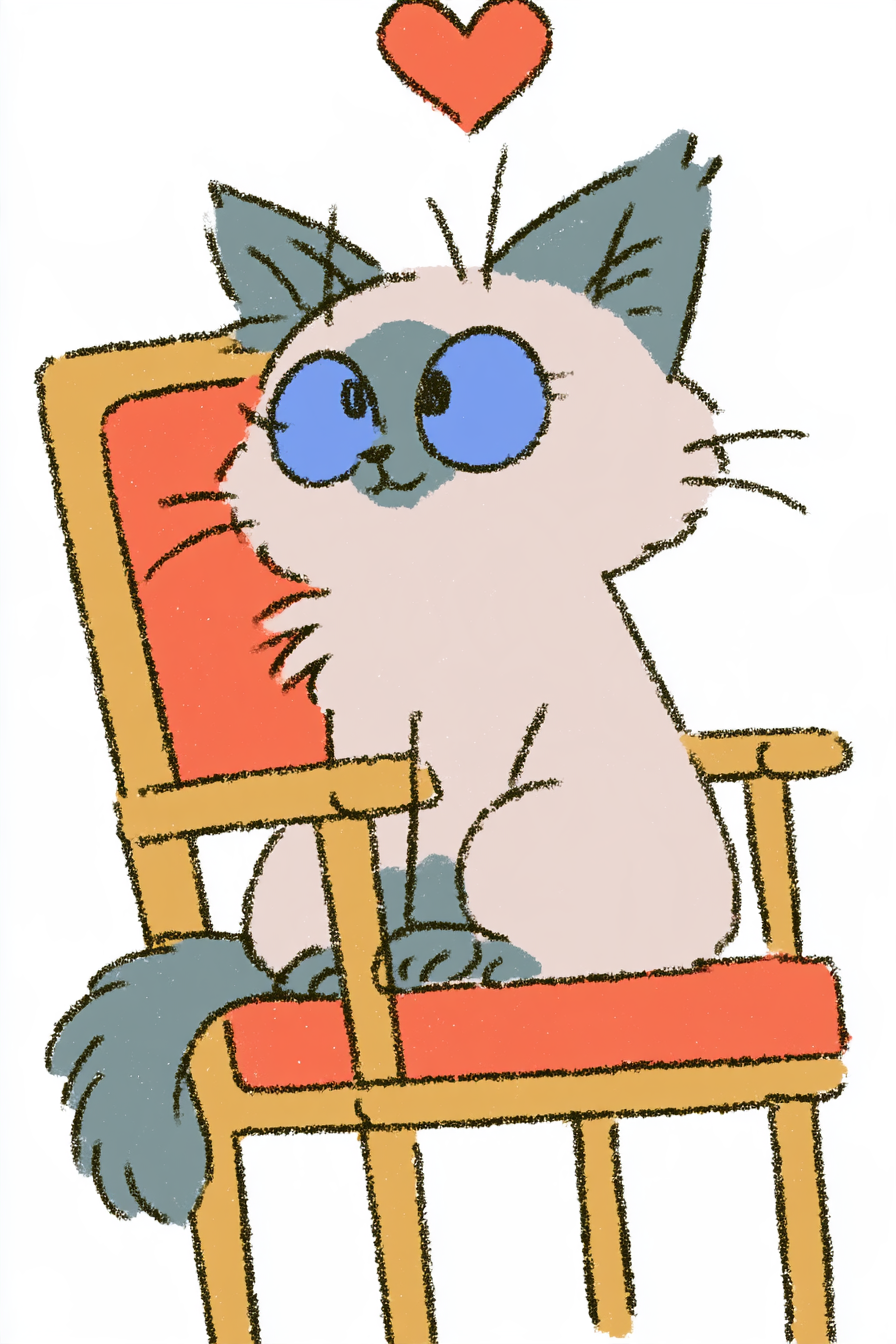
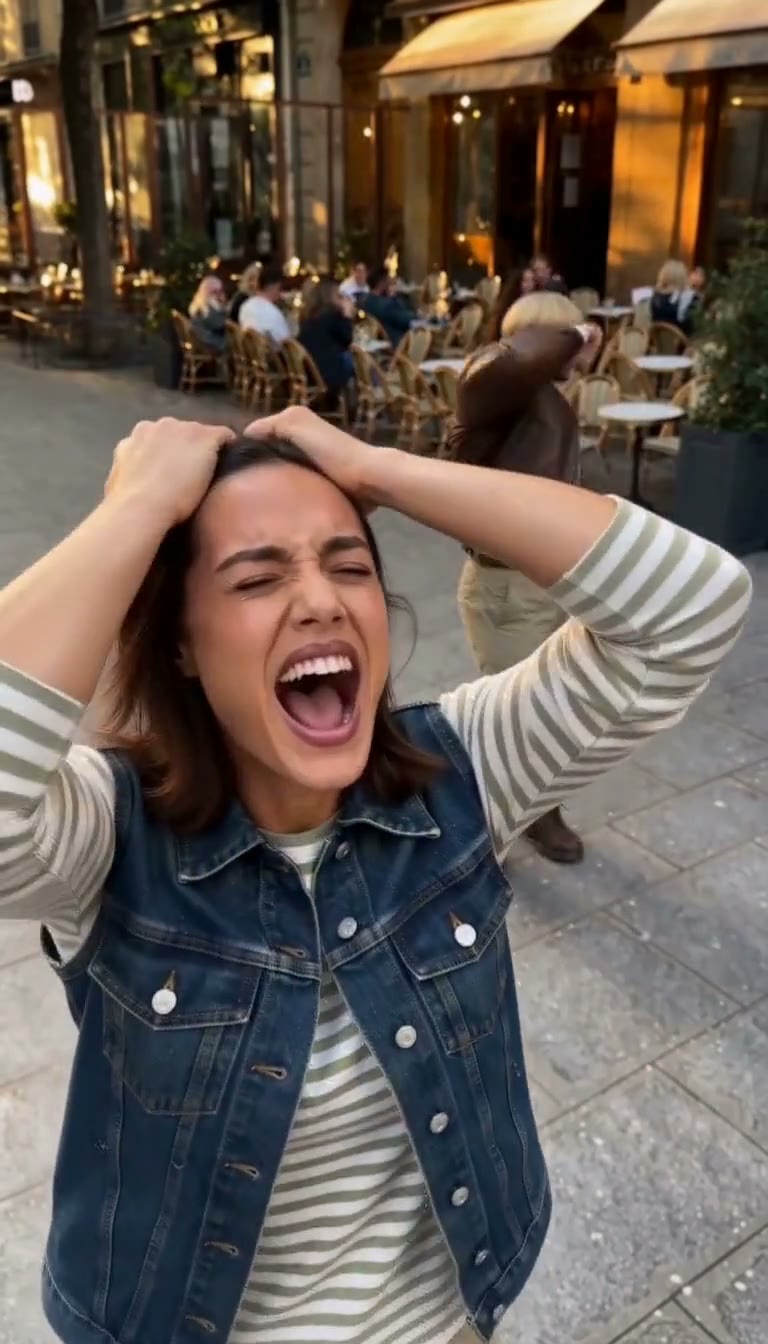
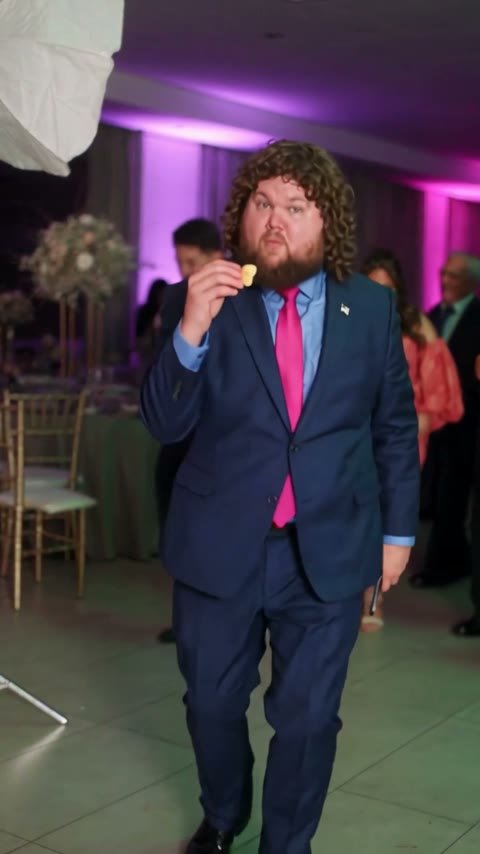
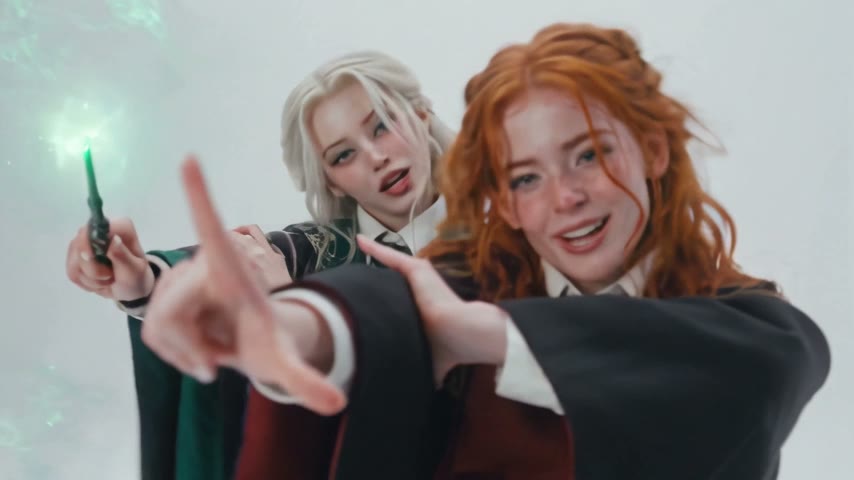
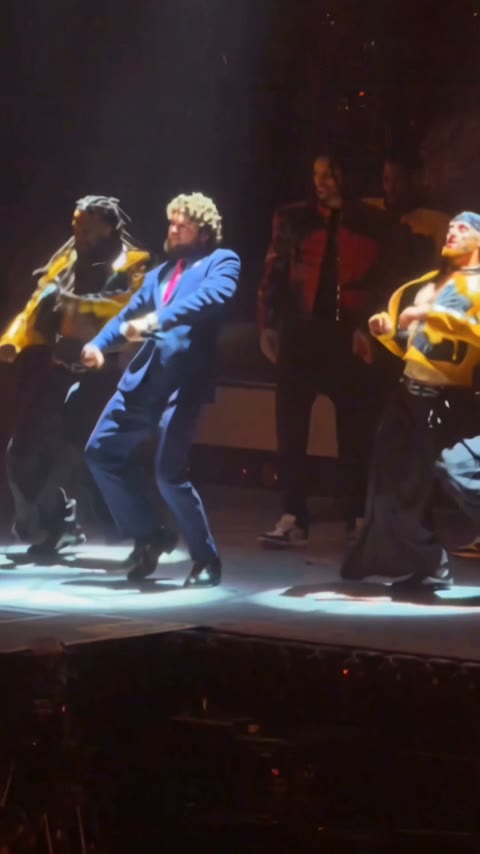

Upload one clear photo of one person or character and press Generate. You get a 14-second dance video with the Hotline Bling song, set in five glowing color rooms, with no watermark; ours was ready in about 6 and a half minutes.
The Hotline Bling Dance AI trend puts the person or character from a photo into the glowing color rooms of Drake's 2015 "Hotline Bling" video, doing his moves. AI template sites started offering it in October 2026.
0–2s, you point and sway in the mustard-yellow room; 2–5s, you walk through a dark hall with glowing cyan walls toward a pink doorway; 5–8s, you sit and come down a lit white staircase in a lavender room; 8–12s, small cyan, pink, red and yellow boxes float in black with you dancing inside each; 12–14s, a closer finish in a pink-blue room.
Drake sings "Hotline Bling", released as a single on July 31, 2015. Its music video, directed by Director X, came out on October 19, 2015.
No. The moves come with the template; you only upload a still photo, and the video does the dancing.
No. Whatever you wear in your photo is what you dance in. In our test a plush bull character kept its own fur and colors in every room.
Yes. All five rooms appear in order: mustard yellow, a cyan-lit hall, a lavender staircase, floating colored boxes and a pink-blue room.
Yes. The video comes with the Hotline Bling song, timed to the dance. If a platform mutes it, add the Hotline Bling sound from its music library when you post.
Yes. We tested it with a plush yellow bull and it kept its horns, fur and face through all 14 seconds. We haven't tested pet photos yet.
Not completely. New accounts get 75 free credits, and one Hotline Bling Dance AI video takes 360. The $5.99 trial pack (540 credits) covers it, so that video uses about $3.99 and 180 credits stay in your account. The exact cost shows on the Generate button, and failed renders are refunded automatically.
About $3.99 with the trial pack, or about $3.60 on the Lite plan. That is 360 credits for a 14-second, 480p widescreen video with sound; ours rendered in about 6 and a half minutes.
No. The video is widescreen 16:9, like the original rooms. TikTok and Reels show it with bars above and below, or you can crop it to vertical in their editor.
Four reasons: the dancer looks like your photo, it costs less, you get a clean video, and it's ready to post.
Looks like your photo: your face and outfit, or your character's fur and colors, stay in every one of the five rooms instead of turning into Drake's look. We used the setup that worked on our first run, so you don't spend credits on retries.
Costs less: about $3.99 for a video with a one-time trial pack and no subscription.
Clean video: no watermark on any plan, free credits included, and if a render fails your credits come back automatically.
Ready to post: 14 seconds with the song, so it goes straight to TikTok, Reels or Shorts with no editing or dubbing.
No. It's a fan-made template, not affiliated with Drake, OVO or Director X, and it doesn't use Drake's face. Only upload photos of yourself or people who agreed to be in the video.
Keep the Hotline Bling sound, add a caption like "me in 2015", and #hotlinebling, #hotlineblingdance and #drake. Label it as AI-generated where the platform asks.
Your photos and videos stay in your account, so you can download them again from My Videos at any time. They are never used to train AI models and are not sold or shared, except with the video model provider that renders your clip.
Last updated
Ready for your own color rooms?
Make your own Hotline Bling Dance AI video
Make my Hotline Bling video