Gym regulars
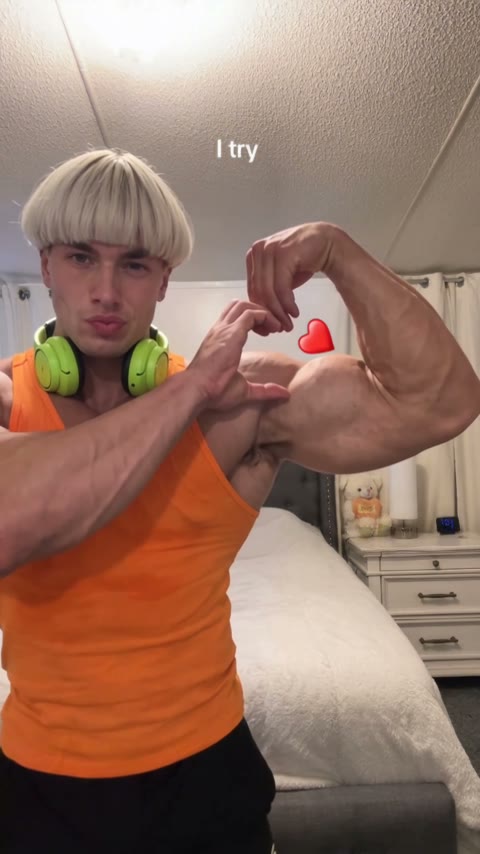
Gym regulars make the Bicep Heart Trend AI video from a mirror or gym photo and post it on rest days. The arms in the video are the arms in the photo, so the flex shows their own work.
Upload one photo of you or your partner. You flex for the camera, wrap a hand around the bicep and hold the heart, ready to send with "have you ever heard of a bicep heart".
Effect
Your photos1 photo
Bicep Heart Trend AI turns one photo into a 7-second vertical video with sound of you doing the viral bicep heart pose. It's a one-click template, not a prompt-based generator like Sora or Kling. You don't need muscles: the hand makes the heart, and your face, hair, arms and outfit come from your photo.
The bicep heart is a TikTok and X pose from late October 2026: flex one arm, then curl the other hand against the inside of the bicep so your fingers and the muscle close into a heart. Posts usually open with the line "have you ever heard of a bicep heart" and run under #bicepheart, which had 554 videos and 2.43 million views by November 3, 2026.
Gym regulars post it straight, couples send it to each other, and people with very small arms post it as a joke, since the hand does most of the shape.
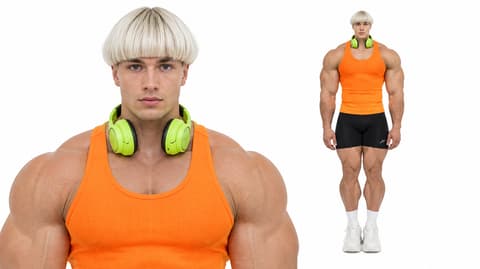
Upload one photo, waist up with both arms in view. In our test the face, bowl cut, green headphones and orange tank top from the photo stayed on through the whole flex. Our Bicep Heart Trend AI tutorial shows that run step by step.
Fan-made template, not affiliated with TikTok, X or any creator of the trend. Only upload yourself or people who said yes. You must be 18 or older, and photos of celebrities, public figures or children aren't allowed.
Gym regulars make the Bicep Heart Trend AI video from a mirror or gym photo and post it on rest days. The arms in the video are the arms in the photo, so the flex shows their own work.
Couples use a partner's photo, with their OK, and send the clip back as a "send bicep hearts" message. It works as a DM reply or a post.
People with slim arms post it as a self-roast, because the template keeps the build from the photo and the hand still closes the heart.
Personal trainers and fitness pages post a version of themselves to ride the trend without filming a new take between clients.
The bicep heart trend is a short TikTok pose clip: you flex one arm with the fist by your head, put the other hand on the inside of the bicep, thumb down and fingers curled over the top, and the hand and the curve of the muscle make one heart. It took off on TikTok in late October 2026: @hunnybakes posted it on October 30 (1.7 million plays), and @kavithageorge's take from November 1 is the biggest so far, with 4.4 million plays and 998,600 likes as of November 3, 2026.
Most posts use the hook "have you ever heard of a bicep heart" and the TikTok audio "original sound – trendformusic". A rarer two-arm version presses both forearms together so the two biceps form the heart; the one-arm version is the one most people copy.
One photo: you flex, curl a hand onto the bicep and hold the heart for the camera.
The Bicep Heart template is already open at the top of this page, with Wan 3.0 and the prompt set up: 7 seconds, with sound.
Waist up, face to the camera, both arms visible. A tank top or short sleeves show the flex best.
Press Generate. Our test took about 3 minutes and the video lands in My Videos. Download the MP4 without a watermark and post it.
The best photo for Bicep Heart Trend AI is a waist-up shot facing the camera with both arms in view, because one arm flexes and the other hand has to reach it to close the heart.
Arms in view
The flex and the hand both need to be there for the heart to close.
Clear face
The clip ends on a close look at you, so the face must read as you.
Head-only selfie
Without arms in the photo, the model has to invent them, and they won't look like yours.
Covered face
Sunglasses and masks hide the face the clip is built around.
The one-arm pose is done in the right order: flex first, then the other hand wraps the inside of the bicep, then the heart holds on the last beat with a little ❤️ beside it.
Skinny arms, soft arms, no gym in years: the heart still closes, because the hand makes the shape. Your face, build and clothes come from your photo, and in our test even the headphones around the neck stayed on.
The whole pose with the trend's audio, ready for TikTok, Reels and Shorts.
Download a clean MP4 on every plan, free credits included. Failed renders refund credits automatically.
With Sora or Kling you'd write and tune a prompt to get the hand in the right place. Here you add one photo in your browser and press Generate. No app or CapCut needed.

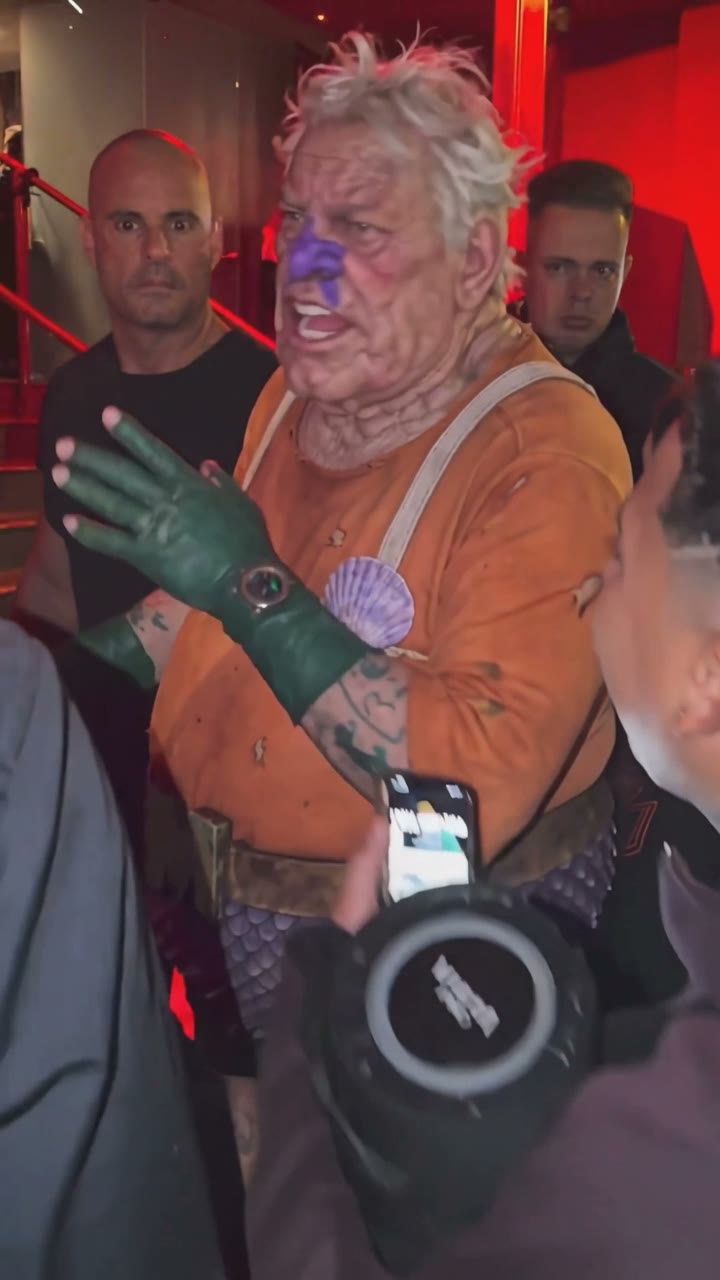
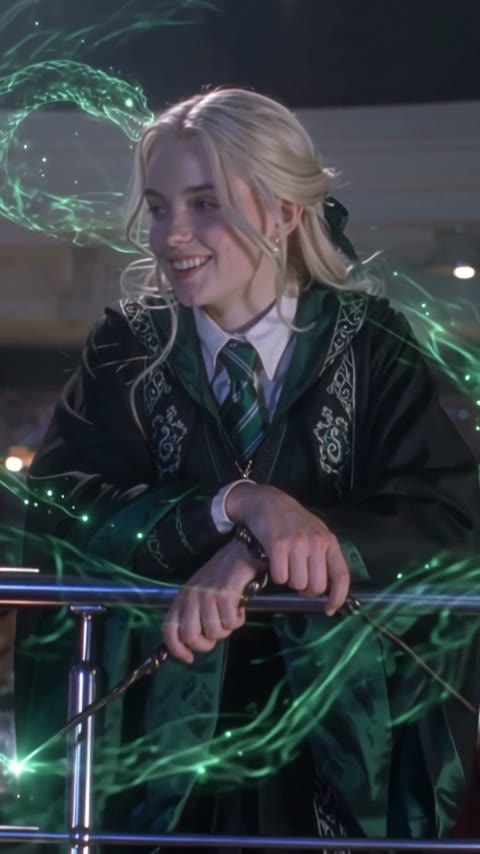
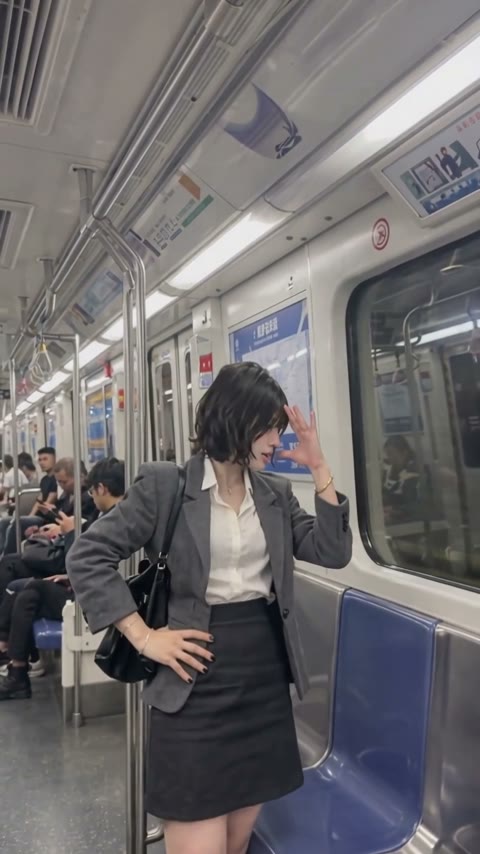

Open this page, upload one waist-up photo with both arms in view, and press Generate. You get a 7-second vertical video with sound of you doing the bicep heart pose; our test was ready in about 3 minutes.
Yes. The heart comes from where the hand goes, not from muscle size, so slim or untrained arms work. The template keeps the build from your photo and doesn't add muscle, so the video still looks like you.
The bicep heart trend is a TikTok and X pose from late October 2026 where you flex one arm and curl the other hand against the bicep so the hand and muscle form a heart. Posts use the hook "have you ever heard of a bicep heart"; the biggest one, by @kavithageorge on November 1, 2026, had 4.4 million plays by November 3.
It's also called the heart bicep, the bicep heart pose and "send bicep hearts". The last one comes from people sending the clip to a partner or friend instead of a heart emoji.
0–2s, you face the camera and raise one arm into a flex; 2–4s, your other hand reaches across your chest; 4–6s, the hand wraps the inside of the bicep, fingers over the top; 6–7s, the heart holds, a small ❤️ appears beside it and you pout at the camera.
Flex one arm with the fist up by your head, then press the other hand on the inside of the bicep, thumb down and fingers curled over the top, so your hand closes the curve of the arm into a heart. It's a one-arm pose, not a two-hand heart held over your head.
Most bicep heart posts use the TikTok audio "original sound – trendformusic", a short music clip with no named song. The AI video comes with sound, so you can post it as it is.
Yes, with their OK. Upload a waist-up photo of your partner and send them the finished clip as a "send bicep hearts" reply. Only use photos of adults who agreed.
Not completely. New accounts get 75 free credits, and one Bicep Heart Trend AI video takes 140. The one-time $4.99 trial pack (540 credits) covers three videos at about $1.29 each, with no subscription. The exact cost shows on the Generate button, and failed renders are refunded automatically.
About $1.29 for one video. That is 140 credits for a 7-second, 480p vertical clip with sound; our test rendered in about 3 minutes.
Four reasons: it looks like your photo, it costs less, you get a clean video, and it's ready to post.
Looks like you: your face, hair, build and outfit stay the same from the first flex to the heart, and no muscle is added. We ran this setup until the hand landed on the bicep cleanly, so you don't spend credits on retries.
Costs less: about $1.29 per video with a one-time $4.99 pack and no subscription, the lowest per-video price among the paid tools we found with a listed price.
Clean video: no watermark on any plan, free credits included, and if a render fails your credits come back automatically.
Ready to post: vertical, 7 seconds with sound, so it goes straight to TikTok, Reels or Shorts with no editing, dubbing or cropping.
Usually it's a tight selfie that cuts off your arms, a side angle or sunglasses, so the model has to guess. Use a sharp waist-up photo facing the camera with both arms in view, then run this template again.
Open with "have you ever heard of a bicep heart", tag the person you're sending it to, mention it's AI, and add #bicepheart. The video already has sound, so no extra audio is needed.
Your photos and videos stay in your account, so you can download them again from My Videos at any time. They are never used to train AI models and are not sold or shared, except with the video model provider that renders your clip.
Last updated