Framing
- → Waist up or full body; waist-up photos get simple trousers and shoes
- → Faces toward the camera
- → Sharp and well lit, no heavy filter
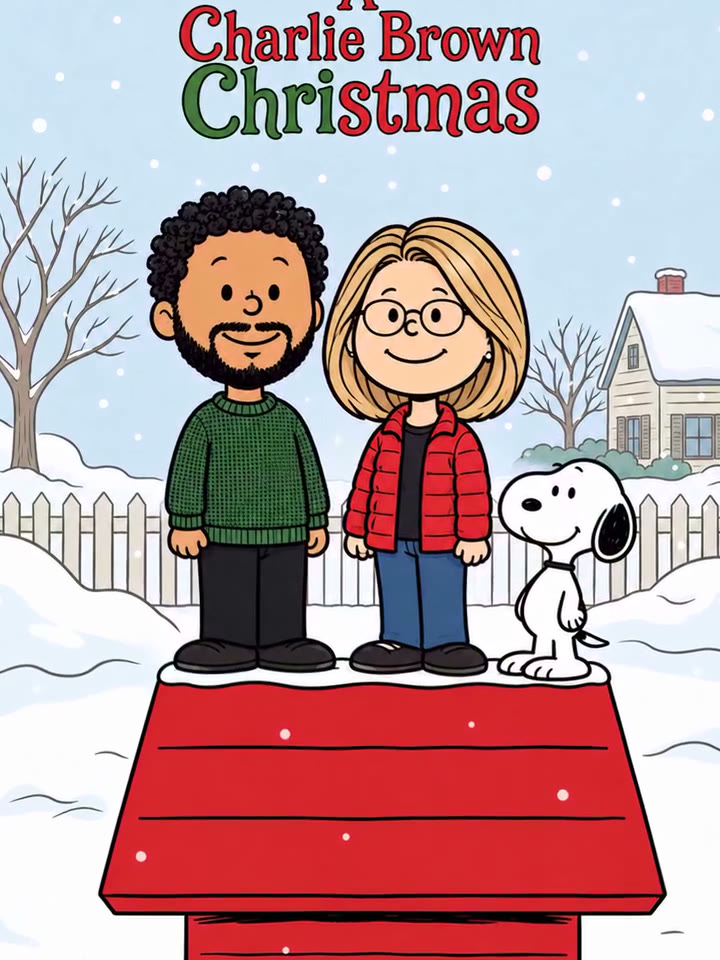
Christmas is coming: upload one photo and AI turns you into a Charlie Brown character, standing next to Snoopy on his red doghouse.
Effect
Your photos1 photo
Charlie Brown Christmas Trend turns one photo into a 12-second Christmas video: your real photo first, then a scan line sweeps down and redraws you as a Charlie Brown character, standing next to Snoopy on his red doghouse in the snow, with the trend's sound. It's a one-click template, not a photo filter you have to edit into a video yourself.
The look comes from the 1965 TV special A Charlie Brown Christmas: flat colors, round heads, dot eyes, and Snoopy's doghouse decorated for the holidays. In late October 2026 a CapCut template that turns a selfie into that cartoon spread on TikTok under #charliebrownchristmas and #snoopyfilter. It's a different thing from the Charlie Brown dance that went around in December 2025.
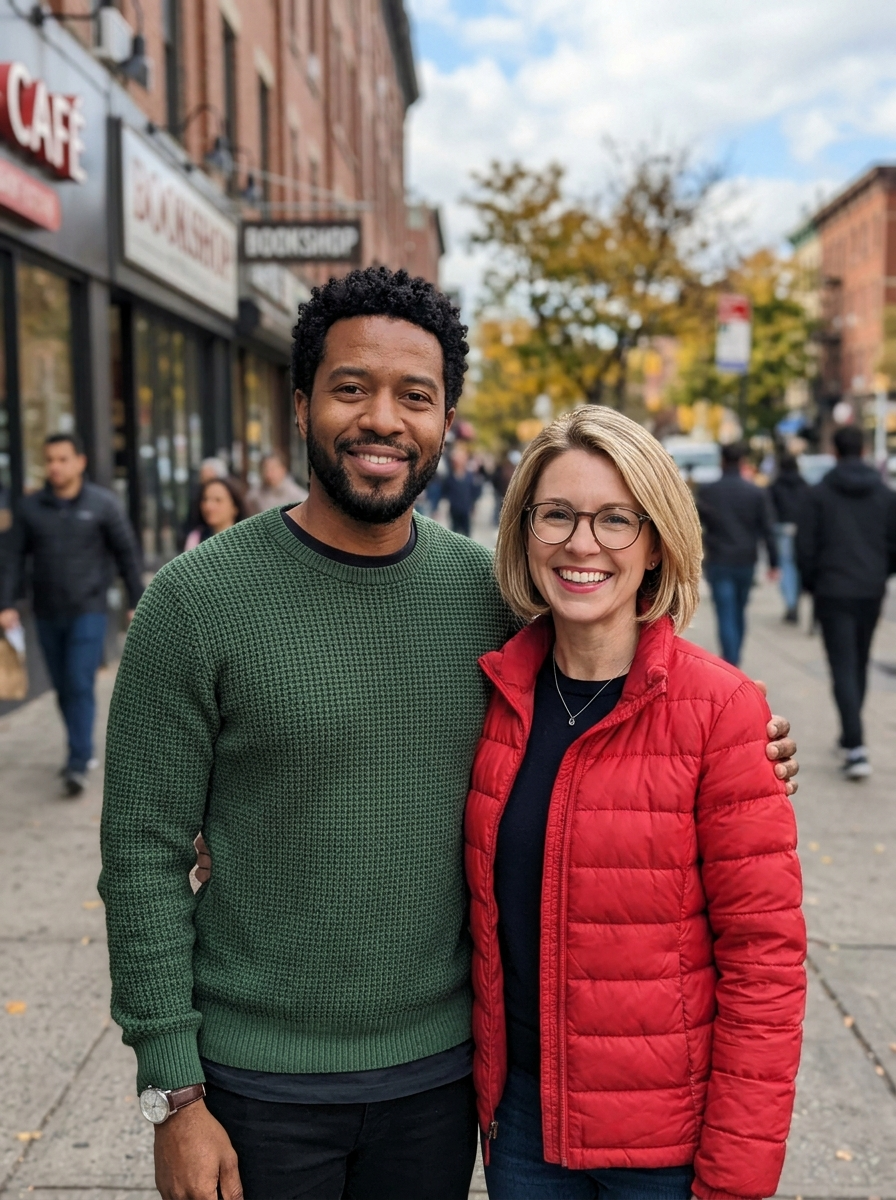
The joke has three parts. Christmas is coming, so it's the post that says the countdown has started. You turn into a Charlie Brown character, round head and dot eyes, yet still clearly you, with your own glasses, hair and sweater. And you get to stand next to Snoopy on his doghouse, the way every Peanuts kid did. In our duo test, the beard, the green sweater, the blonde bob and the round glasses all came through.
Upload one photo with one to four people, waist up or full body. Hair, glasses, facial hair and clothes come from your photo; Snoopy, the red doghouse, the snowy yard, the title and the music come with the template. Groups stand side by side in the same left-to-right order as the photo.
Fan-made template, not affiliated with Peanuts Worldwide, Charles M. Schulz Creative Associates or CapCut. Only upload yourself or people who said yes. You must be 18 or older, and photos of celebrities, public figures or children aren't allowed (for your own kids or ones whose parents agreed, that's fine).
The Charlie Brown Christmas trend is a selfie-to-cartoon video: a real photo turns, top to bottom, into a Peanuts-style cartoon of the same person standing on Snoopy's red doghouse under the title "A Charlie Brown Christmas". It started as a CapCut AI template on TikTok in late October 2026.
The style copies the 1965 animated special A Charlie Brown Christmas, first shown on CBS on December 9, 1965. Tutorials such as @sm5bhbjno8's (October 29, 2026; 3,190 likes and 2,000 saves by October 31) tag it as "snoopy christmas filter" and "snoopy ai photo". As of October 31, 2026, #charliebrownchristmas has about 21.8K posts on TikTok, a tag the 2025 Charlie Brown dance also used.
A Charlie Brown Christmas airs on CBS; its flat look is what the trend copies. Wikipedia
A different trend first: the Charlie Brown dance returns on TikTok for Christmas.
Tutorials name it the Snoopy Christmas filter; one gets 3,190 likes in two days. TikTok
#charliebrownchristmas reaches about 21.8K posts as of October 31. TikTok
Your photo scans into a Snoopy Christmas cartoon of you on the red doghouse.
The Charlie Brown Christmas template is already open at the top of this page: 12 seconds, vertical, with music.
One to four people, waist up or full body, faces toward the camera.
Press Generate. It takes about 2 minutes and lands in My Videos, so you can close the tab. Download the MP4 without a watermark and post your Christmas countdown.
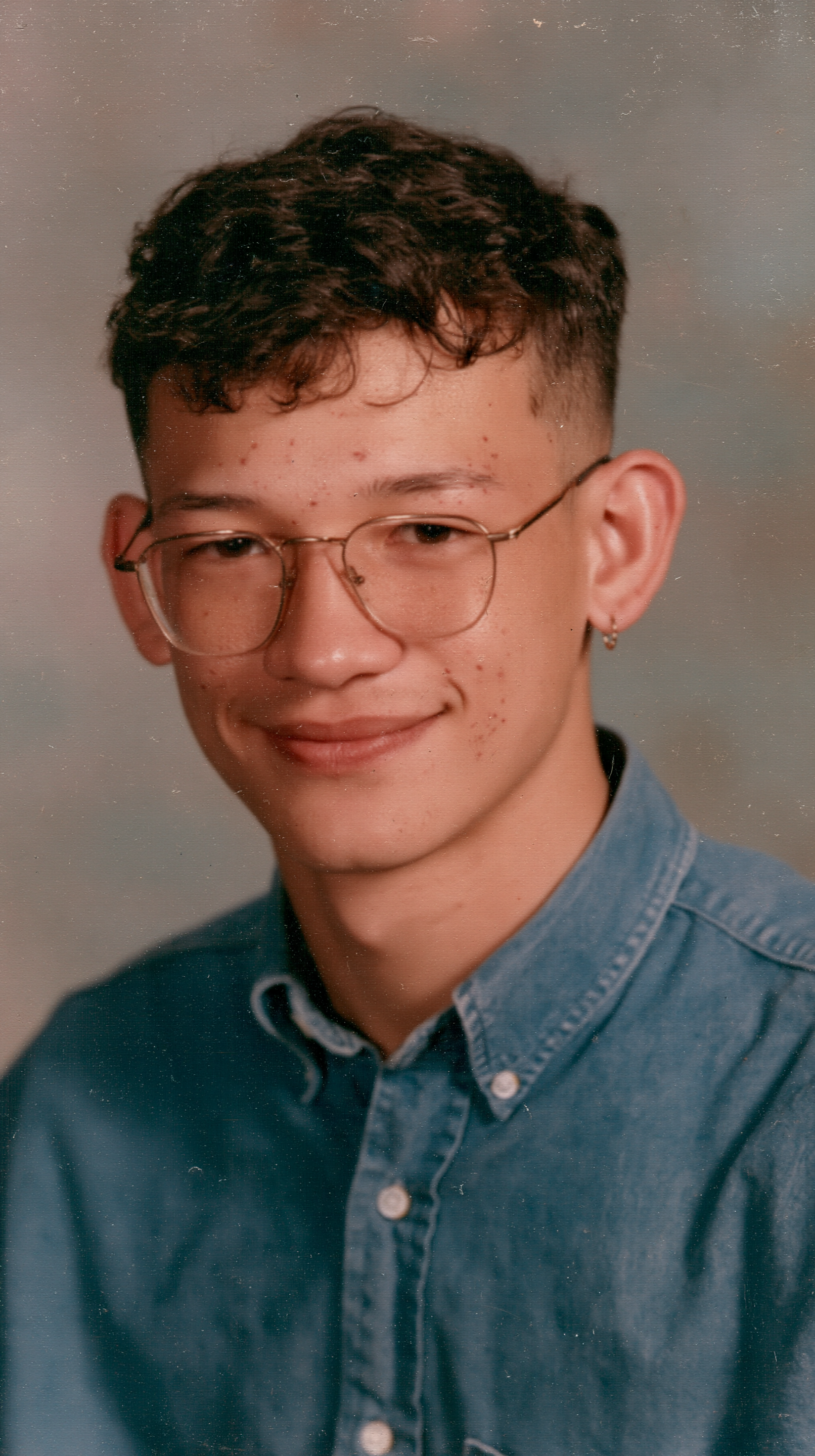
The best photo for the Charlie Brown Christmas Trend is one to four people, waist up or full body, facing the camera, because the cartoon keeps each person's hair, glasses and outfit but draws a simple dot-eyed face.
Glasses and hair visible
They are what makes the cartoon look like you.
Outfit in frame
Colors and patterns carry into the cartoon.
Covered faces
Sunglasses and masks hide who is who.
Crowds
Five or more people get merged or dropped.
Use a selfie in your favorite sweater and post the Charlie Brown Christmas Trend video on TikTok or Reels as your "days till Christmas" post.
Upload one photo of the two of you; both of you stand on the red doghouse with Snoopy, in the order you stood in the photo.
A family photo of up to four people becomes a Peanuts Christmas card that moves; send the MP4 in the family chat instead of a paper card.
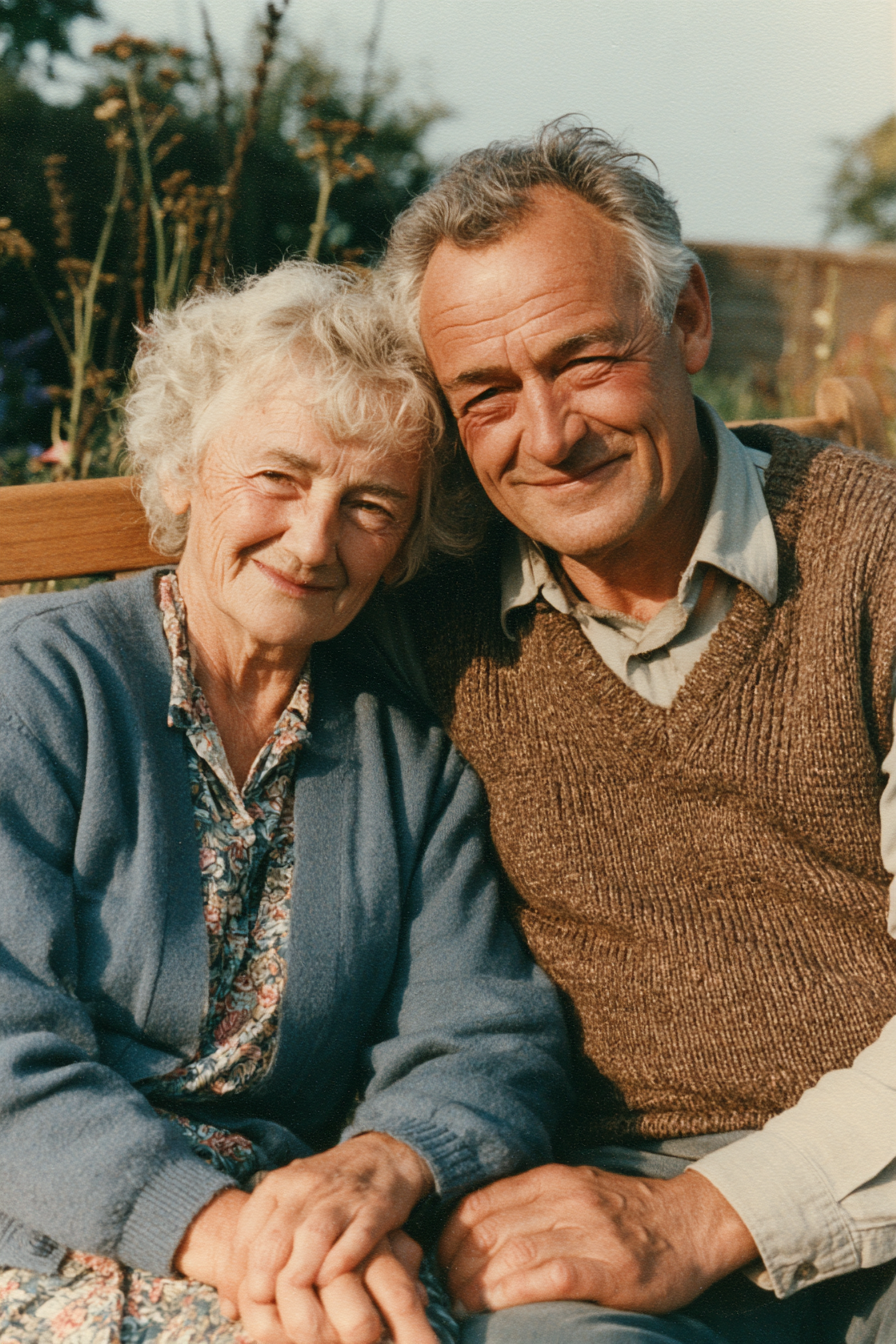
With their OK, use a photo of a parent or grandparent who grew up with the 1965 special and send them their own Charlie Brown Christmas.
Not a generic cartoon: the round-headed Peanuts look from the 1965 special, with you standing next to Snoopy on the red doghouse, and the photo-to-cartoon scan from the TikTok posts already done.
Hair, glasses, beards and outfits come from your photo; in our duo test both people kept their own sweater, jacket, hair and glasses.
Ready for TikTok, Reels and Shorts, with the trend's sound already on it, so there's nothing to cut or score.
Download a clean MP4 on every plan. If the cartoon or the video step fails, all 400 credits come back automatically.
Unlike Sora or Kling, you don't write or tune a prompt, and there's no app to install or template link to copy. Add a photo in your browser and press Generate.
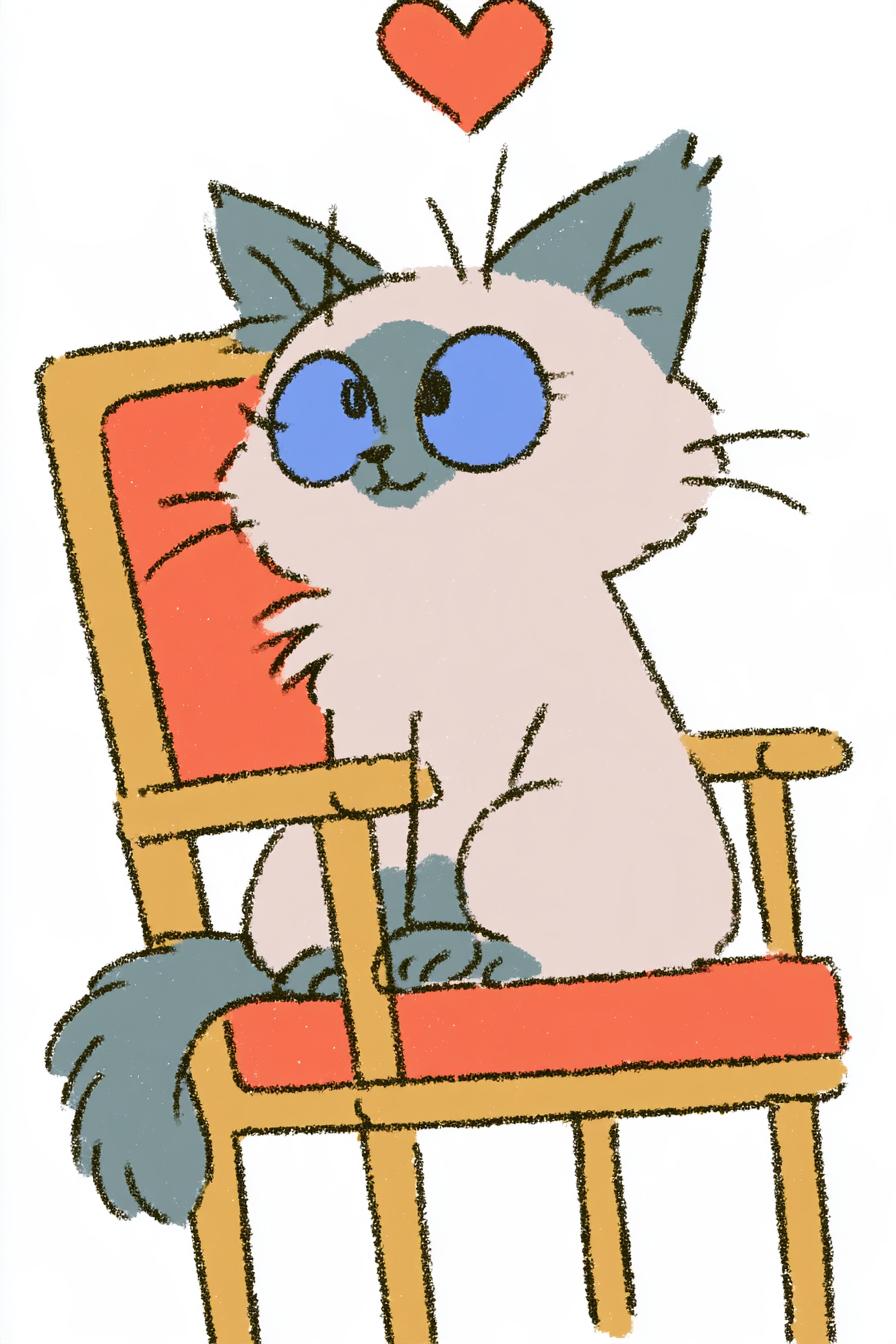
Open this page, upload one photo of one to four people and press Generate. In about 2 minutes you get a 12-second vertical video with music: your photo, then a top-down scan into a Peanuts-style cartoon of you on Snoopy's red doghouse.
It's a late-October 2026 TikTok trend made with a CapCut template: a real photo turns into a cartoon of the same person in the style of the 1965 special A Charlie Brown Christmas, standing on Snoopy's red doghouse. It is not the Charlie Brown dance trend from December 2025.
It's also called the Snoopy Christmas filter, the Snoopy AI photo and the Peanuts Christmas filter. Those names come from TikTok captions and tags such as #snoopyfilter, along with "turn yourself into a Snoopy cartoon".
0–0.5s, your real photo with the "A Charlie Brown Christmas" title already at the top; 0.5–4s, a soft scan line glides from top to bottom and the cartoon fills in behind it; 4–12s, the cartoon you stands on the red doghouse next to Snoopy in the snowy yard, with the trend's sound the whole time.
Upload a clear waist-up or full-body photo here and press Generate. The template redraws you in the Peanuts style, round head, dot eyes and flat colors, keeps your hair, glasses and clothes, and stands you next to Snoopy on his doghouse.
Not completely. New accounts get 75 free credits, and one Charlie Brown Christmas Trend video takes 400. The one-time $4.99 trial pack (540 credits) covers one video at about $3.70 and leaves 140 credits, with no subscription. The exact cost shows on the Generate button, and failed renders are refunded automatically.
About $3.70 for one video. That is 400 credits for a 12-second, 720×960 vertical clip with music, ready in about 2 minutes.
Four reasons: the cartoon looks like your photo, you get the whole video in one step, you get a clean file, and it's ready to post.
Looks like your photo: hair, glasses, beards and outfits come from your photo, and in groups nobody's clothes or glasses get mixed up. We tested one person and two people until it worked, so you don't pay for retries.
The whole video in one step: other tools give you a cartoon picture and leave the scan, title and music to you; here the photo-to-cartoon scan is already done.
Clean video: no watermark, and if the cartoon or the video step fails, your 400 credits come back automatically.
Ready to post: vertical, 12 seconds with music, straight to TikTok, Reels or Shorts with no editing.
Yes. One photo with up to four people works; each person gets their own cartoon with their own hair, glasses and clothes, in the same left-to-right order as the photo. We tested a two-person photo; five or more people tend to get merged or dropped.
No. The TikTok trend was made with a CapCut template, but this one runs in your browser with no app, no template link and no editing. You download a finished MP4.
Usually the photo hides what the cartoon keeps: sunglasses, a hat pulled low, a cropped face or a dark, blurry shot. Use a sharp photo with your hair, glasses and outfit visible, then run this template again. Small accessories like a nose ring can drop out, because the face is drawn as a simple cartoon.
Your download already has the trend's sound on it. Posts of the trend use captions like "Which friend are you turning into a cartoon?" and tags such as #charliebrownchristmas, #snoopyfilter, #christmas and #holidayvibes.
No. It's a fan-made template, not affiliated with Peanuts Worldwide, Charles M. Schulz Creative Associates, CapCut or TikTok.
Your photos and videos stay in your account, so you can download them again from My Videos at any time. They are never used to train AI models and are not sold or shared, except with the image model provider that draws your cartoon.
Last updated
Christmas is coming
Turn yourself into a Charlie Brown character with the Charlie Brown Christmas Trend
Make my video