Best friends roasting each other
Put the friend who laughs at everything in photo 1 and the one who always poses in photo 2. Drop the oh you can make it cap video in the group chat and let them argue about who looks worse.
Start creating →One of you asks for a 360 and breaks into that giddy laugh, the other spins and says "Oh, he tweaking".
Effect
Your photos2 photos
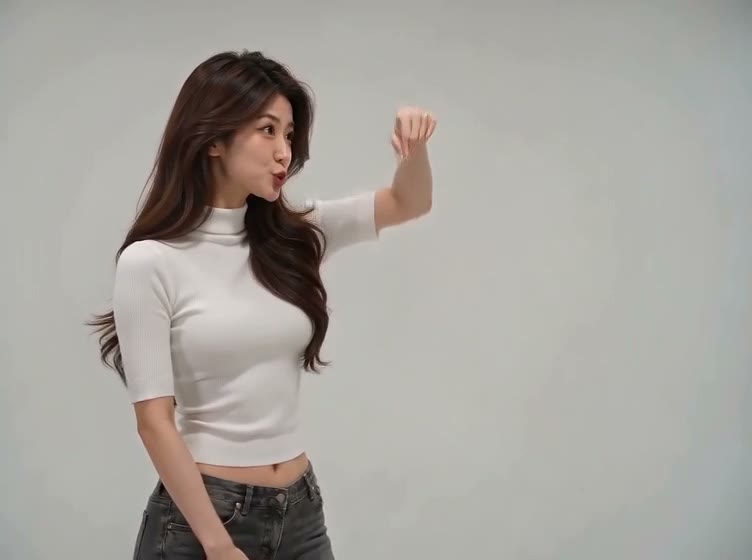
It comes from a 2024 dating-show clip shot in a white studio, one person per shot. He asks her to do a 360, says "Ooh, can you make it clap?" and breaks into a long, high laugh; she spins and tells the camera "Oh, he tweaking". The spoken line is "clap". "Oh you can make it cap" is how the 2026 captions spelled it, and the name stuck.
In late October 2026 AI versions started showing up on TikTok with two new people in the same white studio and the same sound. One posted by @maxxcan2 on October 22 passed 3.6 million views within a week, and people now pair up friends, couples and rivals.
Oh You Can Make It Cap AI turns two photos into a 14-second video with sound: the first person asks for a 360 and laughs, the second spins in a white studio. No prompt, no editing, no watermark.
The laugh carries it. Someone asks for a spin, gets one, and then completely loses it with a hand over their mouth. Put the friend who laughs at everything in that part and the one who takes themselves too seriously on the spin.
Upload two photos, one person each. Photo 1 is the laugher who asks for the 360, photo 2 is the spinner. Each person keeps the face, hair and outfit from their own photo, and only one photo is fine: the empty spot uses our sample person.
Fan-made template, not affiliated with the show or anyone in the clip. Upload only yourself or people who said yes.
One of you asks for a 360 and can't stop laughing. The other spins.
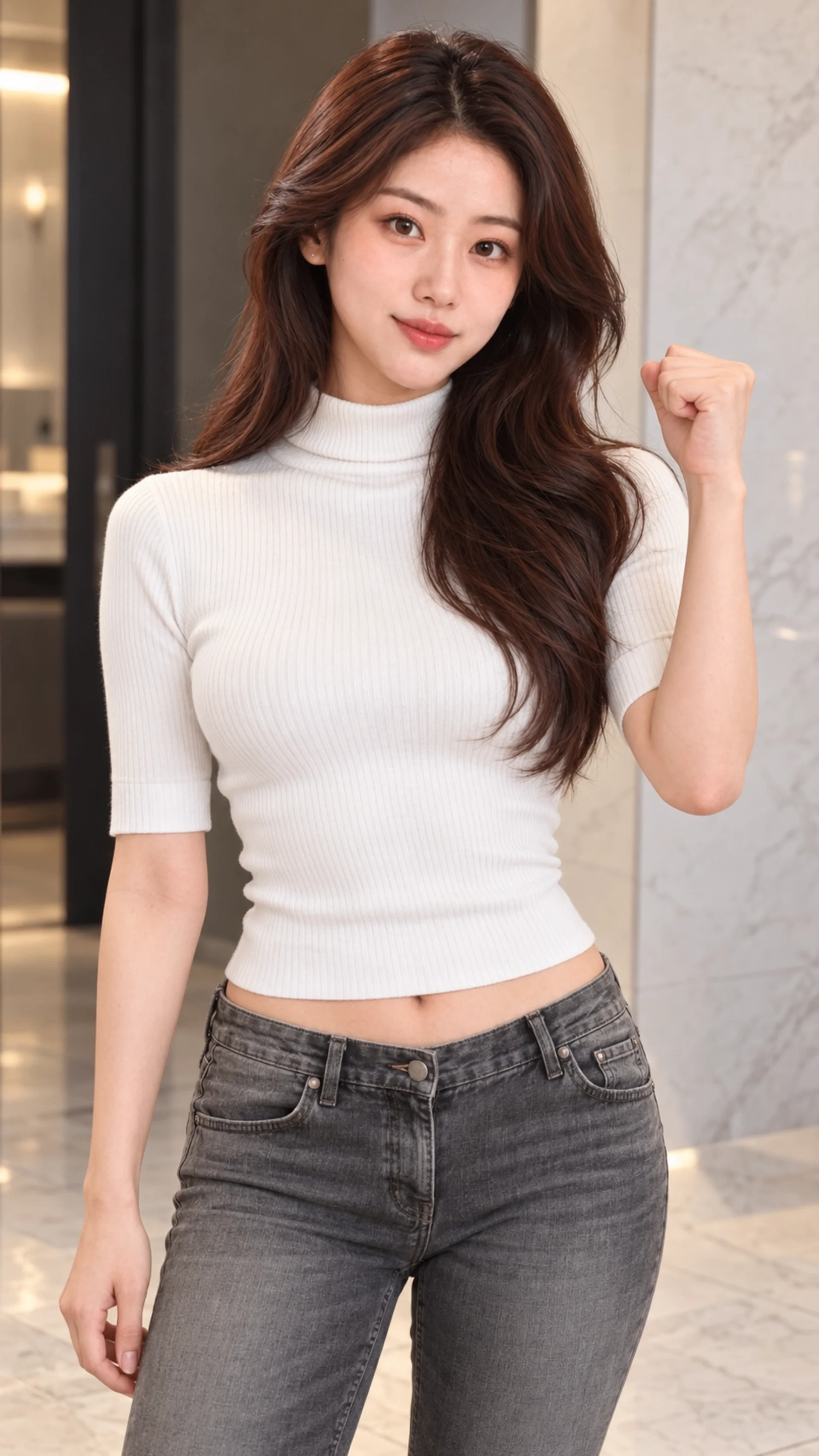
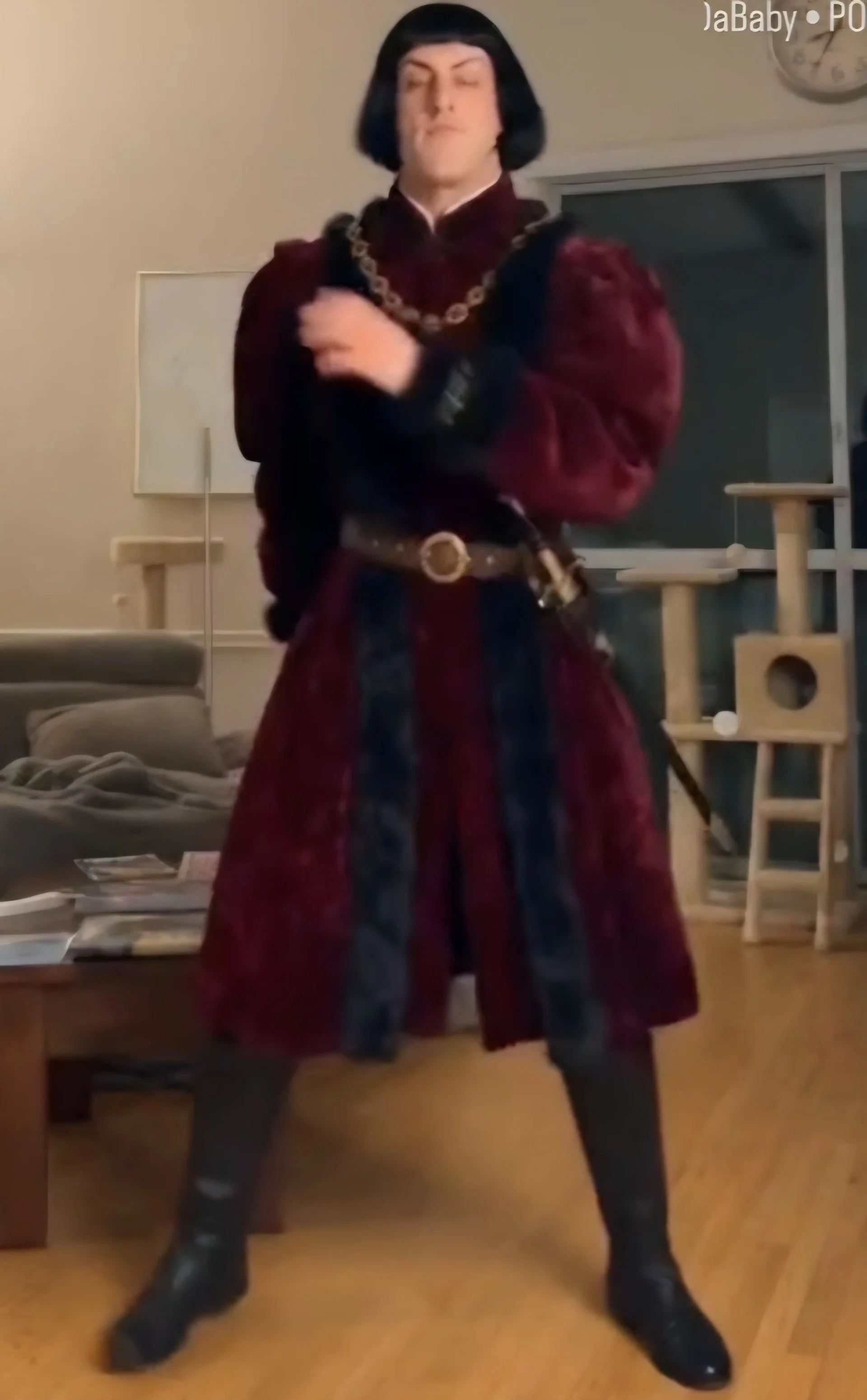
The Oh You Can Make It Cap template is already open at the top of this page, with Seedance 2.0 Mini and the prompt set up: 14 seconds, 480p, with sound.
Photo 1 is the laugher, photo 2 is the spinner. One person per photo, face clear and facing the camera, waist up so the outfit shows.
Press Generate. The video lands in My Videos, so you can close the tab. Download the MP4 without a watermark and post it.
Put the friend who laughs at everything in photo 1 and the one who always poses in photo 2. Drop the oh you can make it cap video in the group chat and let them argue about who looks worse.
Start creating →One partner asks for the spin and cracks up, the other does the hair flip. Couples post it on TikTok or Reels as a 14-second inside joke.
Start creating →The trend took off with unlikely pairs. Put two people who never laugh together in the white studio, with their OK, and post it where both of them will see it.
Start creating →Upload just yourself as photo 1 and leave photo 2 empty. The spinner's spot uses our sample person, so you still get the full 14-second clip.
Start creating →Photo 1 always laughs, photo 2 always spins. In our tests another model put the two people in each other's parts; this template uses the setup that kept them straight.
85 credits for 14 seconds with sound. The one-time $4.99 starter pack covers six, no subscription.
Download a clean MP4 on every plan, free credits included. Failed renders refund credits automatically.
Add photos and press Generate in your browser, on phone or desktop. No template hunting, no editing timeline.
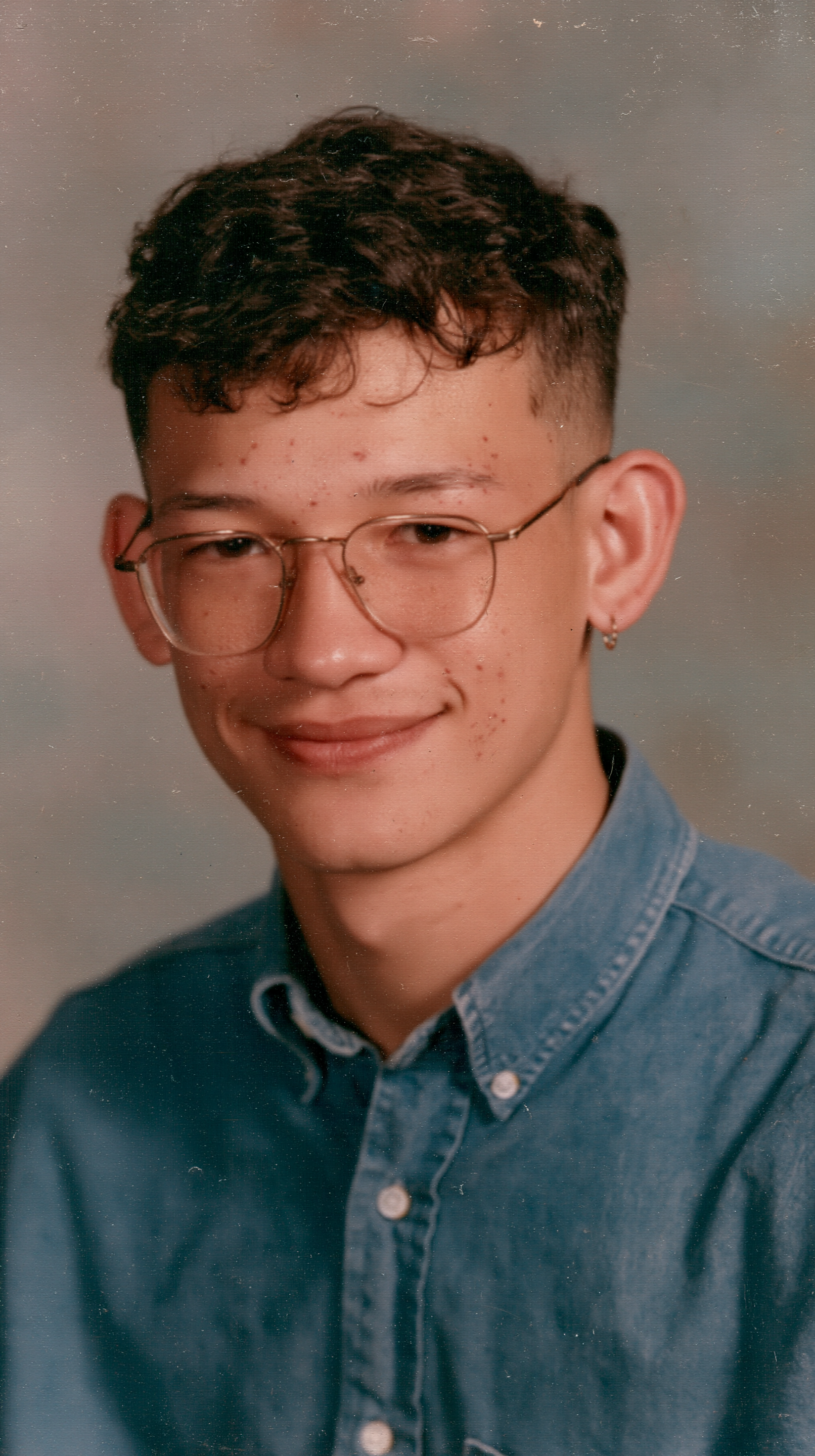
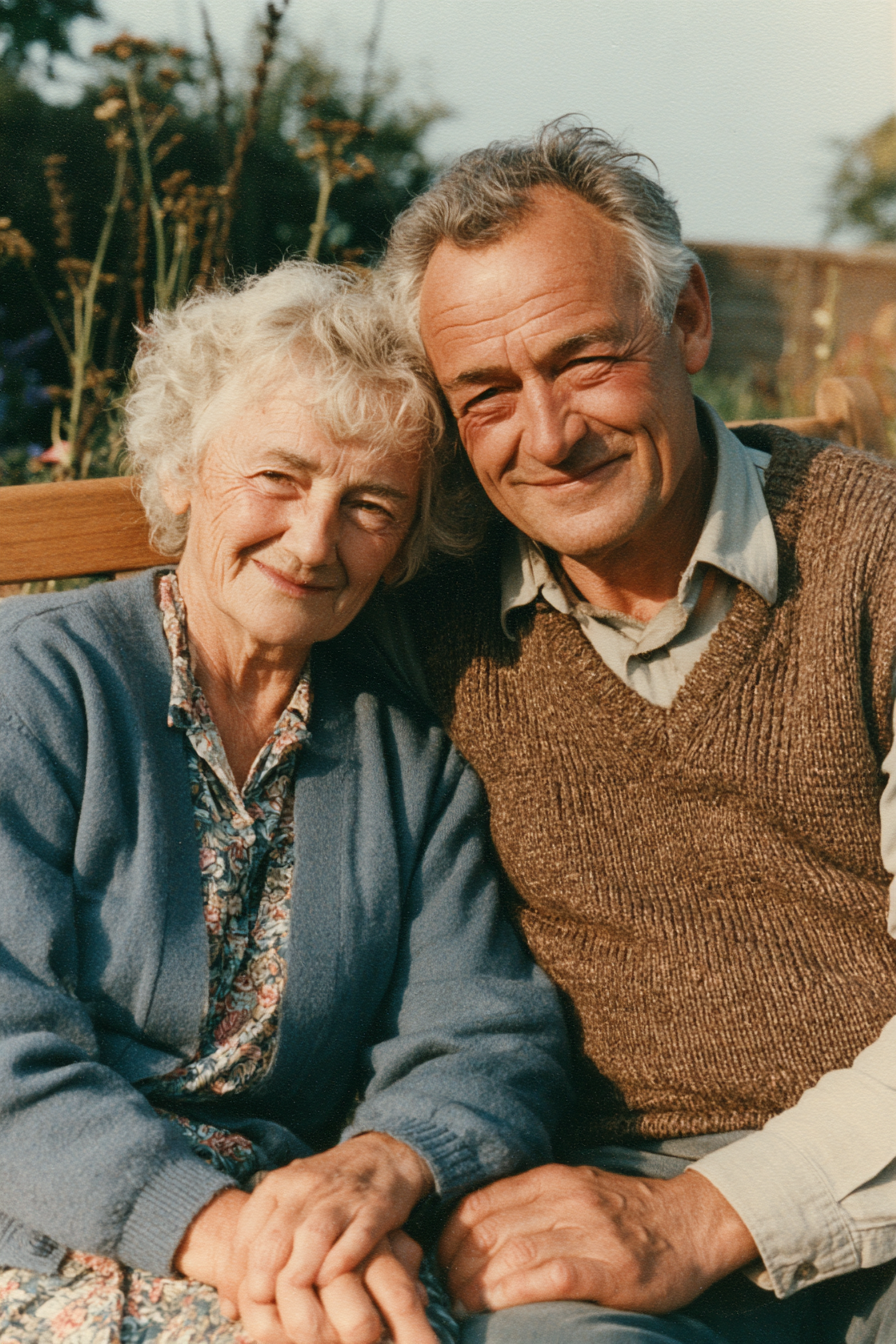
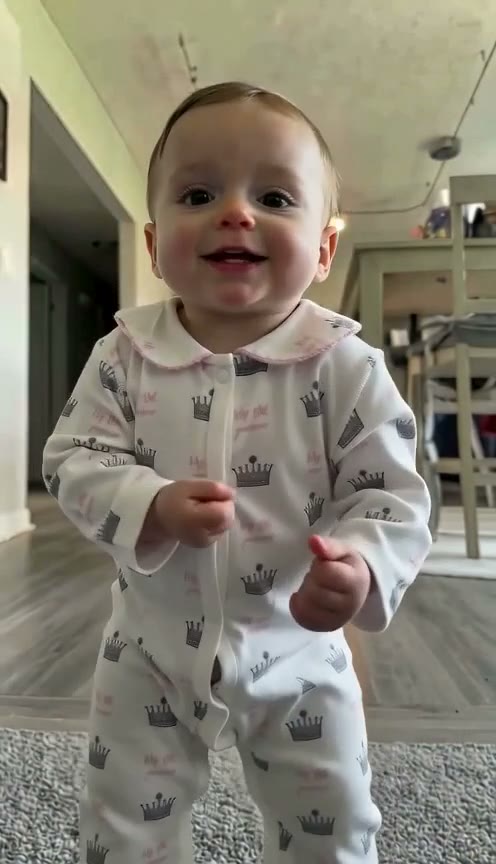
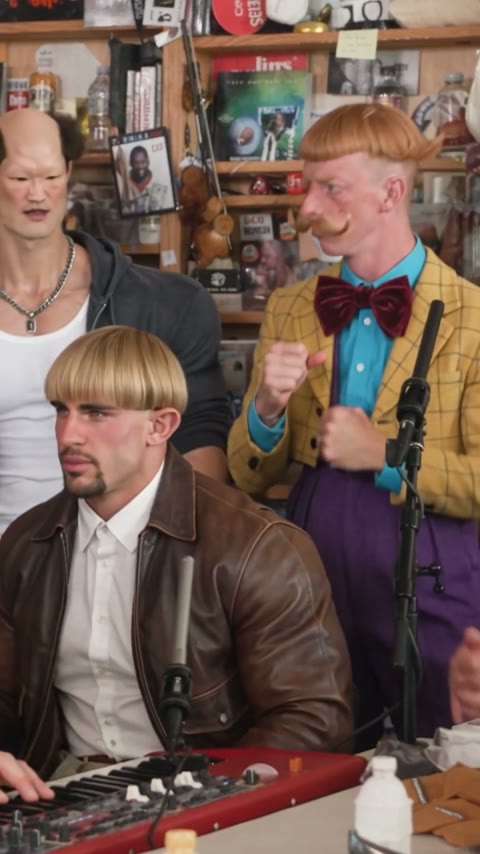
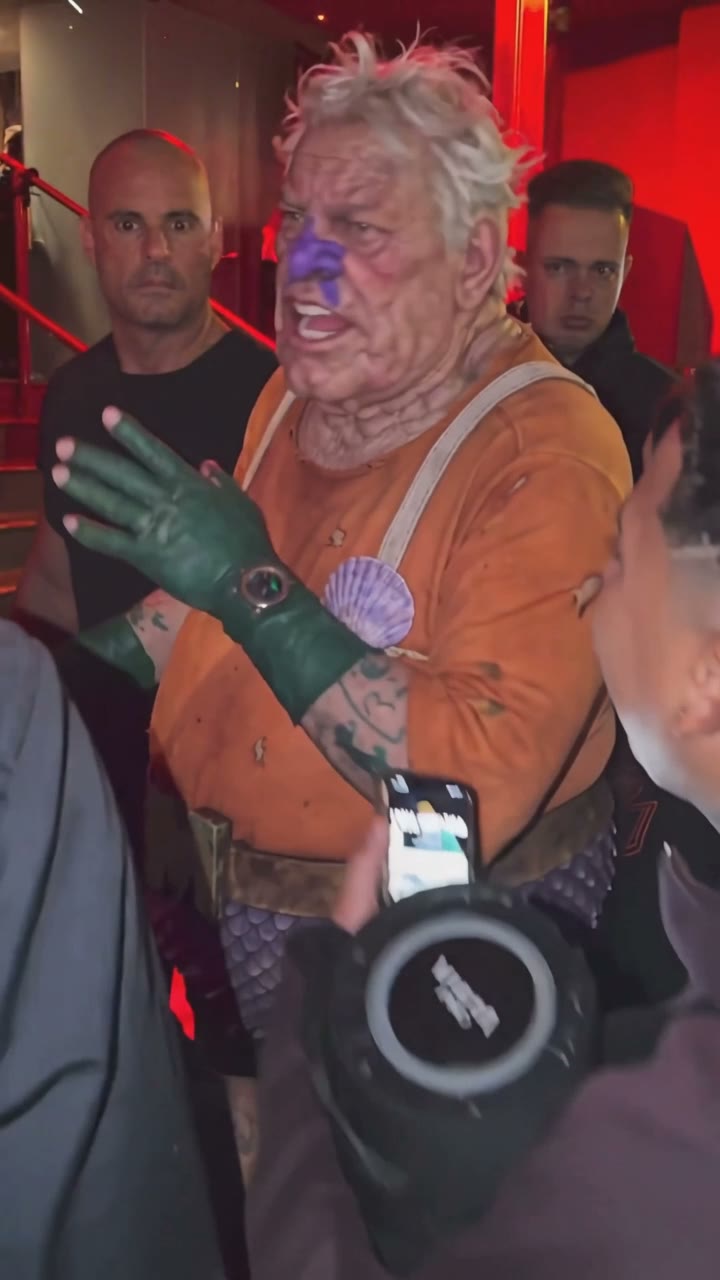
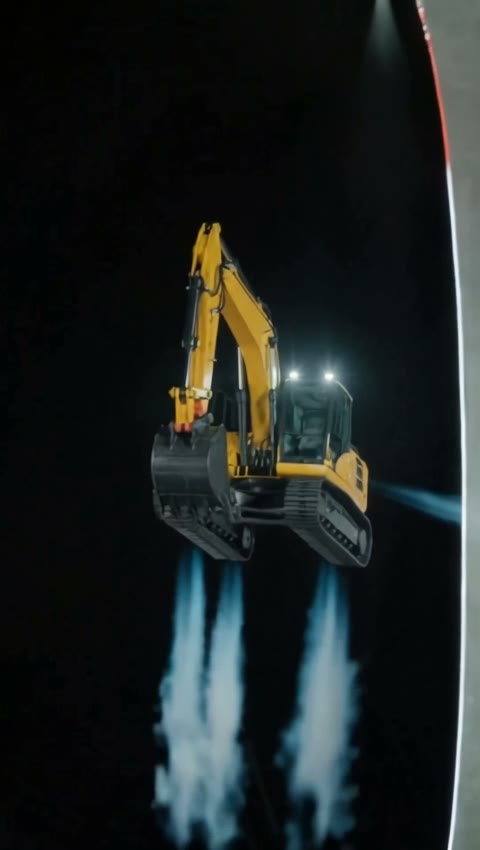
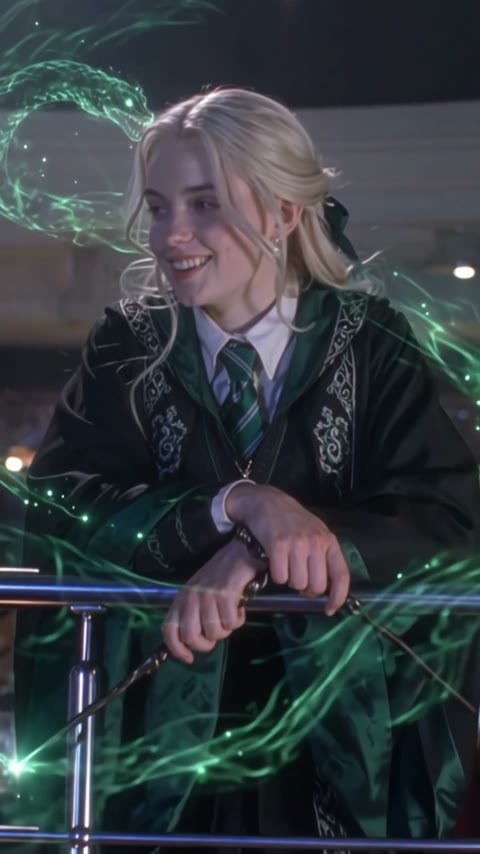
Open this page, upload photo 1 for the person who laughs and photo 2 for the person who spins, and press Generate. The model and prompt are already set up, so you get a 14-second oh you can make it cap video with sound and no watermark.
It is a TikTok trend built on a 2024 dating-show clip: one person asks for a 360, says "Ooh, can you make it clap?" and laughs, the other spins and says "Oh, he tweaking". The spoken word is clap; 2026 captions wrote it as "cap", and that became the trend's name.
Not completely. This is the TikTok video meme, not a hat generator. New accounts get 75 free credits, and one oh you can make it cap AI video costs 85 credits, so you need a few more. The one-time $4.99 starter pack has 540 credits, enough for six videos at about $0.79 each. The exact cost shows on the Generate button before you start, and failed renders are refunded automatically.
Three reasons: a tested prompt, a lower price and no watermark.
Tested prompt: with two people in one clip, AI can mix up who plays which part. In our runs another model put the two people in each other's parts. This template uses the prompt and settings from the run that kept photo 1 laughing and photo 2 spinning, with each face and outfit from its own photo, so you skip the retries.
Price: no subscription needed. One 14-second video with sound is 85 credits, about $0.79 from the one-time $4.99 starter pack, cheaper per video than the other oh you can make it cap generators we checked.
No watermark: every download is a clean MP4 on every plan, and failed renders are refunded automatically.
About $0.79 for one video. It is 14 seconds, 480p, with sound, and costs 85 credits; the one-time $4.99 starter pack has 540 credits, enough for six. The exact cost shows on the Generate button, and failed renders are refunded.
Photo 1 is the laugher who asks for the 360 and cracks up with a hand at their mouth. Photo 2 is the spinner who flips their hair, spins and answers back. Put the person you want laughing in photo 1.
With two people in one clip, some models match people by look or gender instead of by photo order, so the two parts come out the wrong way round or faces blend. If you build it yourself, describe each part by what that person does, not by man or woman. This template already uses the setup from our run that kept the parts and faces straight, which saves you the retries and credits.
Yes. Upload yourself as photo 1 and your friend as photo 2, or the other way round. One person per photo, face clear and facing the camera, waist up. Only use photos of people who agreed to it.
You don't need one. This page already has the white-studio scene, the shots and the sound set up: add two photos and press Generate in your browser, with no editing.
No. It's a fan-made template and isn't affiliated with the show or anyone in the clip. Only upload yourself or people who said yes.
Last updated