Animate Drawing
Turn a drawing, sketch or painting into a moving video, background and all. The lines, colors and paper texture stay the way you drew them.
Engine
Reference images0/9
Prompt0/4000
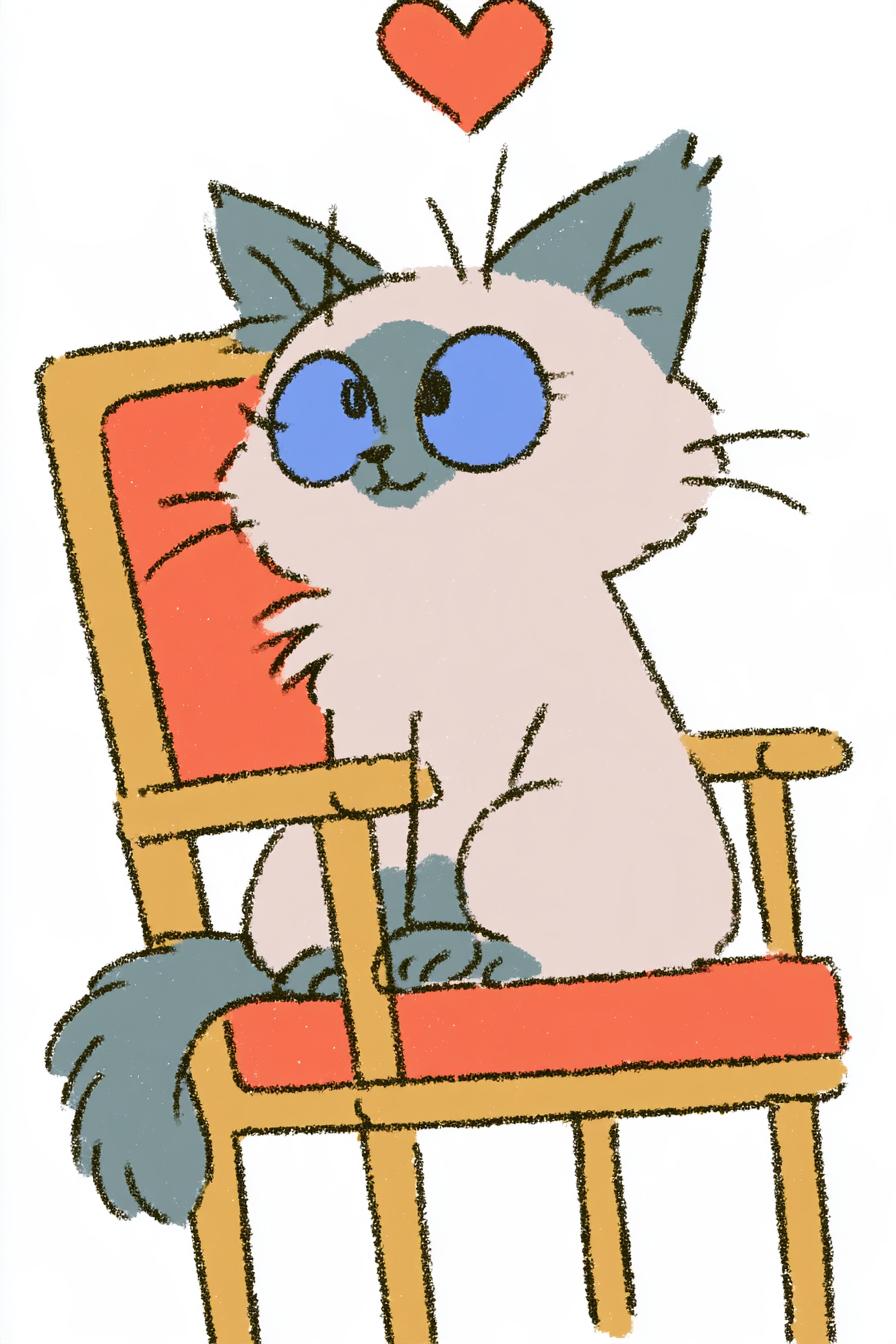
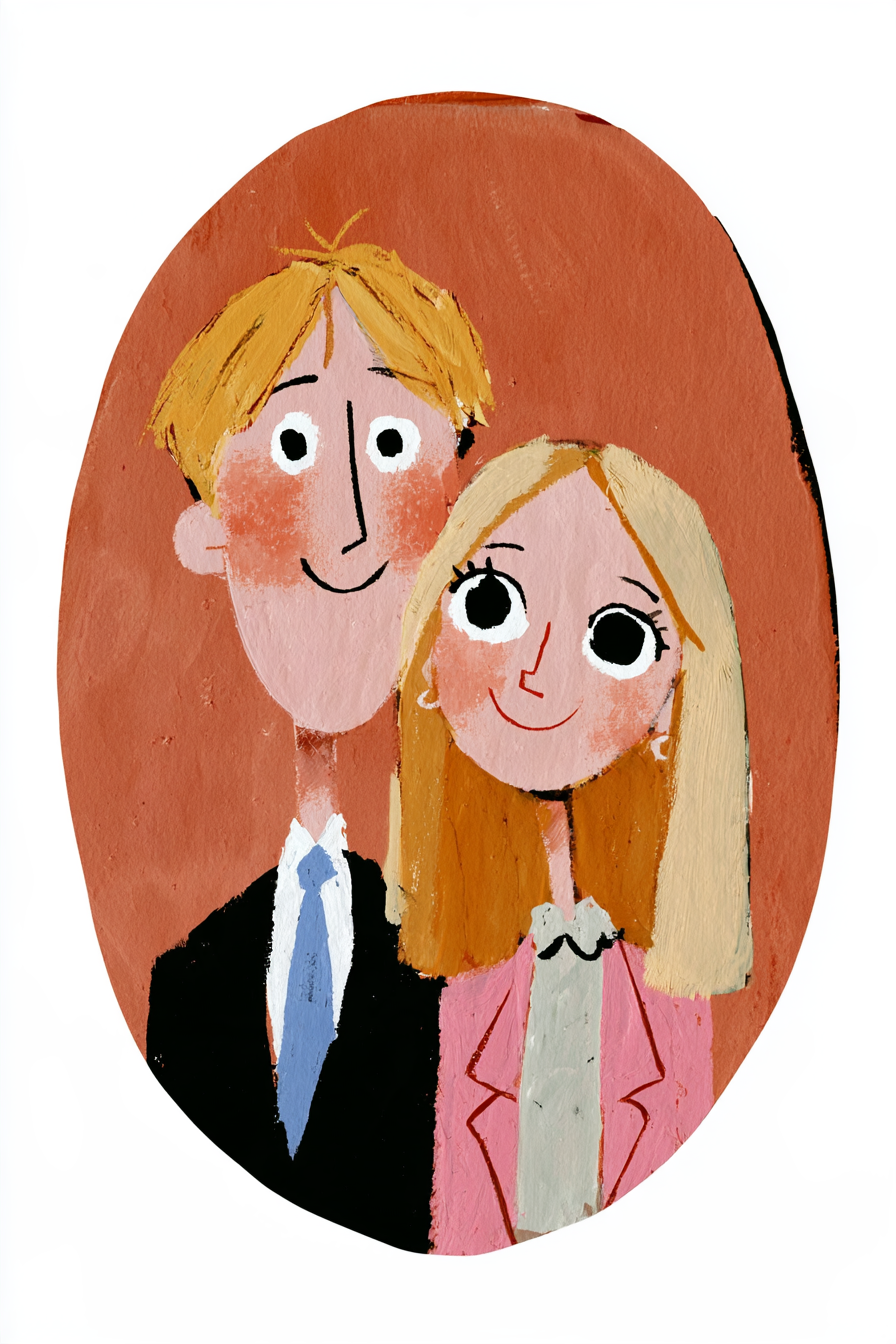
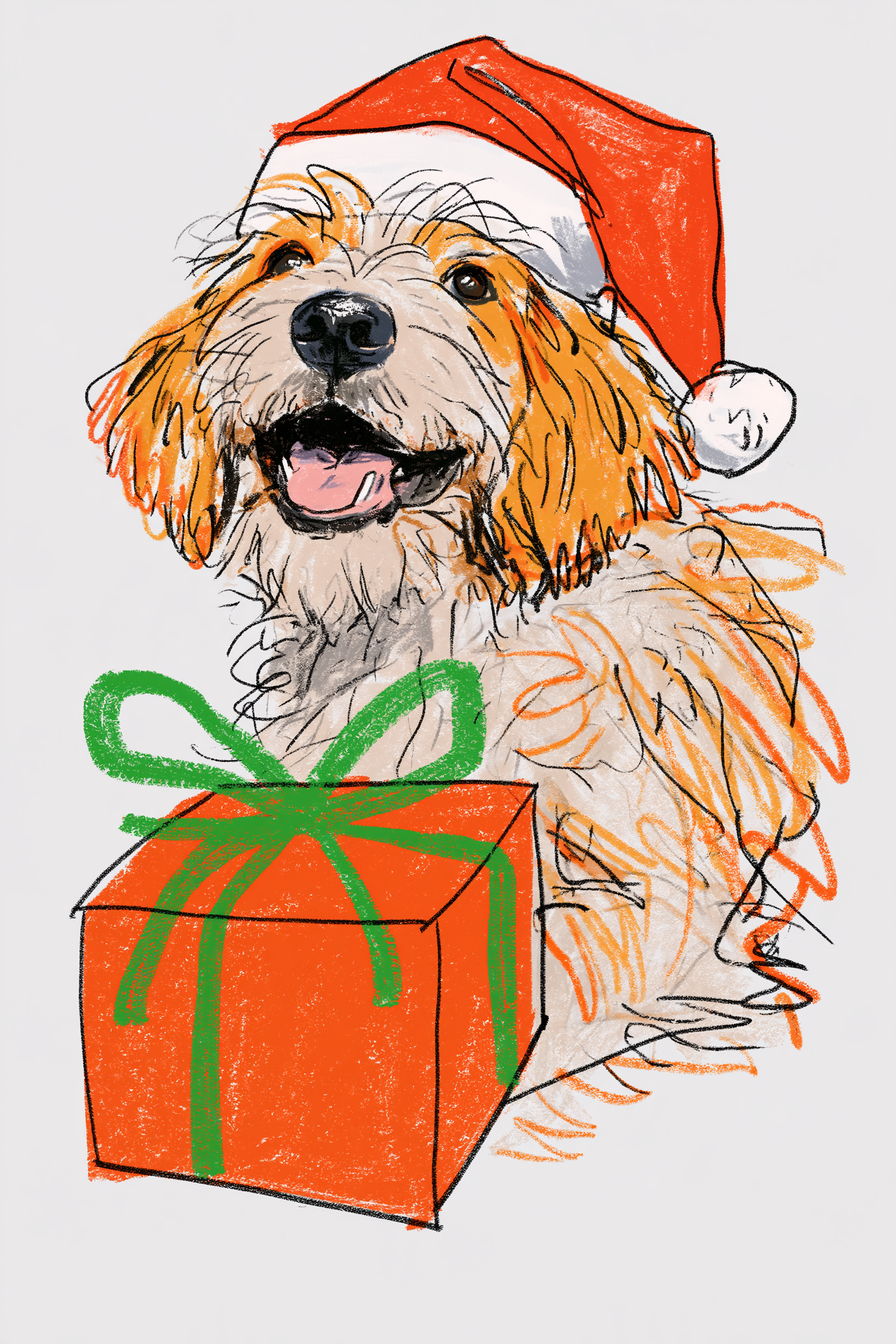
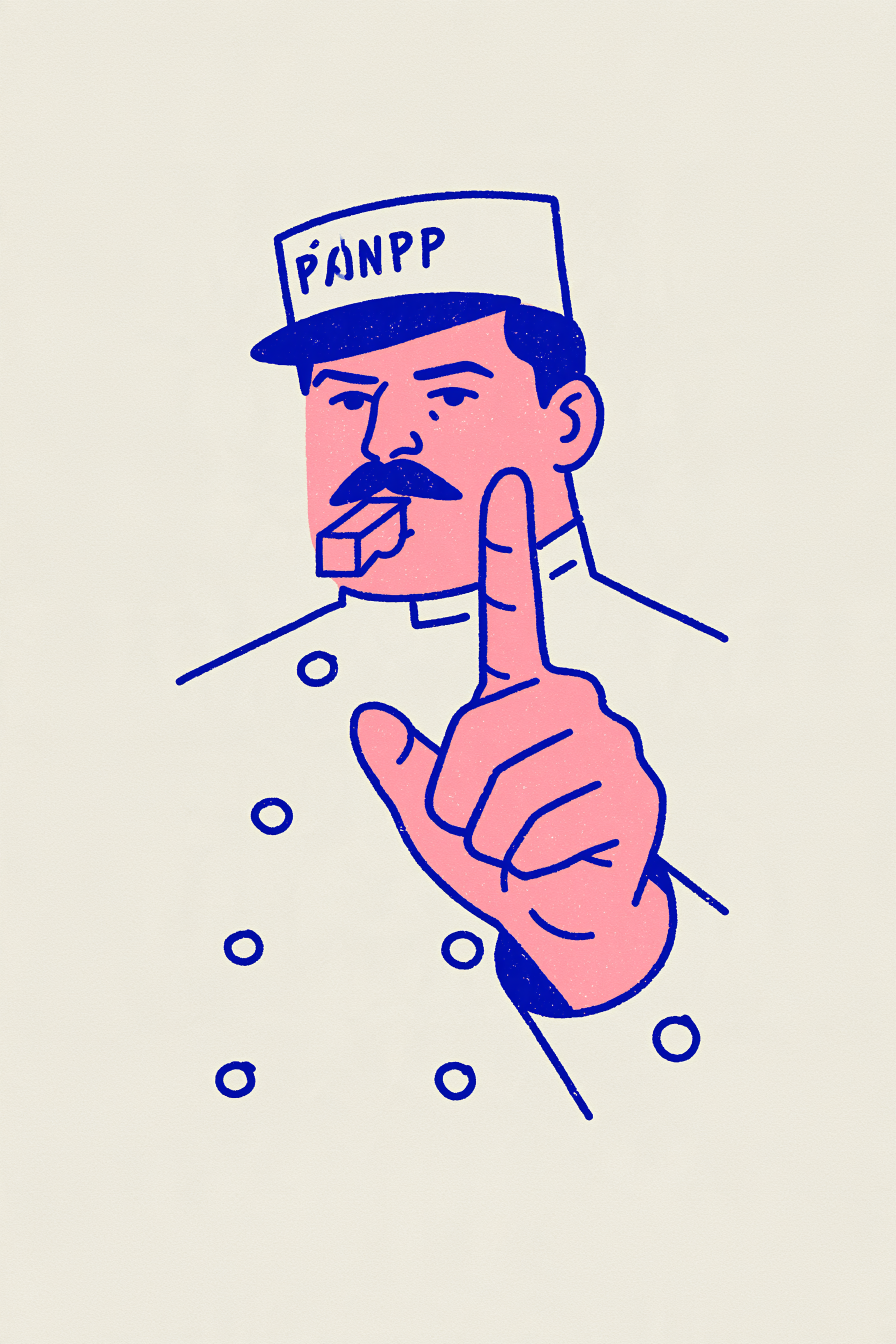
What it means to animate a drawing
Animate drawing here means uploading one picture of a drawing or painting and getting a 4–5 second video where the characters move, with sound. No rigging, no frame-by-frame work, no app.
We've set up a few starter templates: crayon, colored pencil, gouache and line art. Each one comes with a prompt that keeps the drawing's style and a motion that suits it. Click Recreate on the closest one and swap in your picture. Want something different? Choose “No template” and describe the motion yourself.
It works on kids' crayon and marker drawings, pencil sketches and doodles, watercolor, gouache and oil paintings, flat illustrations and line art, and characters you designed yourself. The model reads the whole picture, so several characters, props and the background can move together.
People use it to turn a child's artwork into a clip for grandparents or the class chat, make a hand-drawn holiday card move, post a moving version of an illustration on Instagram or TikTok, or show a character in motion in a portfolio.
Upload your own drawings, your child's artwork with their OK, or art you have permission to use.
- Input
- 1 photo
- Output
- 4s · 768p
- Audio
- On by default (toggle Audio off for silent)
- Aspect ratio
- 9:16
How to animate a drawing in 3 steps
The cat blinks, tilts its head and swishes its tail. Still crayon.
IMG_01 Photograph or scan the drawing
Shoot it flat, straight on and in even light so there's no glare or shadow. Crop off the table edges. JPG, PNG or WebP all work.
Pick an example & describe the motion
Click Recreate on the closest example: crayon, colored pencil, gouache or line art. Replace its image with yours and keep the “keep the … style” line at the start of the prompt. Then say what should move.
Generate & download
Clips in our tests took 1.5–3.5 minutes. Download the MP4 without a watermark and share it with family, the class or social media.
Why animate your drawing here
The whole picture moves
Not limited to one figure with separated arms and legs. Several characters, props and background can all move.
Your style stays
Crayon, colored pencil, gouache and flat line art all kept their look in our tests.
Sound included
Purring, jingle bells, a whistle: the clip comes with sound that fits the motion.
Editable examples
Click Recreate to load an example's prompt, model and settings, then swap in your drawing.
No watermark, credits back
The cost is shown up front, downloads have no watermark, and failed generations are refunded automatically.
Try your photo in another effect
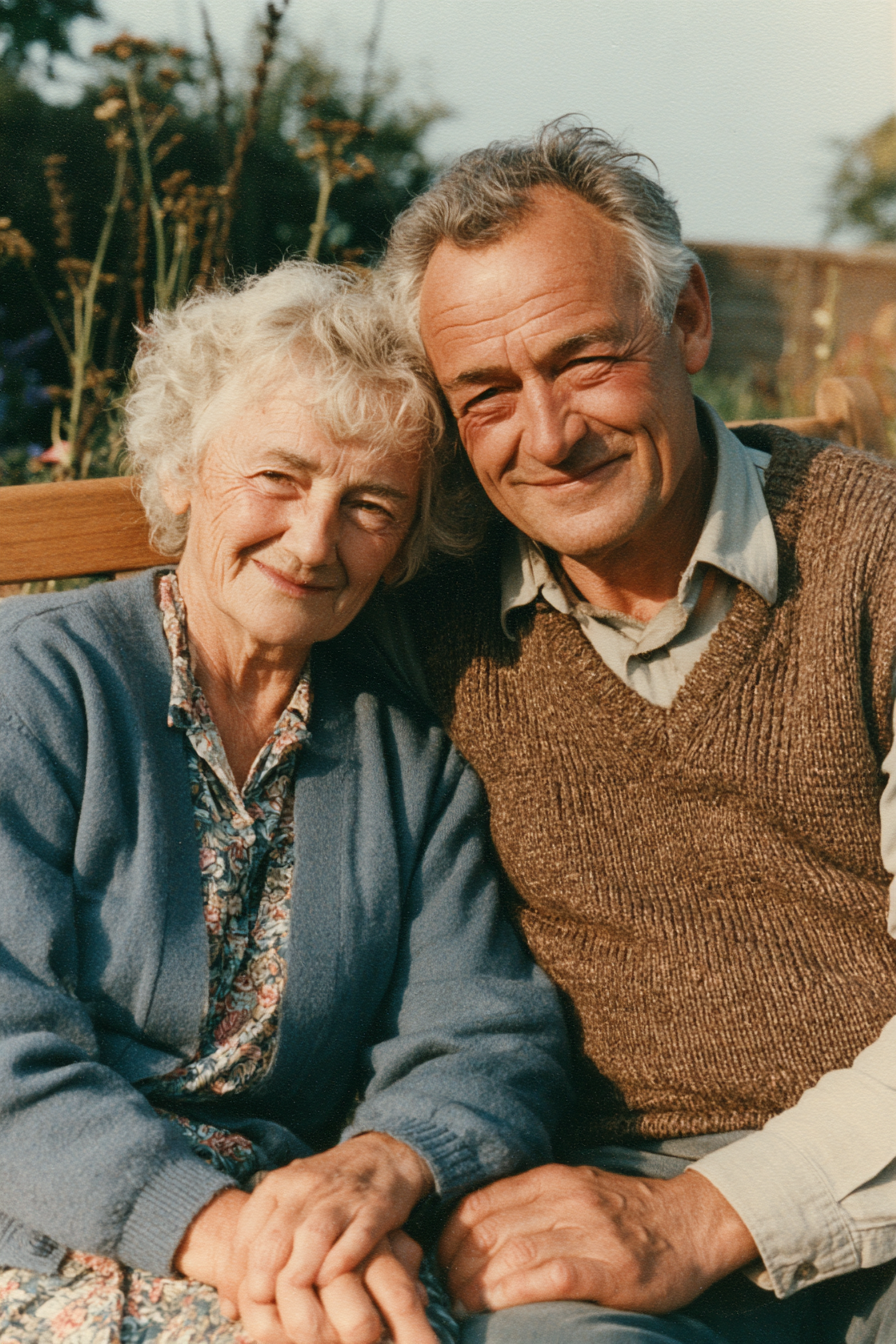
Photo to Video AI
Animate Old Photos with AI
AI Dance Video Generator
Animate Pet Photo AI
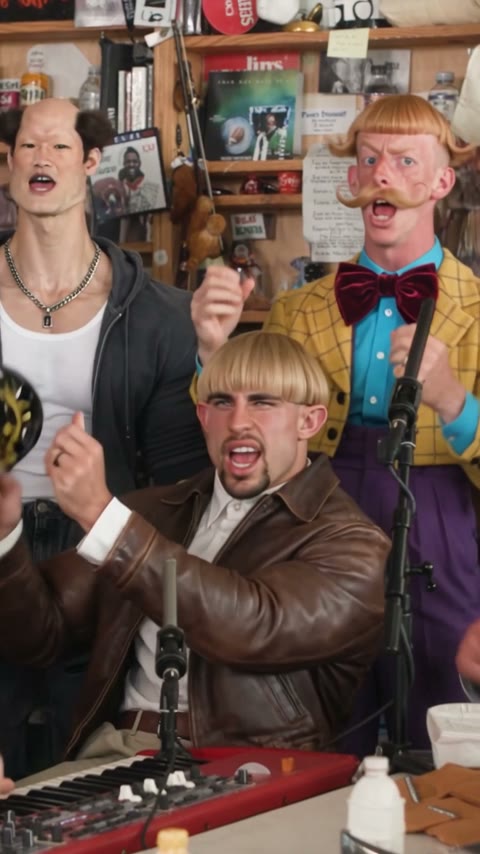
Outstanding Tiny Desk AI: Put Your Friends in the Concert
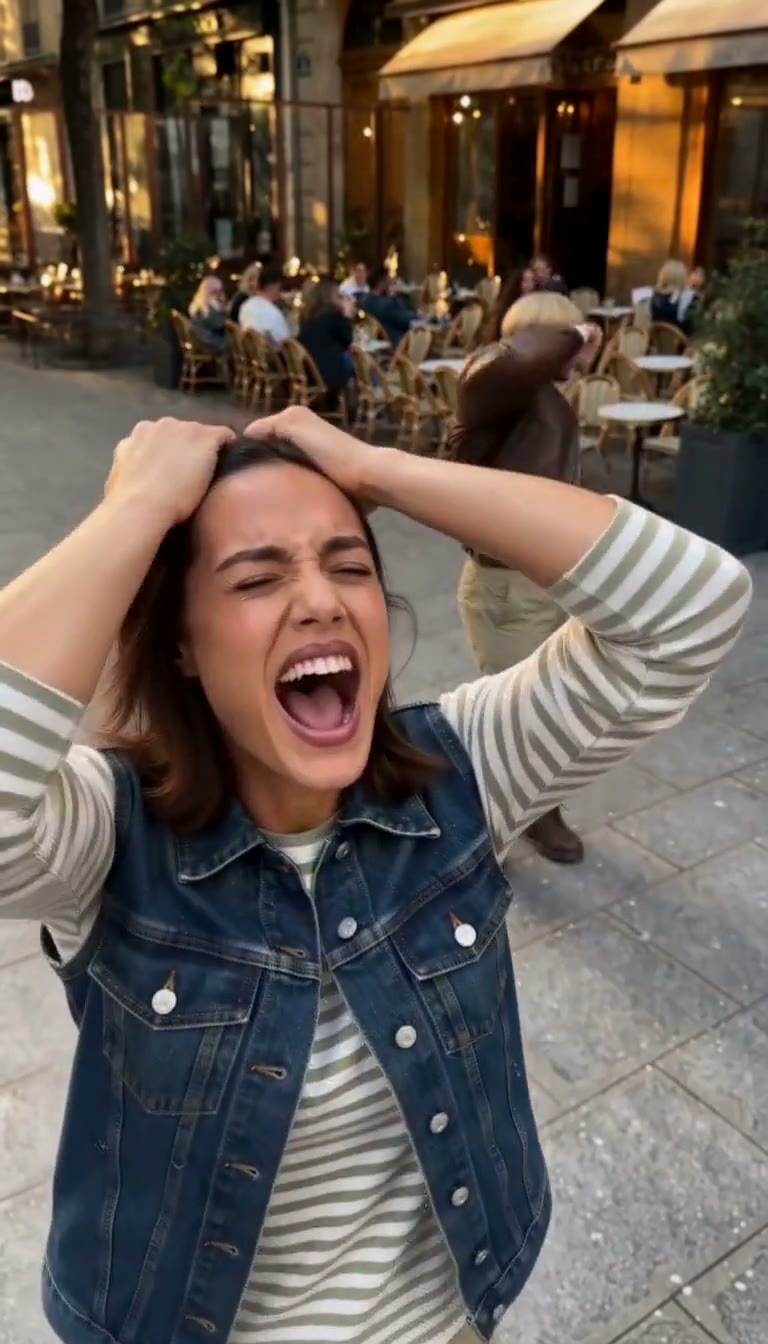
Smalltown Boy AI Dance Video Generator
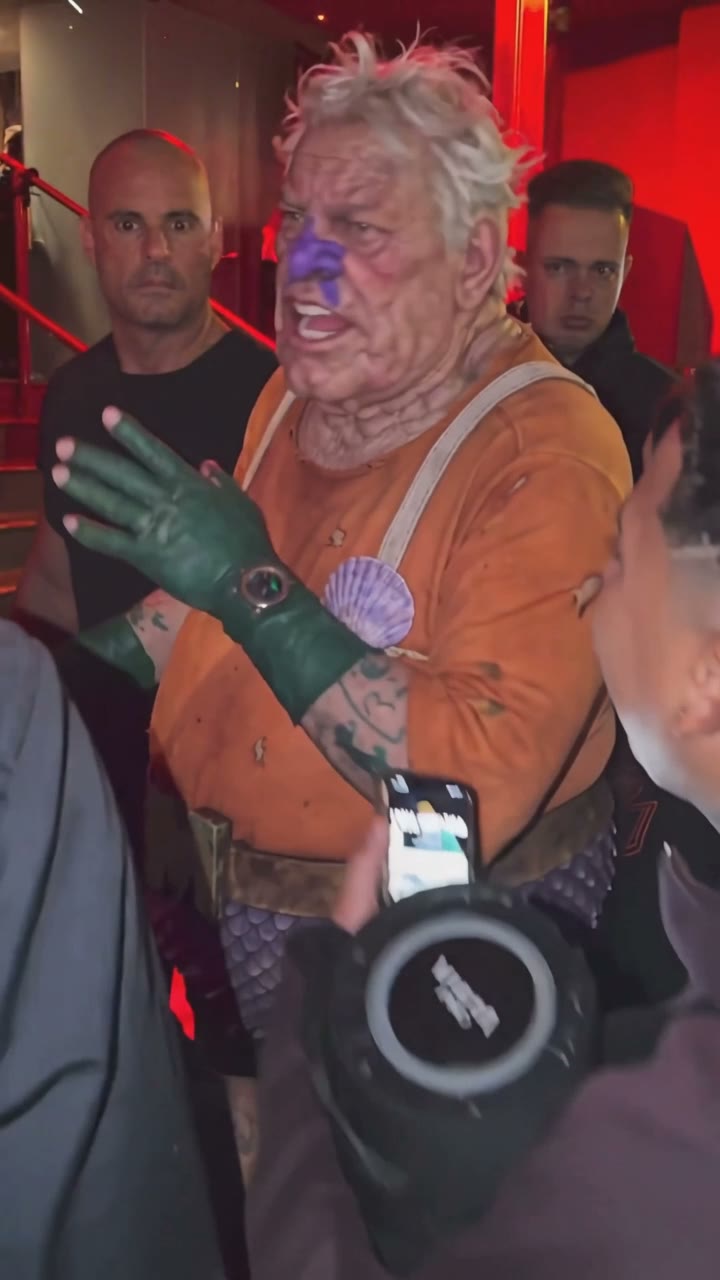
Bulin 47 AI Viral Video Generator
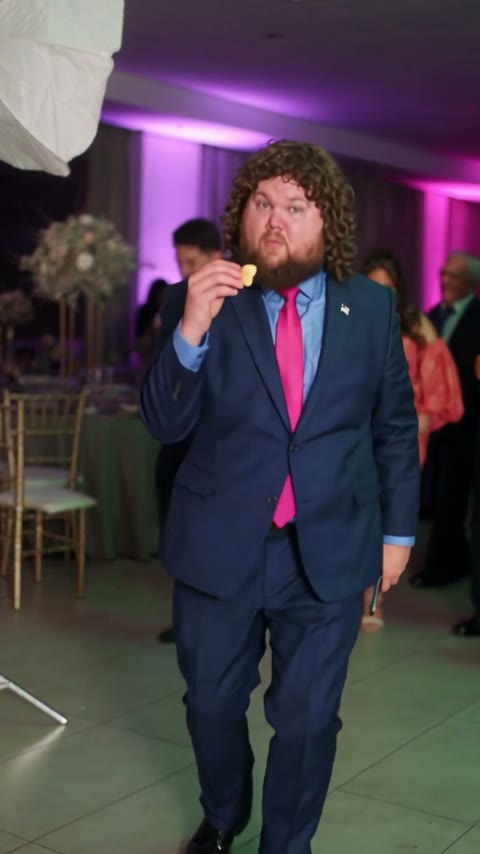
Bby Wow Dance Guy Meme AI Video
Tesla Roadster AI Video: Make Your Car Fly Like the Roadster
Ozil Goal AI Video Generator
Balcony Stare Dancer Meme AI Video: Starring You and a Friend
A2O LITE NEON Dance AI: Do the Duo Intro With a Friend
Animate drawing FAQ
How can I animate my drawings?
Take a flat, well-lit photo of the drawing, upload it here, describe the motion (or start from an example) and click Generate. You get a 4–5 second video in a few minutes.
What is the best free program to animate drawings?
For a single character drawn with arms and legs apart, Meta Animated Drawings is free and works well. For whole scenes, several characters, paintings or clips with sound, use a video model like the ones on this page. New accounts get free credits.
Will it keep my drawing style?
Yes, if the prompt asks for it. Start with a line like “keep the crayon style, do not make it 3D or realistic”. All four examples on this page kept their style.
Can I animate a painting?
Yes. Oil, watercolor and gouache paintings work the same way. The gouache couple example keeps visible brush strokes. Use gentle motion for portraits: a blink, a smile, a head turn.
Can it animate more than one character or the background?
Yes. Describe each thing that should move, for example “the two people lean in, her hair sways, the background stays still”.
Can I animate my kid's drawing?
Yes. Crayon and marker drawings work well. Photograph it flat with no glare, and pick simple, happy motion.
Why is there a white strip at the top of my video?
The drawing's shape didn't match the aspect ratio. A 2:3 drawing in a 9:16 video gets padded. Pick the ratio closest to your drawing, or crop it first.
How long does it take and how many credits does it cost?
Our four test clips took 81 to 208 seconds and cost 20–45 credits, depending on model and resolution. The exact cost is shown before you generate.
I want to learn to animate frame by frame. Is this for me?
No. This turns a finished drawing into a video automatically. To draw each frame yourself, use a flipbook app such as FlipaClip.
Last updated