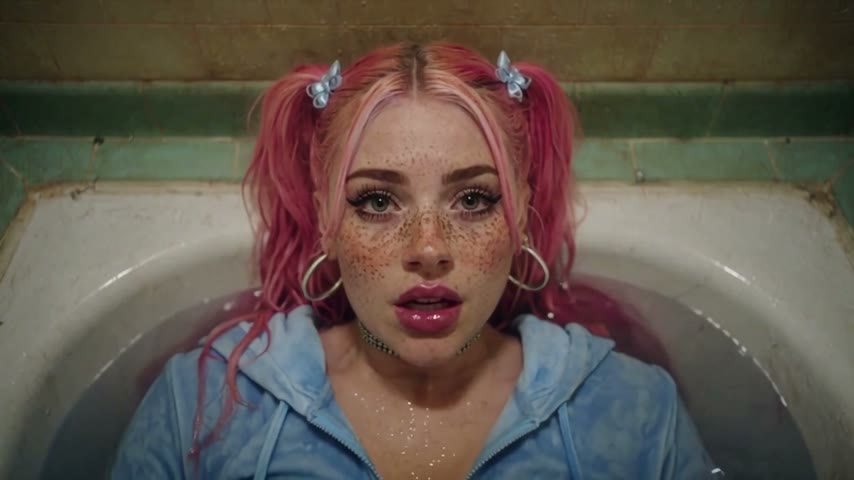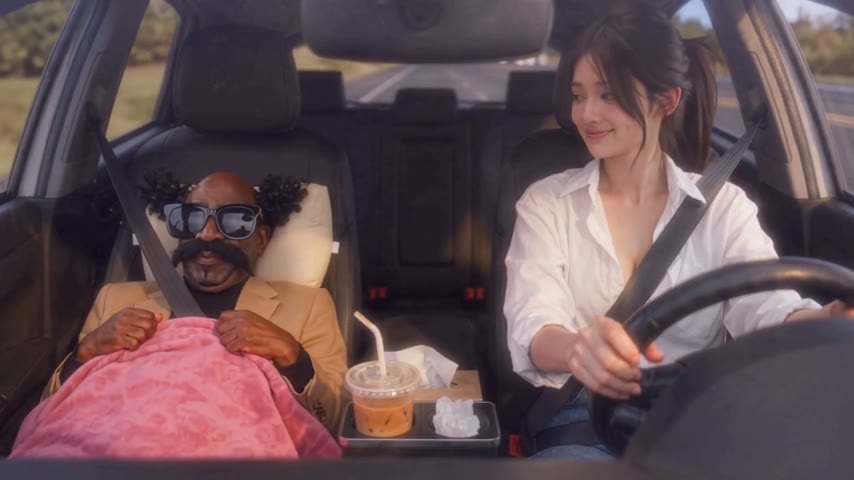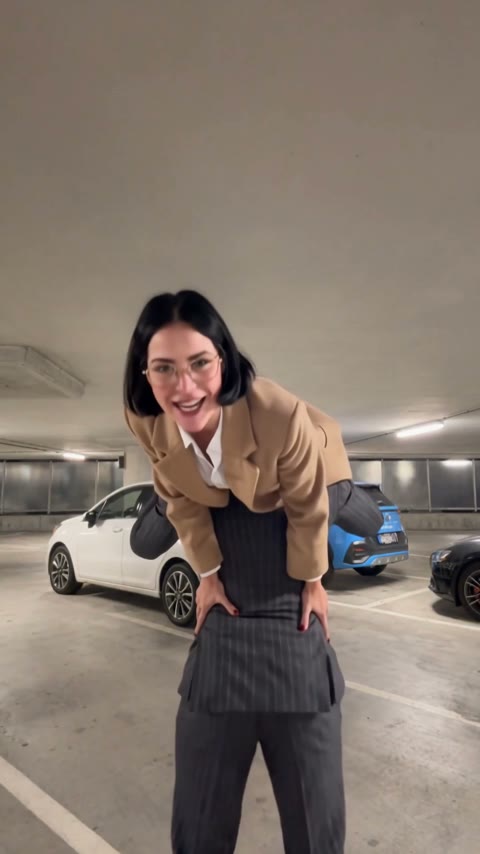
Coworkers who cover for each other
Coworkers put the one who always forgets things in photo 1 and the one who talks their way out of it in photo 2, then post it in the team chat. It doesn't have to be a restaurant job to land.
Add two photos: one of you panics behind the counter when the customer asks about the fries, the other walks up and starts hitting that slow dance. Send it to the group chat from work.
Effect
Your photos2 photos
Waiting On My Fries AI turns two photos into a 14-second vertical video with sound: a customer asks about their fries, photo 1 realizes they forgot them, and photo 2 steps up to the counter to stall with a slow, straight-faced dance. It's a one-click template, not a prompt-based generator like Sora or Kling, and both of you appear with your own face, hair and outfit.
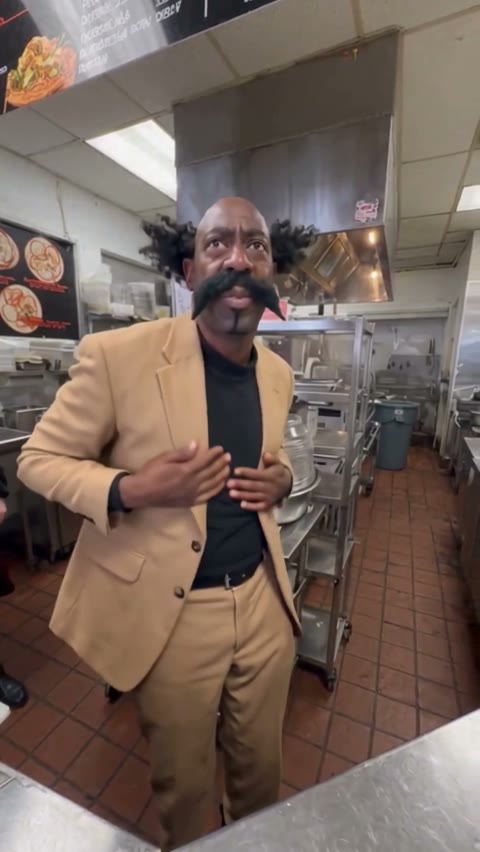
Still Waiting On My Fries is a two-person skit filmed across a fast-food counter. A customer off camera says they're still waiting on their fries, one worker admits they forgot to make them, and the other turns to the customer and stalls with a deadpan slow dance until the customer admits they're hitting that for real.
People share it for the commitment: nobody explains anything, the dancer just keeps a straight face while the customer goes from annoyed to impressed. That's why it works with any two people who'd cover for each other, coworkers, roommates, a couple, and why the AI versions with a dancing snow leopard went viral too.
Add two photos: photo 1 is the one who forgot the fries, photo 2 is the one who dances. Faces, hair and outfits come from each photo, so whatever you're wearing in it is what you wear behind the counter. For our test and what happens second by second, read how to make the Waiting On My Fries AI video.
This template is unofficial fan content and is not affiliated with the creators of the original skit, any restaurant, TikTok or Instagram. Only upload photos of yourself or people who agreed; you must be 18 or older; and photos of celebrities, public figures and children are not allowed.
Coworkers put the one who always forgets things in photo 1 and the one who talks their way out of it in photo 2, then post it in the team chat. It doesn't have to be a restaurant job to land.
Fast-food and café workers make it with a shift partner, using photos in their own uniforms so it looks like their own store. Ask your coworker before you use their photo.
Couples cast the partner who never dances as photo 2 and send it without a word. Roommates do the same with whoever forgot to buy groceries.
The Still Waiting On My Fries meme is a fast-food counter skit: the customer's line "excuse me, I'm still waiting on my fries" sets it off, one worker forgot the order, and the other covers with a slow, deadpan dance. The customer's reaction, "you're hitting that for real", gave it its second name, He's Hitting That.
It spread on TikTok in the week of November 18, 2026. An AI version starring Mei Mei the snow leopard, posted on November 18, reached 3.73 million views and 679,000 likes; a recreation by @mio2.0_ on November 19 passed 240,000 views. By November 20 creators were ranking the best fries videos, and on November 21 CapCut templates and AI how-to posts for the skit started appearing.
An AI version with Mei Mei the snow leopard dancing behind the counter goes viral. TikTok
People film their own versions; one by @mio2.0_ passes 240K views. TikTok @mio2.0_
It becomes a format: creators rank the best "Still Waiting For My Fries" videos. TikTok @ljz.da
CapCut templates and AI how-tos appear; the Mei Mei version reaches 3.73M views. TikTok @dhgfyuef
Two photos: one for the worker who forgot, one for the dancer. Watch it with the sound on.
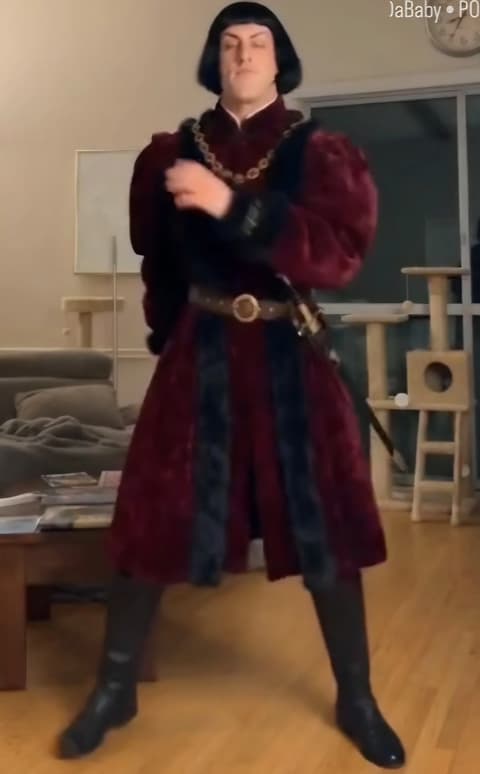
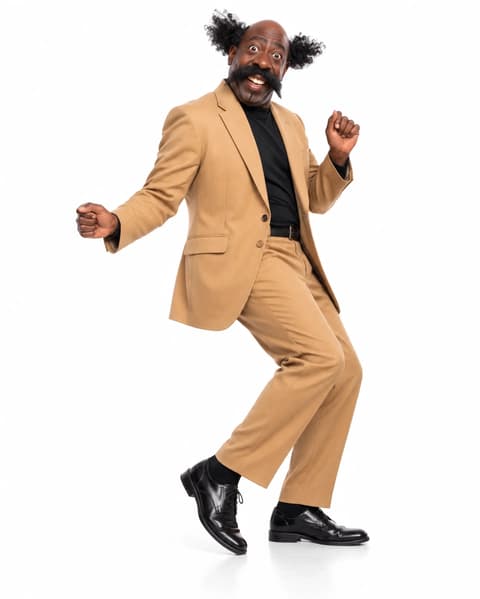
Photo 1 forgot the fries and panics in the back; photo 2 walks up to the counter and dances for most of the video.
One person per photo, facing the camera. The outfit in each photo is the outfit behind the counter.
Check the credits on the button, tap Generate and wait about 5 minutes. Download the MP4 from My Videos.
Photo 2 fills the frame for the last eight seconds, so a sharp, waist-up or full-body photo pays off most there. Photo 1 is smaller, in the back.
Face to the camera
Both eyes visible, even light.
Waist-up for the dancer
Their hands and outfit fill the frame.
Two lookalikes
Different hair and clothes keep them apart.
Couple selfie
Each role needs its own photo.
The customer asks about the fries, photo 1 grabs their head, photo 2 points to the fryers, walks up to the counter and keeps a straight face through eight seconds of slow dancing.
Each face, hairstyle and outfit comes from its own photo and stays put, and the worker who forgot and the dancer never trade places.
14 seconds in 9:16 with the dialogue already on it, so it posts straight to TikTok, Reels or Shorts without cropping.
One video is 360 credits, about $3.99 from the one-time $5.99 starter pack, with no subscription. The MP4 has no watermark, and failed generations return their credits.
Unlike Sora or Kling, you don't write or tune a prompt or retry until two faces stop blending. Add two photos in your browser, no app or CapCut needed.
The Waiting On My Fries AI trend puts two people of your choice into the Still Waiting On My Fries skit: a customer asks about their fries, one worker forgot them, and the other stalls with a slow, deadpan dance. The skit spread on TikTok from November 18, 2026; with two photos, the two workers are you and a friend.
It's also called He's Hitting That, and people search it by the lines "excuse me, I'm still waiting on my fries" and "you're hitting that for real". He's Hitting That comes from what the customer says while the worker dances.
0–1s, the phone looks over the counter into the kitchen where both workers stand; 1–3s, the customer asks about the fries while photo 1 and photo 2 talk by the fryers; 3–5s, photo 1 grabs their head and photo 2 points toward the fryers; 5–6s, photo 2 turns and walks up to the counter; 6–14s, photo 2 faces the camera and does a slow, straight-faced dance, hands on head, face, chest and stomach.
Photo 1 is the worker who forgot the fries, photo 2 is the one who dances. To switch roles, trade the two photos and generate again.
Whatever you wear in your photos. The template doesn't add a uniform or a costume; in our test both people kept the outfits from their own photos. For a work-uniform look, upload photos of you in your uniform.
Yes, it plays with the skit's dialogue: the customer asking about the fries and the two workers talking. The dialogue includes one swear word, so check before you post it somewhere that matters.
No. The 14-second video runs from the customer's question to the slow dance and ends while photo 2 is still dancing, before the camera swings back to the other worker.
Not completely. New accounts get 75 free credits, and one Waiting On My Fries AI video costs 360 credits. The one-time $5.99 starter pack (540 credits) covers one video, about $3.99, with 180 credits left in your account and no subscription. The exact credits show on the Generate button, and failed generations are refunded automatically.
Four reasons: you both look like your photos, it costs less, you get a clean video, and it's ready to post.
You both look like your photos: each face, hairstyle and outfit stays the same in every shot, and the dancer never trades places with the worker who forgot, so you don't spend credits on retries.
Costs less: about $3.99 for a 14-second video from a one-time $5.99 pack, with no subscription.
Clean video: every plan, including free credits, downloads a watermark-free MP4, and failed generations return their credits.
Ready to post: vertical 9:16 with sound, so it goes straight to TikTok, Reels or Shorts with no prompt, no editing and no CapCut.
It takes about 5 minutes. The video is 14 seconds, 480p, vertical 9:16, with sound and no watermark.
Usually it's the distance: the video opens with a wide shot over the counter, so both faces are small in a 480p frame. Once photo 2 walks up to the counter the face is large and sharp, so no fix is needed for that second.
Usually it's two people who look alike, or a small, blurry face cropped from a group photo. Use a separate sharp, front-facing photo for each person, ideally with different hair or clothes, then run the template again.
We haven't tested pets on this template, so we can't promise how it turns out. It is set up for two people; the dancing snow leopard versions you may have seen were made separately.
Your photos and videos stay in your account, so you can download them again from My Videos at any time. They are never used to train AI models and are not sold or shared, except with the video model provider that renders your clip.
Last updated