One person per photo
- → Use two separate images
- → Avoid group photos
Add one photo for each dancer and see you both move together in a winter dance clip.
Effect
Your photos2 photos
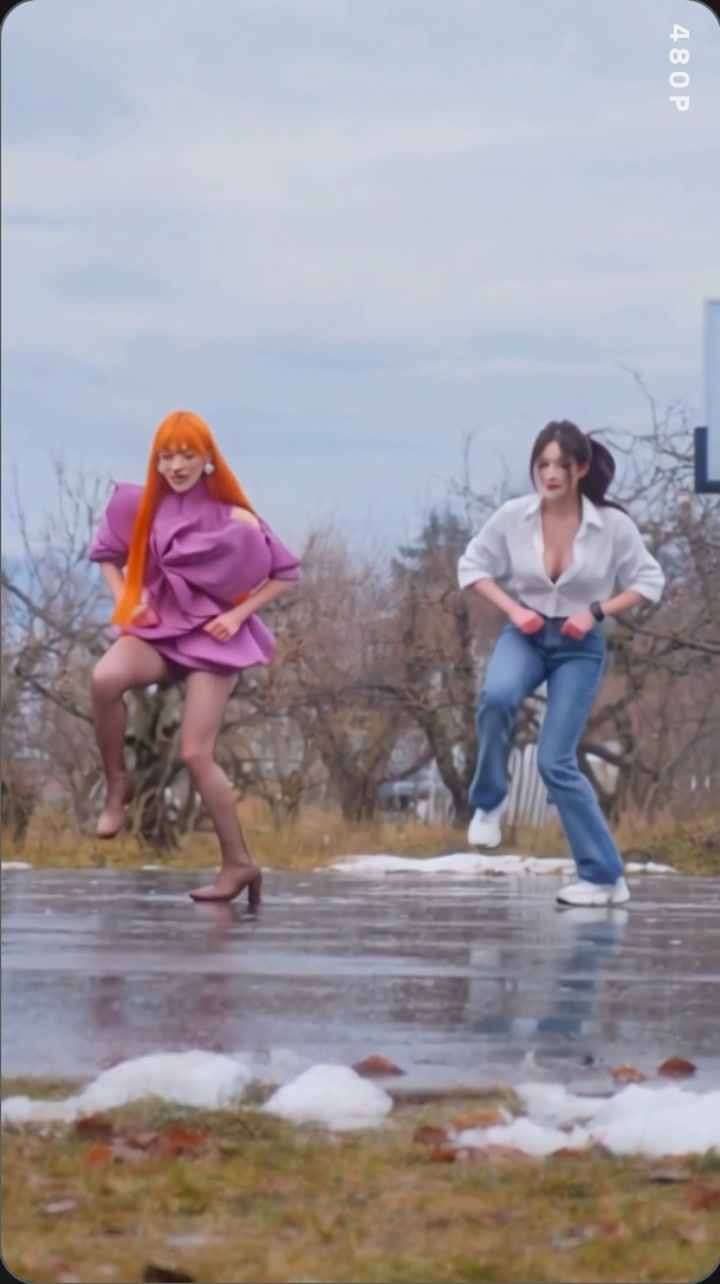
An ice ice baby duo dance ai video puts two people from your photos into the same short dance clip. This tested example uses Wan 3.0 with two reference photos, a 13-second source video, 480p output, and audio enabled.
Add two separate people and the template places them in the corresponding dancer roles in the winter outdoor clip. The generated example is 13 seconds long at 480p, with audio enabled.
The name follows the search phrase for this dance format. Audio was enabled in the source task, but we have not confirmed the exact track in this particular clip; the page describes the sound as the source clip's audio rather than naming a song.
For another two-person dance setting, try the Balcony Stare Dancer template. The Ice Ice Baby duo dance guide covers the tested setup and photo tips.
Try the Come on Barbie night-street duet for another two-photo dance.
Put you and a friend into the Ice Ice Baby duo dance video.
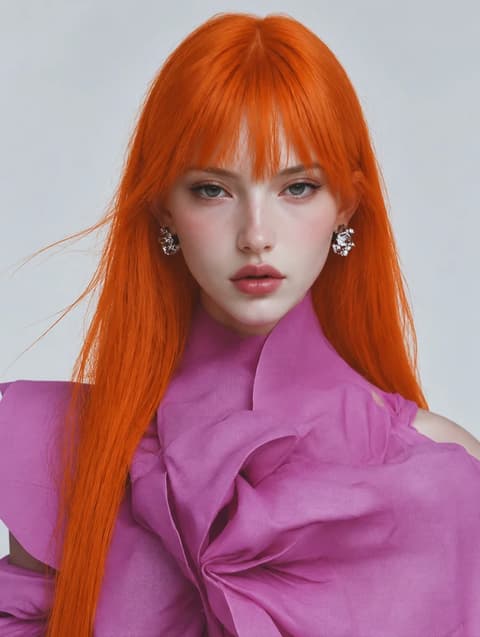
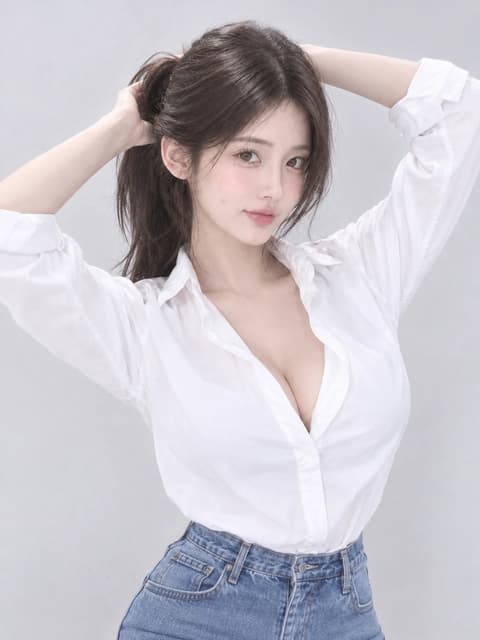
The scene, Wan 3.0 model, and source clip are already set up.
Upload one clear photo per dancer. The first slot maps to the first dancer and the second slot to the second dancer.
The Generate button shows the current credit cost before you start. The tested run used 335 credits; check the live button for the current amount.
The completed MP4 appears in My Videos. Audio was enabled in the tested example; check the result before sharing.
Use two distinct, clear photos so each dancer's face is easy to recognize.
Two distinct people
Use one person in each upload slot.
Faces easy to see
A clear face gives the model a stronger identity reference.
Group photos
More than one face in a slot can make role matching less clear.
Covered or tiny faces
Choose a photo where the face is not hidden and easy to see.
Add a separate photo for each person and keep the cast order clear.
The successful Wan 3.0 example rendered with audio enabled.
The tested setup uses Wan 3.0, 480p, and a 13-second source clip.
The role mapping and motion instructions are included in the template.
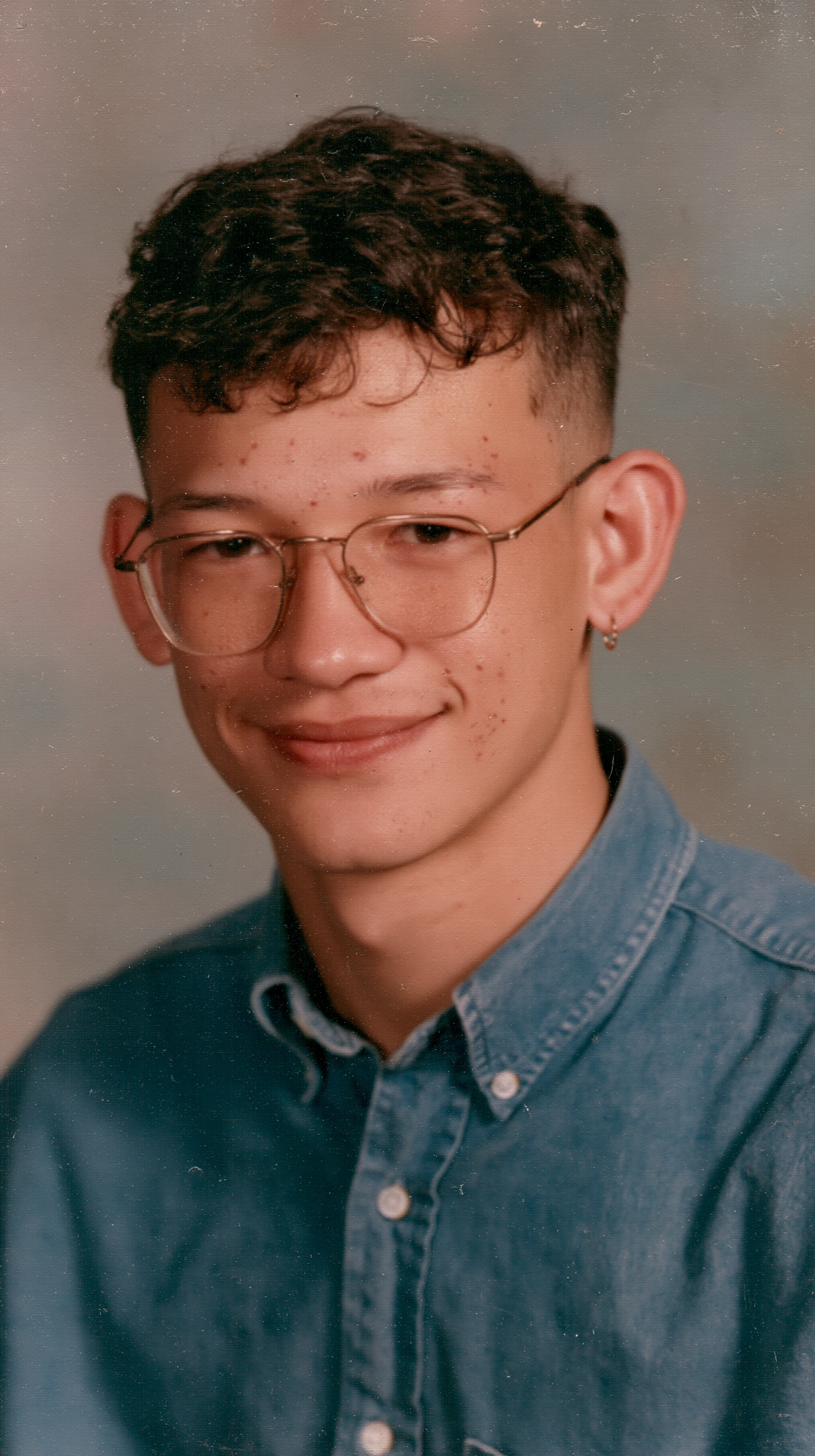
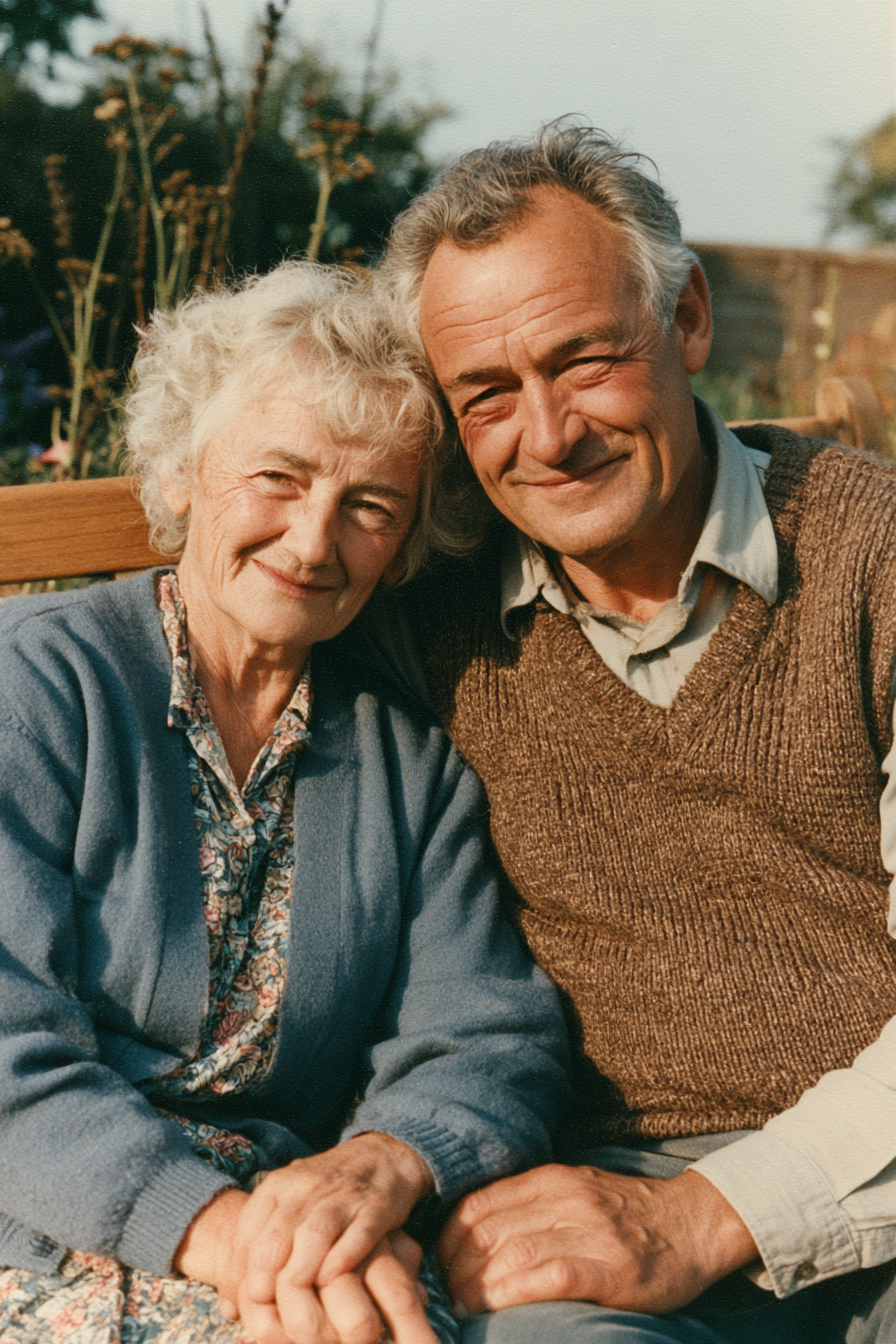
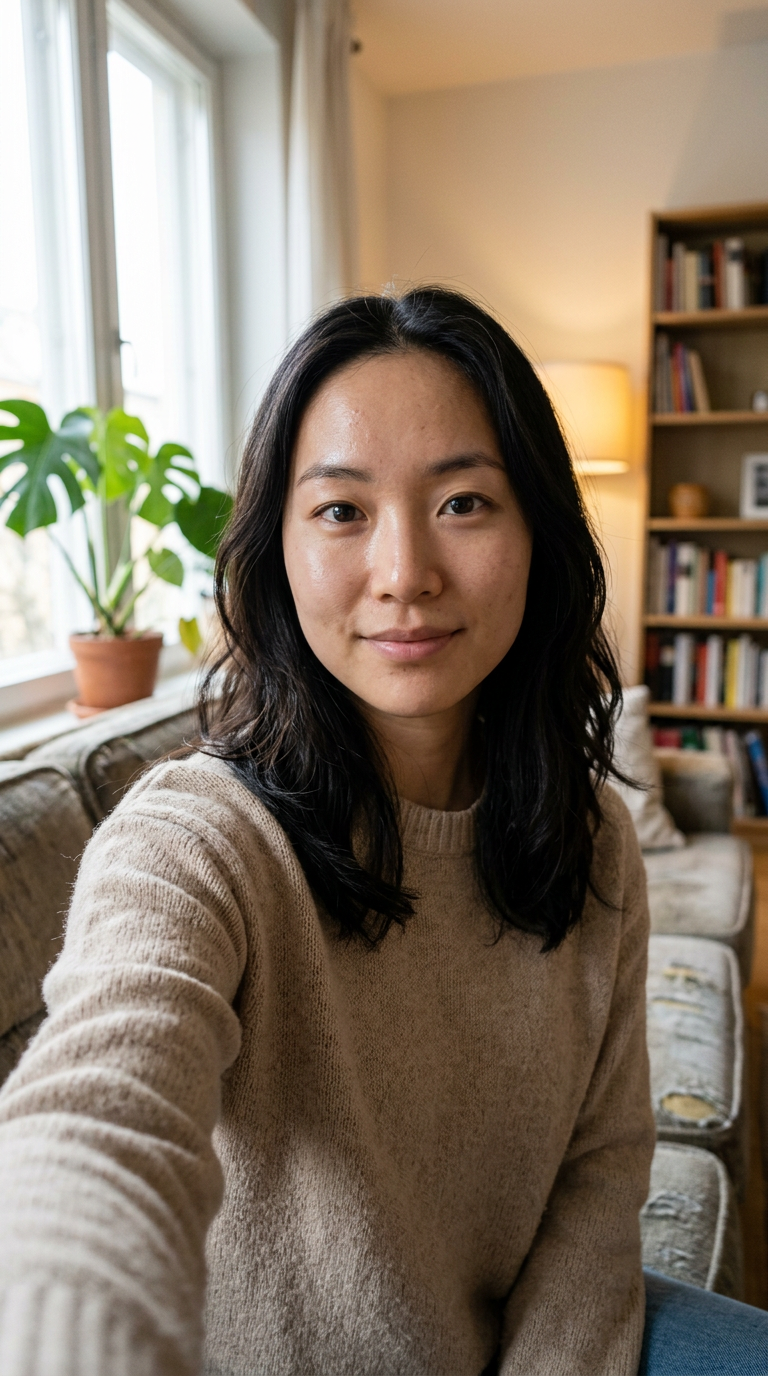
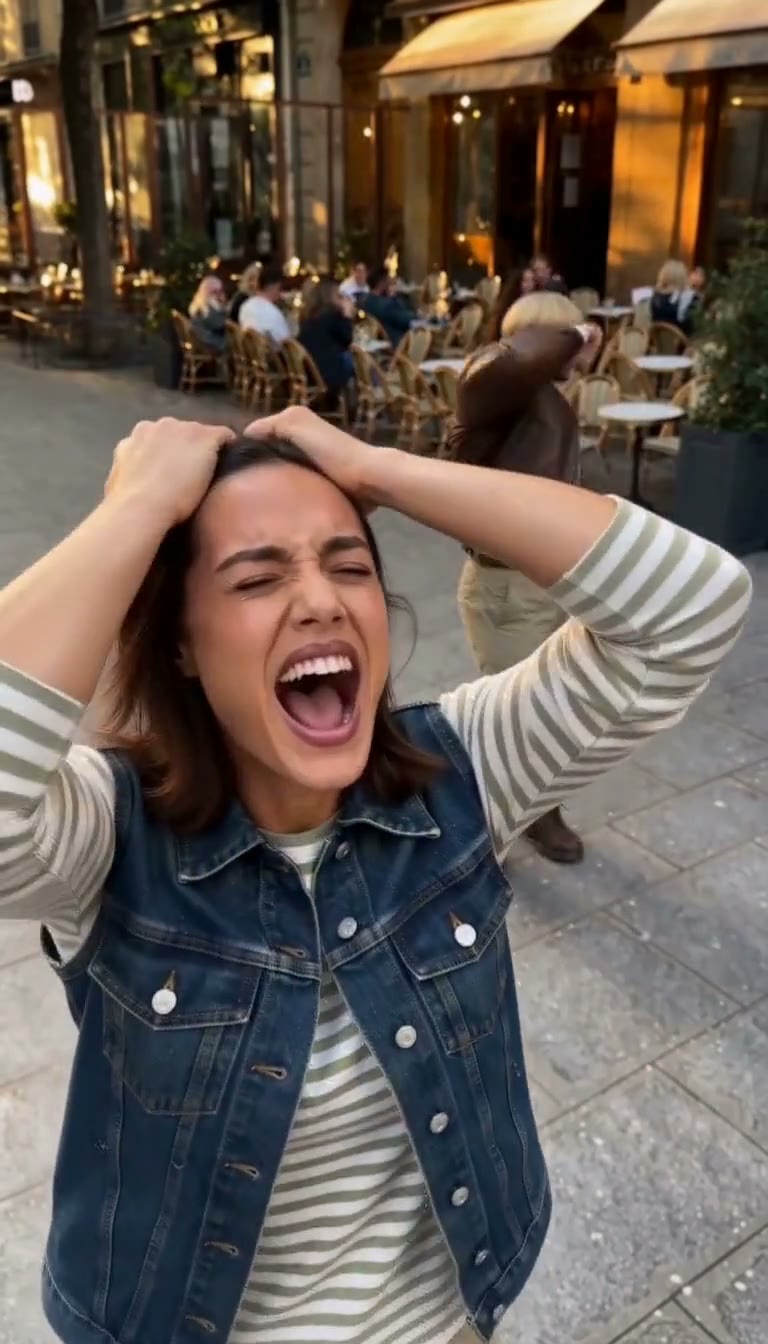
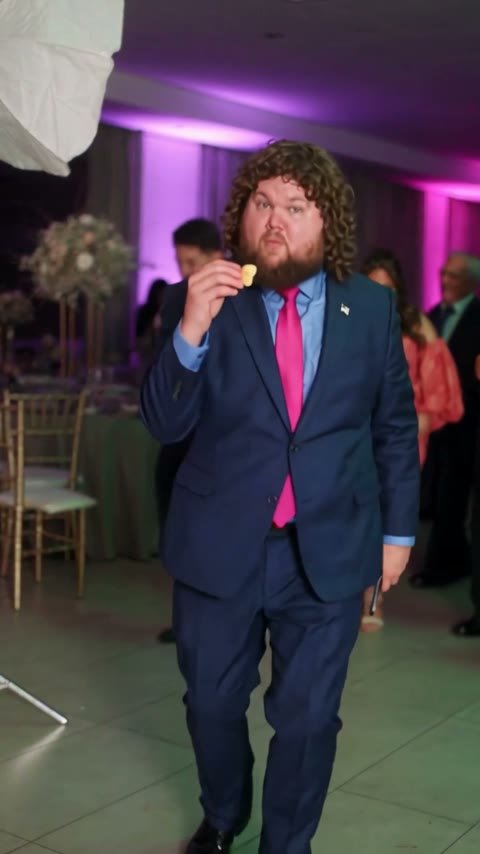
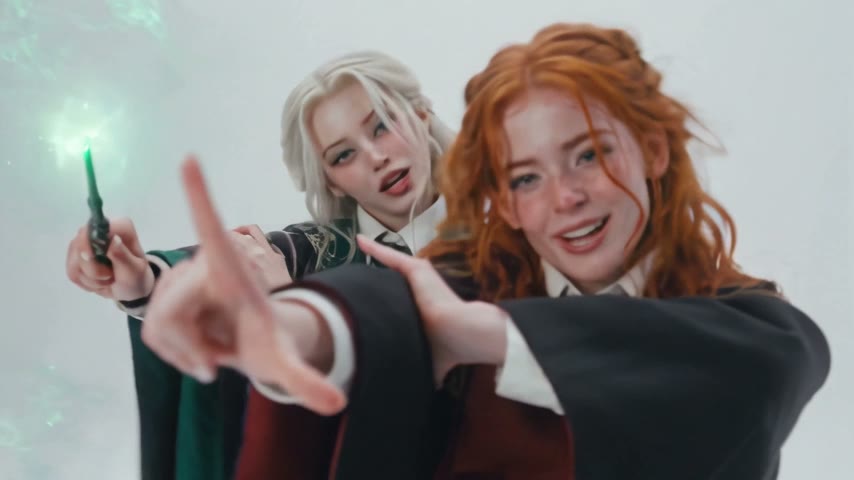
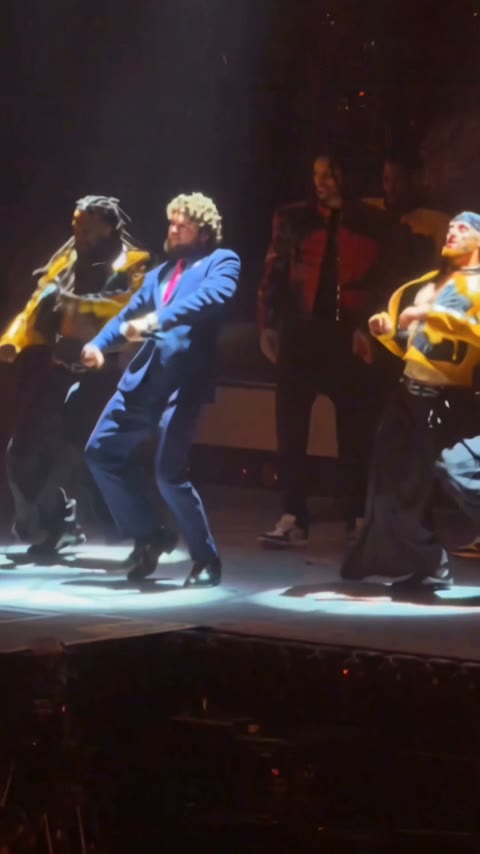
The template takes two separate photos, one for each dancer.
The tested example is 13 seconds long, rendered at 480p with Wan 3.0.
Audio was enabled in the tested source task, but we have not confirmed the exact track in this particular output. The template preserves the source clip's audio setting; listen to the result before naming or posting the song.
The successful test task used 335 credits. The Generate button displays the current cost before you start, so use that live amount for a new render.
The tested prompt preserves each person's overall appearance from their reference photo. The result can vary, so review the generated clip for outfit consistency.
No. This is an AI-made fan recreation using a dance clip as reference, and it is not an official music video or affiliated with the artist or rights holders.
Failed video renders are refunded automatically under the site's current generation policy.
Last updated