Anyone who got through a hard year
People who made it through a breakup, burnout or recovery make the solo Save Yourself video with their own photo in both spots and post it with "only you can save yourself."
Put your photo in both spots for the classic "only you can save yourself" version, or let your best friend be the one who reaches down. You get the cliff climb, the outstretched hand and the hug at the top, ready for TikTok.
Effect
Your photos2 photos
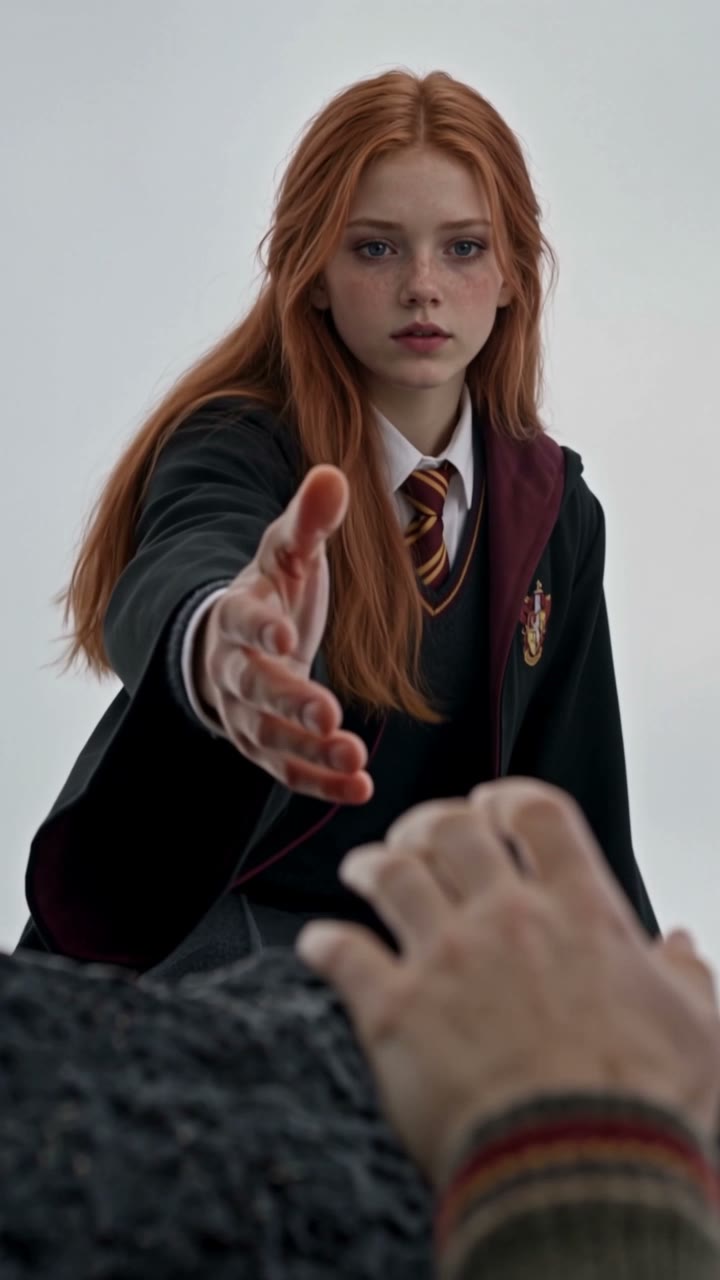
Save Yourself Trend AI turns two photos into a 10-second vertical cliff-rescue video with sound: one person climbs a wet sea cliff, the other reaches down, pulls them up and hugs them. It's a one-click template, not a prompt-based generator like Sora or Veo. Use your own photo twice to rescue yourself, or a friend's photo for the rescuer, and each person keeps their own face, hair and clothes.
The Save Yourself trend is an AI video where someone slipping off a stormy cliff is rescued by another version of themselves. It grew out of a reel captioned "Only you can save yourself" in September 2026, and people post it as a picture of getting through a hard stretch on their own.
What lands is the reveal: the hand reaching down belongs to the same face as the person hanging on. Put your best friend there instead and the meaning flips to "you didn't let me fall," which is why two-person versions spread just as fast.
Upload two clear, front-facing photos: the first is the person climbing, the second is the rescuer. Same photo twice for the solo version, two people for the friendship version. Our Save Yourself Trend AI tutorial walks through each shot of our test.
Fan-made template, not affiliated with any creator, app or brand behind the trend. Only upload photos of yourself or people who agreed to be in the video. You must be 18 or older, and photos of celebrities, public figures or children aren't allowed.
People who made it through a breakup, burnout or recovery make the solo Save Yourself video with their own photo in both spots and post it with "only you can save yourself."
Best friends put themselves in the climbing spot and their friend in the rescuer spot, then tag them with "you didn't let me fall." It works as a birthday or thank-you post.
Couples and siblings use two photos for an anniversary or a "thanks for always being there" post; each person keeps their own face and outfit in the climb, the pull and the hug.
The Save Yourself trend is a short AI video in which a person hanging off a wet basalt cliff above a stormy sea is pulled to safety by a second version of themselves, ending in a hug at the top. It's also posted as "Only You Can Save Yourself" and the AI Cliff Rescue trend.
VeonGen traced it to a reel that went viral with the caption "Only you can save yourself" and wrote about it on September 4, 2026. Picsart added a one-photo preset on September 9, Jordan News covered the trend's self-reliance message on October 5, and by mid-October template sites offered two-photo versions where a friend can be the rescuer. We could not find the original creator's account or a reliable view count.
A reel captioned "Only you can save yourself" goes viral; the cliff rescue becomes a format. VeonGen
Picsart ships a one-photo Save Yourself preset: 7 seconds, five shots. Picsart
Jordan News reports on the trend as a message about self-reliance. Jordan News
Template sites start offering two-photo versions, so a friend can play the rescuer. TalkPix
Two photos: you hang off a stormy sea cliff, then you (or your best friend) pull you up.
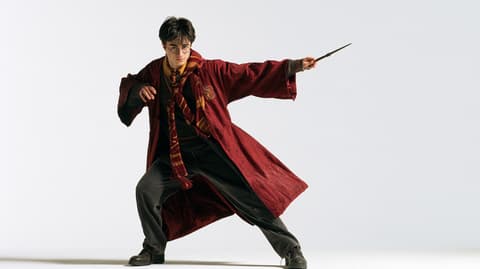
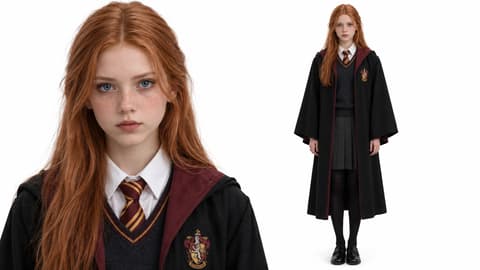
The Save Yourself template is already open at the top of this page, with Kling 4.0 and the prompt set up: 10 seconds, 720p, vertical, with sound.
Photo 1 is the person climbing the cliff, Photo 2 is the one who pulls them up. Use your own photo in both spots, or a friend's for Photo 2.
Press Generate. Ours was ready in under 3 minutes and lands in My Videos, so you can close the tab. Download the MP4 without a watermark and post it.
The best photos for Save Yourself Trend AI show one person each, facing the camera from the chest up, because the climb and the reaching hand are both shot in close-up.
Same photo, both spots
For the solo version, upload your own portrait in both spots so the climber and the rescuer share your face.
Two separate portraits
For the friend version, one face per photo; in our test neither person borrowed the other's hair or clothes.
A selfie with two faces
Two faces in one photo can end up mixed. Crop each person out first.
A tiny or blurry face
The opening shot is a close-up of the climber, so a small face won't hold up.
Most Save Yourself presets only duplicate one person. Here each spot takes its own photo: use yours twice to rescue yourself, or put a friend, partner or sibling in the rescuer's spot.
In our test both people kept their own face, hair and outfit through the close-up climb, the low-angle reach, the pull and the hug, with no mixing between them.
A 9:16 clip at 720p with waves and wind, sized for TikTok, Reels and Shorts.
Download a clean MP4 on every plan, free credits included. Failed renders refund credits automatically.
Unlike Sora or Veo, you don't write or tune a prompt to keep two faces steady through four shots, and there's no app to install. Add two photos in your browser and press Generate.
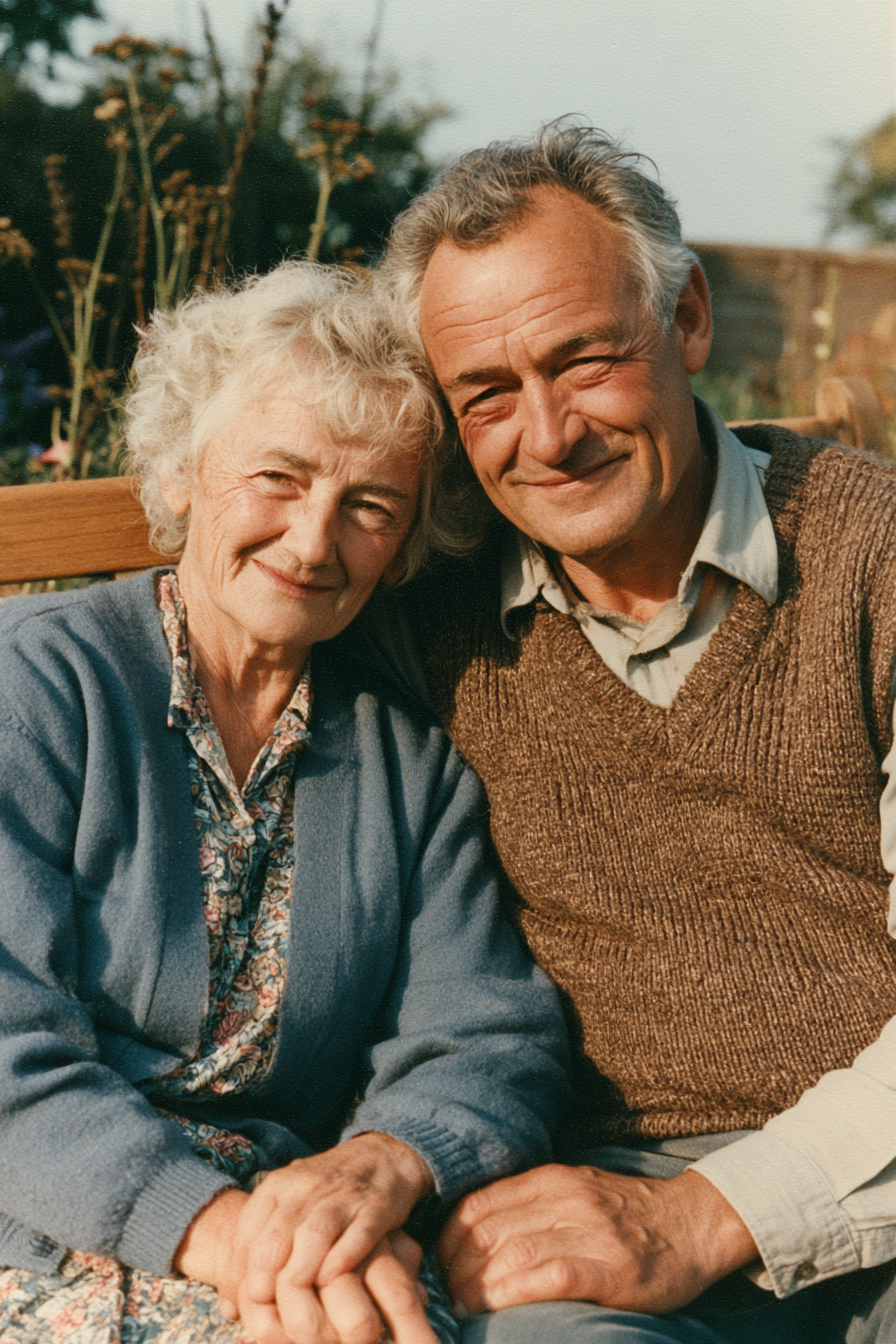
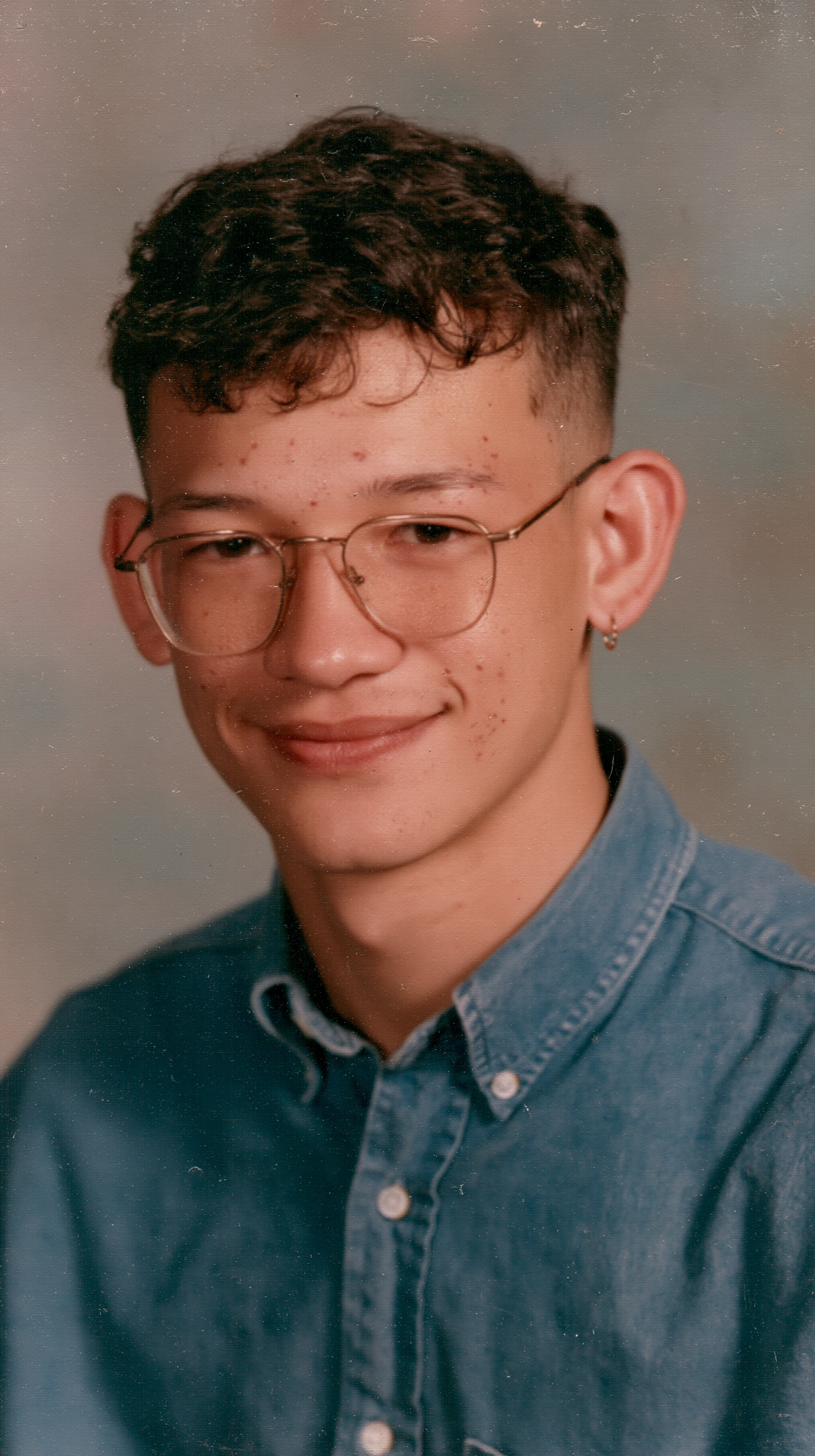
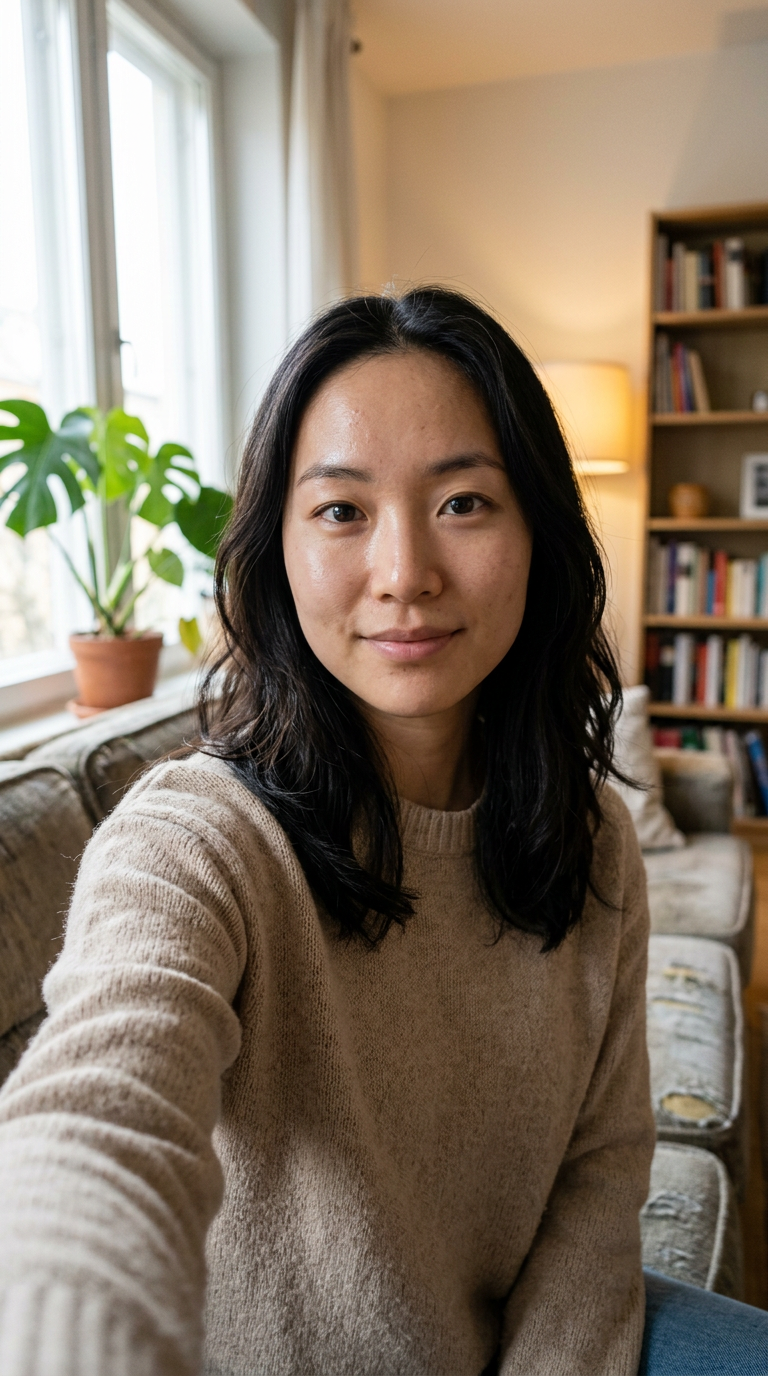
Open this page, upload two photos (the person climbing first, the rescuer second) and press Generate. You get a 10-second vertical cliff-rescue video with sound; ours was ready in under 3 minutes.
The Save Yourself trend is an AI video where someone hanging off a stormy sea cliff is pulled up by another version of themselves, then they hug. It started with a reel captioned "Only you can save yourself" in September 2026 and is shared as a message about getting through hard times on your own.
0–4s, a close-up of the first person clinging to the wet rock and looking up for help; 4–6s, a low-angle shot of the second person reaching a hand down; 6–8s, a wide shot as the rescuer grips their wrists and pulls them onto the ledge; 8–10s, the two hug by the sea.
It's also called "Only You Can Save Yourself" and the AI Cliff Rescue trend. The first comes from the original reel's caption; the second is the name some AI video tools use for their templates.
Yes. This template takes two separate photos, so the rescuer can be a friend, partner or sibling. In our test two different people each kept their own face and outfit in every shot.
Yes. Upload your own photo in both spots for the classic "only you can save yourself" version, where the climber and the rescuer are both you.
There isn't one official song; posts use different audio. VeonGen's write-up names "Pogruzhenie" by Horus featuring Oxxxymiron, with the beat drop landing as the hands lock. Our template comes with waves and wind, and you can add any licensed track when you post.
Usually it's a group photo, a side profile, sunglasses or a tiny face. Use one sharp, front-facing photo per spot in even light, then run this template again.
Not completely. New accounts get 75 free credits, and one Save Yourself Trend AI video takes 425. The $5.99 trial pack (540 credits) covers one video at about $4.71, leaving 115 credits in your account. The exact cost shows on the Generate button, and failed renders are refunded automatically.
About $4.71 for one video with the trial pack, or about $4.25 on the Lite plan. That is 425 credits for a 10-second, 720p vertical clip with sound; ours rendered in under 3 minutes.
Four reasons: you look like your photos, it costs less, you get a clean video, and it's ready to post.
Looks like you: each person keeps their own face, hair and outfit from the climb to the hug, and you can choose solo or with a friend. We tested this setup until it worked on the first run, so you don't spend credits on retries.
Costs less: about $4.71 per video with a one-time trial pack and no subscription, the lowest 720p price among the tools we found listed.
Clean video: no watermark on any plan, free credits included, and if a render fails your credits come back automatically.
Ready to post: vertical 9:16 with sound, so it goes straight to TikTok, Reels or Shorts with no editing or cropping.
No. It runs in your browser on phone or desktop. Upload two photos on this page, press Generate and download the MP4.
"Only you can save yourself" for the solo version or "you didn't let me fall" for a friend version works; mention it's AI and add #saveyourself.
Your photos and videos stay in your account, so you can download them again from My Videos at any time. They are never used to train AI models and are not sold or shared, except with the video model provider that renders your clip.
Last updated