Toc Toc AI Dance Generator: Make yourself do the viral Toc Toc dance — one photo, no dancing, no editing.
Template
Your photos1 photos
 Example
What is the Toc Toc AI dance?
The Toc Toc dance is a short, bouncy solo dance clip that keeps showing up on TikTok, Reels and Shorts. The Toc Toc AI version takes that dance and swaps the dancer for you, a friend or any character — same steps, same room, same beat.
This Toc Toc AI dance generator is a ready-made template: the 12-second dance clip, the model (Seedance 2.0 Mini video-to-video) and the swap prompt are already set up. The model replaces only the dancer, follows every step and arm swing, and leaves the room, lighting, camera and music untouched.
Upload one clear photo of yourself at the top of this page and press Generate. No dance skills, no clip to find, no prompt to write. Want to do it by hand with your own clip? Read our step-by-step guide: how to make a Toc Toc AI dance video.
Independent tool — not affiliated with the original creators. Only upload photos of yourself or people who gave you permission.
- Input
- 1 photos
- Output
- 12s · 720P
- Audio
- Music built in
- Aspect ratio
- auto
How to make a Toc Toc AI dance video
Put yourself into the viral Toc Toc dance.
IMG_01 Open the template
The Toc Toc template is already open at the top of this page. The dance clip, Seedance 2.0 Mini and the swap prompt are loaded: 12s · 720p · original ratio with the original sound.
Upload your photo
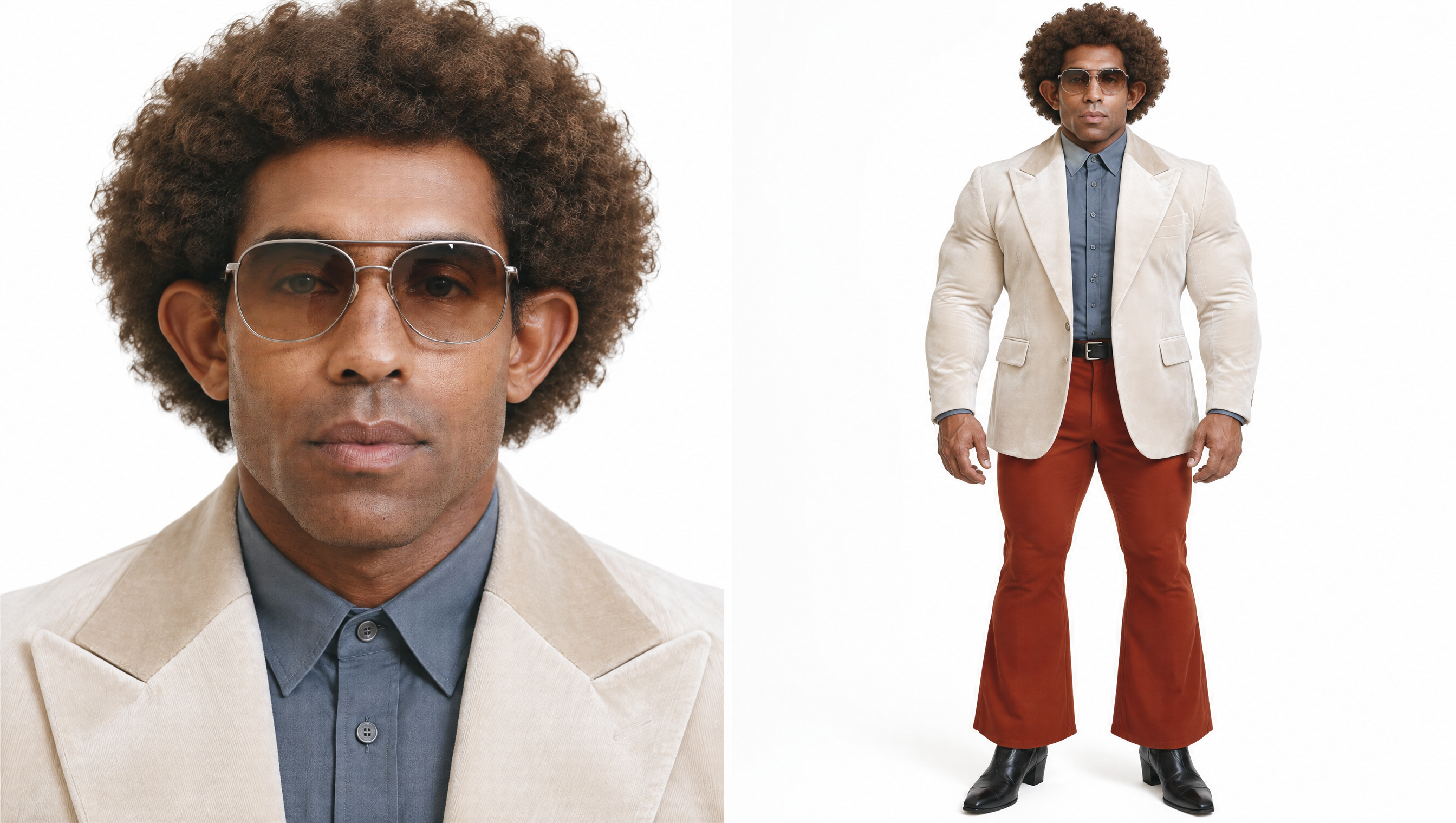
Add one sharp, front-facing photo of one person. Full body works best, so the AI can see your outfit, legs and shoes.
Generate & download
Press Generate. Finished videos stay in My Videos, so you can close the tab. Download the MP4 without a watermark and post it to TikTok, Reels or Shorts.
Why use this Toc Toc AI dance generator
Only the dancer changes
The prompt tells the model to swap just the dancer. The room, lighting and camera stay exactly as in the original clip.
Original sound kept
Audio is passed through unchanged, so your version still hits every beat of the Toc Toc dance.
No dance skills needed
The moves come from the original clip, so you only bring a photo. Failed renders refund credits automatically.
More AI video templates
Toc Toc AI dance FAQ
How do I make the Toc Toc AI dance video?
Open this page, upload one clear photo of yourself, then press Generate. The dance clip, model and prompt are already set up.
Is the Toc Toc AI dance generator free?
New accounts get free credits to try the site. The exact credit cost is shown on the Generate button before you start, and failed renders are refunded.
What photo works best?
One person, facing the camera, sharp and well lit. A full-body photo works best for a dance — the AI can match your outfit, legs and shoes. Avoid sunglasses, heavy filters and tight face crops.
Does the video keep the original music?
Yes. The original audio is kept as is; no new sound is generated.
How long does it take?
Usually a few minutes. You can close the tab; the result appears in My Videos when it is ready.
Why did my render fail?
Blurry, dark or side-on photos, group photos and heavy filters fail more often. Try a sharper photo of one person. Credits for failed renders come back automatically.
Is this an official Toc Toc app?
No. It is an independent AI video tool and is not affiliated with the creators of the original video. Do not upload photos of celebrities, public figures, minors or anyone without their permission.