End of Watch fans
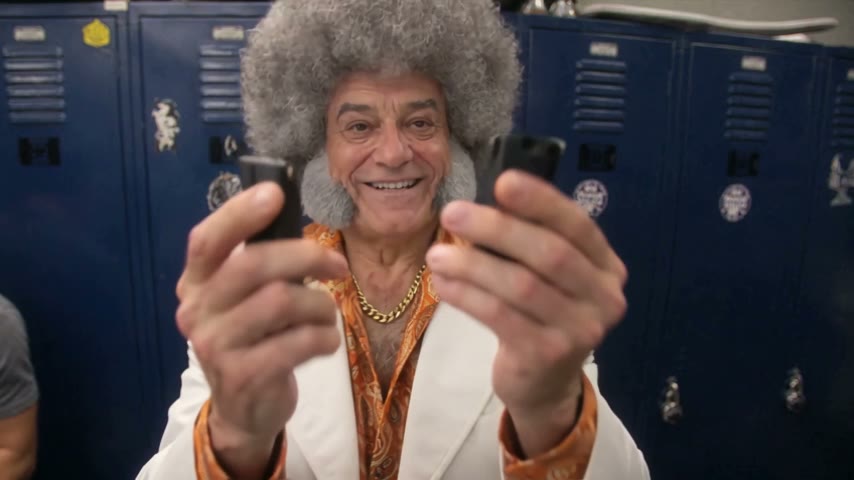
Fans of the 2012 film make the End of Watch Locker Scene AI video to play Officer Taylor themselves. Upload a clear photo of yourself and post it on the #lockerscenetrend.
Upload one photo and you're the one filming yourself in the locker room, holding each piece of gear up to the lens and shining a flashlight straight into it. Post it to the #lockerscenetrend.
Effect
Your photos1 photo
End of Watch Locker Scene AI turns one photo into an 11-second widescreen video with sound of you in a police locker room, holding your gear up to a handheld camera one piece at a time. It's a one-click template, not a prompt-based generator like Sora or Kling. Your face and the clothes from your photo stay yours, so the funnier the person you cast, the funnier the clip.
The trend copies the opening of the 2012 police film End of Watch, where Jake Gyllenhaal's Officer Brian Taylor films himself in the station locker room and shows his gear to the camera, one item at a time.
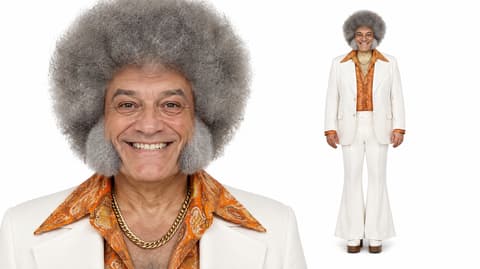
It works because the scene is so earnest. A cop solemnly presenting a radio and a flashlight to a tiny camera turns into comedy the moment someone unexpected does it: in our example, a grinning grandpa with a grey afro, a white suit and a gold chain.
Upload one photo. You get the close-ups, the handheld wobble and the flashlight blast, in the outfit you're wearing in the photo rather than a uniform. Our End of Watch Locker Scene AI tutorial shows the full test run.
Fan-made template, not affiliated with End of Watch, its studios, Jake Gyllenhaal or TikTok. Only upload yourself or people who said yes. You must be 18 or older, and photos of celebrities, public figures or children aren't allowed.
Fans of the 2012 film make the End of Watch Locker Scene AI video to play Officer Taylor themselves. Upload a clear photo of yourself and post it on the #lockerscenetrend.
The scene is funniest with the least likely cop: your dad in his Sunday suit, your roommate in a hoodie. Ask them first, use their photo and send it to the group chat.
Gym regulars, gamers and cosplayers dress the part in the photo: gym kit, a costume, a team jersey. Your outfit carries into the video, so the photo sets the theme.
If you wear a uniform for work, a photo of yourself in it is the closest you'll get to Officer Taylor. Only use your own photo, and check your workplace's rules on posting in uniform.
The End of Watch locker scene trend recreates the first minutes of End of Watch, David Ayer's found-footage police film released in the US on September 21, 2012: Officer Brian Taylor (Jake Gyllenhaal) films himself in the locker room and holds up his gear to the lens, one piece at a time.
On TikTok people restage it with their own stuff, and the newest wave uses AI templates so anyone can star in it from one photo. TikTok search pages for it go by End of Watch locker scene template, Jake Gyllenhaal locker scene and Jake Gyllenhaal police meme.
One photo: you film yourself in a police locker room, holding each piece of gear up to the lens.
The End of Watch Locker Scene template is already open at the top of this page, with Wan 3.0 and the prompt set up: 11 seconds, widescreen, with sound.
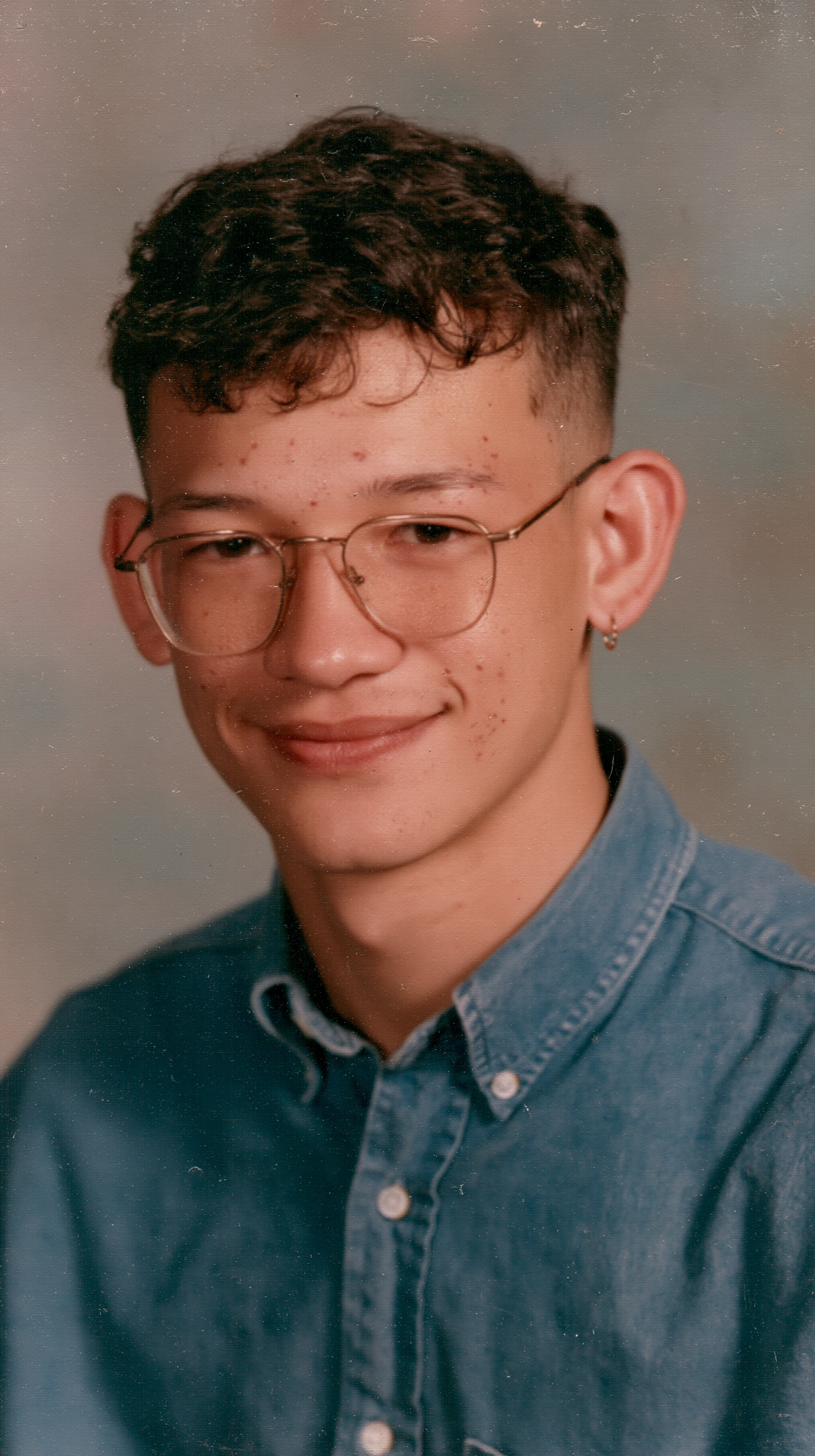
One person, face sharp and toward the camera, wearing the outfit you want in the video.
Press Generate. Our test took about 4 minutes, and the video lands in My Videos, so you can close the tab. Download the MP4 without a watermark and post it.
The best photo for End of Watch Locker Scene AI is a sharp, single-person shot from the chest up with the face toward the camera, because the whole video is a close-up from arm's length.
Face to the lens
The camera is an arm's length away the whole time, so a front-facing photo keeps every close-up looking like you.
A look nobody expects in a locker room
A white suit, a gold chain or a wedding dress makes the gear check funnier than another grey T-shirt.
Faces cropped from a group shot
A tiny face can't hold up when the camera is this close.
Sunglasses or a hidden face
Sunglasses, caps pulled low and hands near the face hide the grin the whole clip is built around.
Red training pistol, two radios, a folding knife, a close-up item, then the flashlight that whites out the frame, and a grin to finish. All in order, all handheld and an arm's length away.
Face, hair and outfit come from your photo. In our test the grey afro, white suit, orange paisley shirt and gold chain stayed the same in every frame, and no uniform appeared.
A 16:9 clip with sound, ready for TikTok, Reels, Shorts or the group chat.
Download a clean MP4 on every plan, free credits included. Failed renders refund credits automatically.
Unlike Sora or Kling, you don't write or tune a prompt to get the shaky close-ups and the gear in the right order. Add one photo in your browser and press Generate. No app to install.
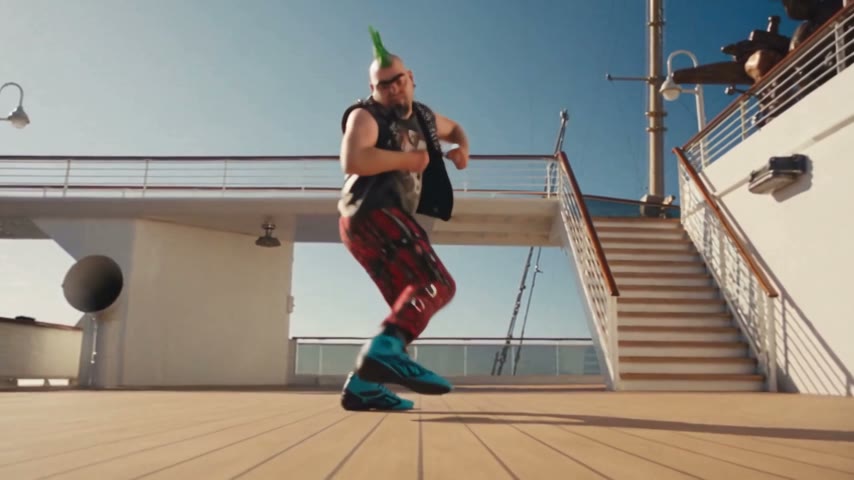


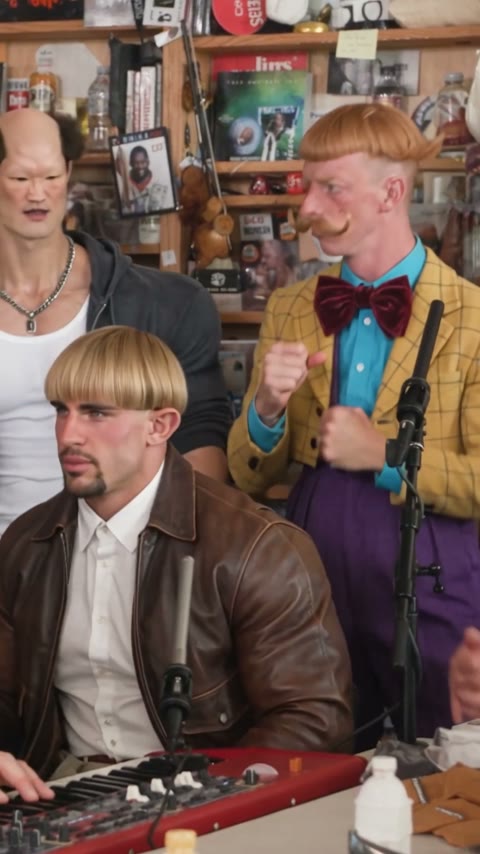
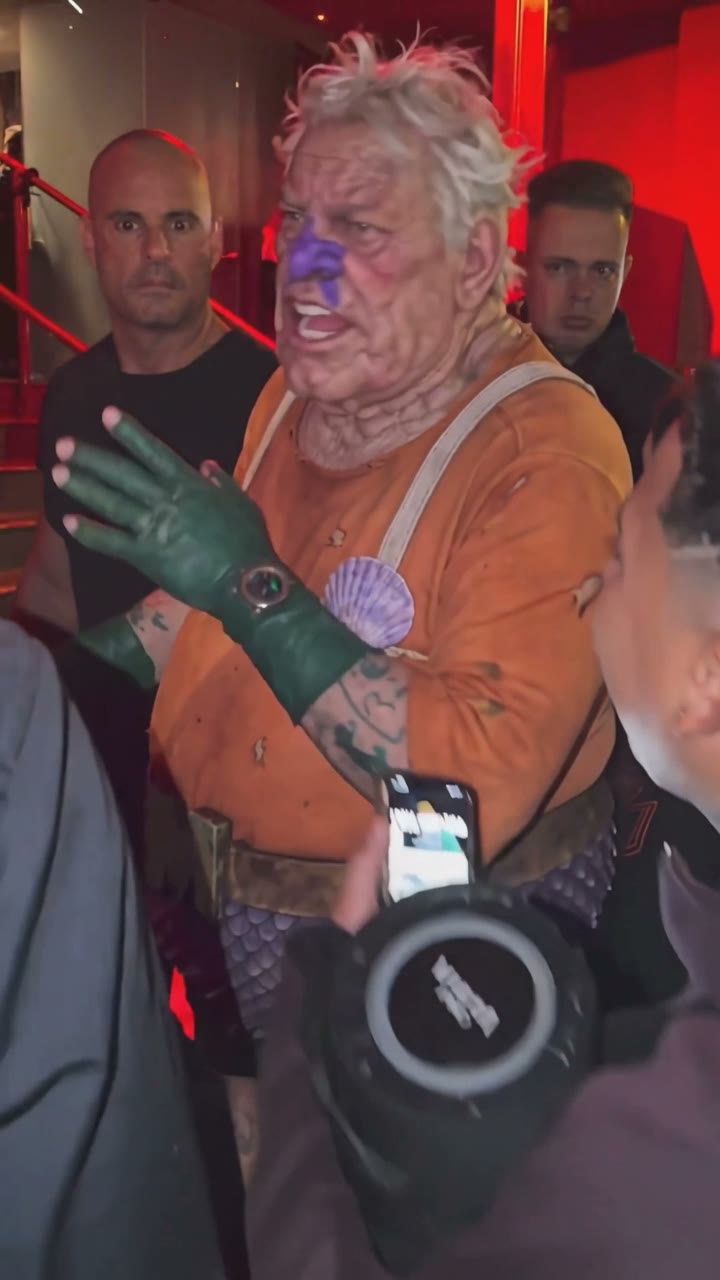
Open this page, upload one clear photo and press Generate. You get an 11-second widescreen video with sound of you showing your gear to a handheld camera in a police locker room, usually within a few minutes.
The End of Watch locker scene trend restages the opening of the 2012 film End of Watch, where Jake Gyllenhaal's Officer Brian Taylor films himself in the locker room and holds each piece of gear up to the camera. TikTok users remake it with their own stuff, and AI templates now let anyone star in it from one photo.
It's also called the Jake Gyllenhaal locker scene, the Jake Gyllenhaal police meme and the End of Watch locker room meme. Those are the names TikTok uses for its search pages, and AI remakes are tagged #lockerscenetrend.
0–1.5s, you hold a red training pistol up to the camera; 1.5–3s, a radio in each hand; 3–4.5s, a folding knife pushed toward the lens; 4.5–6s, a small item held right up to the camera; 6–7.5s, a flashlight shone into the lens until the frame turns white; 7.5–9s, both radios again; 9–11s, you lower your hands and grin at the camera.
Not completely. New accounts get 75 free credits, and one End of Watch Locker Scene AI video takes 240. The one-time $5.99 trial pack (540 credits) covers two videos at about $2.66 each, with no subscription. The exact cost shows on the Generate button, and failed renders are refunded automatically.
About $2.66 for one video. That is 240 credits for an 11-second, 480p widescreen clip with sound; our test rendered in about 4 minutes.
Four reasons: you look like your photo, it costs less, you get a clean video, and it's ready to post.
Looks like you: your face, hair and outfit stay yours through every close-up and the flashlight flare, and you're never put into a uniform you weren't wearing. This setup worked on our first run, so you don't spend credits on retries.
Costs less: about $2.66 per video with a one-time $5.99 pack and no subscription, the lowest price among the tools we found with a listed price.
Clean video: no watermark on any plan, free credits included, and if a render fails your credits come back automatically.
Ready to post: 11 seconds with sound, so it goes straight to TikTok, Reels or Shorts with no editing or dubbing.
No. The video stars you, made by AI from your photo. It contains no footage from End of Watch and neither Jake Gyllenhaal nor Michael Peña appears in it.
There is a red training pistol, the inert prop police use for drills, shown for about a second at the start. The rest of the gear is two radios, a folding knife and a flashlight.
No. You wear whatever you're wearing in your photo. We tested it with a white suit, and the suit stayed in every frame, so the photo decides the look.
Usually it's sunglasses, a side profile or a small face cropped from a group photo, and the close handheld camera makes it worse. Use a sharp, single-person photo facing the camera, then run this template again.
No. It's a fan-made template, not affiliated with End of Watch, its studios, Jake Gyllenhaal or TikTok. Only upload photos of yourself or adults who agreed; photos of celebrities, public figures or children aren't allowed.
Say it's AI, tag anyone who appears in it and use #lockerscenetrend, #endofwatch and #jakegyllenhaal. If you want the trend's audio, pick the locker scene sound that's trending in the TikTok sound library when you post.
Your photos and videos stay in your account, so you can download them again from My Videos at any time. They are never used to train AI models and are not sold or shared, except with the video model provider that renders your clip.
Last updated