01
Smile at the camera
A neutral face slowly breaks into a natural smile with one soft blink. The most requested motion, and the one that looks most like a real video.
Upload a selfie or portrait and choose the expression: a soft smile, a slow blink, a head turn, a laugh or a line of speech. Your photo is the first frame, so the face stays yours.
Engine
Reference images0/9
Voice or songmp3 / wav · 2–15s · optional
Prompt0/4000
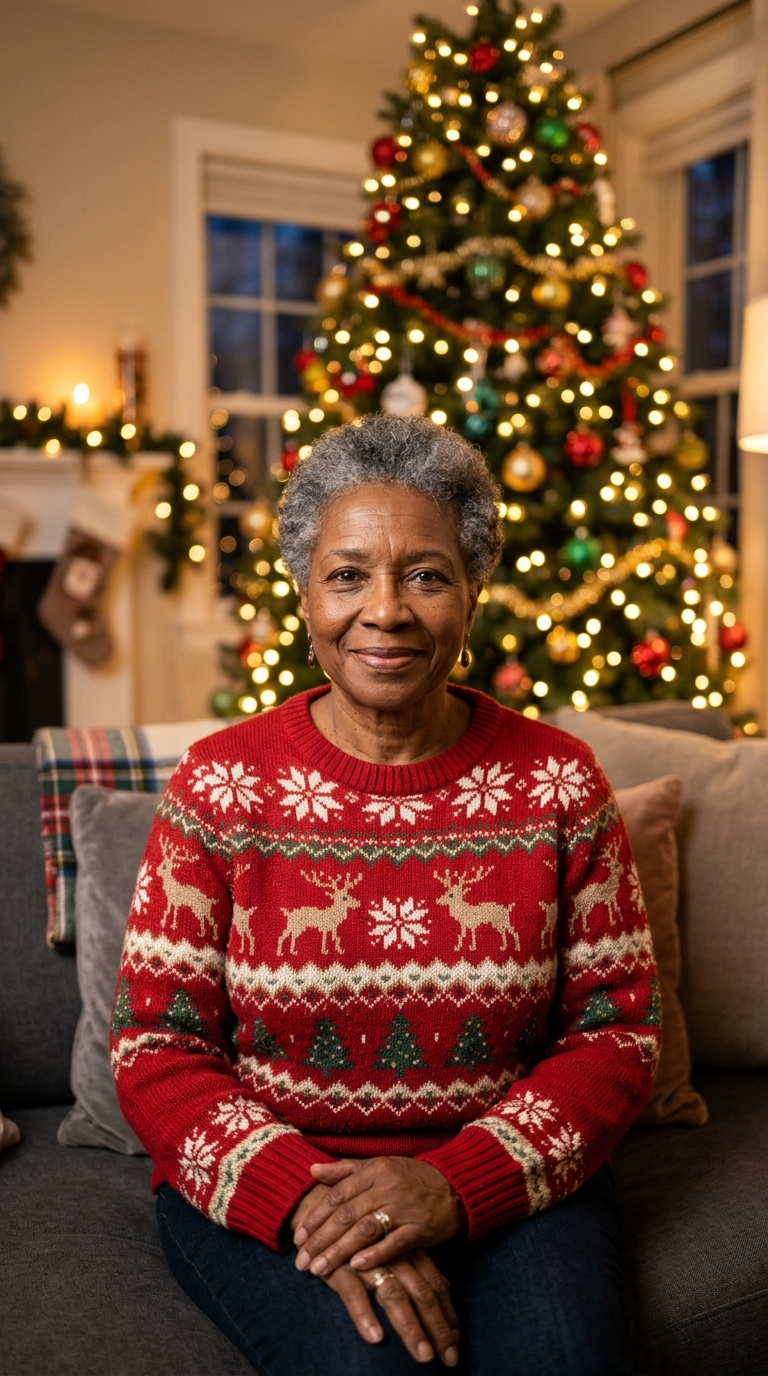
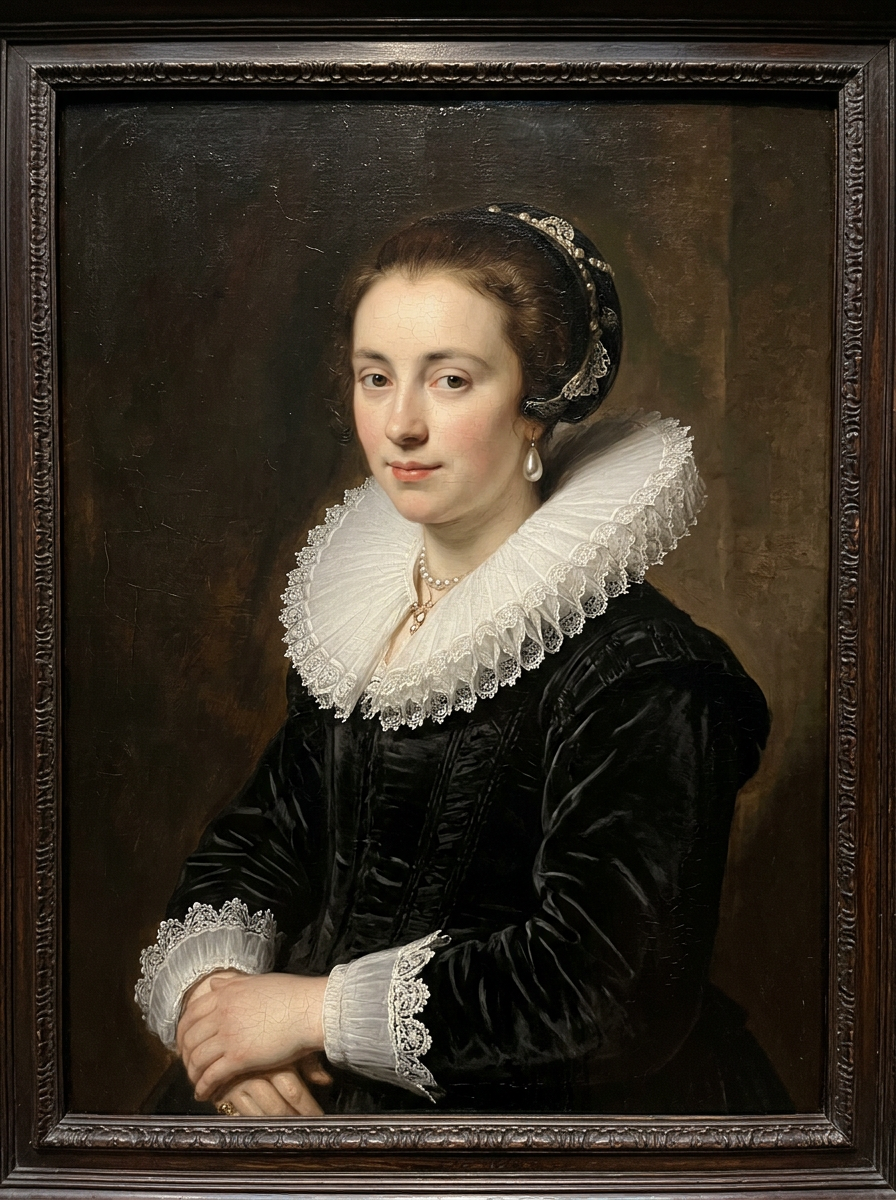
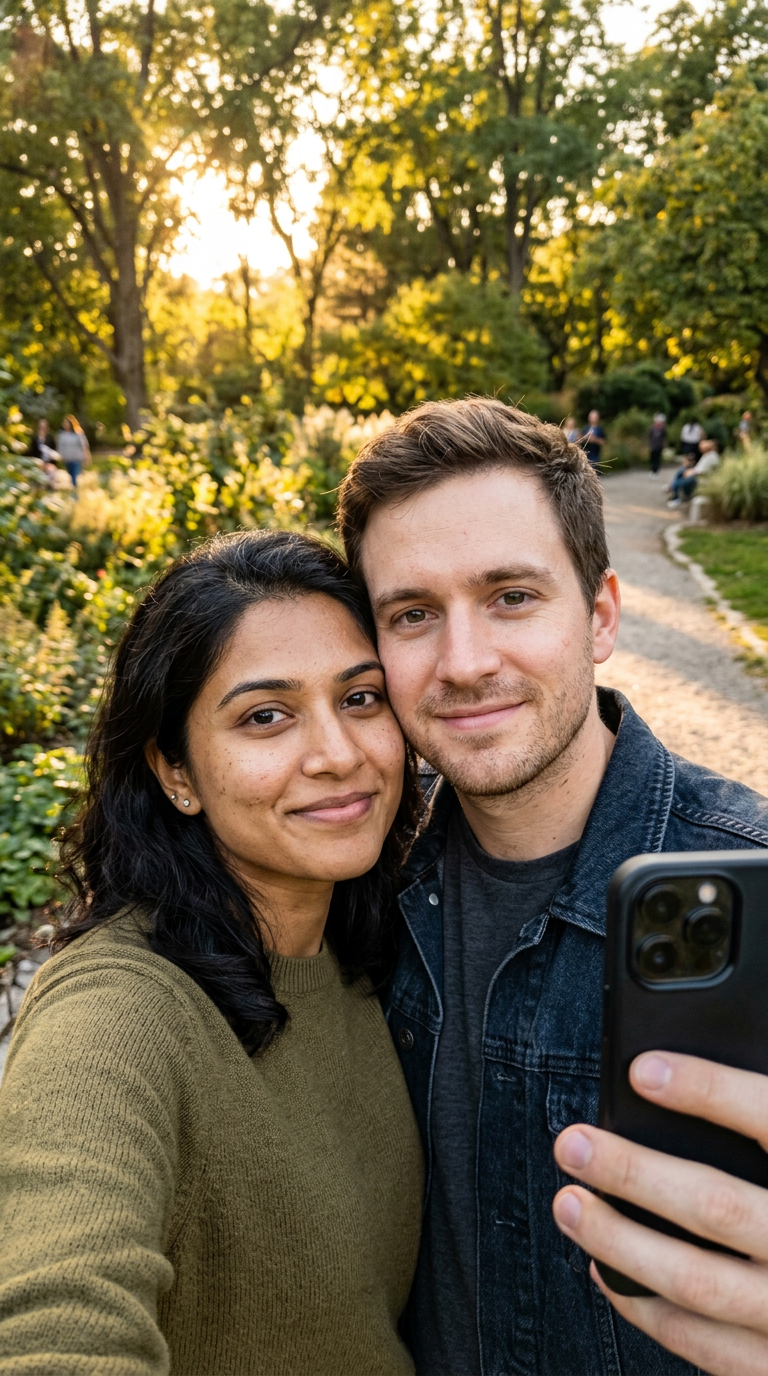
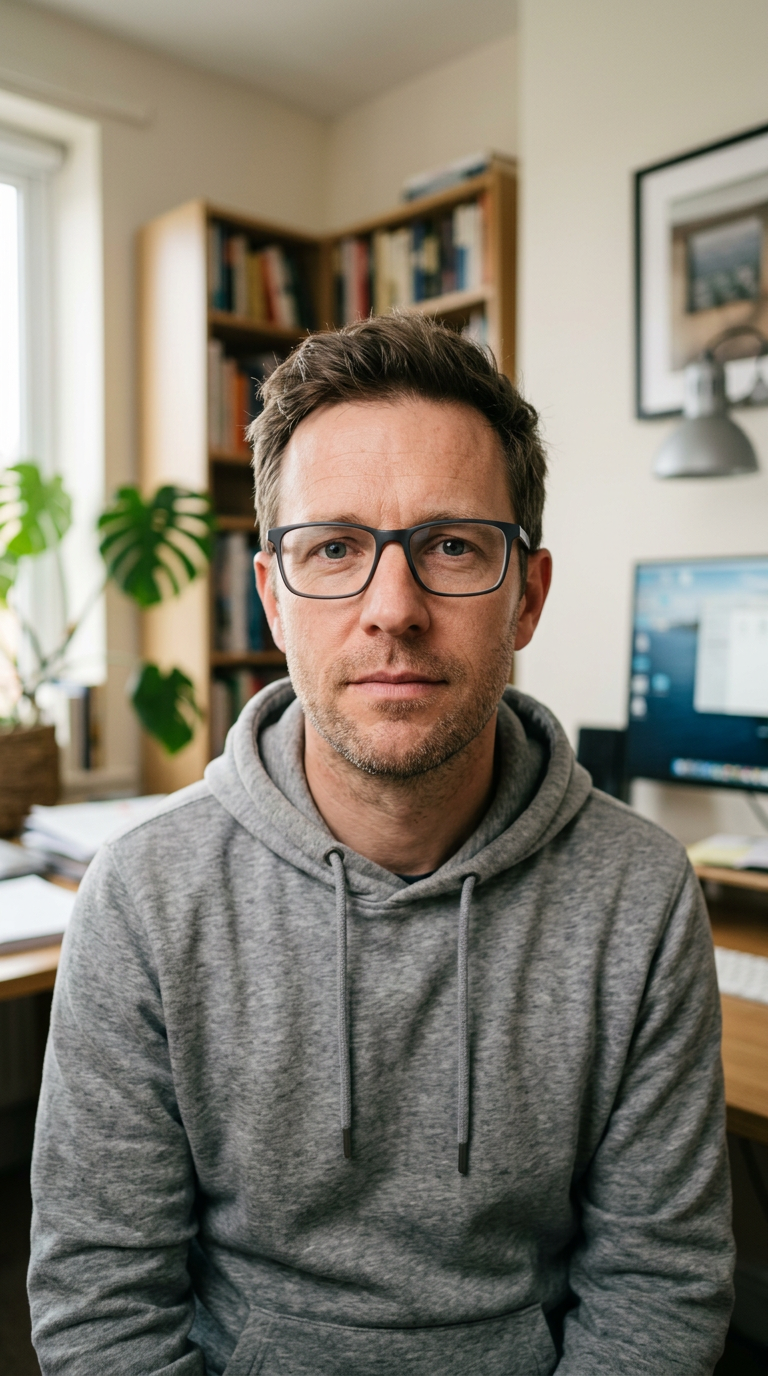
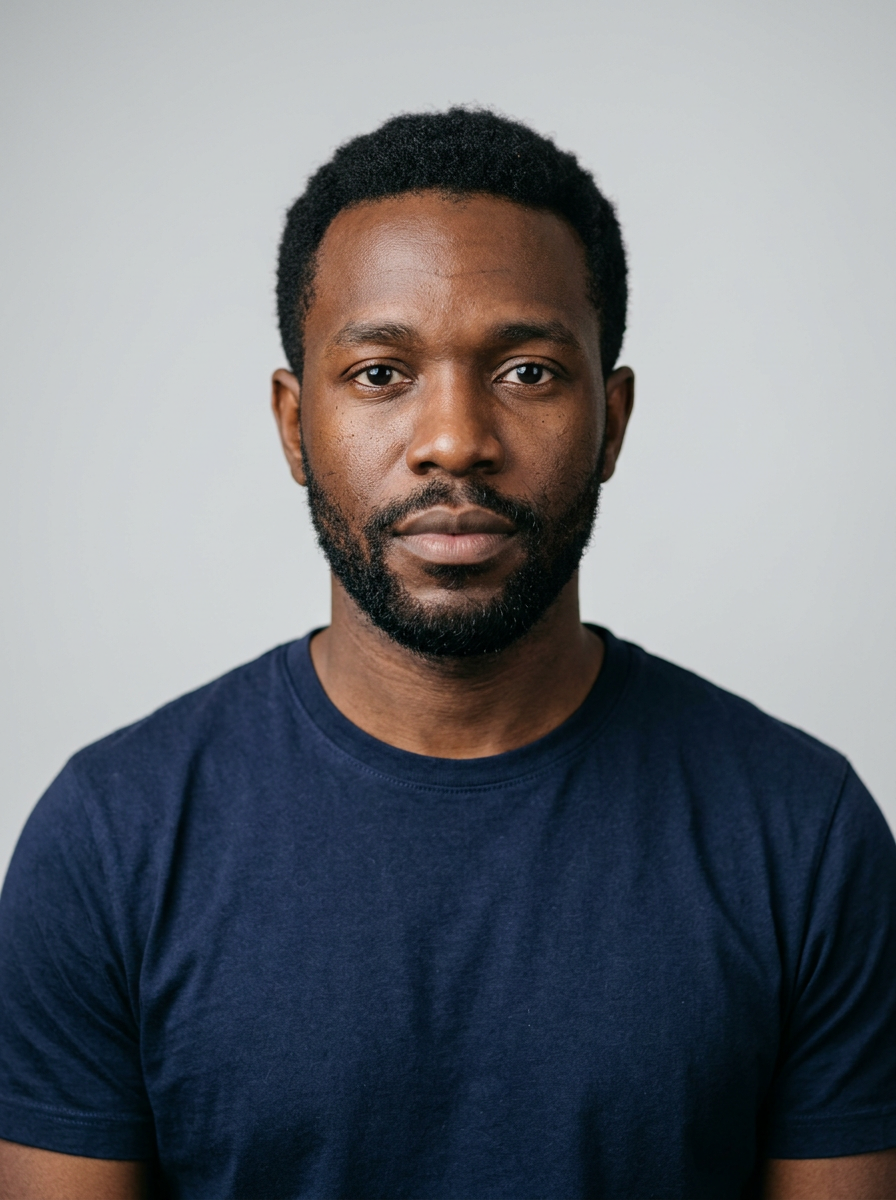
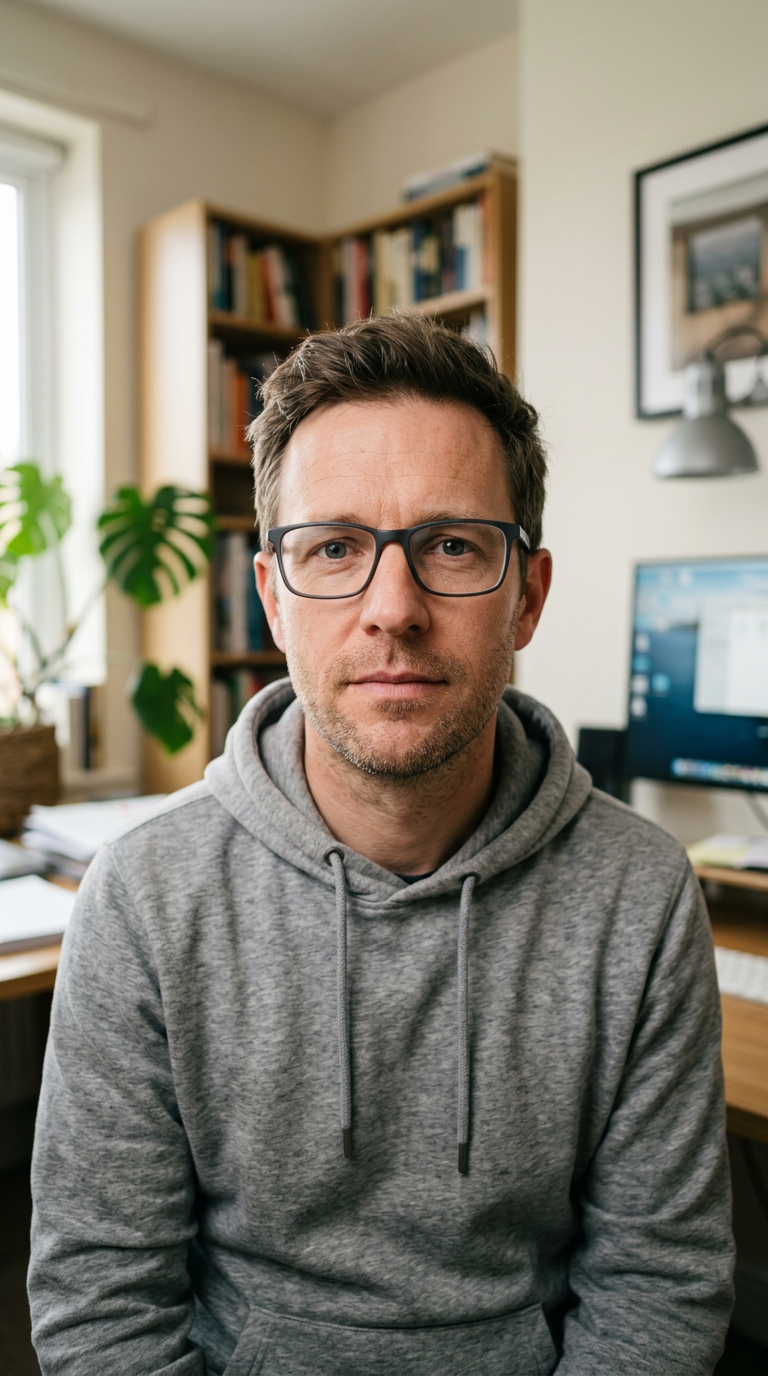
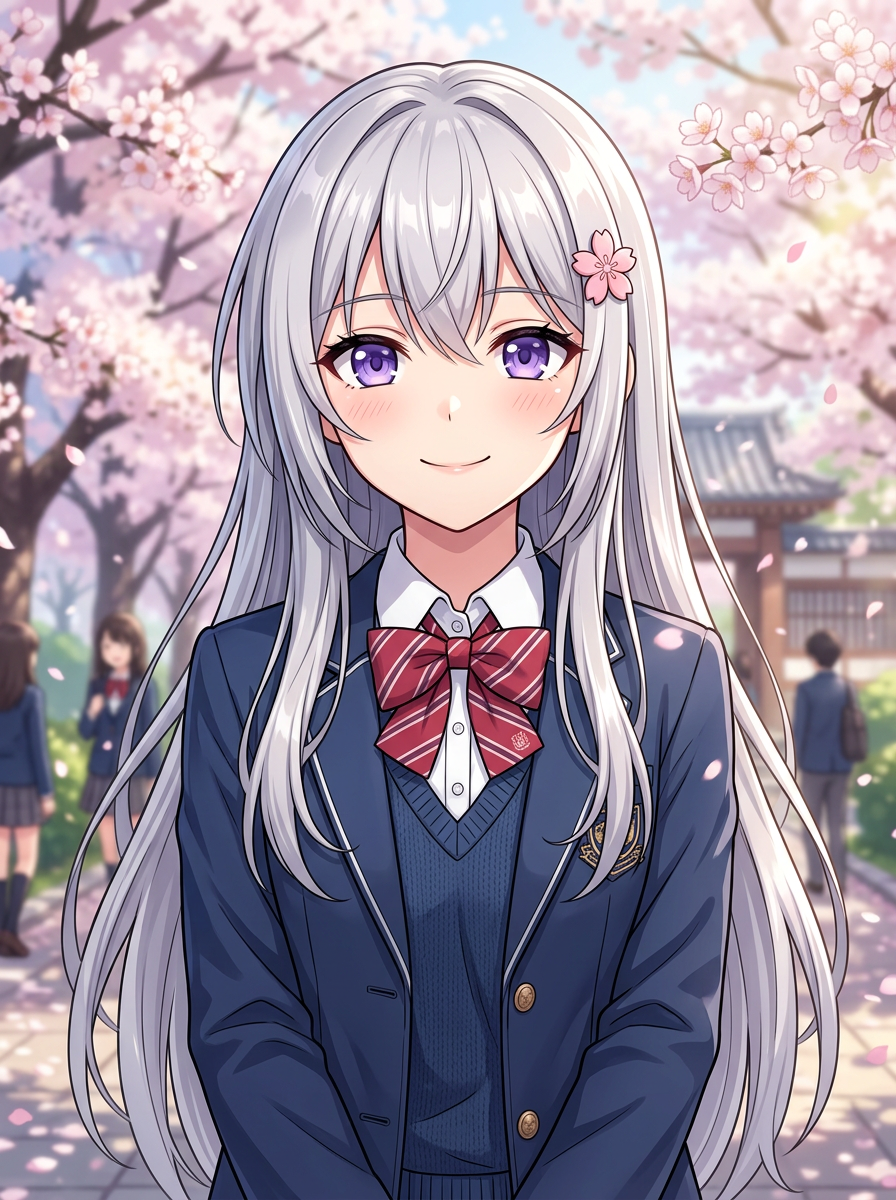
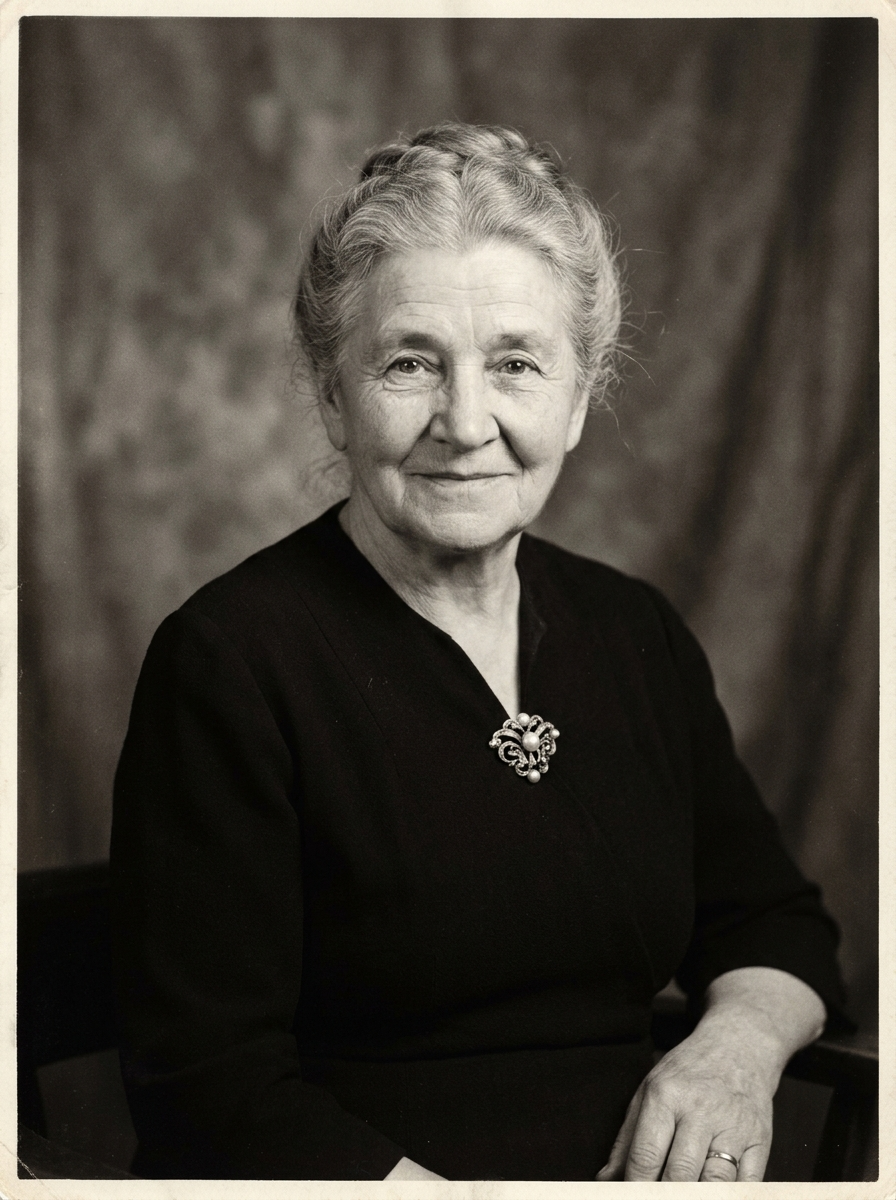
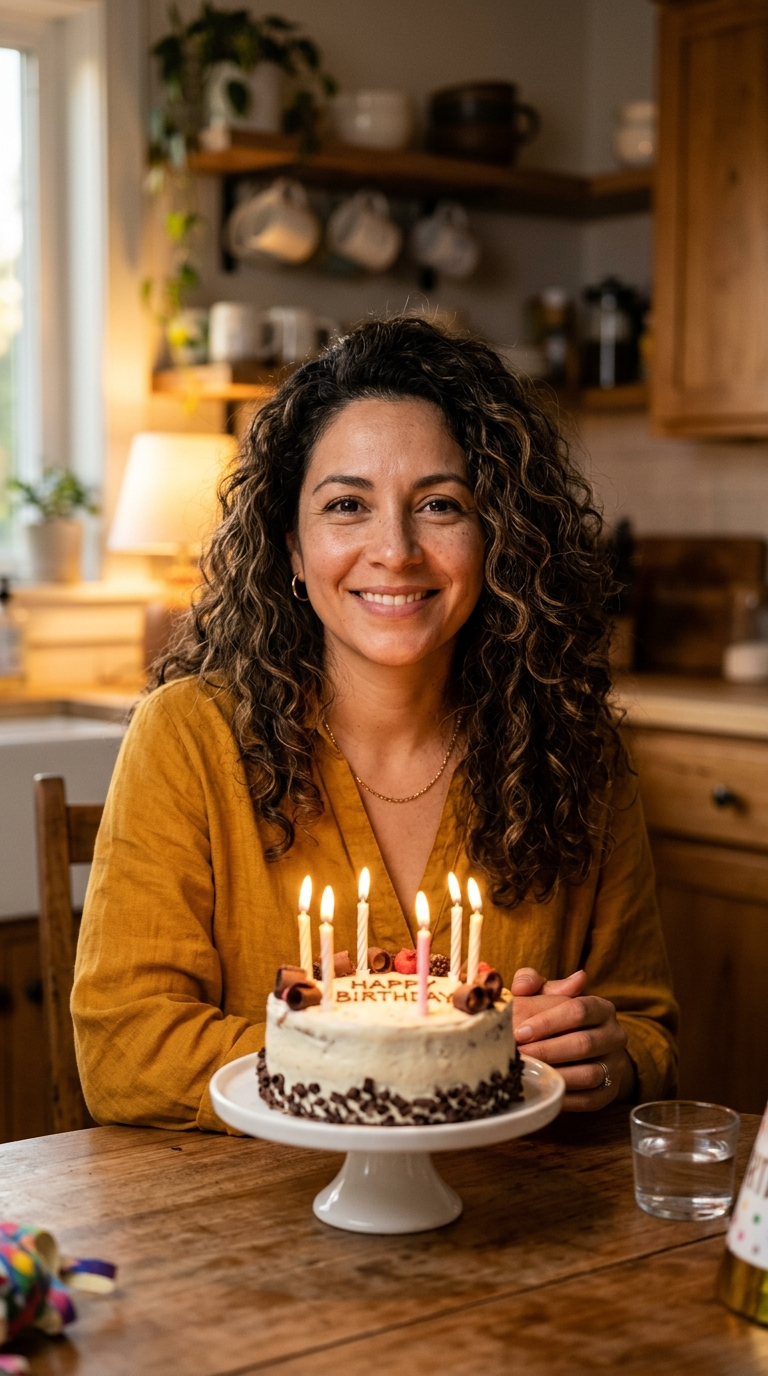
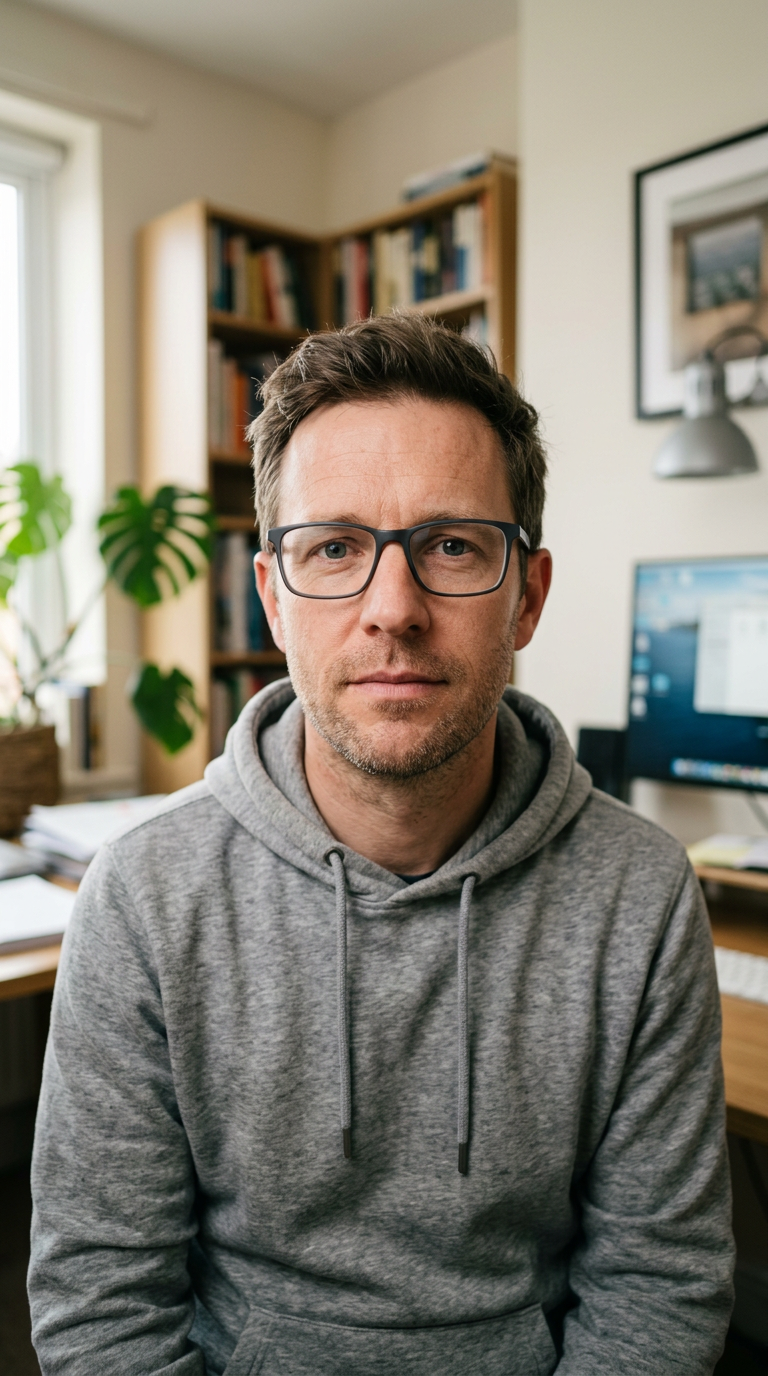
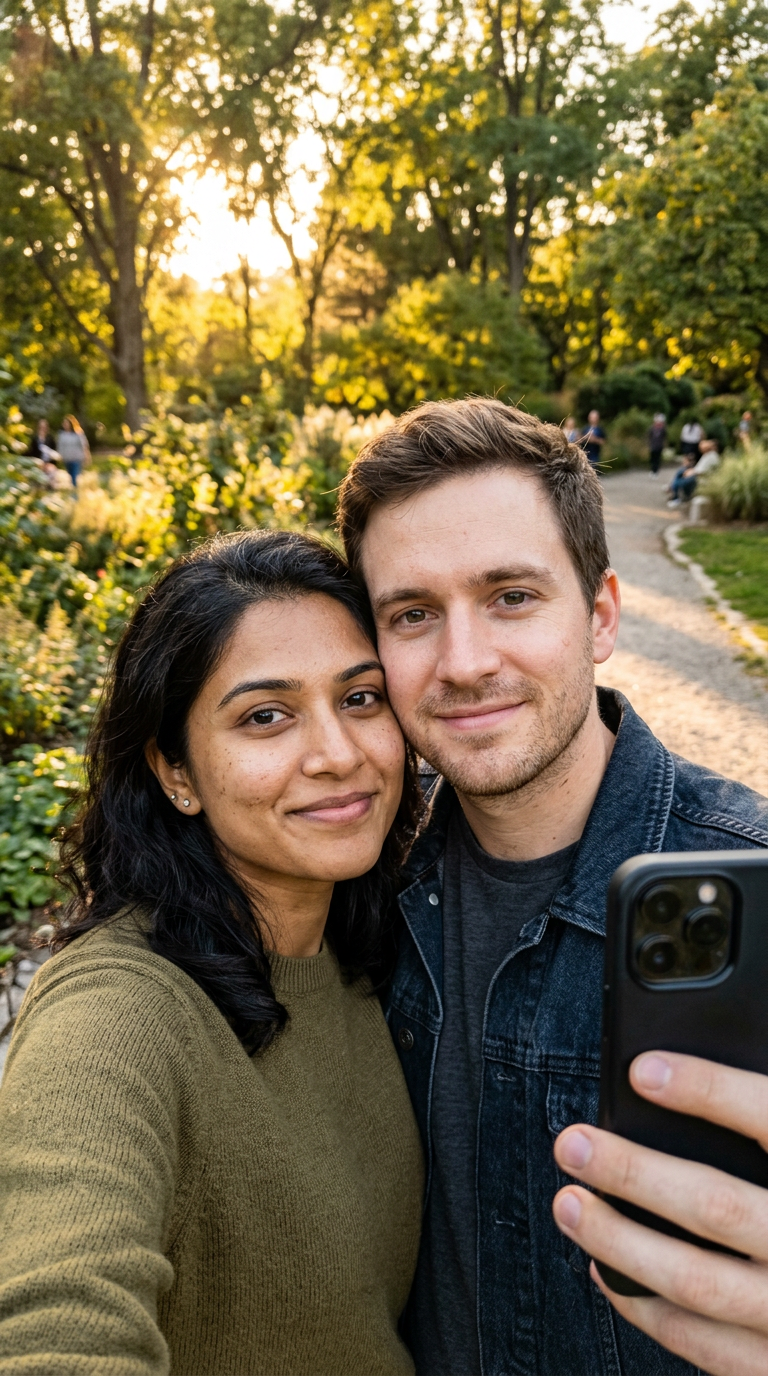
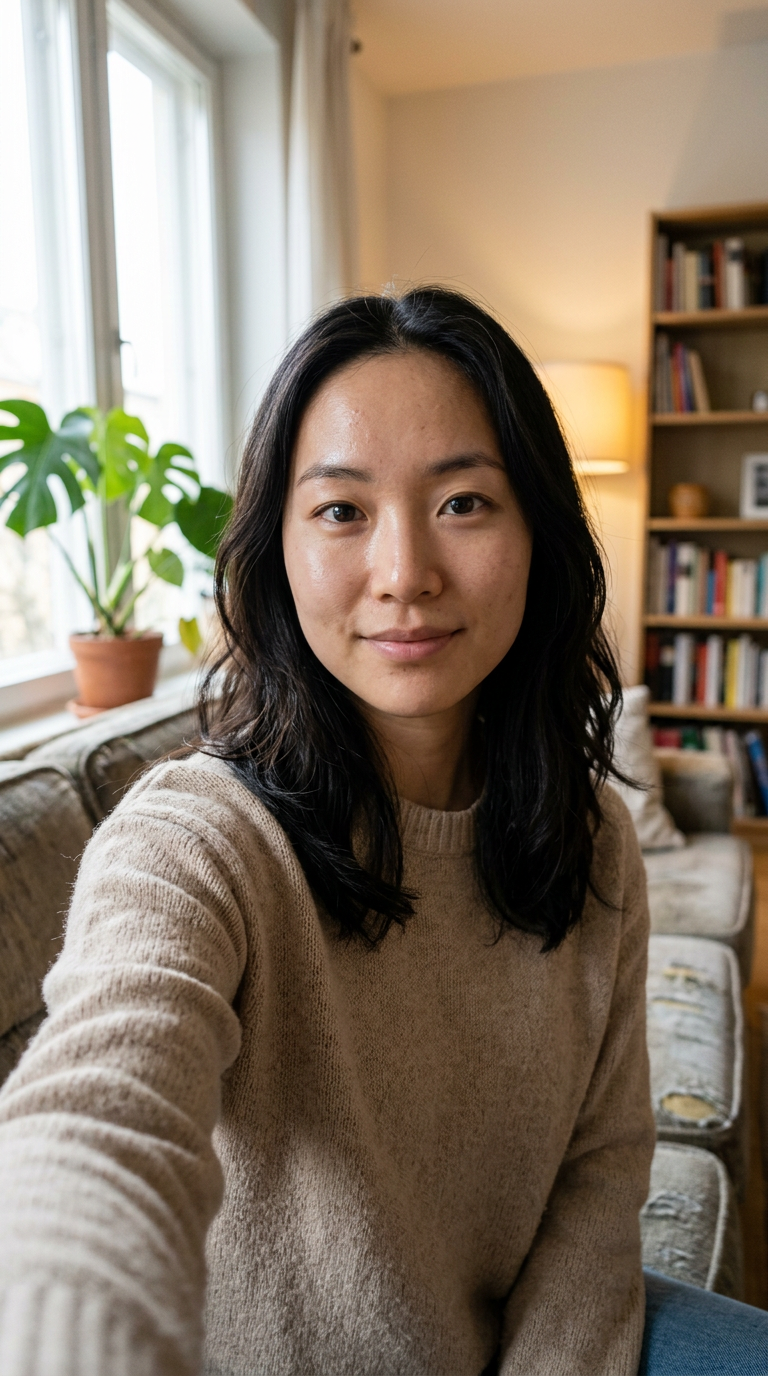
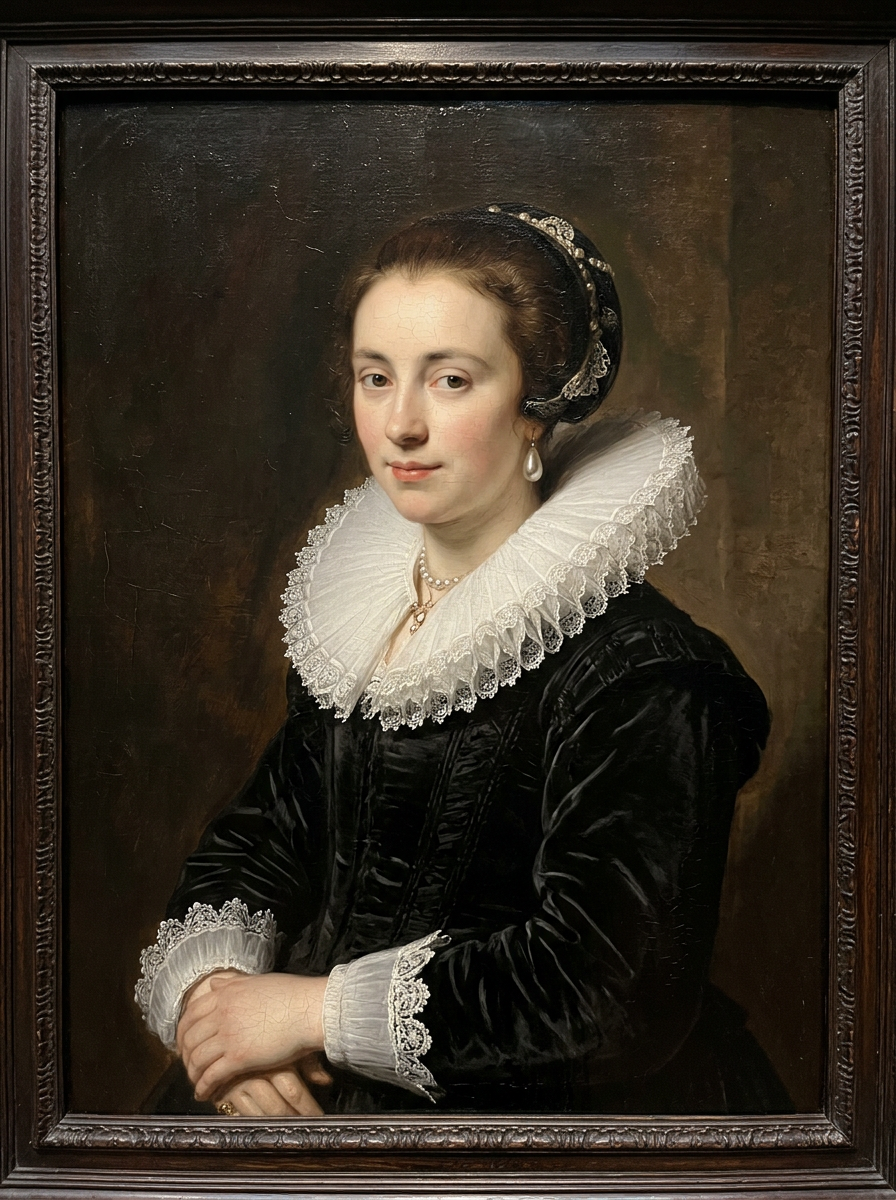
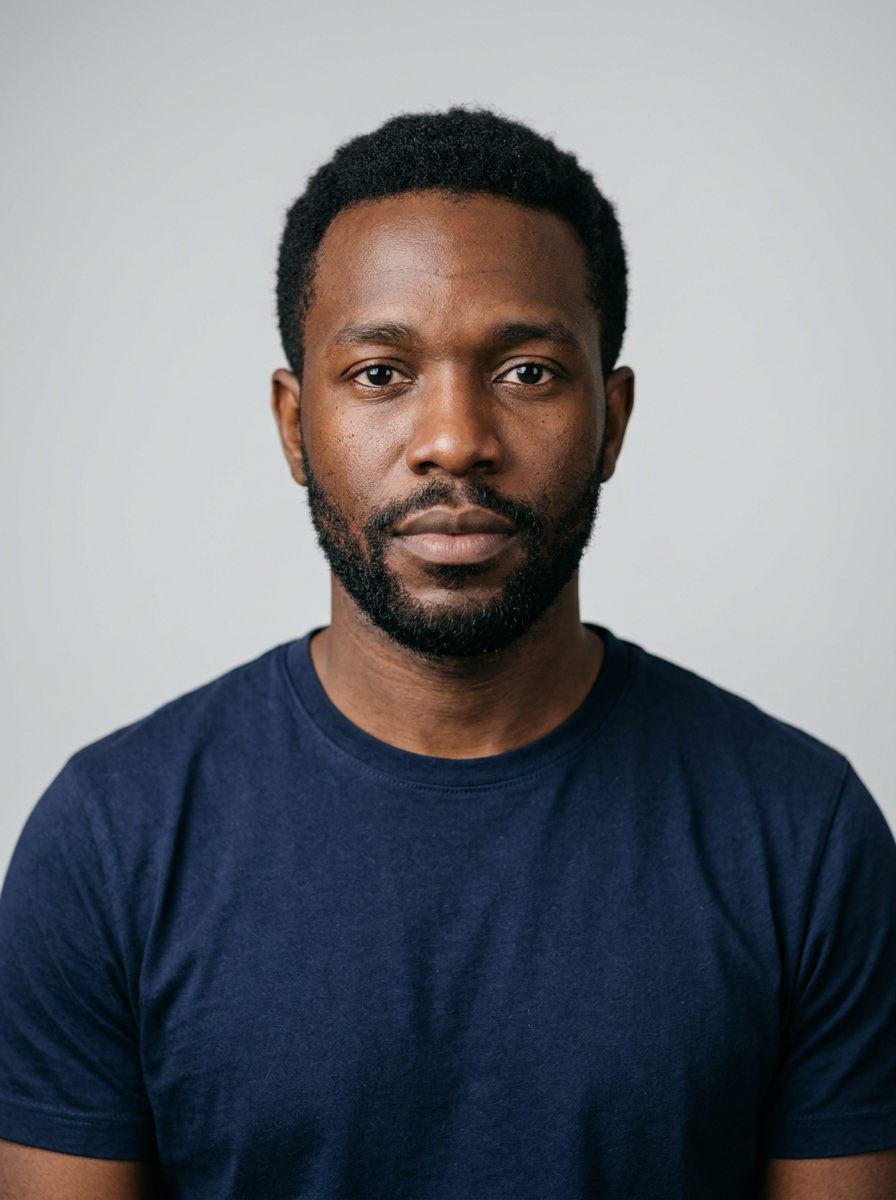
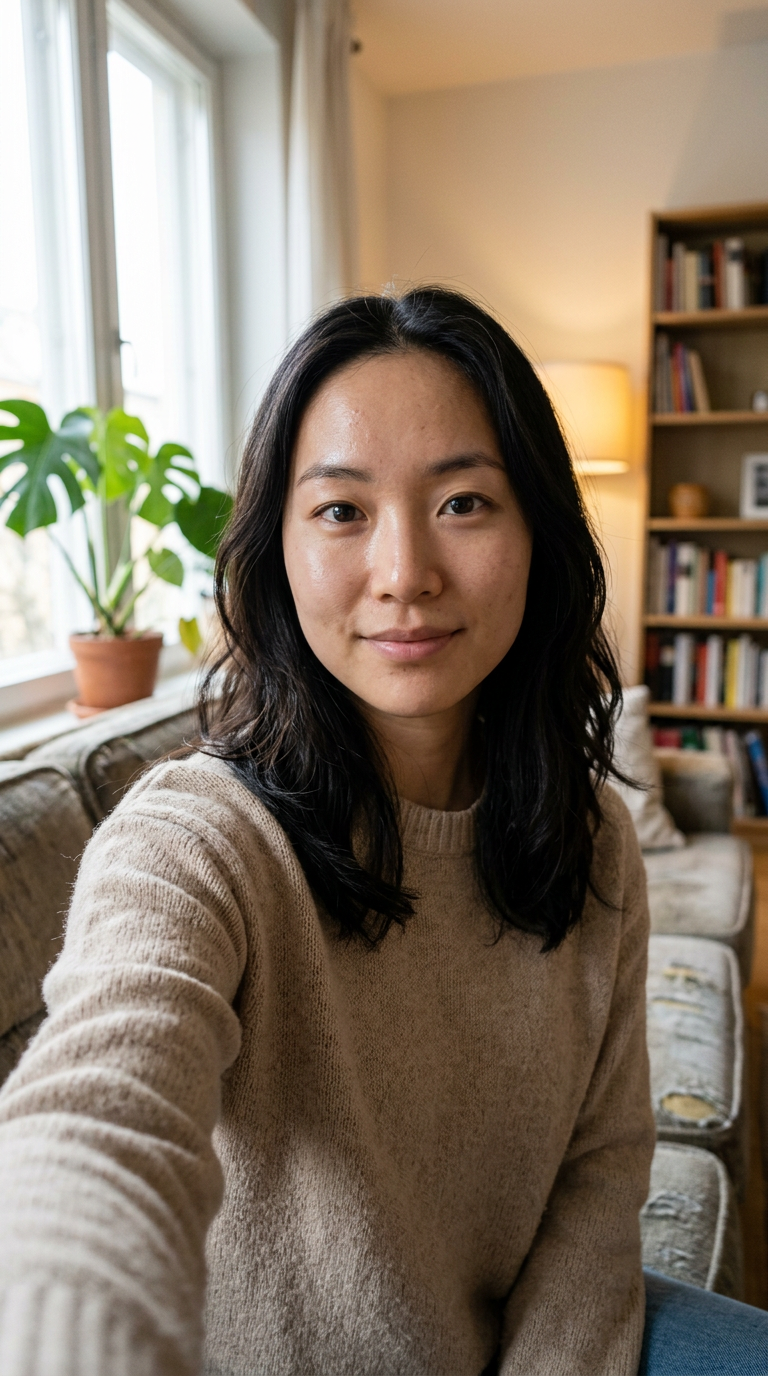
Each facial motion comes with its prompt and settings built in. Click the button, swap in your face and generate.
A neutral face slowly breaks into a natural smile with one soft blink. The most requested motion, and the one that looks most like a real video.
Slow blinks, gentle breathing, a faint smile at the end. Small enough for ID-style photos and old portraits.
The head turns toward the viewer and the eyes meet the camera. Works on photos, paintings and illustrations.
A smile and a wave with the free hand, then the hand comes down naturally. Good for intros and greetings.
A real laugh, not a frozen grin. Works with two or more faces in one photo.
Write a line or a lyric in quotes and the face says or sings it, with matching lip movement. Keep Audio on.
Animate face turns one photo of a face into a short video where the person smiles, blinks, turns or waves, and still looks like themselves. It works like an AI face animator in your browser: you upload a selfie, headshot, old portrait or drawn character; you don’t need to film anything or write a prompt.
Your photo is used as the first frame of the video, so the face starts out exactly as it is in the picture, and every built-in prompt tells the model to keep the face unchanged. All 15 examples on this page were made that way: Seedance 2.0 Mini, 5 seconds, 720p, 9:16, 55 credits each, ready in about two minutes.
You control the expression with the motion you pick. Small motions such as a slow blink or a soft smile look most like the person; bigger ones such as a laugh or an eye roll are more fun but change the face more. Want something else? Choose “No template” and describe it in one sentence, for example “she raises her eyebrows and smiles”.
A head tilt and a smile that loops, for Discord, Telegram, a portfolio or your link-in-bio page.
Send a photo that blows out its own candles. Add a line in quotes to have them say “Happy birthday!”
Christmas, New Year or Lunar New Year: the face waves and says your wish out loud. Send it instead of a card.
A slow blink and a small smile on a parent’s or grandparent’s portrait, kept in black and white. For more old-photo options, see the old photo page.
Wave, say your intro line, point at the camera. Vertical 9:16 and ready to post.
One photo, two or three faces, all moving together: a kiss on the cheek, a laugh, a hug.
Characters blink, tilt their heads and let their hair move, and stay 2D. For sketches and paintings, see the drawing page.
An eye roll, a raised eyebrow, a slow-motion shock. For full viral trends like dances and movie scenes, browse the effects.
Make an old master portrait smile in candlelight for a lesson or a museum post. Use public-domain artworks, not photos of living public figures.
A neutral selfie breaks into a warm smile and a soft blink.
JPG, PNG or WebP. A front-facing face that fills a good part of the frame works best. Selfies, headshots, scans of old prints and drawn characters all work.
Click a motion above (smile, blink, turn, wave, laugh, say a line) or a template, and its prompt and settings are filled in. Or choose “No template” and describe the motion in one sentence.
The credit price shows before you click. In our runs a 5-second 720p clip took about two minutes. Download the MP4 with sound, no watermark.
The model redraws the face from what it can see, so a clearer face means a result that looks more like the person.
Clear, front-facing face
The single biggest factor in looking like yourself.
Soft, even light
Window light or shade keeps skin, eyes and teeth natural when they move.
Covered eyes or side profile
The model has to guess the hidden parts, and guesses change the face.
Tiny or blurry face
Crop closer, or restore an old blurry photo first, then animate it.
Your photo is the first frame and every built-in prompt says “keep the face unchanged”.
From a slow blink to a full laugh or an eye roll. Pick small for memorials, big for memes.
Write a line or a lyric in quotes and the face says or sings it with matching lip movement.
Two or three faces in one photo smile, laugh or lean in together.
Oil portraits keep their brush strokes; anime characters stay 2D.
Videos are private by default, downloads are clean, and failed runs give the credits back.
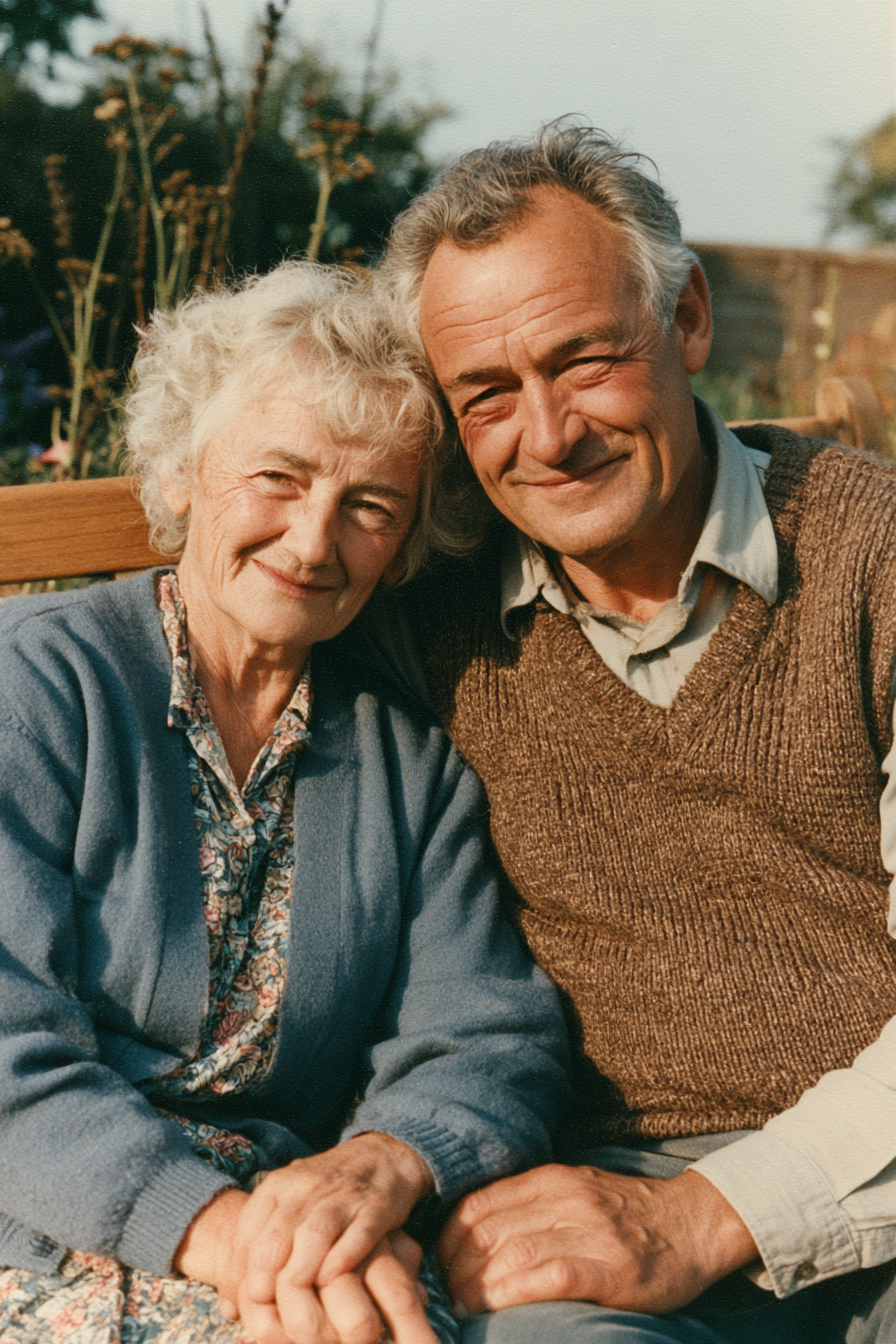
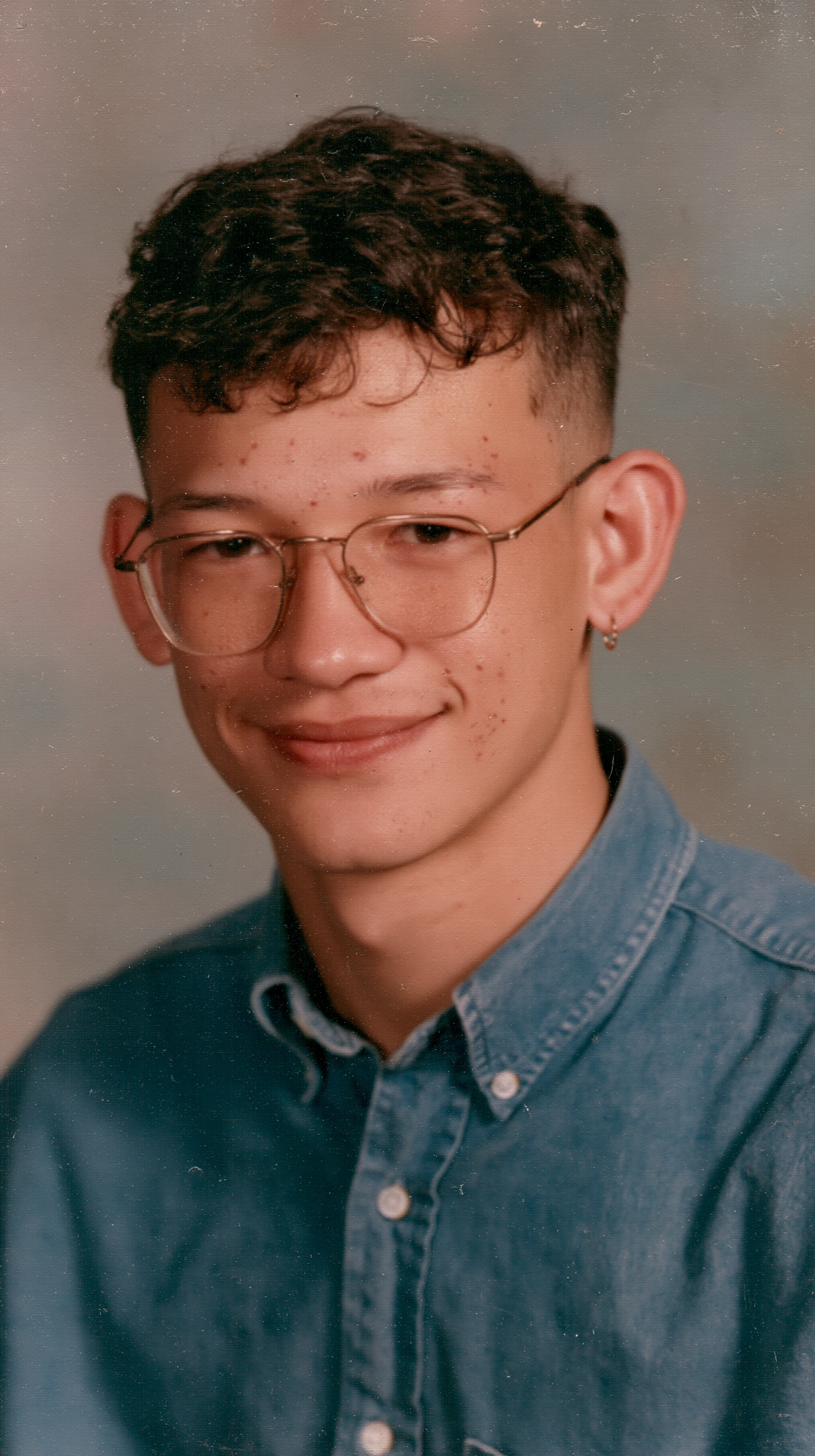
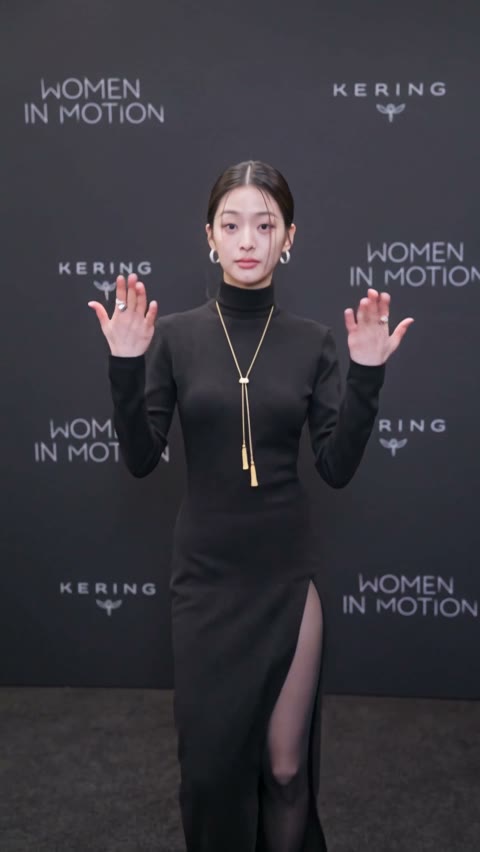
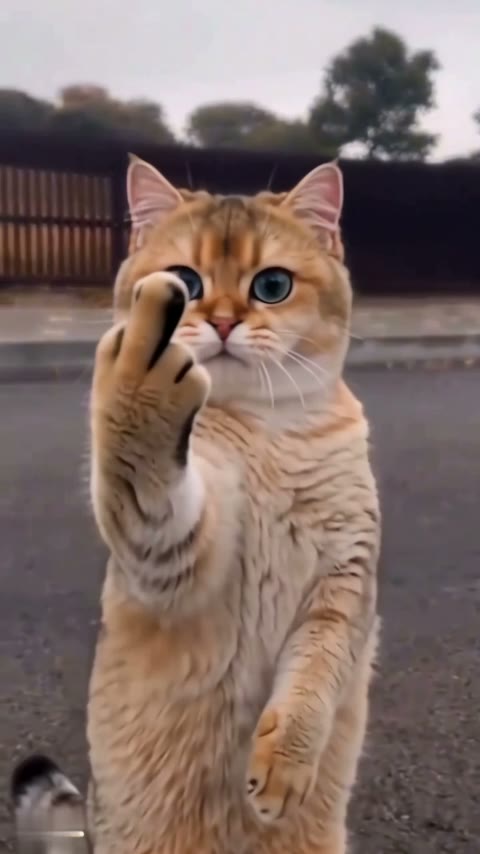
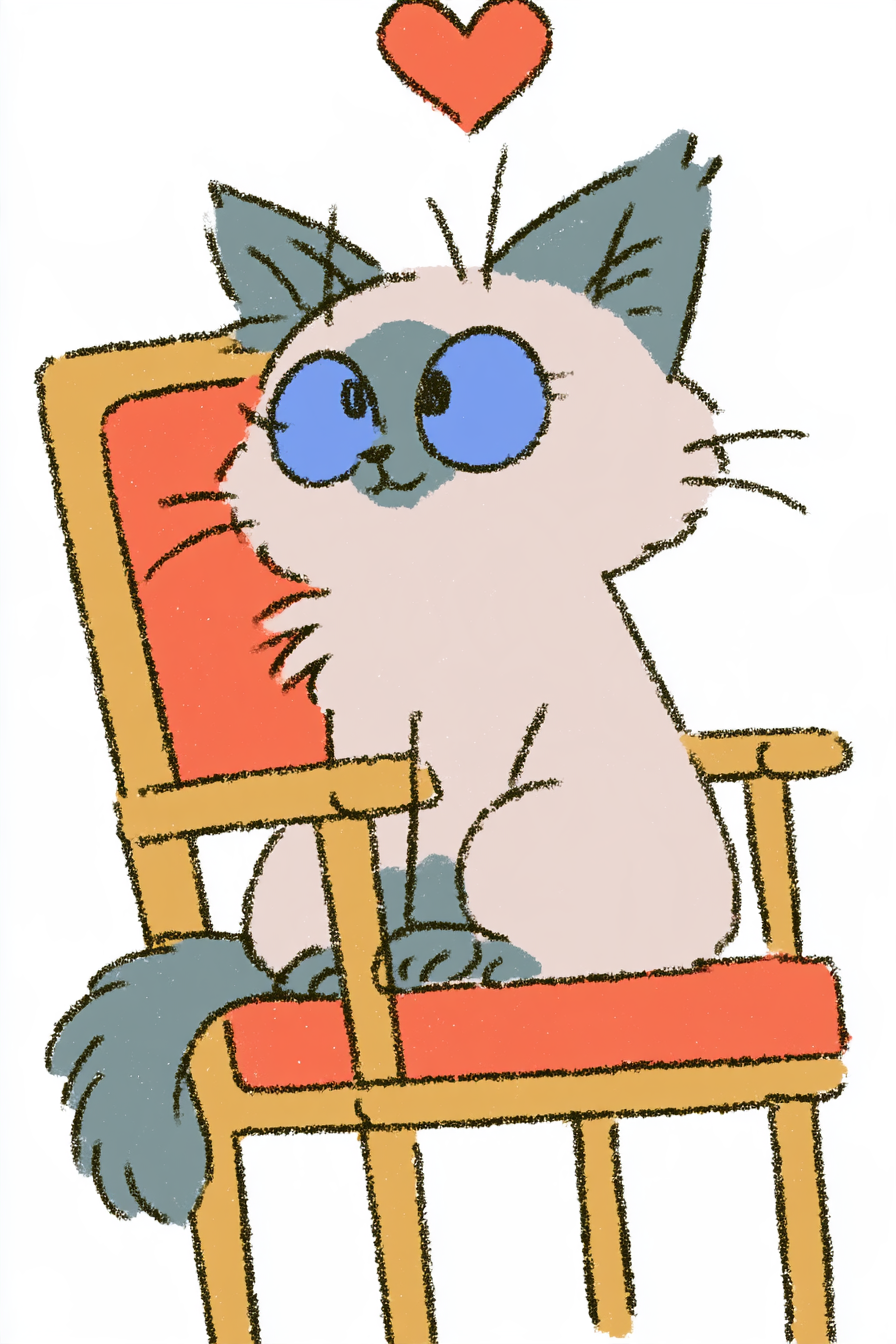
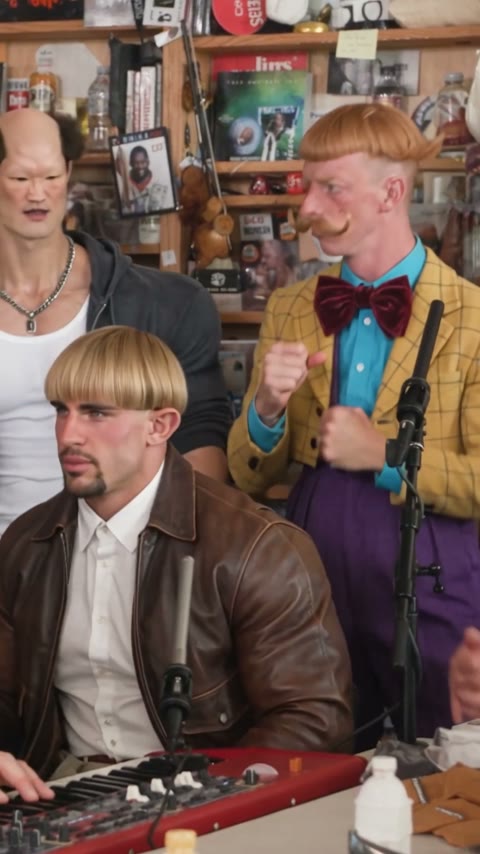
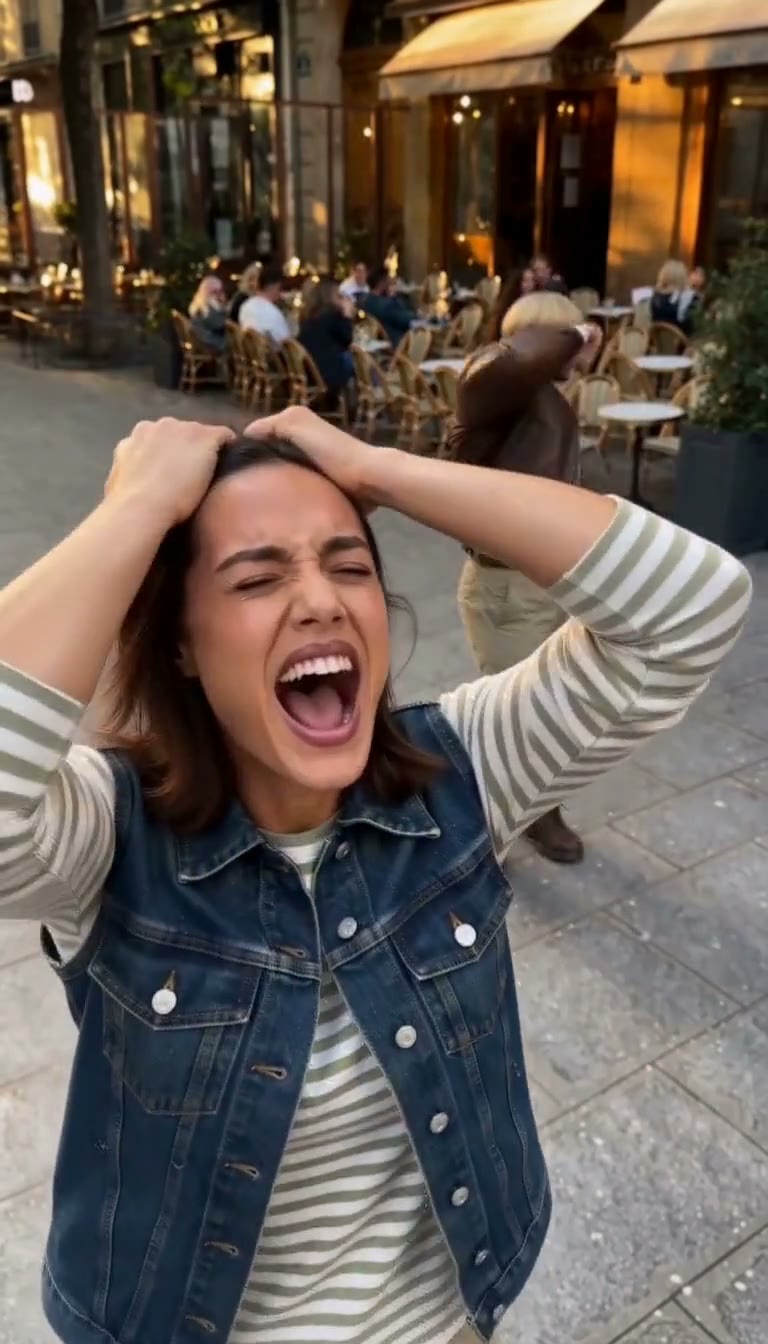
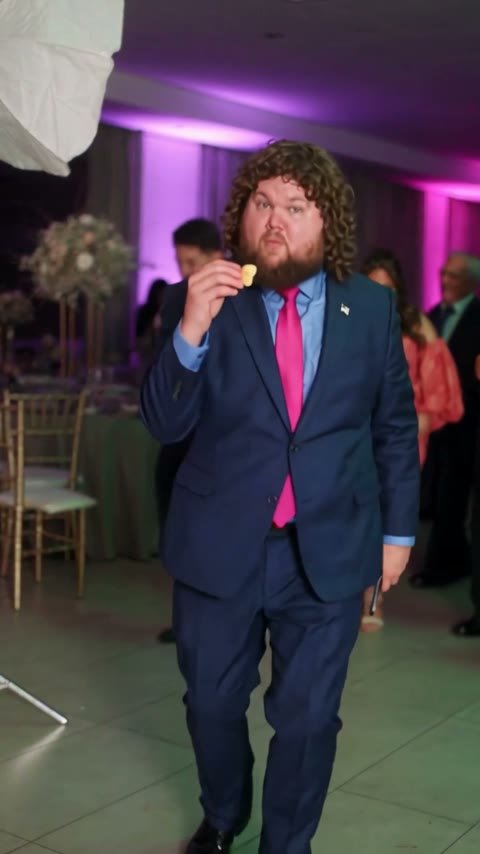
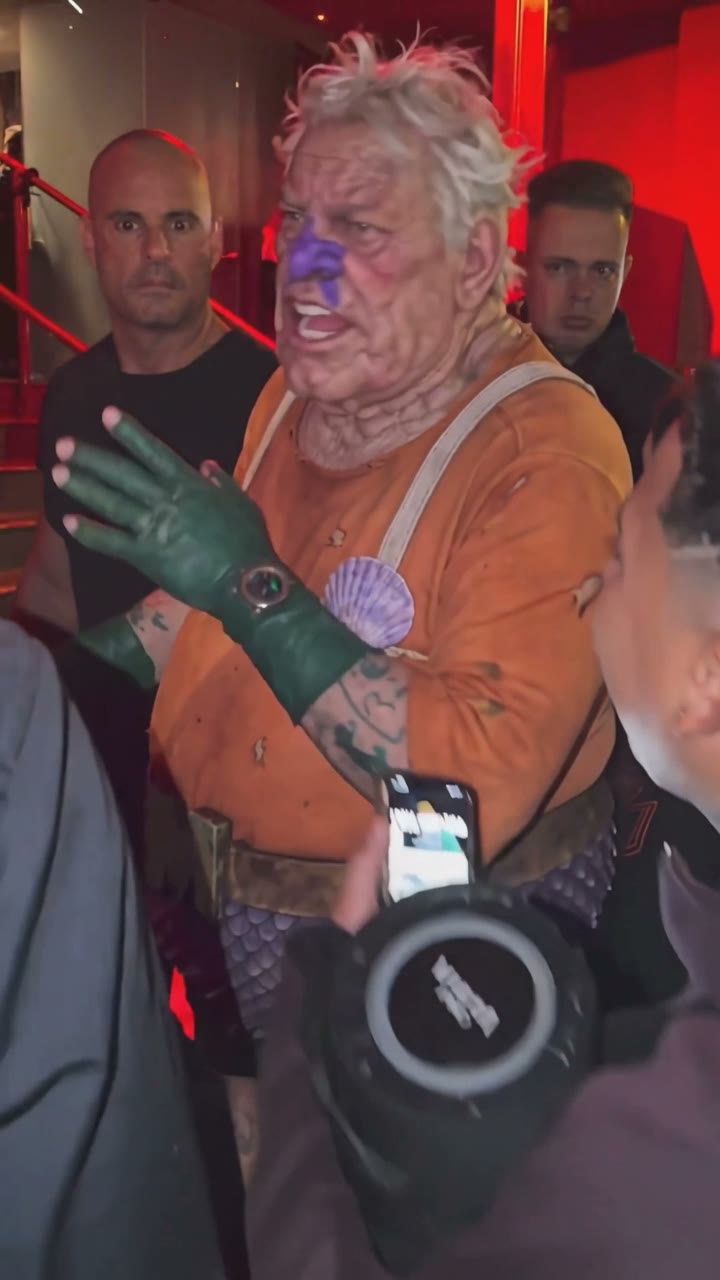
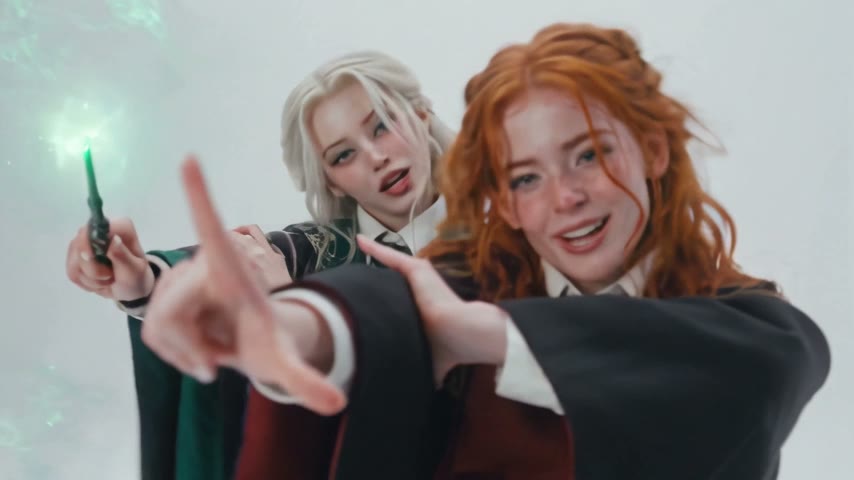
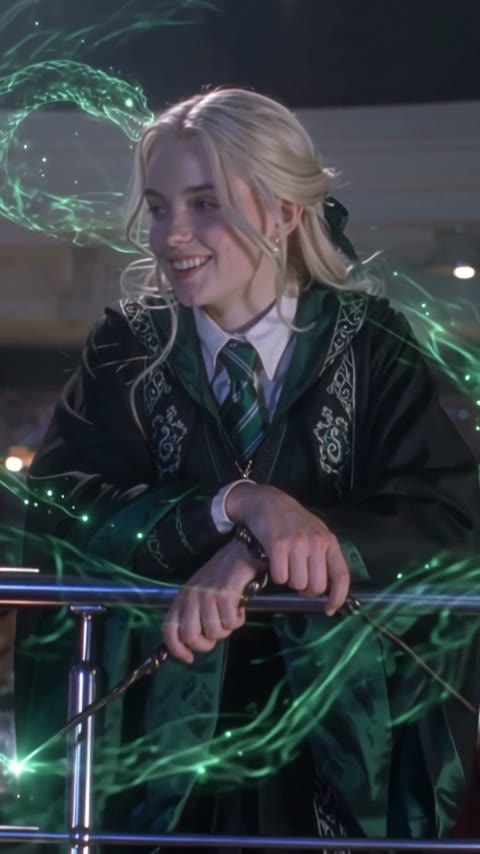
Upload a clear photo of a face, click a motion such as Smile at the camera or Wave hello (its prompt is built in), and click Generate. In our runs a 5-second 720p clip with sound was ready in about two minutes.
The model redraws the face in every frame, so it drifts when it can't see the face well: blur, side angles, sunglasses, hair over the eyes or a tiny face. Use a sharp front-facing photo, keep the motion small, and keep “keep the face unchanged” in the prompt. Kling 3.0 and Seedance 2.0 hold faces most consistently.
You can start free: new accounts get 75 free credits, enough for one of the examples on this page (55 credits for 5 seconds at 720p). Cheaper settings such as 480p cost less. The exact price is shown before you generate, and failed generations are refunded automatically.
Ask for one small motion at a time, like “a soft smile and one slow blink”, use a static camera and a clear photo. Creepy results usually come from big motions on low-resolution or old photos. The Soft blink & breathe motion on this page is tuned for that.
Yes. Write a short line or a lyric in quotes, for example says “Happy birthday, Mom!” or sings “Happy birthday to you”, and keep Audio on; models with audio make the face say or sing it with matching lip movement. In Photo mode, Seedance models can also take your own voice or song as an audio file (mp3 or wav, up to 15 seconds; 30 seconds on Seedance 2.5) and lip-sync to it.
A sharp photo with the face toward the camera and filling at least a quarter of the frame. Side profiles, covered eyes, heavy blur and very small faces in group shots work poorly; crop closer or restore the photo first.
Yes. Use a gentle motion such as a slow blink and a small smile, and keep it black and white if the original is. If the print is torn or blurry, restore it first. The old photo page has more examples.
Yes. Two or three faces can move together, like the couple examples on this page. Say who does what, for example “the woman on the left laughs”. For large groups, crop to the people you want to move.
Every video is private by default and never shown in public galleries, and your history needs your sign-in. Your photo is sent to the AI provider that runs the model. You can contact us to delete your files and account; see our Privacy Policy for details.
You don’t need to install one: AI Photo Animator is a web app that works in the browser on iPhone, Android and desktop. Upload from your camera roll and save the MP4 straight to your phone. To open it like an app, use your browser’s “Add to Home Screen”.
Yes, through our MCP server. Connect it once in ChatGPT, Claude or Cursor and ask in plain words, for example “make this selfie smile and wave”; the agent animates the face with your own account and credits. See the MCP page to connect.
Your own, or people who agreed to it. Don't upload photos of minors you aren't responsible for, or of public figures, and don't use the result to mislead anyone.
Our content checks block some photos, for example nudity or anything sexual involving minors. A rejected photo uses no credits. Try a different photo of the same person, ideally a clear, ordinary portrait.
Paid plans include commercial use of your generations, subject to our Terms and each model's conditions. Only upload photos you have the right to use.
Last updated