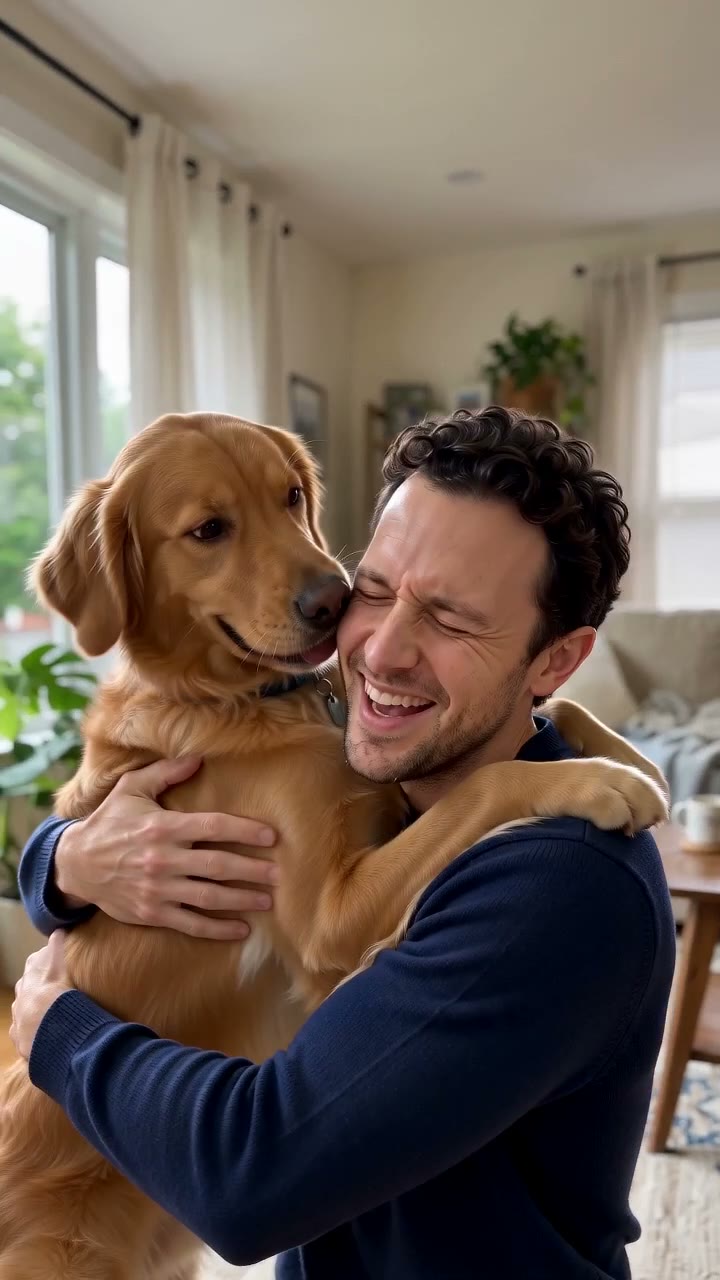
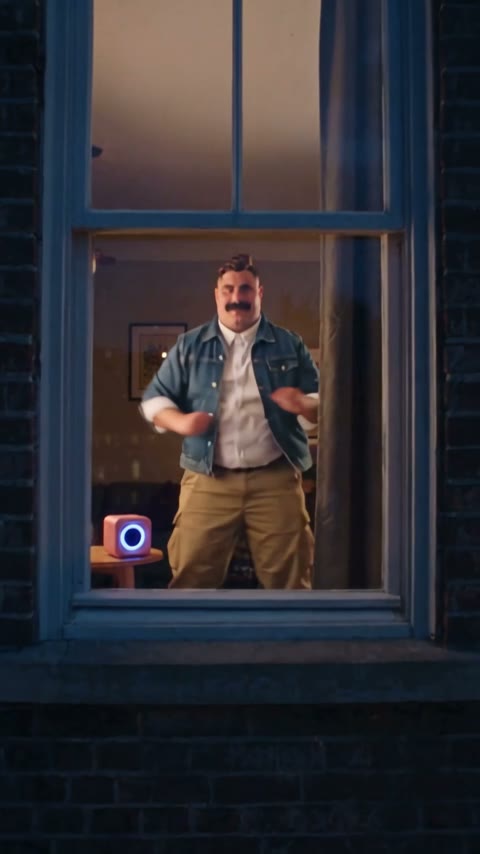
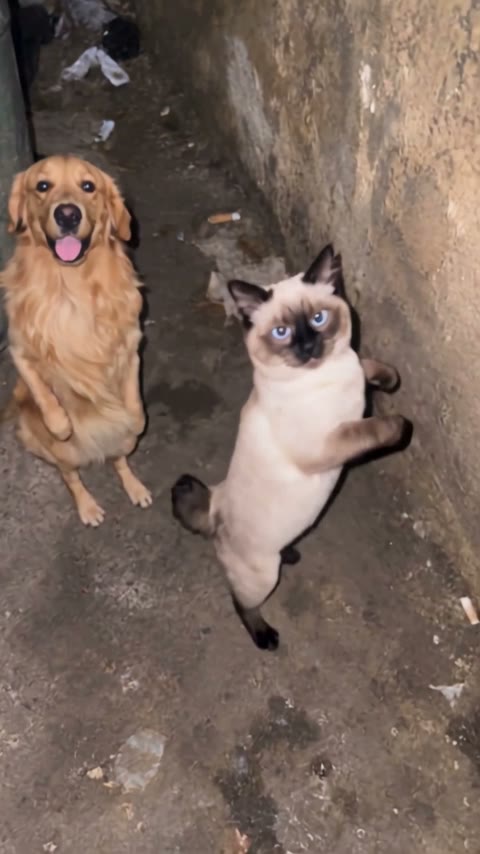
AI Hug Generator turns two photos, one of each person, or one photo of the two of you, into a 5-second, 720p vertical video with sound where you step in and hug. Pick a Warm Hug, a hug with someone from an old family photo, a hug with your younger self, or a hug with your dog or cat. The prompt is already written, so there's nothing to type: add your photos and press Generate.
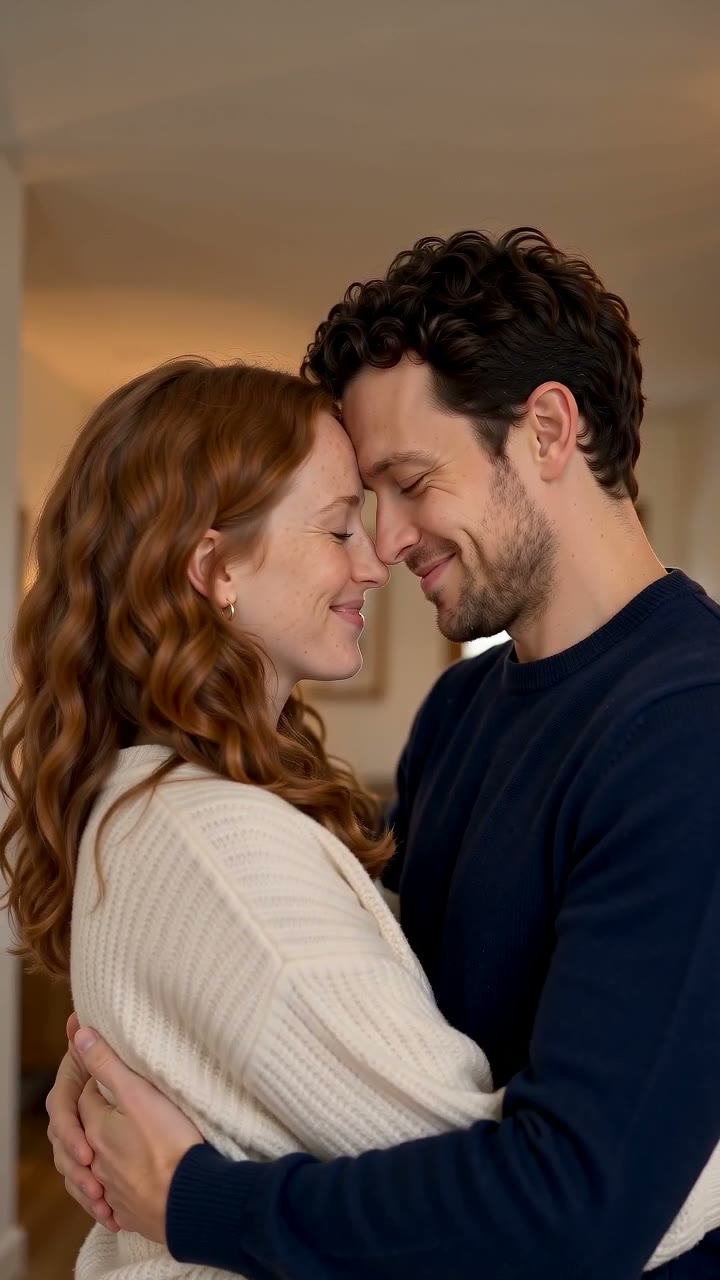
Two separate photos work, and that's the usual case for people who live far apart and rarely end up in the same picture. In our test, a street selfie and a café selfie became one couple hugging in a warm living room, both faces and outfits unchanged. If you already have a photo of you both, put it in the first slot of Warm Hug and leave the second one empty: our one-photo test started as the original selfie and turned into the hug.
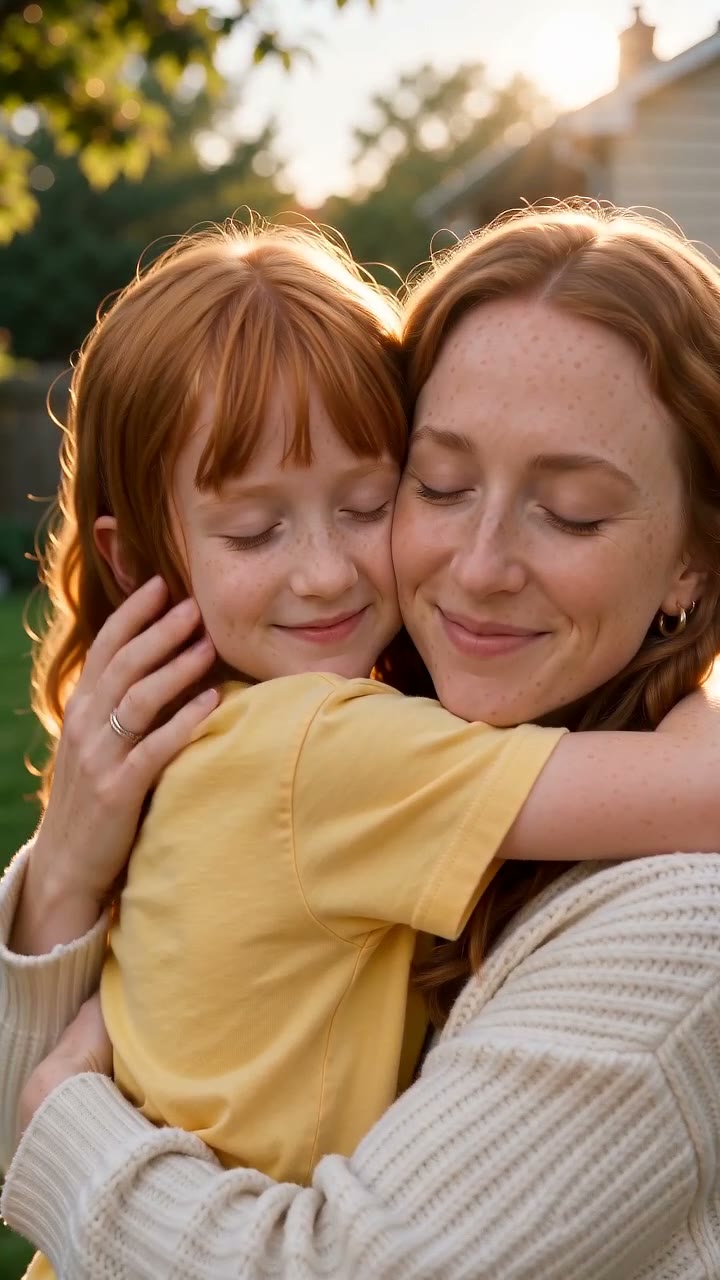
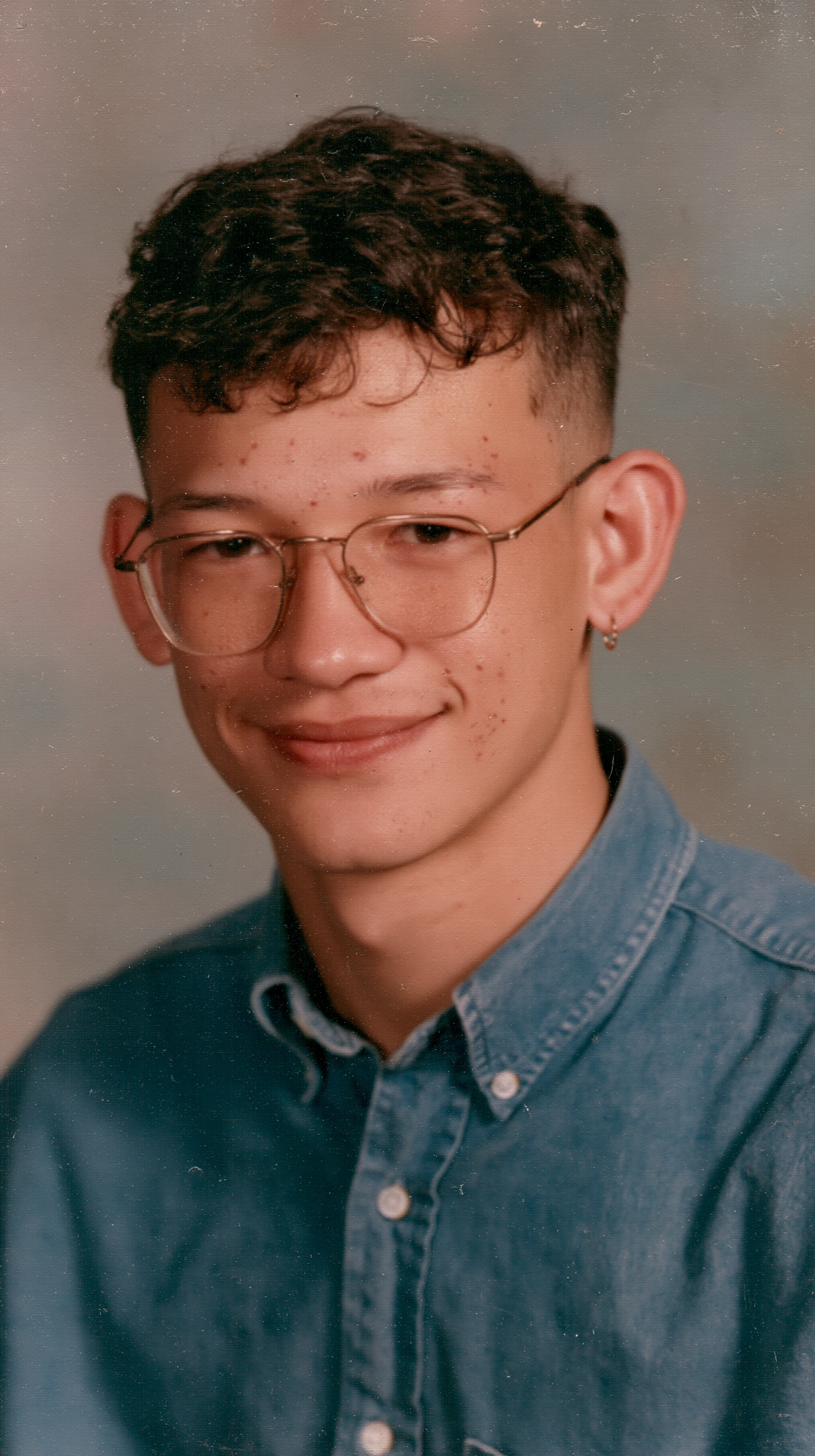
Hug Your Younger Self takes a recent photo of you and one of you as a child. In our test, a woman in a cream cardigan and her own childhood photo in a yellow T-shirt became a backyard scene at sunset: the kid runs in, the adult kneels, and they hug with their eyes closed. There is no need to merge the two photos into one picture first, which is what most guides for this trend tell you to do.
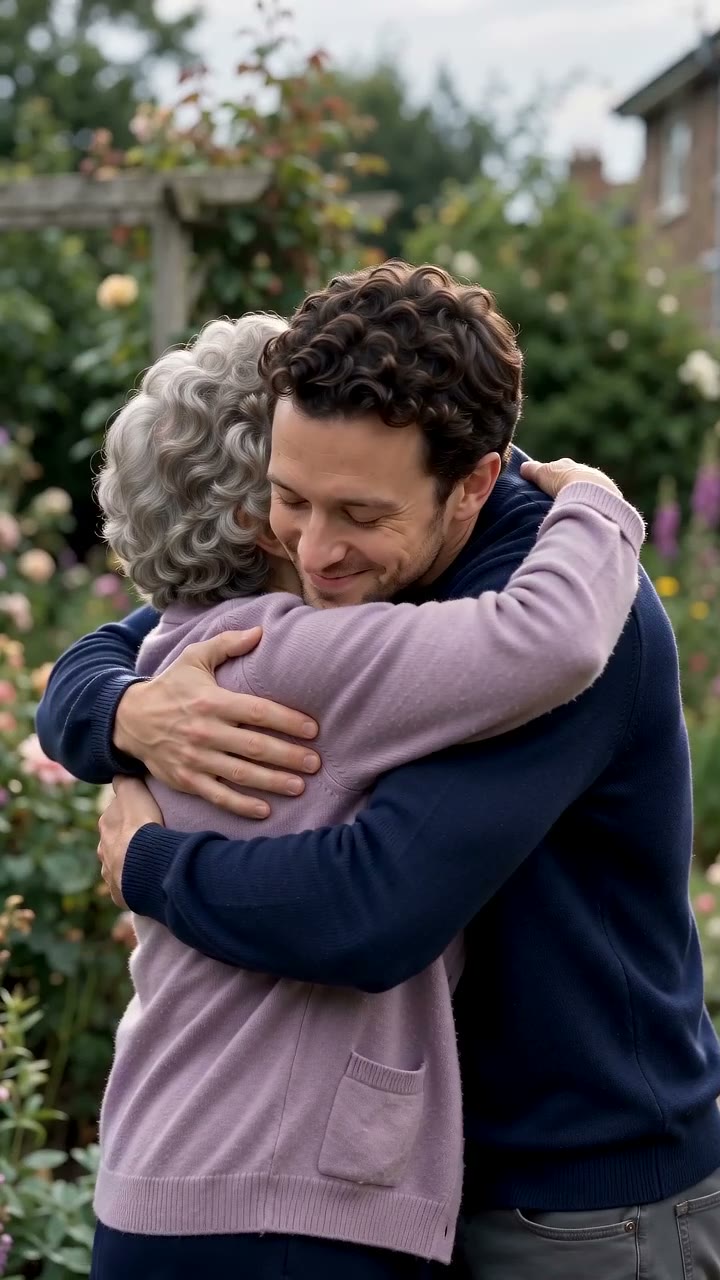
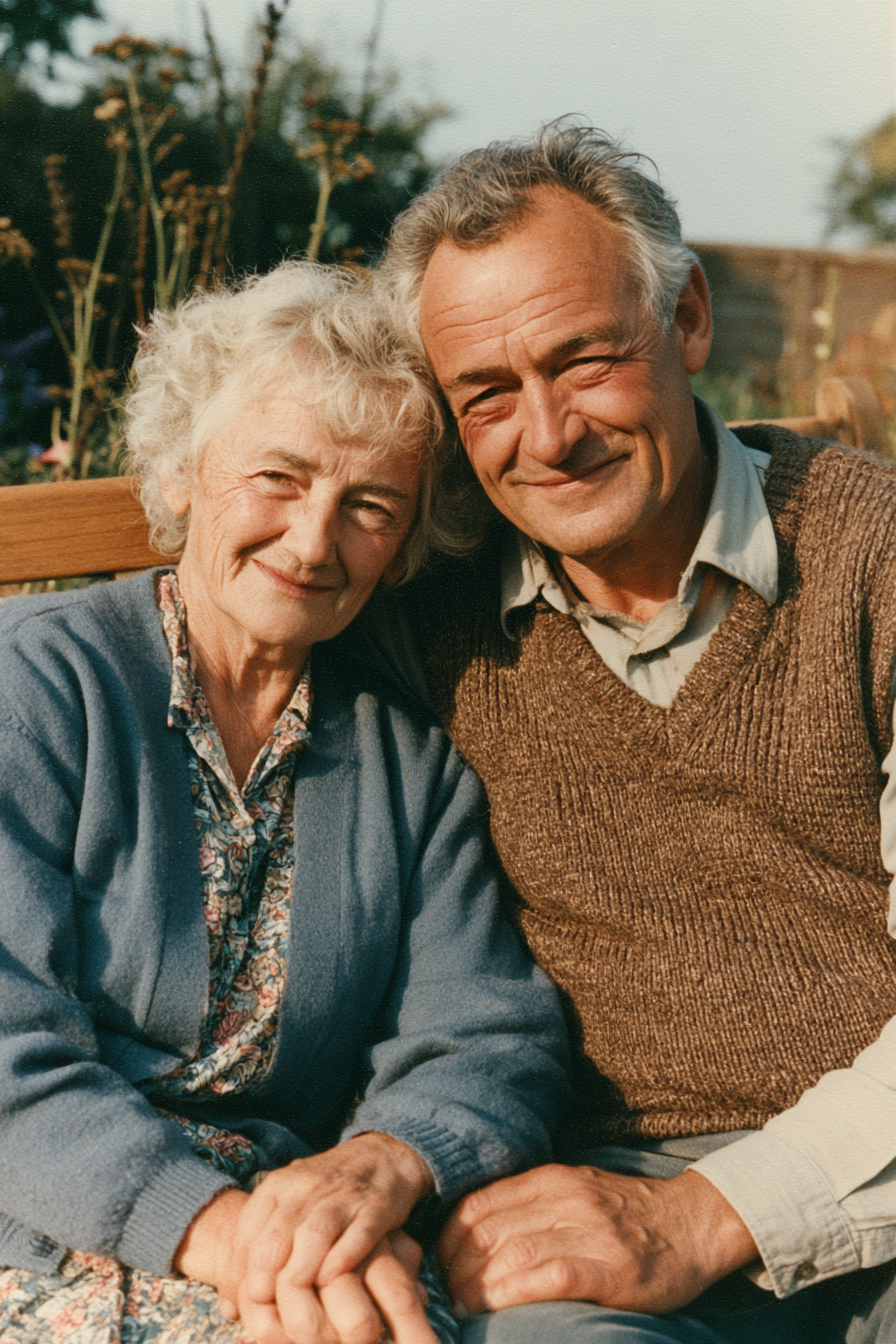
An old family photo works too. We tested Old Photo Hug with a faded 1980s-style snapshot of a grandmother in a garden, and the video came out in clean, modern color, still set in her garden. If a photo is scratched or blurry, run it through Restore Old Photos first. If someone in the photo has passed away, keep the video as something for you and your family, and think about how they will feel before you post it. For a gentle single-photo memory without a hug, Animate Old Photos is the better fit.
Only upload photos of yourself, of people who agreed to it, and of family photos that are yours to use. The childhood photo in Hug Your Younger Self has to be your own. Photos of celebrities, public figures or strangers aren't allowed.