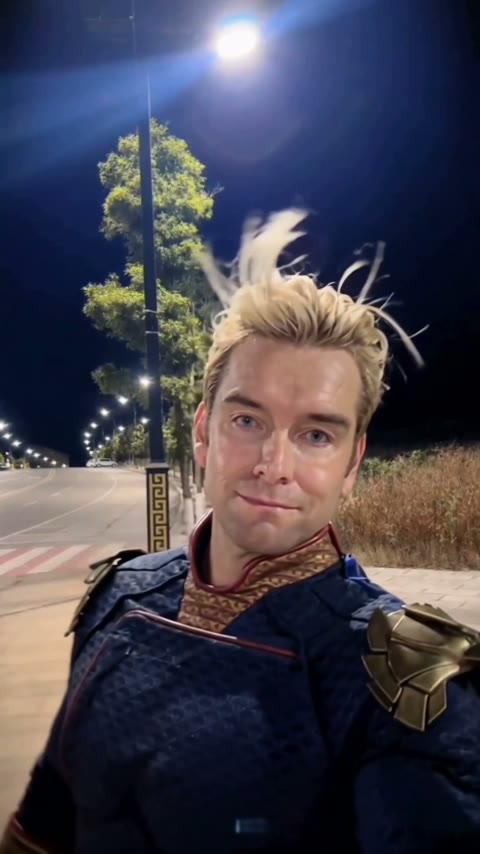
Framing
- → Chest up or waist up, the ending is a close-up
- → Face toward the camera, both eyes visible
- → Sharp and well lit, no beauty filter
Also called the Street Light Slide, the Streetlight Slip, the AI Slide Transition Effect or Gentleman Pop-Up.
Effect
Your photos1 photo
The trend: CapCut template "ai" by li88y99 ↗
Street Light Trend AI turns one photo into a 5-second vertical night video with sound: you grab a street lamp post, lose your grip, slip out of frame and pop back in as a close-up selfie. No prompt, no filming, no watermark.
The empty beat is what sells it. For a second you seem to have gone down hard, and then your face shows up far too close to the lens with a look that says nothing happened. It reads like a blooper and ends like a portrait.
Upload one photo of one person. Your face, hair and clothes come from the photo, and the night sidewalk, the lamp post and the trees come with the scene. Nobody has to stand under a real street lamp or fall over. Our 3-test walkthrough shows why the slip, not a vanish, is what makes it work.
Fan-made template, not affiliated with CapCut, TikTok or the creators who posted the trend. Upload only yourself or someone who said yes.
The street light trend is a 5-second night clip shot on one fixed phone camera: a person stands by a bright street lamp, slips out of the frame, the sidewalk sits empty for a beat, and then they pop back in right against the lens as a calm close-up selfie. It spread through CapCut AI templates from October 20–22, 2026, and comes in two versions. In one, the person slides along the ground far away. In the other, the one this page makes, they grab the lamp post, lean out, lose their grip and get flung off the left edge.
The biggest early post is @dreamina_tao's from October 22, 2026, with 2.0 million plays and 40,900 likes by October 29. A how-to by @xdwshfzqi0k that named it the "AI Slide Transition Effect" passed 549,700 plays the same week, and a Tagalog tutorial from October 25 reached 954,500, which is why so many street light posts come from the Philippines. The lamp-post version lives in a CapCut template called "ai" by li88y99, published October 21, 2026, with 63,880 uses by October 29.
li88y99 publishes the CapCut template "ai": grab the lamp post, slip out, pop back as a selfie. It has 63,880 uses and 1,190 likes by October 29. CapCut
@dreamina_tao posts the street light clip. It has 2.0 million plays and 40,900 likes by October 29. TikTok
A how-to by @xdwshfzqi0k calls it the "AI Slide Transition Effect": 549,700 plays and 64,700 likes by October 29. TikTok
A Tagalog tutorial from the Philippines shows how to upload a photo for the effect: 954,500 plays by October 29. TikTok
We test the lamp-post version three times and package the run that slipped out instead of vanishing as this template. Our test notes
You grab the lamp post, slip out of frame and pop back in as a selfie.
The Street Light Trend AI template is already open at the top of this page, with Wan 3.0 and the prompt set up: 5 seconds, 480p, vertical, with sound.
One person, face clear and facing the camera, chest up or waist up. Your own photo or a friend's, with their OK.
Press Generate. The video lands in My Videos after a few minutes, so you can close the tab. Download the MP4 without a watermark and post it.
The best photo for the Street Light Trend AI is one real person, chest up, facing the camera, because the last three seconds are a close-up of the face.
Sharp, front-facing
The close-up looks like you.
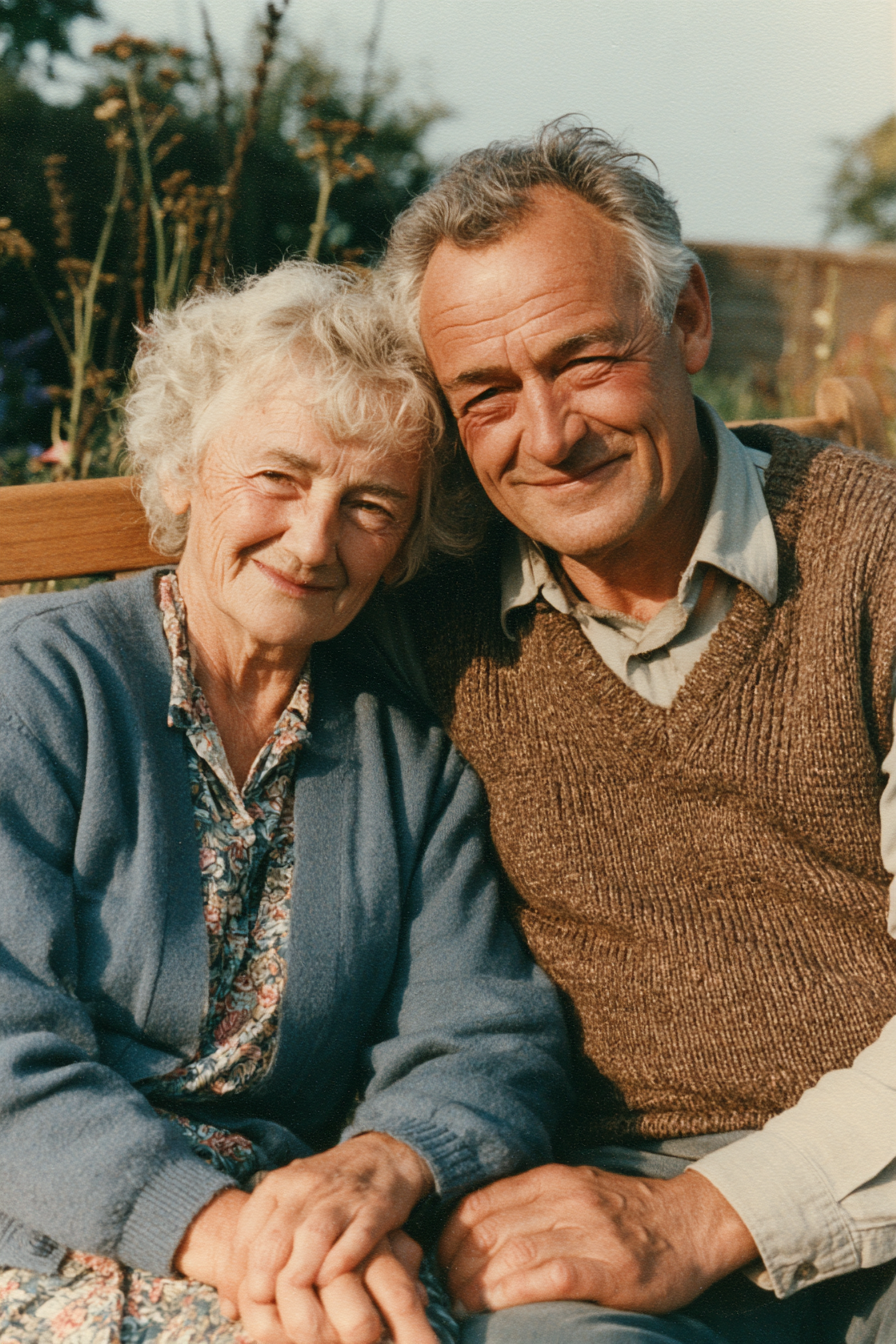
One real person
Clean slip and pop-up.
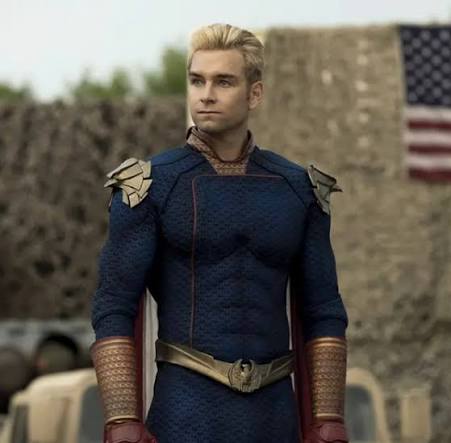
Famous character
Can be refused for copyright.
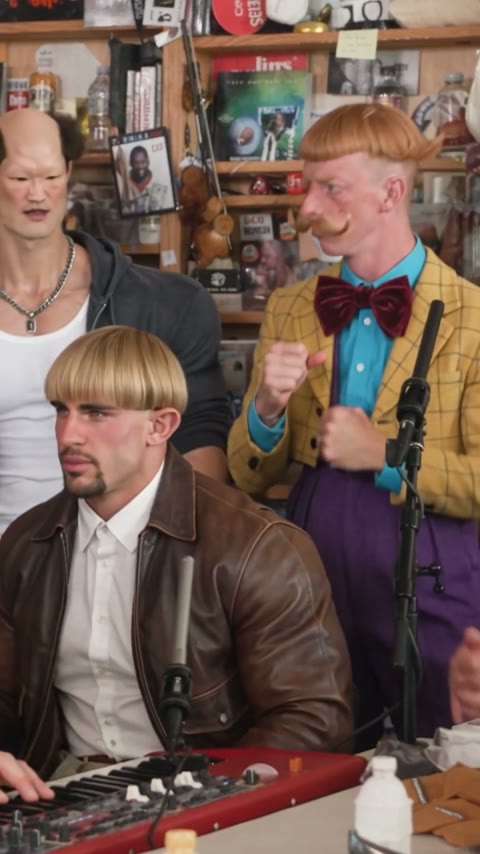
Several people
Faces can mix. Crop to one.
This is how the street light trend spread: one person, one lamp post, one slip. Upload your own photo and post the 5-second clip with the street light trend tags, no night shoot needed.
Use a photo of the friend who never falls for anything, with their OK, and drop the clip in the group chat. The empty beat gets a reaction before the face even shows up.
The ending is a well-lit close-up, so it works as a soft glow-up or a message to someone. Post it on Reels or Shorts with a caption like "POV: you finally showed up".
In the first second of the Street Light Trend AI video, you stand small in the distance by a glowing street lamp, grab the pole with one hand and lean your body out.
Around second 1, your hand slips off the pole and the momentum flings you sideways, stumbling out of the left edge of the frame.
For about half a second the shot holds on the empty sidewalk, the lamp and the trees, long enough to wonder if you are okay.
From second 2, you burst in from the lower left right against the lens, hair whipping, arm out like a selfie, and hold a calm, confident smile to the end.
The Street Light Trend AI video comes with a soundtrack generated with the clip, so it plays as it is. To use the trend's TikTok sound, pick it when you post and turn the video's own sound down.




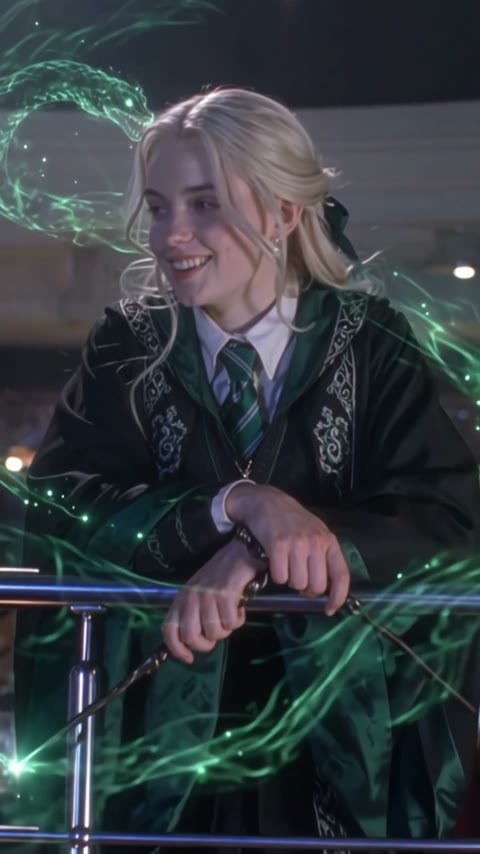
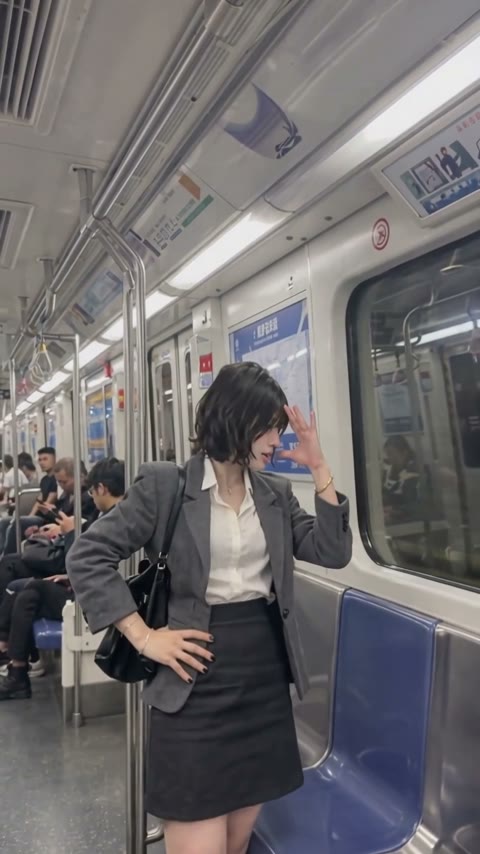
Open this page, upload one clear photo of yourself and press Generate. The model and prompt are already set up, so you get a 5-second vertical Street Light Trend AI video with sound and no watermark, where you grab the lamp post, slip out and pop back in.
The street light trend is a 5-second night clip from October 2026: a person by a bright street lamp slips out of the frame, the sidewalk is empty for a beat, and they pop back in as a close-up selfie. It spread through CapCut AI templates, and @dreamina_tao's October 22 post had 2.0 million plays by October 29.
Not completely. New accounts get 75 free credits, and one Street Light Trend AI video costs 100 credits. The one-time $4.99 starter pack has 540 credits, enough for five videos at about $0.92 each. The exact cost shows on the Generate button before you start, and failed renders are refunded automatically.
About $0.92 for one video. It is 5 seconds, 480p, vertical 9:16, with sound, and costs 100 credits; the one-time $4.99 starter pack covers five. The exact cost shows on the Generate button, and failed renders are refunded.
Three reasons: the person looks like your photo and actually slips out, it costs less, and you get a clean video.
Looks like you: your face, hair and clothes stay from your photo in the wide shot and the close-up, and you slip off the pole and come back instead of vanishing on the spot. We ran this setup until it worked, so you get it on the first try without spending credits on retries.
Costs less: about $0.92 for a 5-second video, from a one-time $4.99 starter pack, no subscription. Among the tools we found with a listed price, it is the cheapest per video.
Clean video: download an MP4 without a watermark on every plan, free credits included, and failed renders are refunded automatically.
Because the prompt told it to. In our first run the prompt said the person "suddenly vanishes" and "instantly reappears", and the AI did exactly that: they disappeared while holding the pole. Watching the trend frame by frame showed it is a slip: the grip fails, they get flung off the left edge, then burst back in from the lower left. This template uses the slip-out prompt from the run that worked, which saves you retries and credits.
Usually because it shows a celebrity, a movie character or a superhero. In our tests one model refused a superhero character photo for possible copyright, and the credits came back. Use a photo of yourself or a friend who said yes, one person, face clear.
Yes. The lamp-post version is the CapCut template "ai" by li88y99, published October 21, 2026 with 63,880 uses by October 29, but it needs the CapCut app and a video clip, and it can be region-locked or paid. On this page you add one photo in your browser and press Generate.
The video comes with its own sound, so you can post it as it is. Captions people use include "POV: you finally showed up", and common tags are #streetlighttrend, #streetlight and #aislidetransition. The video is already 9:16 for TikTok, Reels and Shorts.
No. It's a fan-made template and isn't affiliated with CapCut, TikTok or the creators who posted the trend. Only upload yourself or people who said yes.
Last updated