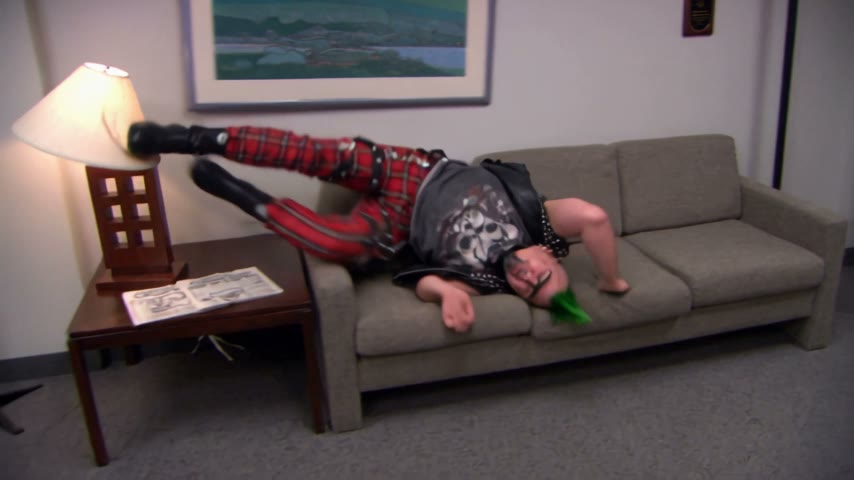
You take the couch
Use your own photo to turn the clumsy couch flip into a quick office gag for your group chat or social feed.
Upload one photo and watch yourself rush into the room, vault over the couch and land upside down. Your face, hair and outfit lead the seven-second gag.
Effect
Your photos1 photo
Office Parkour reference: Owner-provided reference clip ↗
Office Parkour AI turns one photo into a seven-second, 480p video with sound of you rushing into a room and flipping over a couch. It is a one-click video template: the scene and movement are ready, and your photo supplies the person, clothes and look.
The Office Parkour AI trend riffs on the couch-flip scene from the U.S. sitcom The Office. Michael Scott, Dwight Schrute and Andy Bernard try parkour around their office; the official scene is in the Season 6 premiere, “Gossip,” and the show’s official channel posted a clip in 2014.
This template uses the owner-provided Santa couch-flip take as its reference scene. In our successful run, one person from a photo took the performer’s place and kept the same room, couch flip and timing. It is a fan-made AI version, not footage from The Office.
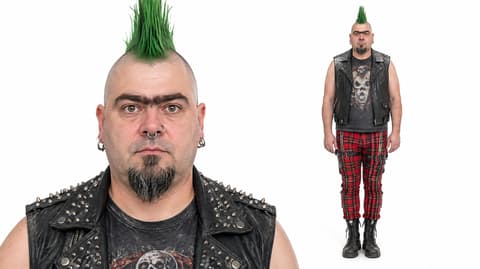
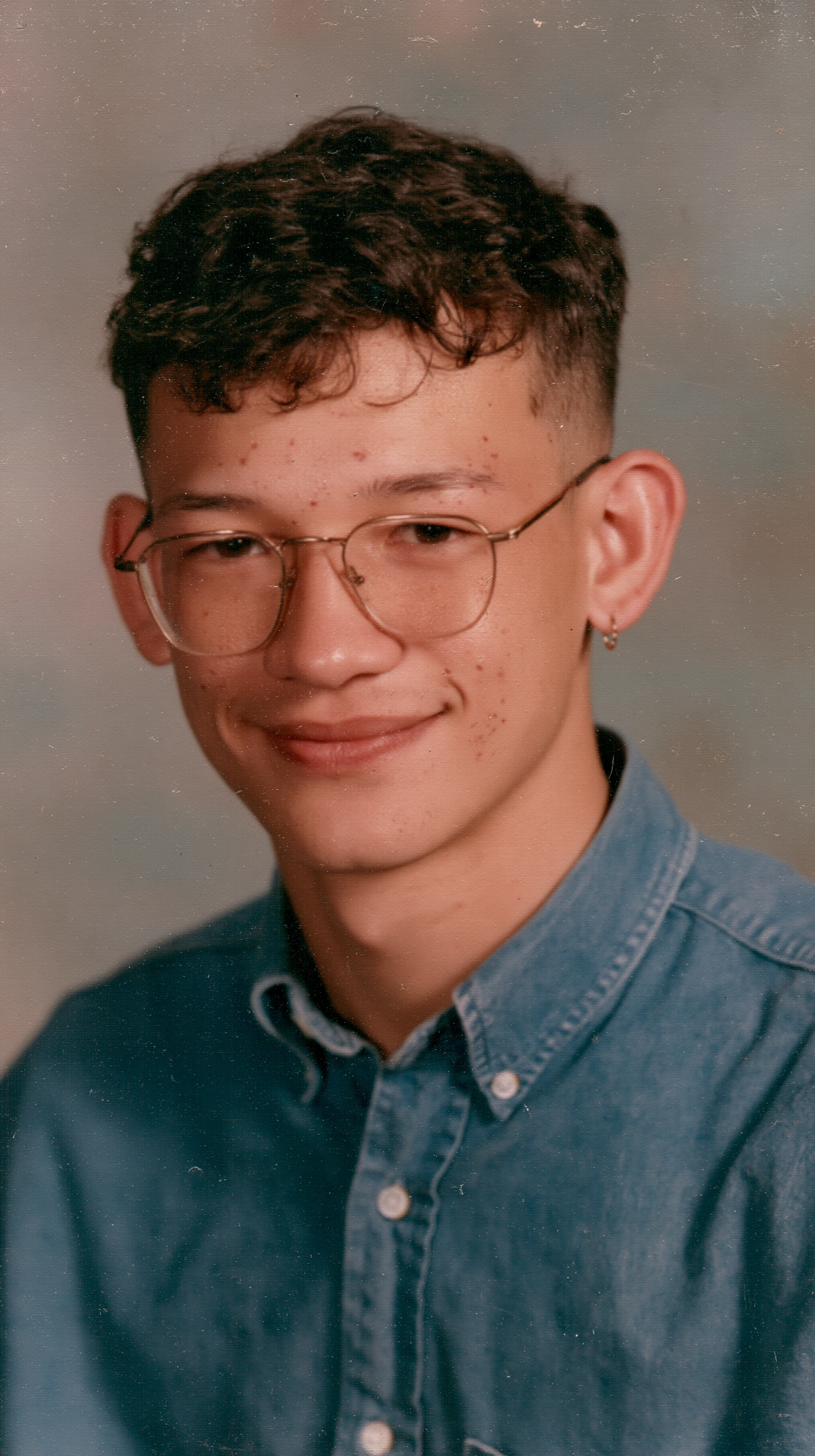
Upload one clear, full-body photo of one adult. Your face, hair and clothing come from that photo; the room and couch flip are ready in the template. The seven-second Wan 3.0 result includes sound, and the tested person kept bare hands without gloves. Read the Office Parkour AI how-to for the settings and photo tips.
Fan-made, not affiliated with NBCUniversal, The Office, its cast or rights holders. Only upload yourself or adults who agreed. You must be 18 or older; do not use photos of children, celebrities or public figures.
Use your own photo to turn the clumsy couch flip into a quick office gag for your group chat or social feed.
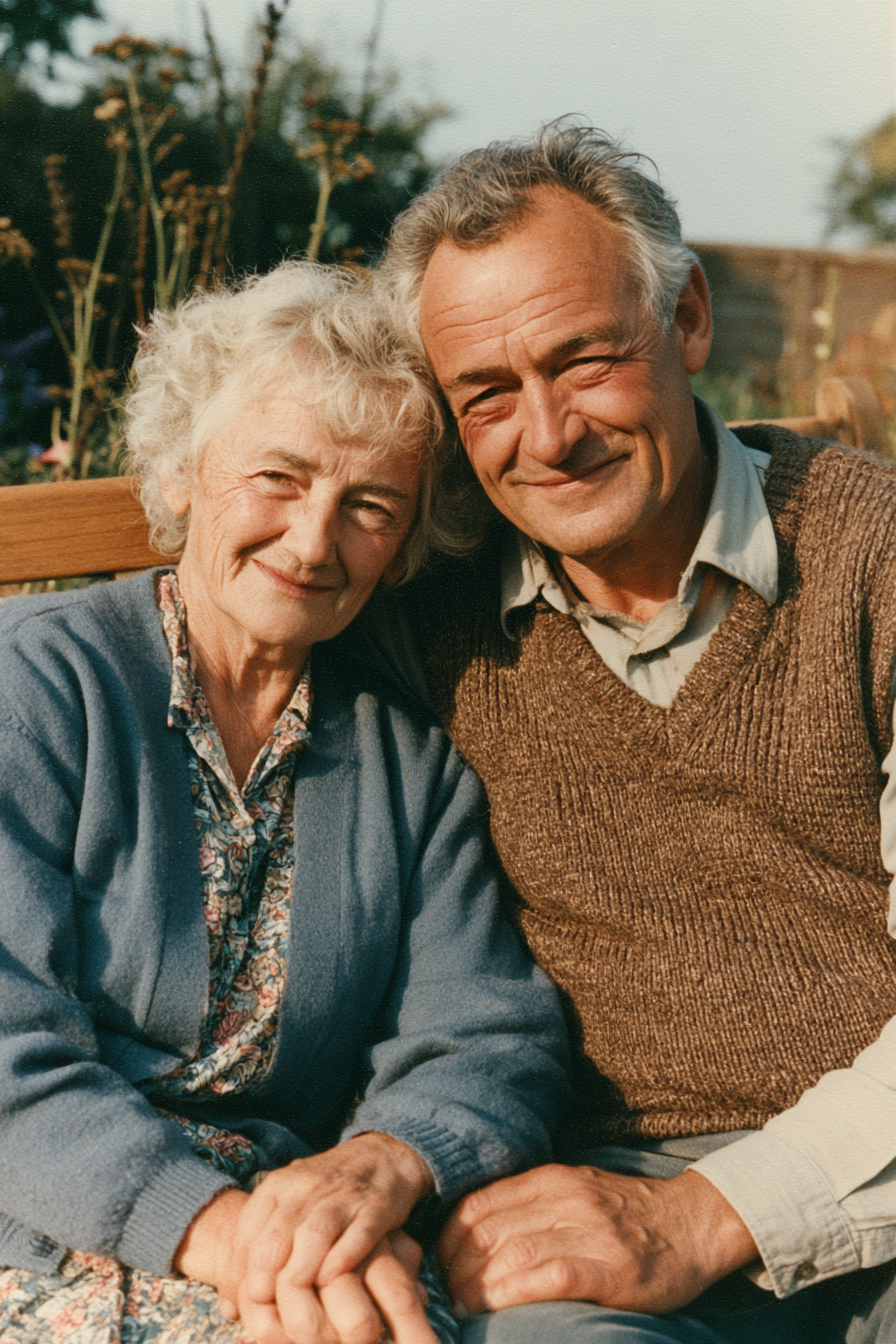
With their permission, use one friend's photo and send them the seven-second clip. Each person needs their own single-person video.
The photo supplies the outfit, so a costume or unusual look can make the couch landing even more absurd. Our test kept the reference outfit.
The Office Parkour meme comes from the cold open of “Gossip,” the U.S. sitcom The Office Season 6 premiere, which aired on September 17, 2009. Michael, Dwight and Andy attempt jumps and flips around the office, with Michael’s couch roll and shout of “Parkour!” as the bit people remember.
The Office’s verified YouTube channel posted “Parkour PARKOUR” on September 12, 2014. As of November 12, 2026, the listing showed about 18.2 million views and 305,000 likes. This AI template turns the familiar couch-flip joke into a one-photo version using the reference clip supplied for this page.
“Gossip” premieres with the office parkour cold open. Know Your Meme
The Office’s official YouTube clip turns the couch flip into a shareable scene. The Office US
A jumping-dog TikTok using the show’s parkour soundtrack passes 21 million views. PetsRadar
Our one-photo version keeps the couch flip and brings in the person from your photo.
One photo: dash through the office doorway and flip over the couch in your own face and outfit.
The Office Parkour AI scene is ready at the top of this page. You do not need to upload a clip or write a prompt.
Choose one adult, full body, with a clear face and the outfit you want to wear in the scene.
The Generate button shows 180 credits before you start. The tested settings are Wan 3.0, 480p, seven seconds and sound on.
Our successful run took about 2 minutes 26 seconds. The MP4 appears in My Videos; download it and share it.
Use one clear, full-body photo of one adult. A visible face and full outfit give the model more to carry through the couch flip.
One adult, full body
The clip has a wide couch-flip shot, so a full-body photo gives the model the outfit and body shape.
Face easy to see
A clear face helps the result stay recognizable during the fast move.
Several people in one photo
This is a one-person template; a group photo makes the intended performer unclear.
Face covered
Sunglasses, masks or hands over the face make likeness harder to preserve.
You charge into the room, vault over the couch and land upside down in the tested seven-second scene.
The successful run kept the reference person's face, green mohawk and punk outfit through the couch move.
The tested Wan 3.0 video is seven seconds, 480p and has audio enabled.
Downloads have no watermark on every plan, and failed renders return the credits automatically.
Add one photo, check the 180-credit price and generate in your browser. The scene is already set up.
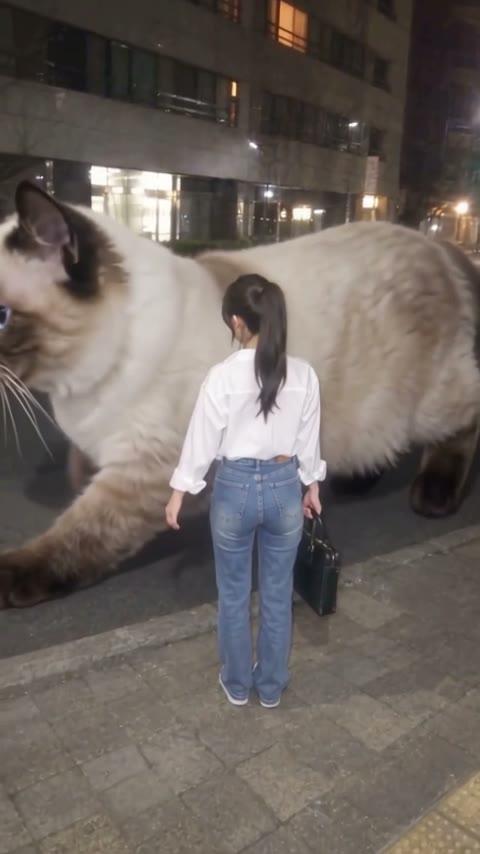
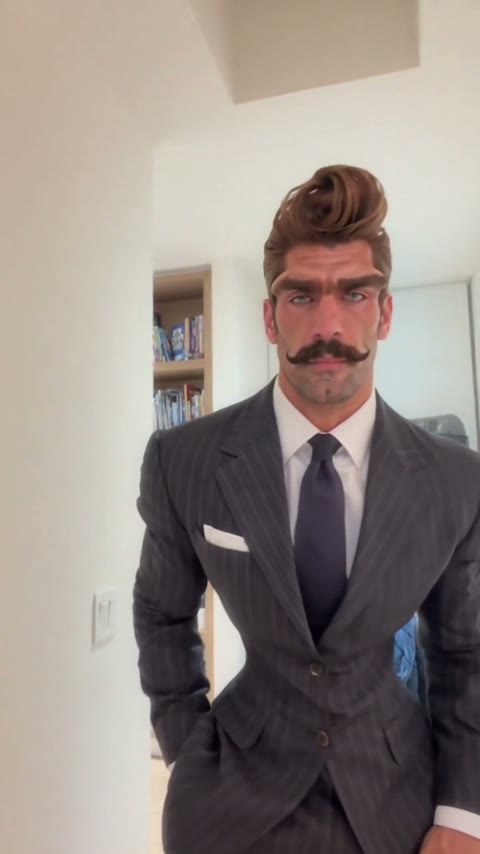
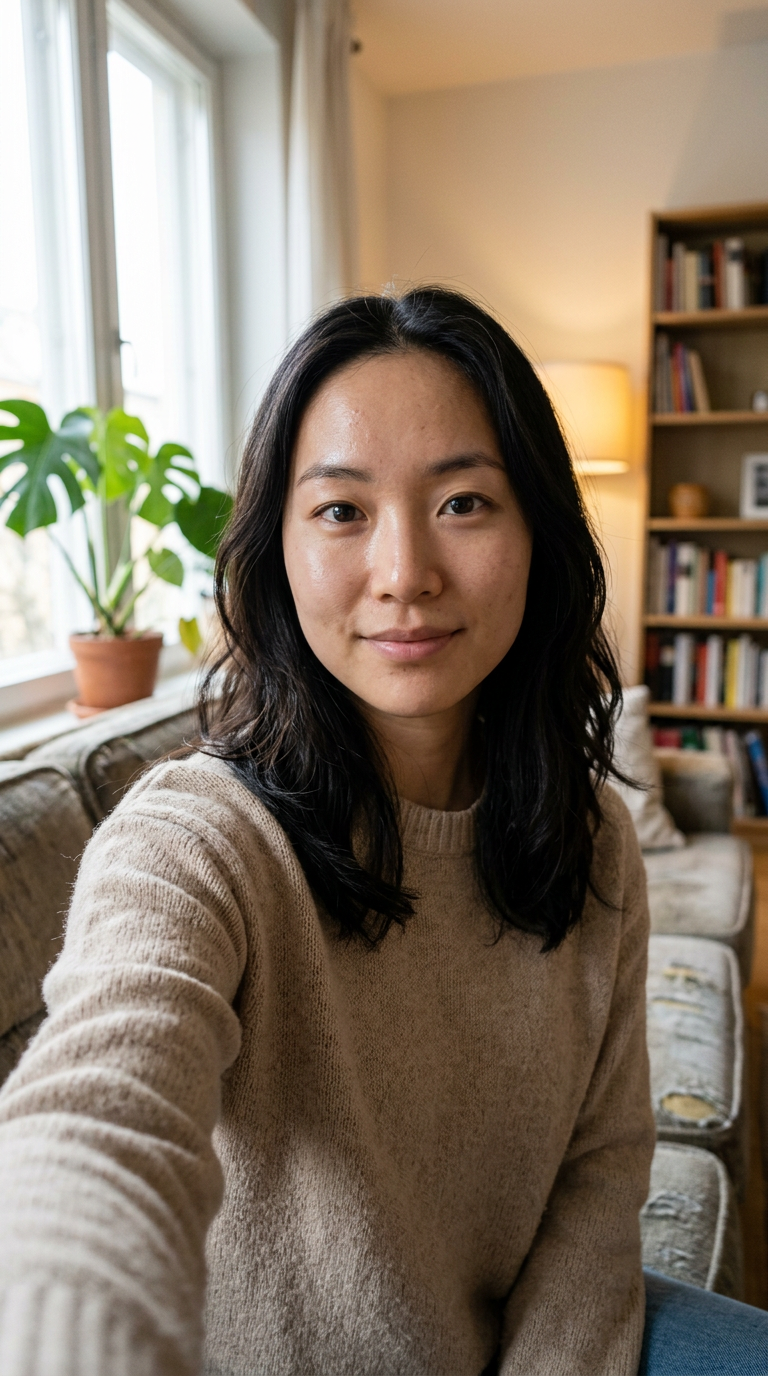
Office Parkour AI is a one-photo video inspired by The Office couch-flip parkour scene: you rush into a room and land upside down on a couch. This fan-made example uses the owner-provided Santa couch-flip take as its reference scene.
No. It is a fan-made AI video inspired by the parkour scene in The Office Season 6, Episode 1, “Gossip.” It is not footage from the show and is not affiliated with NBCUniversal or the rights holders.
Not completely. New accounts receive 75 free credits, and one video takes 180 credits. The $5.99 one-time trial pack includes 540 credits, enough for three videos at about $2.00 each. The Generate button shows the exact cost before you start, and failed renders are refunded automatically.
Four reasons: the couch flip is ready, your photo supplies the person and outfit, the tested clip is seven seconds with sound, and no editing is needed.
The successful run kept the reference person's face and punk outfit through the upside-down landing.
Each video is 180 credits, about $2.00 per video from the $5.99 trial pack, with no subscription needed.
Downloads have no watermark, and failed renders return credits automatically.
The scene is preloaded: add one photo and generate in your browser.
Use one clear photo of one adult, ideally full body with the face visible and the outfit you want to wear. Our test kept a full punk outfit through the couch flip.
The successful Office Parkour AI example is seven seconds at 480p with sound enabled. It took about 2 minutes 26 seconds to render.
This template uses one photo for one performer. Make a separate video for each friend, and only use photos from adults who agreed.
Your photos and generated videos stay in your account under My Videos. They are not used to train models, sold or shared; the photo is processed by the video-model provider to render the clip.
Last updated