AI Basketball Dunk Trend: Photo to Dunk Video
Make anyone dunk from one photo: you, your grandpa, your friend or your favorite character.
Template
Your photos1 photo
 Example
What is the AI basketball dunk trend?
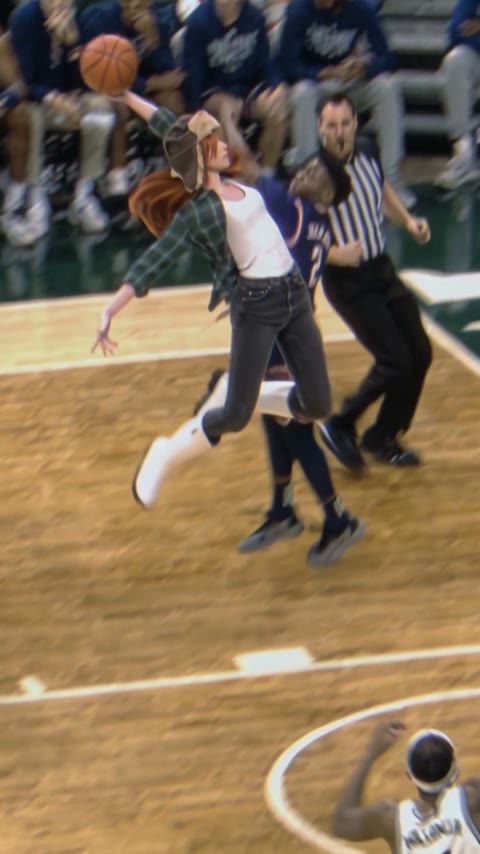
The AI basketball dunk trend is all over TikTok and Reels: people take one photo of somebody who has no business dunking (a grandpa in khakis, a best friend, a cartoon character) and turn it into a clip where they fly past a defender and throw it down in a packed college arena, with the referee right there.
This AI dunk video generator is a ready-made scene. The model (Wan 3.0) and the prompt are already set up: the hardwood court, the crowd, the defender, the referee and the dunk itself are all there. Your photo plays the dunker, and the sound is on by default.
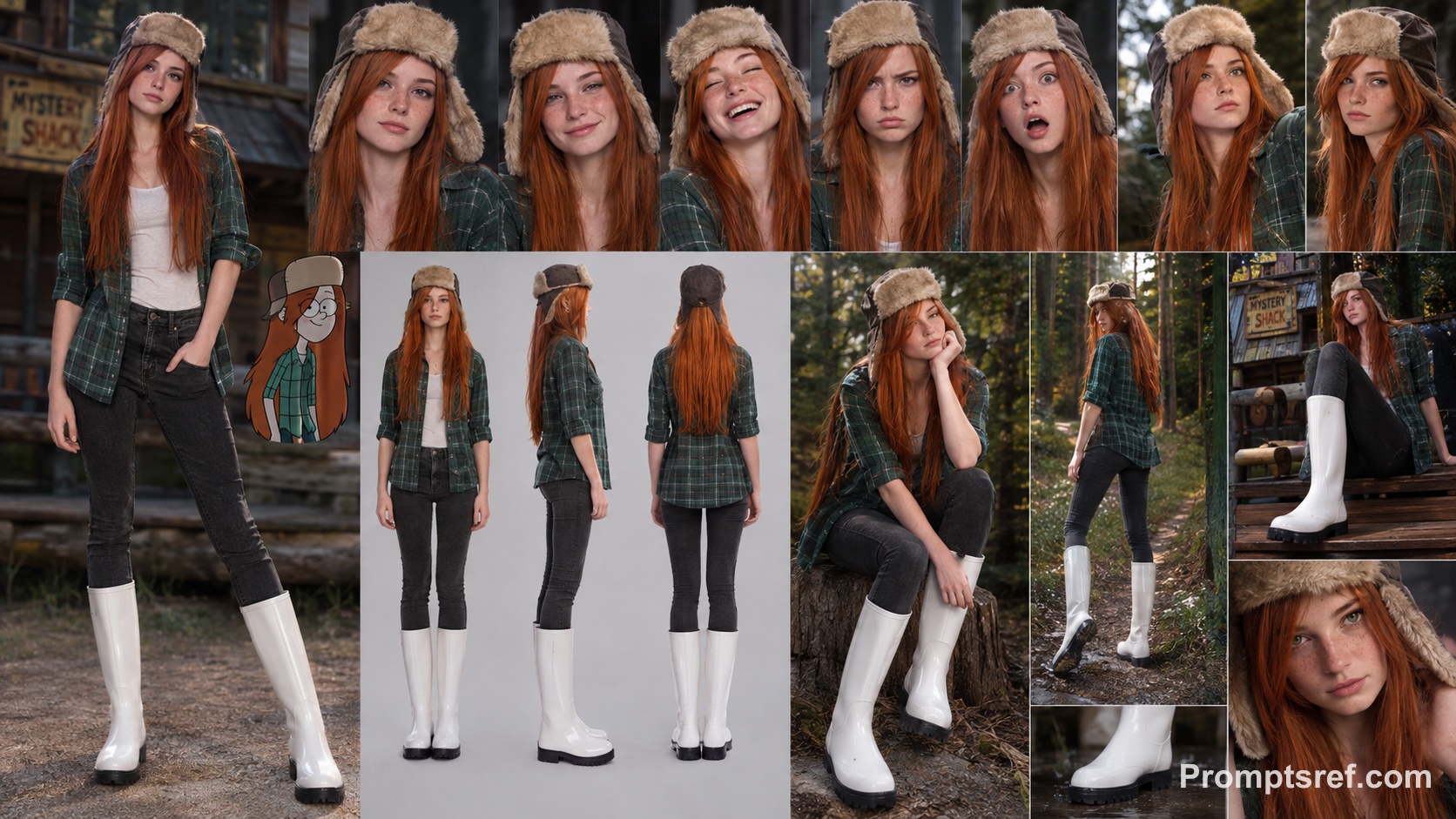
Upload one photo at the top of this page and press Generate. Characters work too: our example is a red-haired cartoon girl in a plaid shirt and a trapper hat, and she kept her look the whole way to the rim.
Only upload photos of yourself, people who gave you permission, or characters you created.
- Input
- 1 photo
- Output
- 6s · 480P
- Audio
- On by default (toggle Audio off for silent)
- Aspect ratio
- auto
How to do the AI basketball dunk trend
Fly past the defender and throw it down in front of a packed arena.
IMG_01 Open the template
The Basketball Dunk template is already open at the top of this page, with Wan 3.0 and the prompt set up: 6s, with sound.
Upload one photo
One person or one character, full body if you can, so the jump and the legs look right in the air.
Generate & download
Press Generate. The video lands in My Videos, so you can close the tab. Download the MP4 without a watermark and post it to TikTok or Reels.
Why use this AI dunk template
A real dunk, no vertical needed
The drive, the jump past the defender and the slam, in a real arena with a referee and fans. You don't need to touch a ball.
Works with anyone
Grandparents, friends, mascots, cartoon characters. The less likely the dunker, the funnier the clip.
Arena sound included
Sound is on by default, so it feels like a real game. Turn Audio off for a silent clip.
No watermark
Download a clean MP4 on every plan, free credits included. Failed renders refund credits automatically.
One click, no prompt or editing
Upload a photo and press Generate. No prompt to write, no editing app, nothing to install. Works in your browser on phone or desktop.
More AI video templates
Animate Old Photos with AI
Photo to Video AI
Bulin 47 AI Viral Video Generator
Toc Toc AI Dance Generator
Zoolander AI Video Generator
Smalltown Boy AI Dance Video Generator
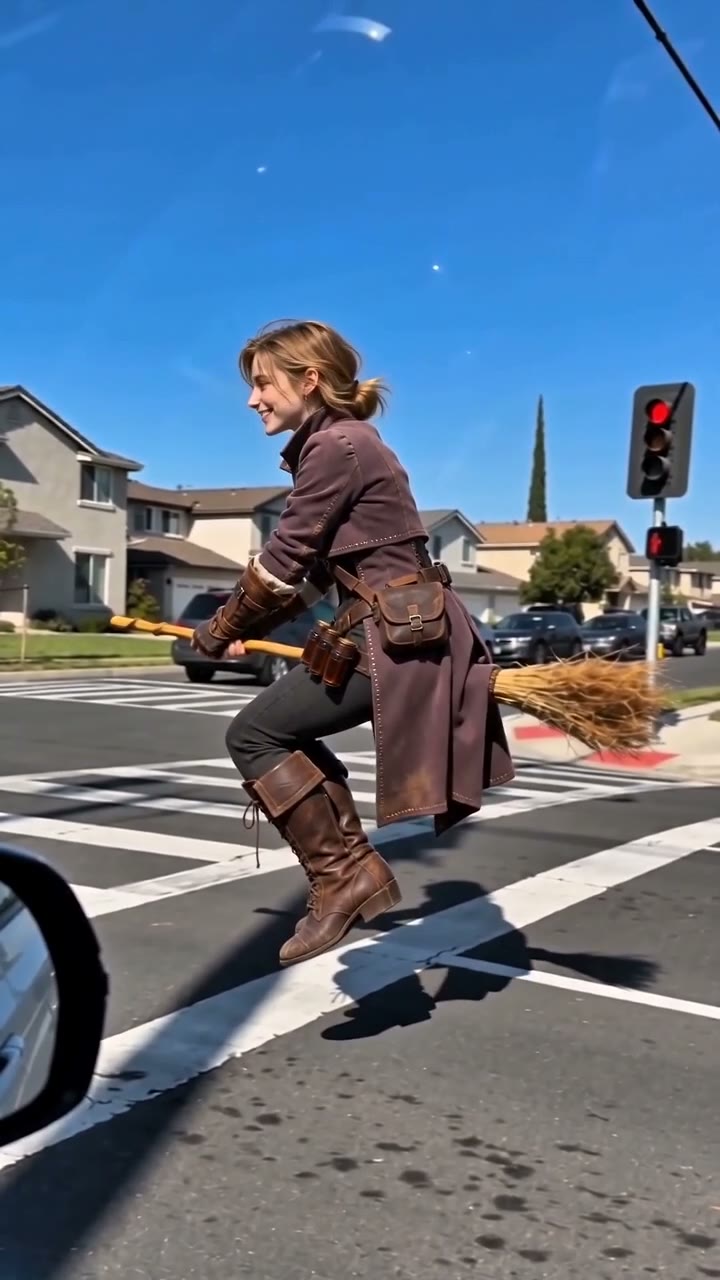
AI Broom Riding Video Generator
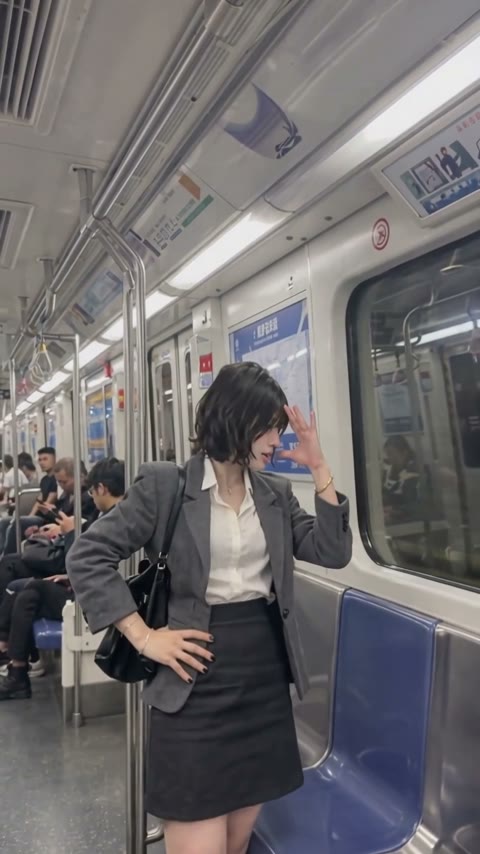
Bad Times AI Video Generator
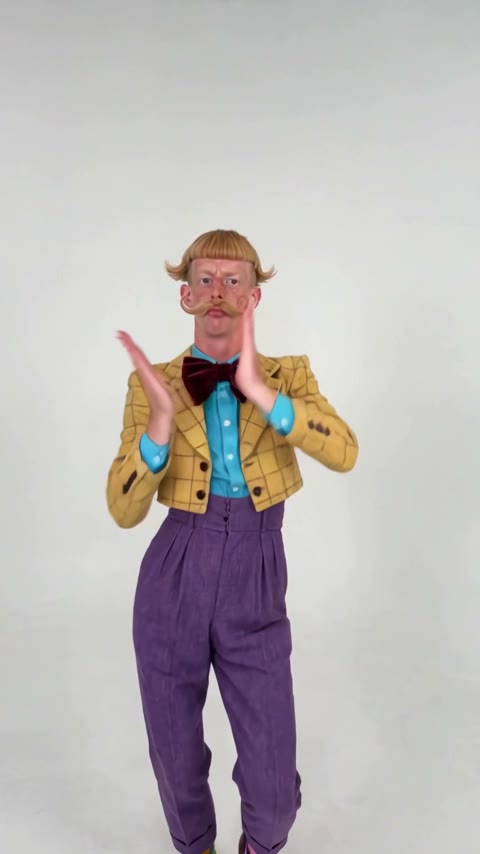
Nicole Kidman Dance AI Video Generator
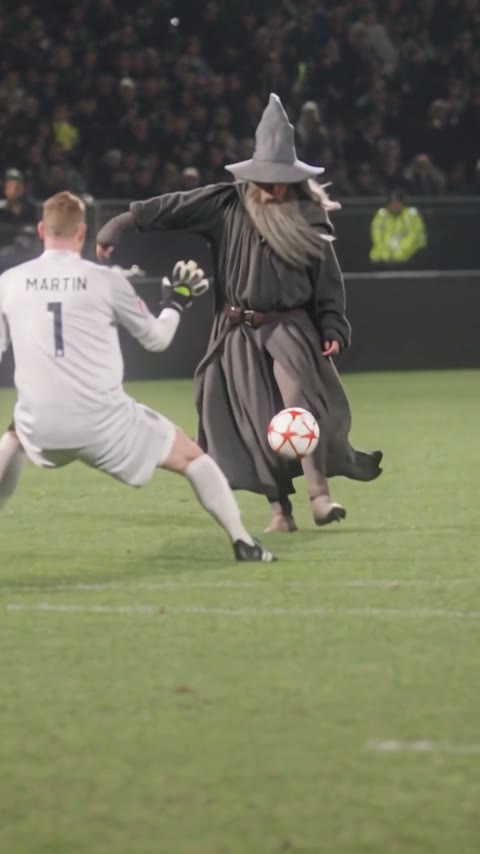
Ozil Goal AI Video Generator
AI Moonwalk Dance Video: Make Any Photo Moonwalk
AI Basketball Dunk FAQ
How do I do the AI basketball dunk trend?
Open this page, upload one photo and press Generate. The model and prompt are already set up, so you don't write anything.
Can AI turn a photo into a dunk video?
Yes. One photo is enough: you get a 6-second clip of that person or character dunking in a full arena, with sound.
What app is everyone using for the AI dunk videos on TikTok?
There are several. This one is a ready-made template in your browser: no app to install, no prompt to write, and the MP4 downloads without a watermark.
Can I make my grandpa, my friend or my dog dunk?
Yes, as long as they agreed. Older people, friends and characters are the funniest. Pets work best when the photo shows the whole body.
What photos work best?
One person or character, full body, face visible, sharp and not heavily filtered.
Is the AI dunk video generator free?
New accounts get free credits. The exact cost shows on the Generate button before you start, and failed renders are refunded.
Does the video have sound?
Yes, sound is on by default. You can turn Audio off.