Trouble Maker AI Dance: Perform the K-pop Duet With a Friend
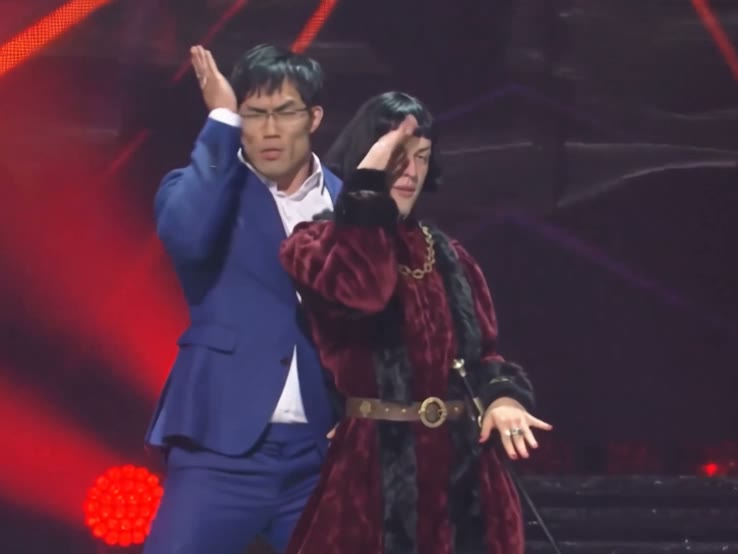
Upload a photo of yourself and one of your friend. See the two of you trade turns and move in sync under red stage lights.
Effect
Your photos2 photos
Use photos of consenting adults aged 18 or older. Choose photos of yourself or people you know, and skip photos of public figures.
- 2 photos you add
- About 15 s with sound
- Auto aspect ratio
- No watermark
What does the Trouble Maker AI dance look like?
Trouble Maker AI Dance turns two solo photos into a roughly 15-second K-pop stage duet.
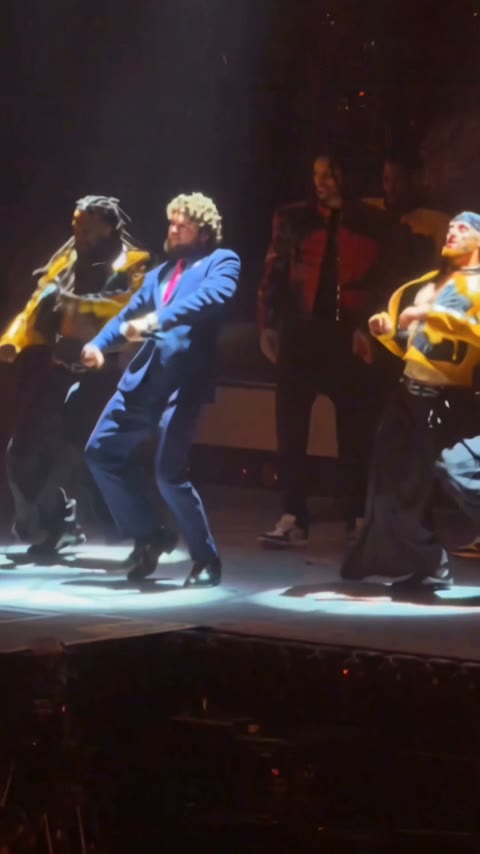
Try it with a friend, partner or coworker. Under red stage lights, one dancer starts in front, then the pair turn toward each other and move in sync.
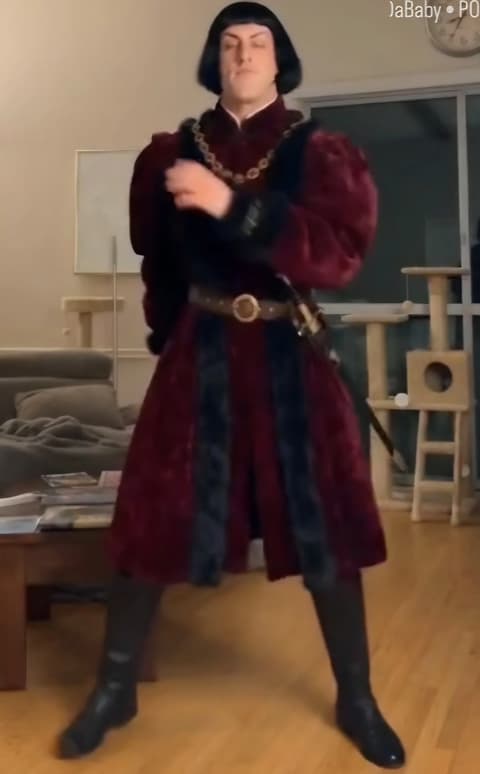
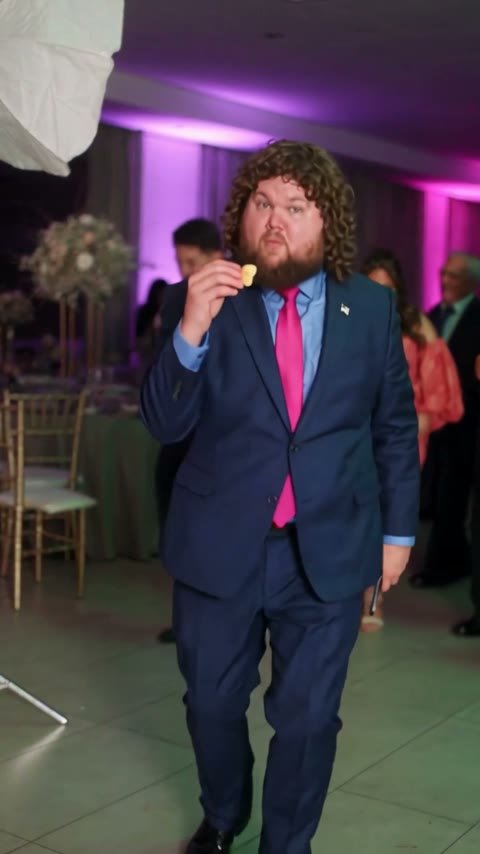
Each photo guides that dancer’s face, hairstyle and outfit. In the example, the burgundy costume and blue suit both came from the uploaded photos. See the step-by-step guide for a closer look at the turns and outfit details.
- Input
- 2 photos
- Output
- About 15 seconds · 480p
- Audio
- Included
- Aspect ratio
- Auto (matches the reference clip)
How did Trouble Maker become an AI dance trend?
The duet comes from “Trouble Maker,” the K-pop single HyunA and Jang Hyunseung released on December 1, 2011. Its opening whistle and close, synchronized moves make the dance easy to recognize in short covers. Watch the official music video.
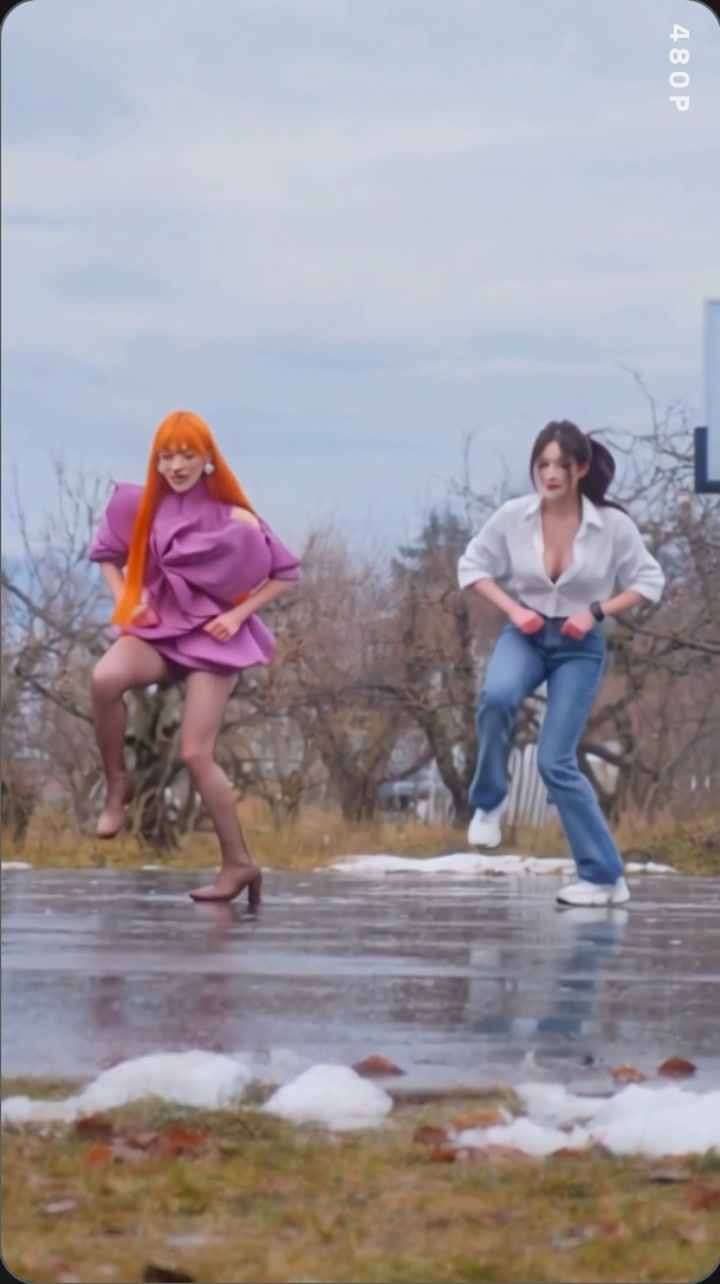
In June 2026, twin dance covers brought the duet back to TikTok. By early November, AI templates let friends join in with two photos. MakeViral’s trend notes document the covers and date its AI templates to November 2.
How to make the Trouble Maker AI dance
Pick the opening positions, check the price, then preview the finished dance.
IMG_01 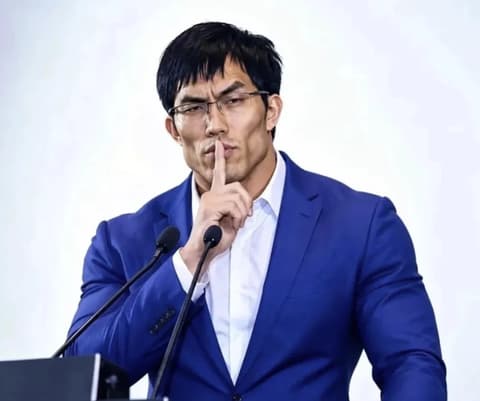
IMG_02 Upload two solo photos
Put the person who starts in front in the first slot and their partner in the second. Pick shots that show each face and outfit clearly.
Check the credits and generate
The Generate button shows the charge before you start. The template makes the duet with sound.
Preview and download
In My Videos, check both faces when the dancers turn or overlap. Download the watermark-free clip when you’re happy with it.
Try another dance effect
Trouble Maker AI Dance FAQ
What is the Trouble Maker AI dance?
Trouble Maker AI Dance turns two solo photos into a K-pop duet with both people dancing together under red stage lights.
Is Trouble Maker AI free?
No. One video costs 385 credits, so the 75-credit signup bonus falls short. That’s about $4.27 in credits at the $5.99 price for the 540-credit one-time pack. The Generate button shows the exact charge. Failed generations return credits automatically.
Which photo goes with which dancer?
Photo 1 is the dancer who starts in front, and Photo 2 is their partner, who starts behind them. An adult of any gender can take either part.
Will my outfit appear in the dance?
Yes, the template uses your photo as the guide for what you wear. Our example carried over the burgundy costume and blue suit from the two uploads. The AI can change clothing details, especially when they’re cropped or hidden.
Can I use a photo with two people in it?
Use two separate solo photos. If you only have a group shot, crop each person into a separate photo and keep their face and outfit visible.
Can the two photos have different sizes or styles?
Yes, the two photos can have different dimensions. For a more consistent look, use similar lighting and framing. The template sets the video’s shape automatically. The example is about 4:3, even though the two photos have different proportions.
Why does a face or arm look distorted?
The AI can lose track of faces or limbs during quick turns or when one dancer blocks the other. If the faces blur or blend, try sharper, front-facing solo photos with the shoulders and arms visible.
How long is the Trouble Maker AI video?
About 15 seconds at 480p, with sound and a watermark-free download.
Does my video have sound?
Yes. The template generates with audio on. You can mute the preview. The example has the stage-performance audio, and the official studio recording isn’t guaranteed in your download.
Can I post my dance on TikTok?
Yes, with permission from both people in the video. TikTok can mute audio it removes over a copyright claim. If you want to use TikTok’s music library, mute the clip’s track and choose a sound available for your account and post.
How are my photos stored?
Uploads and generated videos are stored with your account, and the model provider processes the photos to make your clip. Provider retention and model-improvement practices vary. Anyone who gets a direct media link may be able to open it.
How we made this template
By the AI Photo Animator teamLast updated
We checked the example against both input photos and measured the finished clip at 14.9 seconds.
This is an unofficial, independently made AI effect with no affiliation with the artists or their record label. Use photos of consenting adults and avoid photos of public figures.
Sources: TikTok · Privacy Policy / 隐私政策