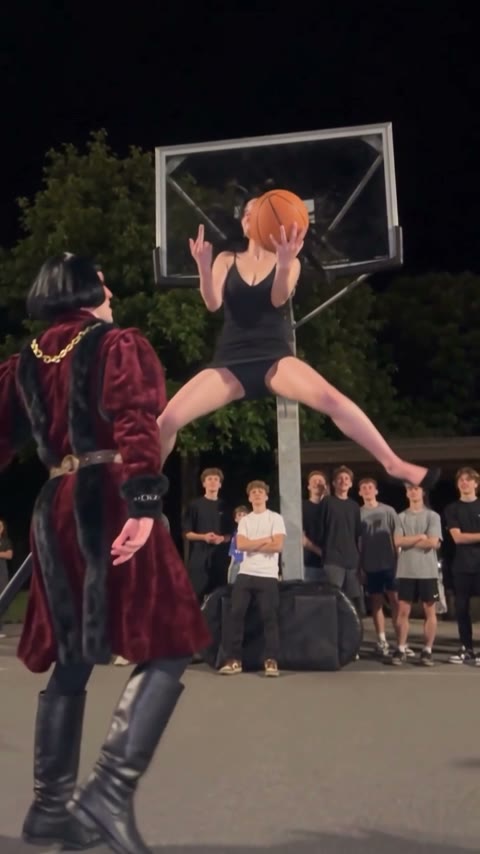
Middle Finger Dunk AI
One friend drives, jumps into a split over the other and dunks, then turns to the camera with a middle finger. Made from two photos.
Effect
Your photos2 photos
What is the middle finger dunk?
Middle Finger Dunk AI turns two photos into a 9-second night-court basketball video with sound: one person drives, dunks over the other and flips off the camera. No basketball skills, no prompt, no watermark.
The middle finger dunk is a short basketball clip that took off on TikTok in late October 2026: a floodlit outdoor court, a crowd along the baseline, one player in a hoodie who blows past the defender, leaps into a full split at the rim with a middle finger already up, then walks toward the camera and does it again while the ball bounces away.
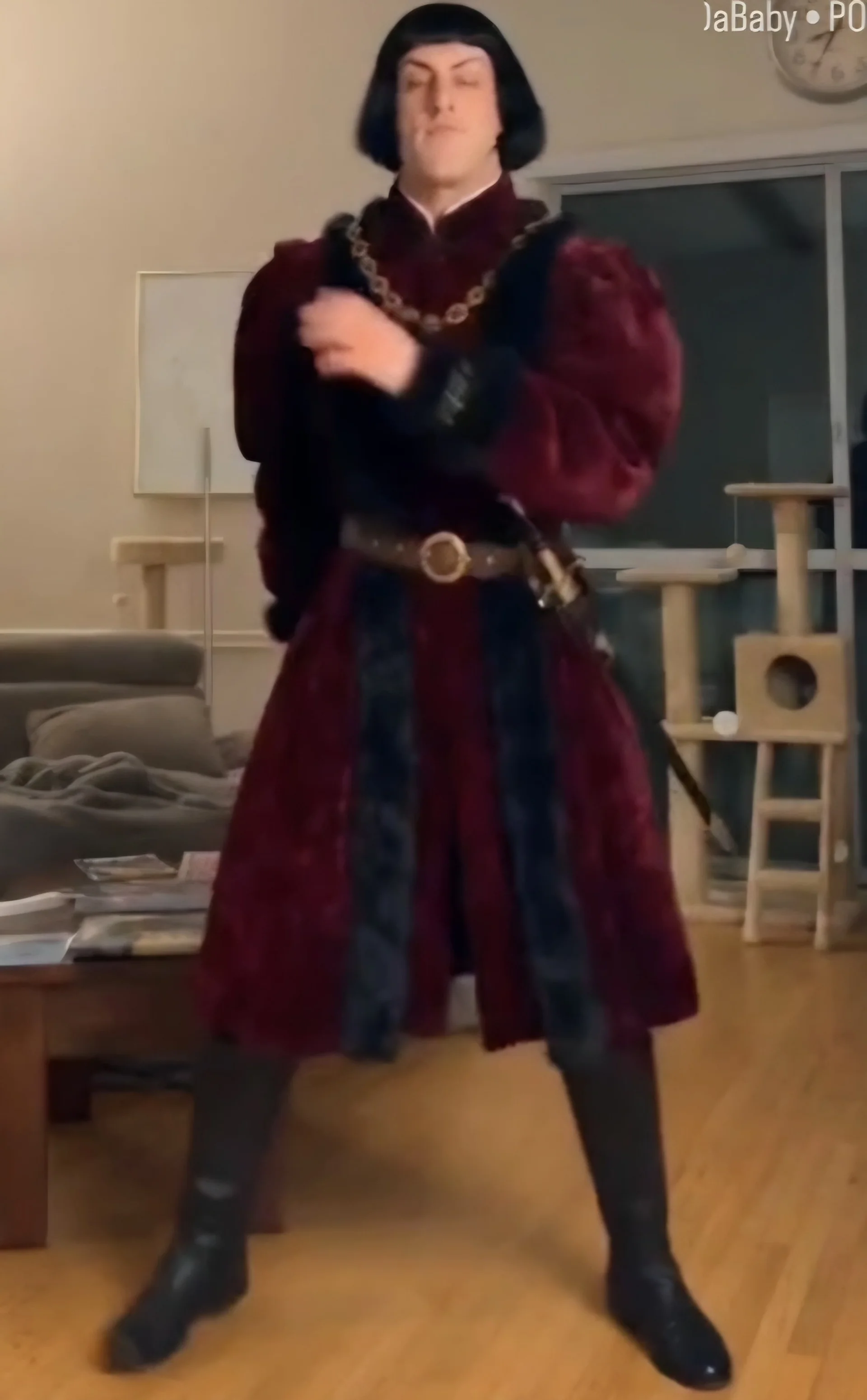
It works as a roast. The dunker gets the highlight, the defender gets left standing in frame the whole time. Put the friend who talks the most trash on defense. In our example a guy in a red velvet medieval coat is the defender and a girl in a black slip dress and heels does the split dunk, which is a lot funnier than two guys in hoodies.
Upload two photos at the top of this page: the defender in the first slot, the dunker in the second. Want to build it yourself with your own prompt? Our middle finger dunk tutorial shows the exact prompt and the two runs that went wrong.
Only upload photos of yourself, people who gave you permission, or characters you created. This page is not affiliated with TikTok or any creator of the trend.
- Input
- 2 photos
- Output
- 9s · 480p
- Audio
- On by default (toggle Audio off for silent)
- Aspect ratio
- auto
How to make a middle finger dunk video with AI
One of you dunks over the other, then flips off the camera. From two photos.
IMG_01 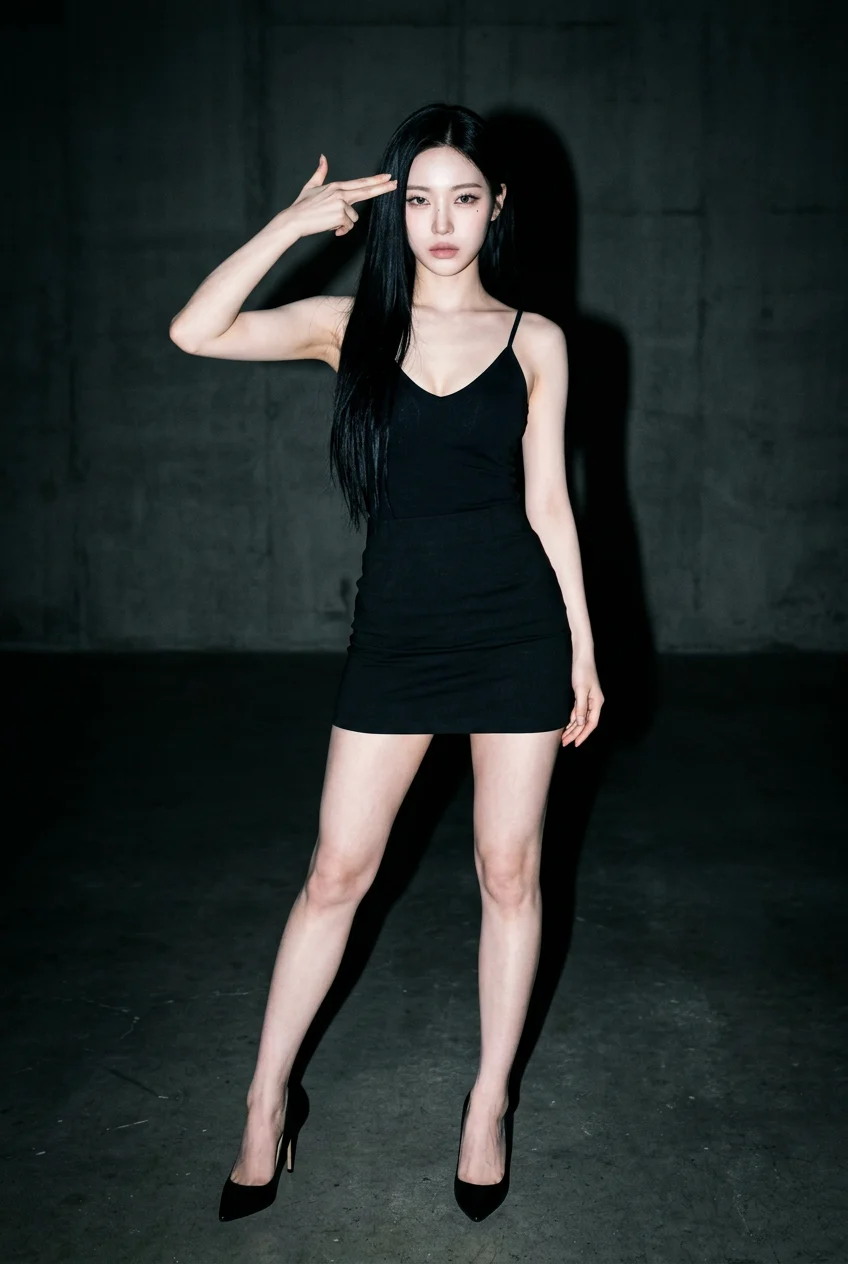
IMG_02 Open the template
The Middle Finger Dunk template is already open at the top of this page, on Wan 3.0 Prime: 9s, with sound.
Upload two photos
Slot 1 is the defender, slot 2 is the dunker. One person per photo, full body if you can.
Generate & download
Press Generate. Our test took about 2 minutes. The video lands in My Videos, so you can close the tab. Download the MP4 without a watermark.
Why use this middle finger dunk template
Roles stay put
Each slot has a fixed role. In our tests, two-person setups that only described clothes mixed up the players; this one keeps the dunker as the dunker.
Both people look like themselves
Built on Wan 3.0 Prime. Faces and outfits from both photos hold for all 9 seconds, even mid-split.
Any outfit can dunk
Dresses, heels, costumes, suits. The less athletic the dunker looks, the harder the dunk lands.
No watermark
Download a clean MP4 on every plan. Failed renders refund credits automatically.
Try your photo in another effect
Photo to Video AI
Animate Old Photos with AI
AI Dance Video Generator
Animate Pet Photo AI
Animate Drawing
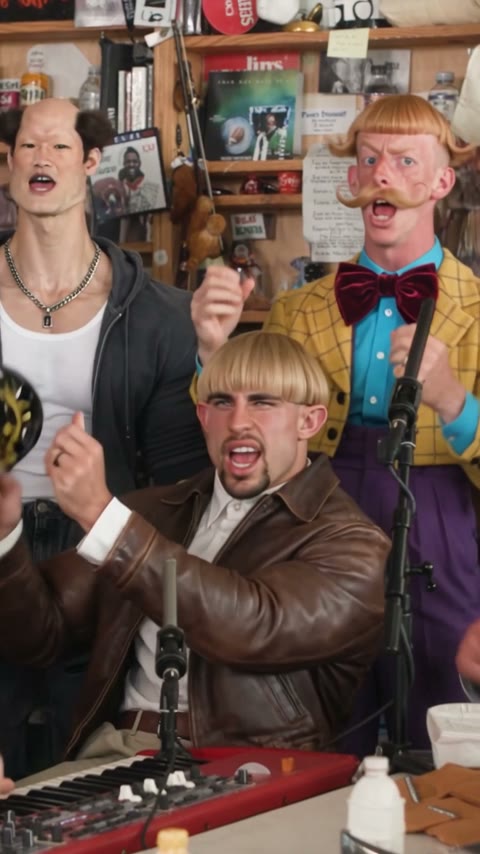
Outstanding Tiny Desk AI: Put Your Friends in the Concert
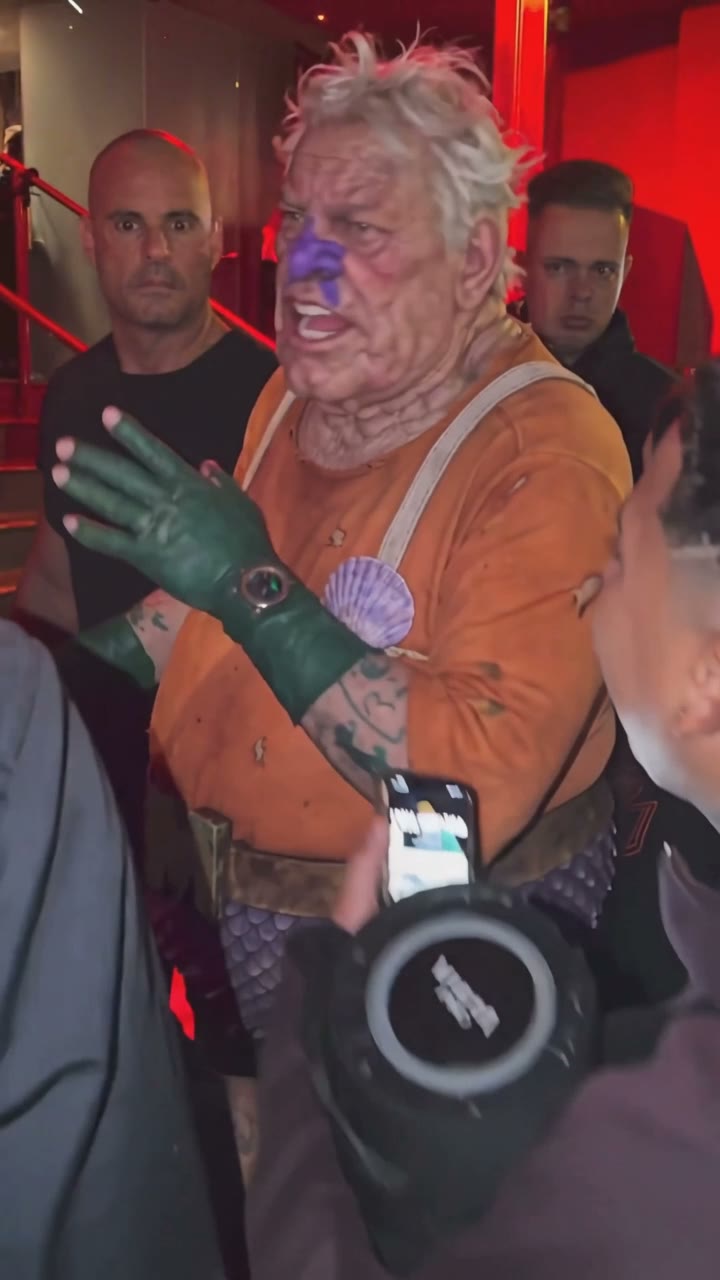
Bulin 47 AI Viral Video Generator
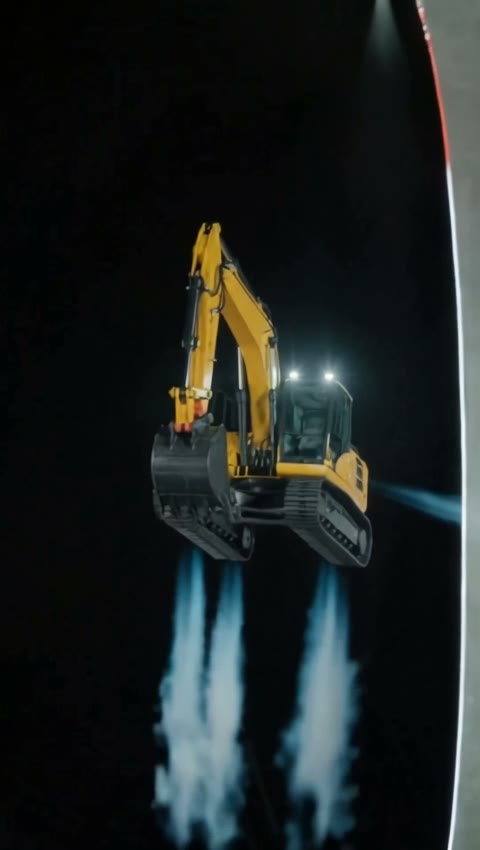
Tesla Roadster AI Video: Make Your Car Fly Like the Roadster
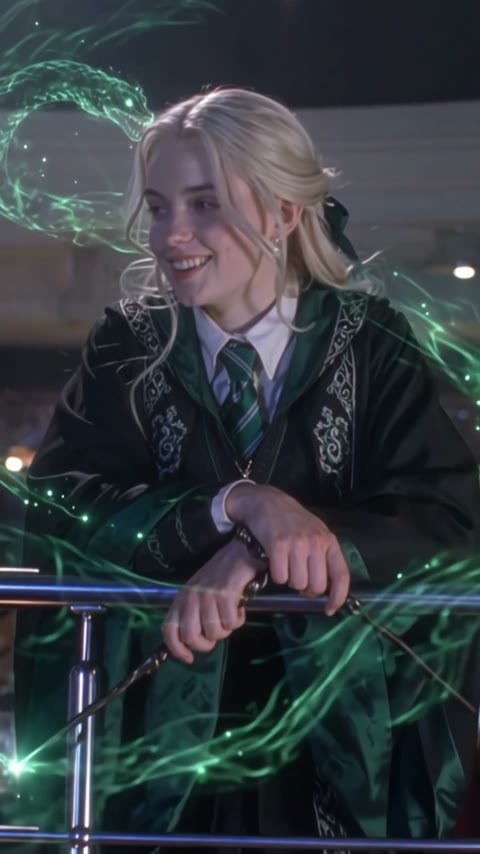
Balcony Stare Dancer Meme AI Video: Starring You and a Friend
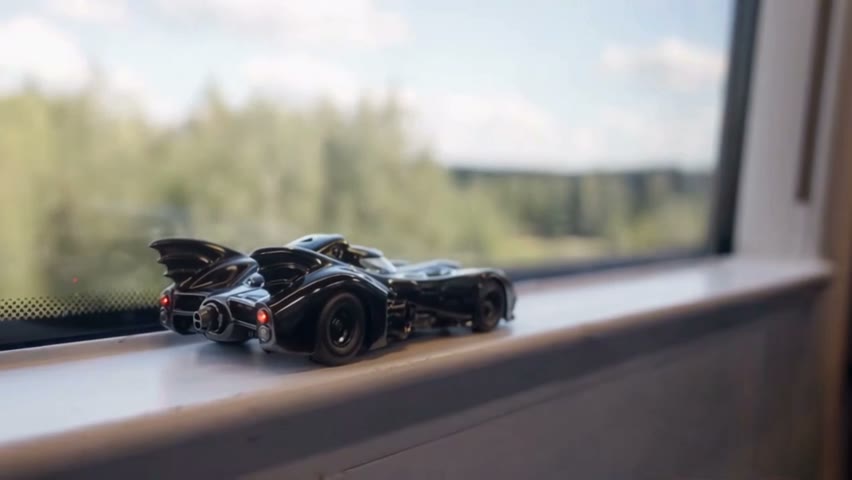
AI Toy Car to Real Car Transformation from One Photo
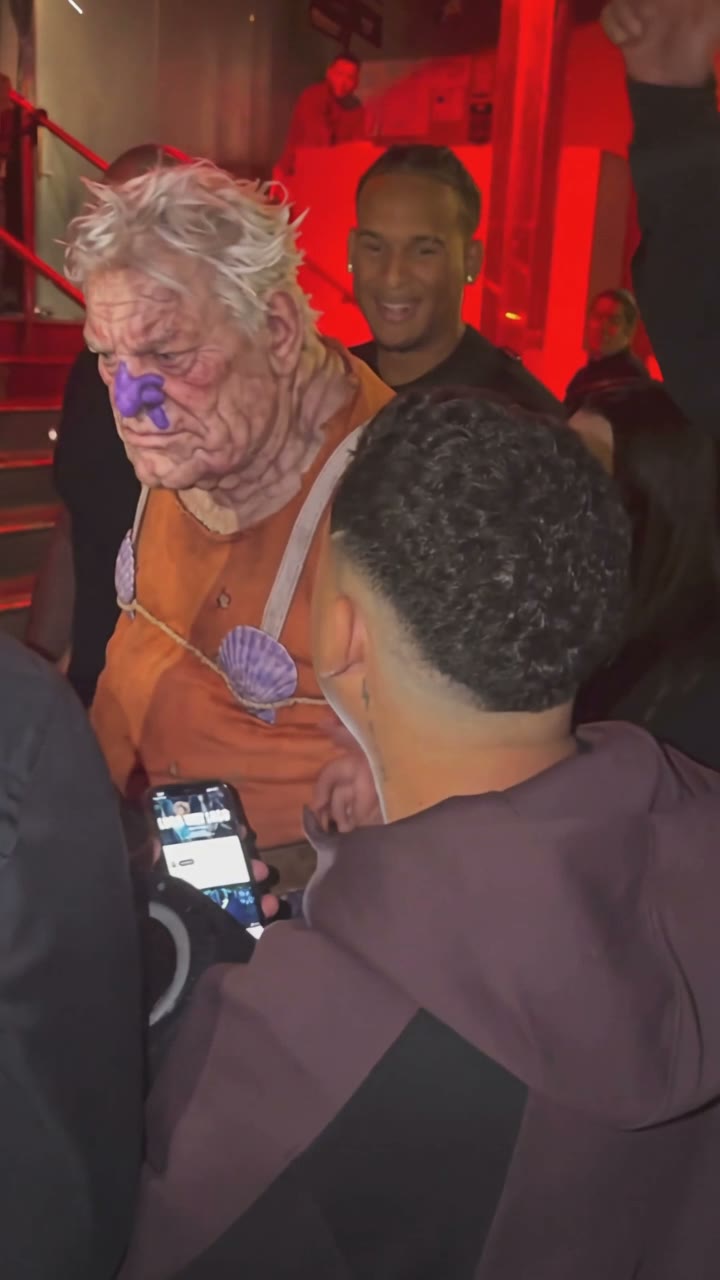
Dame Hombro AI Video Generator
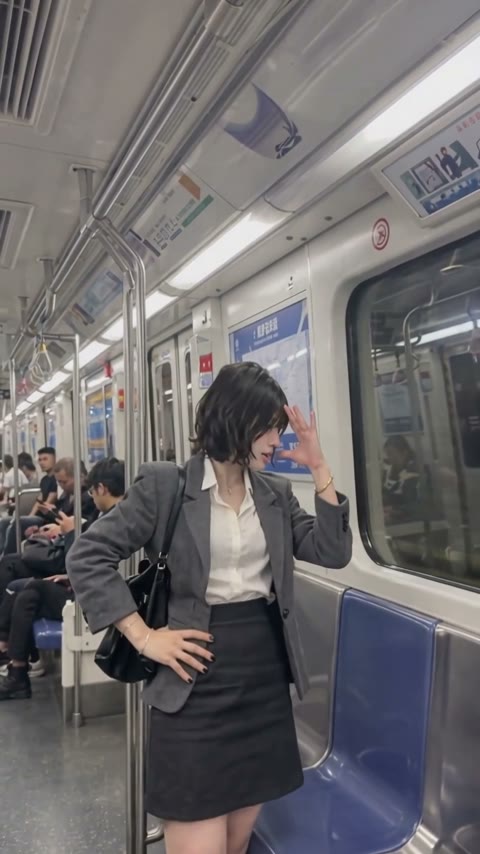
Bad Times AI Video Generator
Middle Finger Dunk AI FAQ
How do I make the middle finger dunk AI video?
Open this page, upload a photo of the defender and a photo of the dunker, and press Generate. The Middle Finger Dunk AI template already has the model and settings set up.
What is the middle finger dunk?
The middle finger dunk is a viral basketball clip from October 2026 where a player dunks over a defender in a split jump, holding up a middle finger, then walks toward the camera and flips it off again.
Which photo goes in which slot?
In the Middle Finger Dunk AI template, slot 1 is the defender who gets dunked on and slot 2 is the dunker who has the ball. Switch the two photos if you want the other person to dunk.
The two people came out in the wrong roles. What happened?
Mixed-up roles happen when you build the video yourself and describe the two players only by their clothes. Describe them by who has the ball and who is defending instead; our tutorial shows the prompt that fixed it. The template here already has the roles fixed.
What photos work best?
One person per photo, face clearly visible, full body if possible so the legs show in the split jump. Avoid sunglasses, heavy filters and group photos.
How many credits does it cost, and what if it fails?
Our test cost 280 credits for 9 seconds at 480p. The exact cost shows on the Generate button before you start, and failed renders are refunded automatically.
Does the video have sound?
Yes, sound is on by default. You can turn Audio off for a silent clip.
Can I upload photos of other people?
Only of yourself, people who gave you permission, or characters you created. No celebrities, public figures or minors.
Last updated