Friends
Put yourself and a friend into the two roles, then share the result in a private chat or social post.
Add two clear photos and see both of you in a moody nightclub scene inspired by Shameless.
Effect
Your photos2 photos
Reference clip: Shameless series list on Wikipedia ↗
A Shameless Nightclub AI Video puts two people from your photos into a 15-second nightclub dance-floor scene with sound. It is a one-click photo template, not a prompt-based video generator; no editing is needed.
The setup uses two photos: photo 1 takes the red-plaid-shirt role, and photo 2 takes the black-suit role. The successful example shows the two-photo cast in the nightclub scene. For another two-person expression, try the Balcony Stare Dancer template; the step-by-step Shameless nightclub AI video guide explains the photo order and settings.
Use clear, single-person photos with visible faces. Only upload your own photos or photos of consenting adults. This fan-made template is not affiliated with Shameless, its cast, producers, or rights holders; it is for adults and does not support photos of children or public figures.
Put yourself and a friend into the two roles, then share the result in a private chat or social post.
Use one consenting adult's photo in each slot for a playful two-person scene.
Use your own looks to recreate the nightclub mood without claiming the result is an official scene.
Put two friends into a dark nightclub dance-floor scene inspired by Shameless.
The Shameless Nightclub template is ready at the top of this page: Wan 3.0, 15 seconds, 480p, auto aspect ratio, and audio on.
Photo 1 is the red-plaid role; photo 2 is the black-suit role. Choose one adult per photo with a clear, front-facing face.
The Generate button shows the current credit cost before you start. Your finished MP4 appears in My Videos; failed renders are refunded automatically.
The template assigns each photo to a fixed role, so check the order before generating.
Sharp, single-person photo
A well-lit face gives the model a clear identity to follow.
Different photos for each role
Upload the red-plaid role first and the black-suit role second.
Two people in one image
The template has two separate slots; group photos can make role assignment unclear.
Face hidden or heavily filtered
A covered or tiny face gives the scene less identity detail to use.
Photo 1 maps to the red-plaid role and photo 2 to the black-suit role.
Use two clear adult portraits to put you and a friend in the scene.
The successful example is 15 seconds, 480p, and includes audio.
Downloads have no watermark on all plans; failed renders return the credits automatically.
The scene setup is already in the template. Add the two photos, check the cost, and generate in your browser.
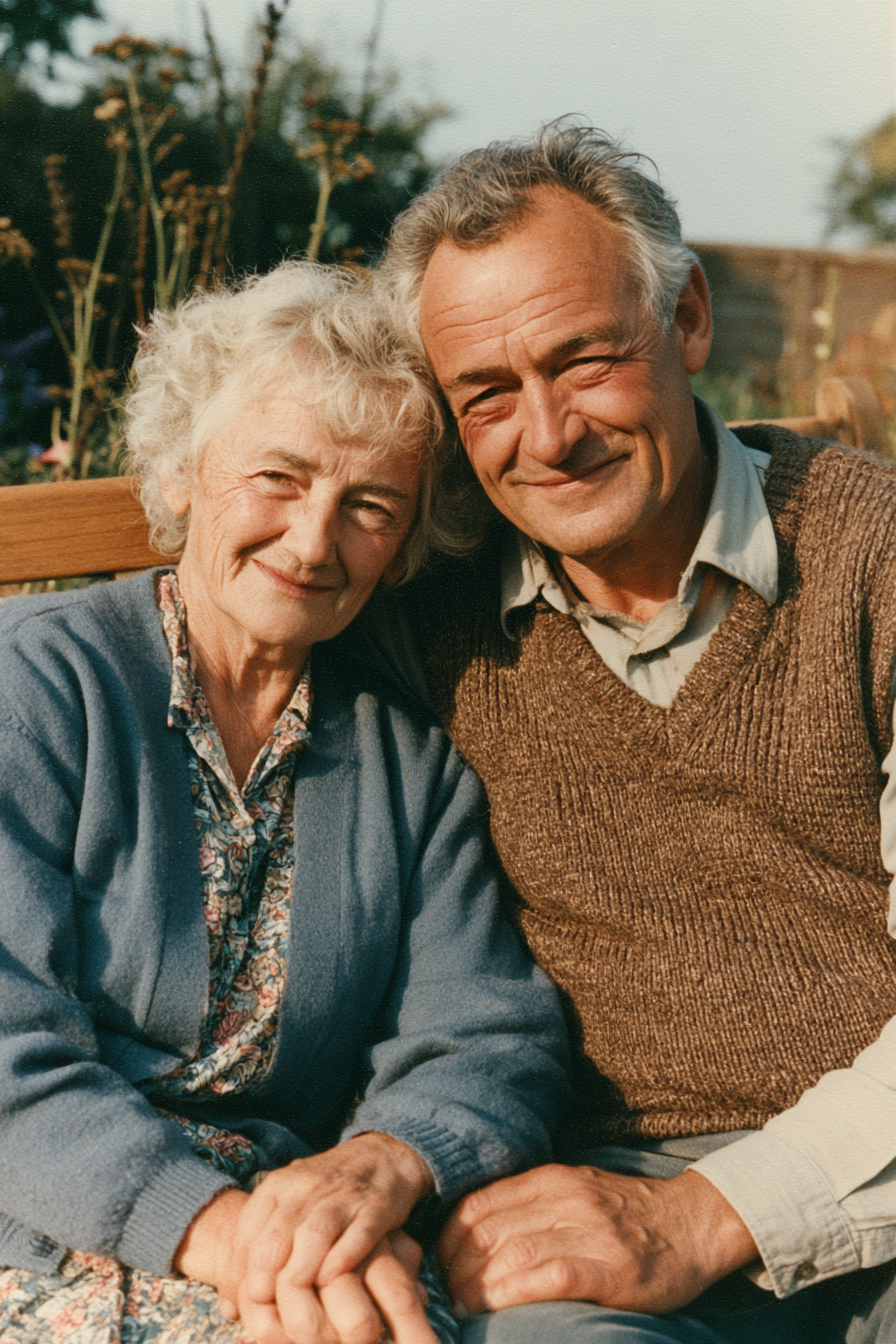
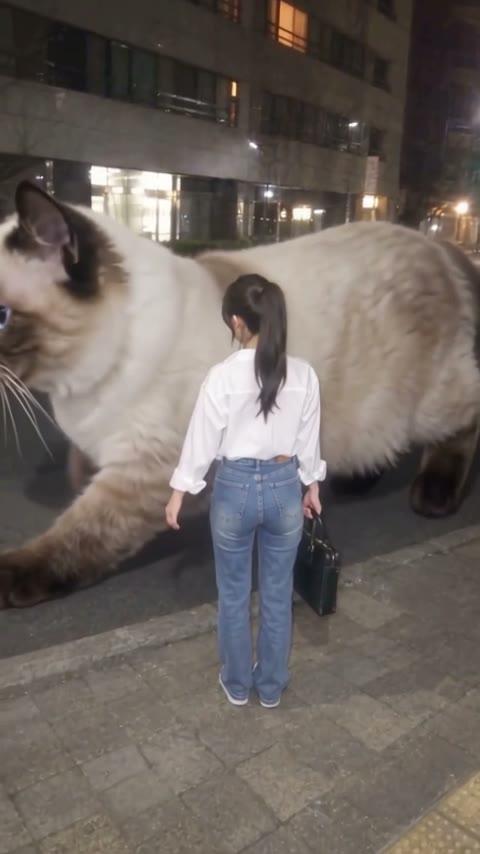
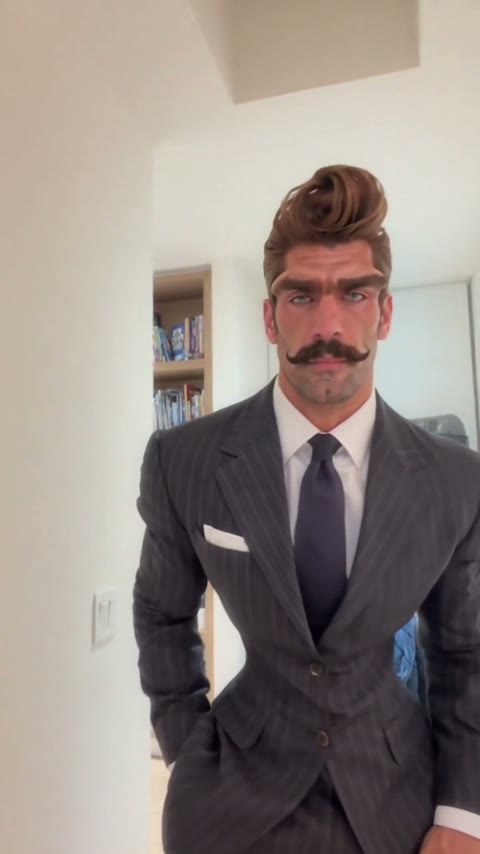
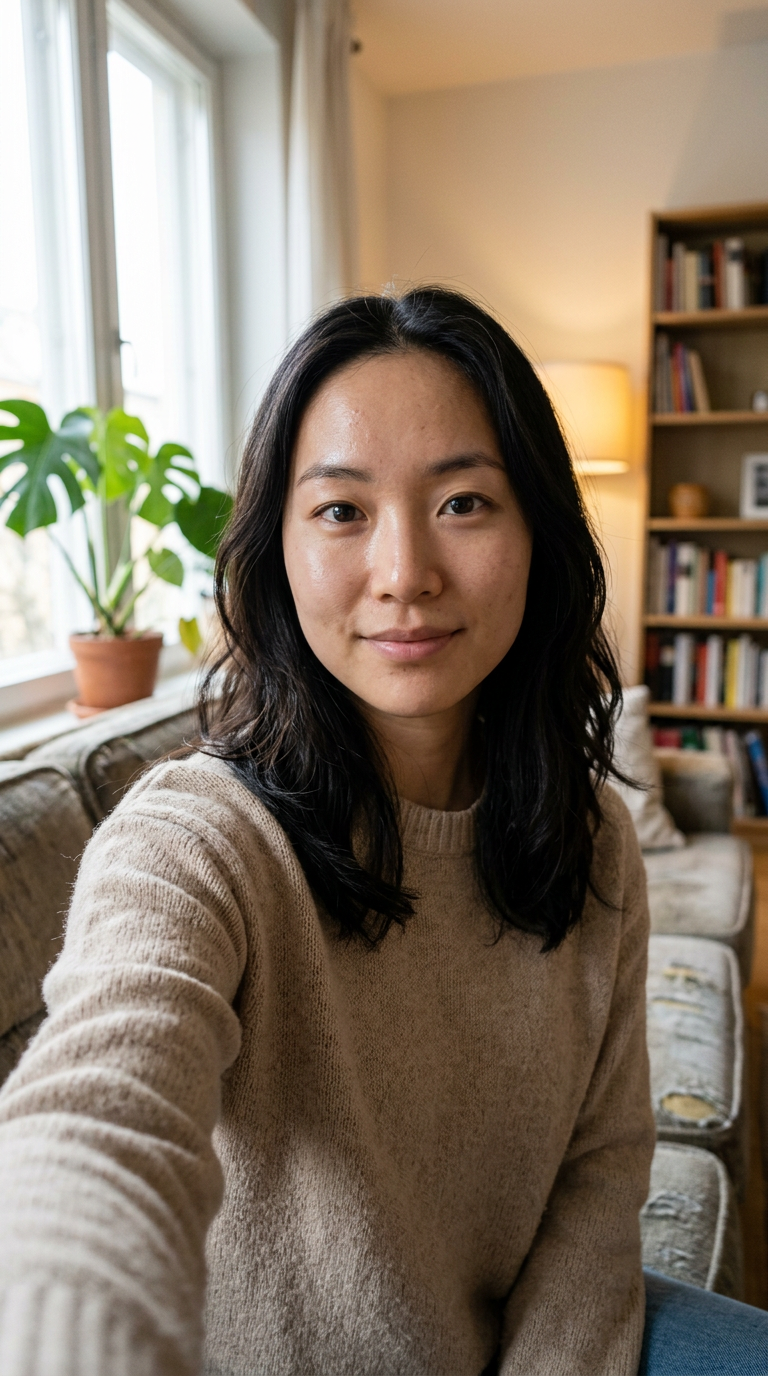
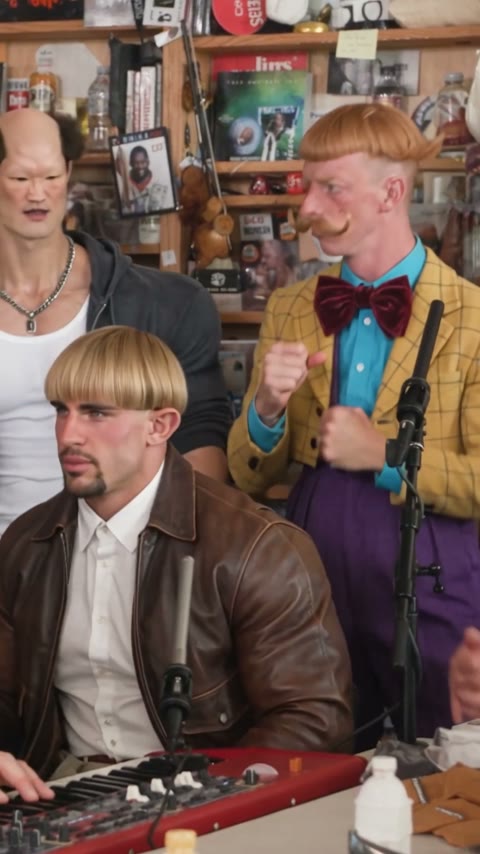
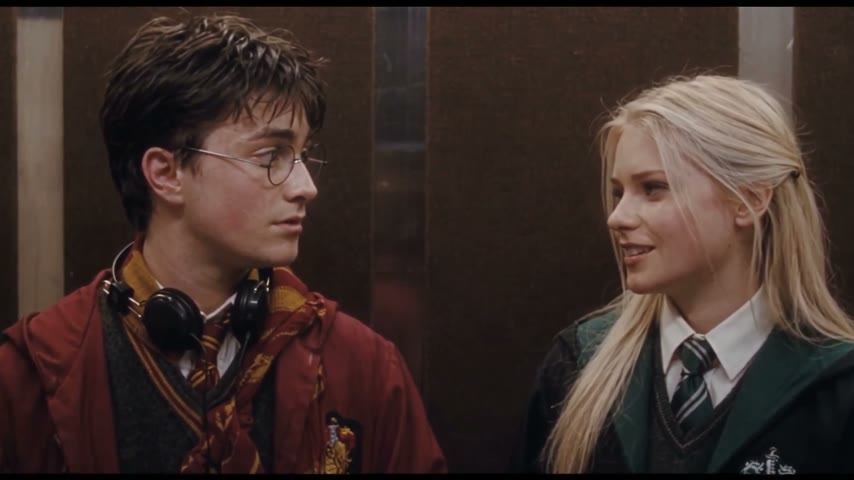
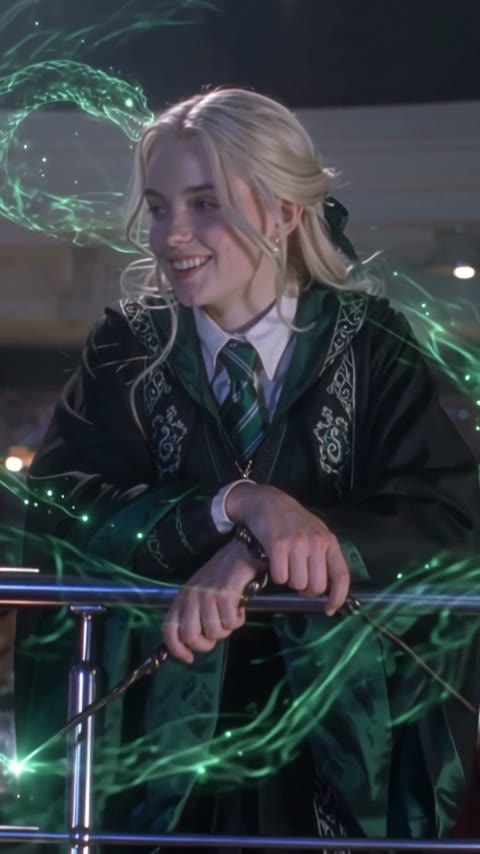
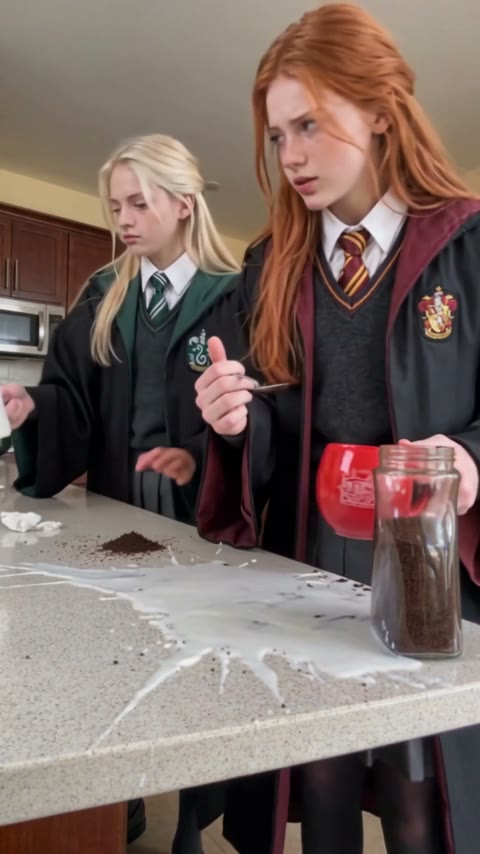
A Shameless Nightclub AI Video is a fan-made 15-second nightclub scene starring two adults from your photos; the template assigns photo 1 to the red-plaid role and photo 2 to the black-suit role.
Open this template, upload two separate photos in the shown order, confirm the credit amount on Generate, and start the render. The MP4 appears in My Videos.
We have not verified its season, episode, or soundtrack. The Wikipedia link is background on the U.S. series only.
Use two clear, single-person photos of consenting adults. Keep faces visible; upload the red-plaid role first and the black-suit role second.
The successful example is 15 seconds at 480p with audio enabled. The template follows the current settings shown before you generate.
Not completely. New accounts receive 75 free credits, while this template currently costs 385 credits, so the signup credits alone are not enough. The one-time $5.99 starter pack includes 540 credits; one video uses about $4.27 of that value, with 155 credits left. The Generate button shows the exact current cost before you start, and failed renders are refunded automatically.
It is a ready-to-use two-photo template: the role order is set, the successful example rendered at 15 seconds with sound, and the MP4 has no watermark. One current render is about $4.27 at the starter-pack rate, with no prompt writing or editing required. We have not independently compared every generator, so this describes this template rather than a universal ranking.
No. It is a fan-made AI template and is not affiliated with the series, cast, producers, or rights holders.
Your photos and generated videos stay in your account under My Videos. They are not used to train models or sold or shared; the photos are processed by the video-model provider to render the clip.
Last updated