Products, figures and frozen moments
Sellers use 360° Frozen Orbit for Amazon, Shopify and TikTok Shop listings, collectors for figures and sneakers, creators for bullet-time jumps. Shoot slightly from above with space around the subject.
Pick an orbit template, add one photo: freeze a product or mid-jump moment while the camera circles it, or let the camera fly around you while you keep your eyes on the lens.
Engine
Reference images0/9
Voice or songmp3 / wav · 2–15s · optional
Prompt0/4000
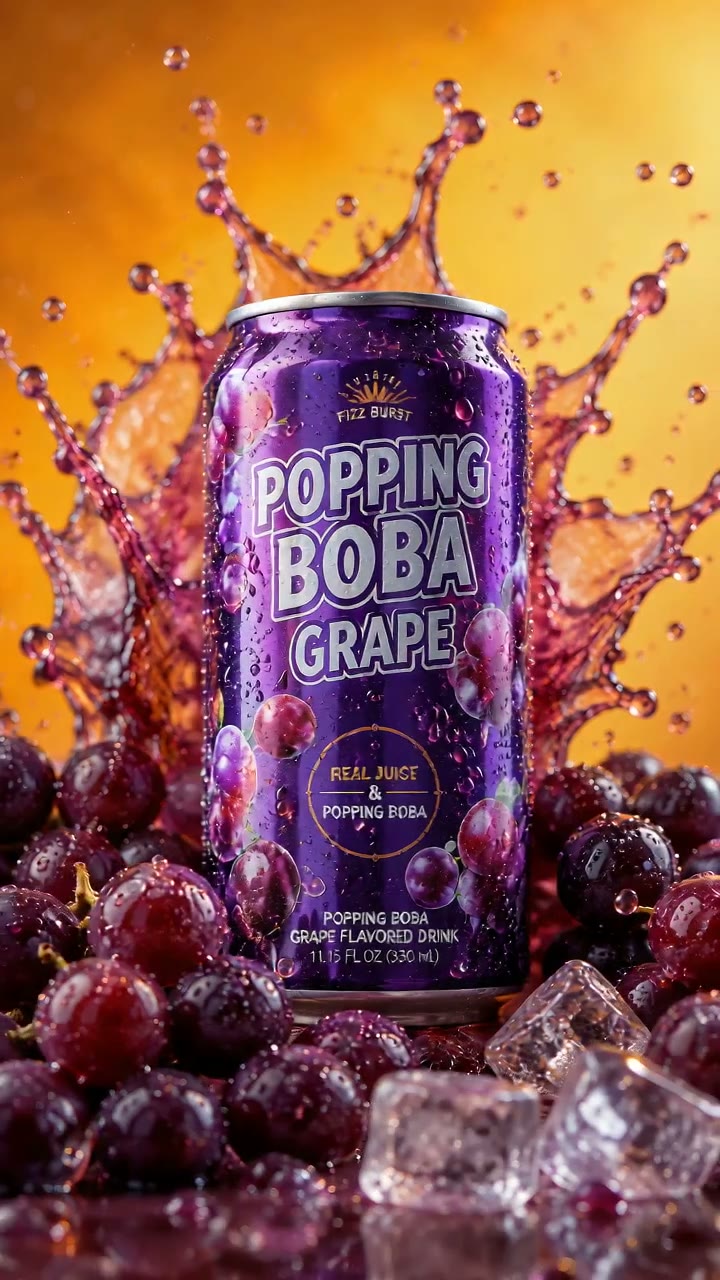
AI 360 Rotation Video turns one photo into a vertical clip where the camera circles your subject a full 360 degrees. No turntable, no 3D model, no prompt.
360° Frozen Orbit (5s, 720p) freezes a product, figure or mid-jump moment and loops back to the first frame. AI Camera Orbit Video (8s, 480p) flies around a person who keeps staring into the lens.
Only upload products you own and photos of yourself or people who agreed. You must be 18+; no celebrities, public figures or children.
Sellers use 360° Frozen Orbit for Amazon, Shopify and TikTok Shop listings, collectors for figures and sneakers, creators for bullet-time jumps. Shoot slightly from above with space around the subject.
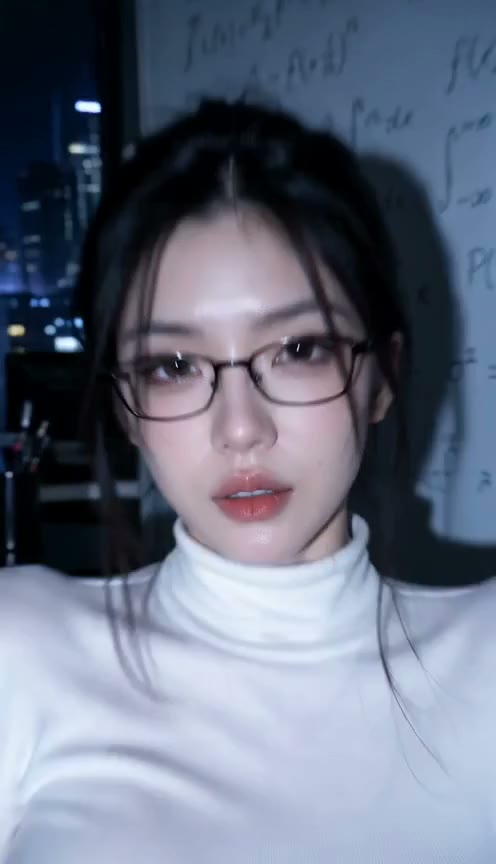
Creators use AI Camera Orbit Video to turn one portrait into a Reels or TikTok clip where the camera loops around them and their eyes never leave the lens. Any pose works; the room in the photo becomes the scene.
Time freezes and the camera flies a full circle around your photo, then loops.
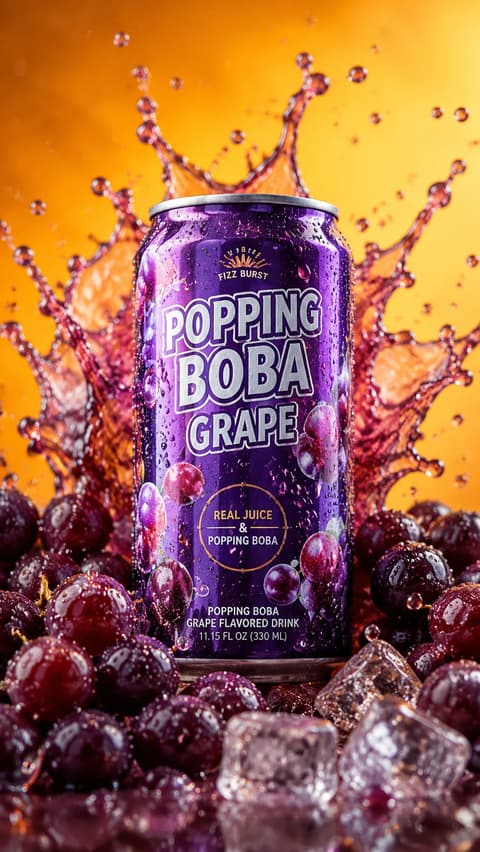
Choose 360° Frozen Orbit for products, figures and frozen moments, or AI Camera Orbit Video for a person who keeps staring into the lens. The model and prompt are already set up.
One product, figure or person, fully in frame, with space around it. For the camera orbit, use one person with a visible face; the pose and background are kept.
Press Generate. The video lands in My Videos, so you can close the tab. Download the MP4 without a watermark.
The best photo for an AI 360 rotation video shows one subject, whole and sharp, with space around it and a simple background, because the camera has to circle it without cutting anything off.
Room to orbit
Space around the subject keeps it whole on every side of the circle.
A frozen splash
Drops and props in the air are what make the spin feel like bullet time.
Cut-off edges
A product cropped at the frame edge has missing parts once the camera turns.
Motion blur
A blurry jump stays blurry from every angle.
Each orbit style is its own template: a frozen product loop, a camera that circles a person who keeps eye contact, and more styles as we add them. Pick the one that fits your photo.
The frozen orbit holds every object in the same position, shape and pose, and the camera orbit keeps the person's face, hair and outfit from the photo.
Every template comes out vertical with sound, sized for TikTok, Reels, Shorts and product pages. Length and resolution show on each template card.
A frozen orbit is 55 credits and new accounts get 75. Downloads are clean MP4s, and failed renders refund credits automatically.
Unlike Sora or Kling, you don't write or tune camera moves. No turntable, no 3D model, no app: add a photo in your browser and press Generate.
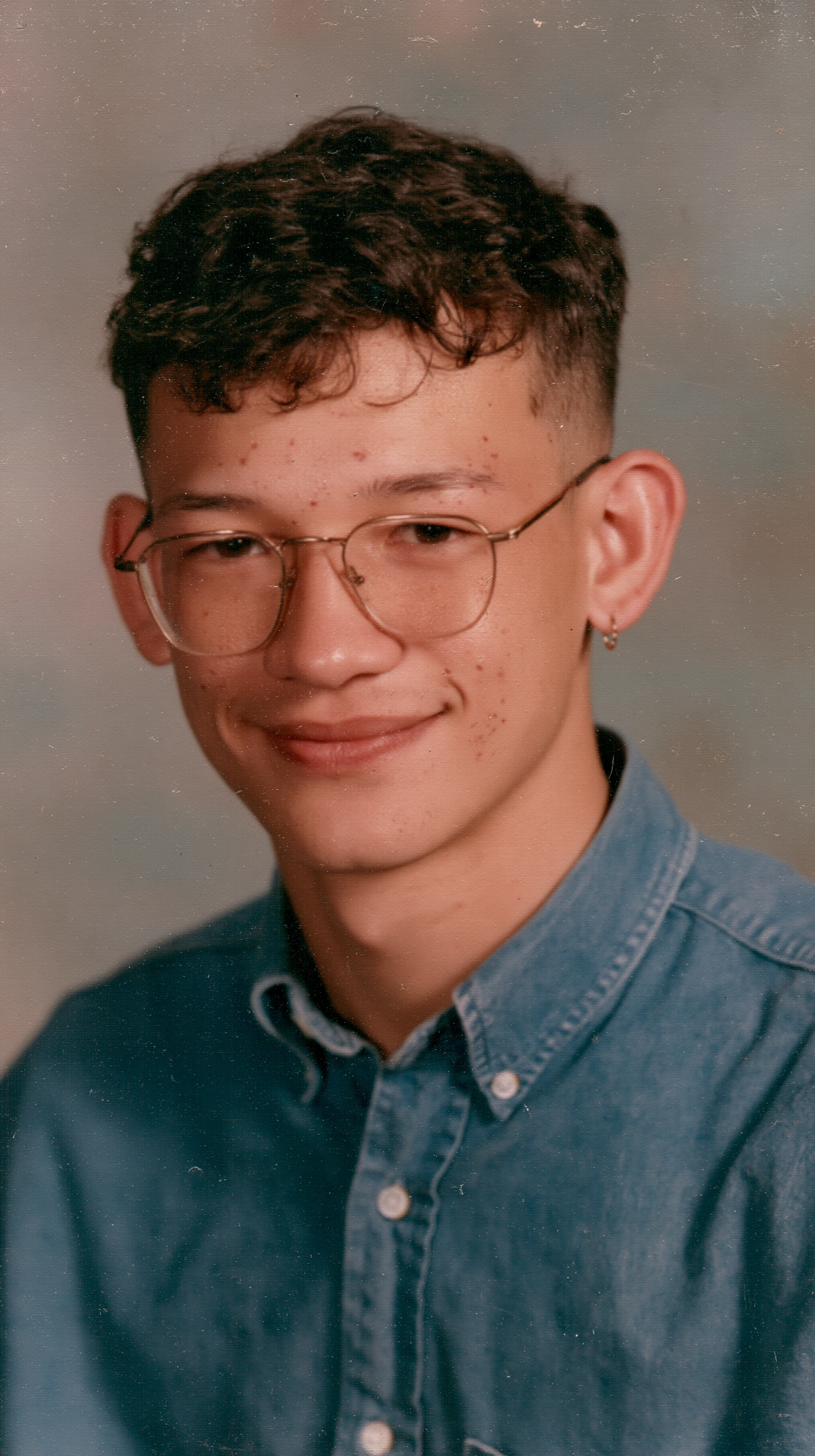
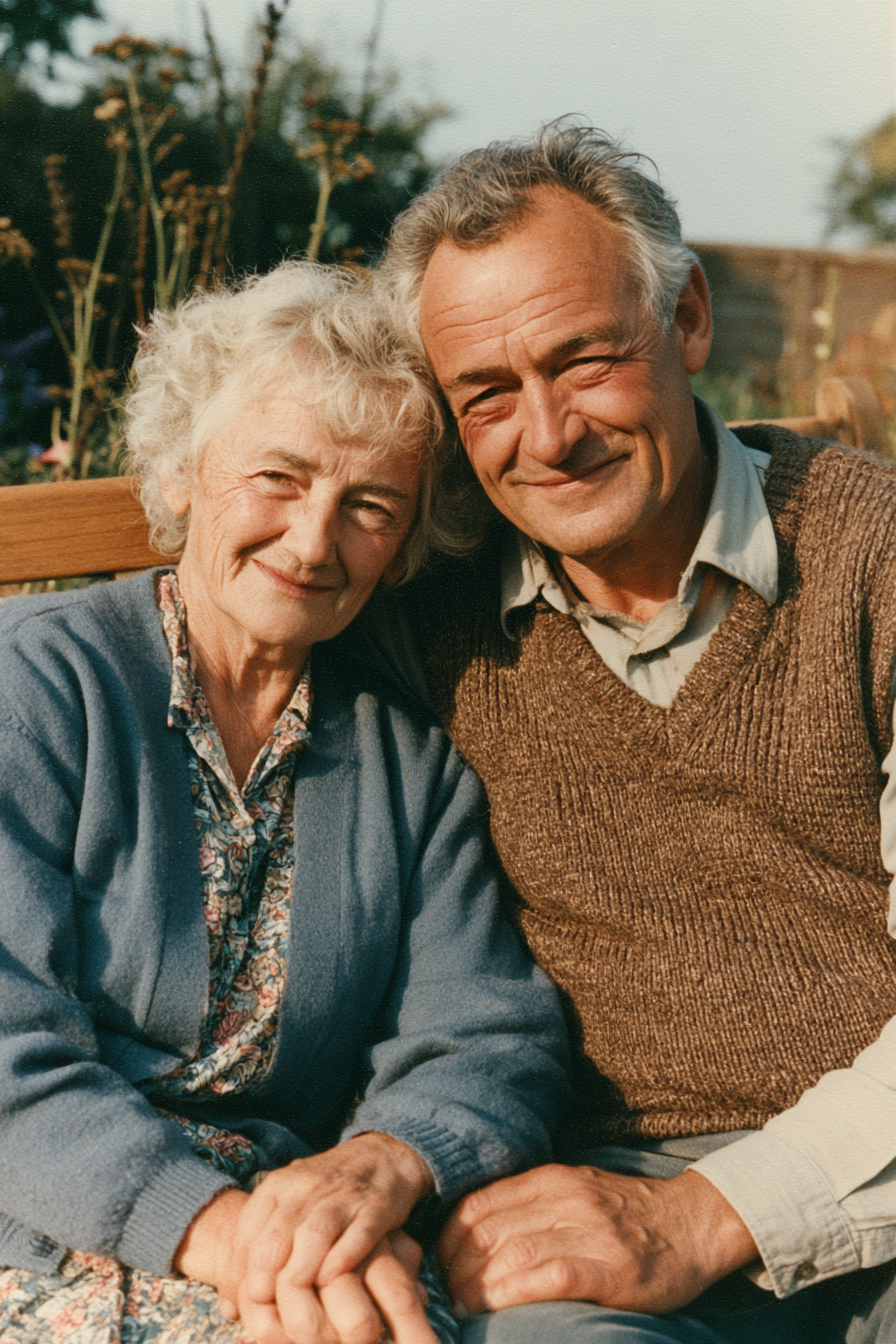
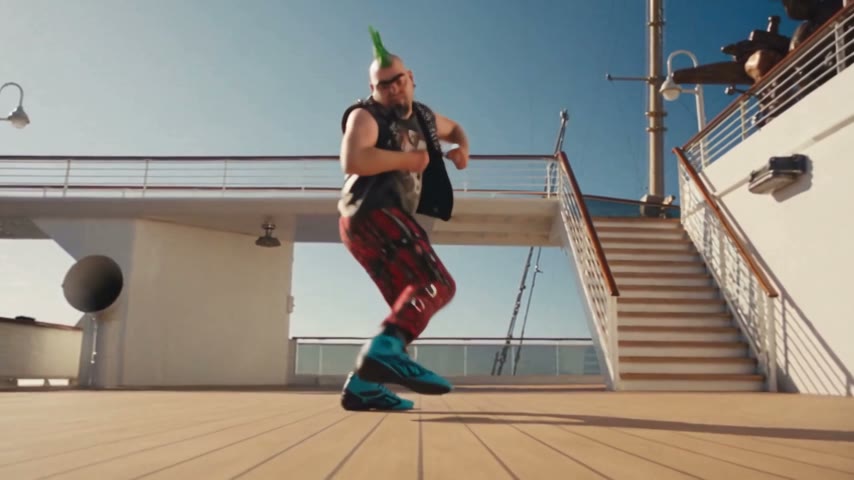
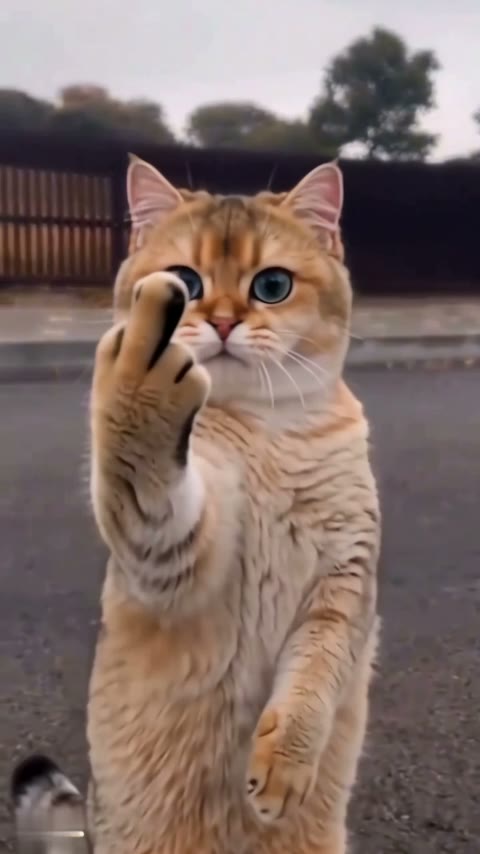
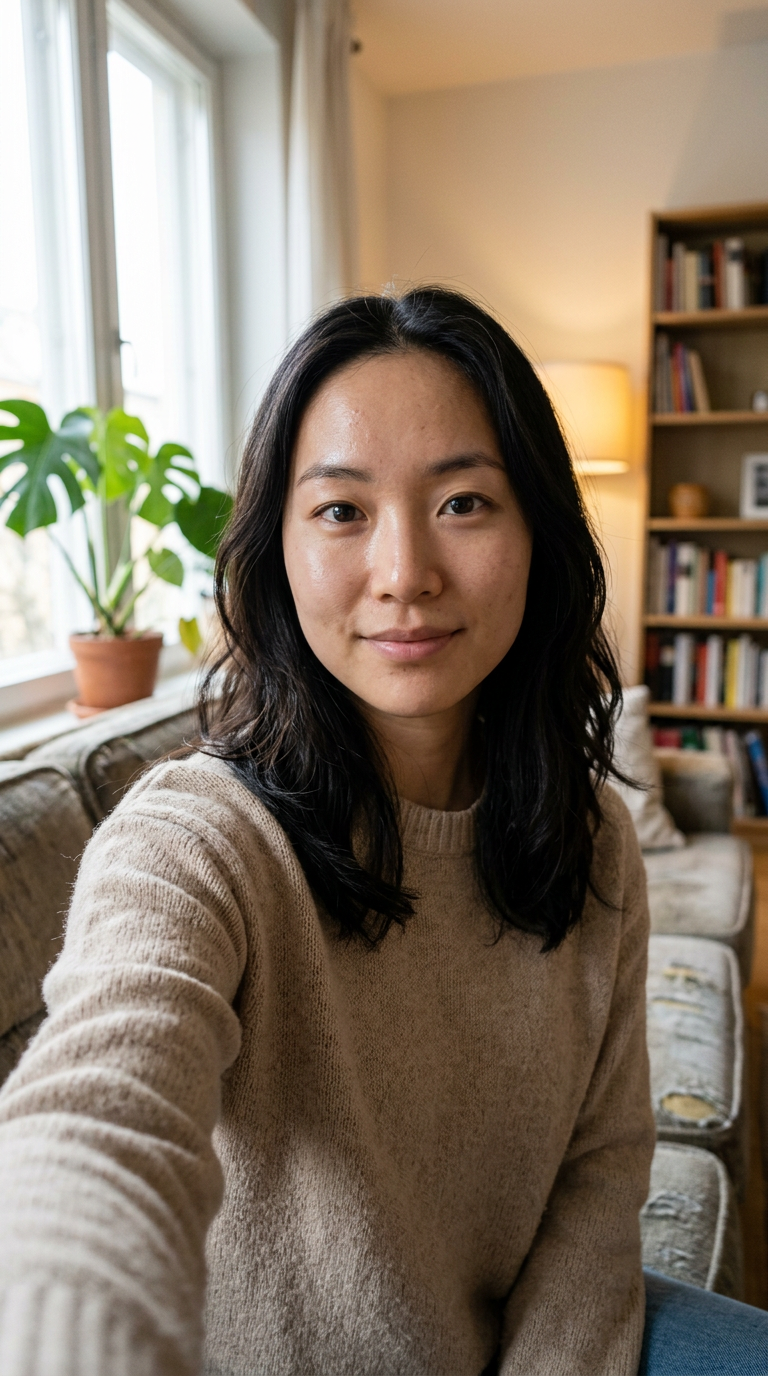
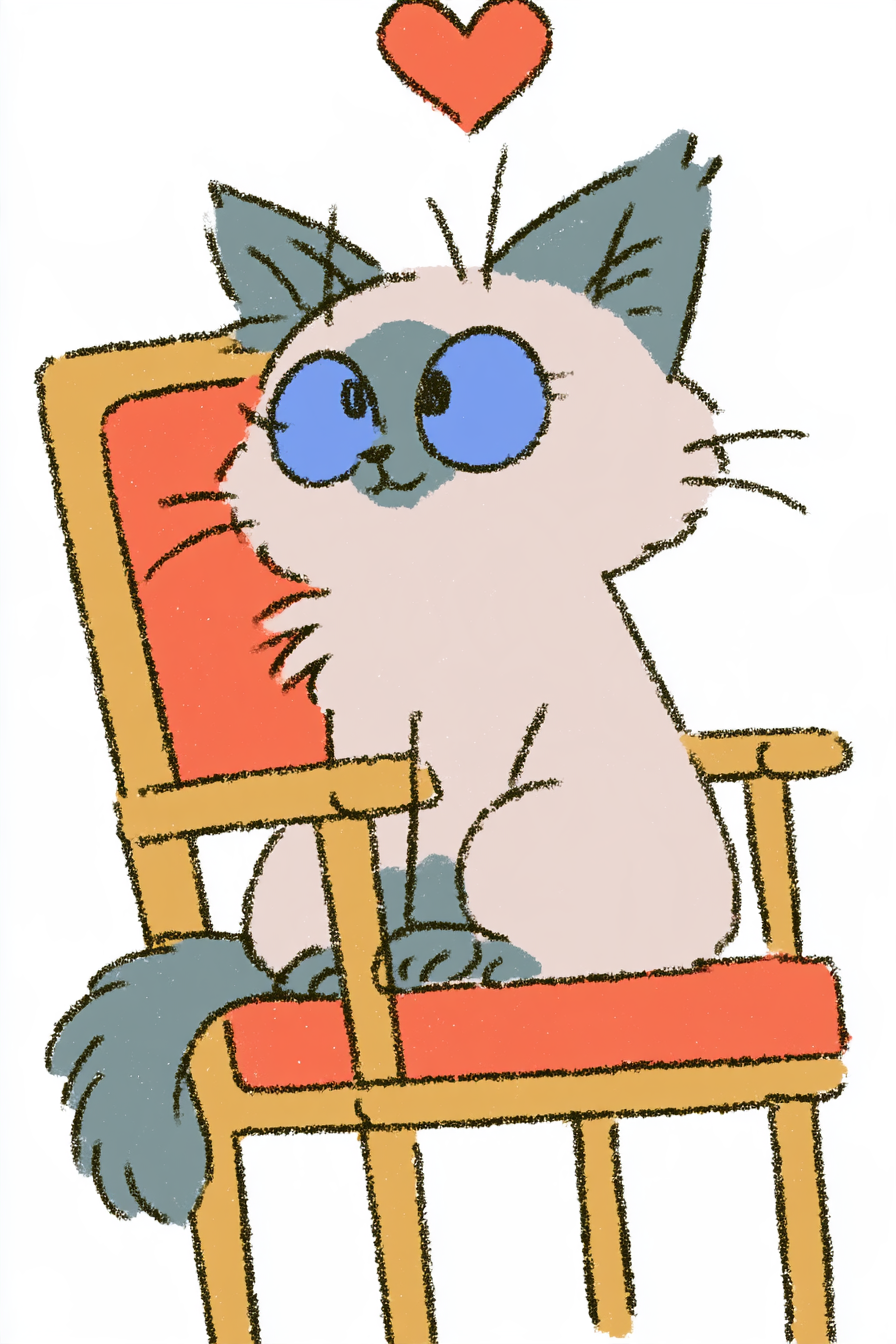
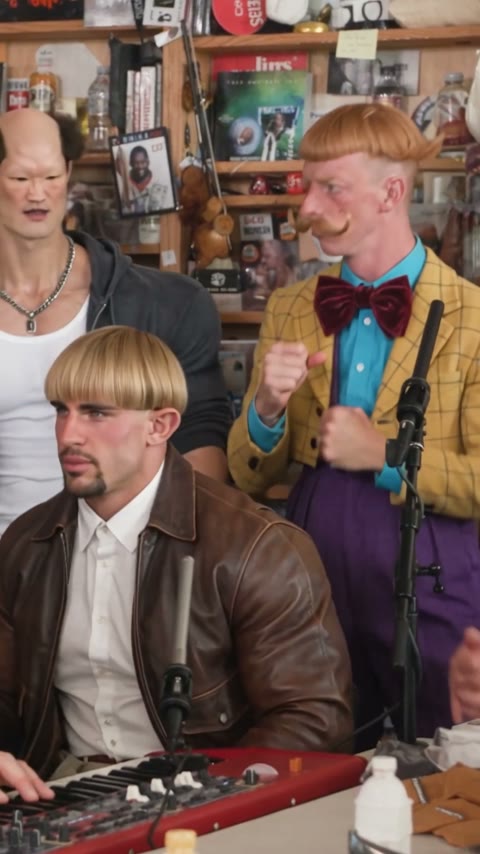
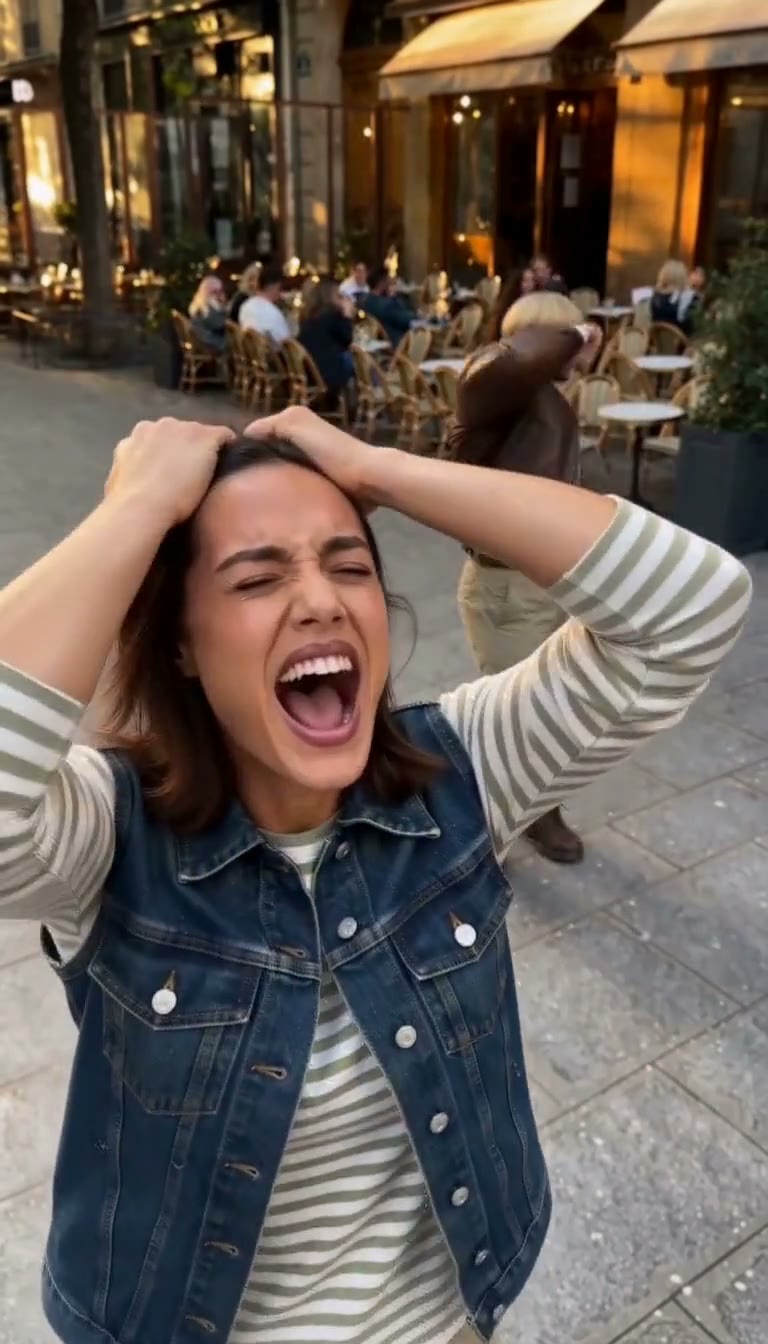
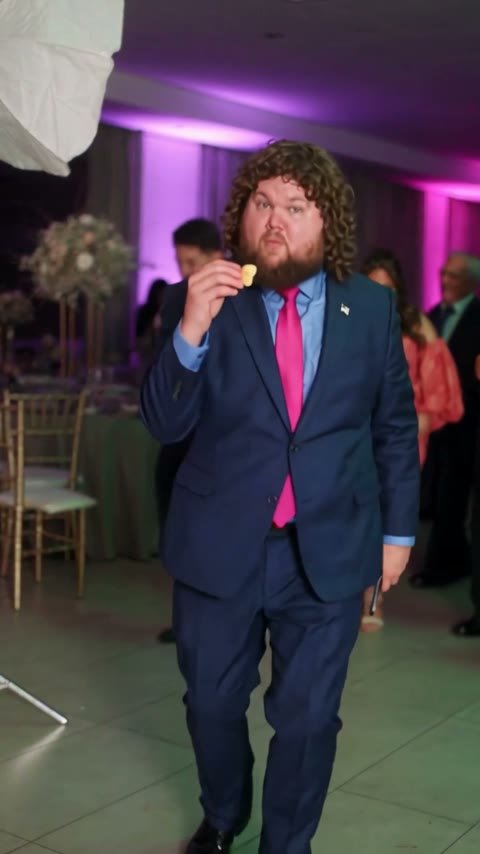
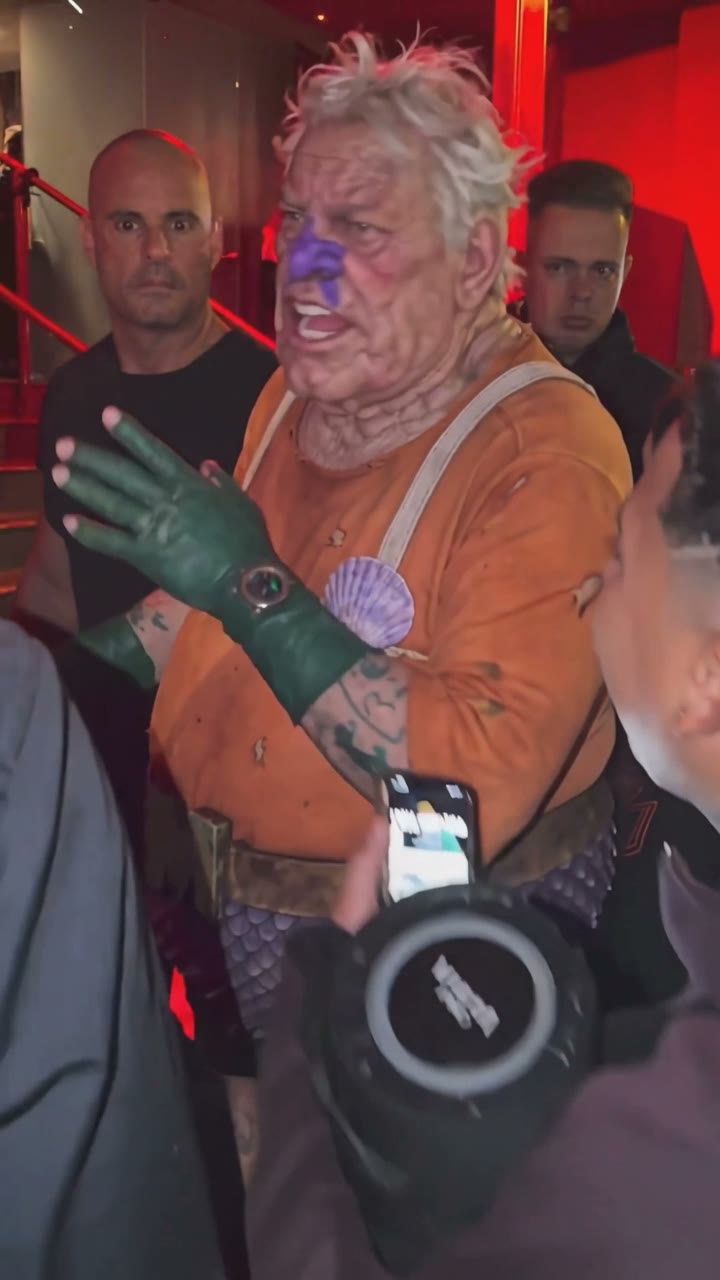
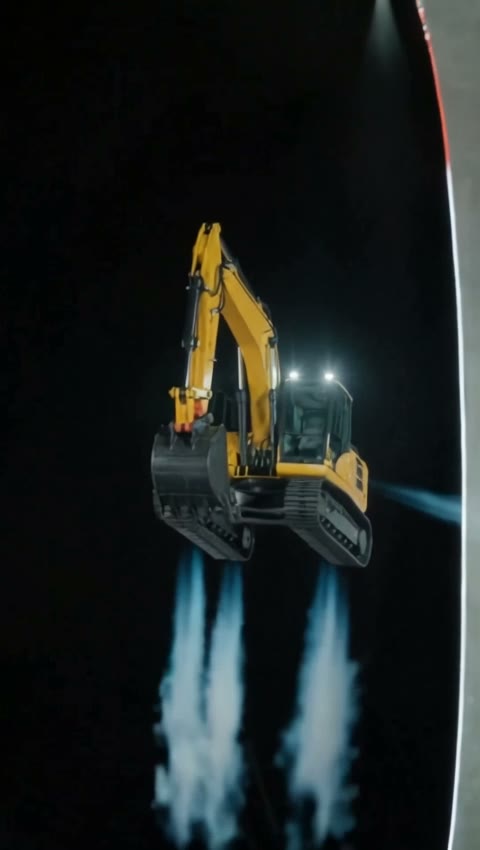
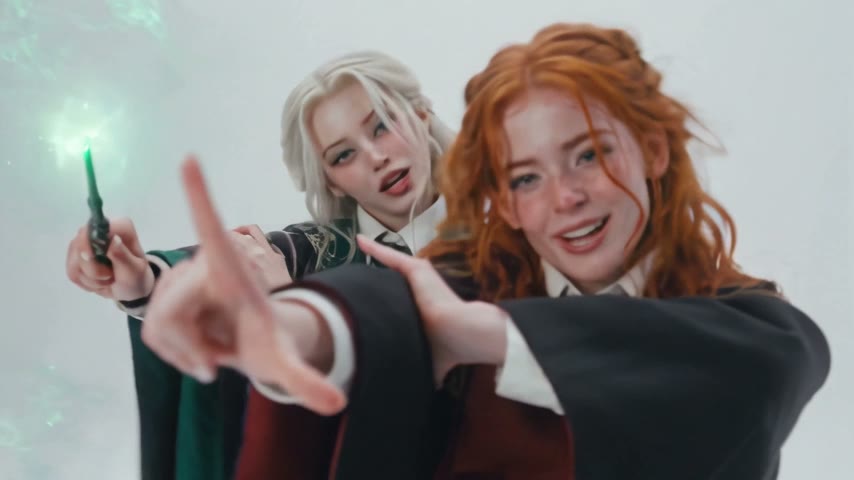
Pick an orbit template on this page, upload one photo with the whole subject in frame and press Generate. The model and prompt are already set up, so you get a vertical video with sound where the camera circles your subject 360 degrees.
An AI 360 rotation video, a 360 spin video and a turntable video all show a subject from every side. 360° Frozen Orbit does it bullet-time style: the subject stays frozen and the camera orbits, instead of the product turning on a turntable.
Yes, two ways. 360° Frozen Orbit freezes whatever is in the photo, people included, so a jump or a dance pose stays at its peak while the camera circles. AI Camera Orbit Video flies the camera around a person who holds the photo's pose and turns their head to keep staring into the lens. Use one person with a sharp, visible face.
Your first frozen orbit is. New accounts get 75 free credits and one 360° Frozen Orbit video costs 55 credits, so the first one is covered with 20 credits left over. AI Camera Orbit Video costs 235 credits, about $2.61 from the one-time $5.99 starter pack of 540 credits. The exact cost shows on the Generate button before you start, and failed renders are refunded automatically.
About $0.61 for a 360° Frozen Orbit video: 55 credits for 5 seconds at 720p, 9:16, with sound, made with Seedance 2.0 Mini, and free for your first one. AI Camera Orbit Video is about $2.61: 235 credits for 8 seconds at 480p with sound, made with Seedance 2.0.
Four reasons: it stays your subject, it costs less, you get a clean video, and it's ready to post.
Stays your subject: the frozen orbit holds the product's exact position, shape and pose and loops back to its first frame, and the camera orbit keeps the person's face, hair and outfit. You get a usable orbit on the first try instead of spending credits on retries.
Costs less: a frozen orbit is about $0.61 and your first one is free with the signup credits, no subscription.
Clean video: download an MP4 without a watermark on every plan, free credits included, and failed renders are refunded automatically.
Ready to post: vertical with sound, so it goes straight to TikTok, Reels, Shorts or a product page with no editing or cropping.
Usually it's because one photo only shows one side, so the AI fills in the sides you didn't shoot. Take a new photo from slightly above and to the side so more of the product shows, then run 360° Frozen Orbit again.
Usually it's a small or turned-away face, so the AI has little to keep as the camera goes around. Use a sharp photo where the face is large and clear, then run the template again.
Yes. You get a vertical MP4 without a watermark that you can upload to a listing, a store page or an ad. Since the unseen sides are filled in by the AI, check that the product still matches what you ship.
No. One photo is enough: each template already has the camera move and the prompt, so you don't need a turntable, a 3D scan, editing software or an app.
Your photos and videos stay in your account, so you can download them again from My Videos at any time. They are never used to train AI models and are not sold or shared, except with the video model provider that renders your clip.
Last updated