Couples
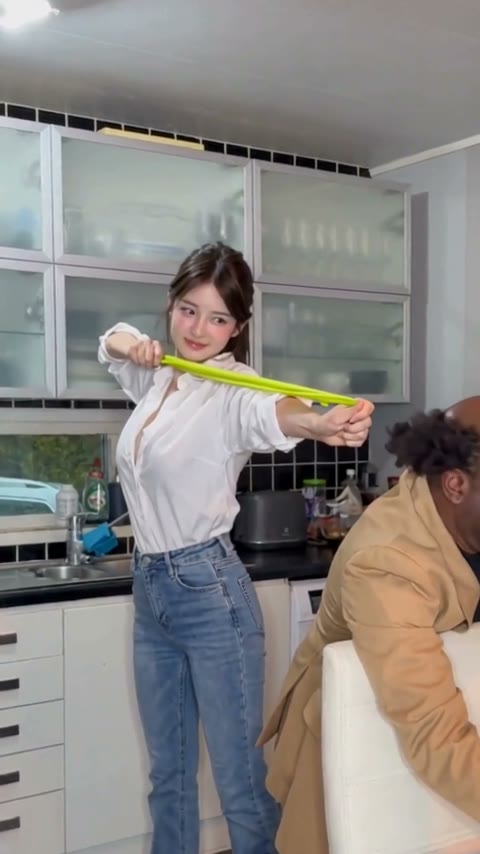
Couples recreate the clip the trend started with: the partner who always starts pranks goes in Photo 1 and gets snapped, the other goes in Photo 2 and turns around. It makes a good reply in a couple's chat after a real prank.
Add a photo of you and one of your friend. You line up the shot at their head, the band smacks your own mouth, and you play it cool the second they look back.
Effect
Your photos2 photos
Rubber Band Prank AI turns two photos into a 14-second vertical prank video with sound: you stretch a green band at your friend's head, it snaps back into your own mouth, and you pretend to be busy when they turn around. It's a one-click template, not a prompt-based generator like Sora or Kling. You and your friend both keep your own faces and clothes, so everyone in the group chat knows exactly who got owned.
The rubber band prank is a kitchen clip that backfires: one person sneaks up behind someone leaning on a chair, pulls a long green resistance band back like a slingshot and lets go. The band whips back into the prankster's own mouth.
People rewatch it for the last ten seconds, not the snap. The target hears the noise and turns around, and the prankster, eyes watering, grabs whatever is on the counter and pretends to be busy. Everyone has played it cool like that at least once.
Upload two clear photos, one person each: Photo 1 is the prankster who gets snapped, Photo 2 is the friend who turns around. Our Rubber Band Prank AI tutorial shows the real result, what it cost and how to fix a face that looks off.
Fan-made template, not affiliated with the creators of the original clip. Only upload photos of yourself or people who agreed to be in the video. You must be 18 or older, and photos of celebrities, public figures or children aren't allowed.
Couples recreate the clip the trend started with: the partner who always starts pranks goes in Photo 1 and gets snapped, the other goes in Photo 2 and turns around. It makes a good reply in a couple's chat after a real prank.
Roommates and friends put the group's prank-lover in Photo 1, so the person who always plans the joke is the one it backfires on. Two separate selfies are enough, taken anywhere.
Adult siblings use it for the family group chat: one sibling aims, the other turns around, and the whole family can see who lost this round.
The Rubber Band Prank trend comes from a home video of a couple in their kitchen: he aims a long green resistance band at her while she leans on a chair looking at a tablet, and it snaps back into his own mouth. She turns around, and he picks up a spray bottle as if he had been cleaning all along. The couple are private people, so this page doesn't name them.
In early November 2026 the clip became an AI template trend on TikTok, where people put themselves and a friend into the kitchen, often under captions like "rubber band prank backfire" and "rubber band prank gone wrong".
Two photos: you aim a rubber band at your friend's head, it snaps into your own mouth, and you act busy when they turn around.

The Rubber Band Prank template is already open at the top of this page: 14 seconds, vertical, 480p, with sound.
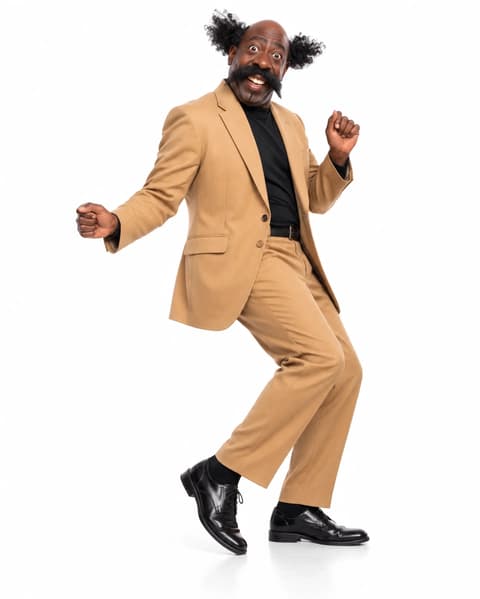
Photo 1 is the prankster who gets snapped, Photo 2 is the friend who turns around. One clear person per photo, waist up or full body.
Press Generate. Ours was ready in about 4.5 minutes and lands in My Videos, so you can close the tab. Download the MP4 without a watermark.
The best photos for the Rubber Band Prank AI video are two separate portraits, one person each, waist up or full body with the face clear, because the prankster stands in full view and the friend's face shows when they turn around.
Two separate portraits
In our test the white shirt and jeans stayed on the prankster and the tan blazer on the friend for all 14 seconds.
A clear, expressive face
The prankster's wince and fake smile are the punchline, so a sharp face carries the joke.
A group selfie
Several faces in one photo can end up mixed. Crop each person into their own photo first.
Sunglasses or a hidden face
The snap lands on the mouth, so a covered face loses the reaction.
The band snaps into the prankster's mouth at about 4 seconds, the friend turns around a second later, and the prankster picks something up to look busy. In our test every beat landed on the first run.
The prankster and the friend both come from your photos, with your own faces, hair and clothes, so nobody mistakes who got snapped.
A 9:16 video with the snap sound, ready for TikTok, Reels or Shorts.
Download a clean MP4 on every plan, free credits included. Failed renders refund credits automatically.
Unlike Sora or Kling, you don't write or tune a prompt to get the snap and the turn in the right order, and there's no app or CapCut to install. Add two photos in your browser and press Generate.
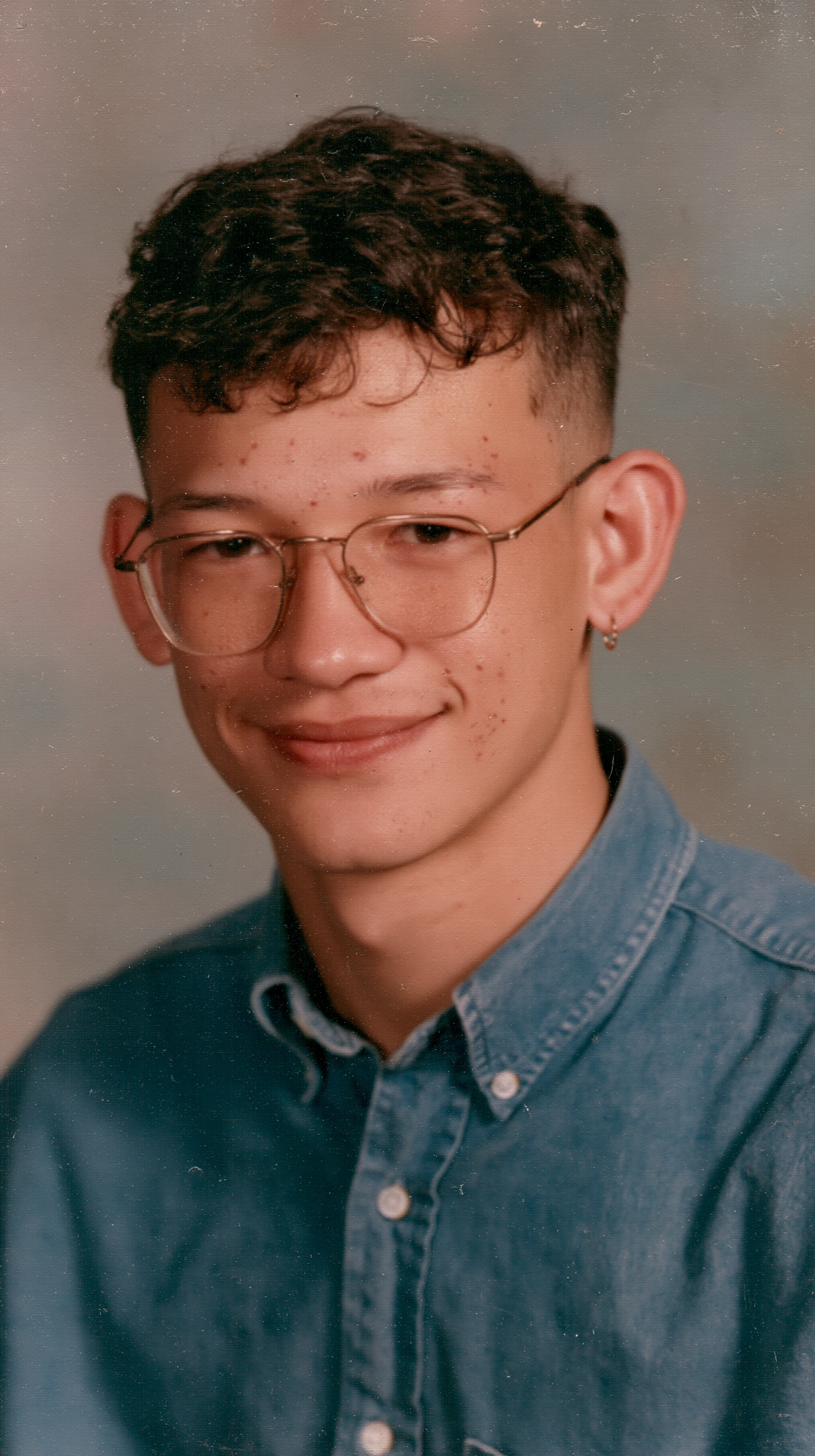
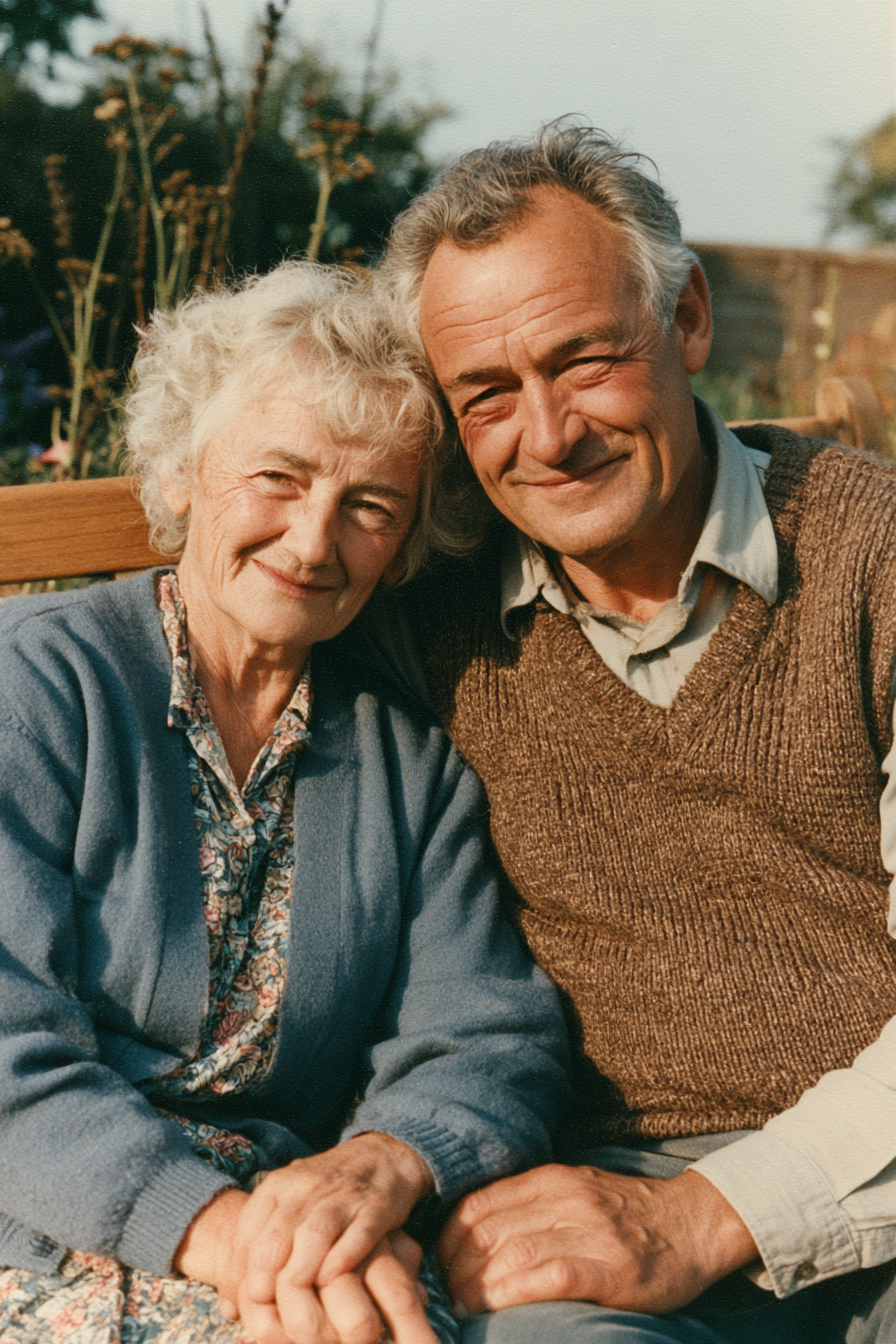
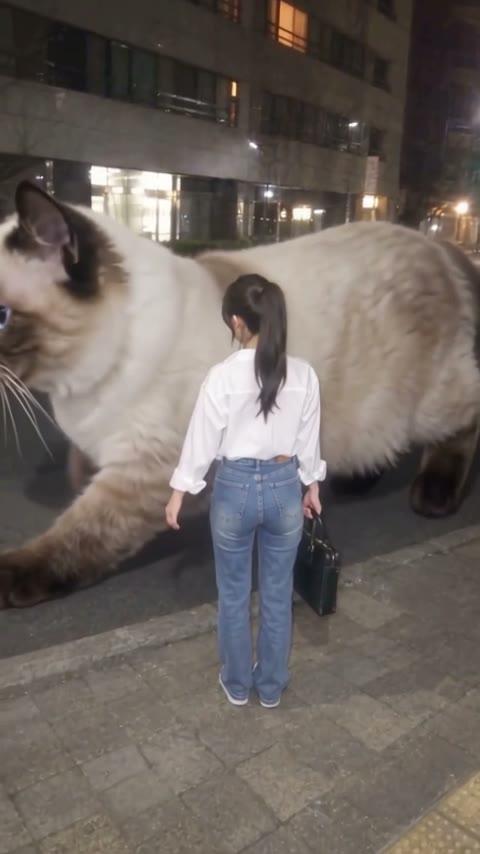
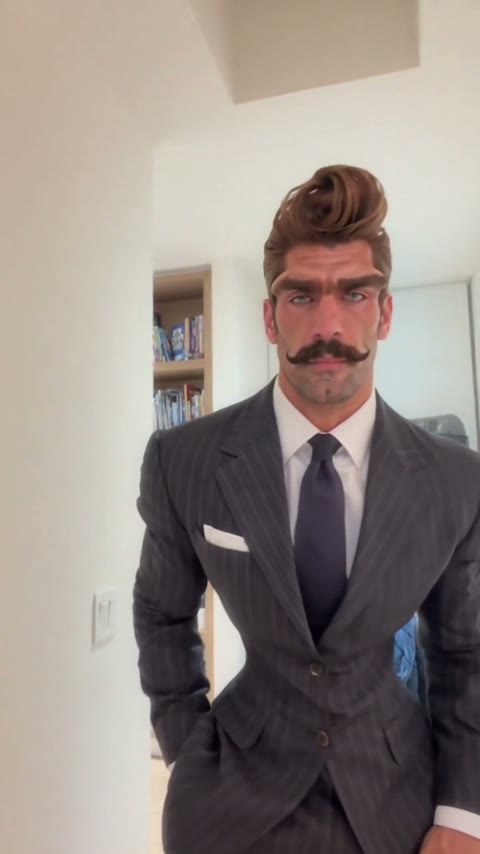

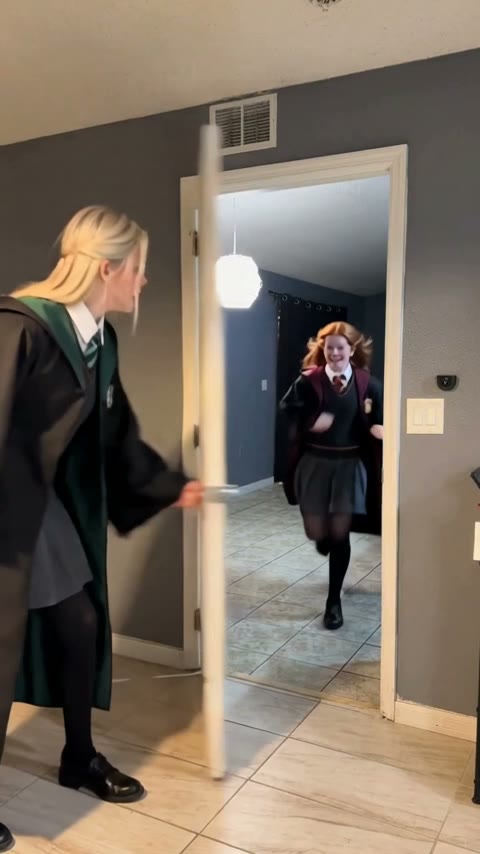
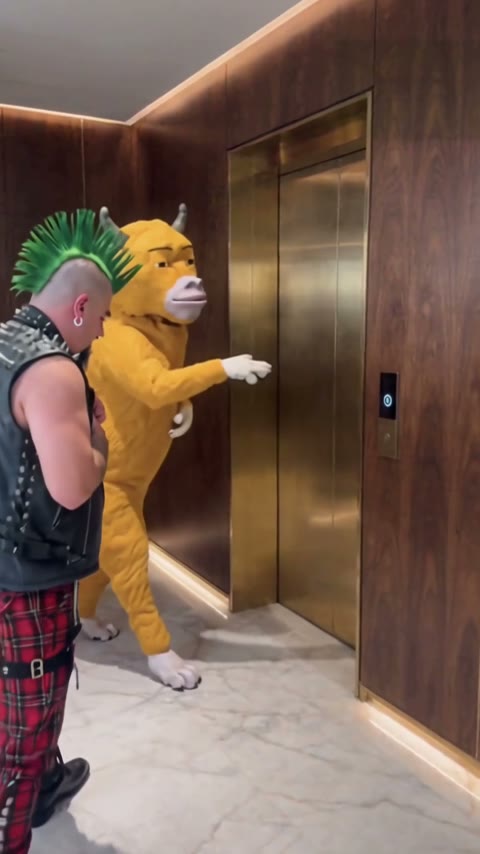
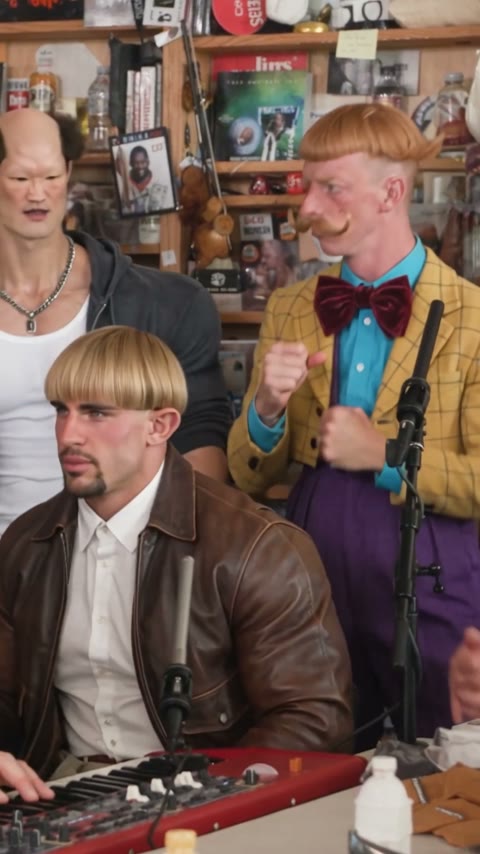
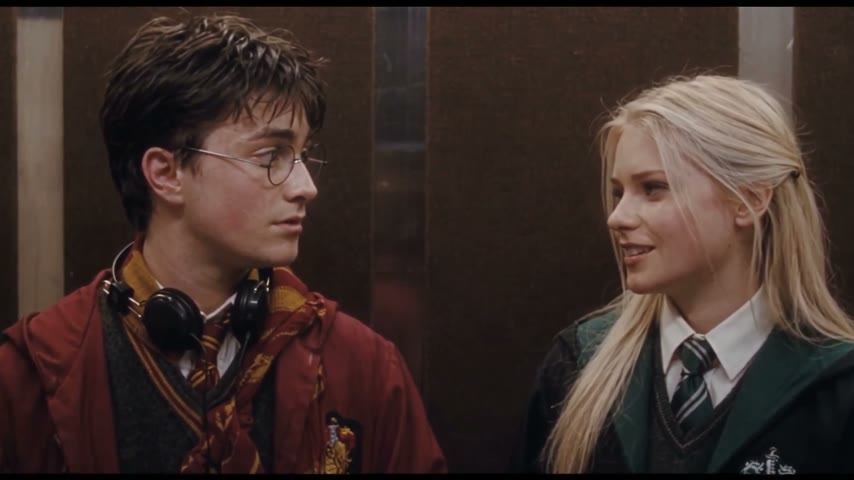
Upload two photos, one person each (the prankster first, then the friend who turns around), and press Generate. You get a 14-second vertical prank video with sound and no watermark; ours was ready in about 4.5 minutes.
The Rubber Band Prank trend is a kitchen clip in which someone aims a long green resistance band at a friend's head, it snaps back into their own mouth, and they pretend to be busy when the friend turns around. In early November 2026 it became an AI template trend on TikTok.
0–4s, the prankster stands behind the friend and pulls the green band back, aiming at their head; about 4s, the band snaps into the prankster's mouth and a hand flies up; 5–6s, the friend turns around and the prankster grabs something from the counter; 6–13s, the prankster shuffles around holding their mouth and acting busy; 13–14s, the friend looks back again.
It's also called the rubber band prank backfire and the rubber band prank gone wrong. Those are the phrases used in TikTok captions and template names.
Photo 1 is the prankster who gets the band in the mouth. Photo 2 is the friend leaning on the chair who turns around. Switch the photos to switch roles.
No. The video is fully AI-generated, so no real rubber band is fired at anyone; the snap is slapstick with no marks or injuries.
Usually it's a small or tilted face, or a group photo with several people. Use a clear single-person photo facing the camera and run this template again.
Not completely. New accounts get 75 free credits, and one Rubber Band Prank AI video takes 360. The $5.99 trial pack (540 credits) covers one video for about $3.99, leaving 180 credits in your account. The exact cost shows on the Generate button, and failed renders are refunded automatically.
About $3.99 with the trial pack, or about $3.60 on the Lite plan. That is 360 credits for a 14-second, 480p vertical video with sound; ours rendered in about 4.5 minutes.
Four reasons: you both look like your photos, it costs less, you get a clean video, and it's ready to post.
Looks like you two: the prankster and the friend keep their own faces, hair and clothes, and the snap, the turn and the cover-up all land in order. We ran this setup until it worked on the first try, so you don't spend credits on retries.
Costs less: about $3.99 with a one-time trial pack and no subscription.
Clean video: no watermark on any plan, free credits included, and failed renders refund credits automatically.
Ready to post: 9:16, 14 seconds with sound, straight to TikTok, Reels or Shorts with no editing.
No. The template runs in your browser on phone or desktop; you upload two photos and download an MP4.
Tag the friend and write something like "it was supposed to hit you", mention it's AI and add #rubberbandprank and #prankgonewrong. Label it as AI-generated where the platform asks.
Your photos and videos stay in your account, so you can download them again from My Videos at any time. They are never used to train AI models and are not sold or shared, except with the video model provider that renders your clip.
Last updated