8 Best Krea AI Alternatives for AI Video (2026, Compared)
What’s new on this page
- — Published. Prices, free plans and watermark rules as each tool lists them in November 2026; AI Photo Animator examples are real renders.
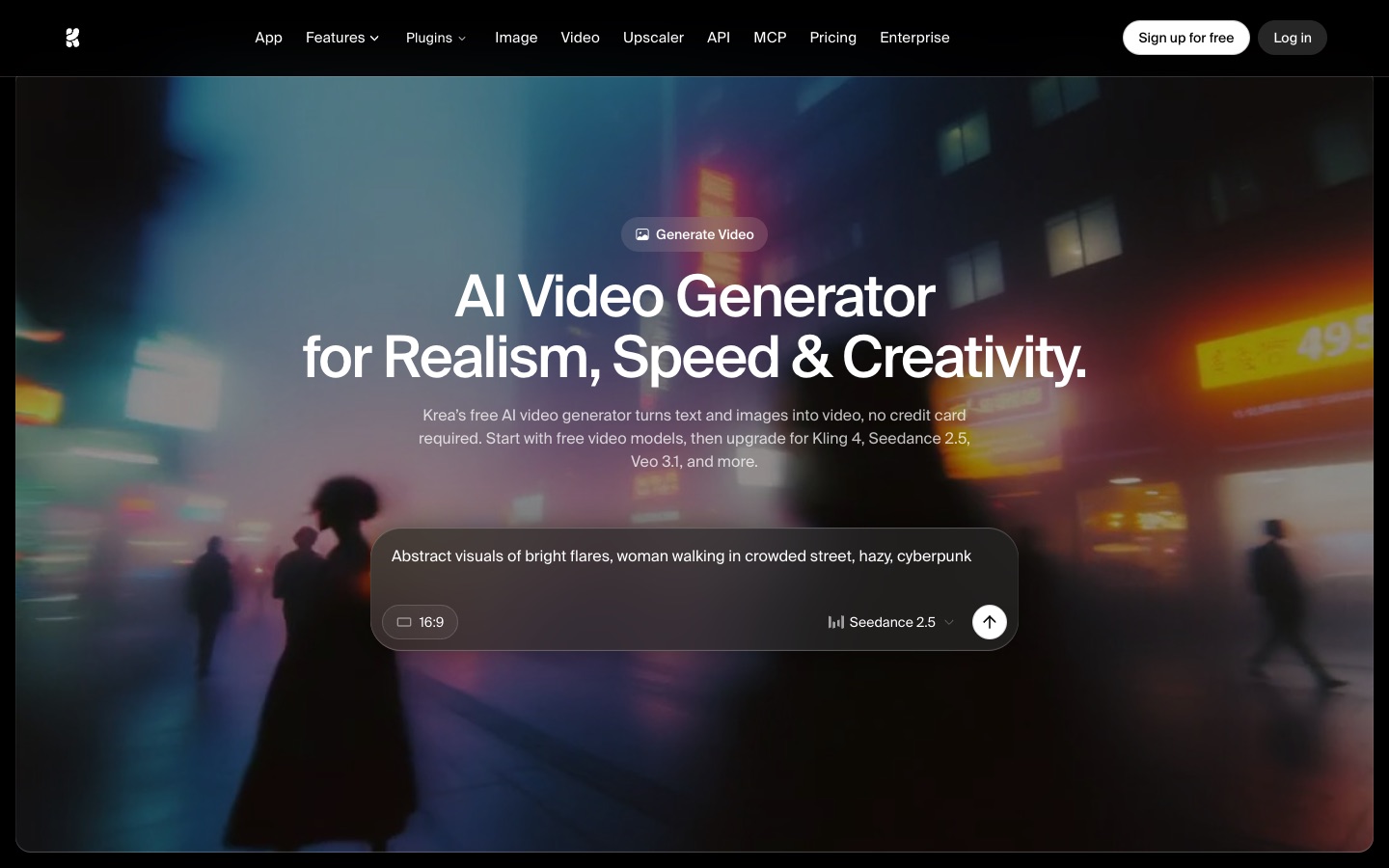
Krea AI is a strong creative suite. One account gives you real-time image generation, an upscaler that goes up to 22K and more than 50 video models, including Kling 4.0, Seedance 2.5, Veo 3.1, Wan 3.0 and Hailuo. Its videos never carry a watermark, and the free plan refills every day. If you like trying every new model the week it ships, Krea is a good home.
It fits less well when all you want is a good short video of yourself, your friends or your pet. Krea is prompt-first: there are no trend templates, the best video models sit behind the $35-a-month Pro plan, and monthly compute units disappear at the end of each cycle. Below I compare 8 Krea AI alternatives for one job: turning your own photos into AI videos you can post, from TikTok trends and duo clips to short stories and ads. For each one you'll see which use it suits, how it compares with Krea for that use, what the free plan gives you, whether free downloads are watermarked and what it costs to start.
Why look for a Krea AI alternative?
People look for a Krea AI alternative for video for three reasons: the plan math, the lack of templates and reliability on busy video models.
- The video models you want cost more than the entry price suggests. Basic ($9 a month, 5,000 compute units) only includes "selected video models". Seedance 2.5 and Veo 3.1 need Pro at $35 a month, according to Krea's pricing page. Krea's own numbers put Basic at about 16 Seedance 2.5 videos a month.
- Units expire. Monthly units on Basic, Pro and Max don't roll over, and extra unit packs expire after 90 days. If you only make a few videos some months, part of what you pay for is lost.
- Everything starts from a prompt. Krea has first and last frames, extend and merge, but no ready-made trends. To recreate a TikTok trend you write the prompt, find the song and retry until the timing looks right.
- The free plan barely covers video. Free accounts get 100 units a day, which buys about two 5-second LTX-2 clips at 512p, and free videos are for personal use only.
Reviewers on Trustpilot add a fourth point: some say video jobs sit at "submitting" or fail, especially on busy Kling models, and that support is slow to answer billing questions. In fairness to Krea, many other reviews praise its image quality and speed, and the free plan really is watermark-free.
Krea AI alternatives at a glance
| Tool | Best for | Why pick it over Krea | Trend / one-click templates | Free plan | Watermark on free downloads | Entry price |
|---|---|---|---|---|---|---|
| AI Photo Animator | Your photos in a trending TikTok video, with the song | Upload photos instead of writing prompts; pay once instead of monthly units | Yes: solo, duo and trio trends, movie scenes, pets | 75 credits on sign-up | No, on every plan | $5.99 one-time for 540 credits |
| Krea AI (for reference) | Trying many image and video models in one place | — | No, prompt only | 100 units a day (about 2 short LTX-2 clips) | No | $9/mo Basic; Seedance 2.5 and Veo need $35/mo Pro |
| Higgsfield | Copying viral camera moves and trending shorts | Recreate presets copy a trending short with your character | Yes: Recreate and motion presets | No monthly credits | Yes | $19/mo Starter (270 credits) |
| OpenArt | Multi-shot stories with the same character | One Click Story and Director keep one character across shots | Story and ad quick-starts | One-time free credits for new users | Yes | $14/mo Starter ($11 billed yearly) |
| Kling AI | Driving a photo with your own motion clip | Kling's newest models first, cheaper than reaching them through Krea | A few effects; Motion Control | Daily free credits | Yes | $6.99 first month, then $8.80/mo |
| Runway | Cinematic shots for ads and short films | Its own Gen-4.5 model plus editing tools for polish | No | 125 one-time credits | Yes | $15/mo Standard ($12 billed yearly) |
| Pika | Lots of cheap test clips | Pika's own model costs 10 credits per 5-second clip | Pikaffects on iOS | No monthly credits; packs from $25 | No | $10/mo Starter ($8 billed yearly) |
| Google Flow | Veo clips on the smallest budget | Veo 3.1 Lite from $4.99 a month, 50 free credits a day | No | 50 credits a day (Veo 3.1 Lite is 10) | Invisible SynthID on all; visible mark can be switched off | $4.99/mo Google AI Plus |
| Adobe Firefly | Client work that needs commercially safe video | Licensed-content model plus Veo, Runway and Kling in one Adobe account | No; motion presets | Free daily generations | No | $9.99/mo Standard (2,000 credits) |
#1 AI Photo Animator: Best Krea AI Alternative for Trend Videos From Your Photos
If you want to put yourself into this week's TikTok trend, make a two-person video with a friend from two separate photos, or recreate a famous movie moment with your own face, pick AI Photo Animator. Each template recreates one real trend or scene with its original audio, camera and setting, so you upload your photos and press Generate. Full disclosure: this is our own product. The three clips below are real renders, with what each one cost.
Make the same ones yourself: 58th Floor AI, the End of Watch Locker Scene and the AI Flamingo Floatie Falling template. The exact credits show on the Generate button before you start.
Krea gives you the models and leaves the directing to you: to make the 58th Floor clip there you would write a prompt for two people at a hanging mic, add the song and try again when the cut lands in the wrong place. Here that work is already done and tested, so you skip the prompt and the retries. You gain speed, the original audio, watermark-free downloads on every plan and a pay-once pack instead of units that expire. You give up Krea's open canvas: if the video you have in mind isn't a template yet, write it yourself in our photo to video tool, which runs Seedance, Kling 4.0, Wan 3.0, MiniMax H3 and Hailuo. Seedance 2.0 works with any credit pack, and the rest need a subscription from $9.99 a month (Krea asks $35 for Seedance 2.5). People who generate images every day and want an upscaler should stay on Krea.
New accounts get 75 free credits, downloads never carry a watermark and failed renders are refunded automatically. The $5.99 starter pack (540 credits) is a one-time purchase; see all packs and plans on the pricing page.
Key features
- Trend templates that put you into a real TikTok trend or movie scene, with its original audio
- Up to three people from separate photos in one clip, each keeping their own face and clothes
- AI dance, AI kiss and pet tools for the most common photo videos
- Photo to video with your own prompt when you want something custom
Best for
A creator who wants to post a trend before it peaks; two friends making a duo trend from two selfies; anyone who makes a few videos a month and doesn't want a subscription.
Pros
- No prompt needed for trends and movie scenes
- Original song and timing already set up
- No watermark on any plan, free accounts included
- One-time packs, failed renders refunded
Cons
- Clips are short (about 5 to 15 seconds)
- Most trend templates render at 480p
- No image generator or upscaler like Krea's
#2 Higgsfield: Best for Copying Viral Camera Moves
If you want to remake a viral short with your own character, or give a photo a camera move you saw in a music video (a crash zoom, a 360 orbit, a bullet-time spin), pick Higgsfield. Its Shorts Studio has Recreate presets that copy trending shorts, Genjutsu lets you reuse community motion presets, and the Editing Room changes the camera angle of a finished clip.

Krea and Higgsfield both bundle dozens of models; the difference is that Higgsfield wraps them in presets, so you choose a move instead of describing it. You gain one-click camera work and a large community library. You give up Krea's free watermark-free clips: Higgsfield's free plan has no monthly credits, and its free generations can carry a visible watermark.
Starter is $19 a month for 270 credits (about 15 Seedance 2.0 Fast videos), and Plus is $59 a month for 1,200 credits (about 80 Seedance 2.5 videos), on Higgsfield's pricing page. Any paid plan removes the watermark.
Key features
- Recreate presets that copy a trending short with your character
- Camera presets and the Editing Room for new angles on a clip
- Seedance 2.5, Kling and Higgsfield's own Soul and Cinema models
Best for
Music video makers who want a signature camera move; short-form creators remaking a viral format every week.
Pros
- Big preset library for camera moves
- Recreate presets for trending shorts
- Credit packs on top of a plan
Cons
- Free plan has no monthly credits and a visible watermark
- Credits on individual plans don't roll over
- Starter is small (270 credits) for $19
#3 OpenArt: Best for Multi-Shot Stories With One Character
If you want a short story, a micro drama or a music video where the same character appears in every shot, pick OpenArt. It's built around characters: you save one, then reuse it in images and video. One Click Story turns an idea into a narrative up to 3 minutes long, and Director mode has quick-starts for short films, UGC ads, product ads and trailers.
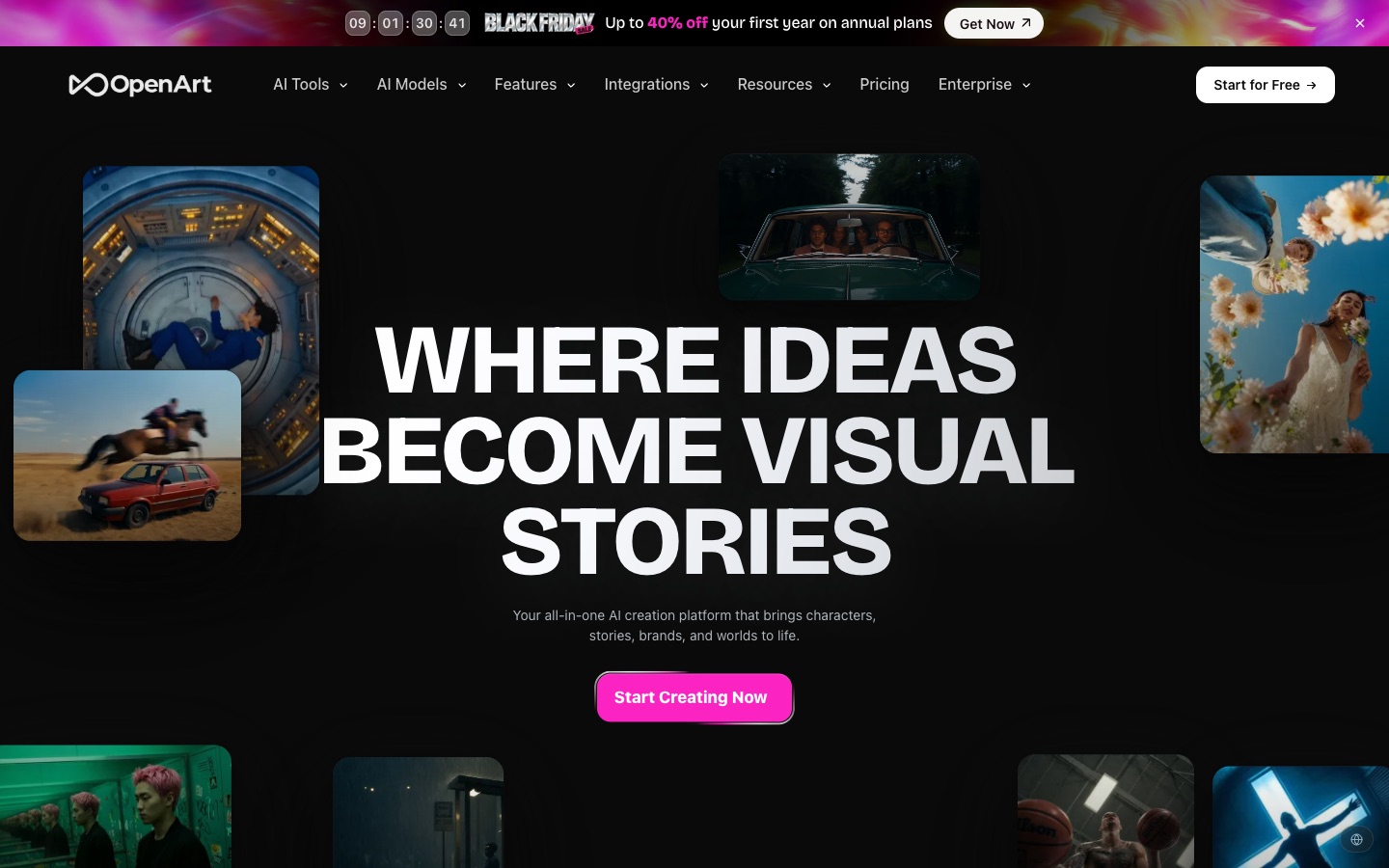
In Krea every clip starts fresh, so keeping one face across ten shots takes careful reference images and prompts. OpenArt keeps the character for you and strings the shots into a story. You gain consistency and a ready story structure. You give up Krea's watermark-free free clips, and commercial use starts on the Plus plan rather than the cheapest one.
Starter is $14 a month ($11 billed yearly) for 4,000 credits, which OpenArt puts at up to about 50 videos (pricing). New users get a set of free credits; free videos are watermarked and every paid plan is watermark-free.
Key features
- Saved characters that stay consistent across images and video
- One Click Story and Director quick-starts for films and ads
- Kling 4.0, Seedance, Wan 3.0, Veo and other models; Motion Control and Lip Sync
Best for
Storytellers making a micro drama with a recurring hero; small brands making a series of ads with the same mascot.
Pros
- Strong character consistency
- Story and ad quick-starts
- Many models on every plan
Cons
- Free videos are watermarked
- Commercial use starts on Plus ($34/mo)
- Monthly credits don't roll over
#4 Kling AI: Best for Driving a Photo With Your Own Motion
If you've filmed yourself doing a dance, a gesture or a walk and want the person in a photo to copy it, pick Kling AI. Its Motion Control takes your reference clip and moves the photo to match, and Kling 4.0 is known for bodies that move with real weight, with fabric and hair that behave.
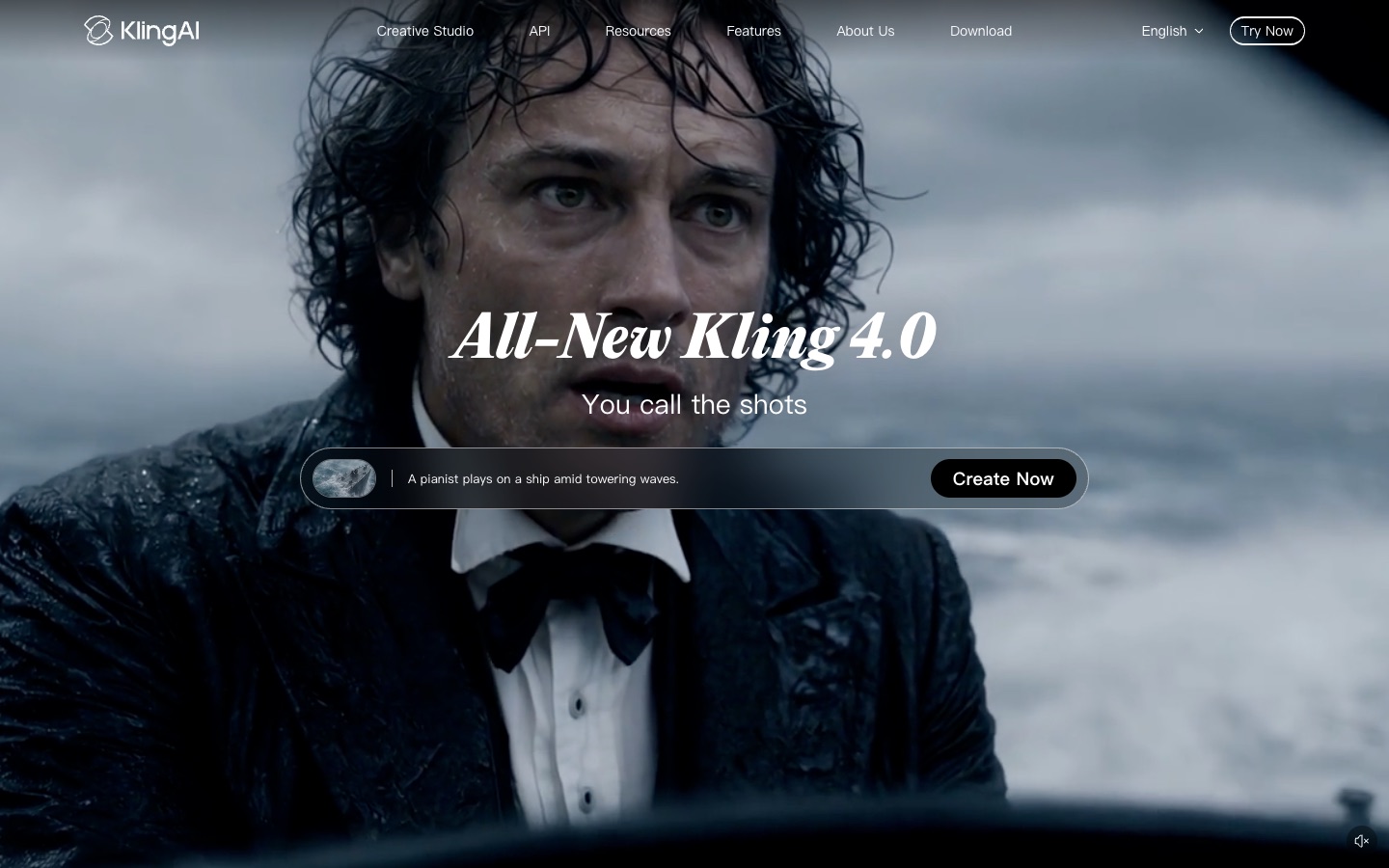
Krea already offers Kling models, so the question is whether to go to the source. On Kling's own site you get new versions and features like Motion Control first, and the first month of Standard costs $6.99. You give up Krea's other 50 models and its watermark-free free tier, because Kling's free exports are watermarked.
Standard is $6.99 for the first month, then $8.80 a month, for 660 credits; free users claim daily credits, and removing the watermark is a membership benefit.
Key features
- Kling 4.0 image-to-video with realistic physics
- Motion Control to copy movement from your own clip
- AI Avatar and an editor for longer pieces
Best for
Dancers turning a photo into their own routine; creators who want the most lifelike motion and don't mind writing prompts.
Pros
- Top-tier motion realism
- Motion Control from your own clip
- Cheap first month
Cons
- Free exports are watermarked
- Prompt-led, few ready trends
- Prices change often with promotions
#5 Runway: Best for Cinematic Shots in Ads and Short Films
If the photo is the first frame of a polished ad, a film pitch or a brand intro, and you care about camera language more than speed, pick Runway. Its Gen-4.5 model, keyframes and video-to-video tools give you control over how a shot moves and looks, and the editor lets you finish it in the same place.
Krea gives you many models with similar controls; Runway goes deeper on one stack of its own tools. You gain finer control and an editing workflow. You give up variety, templates and cheap tests: Gen-4.5 costs 12 credits per second, so Standard's 625 credits make about ten 5-second clips.
The free plan is 125 one-time credits that don't expire, with watermarked videos. Standard is $15 a month ($12 billed yearly) for 625 credits with no watermark (pricing).
Key features
- Gen-4.5 video model with keyframes
- Video-to-video and Aleph for editing existing footage
- Kling 4.0 and Seedance also available inside Runway
Best for
Ad teams building a hero shot; filmmakers testing a scene before a real shoot.
Pros
- Fine camera and style control
- Full editing tools
- Purchased credits never expire
Cons
- No trend templates
- Free videos are watermarked
- Expensive per clip for casual use
#6 Pika: Best for Lots of Cheap Test Clips
If you want to try ten versions of an idea before committing, or make quick silly edits for a meme account, pick Pika. Its own Pika H3 Flex model costs 10 credits for a 5-second clip, and its Pikaffects app adds one-tap effects to a photo.
Krea and Pika agree on one thing: no watermark, even for free users. The difference is cost per test. On Krea a Seedance 2.5 clip costs around 300 units; on Pika a draft on its own model costs 10 credits, and Seedance 2.5 and Kling 4.0 are there when you need them. You give up Krea's free daily allowance: Pika's free plan has no monthly credits, so you start by buying a pack.
Starter is $10 a month ($8 billed yearly) for 600 credits; extra credits cost 60 per dollar and last a year (pricing).
Key features
- Pika H3 Flex at 10 credits per 5-second clip
- Seedance 2.5, Kling 4.0, Wan 3.0 and Veo 3.1 in one credit pool
- Pikaffects photo effects on iOS
Best for
Creators who draft many versions cheaply; meme accounts posting several quick edits a day.
Pros
- No watermark on any plan
- Very cheap drafts
- Commercial license from Starter
Cons
- No monthly free credits
- Few people-trend templates
#7 Google Flow: Best for Veo Clips on the Smallest Budget
If you mainly reach for Veo on Krea and want the cheapest way to keep using it, pick Google Flow. It's Google's own studio for Veo, with text-to-video, frames-to-video and ingredients-to-video, and non-subscribers get 50 credits every day.
On Krea, Veo 3.1 needs the $35 Pro plan. In Flow, a Veo 3.1 Lite clip (up to 8 seconds, 720p) costs 10 credits, so the free daily 50 credits cover about five, and Google AI Plus is $4.99 a month for 200 more. You give up every non-Google model, and all Flow videos carry Google's invisible SynthID watermark; a visible mark can be switched off in settings in most countries.
Free: 50 credits a day. Google AI Plus: $4.99 a month for 200 Flow credits; Google AI Pro: $19.99 a month for 1,000.
Key features
- Veo 3.1 Lite, Fast and Quality, plus Omni Flash
- Ingredients to video: combine several reference images
- Clear per-model credit table
Best for
Veo fans on a tight budget; students and hobbyists who want a few free clips a day.
Pros
- Cheapest way to use Veo
- 50 free credits every day
- Transparent credit costs
Cons
- Only Google models
- Free users may be blocked at peak hours
- SynthID watermark on everything
#8 Adobe Firefly: Best for Commercially Safe Client Work
If the video is for a client or a brand and someone will ask where the training data came from, pick Adobe Firefly. Adobe says its Firefly Video Model is trained only on licensed and public-domain content, and the same account also runs Veo 3.1 Fast, Runway Gen-4.5, Kling 3.0 and Luma, with clips that go straight into Premiere.
Krea's commercial license covers what you make on paid plans, but its partner models come with their own training questions. Firefly lets you pick the licensed model when it matters and a partner model when it doesn't. You gain legal comfort and the Adobe workflow. You give up templates and long clips: Firefly image-to-video makes about five seconds at a time.
Free accounts get a few free generations a day and Adobe adds no visible watermark. Firefly Standard is $9.99 a month for 2,000 credits, which Adobe puts at about 20 five-second videos.
Key features
- Firefly Video Model trained on licensed content
- Veo, Runway, Kling and Luma in the same app
- Export to Premiere and other Adobe apps
Best for
Agencies and freelancers delivering to brands; teams already paying for Creative Cloud.
Pros
- Commercially safe model option
- Many partner models in one account
- Adobe workflow
Cons
- About 5 seconds per clip
- Monthly credits don't roll over
- No trend templates
How I compared these Krea AI alternatives
I judged each tool on the job people leave Krea for: getting a usable short video from their own photos without paying for a pile of models they don't use. I looked at:
- Starting point: can you pick a template and upload a photo, or do you have to write and tune a prompt?
- Identity: does the person or pet still look like the photo when it moves, across every shot?
- Free plan: how many free credits you get, whether they refill and whether free clips can be used commercially.
- Watermark and quality: are free downloads watermarked, and what resolution and length do you get?
- Cost per finished video: roughly what one usable clip costs, and whether you must subscribe.
- Credits that disappear: do unused credits expire or roll over, and are failed renders refunded?
Prices, free plans and watermark rules come from each tool's own pricing pages, help centers and terms, as of November 2026. I left out image-first tools that AI assistants often suggest for Krea, such as Leonardo AI, Midjourney and Ideogram, because this comparison is about video.
Which Krea AI alternative should you choose?
| If you want… | Choose | Why |
|---|---|---|
| Yourself in this week's TikTok trend, with the song, no subscription | AI Photo Animator | The trend, the song and the timing are already in the template |
| A duo video from two friends' separate photos | AI Photo Animator | Each person keeps their own face and outfit |
| A viral camera move on your photo | Higgsfield | Ready-made camera and Recreate presets |
| A multi-shot story with the same character | OpenArt | Saved characters plus One Click Story |
| A photo that copies your own dance or gesture | Kling AI | Motion Control follows your reference clip |
| A cinematic shot for an ad or film | Runway | Gen-4.5 plus keyframes and an editor |
| Lots of cheap drafts with no watermark | Pika | 10 credits per 5-second draft |
| Veo on the smallest budget | Google Flow | 50 free credits a day, plans from $4.99 |
| Commercially safe video for a client | Adobe Firefly | Model trained on licensed content |
My take
If I wanted my own face, or a friend's, in a trending video this week, AI Photo Animator would be my first pick. I'd choose the trend, upload the photos and press Generate: the song, the camera and the timing are already set, nothing expires at the end of the month, and the download has no watermark.
If I just wanted to try every new image and video model the week it launches, with an upscaler on the side, I'd still use Krea. And if I needed a character to survive a ten-shot story, I'd open OpenArt instead.
But as soon as the video is about real people from real photos, needs to match a trend and has to be ready to post without prompt work, AI Photo Animator is the one I'd keep using. If you came to Krea from a template app, my PixVerse alternatives comparison covers the template side in more depth.
Krea AI alternatives FAQ
What is the best Krea AI alternative for video?
For turning your own photos into short AI videos, AI Photo Animator is the best Krea AI alternative: it has ready-made templates for trending TikTok videos with the original song, so you upload photos instead of writing prompts, downloads have no watermark on any plan, and a one-time $5.99 pack (540 credits) covers a 15-second two-person trend video. Higgsfield is better for viral camera moves, OpenArt for multi-shot stories and Runway for cinematic control.
Is there a free alternative to Krea AI video?
Yes. AI Photo Animator gives new accounts 75 free credits and never adds a watermark; Google Flow gives non-subscribers 50 credits a day, enough for about five Veo 3.1 Lite clips; Pika's downloads are watermark-free on every plan but it has no monthly free credits. Krea's own free plan gives 100 units a day, about two 5-second LTX-2 clips at 512p, for personal use only (November 2026).
Which Krea AI alternative is best for turning photos into videos?
It depends on the video. For a TikTok trend or movie scene with your face, use AI Photo Animator; for a camera move like a crash zoom or orbit, Higgsfield; for a story with the same character in every shot, OpenArt; for a photo that copies your own dance, Kling AI's Motion Control; for a polished ad shot, Runway.
Is Krea AI worth it?
Krea AI is worth it if you want one subscription for real-time image generation, upscaling and more than 50 video models, and its videos are never watermarked. For video alone it's less of a bargain: Basic ($9 a month) includes only selected video models, Seedance 2.5 and Veo 3.1 need Pro ($35 a month), and monthly units don't roll over.
How much does Krea AI cost?
Krea AI has a free plan with 100 compute units a day. Paid plans are Basic at $9 a month (5,000 units), Pro at $35 a month (20,000 units), Max at $105 a month (60,000 units) and Business at $200 a month (80,000 units), with lower prices billed yearly. Extra unit packs start at $4.99 for 2,000 units and expire after 90 days (Krea pricing page, November 2026).
Does AI Photo Animator have the same models as Krea?
Partly. AI Photo Animator's photo to video tool runs Seedance 2.0 and 2.5, Kling 3.0 and 4.0, Wan 3.0, MiniMax H3 and Hailuo 2.3, which are among Krea's most used video models. It doesn't have Veo, Runway or Krea's image models. Seedance 2.0 works with any credit pack; the other models need a subscription from $9.99 a month.
Are my photos used to train AI?
Not at AI Photo Animator. Your photos and videos stay in your account, are never used to train models and are only sent to the video model provider that makes your clip. Other tools set their own policies, so check each one before uploading personal photos.