One person per image
- → Use separate images for the two roles
- → Crop out other faces
Add one photo per person and take turns in the spotlight on a nighttime street.
Effect
Your photos2 photos
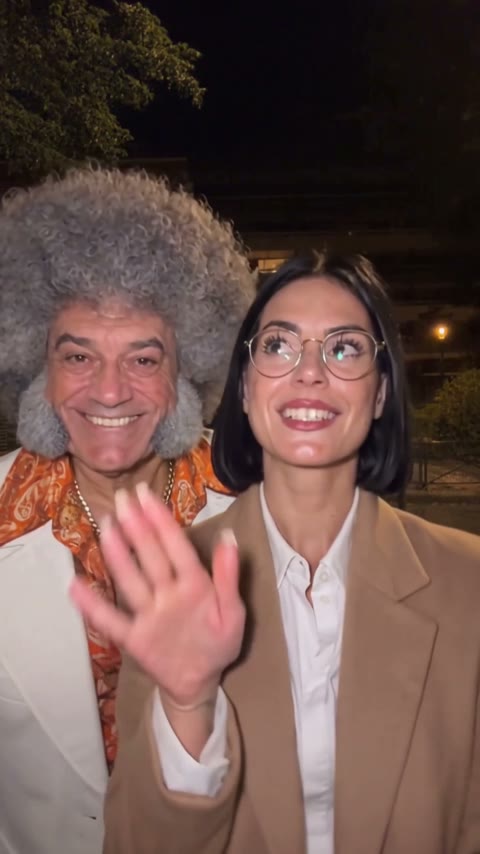
The Come on Barbie, Let's Go Party AI Trend template puts two people from your photos into a 15-second night-street duet with audio. Upload one photo for each role to get started.
One person takes the close-up while the other moves behind them under the streetlights. In our example, the tan blazer, round glasses and white suit make the two roles easy to follow.
See the photo order and outfit tips before you generate. For another duo scene, try Ice Ice Baby.
This is an independent fan-made effect. Use photos of yourself or adults who agreed to appear. You must be 18 or older to use this template.
The trend uses the familiar phrase from Aqua's Barbie Girl for dance and lip-sync clips. This template features the night-street duet format.
Add one photo per person and take turns in the spotlight on a nighttime street.
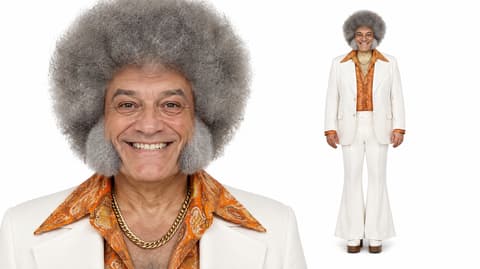
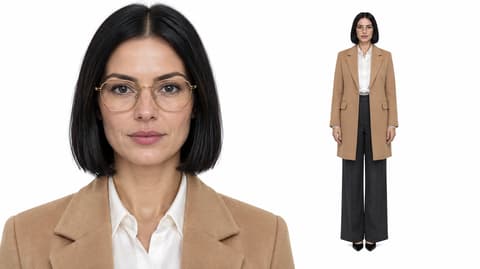
The scene and two roles are already set up.
Put the male role in Photo 1 and the female role in Photo 2.
The button shows the charge before you start.
Open My Videos and check both faces and outfits before sharing.
Choose a clear image for each person and show the details you want to keep.
Sharp face
Use even light.
Visible glasses
Choose a photo where both frames and eyes are visible.
Group photo
Use a crop that shows a single person.
Cropped outfit
Show the clothing you want to carry into the clip.
Both people have their own part in the nighttime scene.
Each photo guides its role’s look, including visible glasses and clothing.
The tested Wan 3.0 run used a 15-second setting at 480p with audio enabled.
The browser template includes the prompt and scene.
You can see the current credit charge before generating.
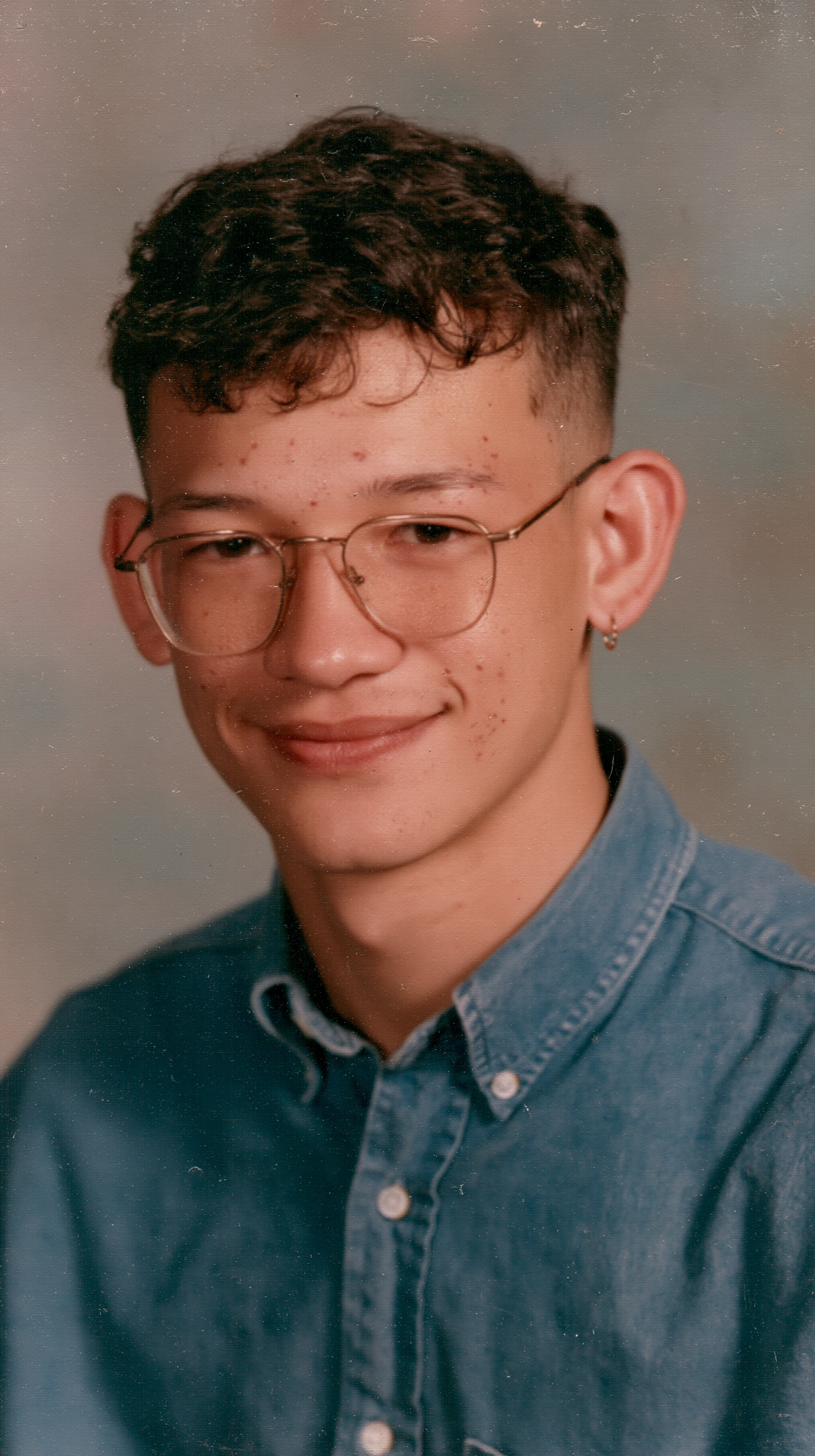
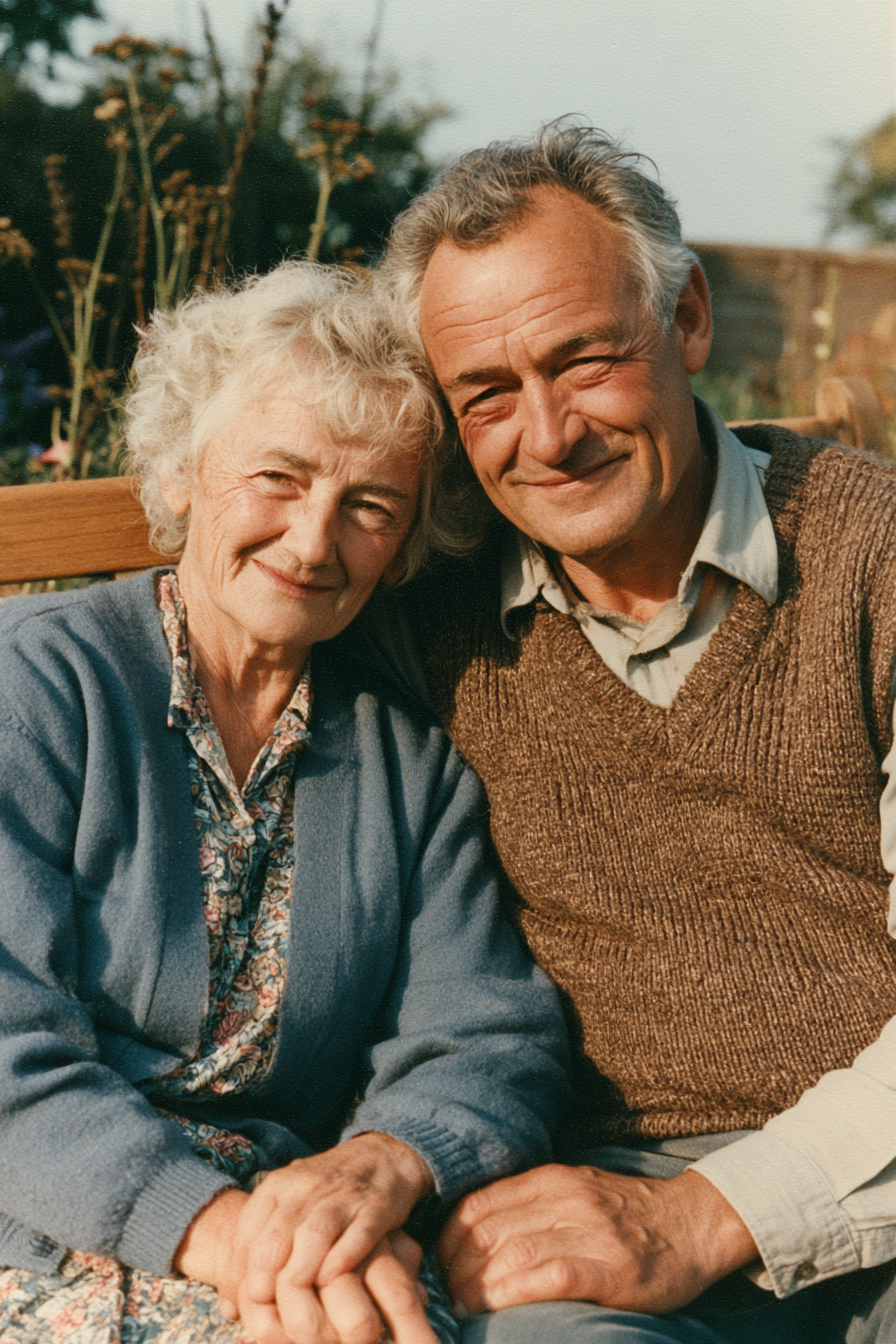
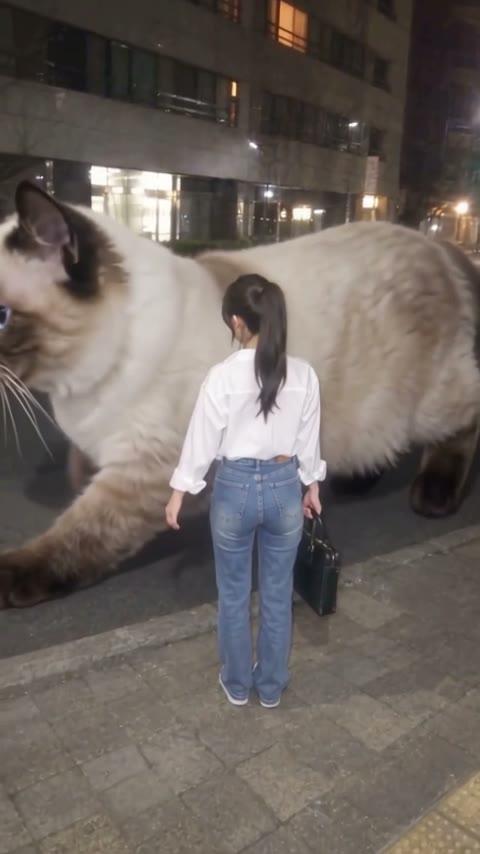
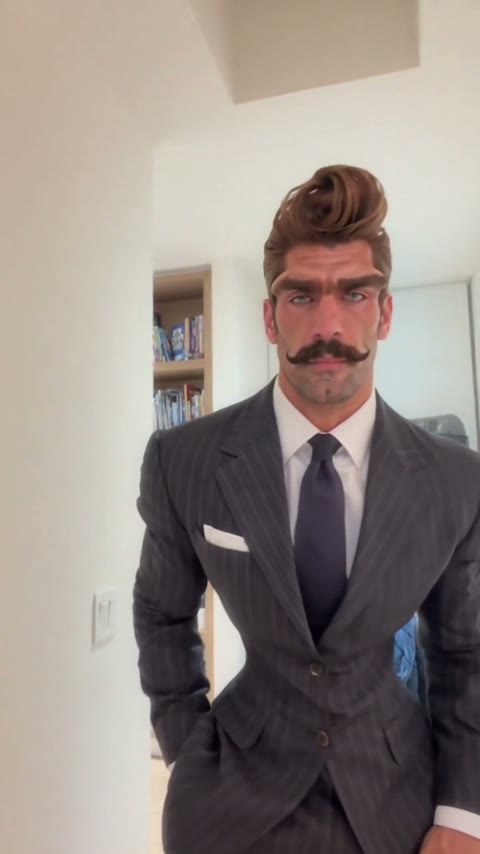
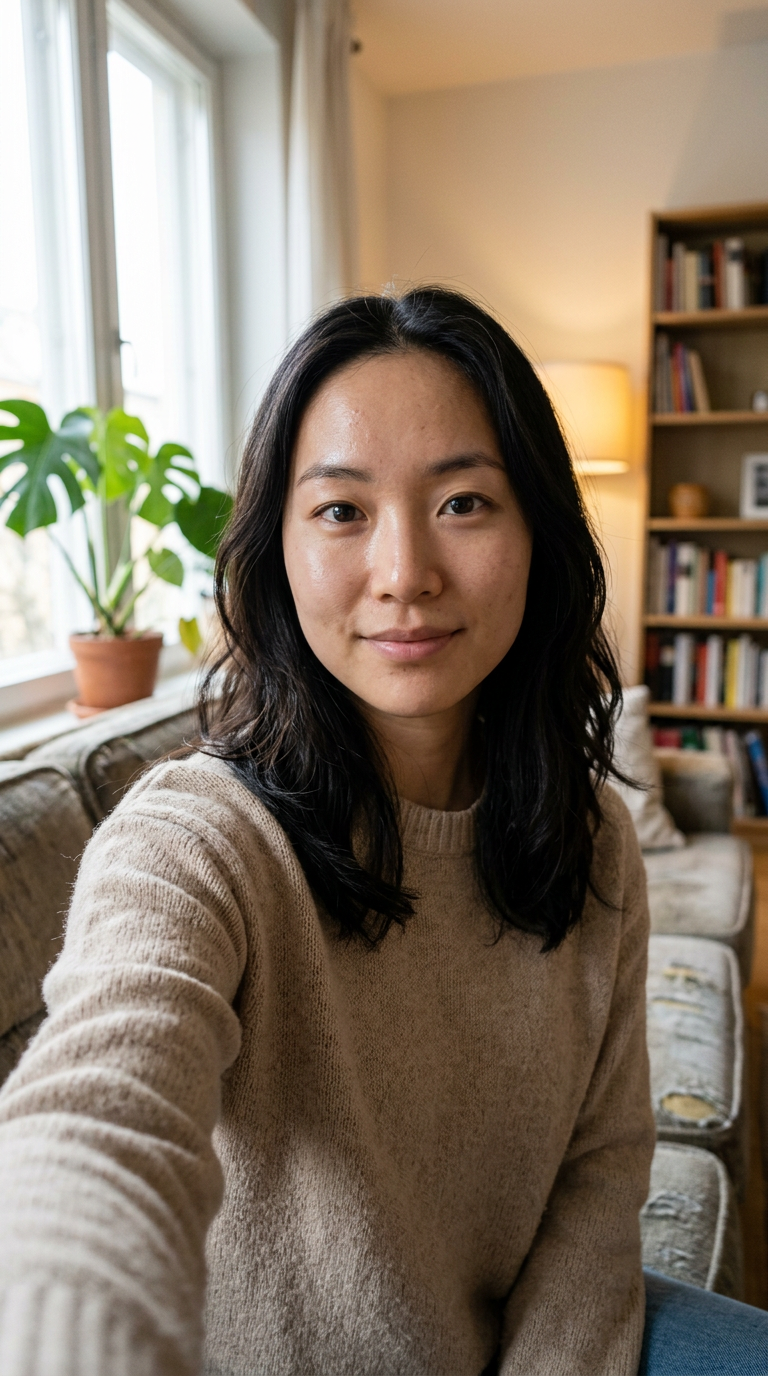
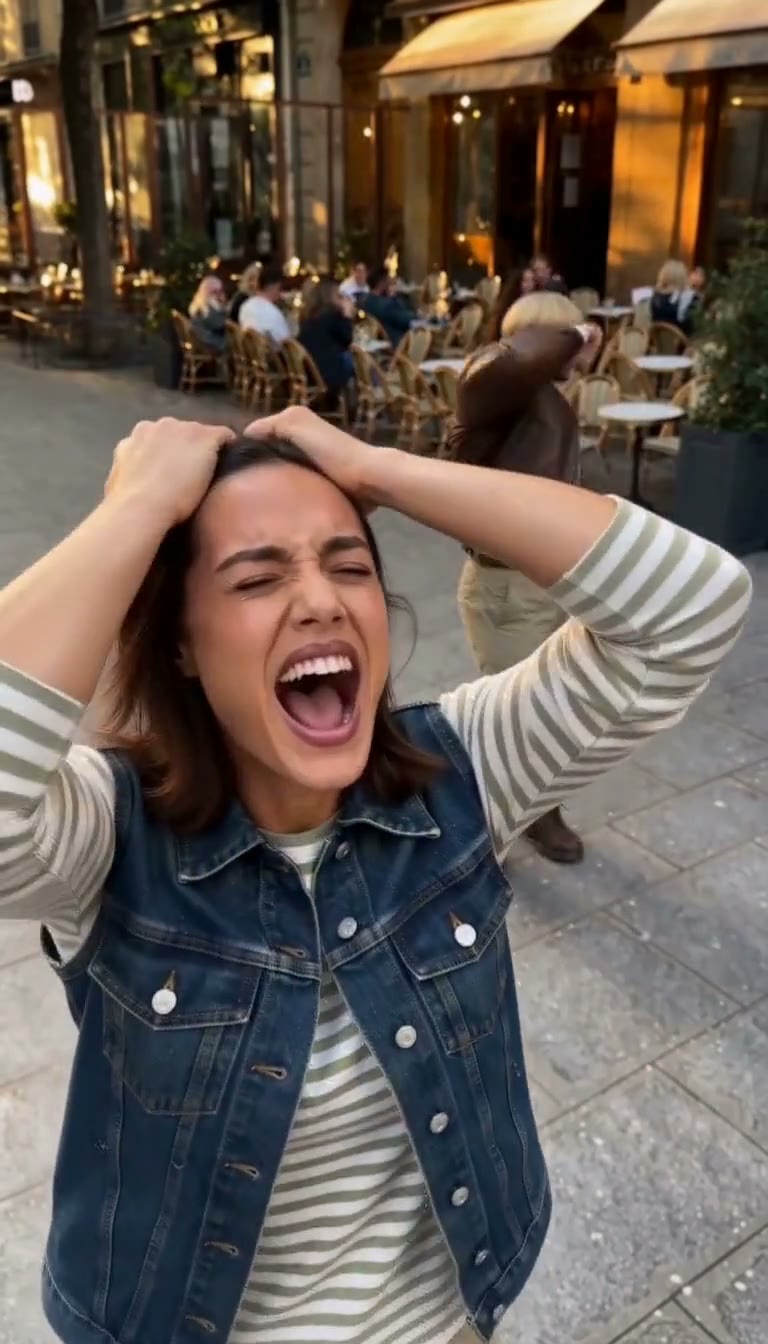
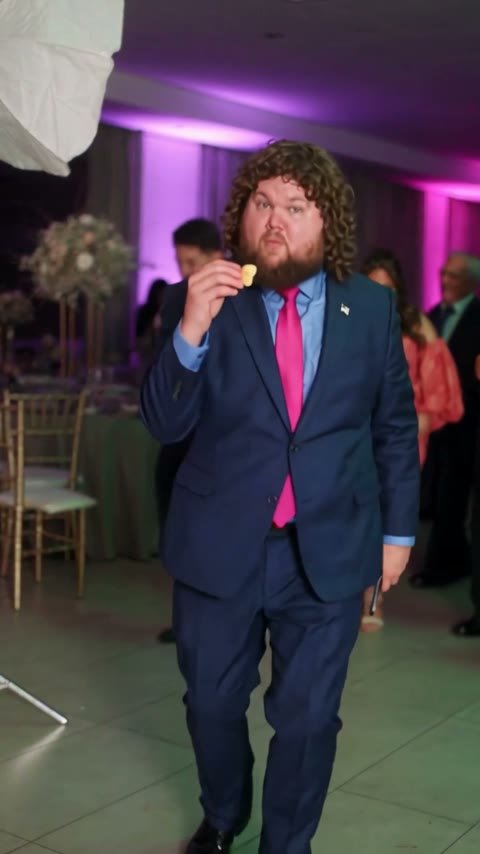
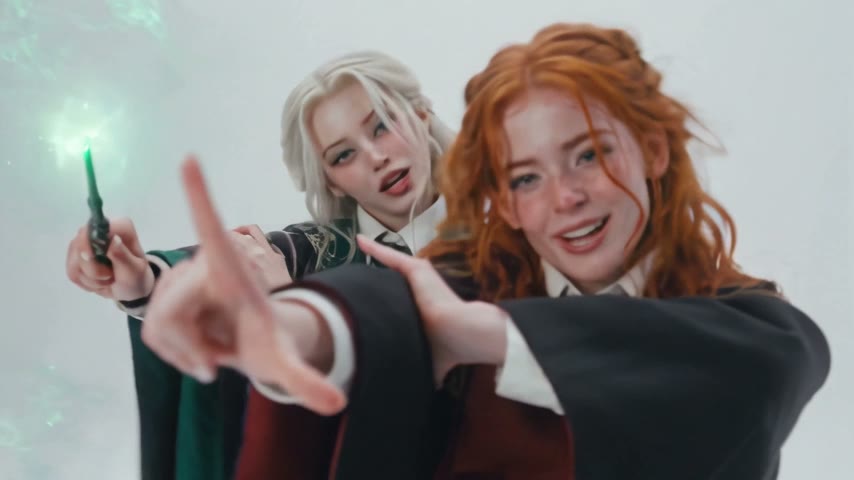
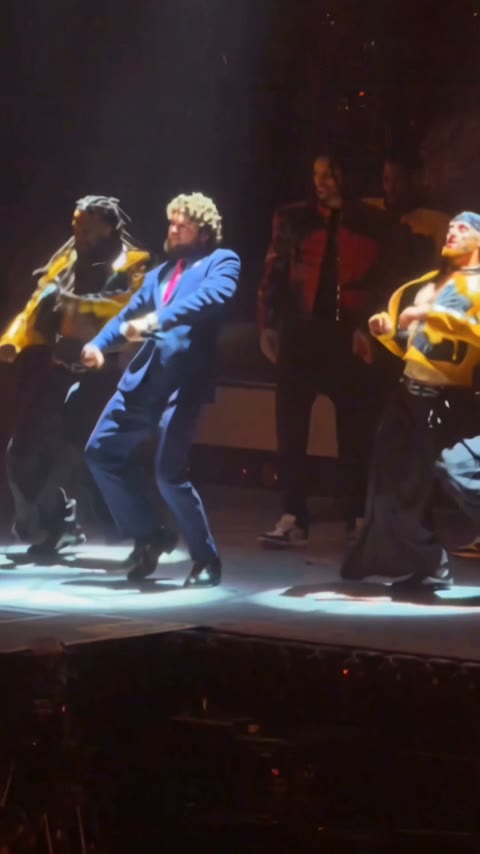

Use two separate images, one person per slot. Photo 1 is the male role and photo 2 is the female role.
The Barbie Girl dance trend includes two-person dance and lip-sync clips associated with Aqua's Barbie Girl. This version takes place outdoors at night.
The tested video used 385 credits, above the 75-credit signup bonus. At $5.99 for 540 credits, 385 credits represents about $4.27 of the pack. The Generate button shows the current charge, and failed generations automatically return credits.
The template uses each person's photo as the guide for their face, hair and clothes. In the example, the round glasses and tan blazer stayed with the woman and the white suit stayed with the man. Review your video before sharing.
Uploads and videos are stored with your account and can be accessed through your account. The model provider processes your photos for generation. AI Photo Animator does not use the uploads for model training.
Last updated