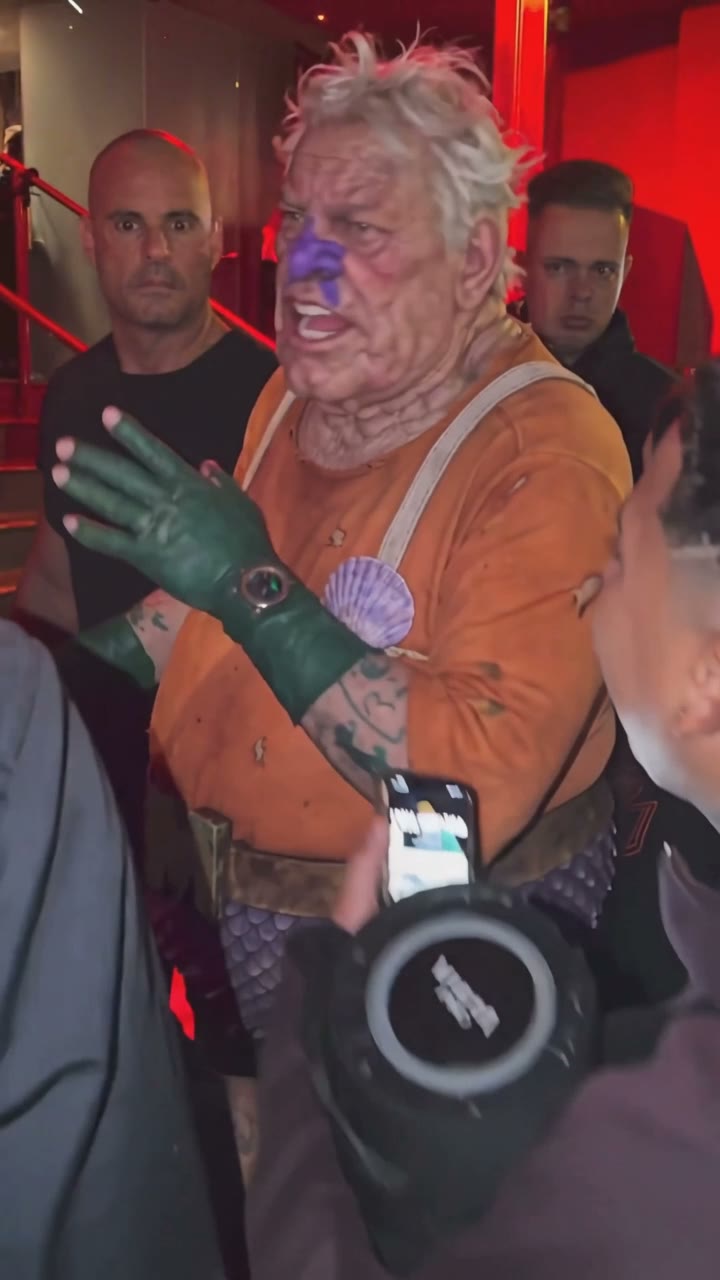
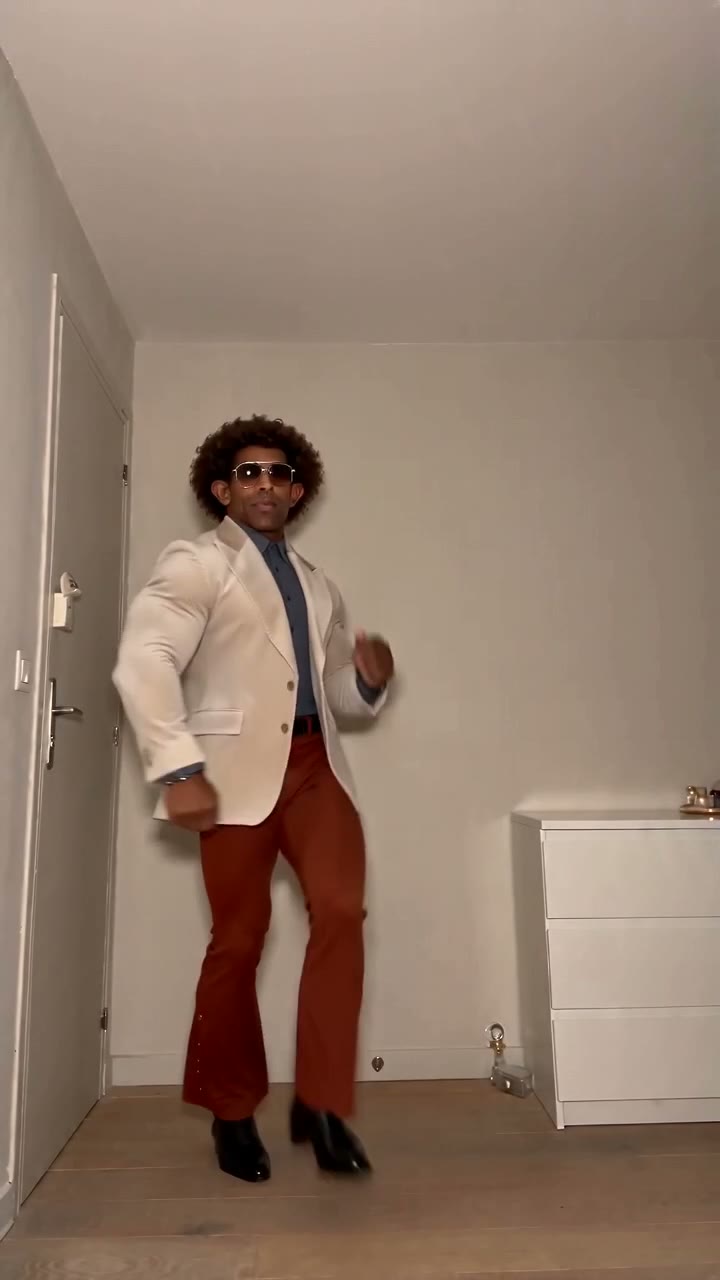
Social media videos
Turn a selfie or outfit photo into a scroll-stopping vertical clip for Reels, TikTok and Shorts. Start from a viral template and post in minutes.
Start creating →Turn any photo into a video that moves naturally and still looks like the original. Free image to video AI with 11 models and no watermark.
Engine
Reference images0/9
Prompt0/4000
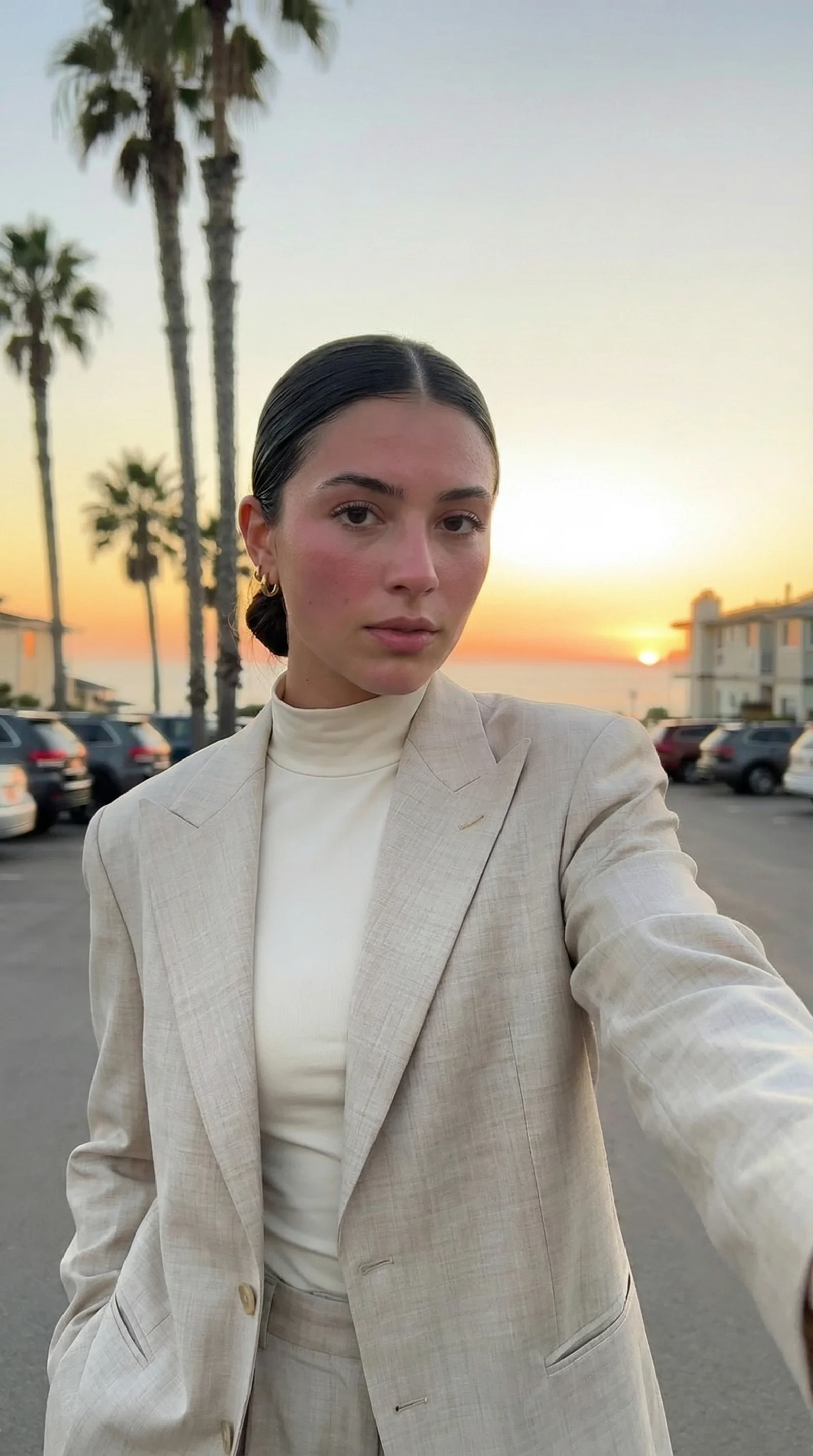
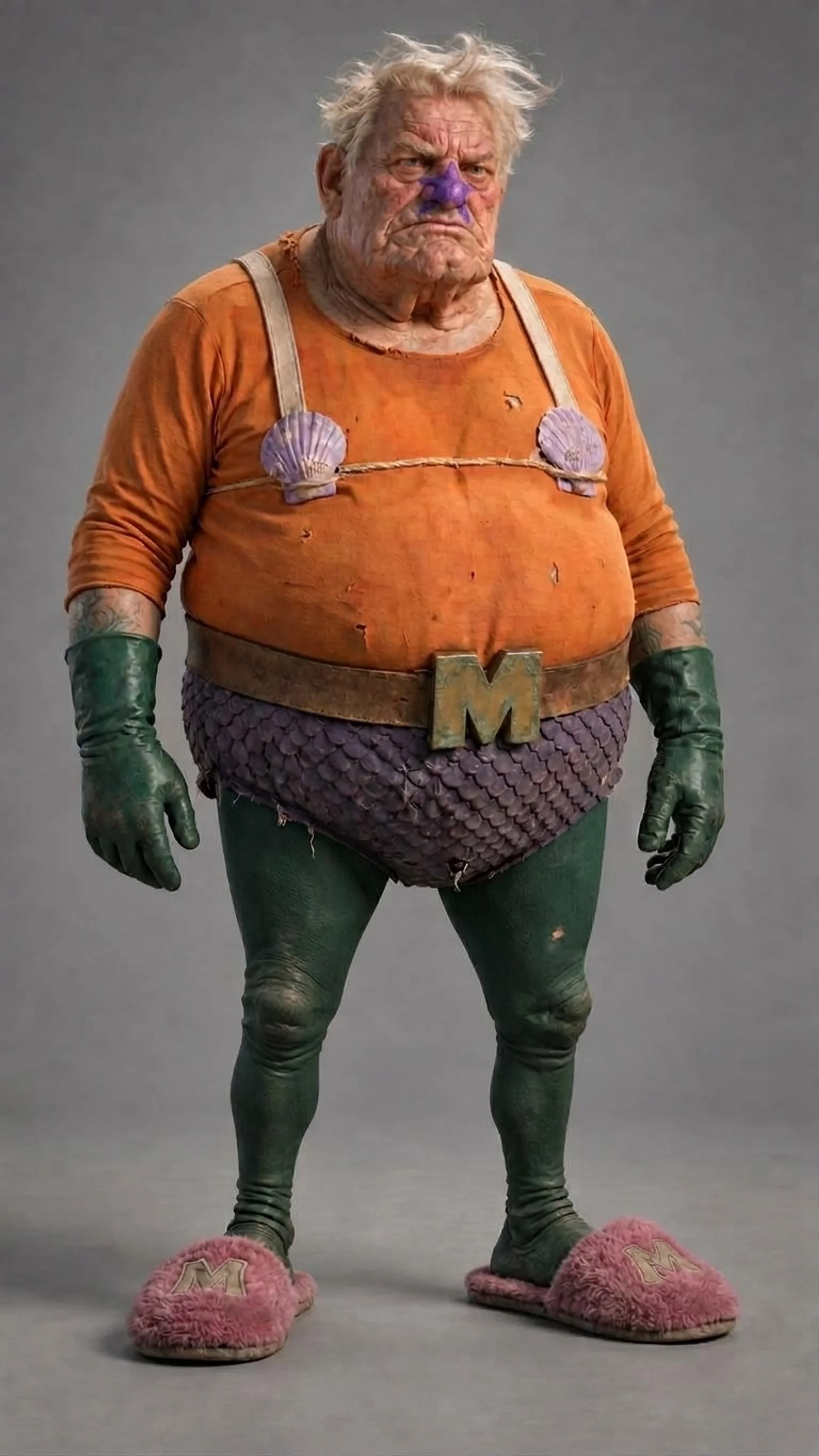
Upload a photo, pick the motion and download an MP4. No editing skills needed.
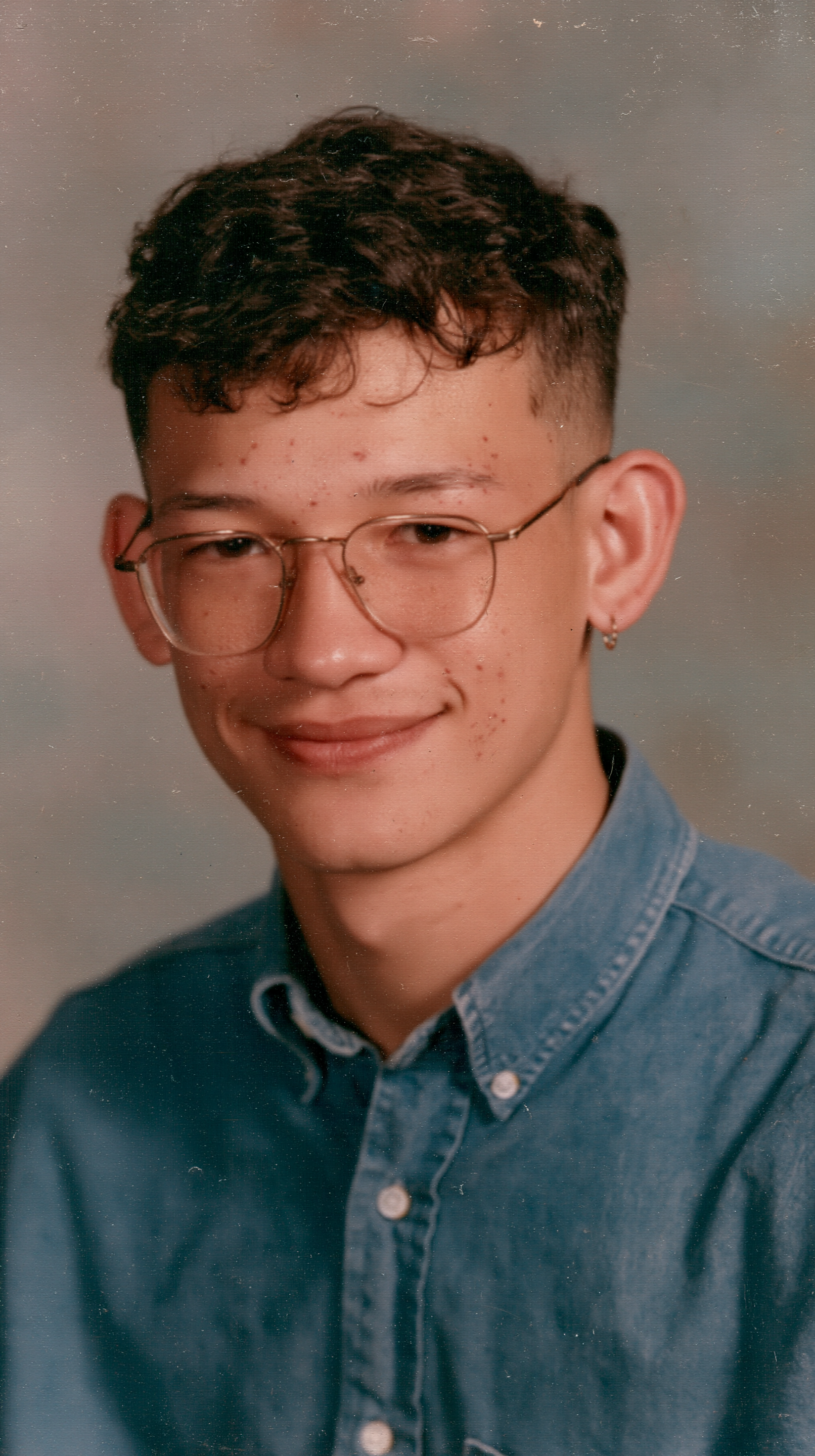
Upload a JPG, PNG or WebP, or click Recreate on an example close to what you want (portrait, dance, product, old photo) and replace its reference image with your own.
Examples load a tested prompt, model and settings. Keep movements small for portraits; you can edit the prompt, ratio and length. The credit cost is shown before you generate.
Your video is ready in a few minutes. Download the MP4 without a watermark for Reels, TikTok, a family chat or a slideshow.
Turn a selfie or outfit photo into a scroll-stopping vertical clip for Reels, TikTok and Shorts. Start from a viral template and post in minutes.
Start creating →Give a product shot an orbit, push-in or splash of motion for ads and store pages, without a studio or video shoot.
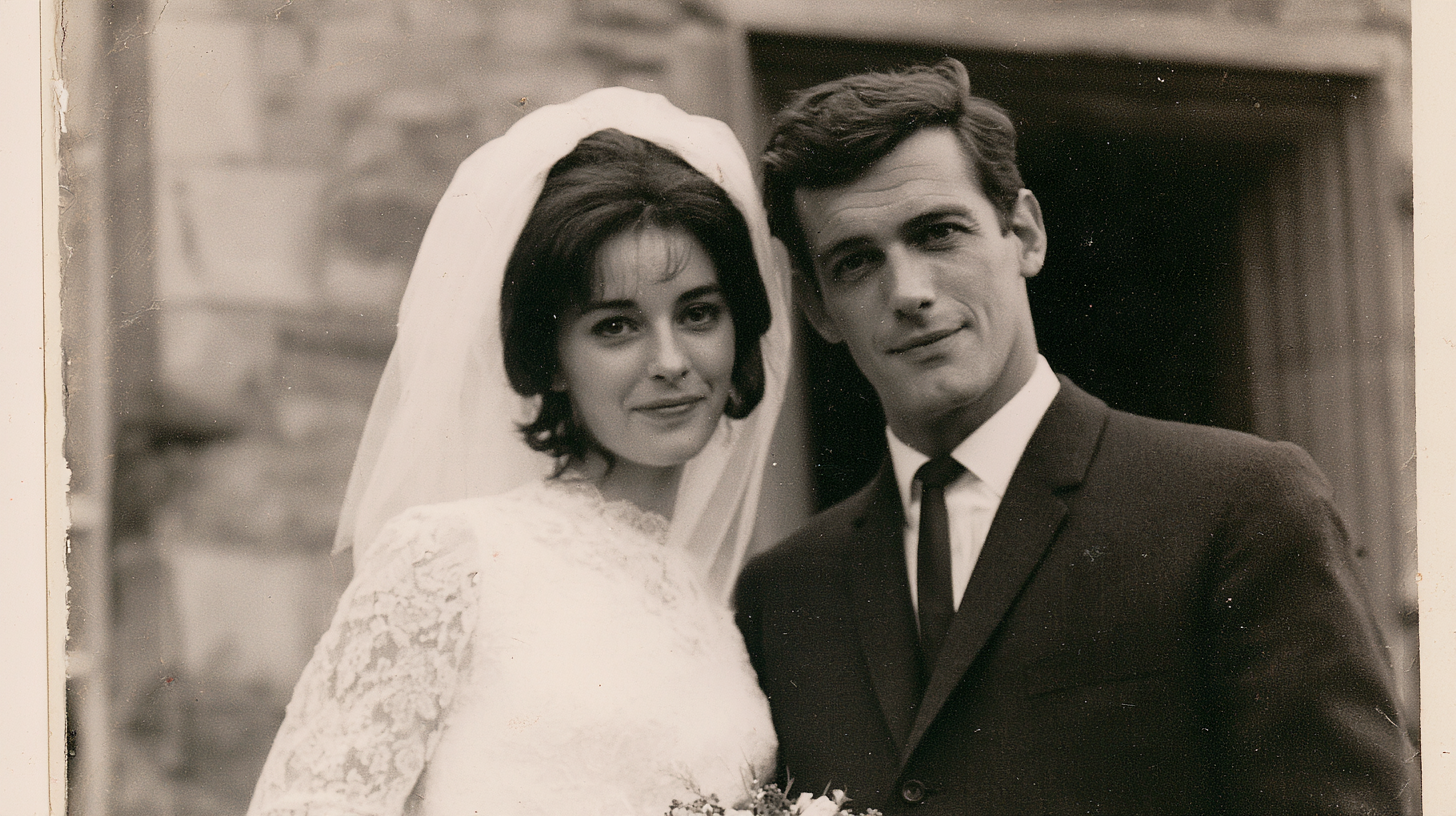
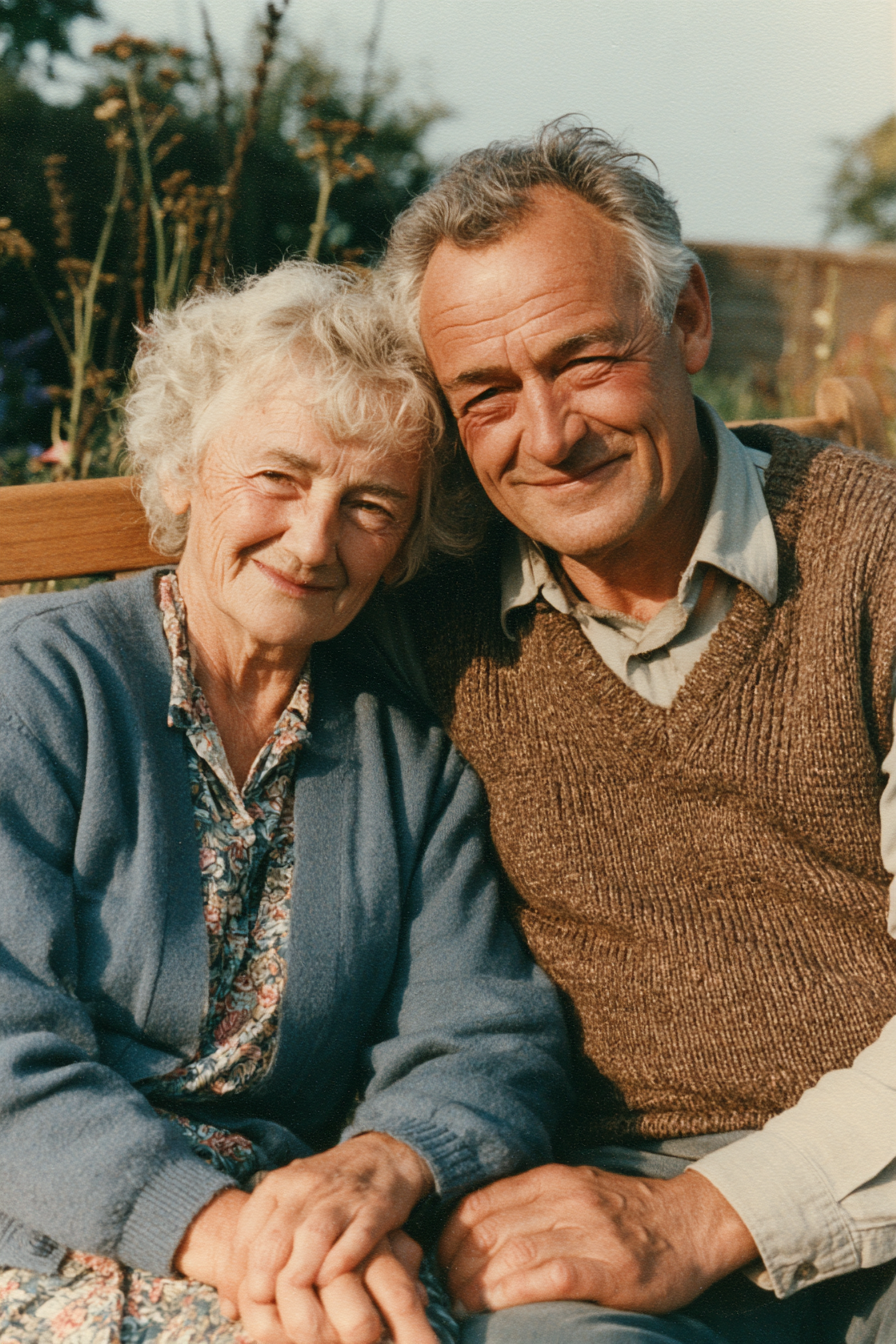
Start creating →Let grandparents, wedding portraits and family snapshots blink, smile and lean in, with the original look kept intact.
Learn more →Start from viral effects and tested examples instead of a blank prompt. Click Recreate to load the prompt, model and settings, swap in your photo and generate.
Seedance, Kling, Wan and Hailuo side by side. Pick the model that fits your photo and pay with one credit balance instead of four subscriptions.
Choose 3 to 30 seconds, 480p up to 4K, vertical, square or widescreen, and turn sound on or off. Every setting shows its credit cost before you generate.
You see the exact cost before you generate, and if a generation fails the credits are refunded to your account automatically.
Every download is a clean MP4 with no watermark or logo, free plan included. Ready to post on Reels, TikTok and Shorts or drop into a slideshow.
Each model is good at something different. Pick one that fits your photo — each card says what it does best.


Most photo to video tools can only animate the photo you upload. Here you get both modes in the same generator. Switch with one tab, no extra tool or plan.
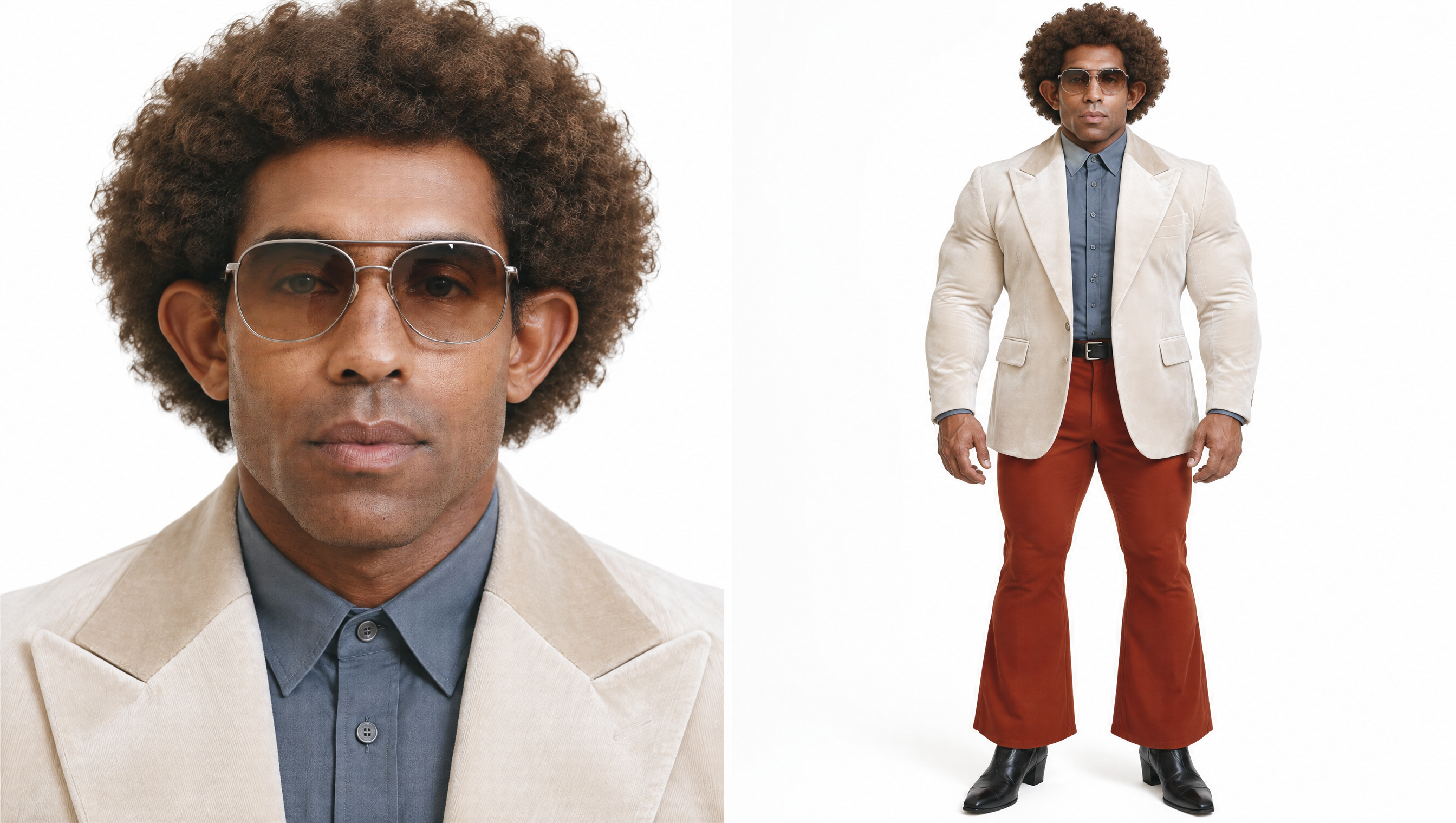
Upload up to 9 photos of a person, outfit or product. The AI keeps them recognizable and builds whatever scene you describe around them.
Use it when the photo isn't the shot you want yet: a selfie becomes a red-carpet walk, a product photo becomes a beach ad.
Best for
Your photo becomes the first frame as it is. The AI only adds motion, so the people and details in the original stay put.
Add an optional end frame and the AI animates the change between two photos, like before and after or then and now.
Best for
Yes. Sign up free and get 75 credits with no card needed, enough for about 3 videos with Seedance 2.0 Mini. The exact cost is shown before you generate, downloads have no watermark, and failed generations are refunded.
You need a free account to generate, so your videos and credits are saved. Sign up in seconds with Google or an email code; no card needed, and you get 75 free credits.
Usually not, if you use a sharp, front-facing photo and subtle motion. For the closest match, use Frames mode so your photo stays the exact first frame. Strong motion, long clips and small or blurry faces can make the model invent details.
No. Click Recreate on an example to load its prompt, model and settings, then replace the reference image with your own photo. The prompt stays editable if you want more control.
You can ask for a static camera in the prompt (for example "locked-off tripod shot, no camera movement"). Most models follow it, but some still drift slightly; a short clip with simple motion helps.
Clear, well-lit photos where the subject fills much of the frame. One or two people facing the camera work better than large groups. For old prints, scan them flat without glare first.
Yes. Use Frames mode when the product must look exactly like your photo, or Photo mode to place it in a brand-new scene. Slow camera moves such as an orbit or push-in work best. Small text and logos can still distort, so check the result before using it in an ad.
3 to 30 seconds depending on the model, in 9:16, 16:9, 1:1 and more, from 480p up to 4K. Downloads are MP4 files.
The credits are refunded automatically. You only pay for videos that finish.
No download needed. AI Photo Animator runs in your browser on iPhone, Android, Mac and PC, so you can upload straight from your phone’s camera roll.
Yes. Most models generate native audio with the picture, such as ambient sound, footsteps or music. Toggle Audio off in the settings if you want a silent clip.
Pro and Max plans include a commercial license, so you can use the videos in ads, product pages and client work.
Members can turn on Private generation so the result is never shown publicly. See our privacy policy for details.
75 free credits, no card needed
Turn your photo into a video in a few minutes
Turn my photo into a video