7 Best Deep Nostalgia Alternatives for Old Photos (2026)
What’s new on this page
- — Published. Deep Nostalgia, LiveMemory and Photo plan details from MyHeritage's help center; other prices, free plans and watermark rules as each tool lists them in November 2026. AI Photo Animator examples are real renders.
- — Rewrote each tool section around specific use cases and a direct comparison with the replaced app.
- — Rewrote the verdict as a first-person recommendation and added a "why" column to the choice table.
- — Added a "why pick it over" column to the at-a-glance table.
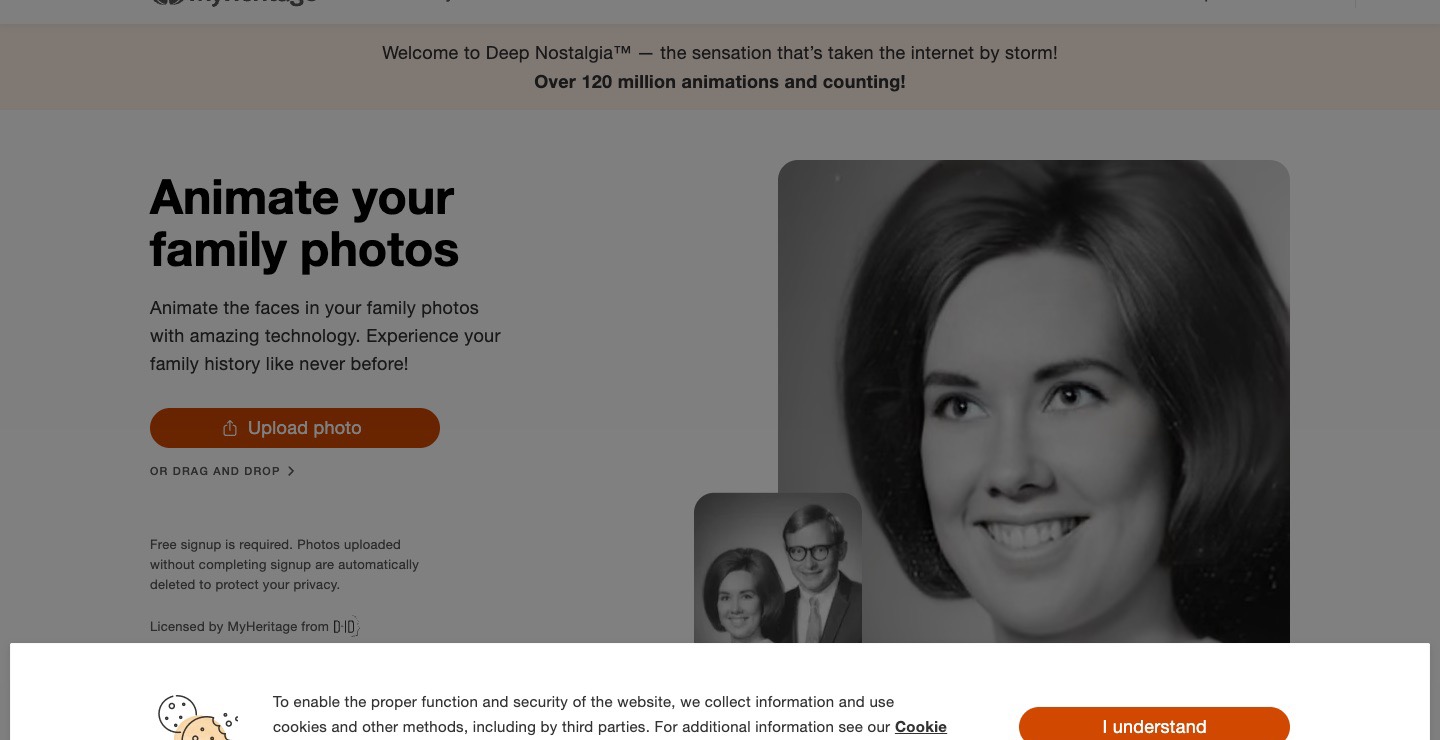
MyHeritage's Deep Nostalgia made millions of people cry over a blinking great-grandmother in 2021, and it still exists. According to MyHeritage's help center, it animates one face at a time using a few pre-recorded "driver" videos, so the person smiles, blinks and turns their head.
If you want more than that, a whole group photo moving, a specific gesture, or simply no MyHeritage subscription, you need something else. Below are 7 Deep Nostalgia alternatives for animating old photos, with who each one suits, what you can do for free, whether downloads are watermarked and what it costs.
Why look for a Deep Nostalgia alternative?
- It only moves one face, in a few set ways. Deep Nostalgia picks one of its pre-recorded driver videos for the face you select; the rest of the photo stays still and you can't ask for a specific movement.
- More than a taste needs a MyHeritage plan. The Photo plan, which includes Deep Nostalgia, colorizing and repair, lists at $8.25 a month and was discounted to $4.92 a month in November 2026.
- The newer tool is capped. MyHeritage's LiveMemory animates the whole scene, but anyone gets only a limited number of free videos, and the Photo plan allows 20 a year. DeepStory, the talking-photo feature, has been discontinued.
Deep Nostalgia alternatives at a glance
| Tool | Best for | Why pick it over Deep Nostalgia | Animates the whole photo? | Free to try | Watermark on free downloads | Entry price |
|---|---|---|---|---|---|---|
| AI Photo Animator | Whole old photos, couples and groups, faces kept | The whole photo moves, not just one face, with no MyHeritage plan | Yes | 75 credits on sign-up | No, on every plan | $5.99 one-time for 540 credits; about $0.78 per 5-second clip |
| Deep Nostalgia (for reference) | A quick blink and smile on one face | — | No, one face | Limited | MyHeritage branding | Photo plan, $8.25/mo list |
| Google Photos (Photo to video) | A quick free try on your phone | Free and already on your phone, no new account | Yes | A few clips a day | Yes, visible AI label | Free; Google AI plans add more |
| Kling AI | Most realistic motion, prompt-led | You choose the exact motion instead of a preset | Yes | Daily free credits at 720p | Yes | Paid membership removes the watermark |
| Hailuo AI | Subtle expressions on older faces | More personal, subtle expressions than preset movements | Yes | One-time pack, expires in 3 days | Yes | $14.99/mo Standard, 1,000 credits |
| D-ID | Making an ancestor talk | The face can talk, which Deep Nostalgia can't | Face only | 14-day trial, 3 minutes | Yes, full-screen | Lite plan, small corner watermark |
| Canva | Zoom and pan slideshows of old photos | Puts many photos into one slideshow with music, free | Camera moves only | Free | No with free elements | $12/mo Pro billed yearly |
| Runway | Cinematic control | Cinematic camera moves for a family history film | Yes | 125 one-time credits | Yes | $15/mo Standard, 625 credits |
#1 AI Photo Animator: best Deep Nostalgia alternative for whole family photos
If you want your grandparents' couple photo to move together, a black-and-white wedding portrait to come alive, or a short clip for a memorial or a 90th birthday, pick AI Photo Animator. It animates the whole photo, not just one face, and keeps each face recognizable; you upload the photo, pick a gentle motion or describe one, and press Generate. Full disclosure: this is our own product. The three examples below are real renders.
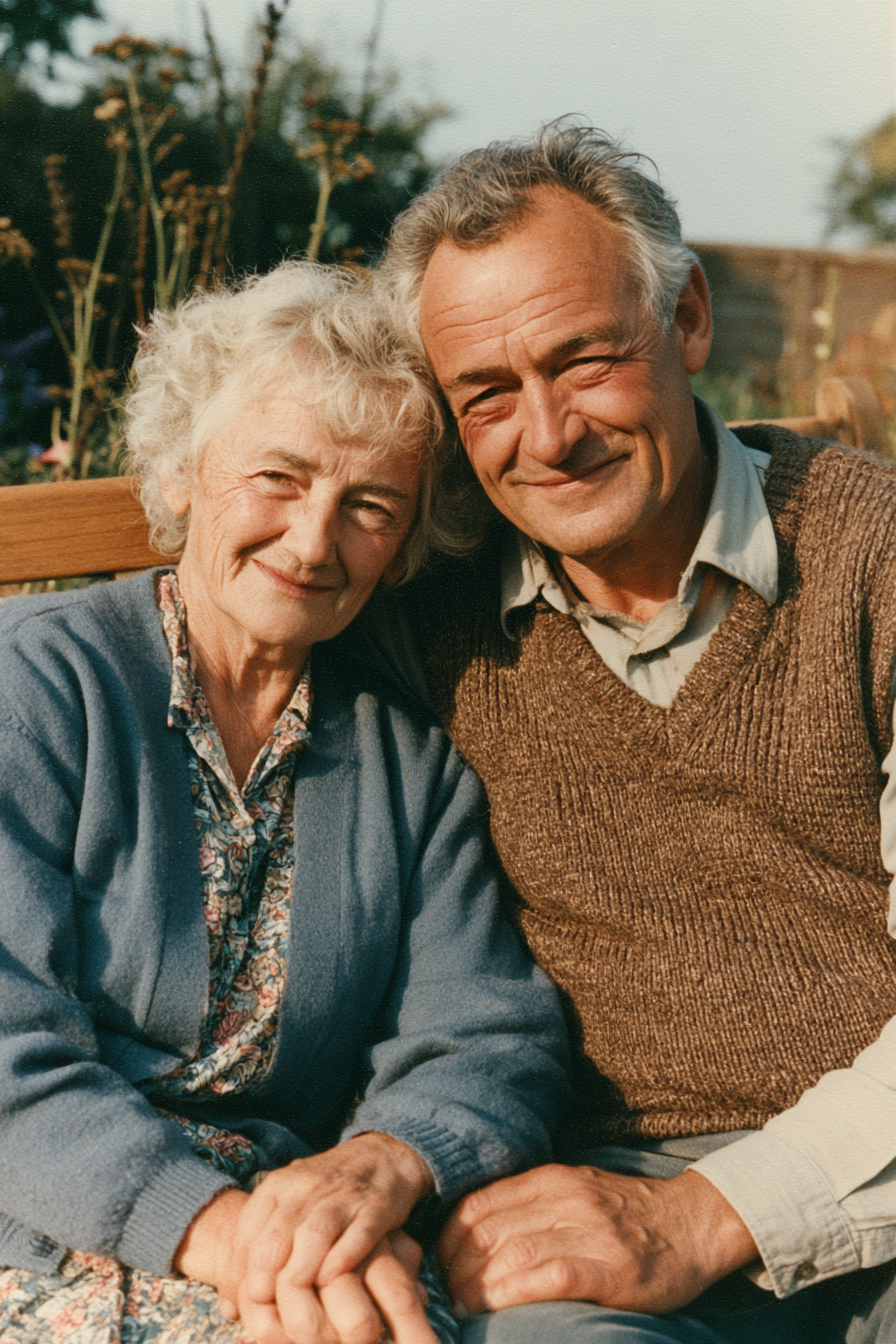
Original photo
Animated: they lean in together
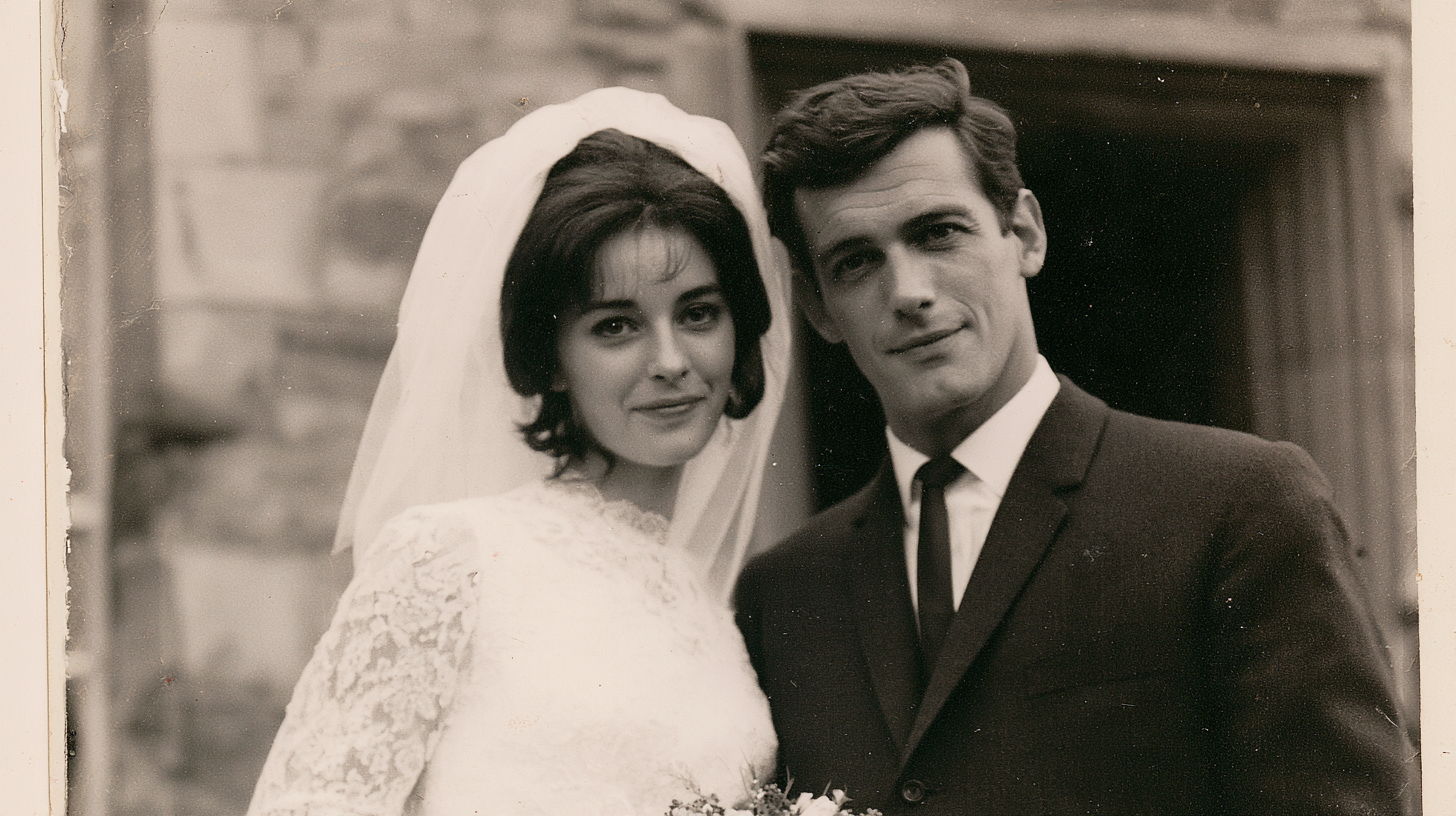
Original photo
Animated: subtle movement
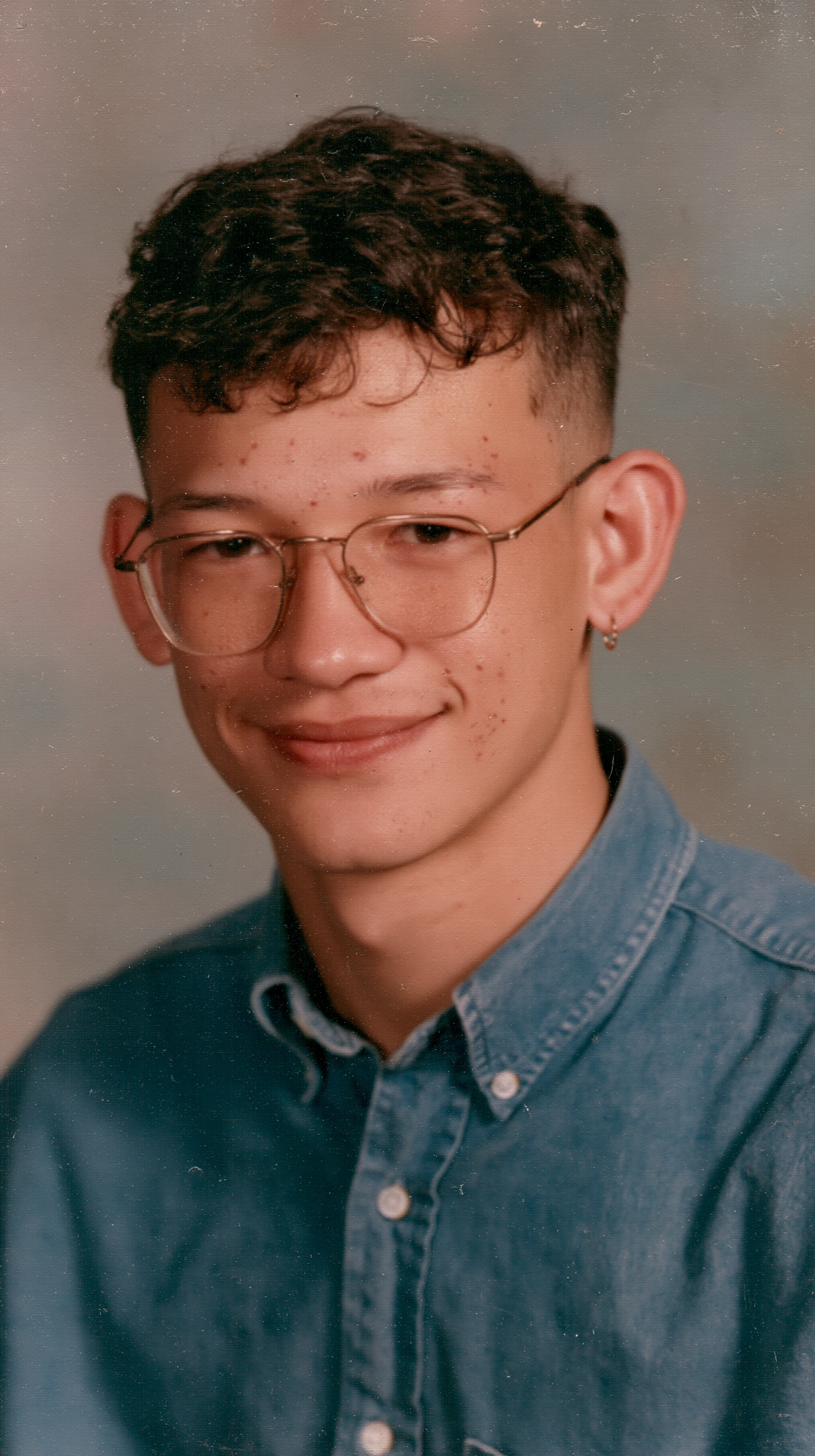
Original photo
Animated: natural motion
Start on the Animate Old Photos page, or use Animate Face for a single portrait that should blink, smile or turn. If the print is scratched or faded, run it through Restore Old Photos first: repaired, colorized photos animate more cleanly. The exact credits show on the Generate button, and every pack is on the pricing page.
Compared with Deep Nostalgia, the difference is one face versus the whole photo. Deep Nostalgia applies one of a few pre-recorded movements to the single face you pick, and the rest of the picture stays frozen; here everyone in the photo can move together, in a motion you choose. You gain group and couple photos, more natural scenes, no MyHeritage account and watermark-free downloads. You give up the one-tap simplicity, and there's no talking feature for old photos.
Key features
- Whole-photo animation for portraits, couples, weddings and group photos
- Animate Face one-click motions: smile, blink, head turn, wave, laugh
- Restore Old Photos to fix scratches and colorize before animating
- Several video models, including free Seedance 2.0 Mini and Fast
Best for
A grandchild making a memorial video of grandparents together; a family turning a parents' wedding photo into an anniversary surprise; genealogy hobbyists bringing a whole family portrait to life.
Pros
- Animates the whole photo, couples and groups included
- Faces stay recognizable
- No MyHeritage account or subscription
- No watermark on any plan
- Repair and colorize in the same place
Cons
- Clips are short, about 4 to 10 seconds
- No talking or lip-sync for old photos
- Heavily damaged prints need restoring first
#2 Google Photos: best for a free first try with a scan already on your phone
If the old photo is already scanned into your Google Photos library and you just want to see it move once, for free, pick Google Photos. Its Photo to video feature turns a still into a clip of about six seconds right in the app.
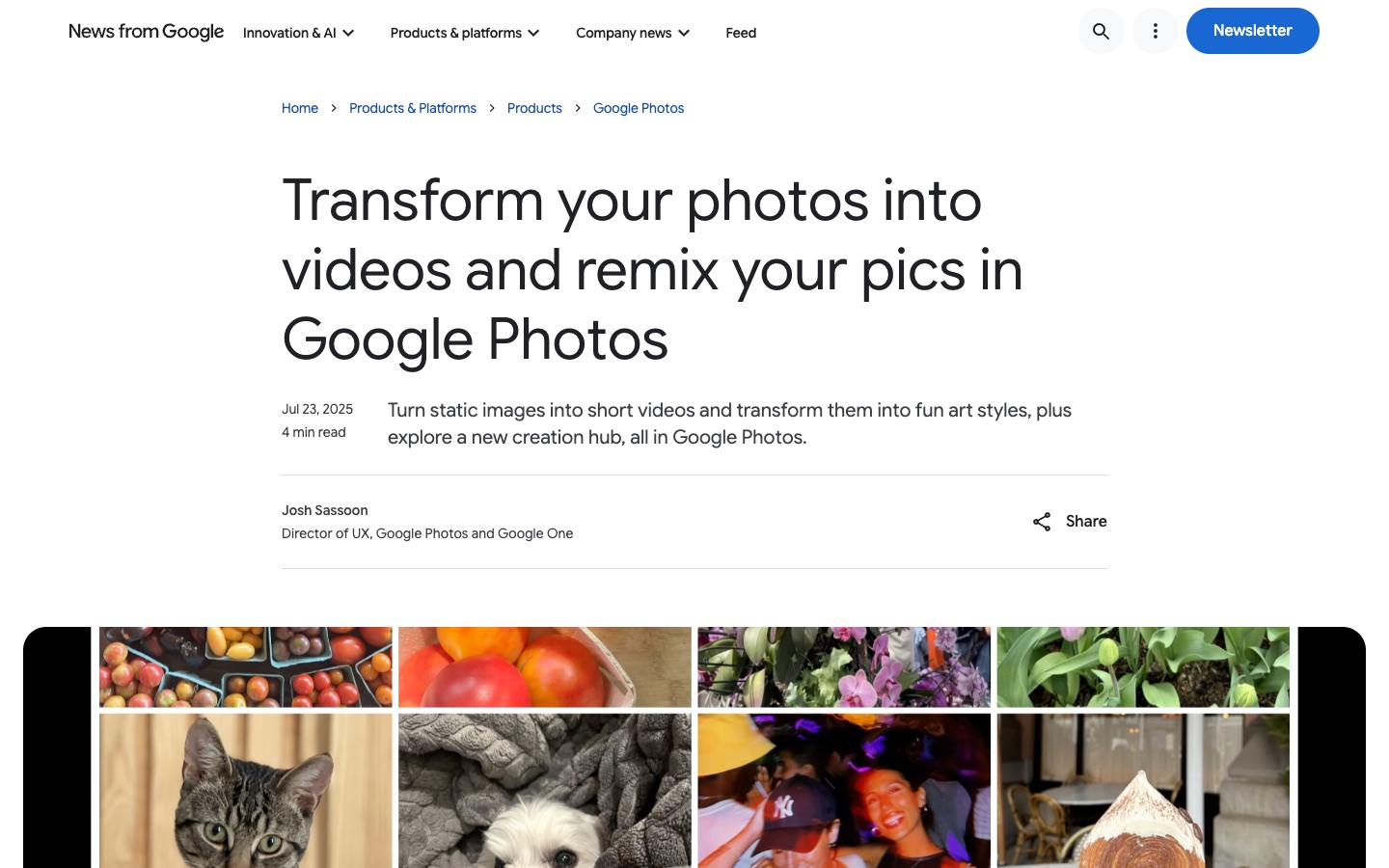
Deep Nostalgia needs a MyHeritage account and animates one face; Google Photos needs nothing new and moves the scene. You gain a free, zero-setup try. You give up control and clean output: there's little say over the motion, every clip carries a visible AI label, and it's only available in some countries.
You get a limited number of clips a day, more on Google AI plans; every clip also carries an invisible SynthID watermark.
Key features
- Built into the Google Photos app
- Short clips of about six seconds
- More daily clips on Google AI plans
Best for
Anyone curious to see one old photo move before deciding to do more.
Pros
- Free, built into an app you may already use
- No new account
Cons
- Visible AI label on every clip
- Few clips per day
- Little control over the motion
- Not available in every country
#3 Kling AI: best for one specific moment you can describe
If you know exactly what should happen, say grandma turning to grandpa and laughing, or a soldier in an old portrait raising his hat, pick Kling AI. Its motion is among the most lifelike, and it follows a written description closely.
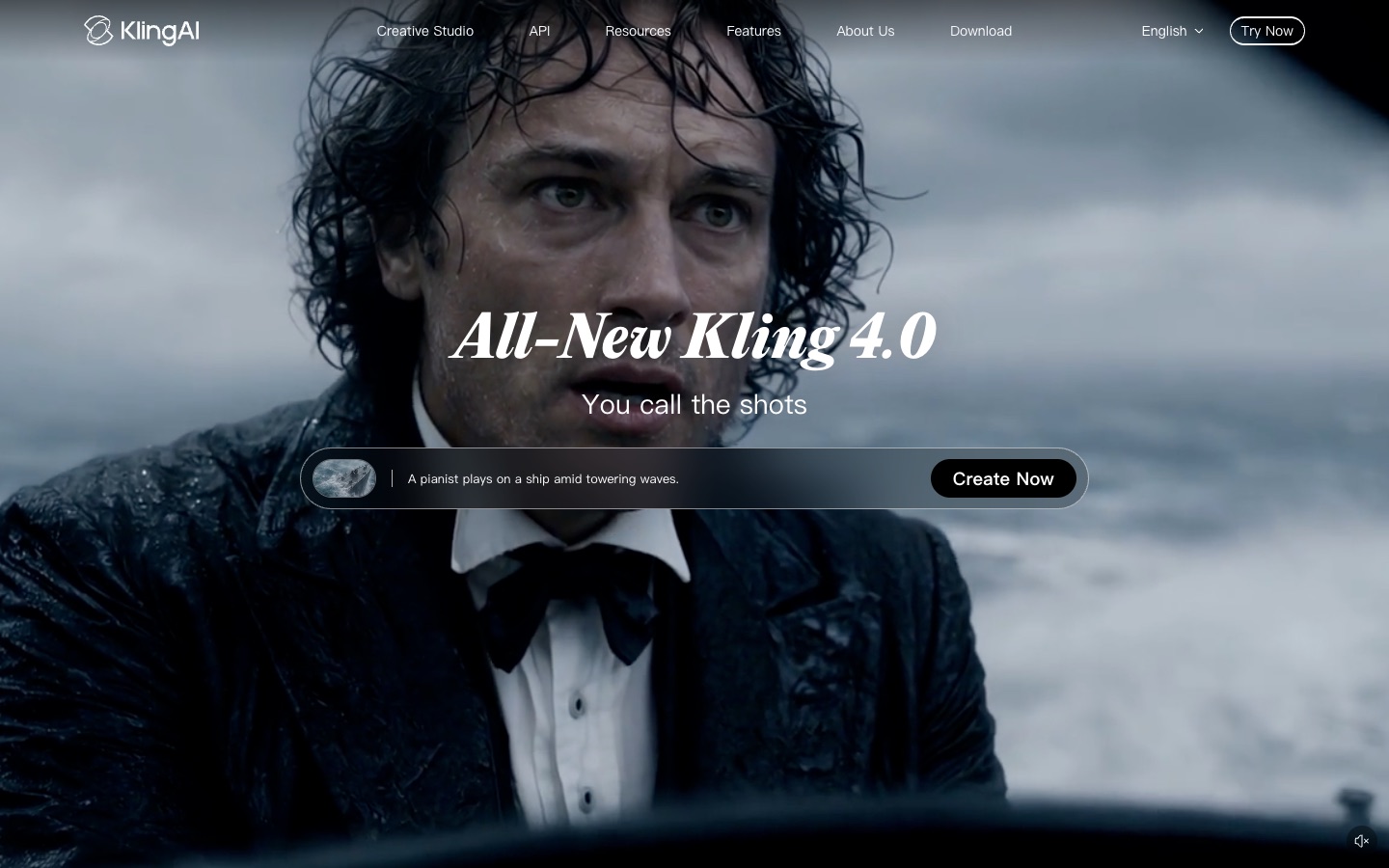
Deep Nostalgia chooses a movement for you; Kling does what you write. You gain control over the moment. You give up simplicity, since you write and sometimes rewrite prompts, and strong motion can make an old face drift, so keep the movement gentle.
The free plan gives daily credits at 720p, but exports are watermarked and removing it needs a paid membership. Kling is also inside AI Photo Animator's photo to video tool.
Key features
- Kling 4.0 image-to-video from a prompt
- Very realistic body and camera motion
- Daily free credits
Best for
Families who want one particular gesture or moment recreated.
Pros
- Very realistic motion
- Daily free credits
Cons
- You have to write prompts
- Free exports watermarked
- Strong motion can drift from old faces
#4 Hailuo AI: best for a close-up portrait that only needs a subtle expression
If the photo is a close-up of a grandparent and all you want is a slow smile, a glance or a gentle nod, pick Hailuo AI. Its MiniMax models are especially good at small facial acting, where big movement would look wrong on an old portrait.
Deep Nostalgia's preset movements are fairly similar from photo to photo; Hailuo's expressions feel more personal. You gain subtlety. You give up group photos as its strength, and the free credits are a one-time pack that expires after three days.
Free downloads are watermarked; Standard costs $14.99 a month for 1,000 credits without watermark, and failed or rejected renders are refunded.
Key features
- Natural small facial expressions
- MiniMax H3 models
- Refunds for failed or rejected renders
Best for
Close-up portraits for a memorial slideshow or a framed digital photo.
Pros
- Natural small expressions
- Failed or rejected renders refunded
Cons
- Free credits expire after three days
- Free downloads watermarked
- Subscription for clean downloads
#5 D-ID: best for letting an ancestor say a few words
If you want an ancestor to speak, such as a short message at a memorial or a greeting for a family reunion, pick D-ID. Give it a portrait and a script or recording, and the face talks. D-ID is the company whose technology originally powered Deep Nostalgia.

Deep Nostalgia moves a face silently, and MyHeritage's talking feature DeepStory has been discontinued; D-ID is the closest replacement. You gain speech. You give up the scene, since only the face moves, and its watermark rules are strict.
The 14-day trial includes 3 minutes of video with a full-screen watermark; on the Lite plan it shrinks to a small corner logo, and commercial use starts on Pro (help center).
Key features
- Talking faces from a portrait plus text or audio
- Smaller corner watermark on the Lite plan
- Built by the original Deep Nostalgia technology company
Best for
Memorial and reunion videos where a grandparent "says" a few words.
Pros
- Realistic talking faces
- Built by the original Deep Nostalgia technology company
Cons
- Animates the face only, not the scene
- Full-screen watermark on the trial
- Corner watermark even on Lite
#6 Canva: best for a slideshow of many old photos with music
If you're putting dozens of old photos into one video for a funeral, an anniversary or a reunion, pick Canva. Its free photo to video maker adds zooms, pans, transitions, text and music, which is often all a family slideshow needs.
Deep Nostalgia moves faces inside one photo; Canva moves the camera across many photos. You gain an easy, free way to tell a whole story. You give up faces that move.
Videos made with free elements download without a watermark; Pro costs $12 a month billed yearly ($18 monthly).
Key features
- Photo slideshow with zoom, pan and transitions
- Music, captions and templates
- Free with no watermark when using free elements
Best for
Funeral, anniversary and reunion slideshows.
Pros
- Free and watermark-free with free elements
- Great for slideshows with music and text
Cons
- Faces don't move
- Paid elements add a watermark on free accounts
#7 Runway: best for a documentary-style family history film
If you're making a polished family history film, with camera moves across old photos, lighting and carefully directed motion, pick Runway. Its Gen-4.5 model and editing tools suit a project you'll spend evenings on.
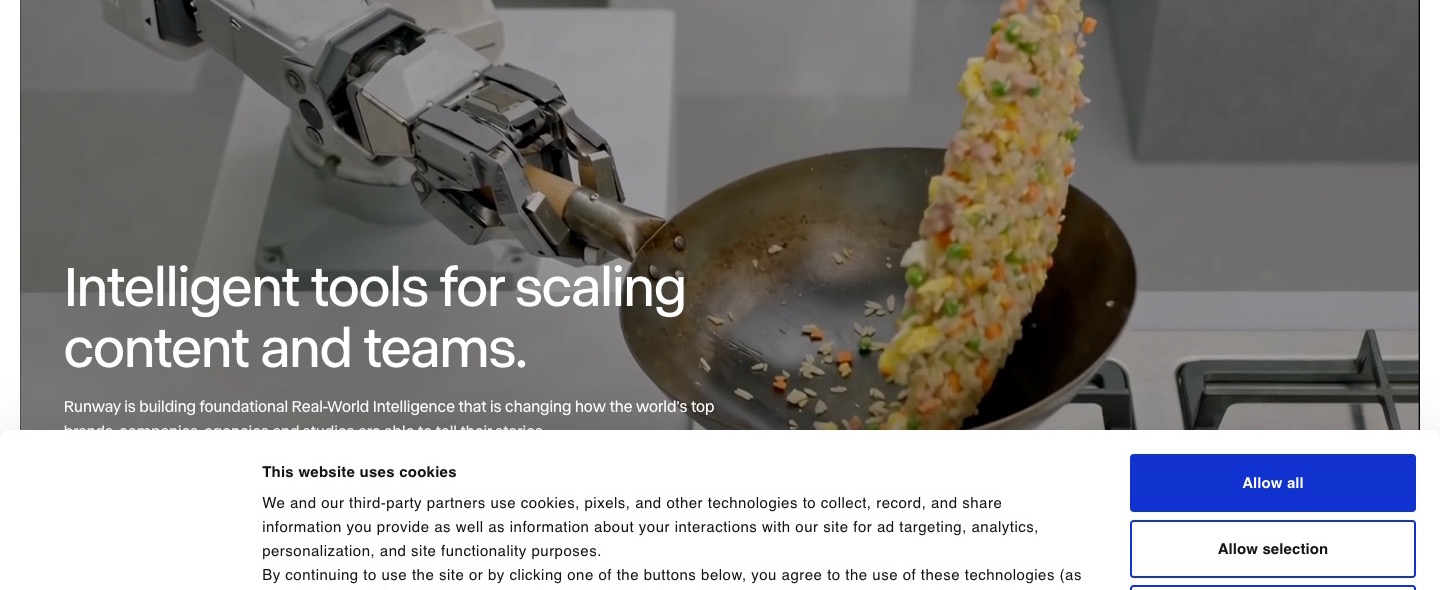
Deep Nostalgia is a one-tap effect; Runway is a filmmaking tool. You gain cinematic control. You give up speed and low cost, and every free video is watermarked.
The free plan has 125 one-time credits; Standard costs $15 a month ($12 billed yearly) for 625 credits without watermark.
Key features
- Gen-4.5 video model
- Camera and motion controls
- Full editing suite
Best for
Genealogists and families producing a documentary about their history.
Pros
- Cinematic camera control
- Full editing suite
Cons
- Watermark on every free video
- More work and cost than a simple family clip
How I compared these Deep Nostalgia alternatives
I judged every tool on what families want from Deep Nostalgia: seeing a loved one in an old photo move naturally, without them turning into someone else. I looked at:
- Face accuracy: does grandma still look like grandma once she moves?
- Whole photo or one face: can a couple or a group move together, or only one face?
- Control: can you choose the motion, or is it a fixed preset?
- Free use: how much can you do before paying, and do you need a new account?
- Watermark: are downloads clean enough to share at a memorial or reunion?
- Cost: roughly what one clip costs, and whether a subscription is required.
MyHeritage details come from its help center and plans page; other prices, free plans and watermark rules from each tool's own pages and terms, as of November 2026.
Which Deep Nostalgia alternative should you choose?
| If you want… | Choose | Why |
|---|---|---|
| A whole old photo, couple or group, moving naturally | AI Photo Animator | The whole photo moves, faces stay recognizable |
| One portrait to blink, smile or turn | AI Photo Animator Animate Face | One-click smile, blink or head turn |
| To repair and colorize before animating | AI Photo Animator Restore Old Photos | Fixes scratches and colorizes first |
| A free one-off try on your phone | Google Photos | Free, already on your phone |
| An ancestor speaking a few words | D-ID | Turns a portrait and a script into speech |
| A slideshow of many photos with music | Canva | Zoom-and-pan slideshows, free |
| The most realistic, prompt-led motion | Kling AI | Follows a written description closely |
| To stay inside MyHeritage | LiveMemory on the Photo plan (20 a year) | Stays in your MyHeritage account |
My take
If I wanted to see my grandparents move together in their old photo, or make a short clip for a memorial or a 90th birthday, AI Photo Animator would be my first pick. I'd repair the print first, animate the whole photo and download it without a watermark or a MyHeritage subscription.
If I already paid for MyHeritage and only wanted one face to blink and smile, I'd still use Deep Nostalgia; it's one tap. And if I wanted grandma to say a few words, I'd use D-ID.
But once there's more than one person in the photo, or I want to choose the motion, AI Photo Animator is the one I'd keep using. For tips, read how to animate photos with AI and how to restore old photos with AI.
Deep Nostalgia alternatives FAQ
What is the best Deep Nostalgia alternative?
AI Photo Animator is the best Deep Nostalgia alternative for most families: it animates the whole old photo, including couples and group shots, keeps faces recognizable, needs no MyHeritage account, has no watermark on any plan, and a 5-second clip starts at about 70 credits (around $0.78 on the one-time $5.99 pack). D-ID is better if you want an ancestor to talk.
Is there a free alternative to MyHeritage Deep Nostalgia?
Yes. AI Photo Animator gives new accounts 75 free credits with watermark-free downloads, and Google Photos' Photo to video makes a few free clips a day with a visible AI label. Canva is free for zoom-and-pan slideshows but doesn't move faces.
Is Deep Nostalgia still available?
Yes. As of November 2026, MyHeritage's help center still describes Deep Nostalgia as a feature that animates one face per photo using pre-recorded driver videos. MyHeritage also offers LiveMemory, which animates the whole photo, limited to 20 videos a year on the Photo plan. Its talking-photo feature DeepStory has been discontinued.
How much does Deep Nostalgia cost?
Deep Nostalgia is part of MyHeritage's Photo plan, which lists at $8.25 a month and was offered at $4.92 a month with a 40% discount in November 2026. The Photo plan also includes colorizing, repair, the photo enhancer and 20 LiveMemory videos a year.
Can AI animate a whole old group photo, not just one face?
Yes. AI Photo Animator animates the entire photo, so a couple can lean in together or several relatives can move at once, while each face stays recognizable. Deep Nostalgia animates one selected face at a time.
Can I make an old photo talk?
Yes, with D-ID, which turns a portrait and a script or recording into a talking face. MyHeritage's own talking feature, DeepStory, has been discontinued.
Are my family photos used to train AI models?
On AI Photo Animator, no. Your photos and videos stay in your account, are never used to train AI models, and are only sent to the video model provider that renders your clip. For other tools, check their own privacy policies.