8 Best AIReel Alternatives for Viral AI Video (2026)
What’s new on this page
- — Published. Prices, free plans and watermark rules as each tool lists them in November 2026; AI Photo Animator examples are real renders.
In this article AIReel means the AIReel: AI Video Generator app and aireel.net, made by FunCreate Limited. (AIReelVideo, a separate service that turns articles into auto-posted shorts, is a different product.) AIReel has grown fast for a reason: over 5 million Google Play downloads, more than 1,000 templates that follow TikTok and Reels trends, and 20+ video models, from Sora 2 and Veo 3.1 to Kling 4.0 and Seedance 2.5, behind one button. Failed generations don't cost credits.
The catch is the subscription. Watermark-free exports, commercial use and extra credit packs all sit inside paid plans, and long clips eat credits quickly. Below I compare 8 AIReel alternatives for one job: putting your own photos into a viral TikTok video, whether that's a duo trend with a friend, a movie scene, a hug or kiss clip or a dance. For each one you'll see which use it suits, how it compares with AIReel for that use, what the free plan gives you, whether free downloads are watermarked and what it costs to start.
Why look for an AIReel alternative?
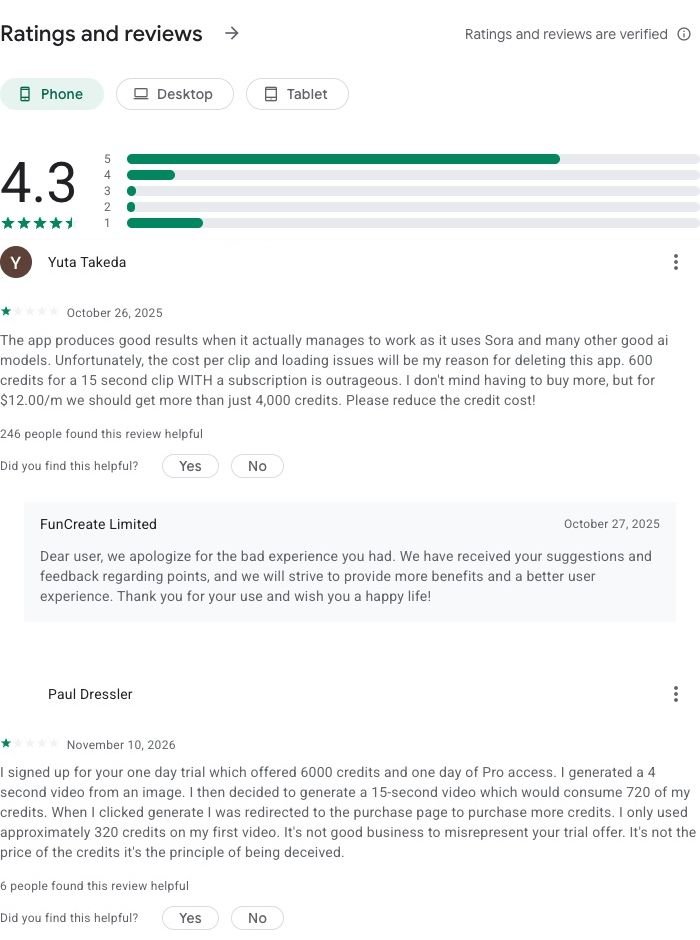
People look for an AIReel alternative because of the subscription, the credit cost of longer clips and how trials turn into charges. AIReel has a strong 4.3 rating on Google Play from 41.4K reviews (November 2026), but the most-upvoted critical reviews keep coming back to the same points.
- You need a plan to get clean videos. On AIReel's pricing page, "No-watermark outputs" is listed as a paid-plan benefit. The cheapest plan, Lite, is $119.99 a year (about $9.99 a month) during its current sale, with a monthly list price of $15.99. Lite also uses basic models only; Pro ($299.99 a year) includes every model and the commercial license.
- Longer clips cost a lot of credits. The most helpful review on Google Play (26 October 2025, 246 people agreed) calls "600 credits for a 15 second clip WITH a subscription" outrageous.
- Trials that end at a payment page. A reviewer on 10 November 2026 used a one-day trial with 6,000 credits, made a 4-second video, then was sent to the purchase page when trying a 15-second one. Another, on 8 November 2026, said they paid for a year and were still asked for more money.
To be fair to AIReel, it answers reviews, refunds subscriptions that haven't been used and doesn't charge for failed generations. If you make dozens of trend videos a month, a subscription can still work out. If you make a few, a tool that sells credits once usually costs less.
AIReel alternatives at a glance
| Tool | Best for | Why pick it over AIReel | Viral trend templates | Free plan | Watermark on free downloads | Entry price |
|---|---|---|---|---|---|---|
| AI Photo Animator | Your photos in this week's TikTok trend, with the song | Same trends, no subscription, no watermark even on free credits | Yes: solo, duo and trio trends, movie scenes, pets | 75 credits on sign-up | No, on every plan | $5.99 one-time for 540 credits |
| AIReel (for reference) | 1,000+ templates and 20+ models in one app | — | Yes, 1,000+ | Trial credits for new users | Yes; clean export is a paid feature | $119.99/yr Lite (sale), $15.99/mo list |
| PixVerse | Browsing a huge library of generic effects | Daily free credits and a $10 monthly plan | Yes, hundreds | 60 credits + 30 a day | Yes, capped at 540P | $10/mo Standard |
| Vidu | AI hug and kiss clips from two photos | Dedicated hug and kiss tools, free daily login credits | Yes: AI Hug, AI Kissing and more | Sign-up + daily login credits | Yes, 720p, personal use | Paid plan needed for clean downloads |
| Kling AI | Copying your own dance onto a photo | Motion Control follows a clip you filmed | A few effects; Motion Control | Daily free credits | Yes | $6.99 first month, then $8.80/mo |
| Dreamina (CapCut) | Clips you finish in CapCut | Straight into CapCut with captions and music | Some trending effects | Daily free credits | Yes | Paid plan removes the watermark |
| Higgsfield | Remaking viral camera moves | Recreate presets and a big camera-move library | Yes: Recreate presets | No monthly credits | Yes | $19/mo Starter (270 credits) |
| Pika | Silly object effects with no watermark | No watermark on any plan, 10 credits per draft | Pikaffects on iOS | No monthly credits | No | $10/mo Starter ($8 billed yearly) |
| Runway | Polished ad shots, no templates | Fine camera control and an editor | No | 125 one-time credits | Yes | $15/mo Standard ($12 billed yearly) |
#1 AI Photo Animator: Best AIReel Alternative for Viral Trend Videos
If you want to post this week's TikTok trend before it peaks, put yourself and a friend into a duo trend from two separate photos, or recreate a famous movie scene with your own face, pick AI Photo Animator. Ten of the fifteen trends on AIReel's homepage are also templates here, each built to match the original clip's song, camera and timing. Full disclosure: this is our own product. The three clips below are real renders, with what each one cost.
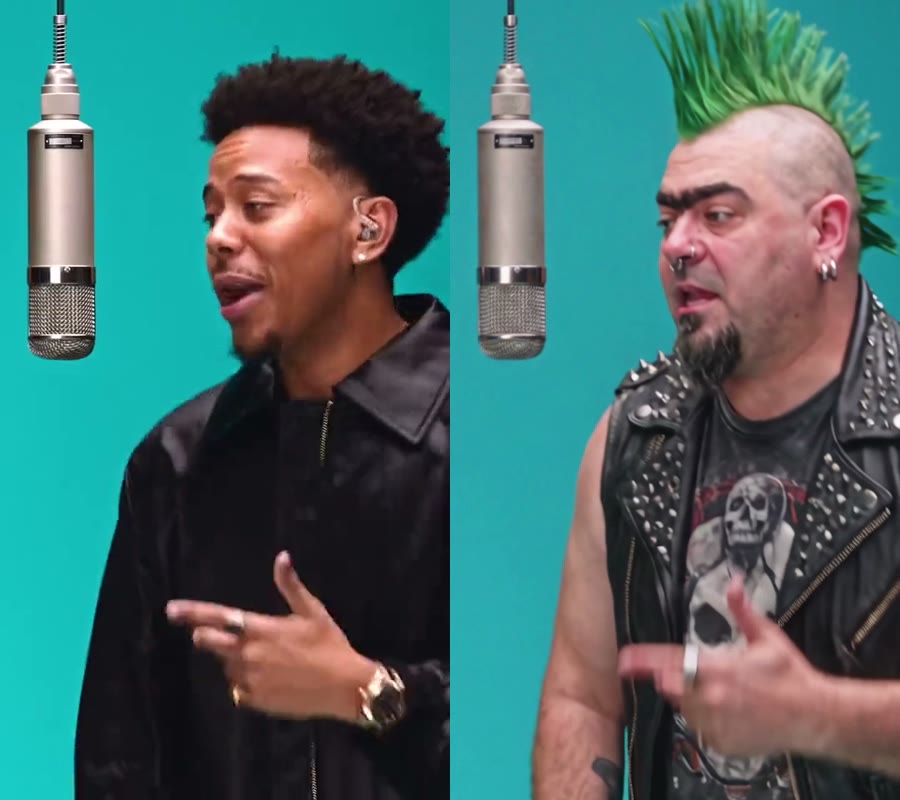
Make the same ones yourself: 58th Floor AI, the End of Watch Locker Scene, AI Flamingo Floatie Falling, AI Old Town Road and Wassup in a Minute. The exact credits show on the Generate button before you start.
AIReel and AI Photo Animator do the same thing for these trends: you pick the trend, upload photos and the app handles the rest. The difference is how you pay. On AIReel a clean, watermark-free 58th Floor video needs a plan, starting at $119.99 a year. Here a one-time $5.99 pack covers it with credits to spare, and even the 75 free credits produce watermark-free videos. You give up AIReel's sheer size: it has over 1,000 templates and many more generic effects, so if the trend you want isn't here yet, AIReel or PixVerse may have it. Heavy users who post several trends a day may also get more videos per dollar from a yearly AIReel plan.
New accounts get 75 free credits, downloads never carry a watermark and failed renders are refunded automatically. Packs are one-time purchases, and subscriptions start at $9.99 a month if you'd rather have monthly credits; see the pricing page.
Key features
- Trend templates with the original song, camera and timing
- Up to three people from separate photos, each keeping their own face and clothes
- AI dance, AI kiss and pet tools
- Photo to video on Seedance, Kling, Wan, MiniMax and Hailuo when you want to write your own prompt
Best for
A creator posting a trend this week; two friends making a duo trend from two selfies; anyone who makes a handful of videos a month and doesn't want a yearly plan.
Pros
- The same viral trends, matched to the original
- No watermark on any plan, free credits included
- One-time packs, no subscription needed
- Failed renders refunded
Cons
- Far fewer templates than AIReel's 1,000+
- Most trend templates render at 480p
- Clips are about 5 to 15 seconds
#2 PixVerse: Best for Browsing Hundreds of Generic Effects
If you like scrolling an effects feed and trying something new every day, such as turning into a balloon, melting, inflating or getting a quick muscle glow-up, pick PixVerse. It has one of the biggest effect libraries, its own fast video models and a free plan that refills daily.
AIReel's templates follow specific TikTok trends; PixVerse's lean toward generic visual effects. You gain daily free credits and a cheaper monthly entry ($10 instead of a yearly plan). You give up close trend matches with the song, and free videos are watermarked and capped at 540P.
The free plan gives 60 starting credits plus 30 a day; Standard is $10 a month for 1,200 credits and up to 720P.
Key features
- Hundreds of one-click effects
- Fast in-house video models
- Daily refilling free credits
Best for
Casual users who want a new effect every day; meme accounts that don't need the original song.
Pros
- Huge effect library
- Free credits every day
- Cheap monthly plan
Cons
- Free videos are watermarked and capped at 540P
- Trustpilot score of 2.1 out of 5
- Generic effects rather than exact trends
#3 Vidu: Best for Hug and Kiss Clips From Two Photos
If you want a sweet hug or kiss video of you and your partner for an anniversary, or two friends in different cities hugging in one shot, pick Vidu. It has dedicated AI Hug and AI Kissing generators that take two photos and put the people together, plus reference-to-video for scenes with several characters.
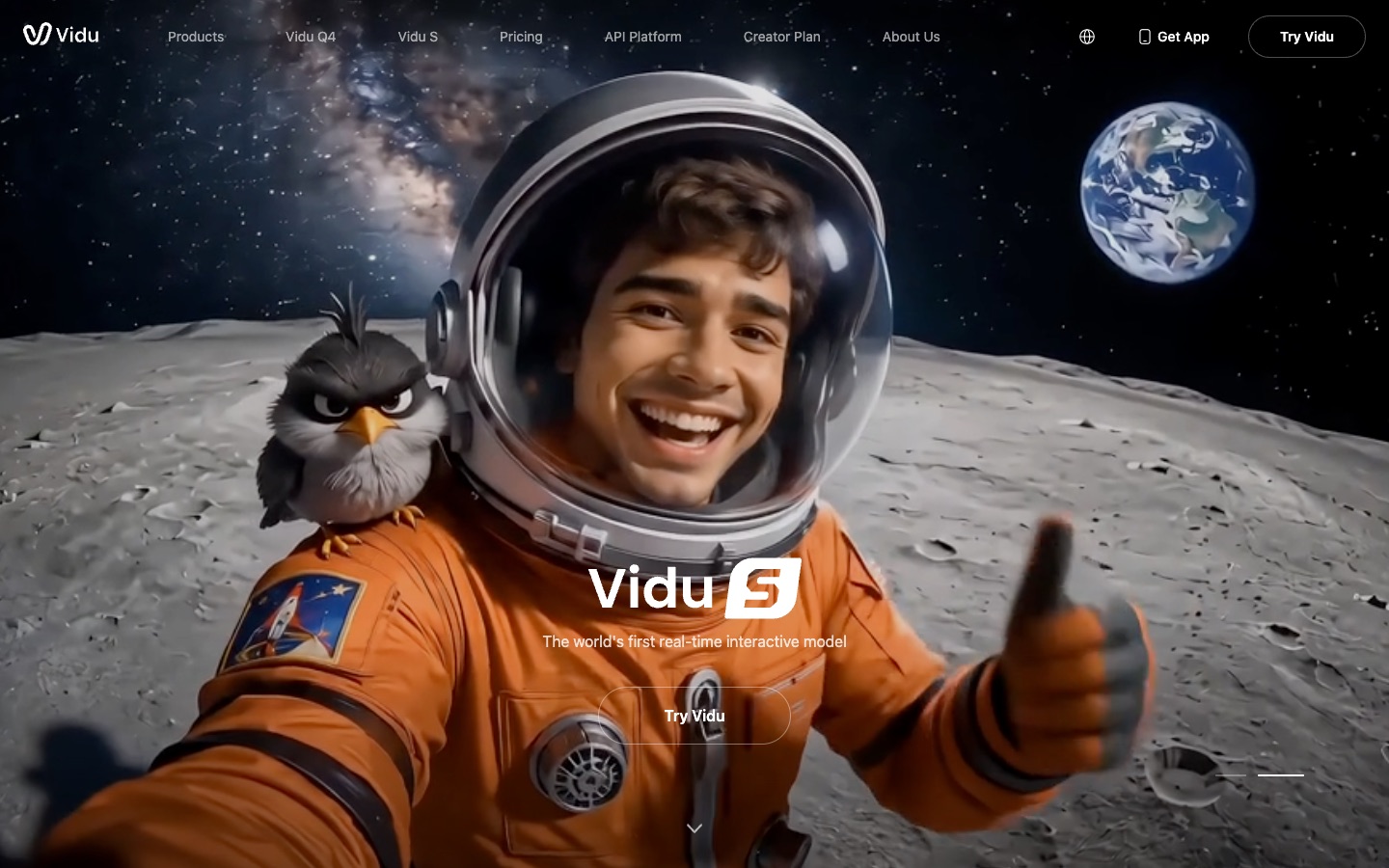
AIReel has kiss and hug effects too, but among a thousand other templates and behind a subscription for clean exports. Vidu makes them headline tools and gives free credits for signing up and logging in each day. You gain a focused two-person flow. You give up trend recreations with music, and free videos are capped at 720p with a watermark, for personal use only.
Clean, commercial downloads need a paid Vidu plan.
Key features
- AI Hug and AI Kissing from two separate photos
- Reference-to-video with several characters
- Off-peak mode for cheaper renders
Best for
Couples making an anniversary clip; long-distance friends who want a hug video.
Pros
- Simple hug and kiss tools
- Daily login credits
- Good multi-character references
Cons
- No trend songs
- Free videos are watermarked and capped at 720p
#4 Kling AI: Best for Copying Your Own Dance Onto a Photo
If the dance you want isn't a template anywhere, because it's your own choreography or a move from a video you filmed, pick Kling AI. Motion Control takes your reference clip and makes the person in your photo follow it, and Kling 4.0 is known for motion with real weight.
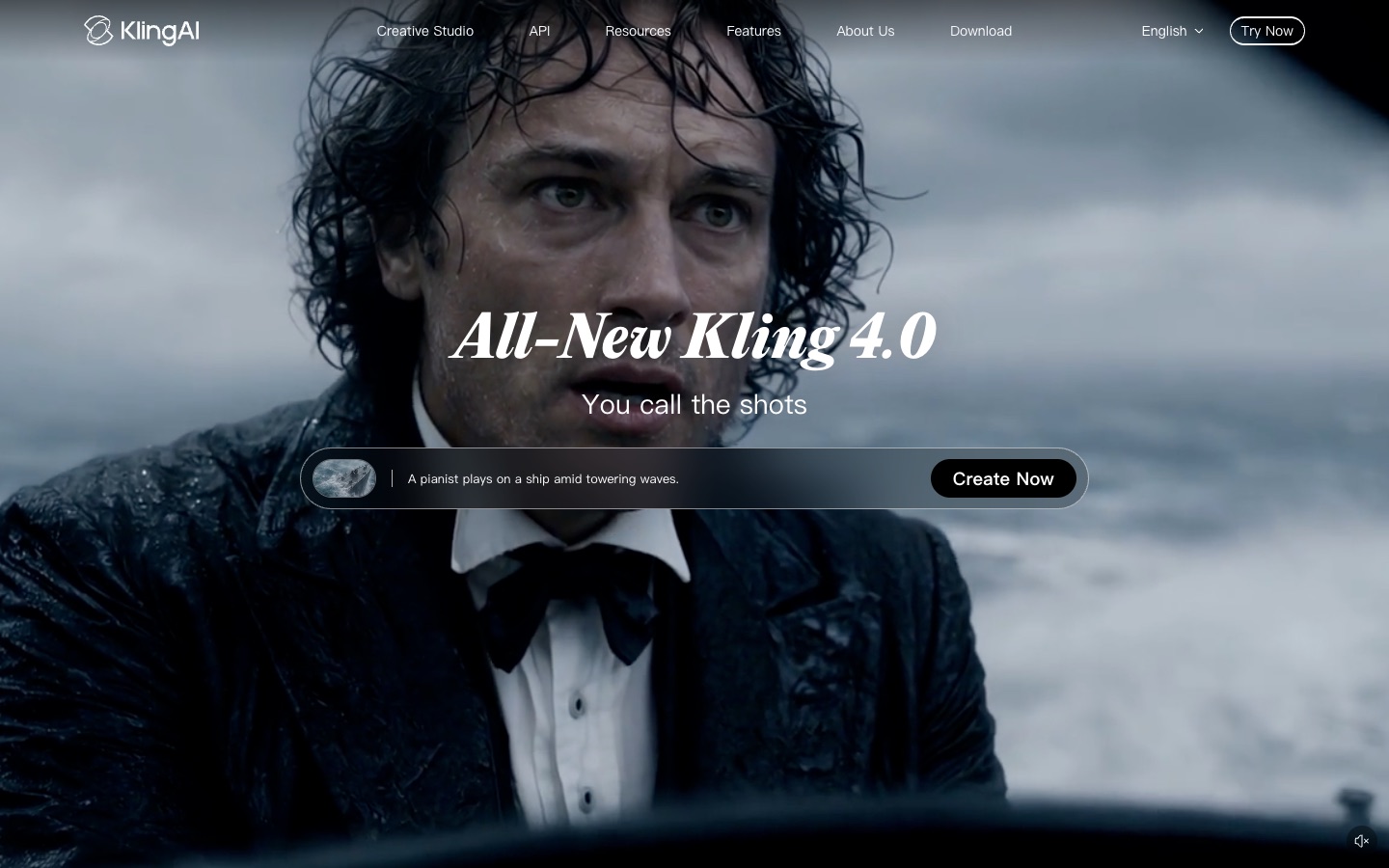
AIReel offers Kling models inside its app, but its templates decide the moves for you. On Kling's own site you decide them, with your clip or a prompt. You gain freedom and the newest Kling features first. You give up ready-made trends with songs, and free exports are watermarked.
Standard is $6.99 for the first month, then $8.80 a month, for 660 credits; free users claim daily credits, and removing the watermark is a membership benefit.
Key features
- Motion Control from your own video
- Kling 4.0 image-to-video
- AI Avatar for talking clips
Best for
Dancers putting their own routine on a photo; creators who want the most lifelike motion.
Pros
- Very realistic motion
- Copies any move you film
- Cheap first month
Cons
- Free exports are watermarked
- Few ready trends
#5 Dreamina (CapCut): Best for Clips You Finish in CapCut
If every video you post goes through CapCut for captions, stickers and a final cut, pick Dreamina. It's ByteDance's AI studio from the CapCut team, runs the Seedance models and hands your clip straight to CapCut.
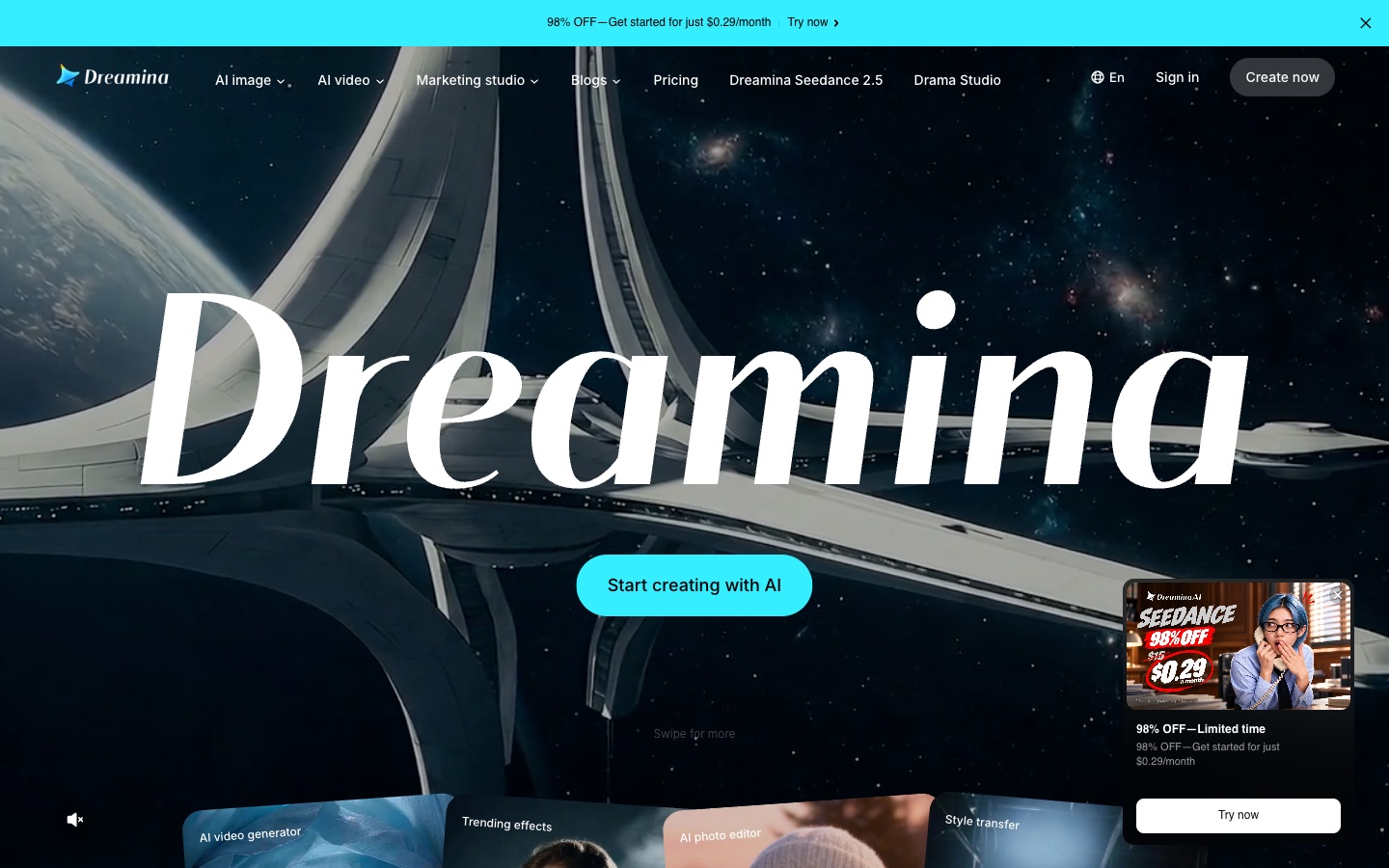
AIReel gives you a finished clip to download; Dreamina gives you a clip that slots into your editing workflow. You gain daily free credits and the CapCut hand-off. You give up AIReel's trend library, and the watermark stays until you pay.
Dreamina gives free credits every day; a paid plan removes the watermark.
Key features
- Seedance video models
- Trending effects and style transfer
- Direct path into CapCut editing
Best for
TikTok creators who caption every video in CapCut.
Pros
- CapCut integration
- Daily free credits
- Strong Seedance models
Cons
- Watermark on free downloads
- Fewer exact trend templates
#6 Higgsfield: Best for Remaking Viral Camera Moves
If what makes the trend is the camera, a crash zoom, a 360 orbit or a dramatic push-in, pick Higgsfield. Its Recreate presets copy trending shorts with your character, and it has one of the biggest libraries of camera-move presets.

AIReel and Higgsfield both turn trends into presets. Higgsfield goes further on camera work and lets you buy credit packs on top of a plan, while AIReel has more song-led trends. You gain cinematic moves. You give up a free plan with credits: Higgsfield's has no monthly credits, and free generations can carry a visible watermark.
Starter is $19 a month for 270 credits; Plus is $59 a month for 1,200 credits. Any paid plan removes the watermark.
Key features
- Recreate presets for trending shorts
- Large camera-move preset library
- Seedance 2.5 and Kling models
Best for
Creators whose trends depend on camera moves; music video makers.
Pros
- Strong camera presets
- Recreate for viral shorts
Cons
- No monthly free credits
- Watermark on free generations
- Small Starter allowance
#7 Pika: Best for Silly Object Effects With No Watermark
If you make meme edits where something in the photo turns into something absurd, and you want them cheap and clean, pick Pika. Its downloads have no watermark on any plan, free included, and a draft on its own model costs 10 credits.
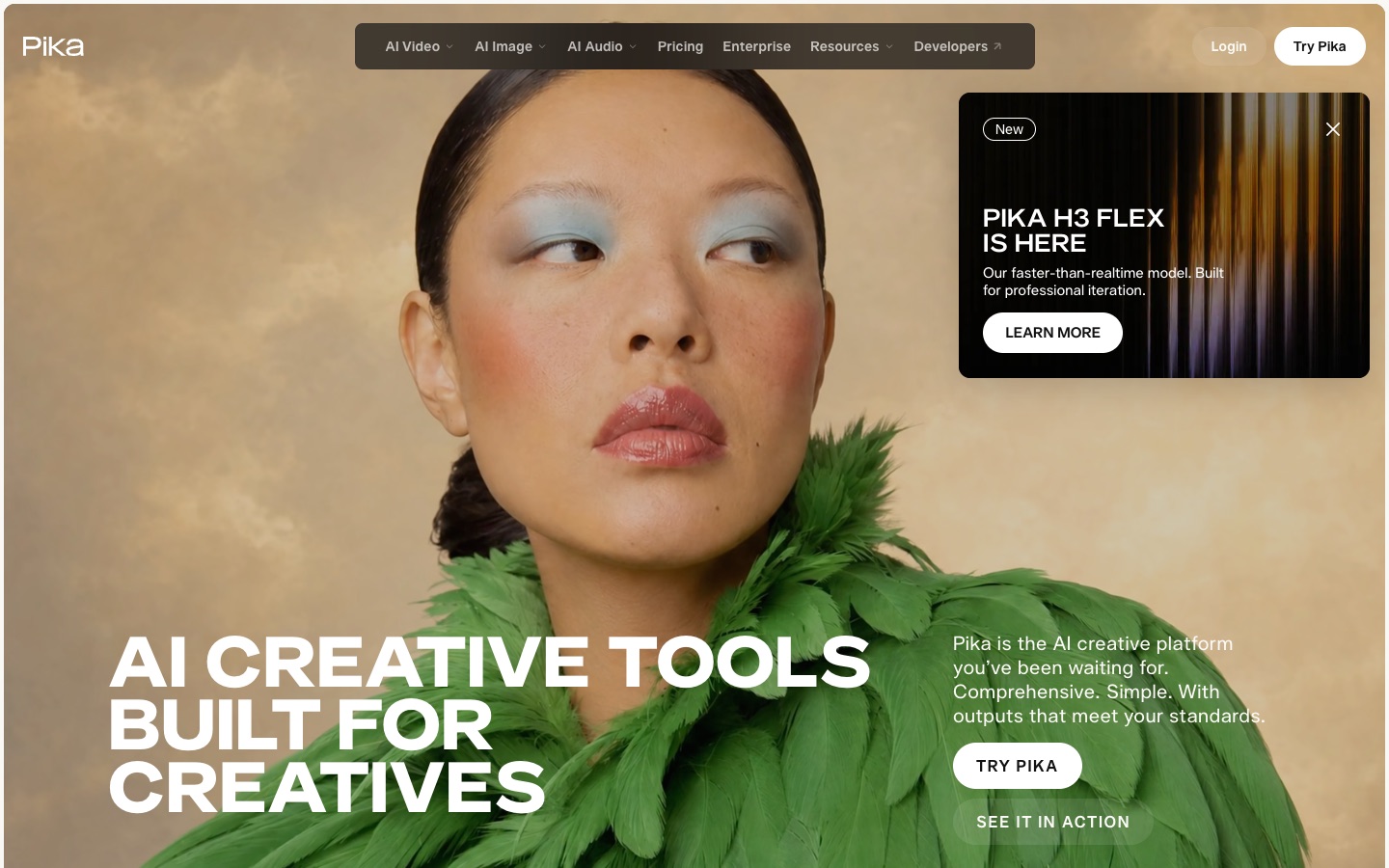
AIReel's effects revolve around people in trends; Pika's revolve around objects and transformations. You gain watermark-free downloads without a plan and very cheap drafts. You give up people trends and songs, and the free plan has no monthly credits, so you start by buying a pack.
Starter is $10 a month ($8 billed yearly) for 600 credits (pricing).
Key features
- Pikaffects photo effects on iOS
- Pika H3 Flex at 10 credits per 5 seconds
- Seedance 2.5 and Kling 4.0 in the same credit pool
Best for
Meme accounts posting quick, silly edits.
Pros
- No watermark on any plan
- Cheap drafts
Cons
- No monthly free credits
- Few people trends
#8 Runway: Best for Polished Ad Shots
If the clip is for a brand ad or a film pitch rather than today's feed, pick Runway. Its Gen-4.5 model, keyframes and editor give you control over every second.
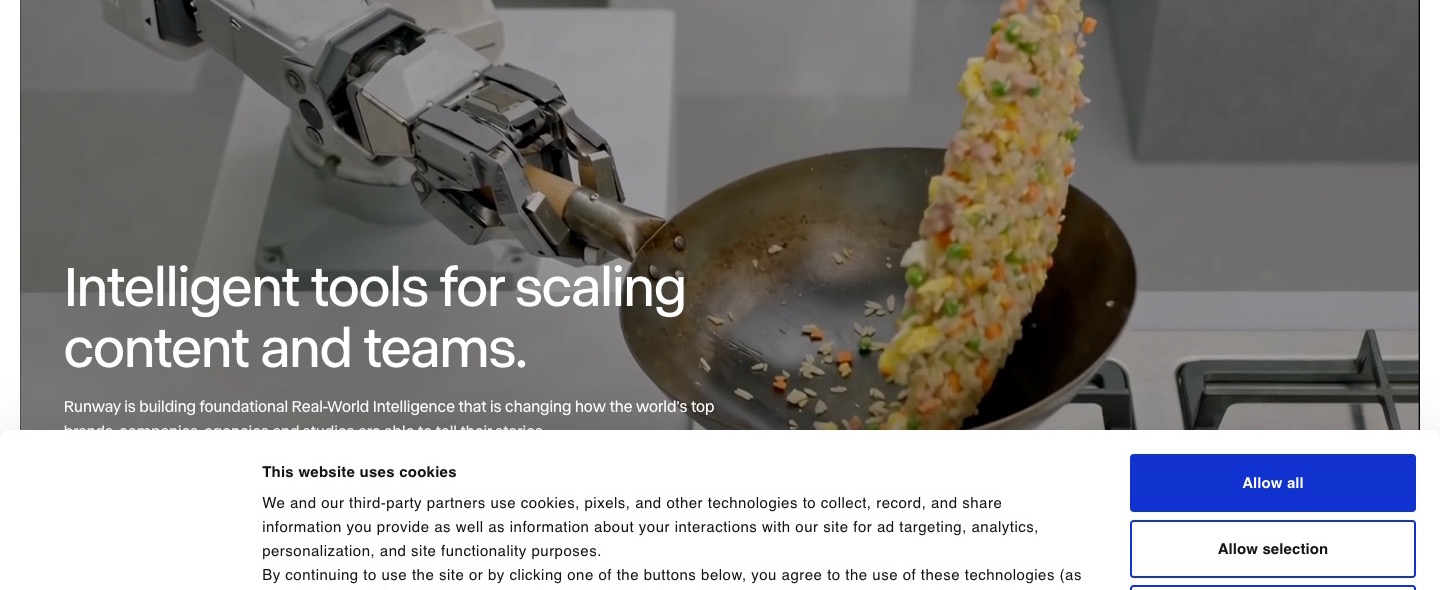
AIReel is about speed and trends; Runway is about precision. You gain camera control and polish. You give up templates completely, and short clips cost more.
The free plan is 125 one-time credits with watermarked videos; Standard is $15 a month ($12 billed yearly) for 625 credits with no watermark (pricing).
Key features
- Gen-4.5 with keyframes
- Video-to-video editing
- Full editing suite
Best for
Ad teams and filmmakers.
Pros
- Precise control
- Editing tools
Cons
- No trend templates
- Watermark on free videos
- Expensive for casual clips
How I compared these AIReel alternatives
I judged every tool on the job people use AIReel for: getting their own photos into a viral video they can post, at a fair price. I looked at:
- Trend match: does the template recreate the real trend, with its song and timing, or a generic look-alike?
- Faces: does each person still look like their photo, including in duo clips?
- Free plan: how many free credits, and do they refill?
- Watermark: are free downloads watermarked, and does removing it require a subscription?
- Cost per video: what one finished clip costs, and whether you can pay once instead of subscribing.
- Trial and refunds: are failed renders refunded, and how clear is the path from trial to payment?
Prices, free plans and watermark rules come from each tool's own pricing pages, help centers, app listings and terms, as of November 2026.
Which AIReel alternative should you choose?
| If you want… | Choose | Why |
|---|---|---|
| This week's TikTok trend with your photo, no subscription | AI Photo Animator | Same trends, pay once, never a watermark |
| A duo trend with a friend from two photos | AI Photo Animator | Each person keeps their own face and outfit |
| A new generic effect every day | PixVerse | Huge library and daily free credits |
| A hug or kiss clip for an anniversary | Vidu | Dedicated AI Hug and AI Kissing tools |
| Your own dance on a photo | Kling AI | Motion Control copies your clip |
| A clip you'll caption in CapCut | Dreamina | Hands off straight to CapCut |
| A viral camera move | Higgsfield | Big camera preset library |
| Silly object edits with no watermark | Pika | Watermark-free on every plan |
| A polished ad shot | Runway | Fine control and an editor |
My take
If I wanted to post the 58th Floor or End of Watch trend with my own photos this week, AI Photo Animator would be my first pick. I'd open the template, upload the photos and press Generate, and the clip would come back with the song, my face and no watermark, without signing up for a year.
If I posted several trends every single day and wanted a thousand templates and every model in one phone app, I'd still use AIReel on a yearly plan. And for a quick anniversary hug clip, Vidu is the simpler choice.
But as long as I make a few trend videos a month, want them to match the original and don't want a subscription or a watermark, AI Photo Animator is the one I'd keep. For the effect-library side of this market, see my PixVerse alternatives comparison.
AIReel alternatives FAQ
What is the best AIReel alternative?
For putting your own photos into viral TikTok trends, AI Photo Animator is the best AIReel alternative: it has templates for the same trends AIReel promotes, such as 58th Floor, End of Watch, Flamingo Float and Old Town Road, keeps the original song, never adds a watermark and sells a one-time $5.99 pack instead of a subscription. PixVerse is better for a huge library of generic effects, and Vidu for hug and kiss clips.
Is there a free AIReel alternative without a watermark?
Yes. AI Photo Animator gives new accounts 75 free credits and its downloads have no watermark on any plan, free accounts included. Pika's downloads are also watermark-free on every plan, though it has no monthly free credits. AIReel lists watermark-free export as a paid-plan feature (November 2026).
Is there an AIReel alternative without a subscription?
Yes. AI Photo Animator sells a one-time $5.99 pack of 540 credits, enough for one 15-second 58th Floor duo video (385 credits) with credits left over. AIReel's cheapest plan, Lite, is $119.99 a year during its November 2026 sale, with a monthly list price of $15.99.
Is AIReel worth it?
AIReel is worth it if you make many trend videos a month and want 1,000+ templates and 20+ models in one phone app; failed generations are free and unused subscriptions can be refunded. It has a 4.3 rating on Google Play from 41.4K reviews (November 2026), but the top critical reviews mention 600 credits for a 15-second clip and trials that end at a payment page.
How much does AIReel cost?
AIReel's pricing page (November 2026, Black Friday sale) lists Lite at $119.99 a year (about $9.99 a month, 3,000 credits a month, basic models), Pro at $299.99 a year (12,000 credits a month, all models, commercial license) and Ultra at $1,188.99 a year (24,000 credits a month). Monthly list prices are $15.99, $49.99 and $229.99.
Is AIReel the same as AIReelVideo?
No. AIReel (aireel.net and the AIReel: AI Video Generator app by FunCreate Limited) makes AI videos from photos and text, including viral trend templates. AIReelVideo (aireelvideo.com) is a separate service that turns articles into short videos and auto-posts them.
Are my photos used to train AI?
Not at AI Photo Animator. Your photos and videos stay in your account, are never used to train models and are only sent to the video model provider that makes your clip. Other tools set their own policies, so check each one before uploading personal photos.