8 Best Pollo AI Alternatives for AI Video Effects (2026)
What’s new on this page
- — Published. Prices, free plans and watermark rules as each tool lists them in November 2026; AI Photo Animator examples are real renders.
- — Rewrote each tool section around specific use cases and a direct comparison with the replaced app.
- — Rewrote the verdict as a first-person recommendation and added a "why" column to the choice table.
- — Added a "why pick it over" column to the at-a-glance table.
Pollo AI deserves its popularity: a huge library of AI effects, dozens of top models (Kling, Seedance, Wan and its own) in one account, and a 4.3 out of 5 score from 5,748 reviews on Trustpilot (November 2026). For daily creators it's good value.
It's less ideal if you make a few effect videos a month, hate subscriptions or keep hitting the credit limit. Below are 8 Pollo AI alternatives for turning your photos into AI effect videos, with who each one suits, what the free plan gives you, whether free downloads are watermarked and what it costs to start.
Why look for a Pollo AI alternative?
- It's built around subscriptions. The entry Lite plan gives 400 credits a month for about $15 a month billed yearly, and features like the Pollo agent use credits quickly, which Pollo itself warns about in its replies.
- Free videos are watermarked. Free accounts get sign-up and daily check-in credits, but clean downloads need a paid plan.
- Credits can disappear on rejected or failed renders. Negative reviews mention a render stopped by moderation over one word (September 2026) and a failed dance mimic that "wasted my credits" (November 2026).
Pollo AI alternatives at a glance
| Tool | Best for | Why pick it over Pollo AI | One-click photo effects | Free plan | Watermark on free downloads | Entry price |
|---|---|---|---|---|---|---|
| AI Photo Animator | Your photos in real viral trends, with the song | Pay once instead of monthly, real trends with the song, no watermark | Yes: dozens of dance, duo, trio and pet trends | 75 credits on sign-up | No, on every plan | $5.99 one-time for 540 credits, no subscription |
| Pollo AI (for reference) | Huge effect library plus many models | — | Yes | Sign-up + daily check-in credits | Yes | Lite, 400 credits a month (about $15/mo yearly) |
| PixVerse | Large template library, fast clips | Cheaper to start, with free credits every day | Yes | 60 credits + 30 a day | Yes, capped at 540P | $10/mo Standard, up to 720P |
| Vidu | Generic AI hug and kiss effects | Simple, dedicated hug and kiss tools | Yes: AI Hug, AI Kissing and more | Sign-up + daily login credits | Yes, capped at 720p | Paid plan needed for clean downloads |
| Magic Hour | Pay-once credits that never expire | One-time packs that never expire | Some effects and face swap | 400 credits on sign-up, 480p | Yes | $12/mo Creator billed yearly, or a one-time pack |
| Kling AI | Most realistic motion | Go straight to the newest Kling models | Some effects, mostly prompt-led | Daily free credits at 720p | Yes | Paid membership removes the watermark |
| Hailuo AI | Expressive faces and acting | Failed or rejected renders are refunded automatically | Some templates | One-time pack, expires in 3 days | Yes | $14.99/mo Standard, 1,000 credits |
| Pika | Cheap, playful object effects | Much cheaper per clip, no watermark | Effects like Swap Anything | No monthly credits | No | $10/mo Starter, 600 credits |
| Runway | Cinematic control, no templates | More control and polish for client work | No | 125 one-time credits | Yes | $15/mo Standard, 625 credits |
#1 AI Photo Animator: best Pollo AI alternative without a subscription
If you only jump on a few trends a month, want a duo or trio trend with friends from separate photos, or want your pet in a viral dance, and you don't want another subscription, pick AI Photo Animator. Each template recreates one real TikTok trend with its original song and setting; upload one to three photos and press Generate. Full disclosure: this is our own product. The three clips below are real renders, with what each one cost.
Make the same ones yourself: Hop Hop Hop AI Dance, Wassup in a Minute AI Trend and Otsukare Summer AI. The exact credits show on the Generate button before you start, and every pack is on the pricing page.
Compared with Pollo, the difference is breadth versus focus, and how you pay. Pollo gives you hundreds of generic effects and dozens of models on a monthly plan; here each template is one real trend that's already set up, and you can buy a single pack that doesn't need a subscription. You gain a closer match to the trend, the song, watermark-free downloads on every plan and automatic refunds on failed renders. You give up Pollo's huge range of effects and model choice.
Key features
- Viral effect templates: solo, duo and trio dances, movie moments, memes and pet trends, each with the original audio
- Up to three people from separate photos, each keeping their own face and clothes
- Photo to video with your own prompt on Seedance, Kling, Wan, MiniMax and Hailuo models
- One-time credit packs plus optional monthly plans
Best for
Creators who post a few trends a month; three friends recreating a trio dance from three selfies; pet owners who don't want another subscription.
Pros
- One template per real trend, with the song
- No watermark on any plan
- One-time packs, no subscription needed
- Failed renders refunded
- Up to three people from separate photos
Cons
- Far fewer generic effects than Pollo
- Clips are short, about 5 to 15 seconds
- Most trend templates render at 480p
#2 PixVerse: best for Pollo-style variety at a lower monthly price
If you like having a huge menu of one-click effects but want to pay less each month, pick PixVerse. It has a big template library, fast clips on its own V6 models, and a free plan that refills every day.
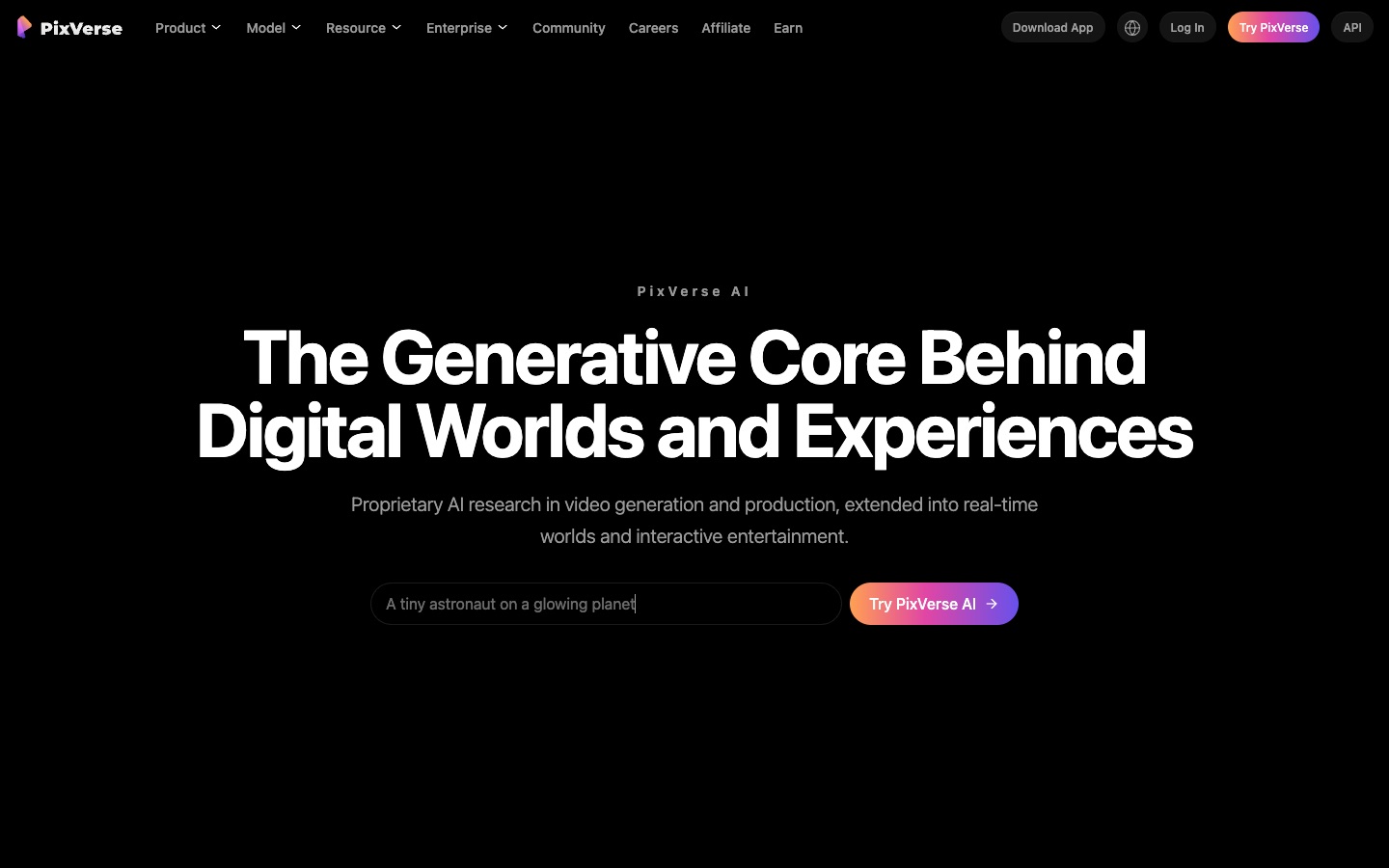
Pollo and PixVerse are the two biggest effect libraries. PixVerse is cheaper to start and has daily free credits; Pollo has more outside models and much better reviews. You gain a lower price. You give up trust and quality: PixVerse has a 2.1 out of 5 Trustpilot score, with complaints about credits spent on clips that ignore the prompt, and the $10 plan stops at 720P. More in the best PixVerse alternatives.
Basic is free with 60 starting credits plus 30 a day (watermark, up to 540P); Standard is $10 a month for 1,200 credits and watermark-free 720P (pricing).
Key features
- Huge one-click template library
- Fast clips on PixVerse V6
- Daily free credits
Best for
Daily posters on a tight budget who want lots of generic effects.
Pros
- Huge template library
- Daily free credits
- Cheap Standard plan
Cons
- Free videos watermarked and capped at 540P
- Standard only reaches 720P
- Trustpilot score of 2.1 out of 5
#3 Vidu: best for a couple's hug or kiss video
If the effect you mostly use on Pollo is the AI hug or kiss, for an anniversary, a long-distance couple or two old friends, pick Vidu. It has dedicated AI Hug and AI Kissing generators that put two people from two photos together.
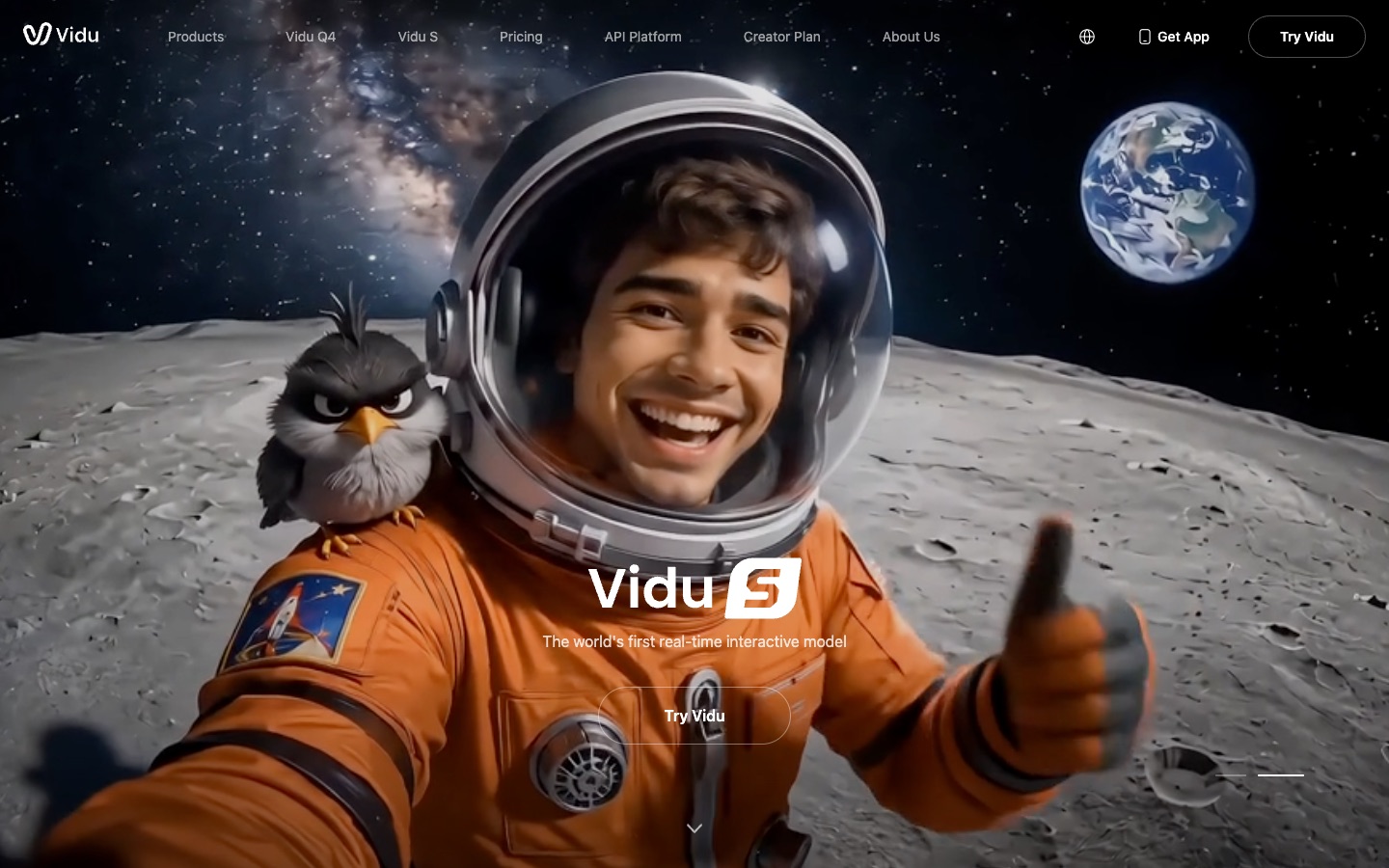
Pollo has hug and kiss effects among hundreds of others; Vidu makes them headline tools. You gain a simple, focused two-person flow. You give up everything else in Pollo's library, and the free plan caps videos at 720p with a corner watermark, for personal use only.
Clean downloads need a paid plan; plan prices appear after you sign in to Vidu.
Key features
- AI Hug and AI Kissing from two photos
- Reference-to-video with several characters
- Off-peak mode for cheaper renders
Best for
Couples making an anniversary or Valentine's clip.
Pros
- Dedicated hug and kiss tools
- Good multi-character references
- Off-peak mode for cheaper renders
Cons
- Effects aren't tied to real trends or songs
- Free videos watermarked and capped at 720p
#4 Magic Hour: best for occasional face swaps and lip syncs, paid once
If you use Pollo now and then for face swaps, lip syncs or a quick video-to-video edit, and resent paying every month for it, pick Magic Hour. It sells one-time credit packs that never expire and remove the watermark.

Pollo charges a subscription whether you create or not; Magic Hour lets you buy credits once and use them whenever. You gain flexibility for rare use. You give up Pollo's viral trend templates and some subscription-only models.
Free accounts get 400 sign-up credits, but free videos are 480p with a watermark; Creator is $12 a month billed yearly ($19 monthly) (pricing).
Key features
- One-time credit packs that never expire
- Face swap, lip sync and video-to-video
- Many free photo tools
Best for
Occasional creators who want general AI video tools without a monthly bill.
Pros
- Credits never expire on packs
- Generous sign-up credits
- Lots of tools
Cons
- Free videos are 480p with a watermark
- Few viral trend templates
- Packs don't unlock subscription-only models
#5 Kling AI: best if you mostly used Kling inside Pollo
If most of your Pollo credits go on the Kling model, for realistic people, cloth and camera moves, pick Kling AI directly. Its Motion Control can also copy a reference dance onto your photo.
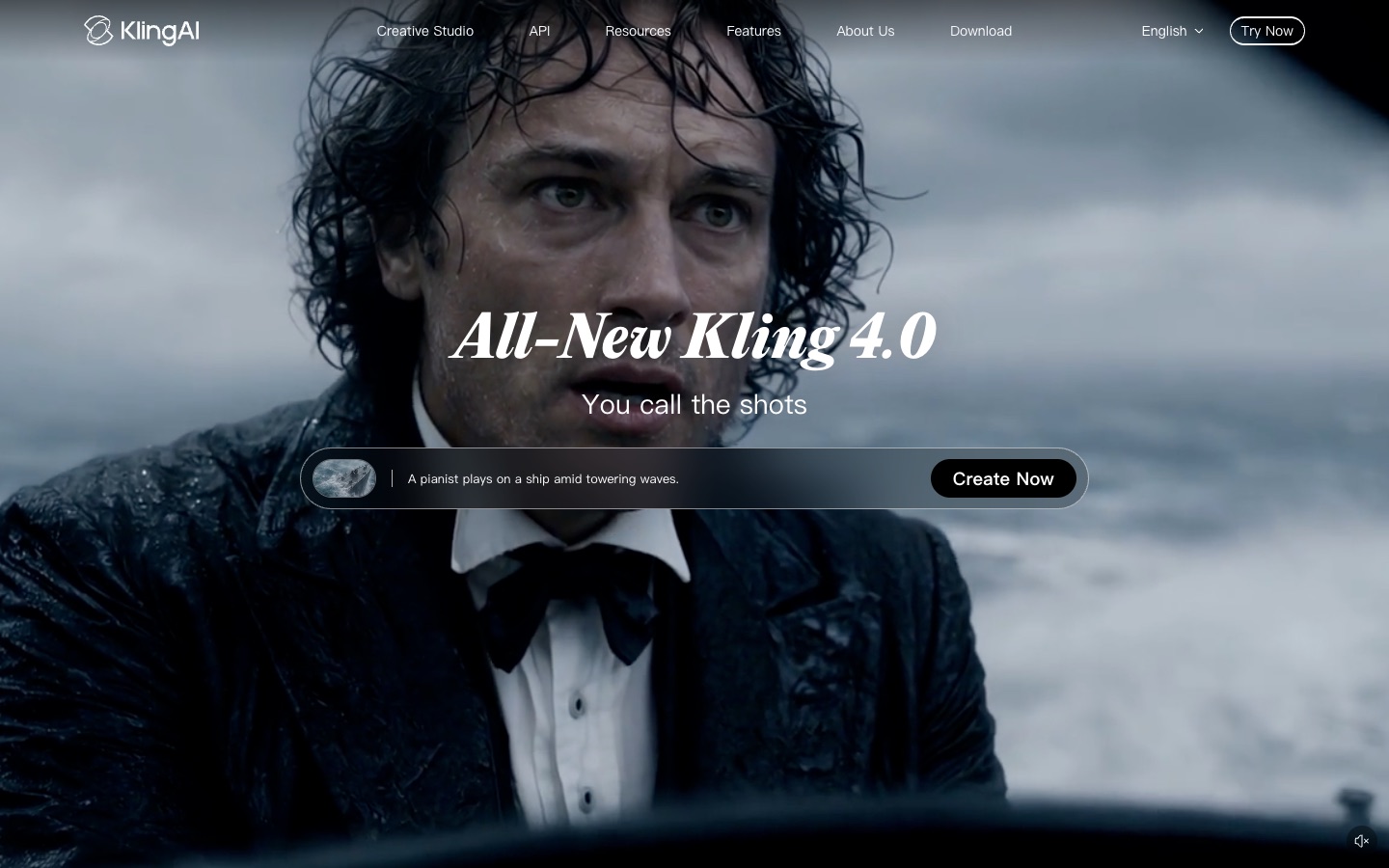
Pollo resells Kling alongside other models; going direct cuts out the middle layer. You gain Kling's newest models and daily free credits. You give up Pollo's one-click effects and the ability to switch models in one place, and free exports are watermarked.
The free plan gives daily credits at 720p; removing the watermark is a paid membership benefit.
Key features
- Kling 4.0 image-to-video
- Motion Control for dances
- Daily free credits
Best for
People who already write prompts and want the most realistic motion.
Pros
- Top-tier motion realism
- Motion Control for dances
- Daily free credits
Cons
- Prompt-led, fewer one-click effects
- Free exports watermarked
- Trustpilot score of 1.2 out of 5
#6 Hailuo AI: best for portrait and expression effects
If your favorite effects are portrait ones, a smile, a wink, a surprised reaction on a headshot, pick Hailuo AI. Its MiniMax models are strong on facial expression, and its Trending row has templates such as pet and style-switch effects.
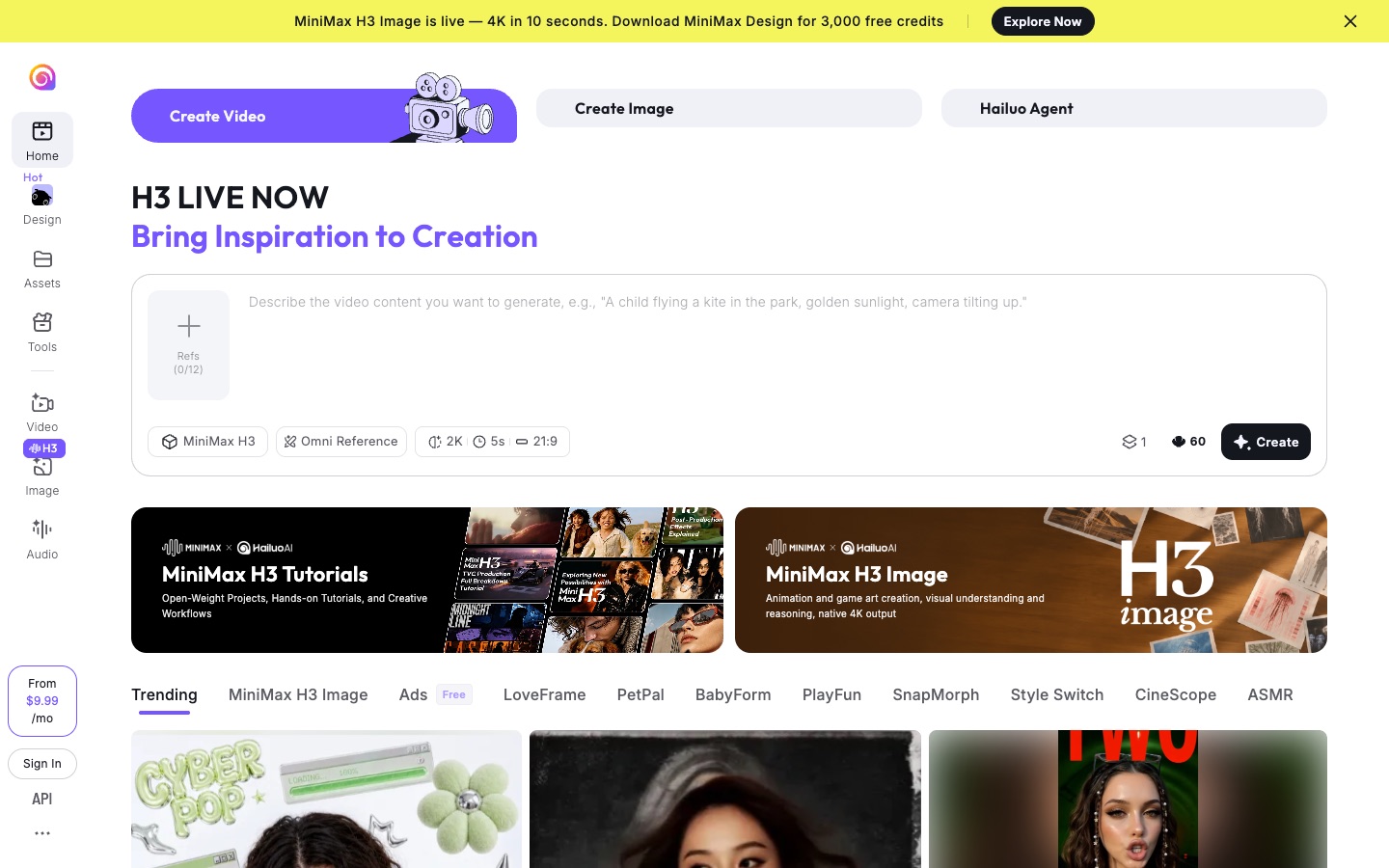
Pollo covers every kind of effect; Hailuo is better at faces. You gain natural expressions and automatic refunds for failed or rejected renders, which matters if moderation has cost you credits on Pollo. You give up the big library, and free credits are a one-time pack that expires after three days.
Free downloads are watermarked. Standard costs $14.99 a month for 1,000 credits and watermark-free downloads.
Key features
- MiniMax H3 video and image models
- Trending templates including pet effects
- Refunds for failed or rejected renders
Best for
Creators making portrait and reaction effects.
Pros
- Expressive faces
- Refunds failed or rejected renders
- Growing template row
Cons
- Free credits expire after three days
- Free downloads watermarked
#7 Pika: best for cheap, silly object effects
If you mostly use Pollo for funny object effects, like swapping something in the frame or changing a scene, pick Pika. Its cheapest model makes a 5-second clip for 10 credits, and downloads have no watermark.
Pollo's effect library includes people trends and many models; Pika focuses on cheap object and scene tricks. You gain a much lower cost per clip. You give up people trends, and the free plan has no monthly credits.
Starter is $10 a month ($8 billed yearly) for 600 credits (pricing).
Key features
- Swap Anything and other effect tools
- Very low credit cost per clip
- Commercial license from Starter
Best for
Meme accounts making funny edits on a small budget.
Pros
- Cheap per clip
- No watermark
Cons
- No monthly free credits
- Few people-trend templates
#8 Runway: best for an effect shot in an ad
If you use Pollo for client work, such as an effect shot inside a brand ad, and need polish more than variety, pick Runway. Its Gen-4.5 model and editing suite give camera control and consistent styling.
Pollo is fast and broad; Runway is precise. You gain control and finish. You give up templates, and it costs more per casual clip.
The free plan has 125 one-time credits with a watermark on every video; Standard is $15 a month ($12 billed yearly) for 625 credits without watermark (pricing).
Key features
- Gen-4.5 video model
- Camera and motion controls
- Full editing suite
Best for
Ad teams and filmmakers who write detailed prompts.
Pros
- Strong control and polish
- Full editing suite
Cons
- No trend templates
- Watermark on every free video
- Pricey for casual clips
How I compared these Pollo AI alternatives
I judged every tool on what people want from Pollo: a usable effect video of their own photos, at a price that fits how often they make one. I looked at:
- One-click effects: can you pick an effect and upload a photo, or do you have to write and tune a prompt?
- Face and identity: do the people or pets still look like the photos once the effect plays?
- Free plan: how many free credits you get, whether they refill and whether they expire.
- Watermark and quality: are free downloads watermarked, and what resolution do you get before paying?
- How you pay: subscription only, or can you buy a single pack that doesn't expire?
- Wasted credits: are failed or rejected generations refunded?
Prices, free plans and watermark rules come from each tool's own pricing pages, help centers and terms, as of November 2026.
Which Pollo AI alternative should you choose?
| If you want… | Choose | Why |
|---|---|---|
| Your photos in real viral trends, no watermark, no subscription | AI Photo Animator | Real trends with the song, pay once |
| A trio or duo trend from separate photos | AI Photo Animator | One photo per person, each face kept |
| Pollo-style variety for less per month | PixVerse | Big template library, cheaper to start |
| A quick generic hug or kiss clip | Vidu | Dedicated AI Hug and AI Kissing tools |
| Pay-once credits for general AI tools | Magic Hour | Credit packs that never expire |
| The most realistic motion | Kling AI | Most lifelike motion, follows your prompt |
| Expressive portrait effects | Hailuo AI | Best at subtle facial expressions |
| Cheap, silly object effects | Pika | About 10 credits a clip, no watermark |
| Cinematic control for an ad | Runway | Camera control and a full editing suite |
My take
If I posted a few trend videos a month, AI Photo Animator would be my first pick. I'd pay $5.99 once instead of a monthly plan, pick the trend, upload one to three photos and get a watermark-free clip with the song.
If I ran a daily account that needs hundreds of effects, many models and an agent for longer videos, I'd still use Pollo AI; at that volume its subscription is good value, and its reviews show it.
But once the volume drops to a handful of videos a month, or what I want is a specific trend with friends or my pet, AI Photo Animator fits better and costs less. If the main job is making a photo dance, see the best Viggle AI alternatives.
Pollo AI alternatives FAQ
What is the best Pollo AI alternative?
For turning your own photos into viral effect videos without a subscription, AI Photo Animator is the best Pollo AI alternative: each template recreates one real trend with its song from one to three photos, downloads have no watermark on any plan, and a one-time $5.99 pack (540 credits) makes a two-person trend for about $2.61. PixVerse is the closest match if you want a similarly huge template library.
Is there a Pollo AI alternative without a subscription?
Yes. AI Photo Animator sells one-time credit packs from $5.99 with no subscription required, and Magic Hour sells one-time packs whose credits never expire. Pollo AI's own pricing is built around monthly or yearly plans (November 2026).
Is there a free Pollo AI alternative without a watermark?
AI Photo Animator gives new accounts 75 free credits and never adds a watermark, including on free accounts; Pika also has no watermark but gives no monthly free credits. Pollo AI's free-plan videos are watermarked.
Is Pollo AI worth it?
Pollo AI is worth it for daily creators: it has a 4.3 out of 5 TrustScore from 5,748 Trustpilot reviews (November 2026), a huge effect library and many models in one account. The main complaints are credits used up quickly, especially by the agent, renders stopped by moderation, and failed motion mimics that still cost credits.
How much does Pollo AI cost?
Pollo AI's entry Lite plan includes 400 credits a month, about $15 a month billed yearly, with Pro and Ultra plans above it. The free plan gives sign-up and daily check-in credits with watermarked videos.
Are my photos used to train AI models?
On AI Photo Animator, no. Your photos and videos stay in your account, are never used to train AI models, and are only sent to the video model provider that renders your clip. For other tools, check their own privacy policies.