How to Make a Your Next Opponent Is You AI Video From 2 Photos (4 Steps)
What’s new on this page
- — Published: our first Your Next Opponent Is You AI video (Wan 3.0, 10 s, 480p, 220 credits, first try, about 12 minutes), the full prompt, frames, the task screenshot and photo tips.
A Your Next Opponent Is You AI video puts two versions of one person on a dark stage: the younger self rises into a spotlight, looks up, and finds the grown-up self waiting as the opponent. We made the clip above on 3 November 2026 from just two photos, a baby photo and a photo of the adult. Below: what we did, what it cost and how to make one with your own childhood photo.
What happens in a Your Next Opponent Is You AI video?
The video is four shots in one clip: the kid in the dark, the kid in the light, the reveal over the kid's shoulder, and a wide shot of both of you. In our result:
| Seconds | What happens |
|---|---|
| 0–2 | The kid sits in the dark as a spotlight beam cuts through haze |
| 2–4 | The kid stands up into the light |
| 4–6 | The kid looks up and raises a hand toward the beam |
| 6–9 | Over the kid's shoulder: the grown-up stands waiting on the stage |
| 9–10 | Wide shot: two spotlights, the kid at the foot of a hill, the grown-up at the top |
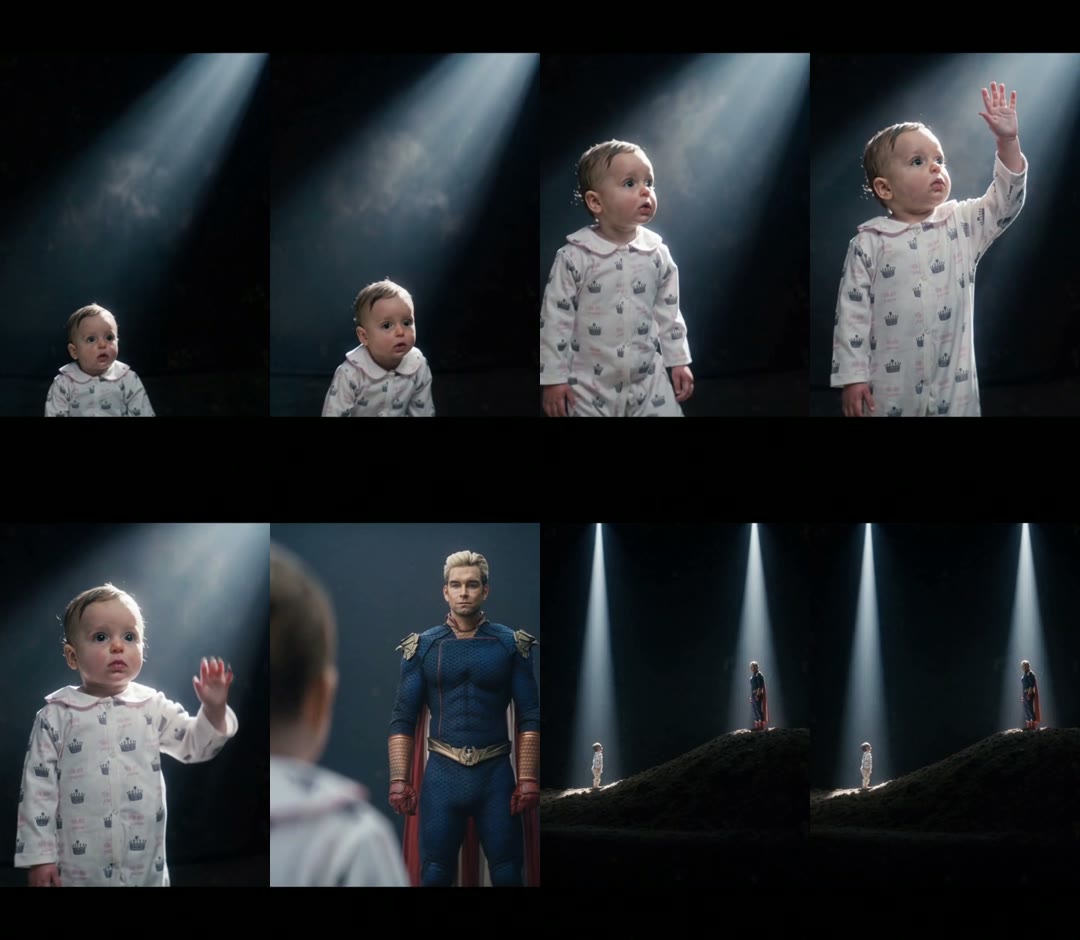
How we made our first Your Next Opponent Is You AI video
We built it by hand first, the way you would without a template, so we know which parts matter.
1. We started from a 10-second trend clip
The trend comes from a voice line, "Congratulations, you're moving to the next level. Your next opponent is you," first used by TikTok creator @shannon__cahill on 12 May 2026, according to Know Your Meme. We picked a younger-self version: a little girl in a yellow jersey rising into a spotlight and facing a woman in a sparkly blue gown. At 10.1 seconds it fit easily under the length limit.
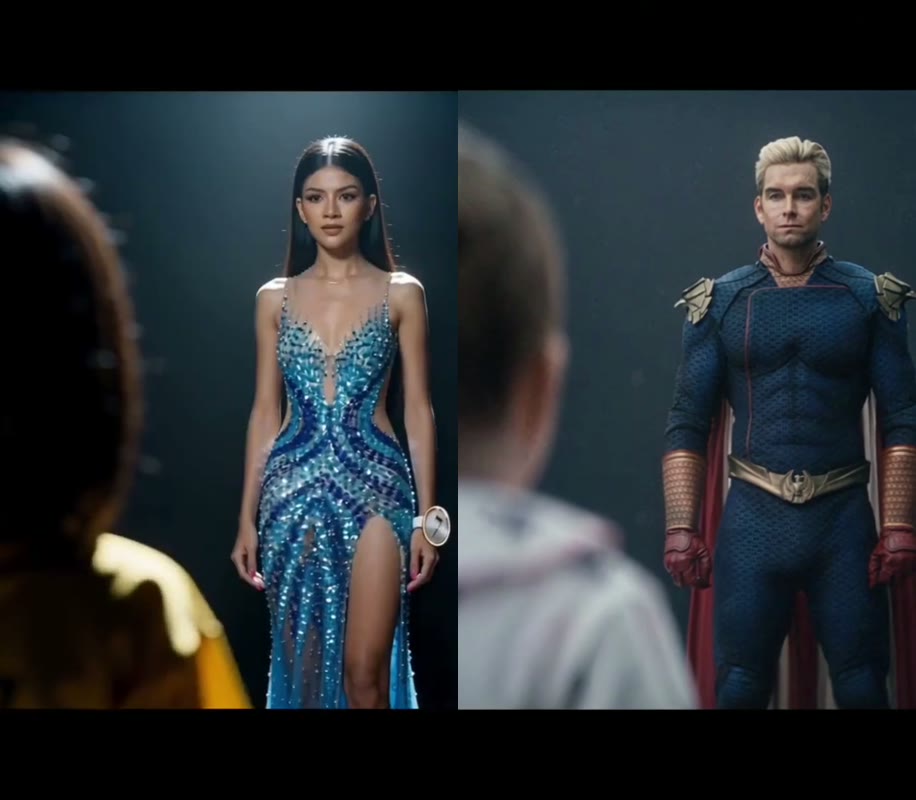
2. We used one photo for each age
Photo 1 was a baby sitting in crown-print pajamas; photo 2 was a grown man in a blue costume. One-photo tools have to invent your younger face. With two photos, the kid on stage has the face from photo 1.
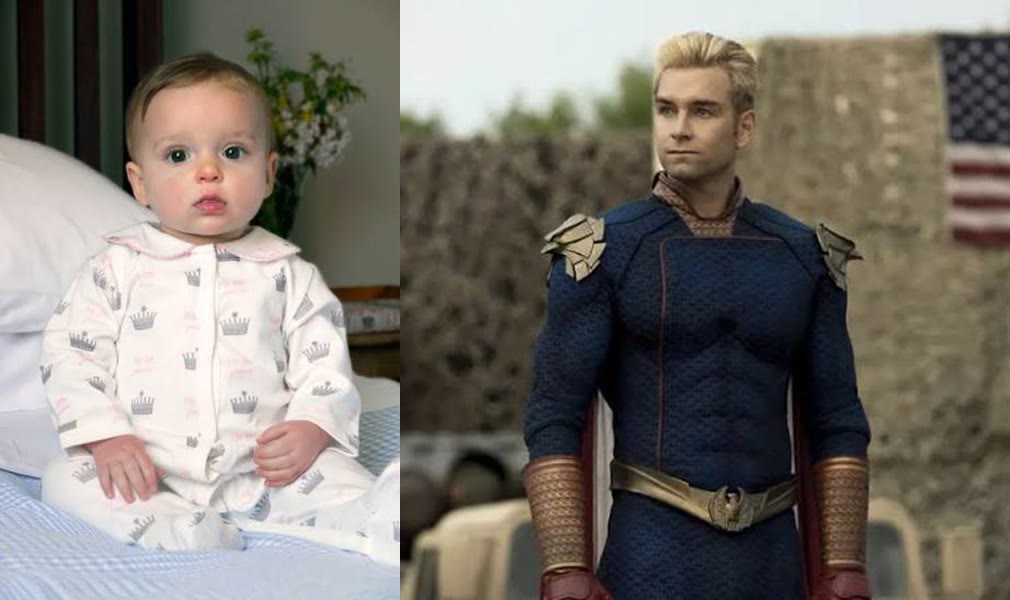
3. We told the model which age goes on which person
The key line is the mapping: the child in the clip becomes image 1, the adult becomes image 2, and everything else, the stage, beams, haze, hill and shot order, stays. This is the prompt we ran on Wan 3.0, 480p, sound on, with the trend clip as the reference video:
Replace the two people in the reference video while keeping everything else exactly the same: the dark stage, the spotlight beams, the haze, the hill, the camera angles, the shot order and timing, and every movement and expression. - The little child (in the yellow jersey in the original video) → replace with the person from image 1. Use image 1 for the face, hairstyle, skin tone, body and outfit. - The adult woman (in the sparkly blue gown in the original video) → replace with the person from image 2. Use image 2 for the face, hairstyle, skin tone, body and outfit.
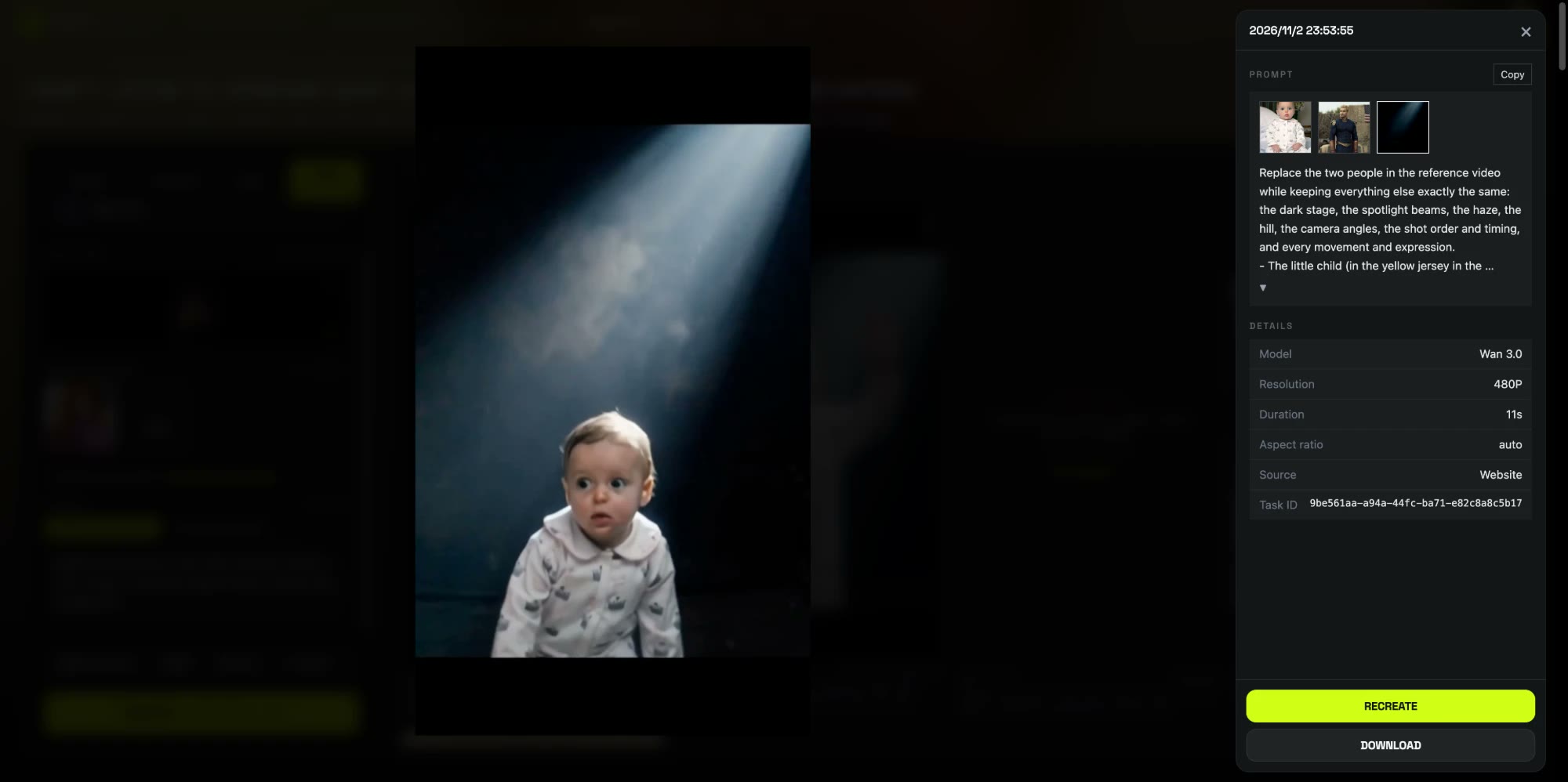
4. It rendered in about 12 minutes
We pressed Generate at 07:53 UTC and the video was ready at 08:06, on the first try. The baby kept the pajamas, the face and the small size from photo 1, and the adult kept the costume and face from photo 2.
How to make a Your Next Opponent Is You AI video in 4 steps
We packaged that setup as a template, so you don't need the clip or the prompt.
Step 1: Open the template
Go to the Your Next Opponent Is You AI generator. Wan 3.0, the stage and the sound are already set; the Generate button shows the credit cost before you spend anything.
Step 2: Add you as a kid
Slot 1 is the kid who rises into the spotlight. Use a clear childhood photo, knees up if you have one. Only a printed photo? Photograph it straight on in good light and crop to the kid.
Step 3: Add you now
Slot 2 is the opponent waiting on the stage. A sharp full-body or knees-up photo works best, because the grown-up is shown standing from head to toe. Whatever you wear in the photo is what you wear on stage.
Step 4: Generate and download
Press Generate. The video lands in My Videos, so you can close the tab; download the MP4 with no watermark and post it. If a render fails, the credits come back automatically.
Which photo plays which role in the Your Next Opponent Is You AI video?
| Slot | Role | Best photo |
|---|---|---|
| 1 | The kid who rises into the spotlight and looks up | Your own childhood photo, face clear, knees up |
| 2 | The opponent waiting on the stage and on the hill | You today, full body or knees up, facing the camera |
What photos work best for a Your Next Opponent Is You AI video?
- A real childhood photo. Friends should recognize you at both ages; a baby photo worked in our test.
- Rephotograph printed photos. Shoot the print straight on, in daylight, without glare, and crop to the kid.
- Avoid tiny faces. A face cut out of a family picture is too few pixels for the spotlight close-ups.
- One person per photo, face uncovered. No sunglasses, masks or hands over the face.
- Pick an outfit you like for photo 2. The grown-up keeps it in the reveal; a jersey, gym kit or graduation gown all work.
Other ways to make a Your Next Opponent Is You video
From their public pages on 3 November 2026 (we didn't generate on these tools): Kapwing's generator turns one photo into four images you then animate, merge and add audio to yourself. Picsart's guide uses one photo in its Flow templates. wan27.org lists 19 credits per video and leaves the music out. Our template takes two photos so the kid is really you, and returns one finished clip with sound.
What to watch for in a Your Next Opponent Is You AI video
- The stage stays the same. The dark stage, spotlight beams, haze and hill come with the template; faces, hair, size and clothes come from your photos.
- Slot order is the role. Swap the photos and the adult rises into the spotlight instead.
- 480p is made for phones. It looks sharp on a vertical feed and soft if you blow it up on a big screen.
In the template, the role mapping, the stage and the model are already set. Make your Your Next Opponent Is You AI video with the same settings.
Is Your Next Opponent Is You AI free?
Not completely. New accounts get 75 free credits and one video takes 220, so you need the one-time $4.99 pack (540 credits). That covers two videos at about $2.03 each, with no subscription. See pricing. Failed renders are refunded automatically.
How long is the video and how much does it cost?
About $2.03 for one video: 220 credits for a 10-second, 480p vertical clip with sound. Ours took about 12 minutes to render.
What song is used in Your Next Opponent Is You?
An instrumental remix of Eclipse's "Welcome to my Crib" with the voice line "Congratulations, you're moving to the next level. Your next opponent is you." Our AI video comes with sound, so you don't add music yourself.
Can I use a baby photo?
Yes. Our test used a baby in pajamas in slot 1, and the baby kept the face, pajamas and small size in the video.
I only have one photo. Can I still make it?
Yes. Upload the photo you have and click Use example under the empty slot, so our sample photo plays the other age.
Why doesn't the kid look like me?
Usually it's a faded or tiny childhood photo. Rephotograph the print in good light, crop it to the kid and run the Your Next Opponent Is You AI template again.
Want a second video with your baby photos? Our I Don't Listen to Opinions baby dance tutorial uses a single baby photo.