How to Make a Pick It Up Dance AI Video From 1 Photo (and Keep Your Background)
What’s new on this page
- — Published: three tests on the same photo (Seedance 2 Mini face drifted, Wan 3.0 lost the background, Wan 3.0 with a background prompt worked: 12 s, 480p, 240 credits), full prompts and photo tips.
A Pick It Up Dance AI video takes one photo of you and turns it into the 12-second Pick It Up (Make It Jump) TikTok routine: hands up, a spin to face away, hands joined over the head, a turn back and open palms. The clip above took us three tries on the same photo. The first one didn't look like her, the second one danced well but threw away the background, and the third got both right.
What happens in a 12-second Pick It Up Dance AI video?
The camera stays still; the dancer does all the work. In our result:
| Seconds | What happens |
|---|---|
| 0–1 | Bounce on the beat |
| 1–2 | Both hands go up |
| 2–3 | Spin to face away |
| 3–6 | Back to the camera, hands joined over the head, swaying |
| 6–8 | Turn back around |
| 8–10 | Both palms open at shoulder height |
| 10–11 | Hands over the head again |
| 11–12 | Hands on the hips |
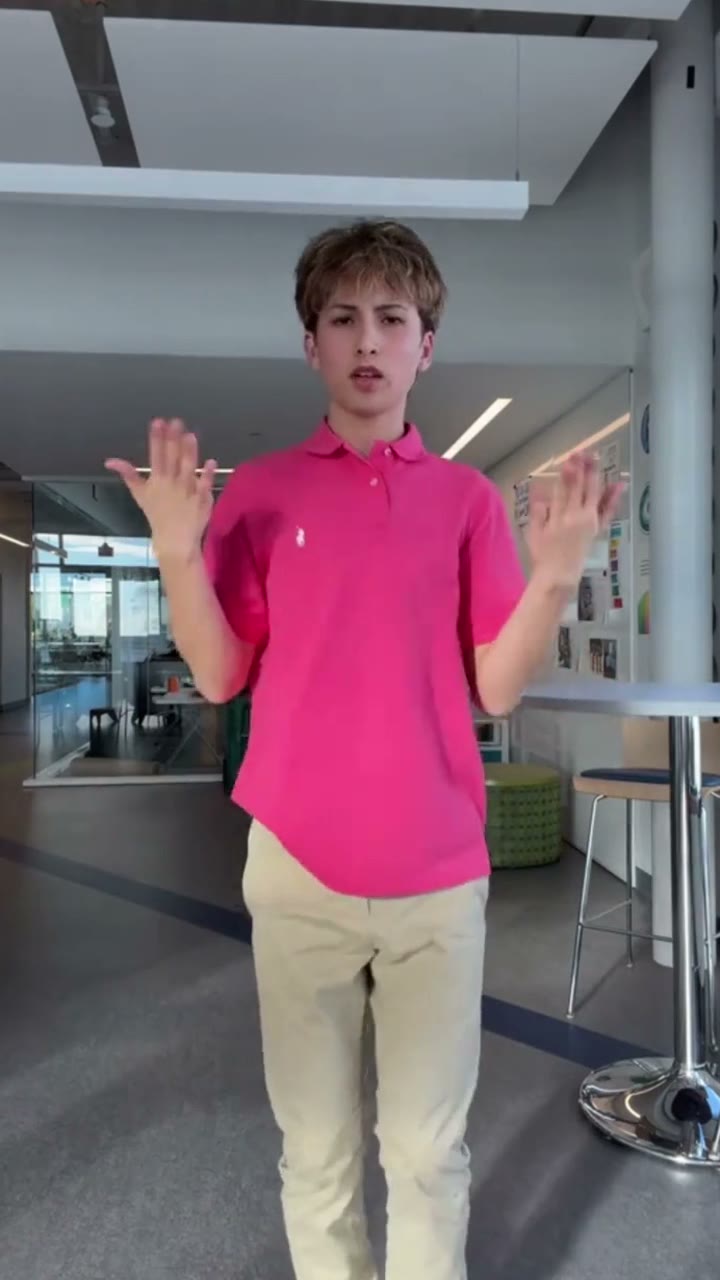
Why did our first two Pick It Up Dance AI tests fail?
Same photo, same 12-second reference clip, same 480p. Only the model and the prompt changed.
| Test | Model | Prompt | Credits | Result |
|---|---|---|---|---|
| 1 | Seedance 2 Mini | Short: copy the dance | 75 (about $0.69) | Failed: the face drifted away from the photo, and the backdrop became a bright modern lobby |
| 2 | Wan 3.0 | Same short prompt | 240 (about $2.22) | Half right: her face and dress held, but the event wall became a dark studio |
| 3 | Wan 3.0 | Motion from the clip, background from the photo | 240 (about $2.22) | Worked: same face, same dress, the event wall stayed in place with every logo readable |
Test 1 · Seedance 2 Mini: face drifted
Test 2 · Wan 3.0: background lost
Test 3 · Wan 3.0: worked
Test 1: Seedance 2 Mini, the face didn't hold
The subject in the reference photo fully replicates the dance in the depth control video, matching every movement, rhythm and body orientation frame by frame.
Seedance 2 Mini was the cheapest run at 75 credits and it got the choreography right. But in a dance with this many turns the face is redrawn every time she comes back around, and it came back as a different woman. It also invented a bright white lobby that was never in the photo. For a trend whose whole point is "that's me dancing", a face that drifts is a failed video.
Test 2: Wan 3.0, the background didn't follow
Switching to Wan 3.0 fixed the face: same features, same earrings, same gold tassel necklace through every spin. The background was the problem. The short prompt only talks about the dance, and the reference clip has no usable background of its own, so the model made up the most generic dance setting it knows: a dark, empty studio. The photo's Kering "Women in Motion" wall was gone from the first frame.
Test 3: Wan 3.0 with a background prompt, perfect
The person in the reference photo performs the dance from the reference video, matching every movement, rhythm and body orientation frame by frame. Use the reference video only for motion and timing. Take the person, the background, the scene and the lighting from the reference photo. Do not create a new stage, studio or dark backdrop. Keep the location from the photo as the background for the whole video, with the same architecture, colors, signs, text and logos, and the same lighting. When the person turns or moves, fill in any newly revealed background so it matches the same place. Any other people in the background stay in place or keep moving naturally; they do not dance. Keep the person's face, hairstyle, body shape and outfit from the photo. If the photo does not show the full body, complete the legs and shoes naturally in the same style as the visible outfit. Locked, stable camera. No flicker, no warping of the background, no added text or watermark.
Three things made it work. The prompt says what each input is for: the clip gives motion and timing only, the photo gives the person, the place and the light. It names the failure ("do not create a new stage, studio or dark backdrop"). And it tells the model what to do with the parts the photo never showed: fill in the background revealed when she turns, and complete the legs if the photo is cropped. The wall stayed put for all 12 seconds, logos included. The Pick It Up Dance AI template uses exactly this setup.
| Setting | Value |
|---|---|
| Model | Wan 3.0 |
| Inputs | 1 photo + 12 s trend clip |
| Length | 12 s |
| Resolution / ratio | 480p · auto (came out vertical) |
| Sound | On, from the clip |
| Credits | 240 (about $2.22) |
| Render time | About 4 minutes |
| Runs needed | 3 (2 failed) |
How should you write a Pick It Up Dance AI prompt that keeps your background?
| Do | Don't |
|---|---|
| Say the reference clip is for motion and timing only | Just say "copy the dance" and hope |
| Say the background, scene and lighting come from the photo | Leave the background unmentioned |
| Name the failure: no new stage, studio or dark backdrop | Assume the model knows which background you mean |
| Ask for signs, text and logos to stay as they are | Expect busy backgrounds to survive on their own |
| Tell it to fill in what turns reveal, and complete cropped legs | Use a face-only close-up |
How to make a Pick It Up Dance AI video in 4 steps
Step 1: Open the Pick It Up Dance AI template
Go to the Pick It Up Dance AI page. Wan 3.0, the prompt above and the settings are already loaded.
Step 2: Pick a photo taken somewhere worth showing
The place in your photo stays behind you for all 12 seconds, so choose it on purpose: your room, your office, a street people know.
Step 3: Upload one full-body or knees-up photo
One person, facing the camera, with some room above the head for the hands-up moves.
Step 4: Generate and download
Press Generate. It takes about 4 minutes and saves to My Videos, so you can close the tab. Download the MP4 (no watermark) and post it to TikTok, Reels or Shorts.
What photos work best for the Pick It Up Dance AI?
One person, full body or knees up, facing the camera, sharp and well lit. Half the routine is danced facing away, so the outfit matters as much as the face. Plain and busy backgrounds both worked in our tests once the prompt asked for them. Skip group photos, sunglasses, masks, and photos of celebrities, public figures or children.
What did we learn from three Pick It Up Dance AI tests?
- Pick the model for the face first. In a dance with turns, the face is redrawn every time the dancer comes back around. Seedance 2 Mini lost it; Wan 3.0 kept it. Saving 165 credits on a video that doesn't look like you saves nothing.
- A model that keeps the person won't keep the place unless you ask. Wan 3.0 held the face on the first try but dropped the background. Identity and background are two separate jobs; the prompt has to ask for both.
- Tell the model what each input is for. "Clip = motion and timing, photo = person, place and light" was the sentence that fixed it. Without it, the model has to guess which background you mean.
- Name the failure you just saw. After test 2 we added "do not create a new stage, studio or dark backdrop". Writing down the exact wrong result is the fastest fix.
- Plan for what the photo never showed. Turns reveal background hidden behind the body, and cropped photos have no legs. Ask the model to fill both in from the same scene and the same outfit.
- Test on the hardest photo. A wall full of logos is the easiest place to spot a background that slipped. If it survives that, plain rooms are easy.
Is Pick It Up Dance AI free?
Not completely. New accounts get 75 free credits and one video takes 240, so you need the one-time $4.99 pack (540 credits). That covers two videos at about $2.22 each, with no subscription. See pricing.
Why did my Pick It Up video put me in a dark studio?
Usually the prompt only describes the dance, so the model invents a stage. Say the background comes from your photo and the clip is for motion only, or use our template, which already does.
Why doesn't the dancer look like me?
In our tests it was the model: Seedance 2 Mini drifted on the face after the turns, Wan 3.0 held it. A sharp, front-facing full-body photo also helps.
Which model is best for the Pick It Up dance?
Wan 3.0 in our tests. Seedance 2 Mini was cheaper (75 credits) but didn't keep the face.
Can I use a half-body photo?
Yes, knees up works. The template asks the model to complete the legs and shoes in the same style as your outfit.
How long does it take?
About 4 minutes for a 12-second clip. It saves to My Videos, so you can close the tab.