How to Make a Street Light Trend AI Video From 1 Photo (We Tested It 3 Times)
What’s new on this page
- — Published. Three test runs on 29 October 2026; TikTok and CapCut numbers collected the same day.
What happens in a Street Light Trend AI video?
A Street Light Trend AI video is one fixed night shot that lasts about 5 seconds. The camera never moves; everything happens in front of it. We watched the CapCut template's clip at five frames per second to get these timings:
| Seconds | What happens |
|---|---|
| 0–0.6 | You stand small in the distance by a bright street lamp and reach for the pole |
| 0.6–1.0 | You grab it and lean your body out, as if to swing around it |
| 1.0–1.4 | Your grip slips; the momentum flings you sideways and you stumble off the left edge |
| 1.4–2.0 | Empty sidewalk, lamp and trees: the beat where viewers wonder if you are okay |
| 2.0–5.0 | You burst in from the lower left right against the lens, hair whipping, arm out like a selfie, and hold a calm smile |
That version comes from the CapCut template "ai" by li88y99, published on 21 October 2026, with 63,880 uses by 29 October. Another popular version, from @dreamina_tao on TikTok (22 October, 2.0 million plays by 29 October), has the person slide along the ground instead of slipping off the pole. The street light trend meme explainer covers both.
What we learned from 3 Street Light Trend AI test runs
We made the Street Light Trend AI template by testing it ourselves on 29 October 2026, using the trend clip and one reference photo, all at 5 seconds and 480p. Two of the three runs went wrong, and both mistakes are ones you will hit if you try this by hand.
| Run | Model | What we told it | Result | Credits |
|---|---|---|---|---|
| 1 | Seedance 2.0 Mini | Our first prompt, a superhero character as the photo | Refused: "may be related to copyright restrictions" | 30, refunded |
| 2 | Wan 3.0 | The person "suddenly vanishes" and "instantly reappears" | Rendered, but the person vanished while holding the pole | 100 |
| 3 | Wan 3.0 | The grip slips and the person is flung off the left edge | Worked: grab, slip, empty beat, pop-back selfie | 100 |
Run 1: a famous character photo got refused
Our first reference photo was a superhero character. Seedance 2.0 Mini refused the job with a copyright message, and the 30 credits came back automatically. Lesson: use a photo of a real, non-famous person. Celebrity, movie and superhero photos can be blocked by the model before anything renders.
Run 2: the person vanished at the lamp post
Our first look at the clip was at one frame per second. At that speed it looks like the person stands at the pole, disappears and reappears in front of the lens, so that is what we wrote. Wan 3.0 did exactly what the prompt said: the person stood holding the pole, vanished on the spot and popped up close. It rendered fine, but it is not the trend. The joke is the slip, and a vanish has no slip.
Run 3: frame by frame, the slip shows up
We re-watched the clip at five frames per second. Between seconds 1.0 and 1.4 the person's hand comes off the pole and they lurch sideways out of the left side of the frame, then come back from the lower left. We rewrote the prompt around that motion and Wan 3.0 got it right on the next run. That run is the one packaged in the Street Light Trend AI template.
Replace the person in the source video with the character shown in IMG 1, keeping the character's face, hairstyle, outfit and body proportions consistent throughout. Follow the source video's timing and camera exactly: at night under a bright street lamp, the character stands next to the lamp post, grabs it with one hand and leans their body outward; their grip slips, and the momentum flings them sideways, stumbling off the left edge of the frame, leaving the empty sidewalk for a moment; then they burst back in from the lower left right in front of the camera in a close-up selfie framing, hair whipping from the motion, holding the phone at arm's length, and smile confidently at the lens. Keep the original background, blue night sky, street lamp glow, trees and road unchanged. Realistic lighting on the character matching the cool street-lamp light, natural skin texture, smooth motion, no flicker, no extra people.
The prompt avoids "he" and "she" on purpose: "the character" and "they" work whether your photo shows a man or a woman. If your photo shows someone with a shaved head or a helmet, delete "hair whipping from the motion", or the model may invent hair.
How to make a Street Light Trend AI video in 4 steps
1. Open the Street Light Trend AI page
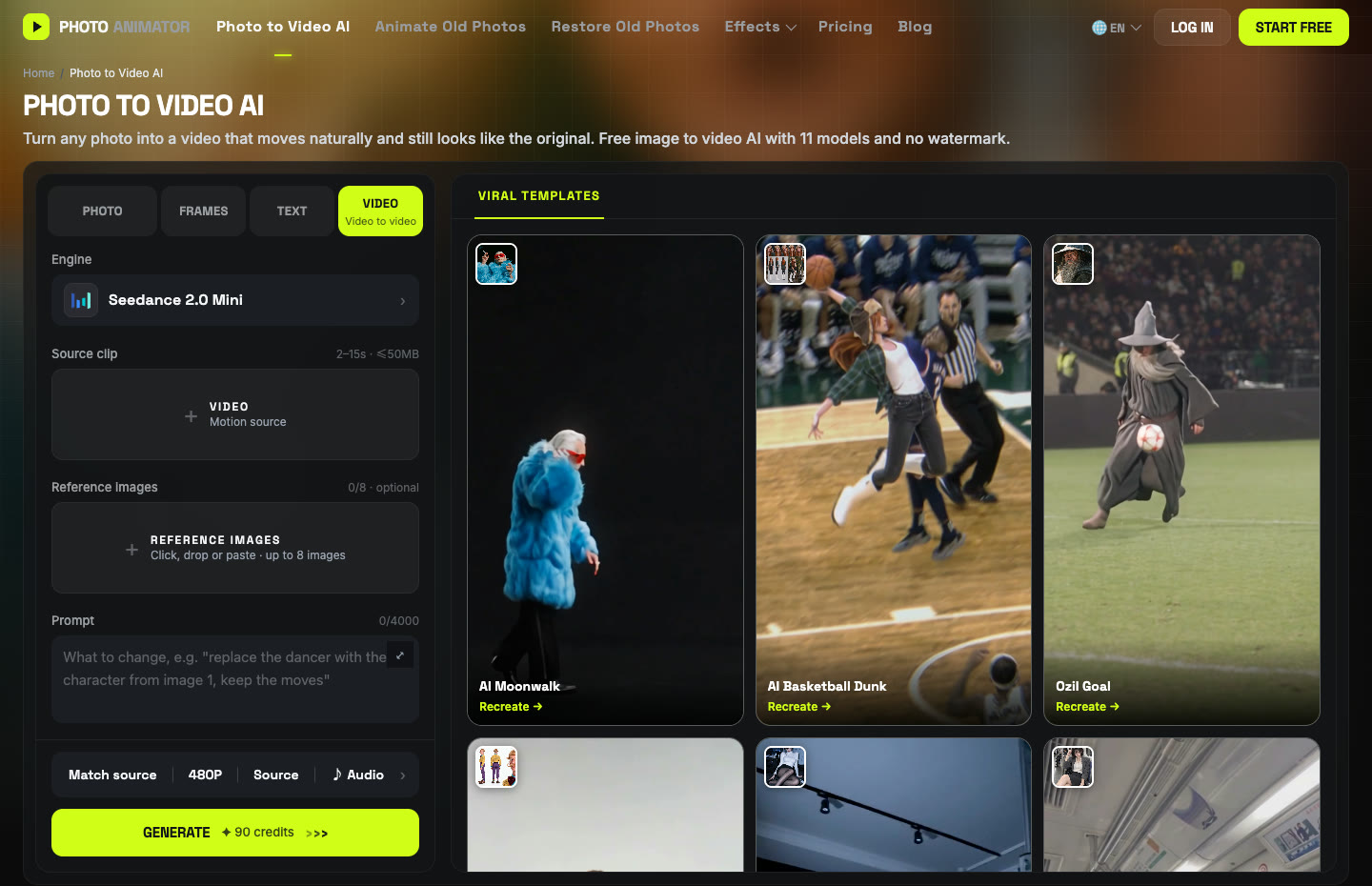
Go to make a Street Light Trend AI video. The template is open at the top, with Wan 3.0 and the slip-out prompt already set: 5 seconds, 480p, vertical, with sound.
2. Add one photo
One person, face clear and facing the camera, chest up or waist up. Your own photo, or a friend's with their OK. You do not need a night photo; the street and the lamp come with the scene.
3. Press Generate
The button shows 100 credits before you start. A run took about 4–5 minutes in our tests, and the video lands in My Videos, so you can close the tab.
4. Download and post
Download the MP4 without a watermark. It is already 9:16 for TikTok, Reels and Shorts, and it has sound. To use the trend's TikTok sound instead, pick it when you post and turn the video's own sound down.
Which photo works best for the Street Light Trend AI?
The best photo for the Street Light Trend AI is one real person, chest up, facing the camera, sharp and well lit, because the last three seconds are a close-up of the face.
| Photo | How it turns out |
|---|---|
| Front-facing, chest up, sharp | Best: the close-up looks like you |
| Jacket or coat | Looks natural on the night street, and it stays from your photo |
| Group photo | Weaker: crop to one person first |
| Celebrity, movie or superhero character | Can be refused for copyright, as in our first run |
| Sunglasses, mask, heavy filter | Weaker: too little face for the close-up |
Street Light Trend AI questions
How do I make the Street Light Trend AI video from my photo?
Upload one clear photo to the Street Light Trend AI template and press Generate. You get 5 seconds with sound, no watermark. To do it by hand, run Wan 3.0 on the Video tab with the trend clip, your photo and the prompt above.
Is Street Light Trend AI free?
Not completely. New accounts get 75 free credits, and one video costs 100. The one-time $4.99 starter pack has 540 credits, enough for five videos at about $0.92 each. Failed renders are refunded.
Why does the person vanish instead of slipping?
Because the prompt says vanish. Our second run did exactly that. Describe the slip: the grip fails, they are flung off the left edge, then burst back in from the lower left. The template already uses that prompt.
Why was my photo refused?
Usually it shows a celebrity or a famous character. Seedance 2.0 Mini refused our superhero photo for possible copyright and refunded the 30 credits. Use a real, non-famous person.
Can I use the CapCut template instead?
Yes, if it works for you. The Street Light Trend CapCut template guide explains where it is and why it often fails.
Which is the best Street Light Trend AI generator?
We compared five in Best Street Light Trend AI generators. Ours is about $0.92 per video with no subscription, the lowest listed price we found.
Want another night-time or selfie trend after this one? Try Oh You Can Make It Cap or see all prices on the pricing page.