Street Light Trend CapCut Template: Where It Is and Why It Fails
What’s new on this page
- — Published. CapCut template page and TikTok posts checked on 29 October 2026.
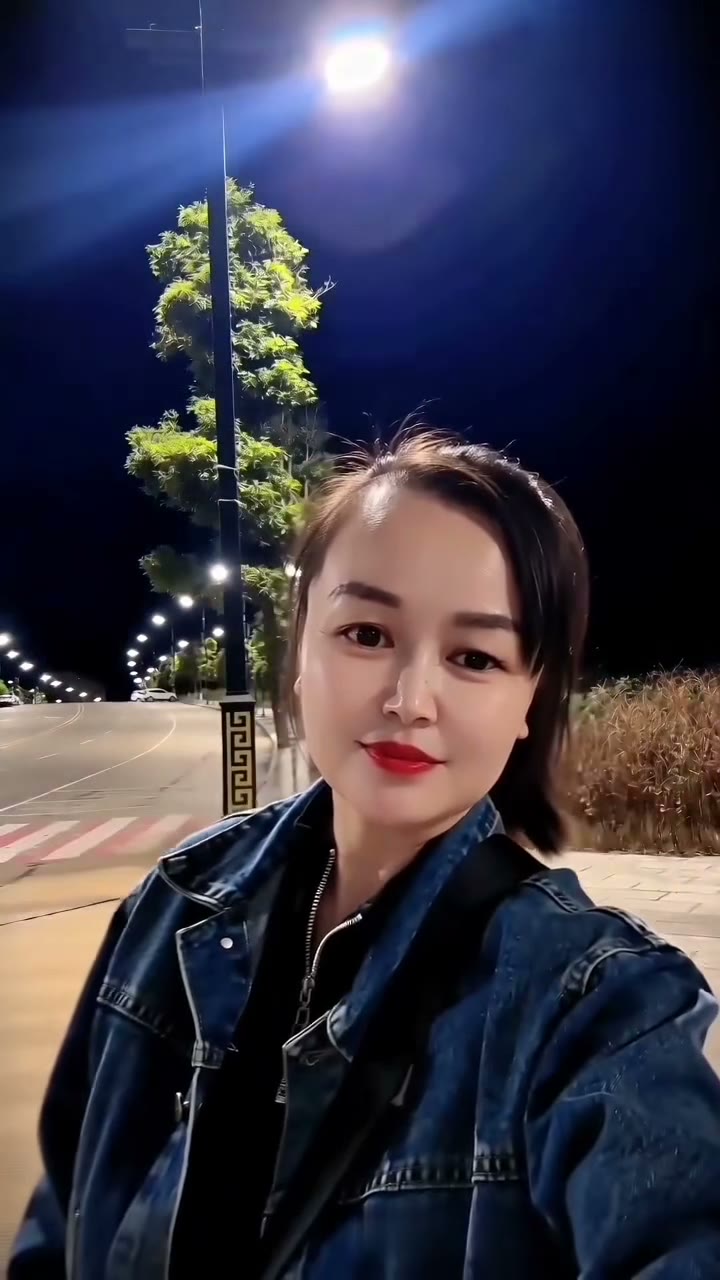
Where is the Street Light Trend CapCut template?
The Street Light Trend CapCut template is on CapCut under the name "ai" by li88y99 (template page). On 29 October 2026 the page showed: published 21 October 2026, 63,880 uses, 1,190 likes, "requires 1 clip", aspect ratio 9:16. The name is just "ai", which is why searching CapCut for "street light" rarely finds it; most people open it from the template label on a TikTok post.
The ground-slide version, posted by @dreamina_tao on TikTok on 22 October (2.0 million plays by 29 October), was also spread through CapCut templates. Tutorials such as @xdwshfzqi0k's "AI Slide Transition Effect" how-to (549,700 plays) walk through it.
How to use the Street Light Trend CapCut template
- On TikTok, open a street light post and tap the CapCut · Try this template label above the username. No label means the creator did not attach one.
- CapCut opens the template. Check what it asks for: the "ai" template asks for 1 clip.
- Add your clip, wait for the AI step, then export and post with the sound you want.
Why doesn't the Street Light Trend CapCut template work?
The Street Light Trend CapCut template fails for five common reasons. Most of them have nothing to do with your phone.
It wants a video clip, not a photo
The "ai" template's page says it requires 1 clip. If all you have is a selfie, you cannot fill the slot, or you end up filming a clip just to feed it.
The template was removed or renamed
Trend templates come and go. If the TikTok label leads nowhere, the template may have been taken down, and a copy with a different name may sit under another account.
It is not available in your region
CapCut templates and AI features are not offered in every country. The label can be missing, or the template opens but refuses to export.
"Free" templates with paid AI steps
Opening a template is free, but AI effects inside it can need CapCut Pro or credits. People find out at export time.
A copy app instead of CapCut
Install CapCut only from the official app store. Look-alike "template" apps and download links often lead to ads or paid subscriptions instead of the template.
How to make the Street Light Trend video without CapCut
Upload one photo to the Street Light Trend AI page and press Generate. You get 5 seconds, 480p, vertical, with sound: you grab the lamp post, slip out of frame and pop back in as a selfie. It costs 100 credits, about $0.92 from the one-time $4.99 pack, with no watermark.
| CapCut "ai" template | Street Light Trend AI generator | |
|---|---|---|
| What you upload | 1 video clip | 1 photo |
| App | CapCut | A web page |
| Sound | Whatever you add | Generated with the video |
| Price | Free to open; AI steps may need Pro | 100 credits ≈ $0.92, no subscription |
| Watermark | Depends on your plan | None |
We needed three test runs to get the slip right (one refused photo, one person who vanished instead of slipping). The Street Light Trend AI tutorial shows each, and the best Street Light Trend AI generators comparison lists other tools and prices.
Street Light Trend CapCut template questions
What is the Street Light Trend CapCut template called?
The lamp-post version is called just "ai", by li88y99, published 21 October 2026. Promoters also call the trend the AI Slide Transition Effect, Street Light Slide or Streetlight Slip.
Is the Street Light Trend CapCut template free?
Opening it is free, but AI steps inside CapCut templates can need CapCut Pro or credits. Our generator is not free either: about $0.92 per video from a one-time $4.99 pack.
Can I use the CapCut template with just one photo?
Not the "ai" template: it asks for one video clip. With only a photo, use the Street Light Trend AI generator.
Why can't I find the template in CapCut?
Its name is just "ai", so search rarely finds it. Open it from the CapCut label on a TikTok post. If there is no label, it may be removed or unavailable in your region.
Which sound do street light videos use?
Creators pick the sound when they post, so it varies. Our video comes with its own sound; to use a TikTok sound instead, choose it when you post and turn the video's sound down.