AI Photo Animator: Make Any Photo Move

Bring every photo to life. Turn portraits, old family photos, pets and artwork into short videos with sound. The face stays the same, the motion looks natural, and one-click templates mean no prompt writing.

Engine

Reference images0/9

Voice or songmp3 / wav · 2–15s · optional

Prompt0/4000

  • Dog Elevator Prank
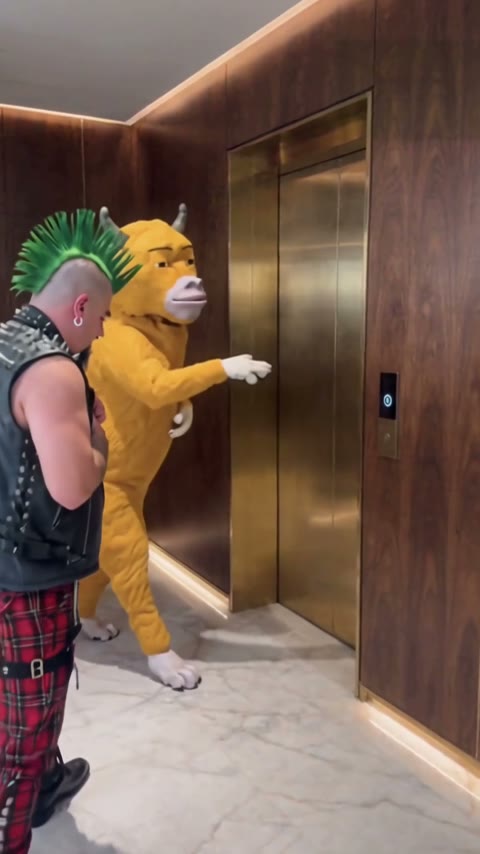
    NEWDog Elevator PrankTwo photos: your pet taps you on the back, beats you to the button, kicks you into the lift and tosses your shoes in after you.↗
  • I Love the Smiths
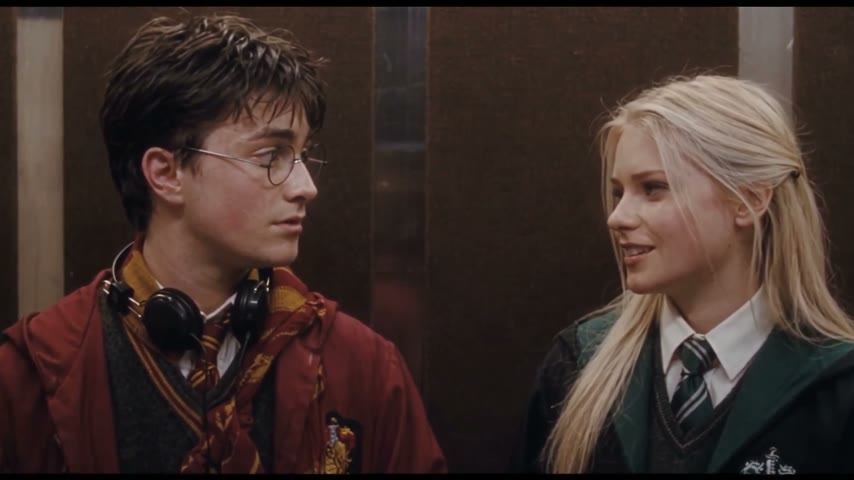
    NEWI Love the SmithsTwo photos: you take off your headphones in an elevator, and your crush smiles and says the line.↗
  • It's My Life Dog
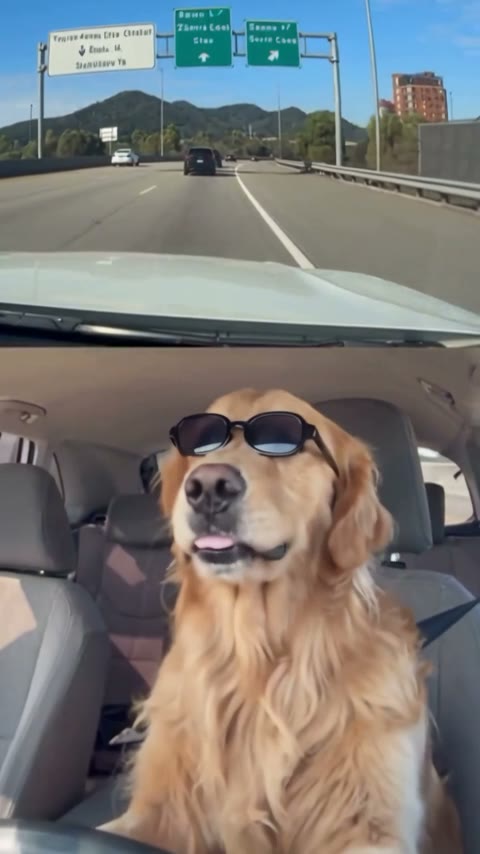
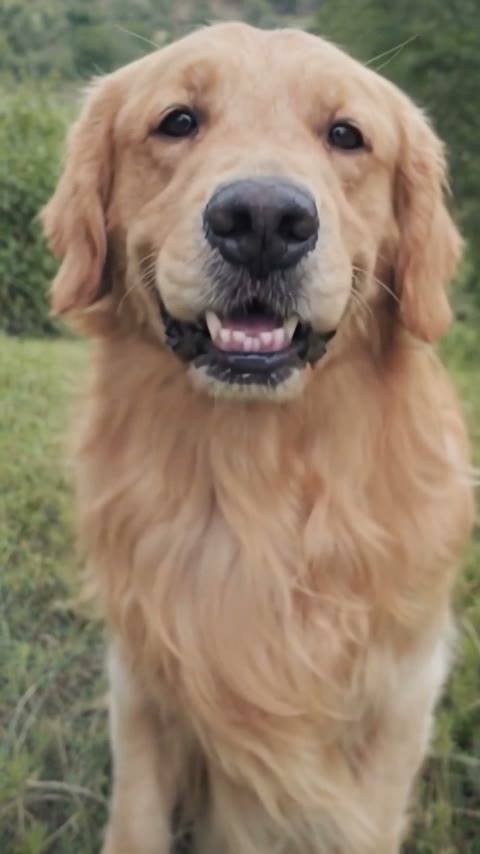
    NEWIt's My Life DogOne pet photo: your dog sings Bon Jovi in the passenger seat, goes quiet, slips on sunglasses and sings on.↗
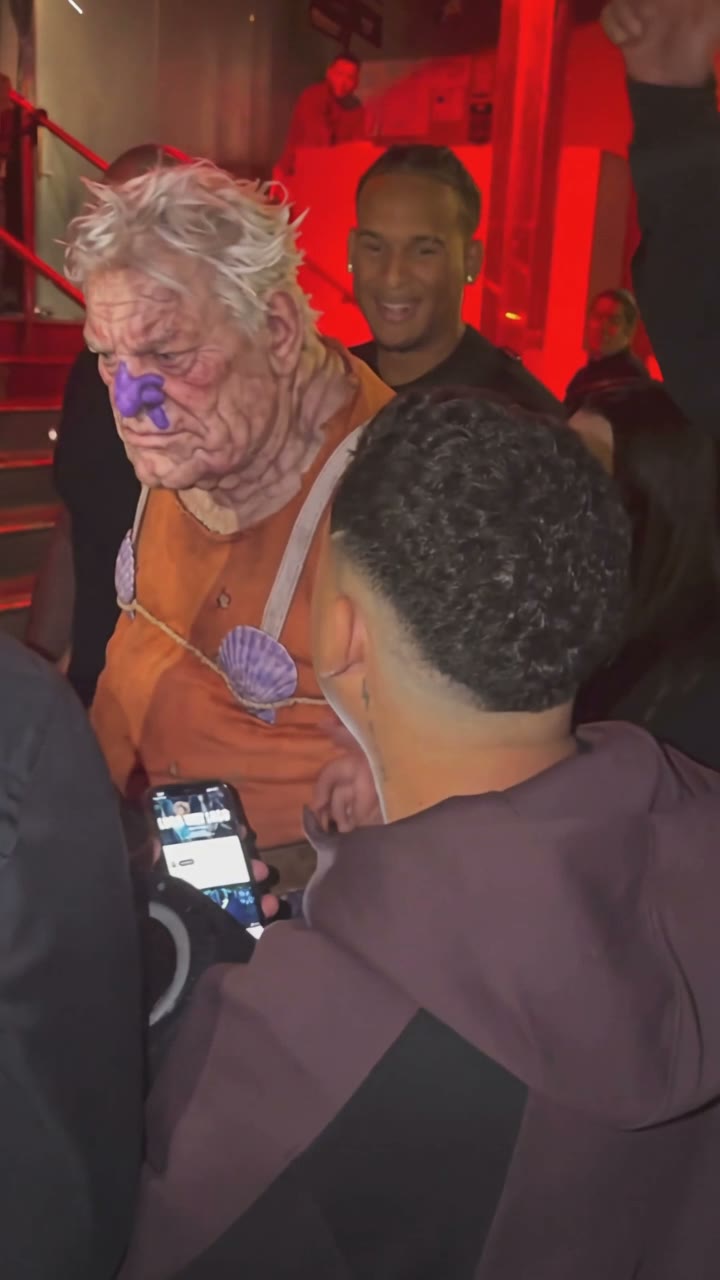
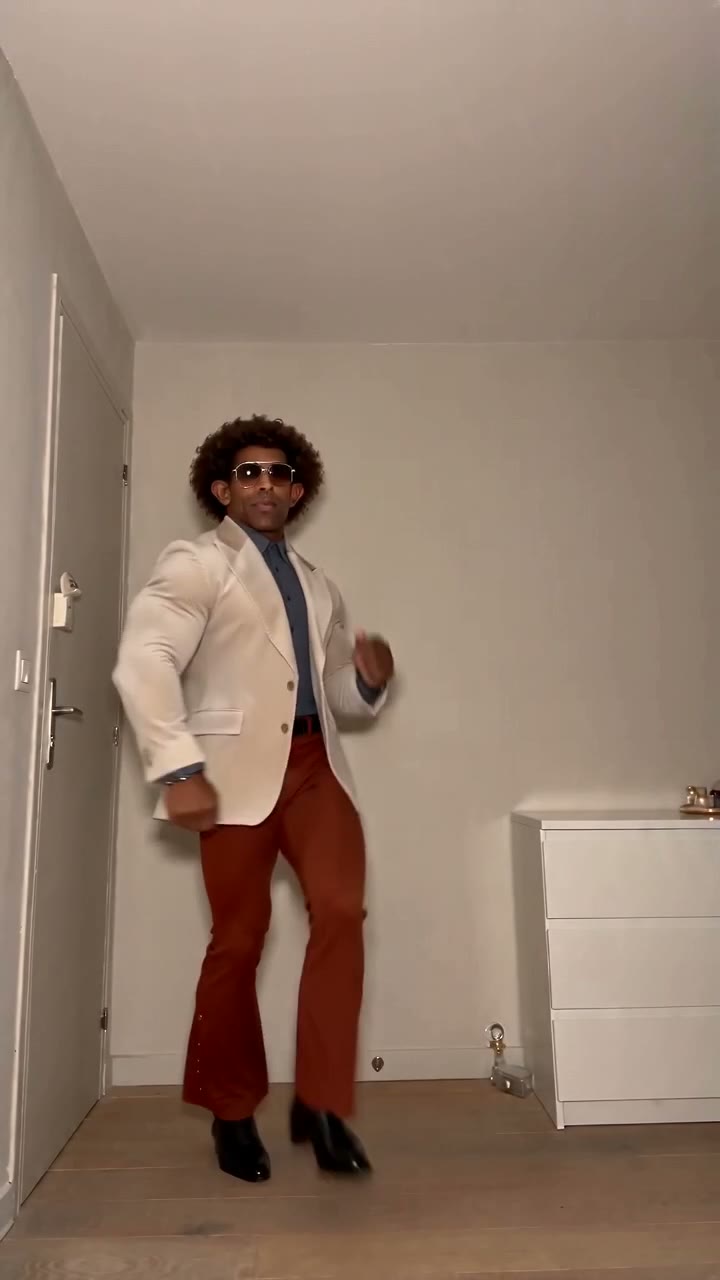
  • Lil Yachty Walkout
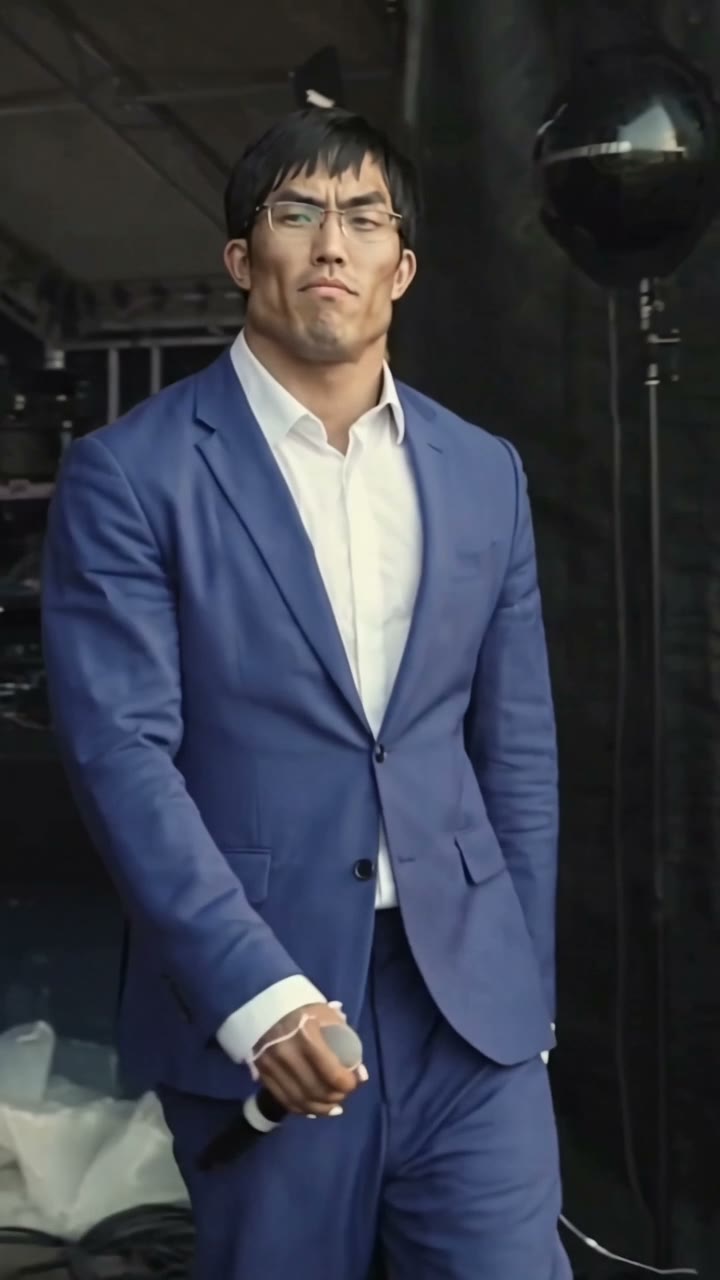
    NEWLil Yachty WalkoutOne photo: you stride out backstage, throw the mic up and high-step down the runway to the crowd.↗
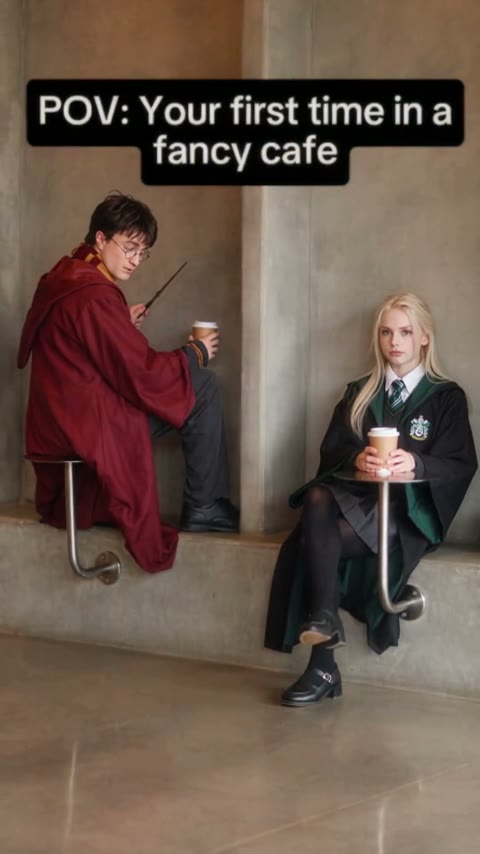
  • First Time in a Fancy Cafe
    NEWFirst Time in a Fancy CafeTwo photos: you perch on the tiny cafe table like a chair, your friend walks in and sits properly.↗
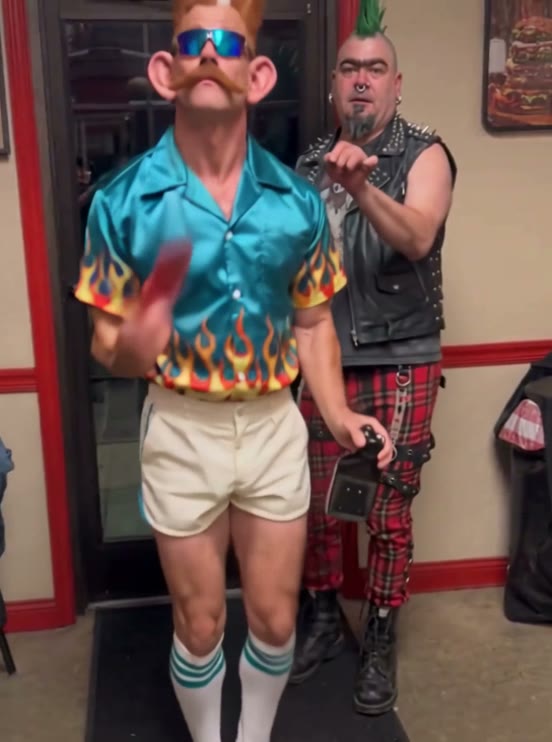
  • Pimp Walk Entrance
    NEWPimp Walk EntranceTwo photos: your friend holds the burger-shop door while you lean back and strut in.↗
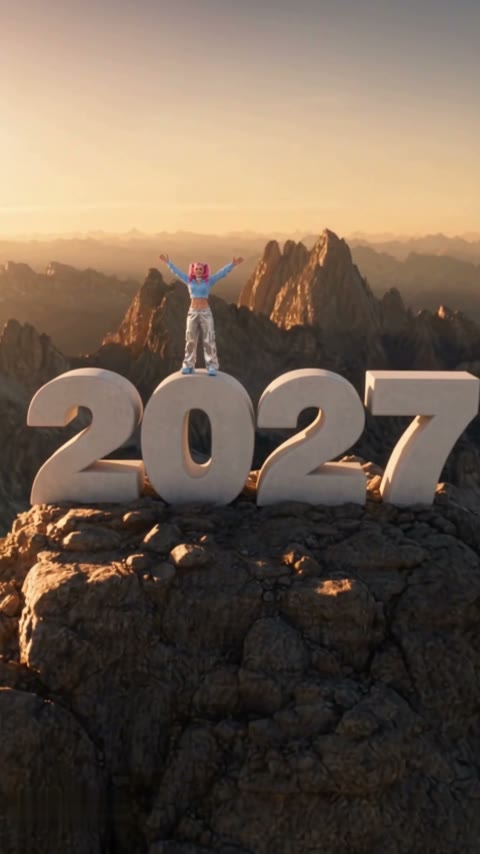
  • Goodbye 2026 Welcome 2027
    NEWGoodbye 2026 Welcome 2027One photo: you climb onto a giant white 2027 on a sunset summit.↗
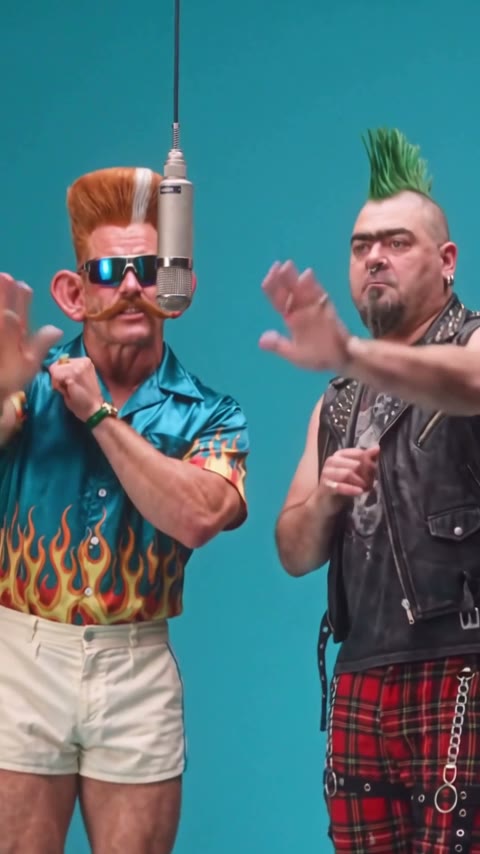
  • 58th Floor
    NEW58th FloorTwo photos: you and a friend trade bars at the hanging mic in the teal COLORS studio.↗
  • End of Watch Locker Scene
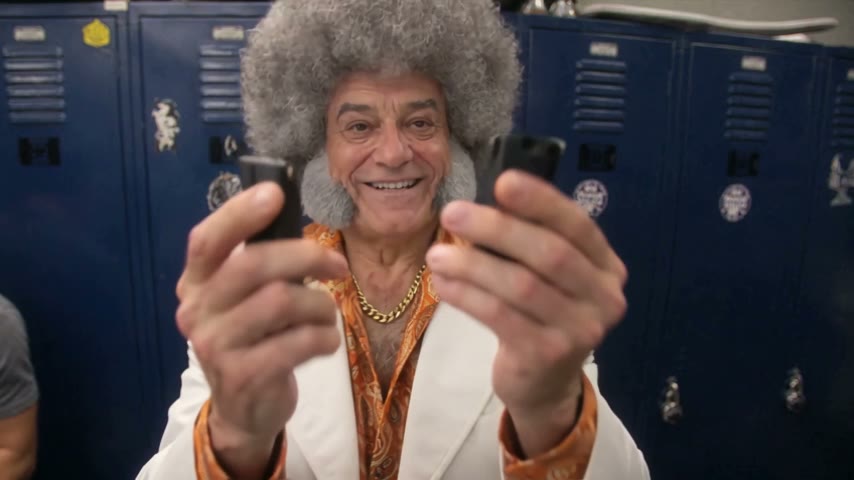
    NEWEnd of Watch Locker SceneOne photo: you film yourself in a police locker room, holding each piece of gear up to the lens.↗
  • 24K Magic Deck Dance
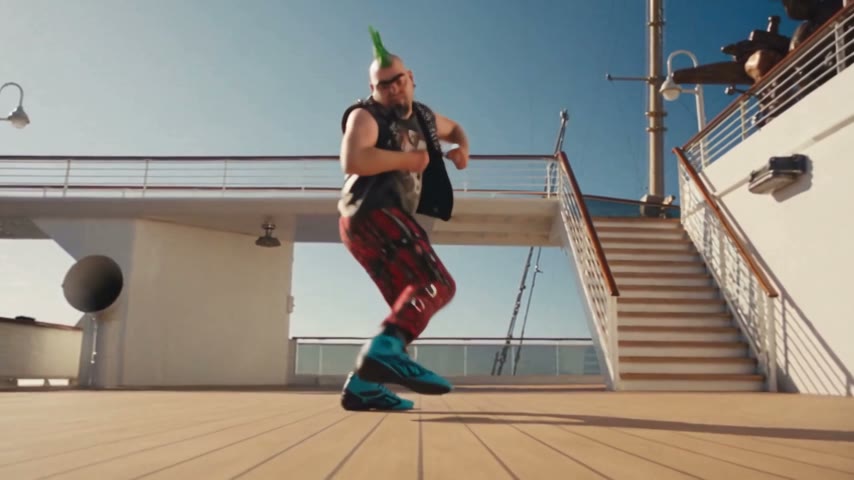
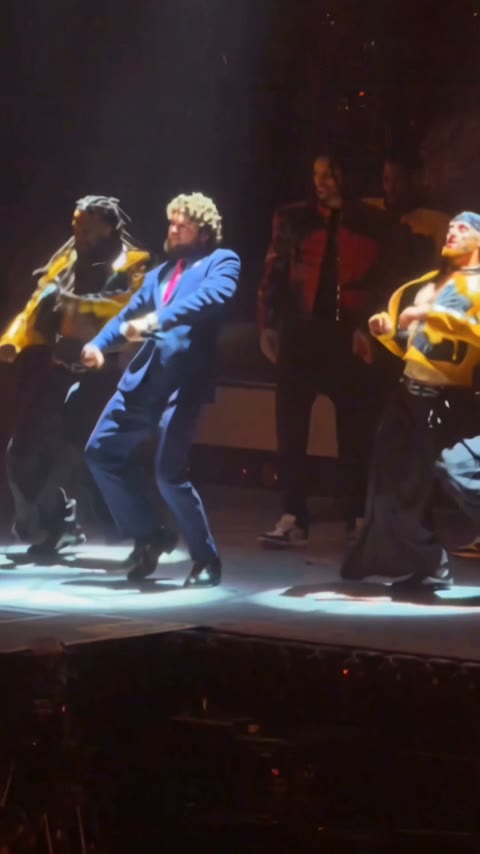
    NEW24K Magic Deck DanceTwo photos: you dance the Dracula cruise ship routine, then your friend crawls in and takes over.↗
  • Bicep Heart
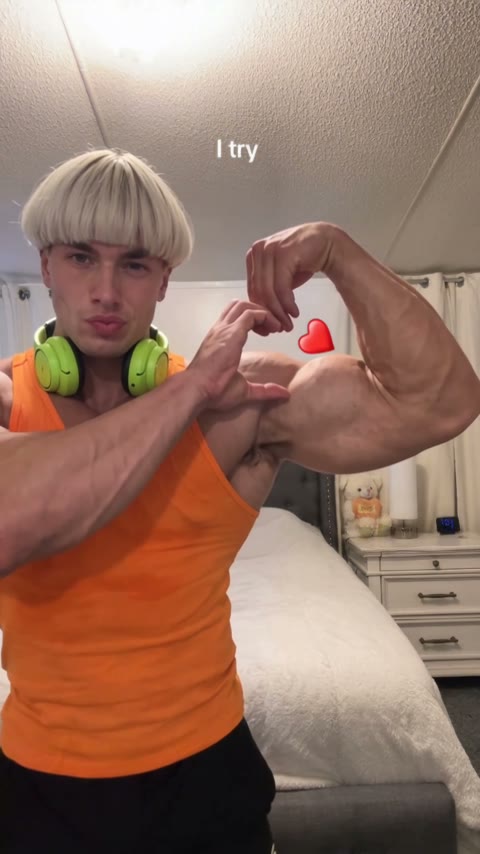
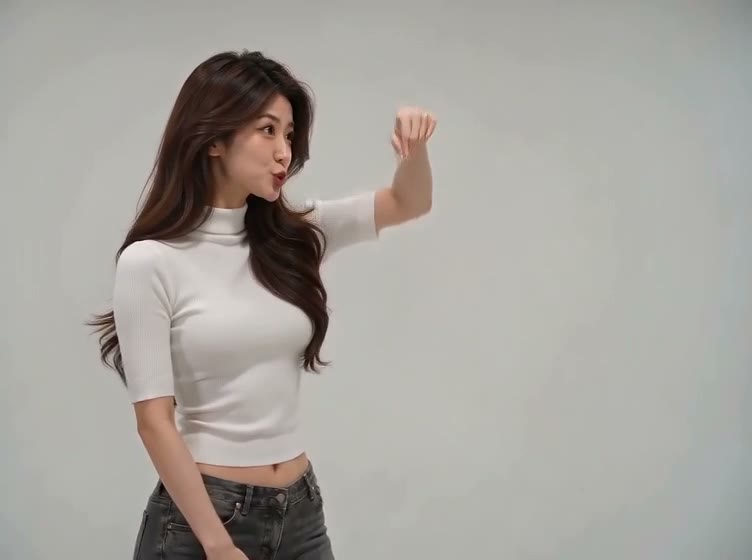
    NEWBicep HeartOne photo: you flex, curl a hand onto the bicep and hold the heart for the camera.↗
  • Your Next Opponent Is You
    NEWYour Next Opponent Is YouTwo photos: little you steps into the spotlight and looks up at grown-up you.↗
  • I Don't Listen to Opinions Baby AI Dance
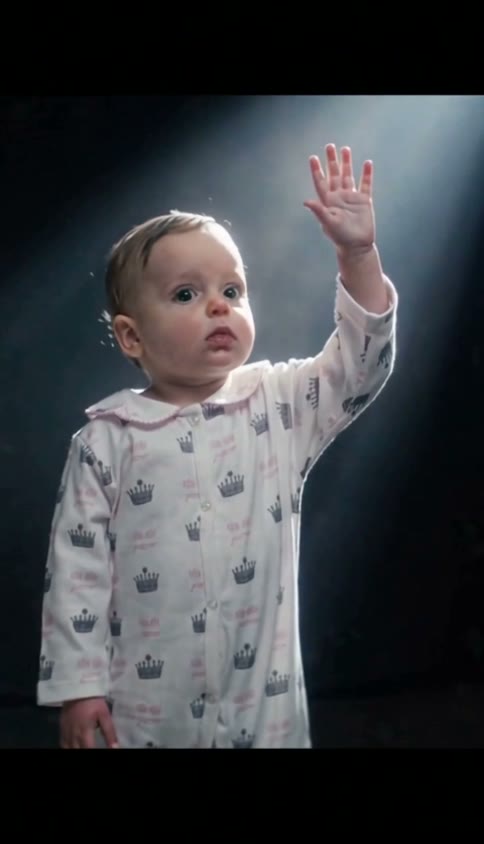
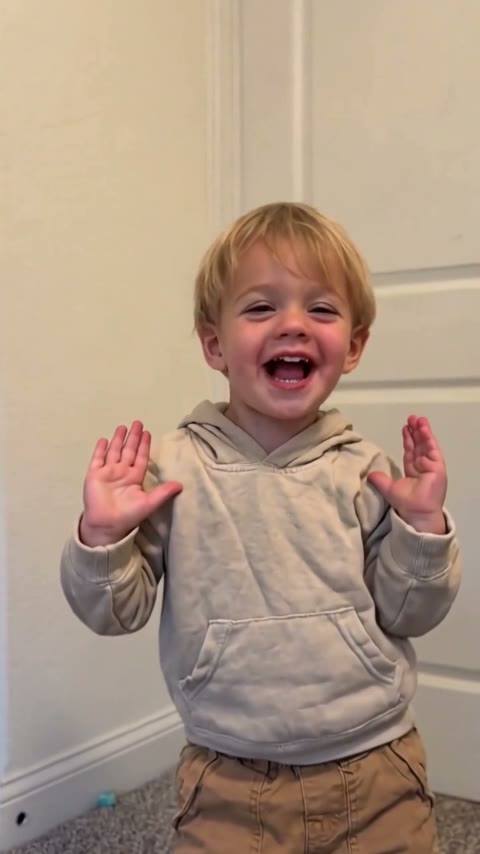
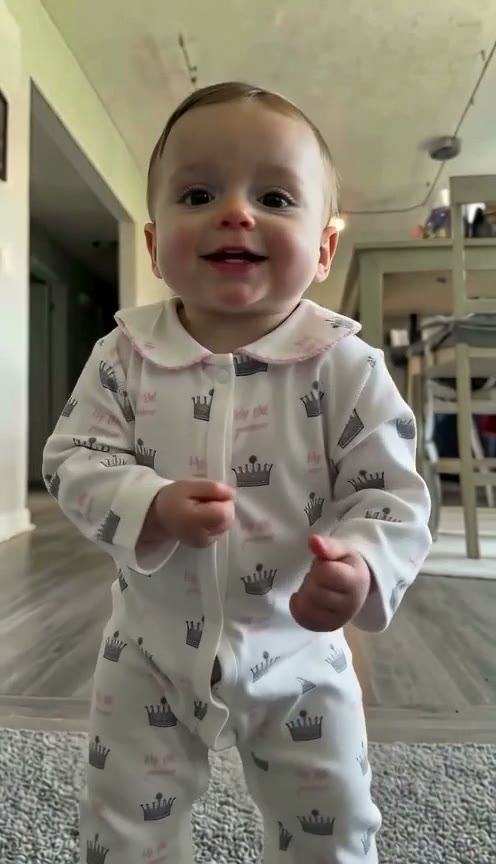
    NEWI Don't Listen to Opinions Baby AI DanceOne photo of your baby, and they wave off the haters in their own clothes.↗
  • Chipmunks Dance
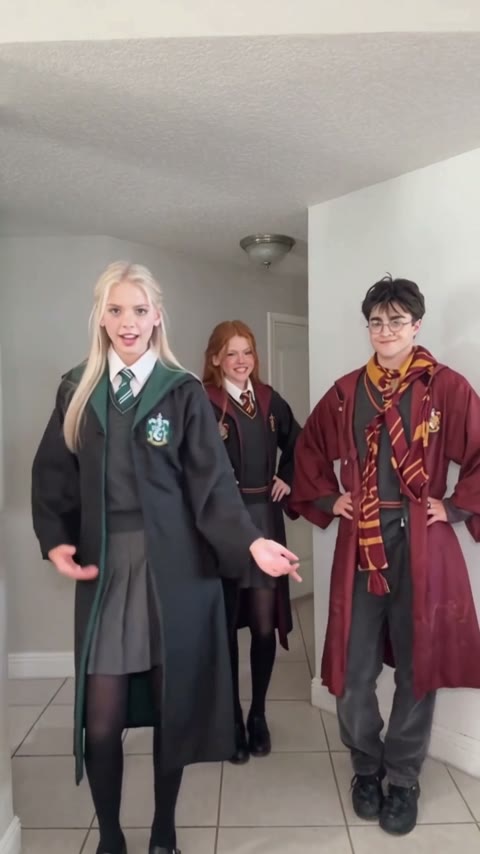
    NEWChipmunks DanceThree photos: you and two friends do the You Spin Me Round trio, each in your own clothes.↗
  • “Merry Christmas, Everyone!”
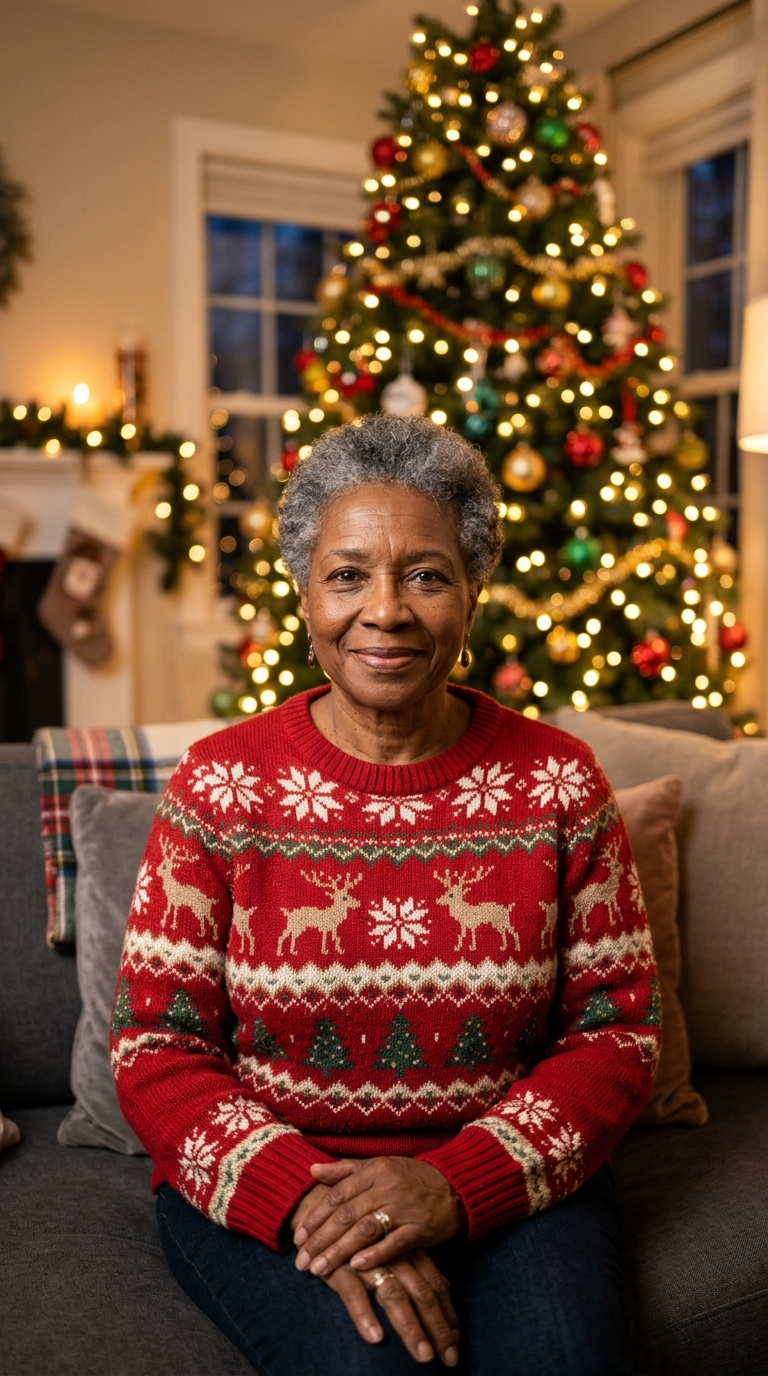
    NEW“Merry Christmas, Everyone!”A wave and a spoken holiday wish by the tree.
  • Old Master Portrait Smiles
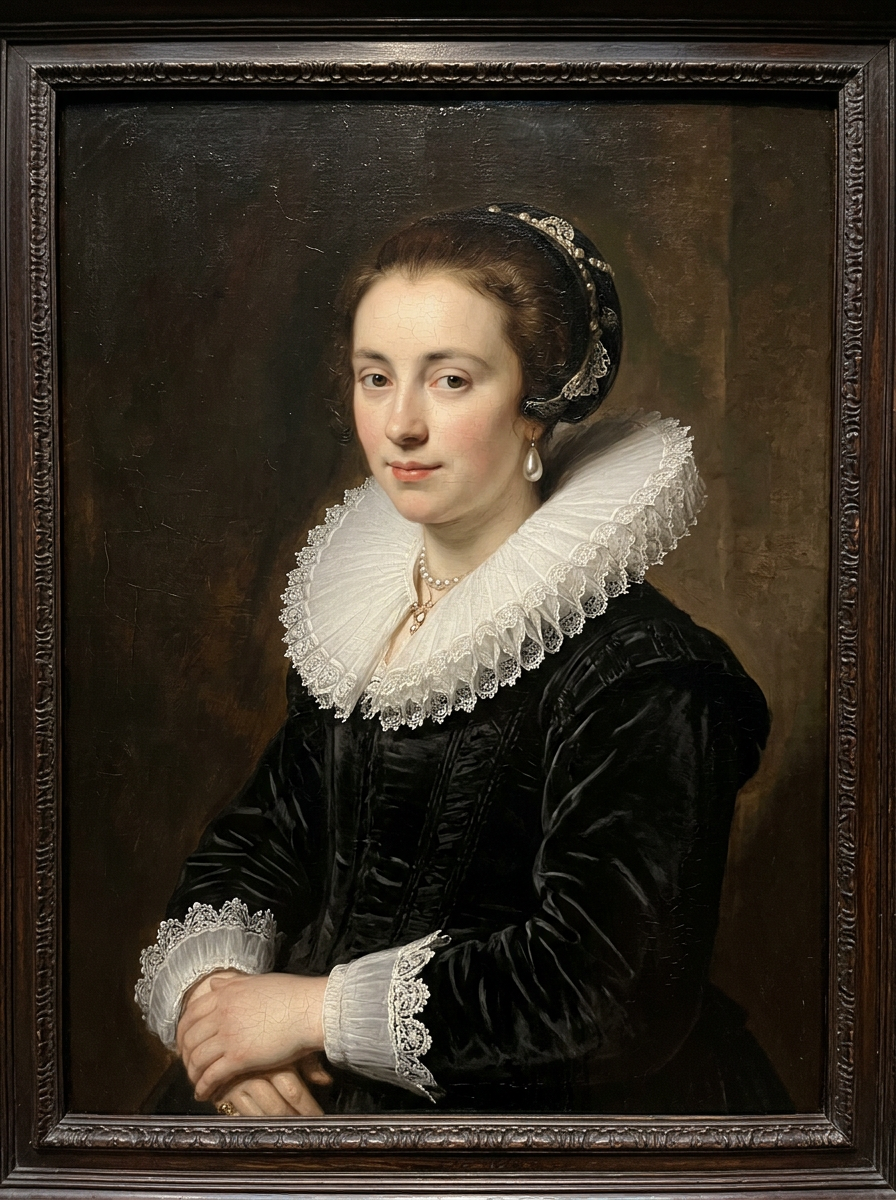
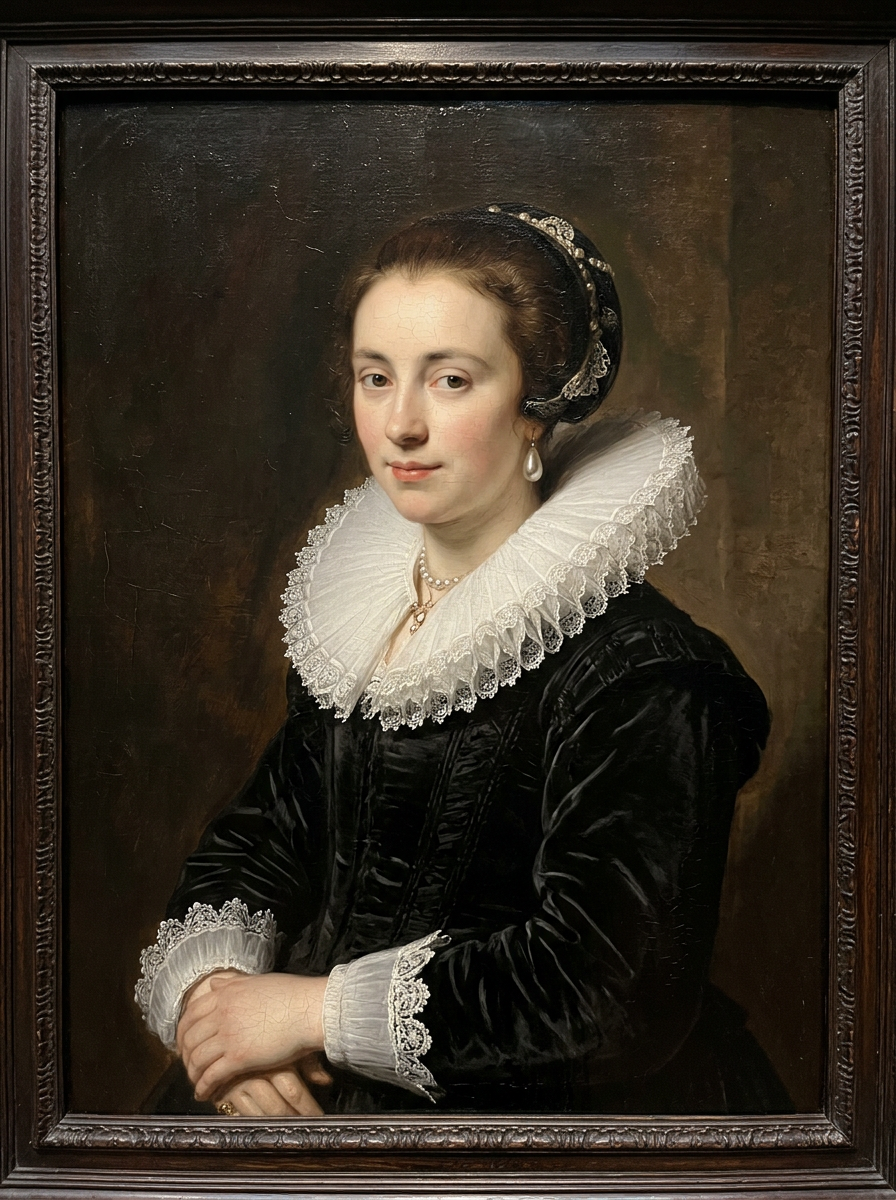
    NEWOld Master Portrait SmilesCandlelight flickers and a slow, knowing smile appears.
  • Kiss on the Cheek
    NEWKiss on the CheekHe kisses her cheek, she smiles, both look back.
  • “Hi Guys, Welcome Back!”
    NEW“Hi Guys, Welcome Back!”A wave, the intro line and a point at the camera.
  • Living Profile Picture
    NEWLiving Profile PictureA small head tilt and a confident smile that loops.
  • Unimpressed Eye Roll
    NEWUnimpressed Eye RollOne raised eyebrow, a big eye roll, a flat stare.
  • Anime Character Blinks
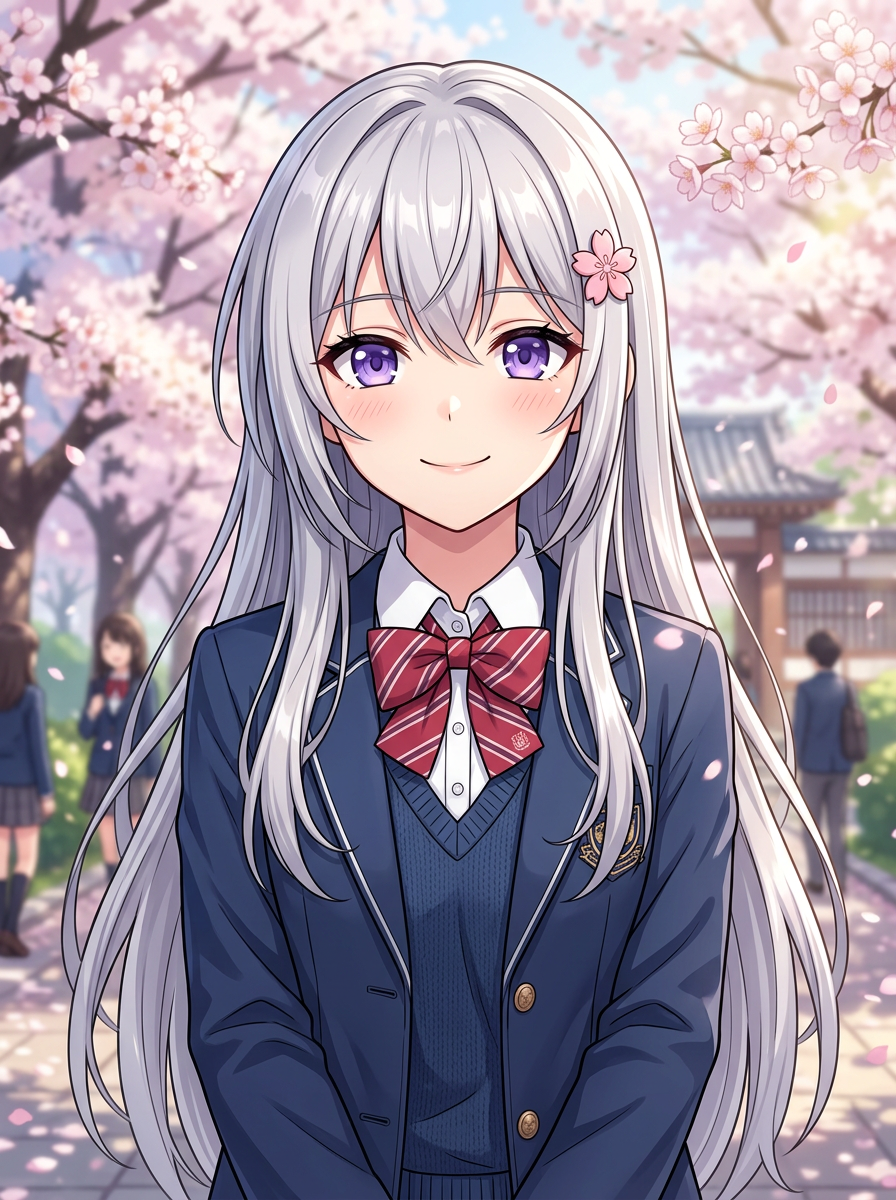
    NEWAnime Character BlinksBlink, head tilt, hair in the breeze. Still 2D.
  • Grandmother’s Portrait Smiles
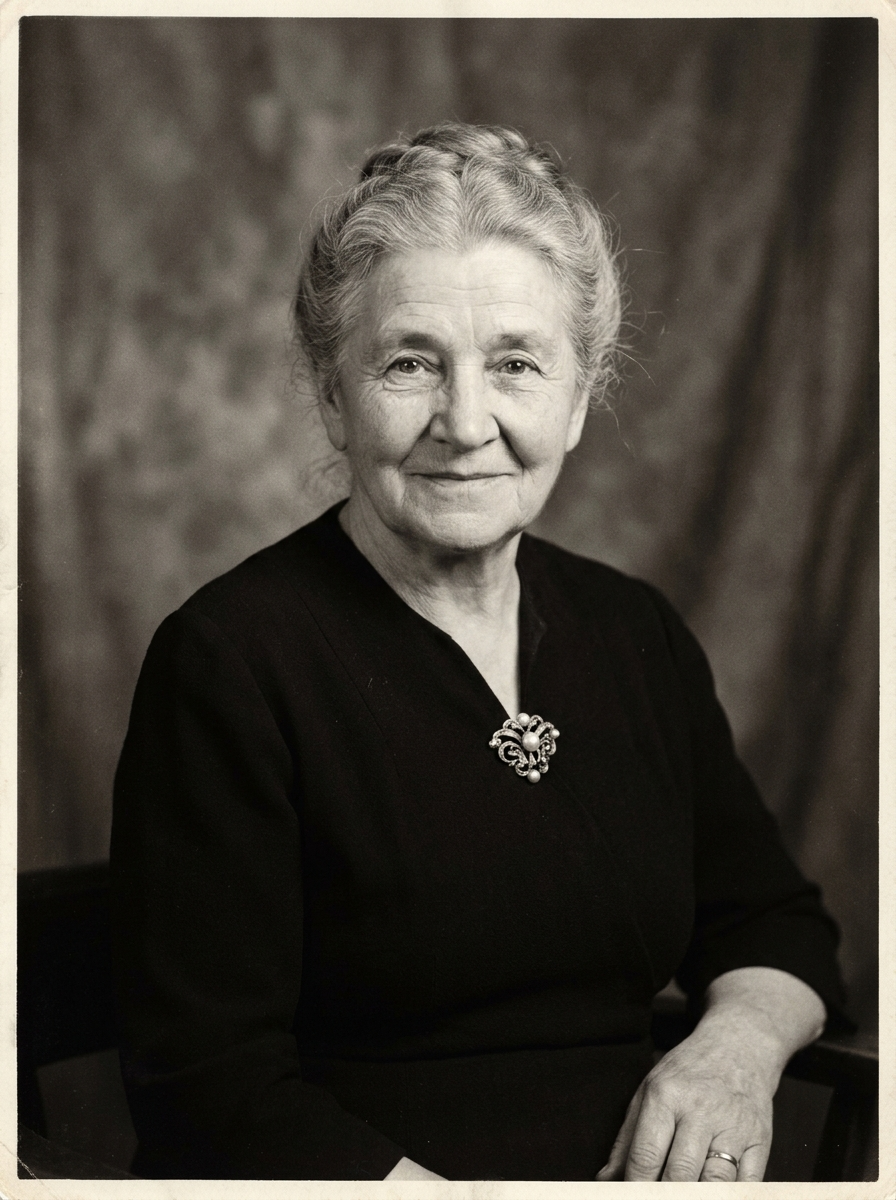
    NEWGrandmother’s Portrait SmilesA slow blink and a small smile. Still black and white.
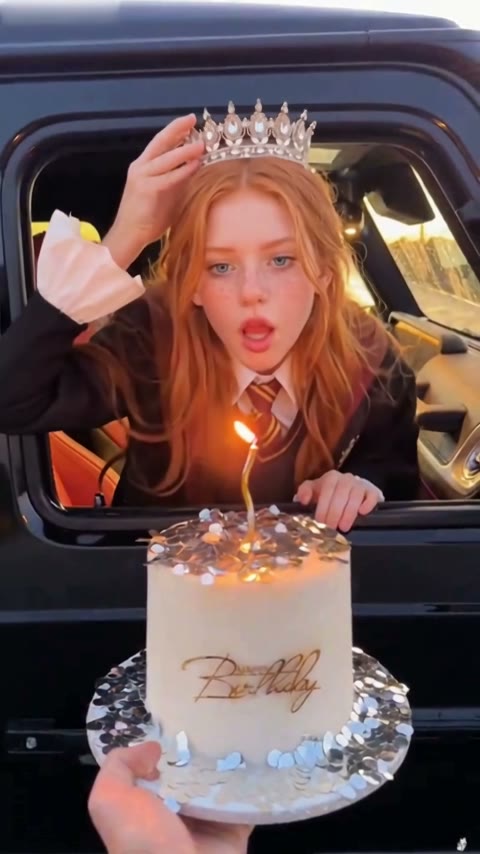
  • Birthday Candles Blown Out
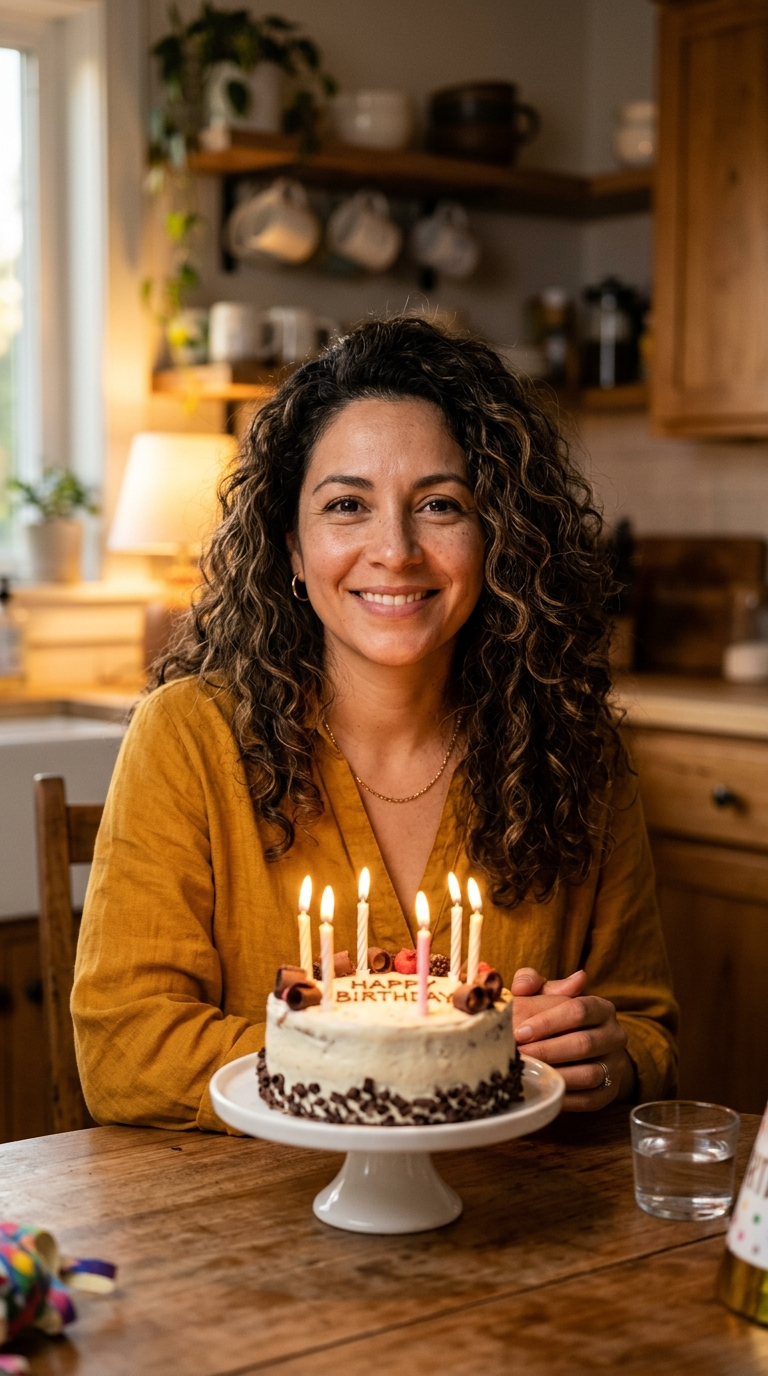
    NEWBirthday Candles Blown OutShe blows out the candles, laughs and looks up.
  • Photo Says “Thanks for Watching”
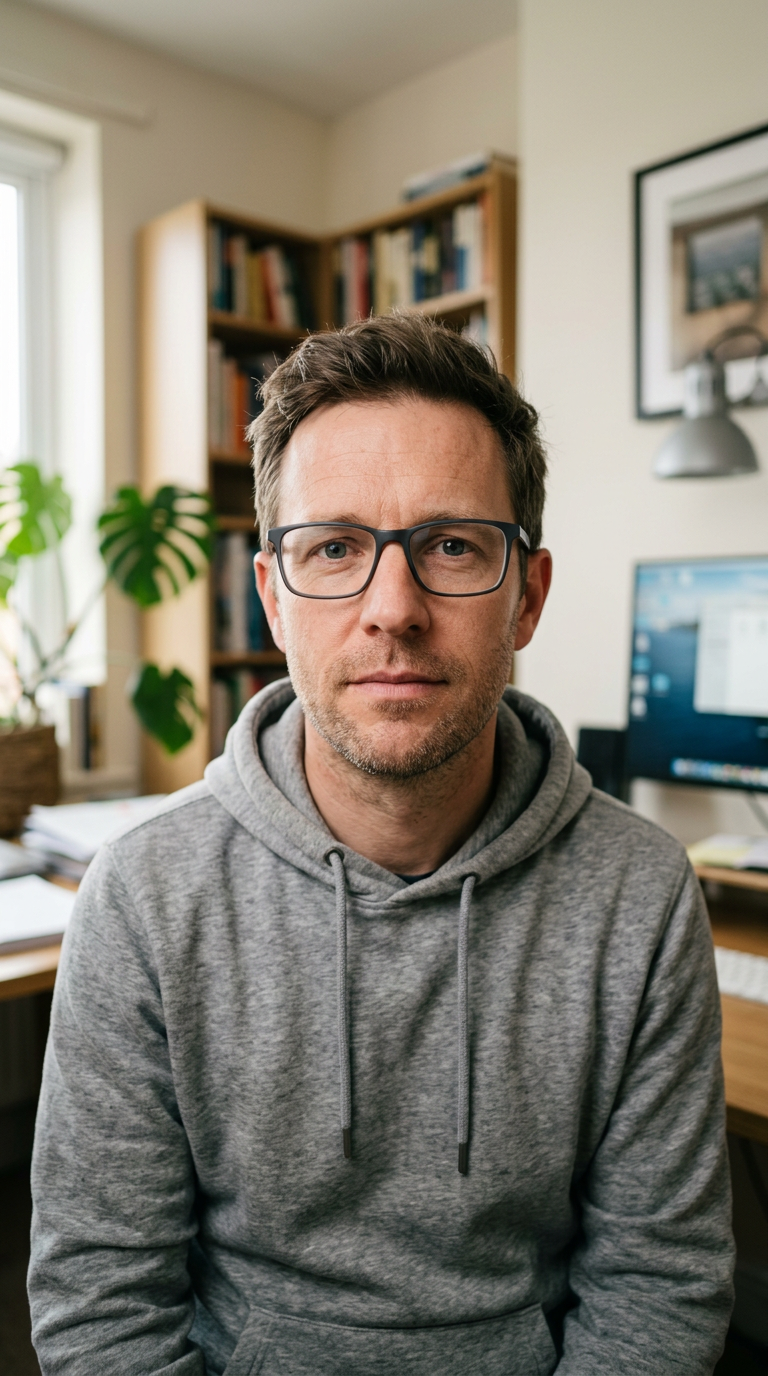
    NEWPhoto Says “Thanks for Watching”He says the line from the prompt, with matching lip movement.
  • Couple Bursts Out Laughing
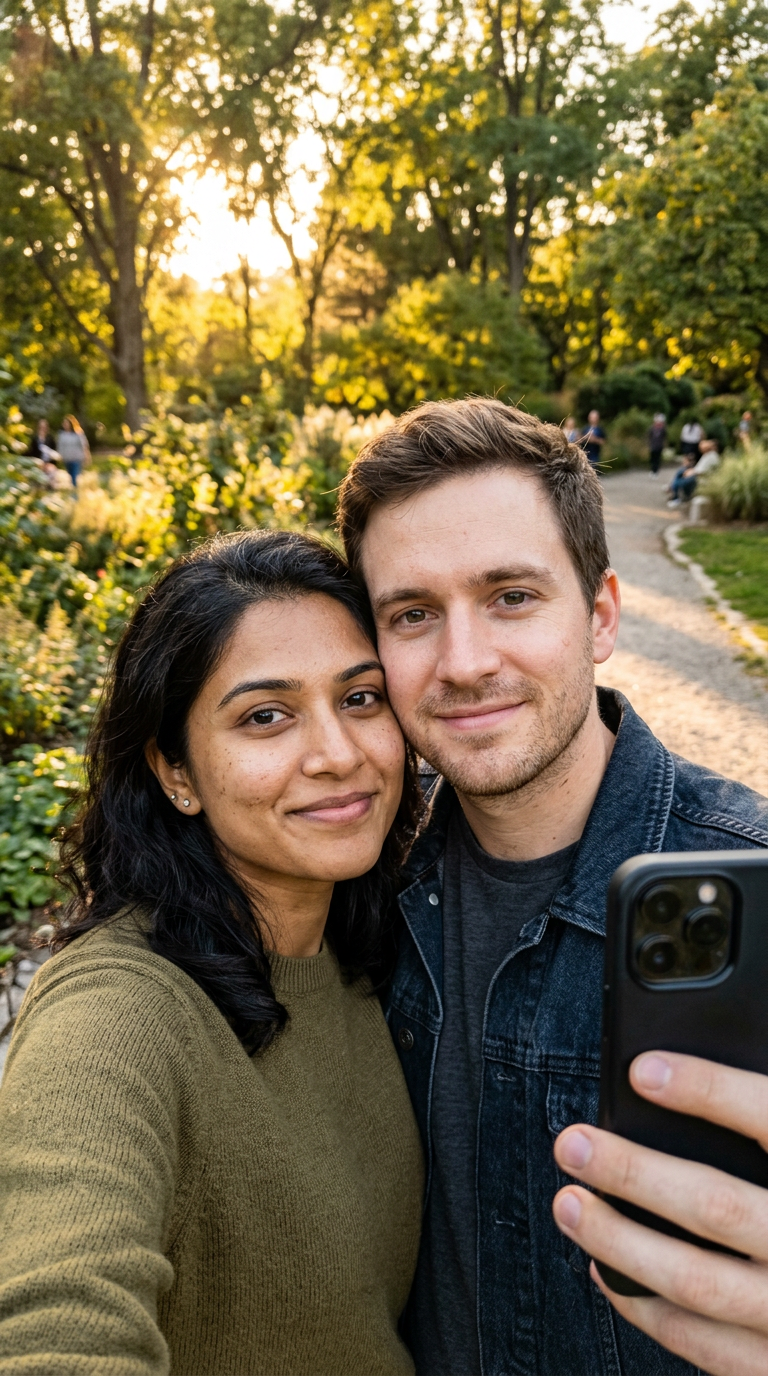
    NEWCouple Bursts Out LaughingBoth faces laugh, lean in, then smile back at the camera.
  • Selfie Waves Hello
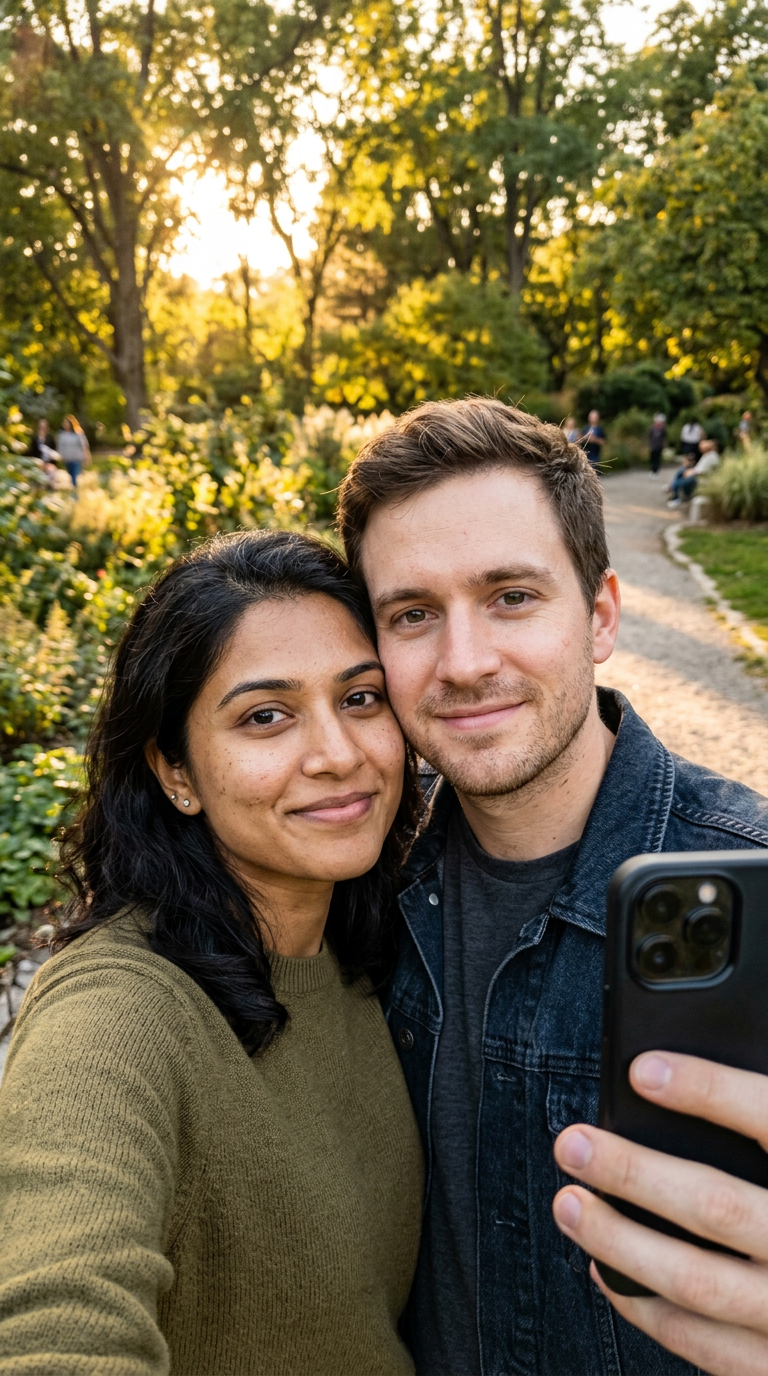
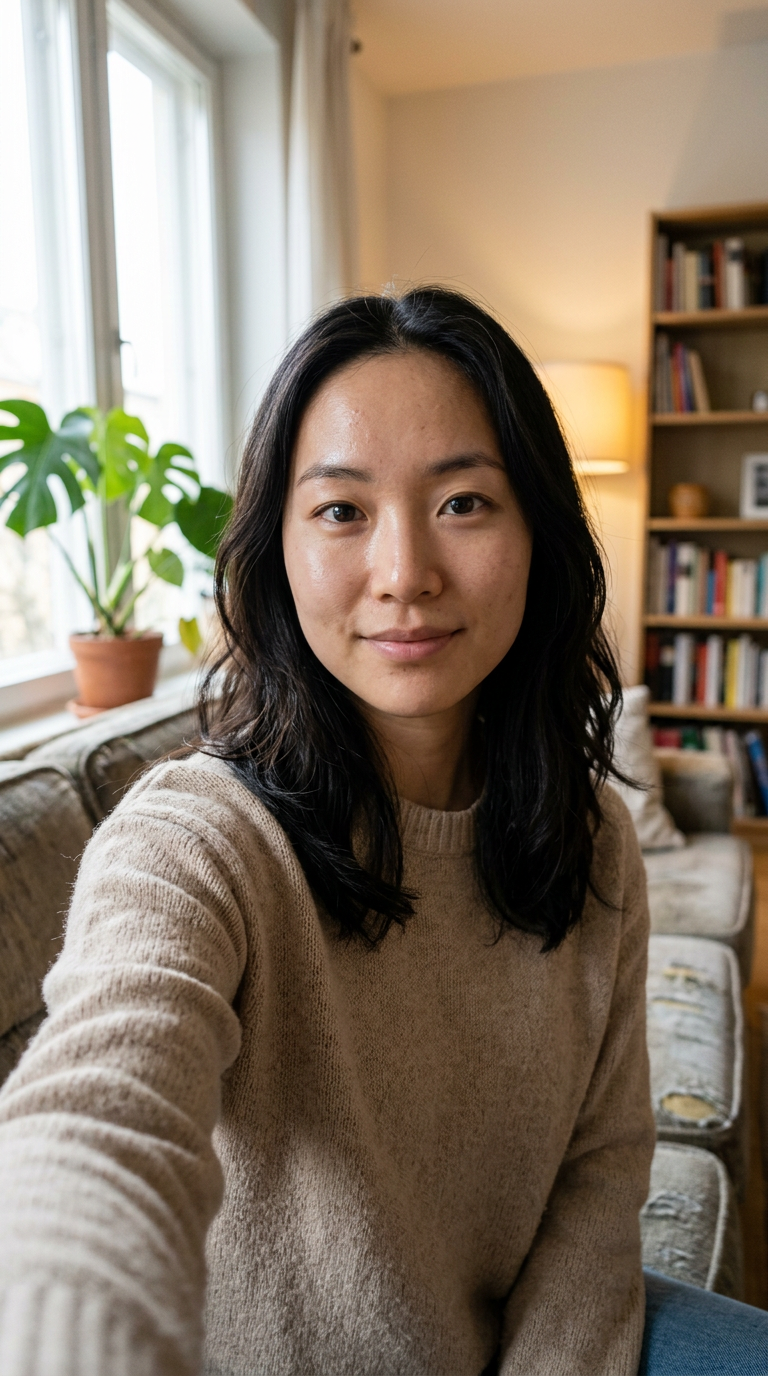
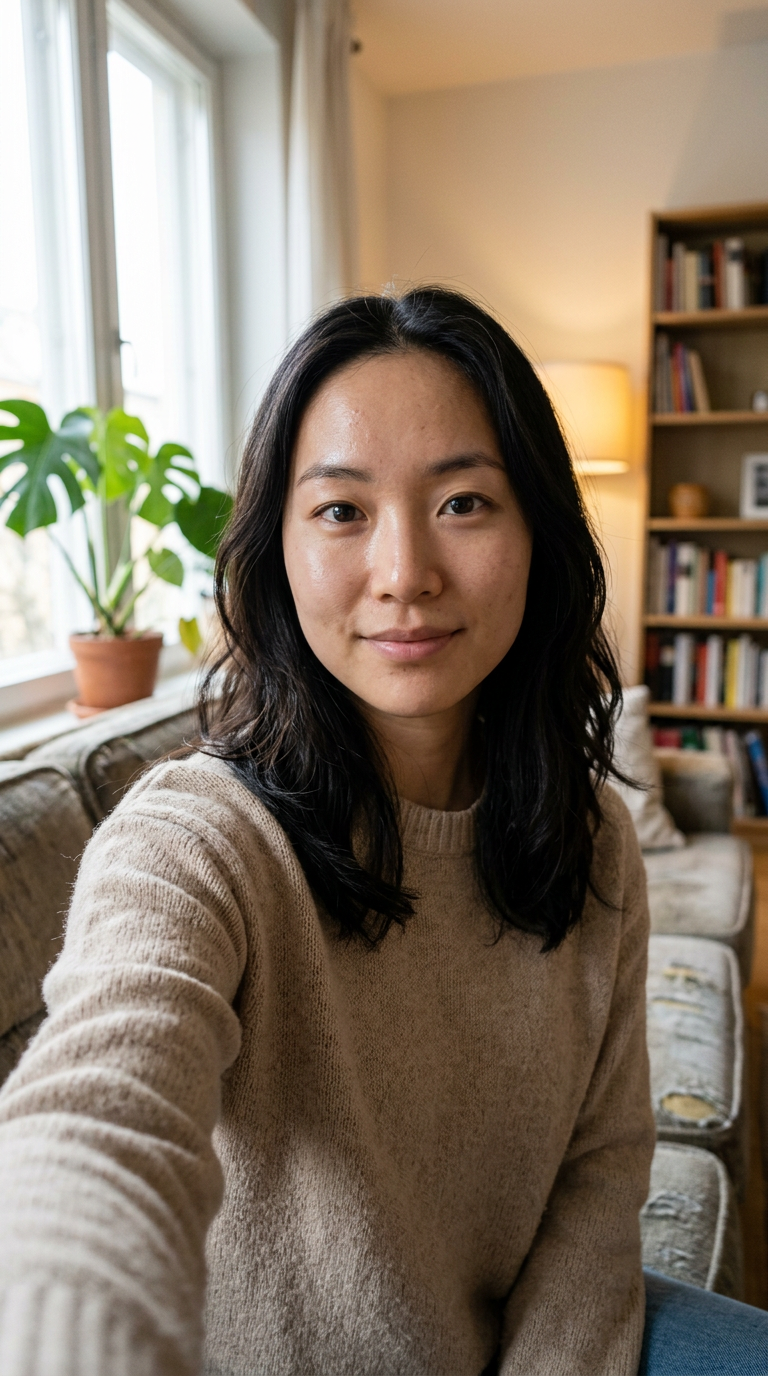
    NEWSelfie Waves HelloA smile, a wave with the free hand, then back to the pose.
  • Oil Portrait Turns to Look
    NEWOil Portrait Turns to LookShe turns toward you and blinks. Brush strokes intact.
  • Headshot Blinks and Breathes
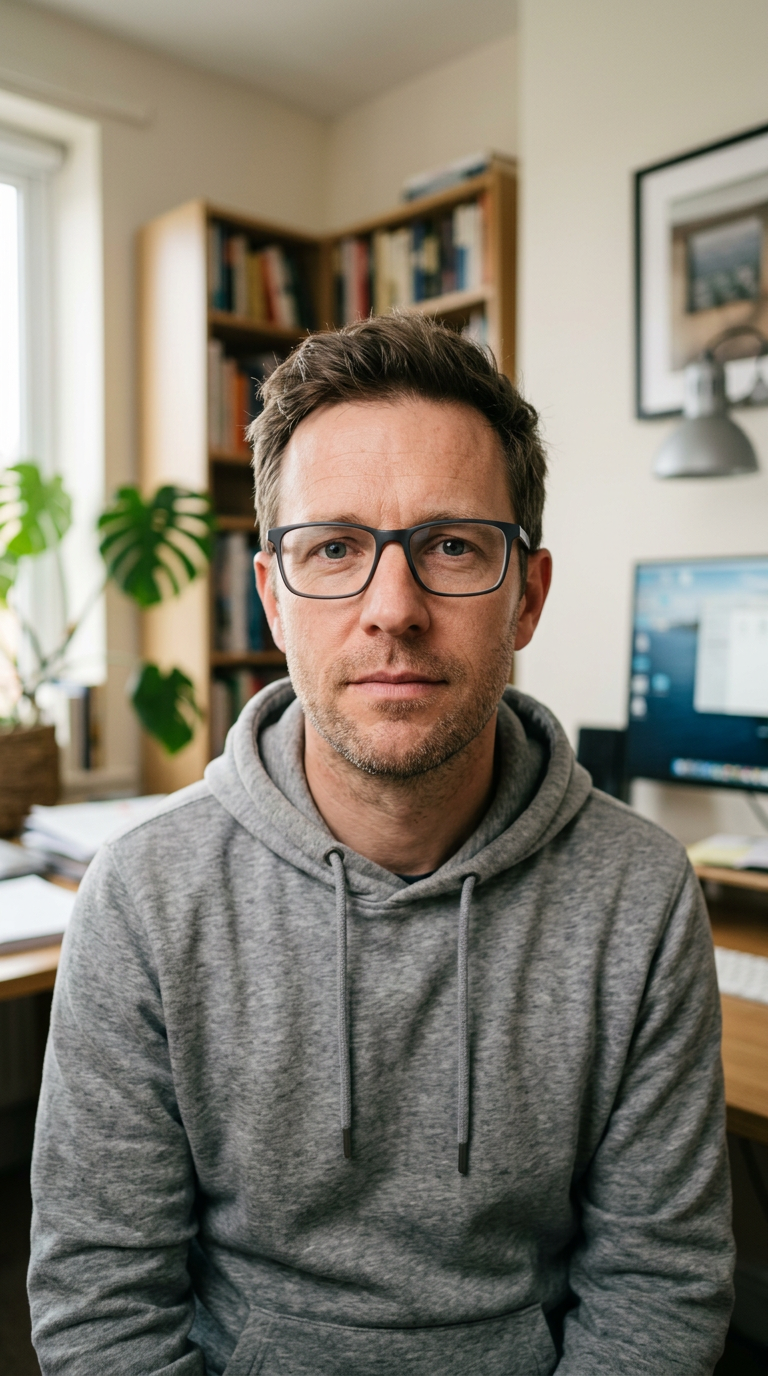
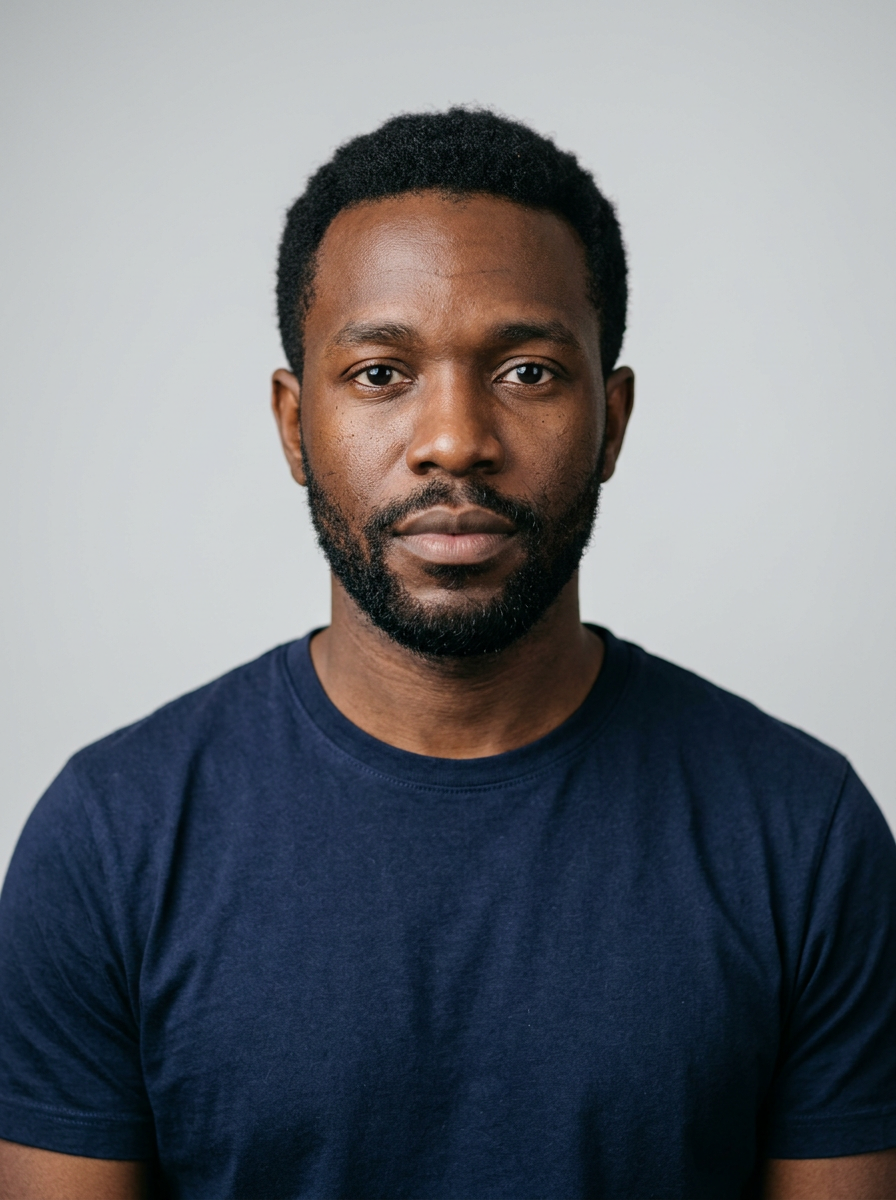
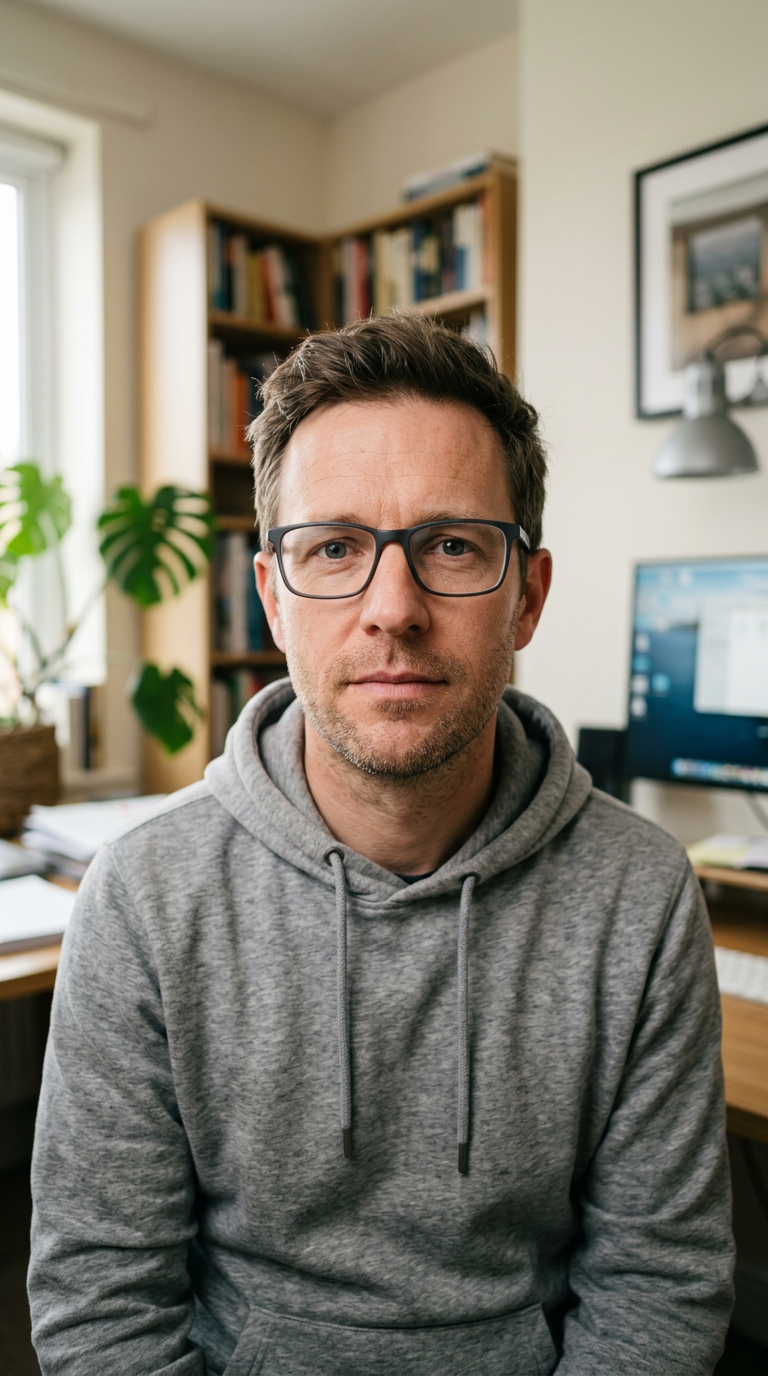
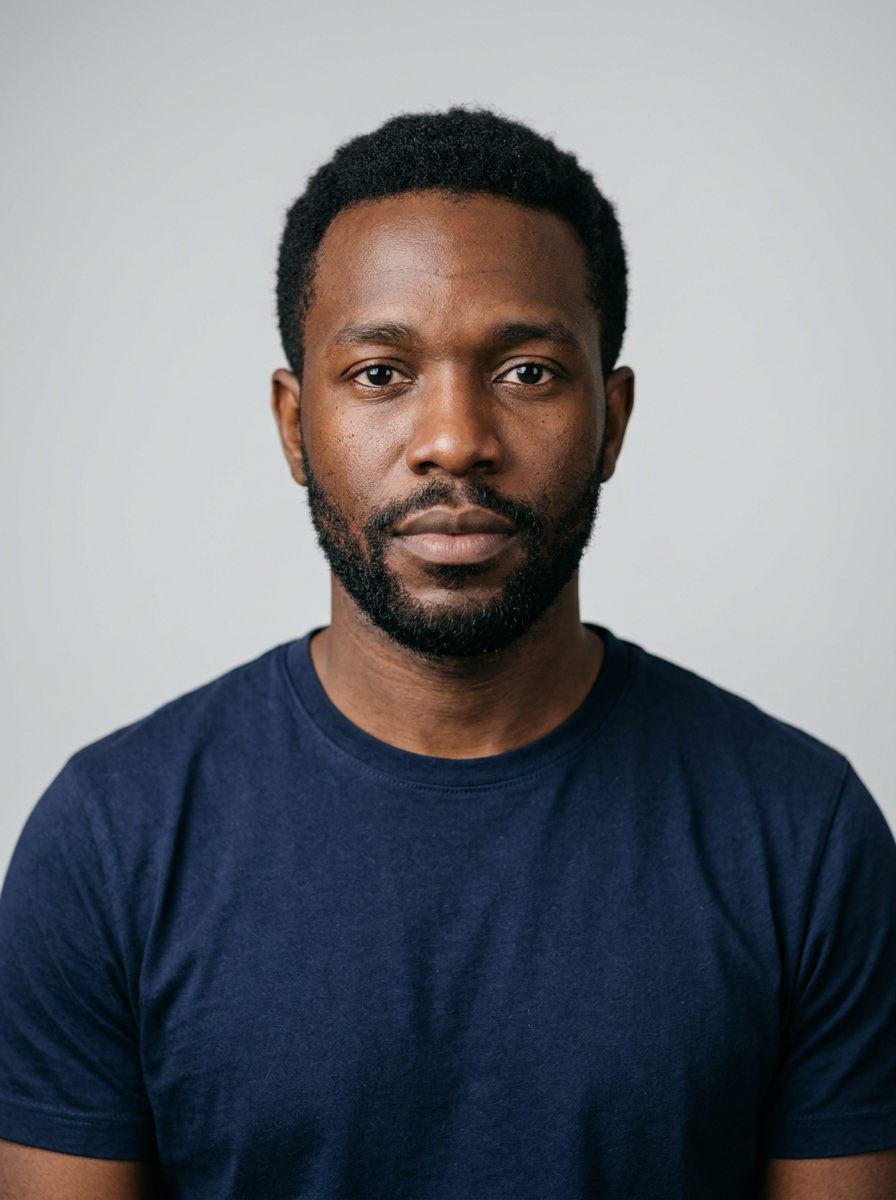
    NEWHeadshot Blinks and BreathesTwo slow blinks, gentle breathing and a faint smile.
  • Selfie Smiles at the Camera
    NEWSelfie Smiles at the CameraA neutral selfie breaks into a warm smile and a soft blink.
  • When Two Legends Try to Make Coffee
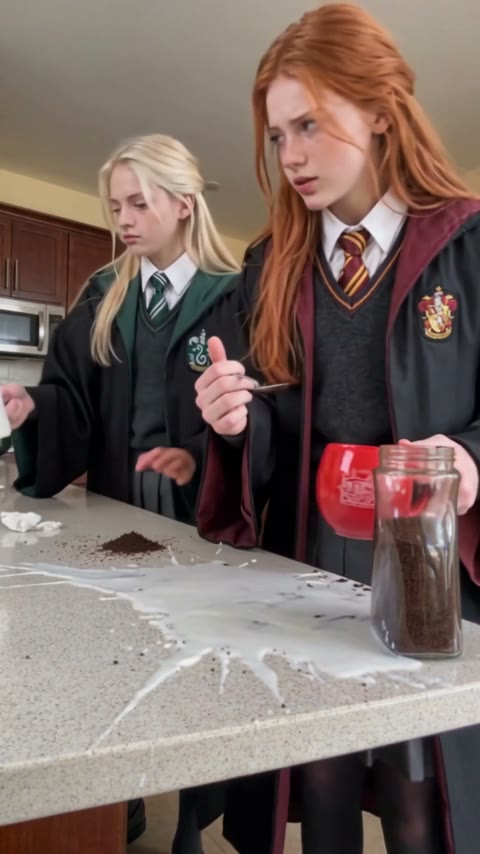
    NEWWhen Two Legends Try to Make CoffeeTwo photos: you and a friend make one coffee with zero synergy. Grounds on the counter, milk everywhere.↗
  • Giant Ramp Climbing AI
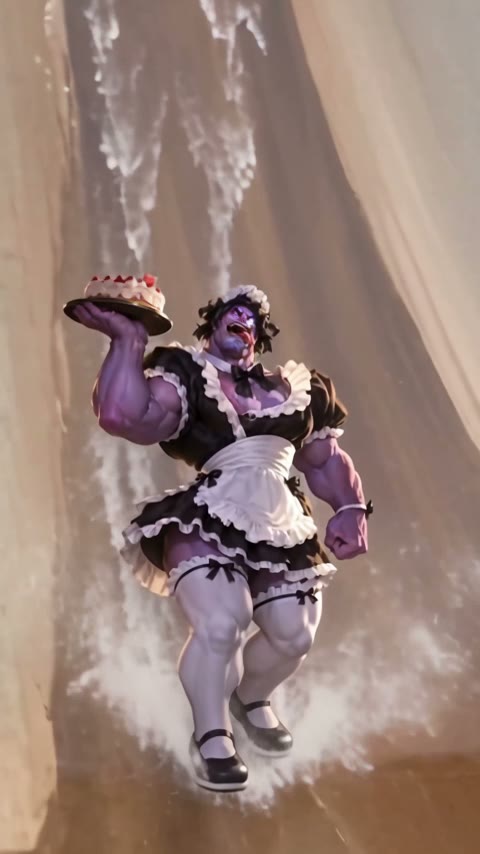
    NEWGiant Ramp Climbing AIOne photo: you sprint up a giant dam wall, slide down through the spray and shout at the camera.↗
  • Closing Door Prank AI
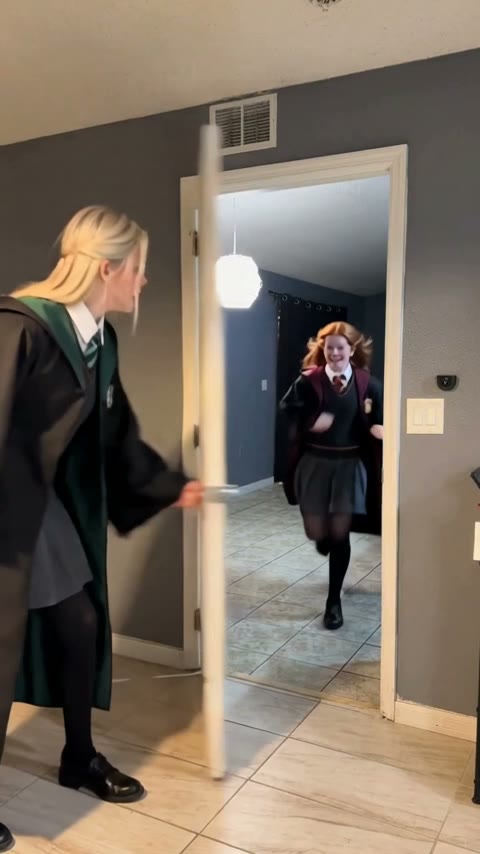
    NEWClosing Door Prank AITwo photos: your friend runs at the door, you fake-shut it at the last second.↗
  • Pick It Up Dance AI
    NEWPick It Up Dance AIOne photo: you do the Make It Jump routine right where the photo was taken.↗
  • LISA Tarantino Dance AI
    NEWLISA Tarantino Dance AIOne photo: you do LISA's Tarantino dance, arm sweep to hip sway.↗
  • Hop Hop Hop AI Dance
    NEWHop Hop Hop AI DanceTwo photos: squash your friend on the beat, then get squashed back.↗
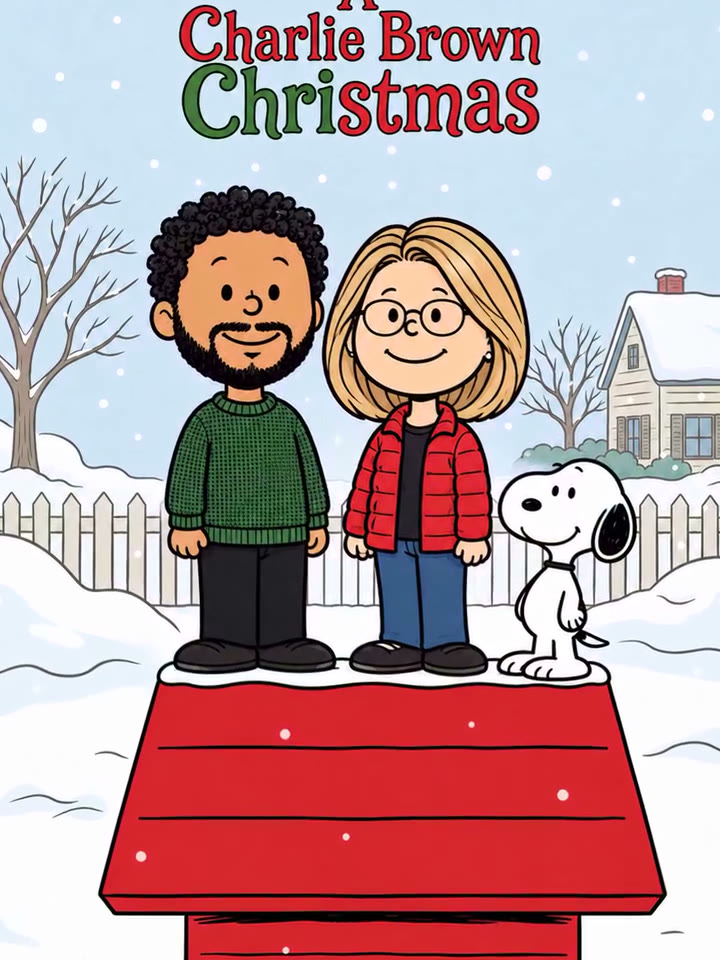
  • Charlie Brown Christmas Trend
    NEWCharlie Brown Christmas TrendYour photo scans into a Snoopy Christmas cartoon of you on the red doghouse.↗
  • Thriller Dance AI
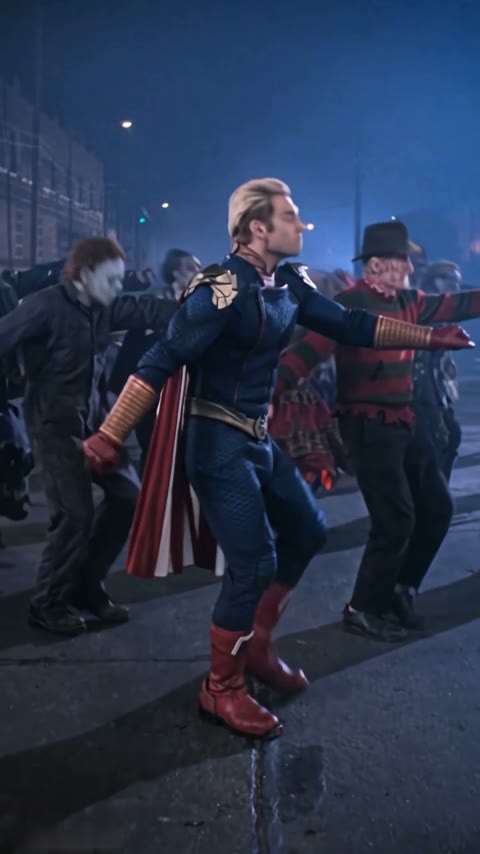
    NEWThriller Dance AIOne photo, and you lead the Thriller zombie dance with Freddy and Michael Myers behind you.↗
  • Cat Middle Finger AI
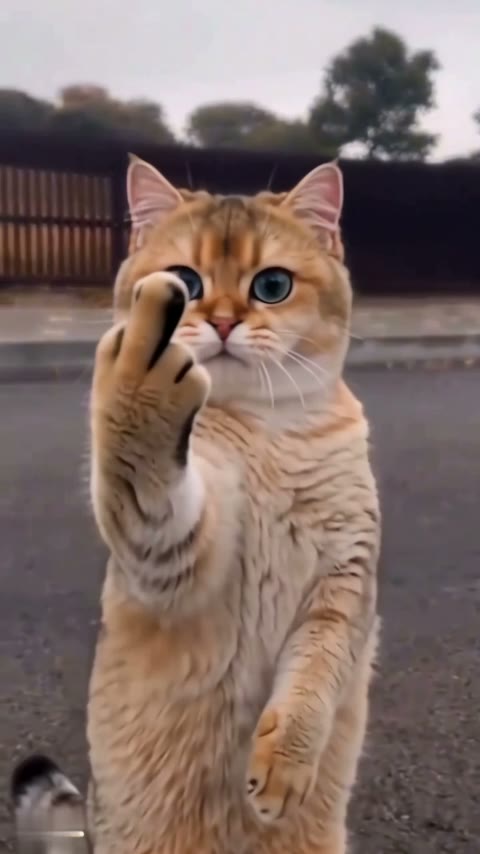
    NEWCat Middle Finger AIOne photo of your cat: it walks up on two legs, flips you off and walks away.↗
  • Car Alarm Dance AI
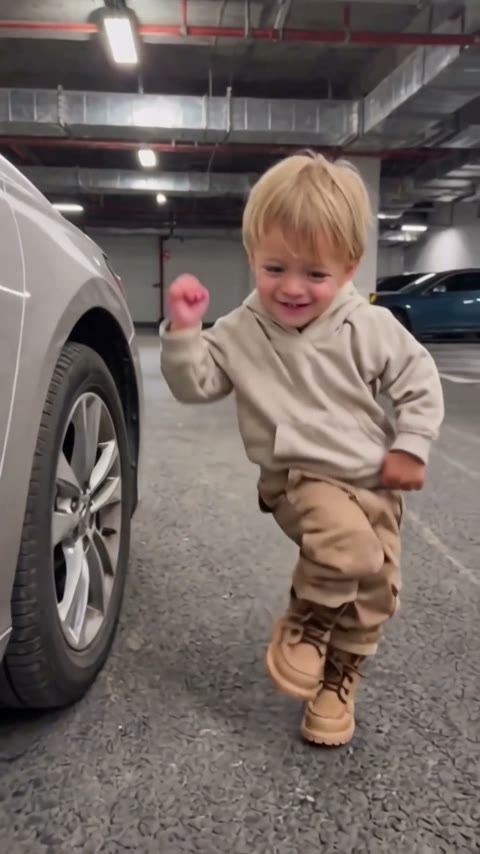
    NEWCar Alarm Dance AIOne photo of your kid, and they dance to a car alarm in a parking garage.↗
  • Transmission 5 Dance
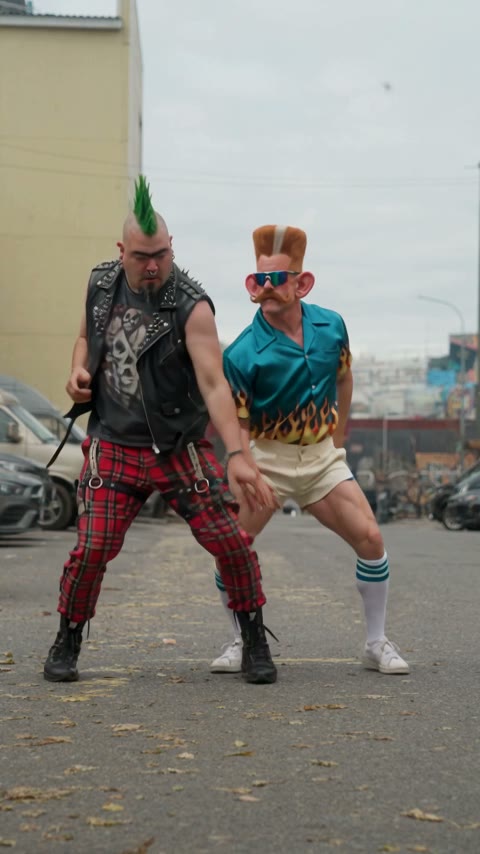
    NEWTransmission 5 DanceYou and a friend, side by side in the parking lot electro routine.↗
  • Birthday Car Trend
    NEWBirthday Car TrendA G-Wagon pulls up, you take the crown off your cake and blow out the candle.↗
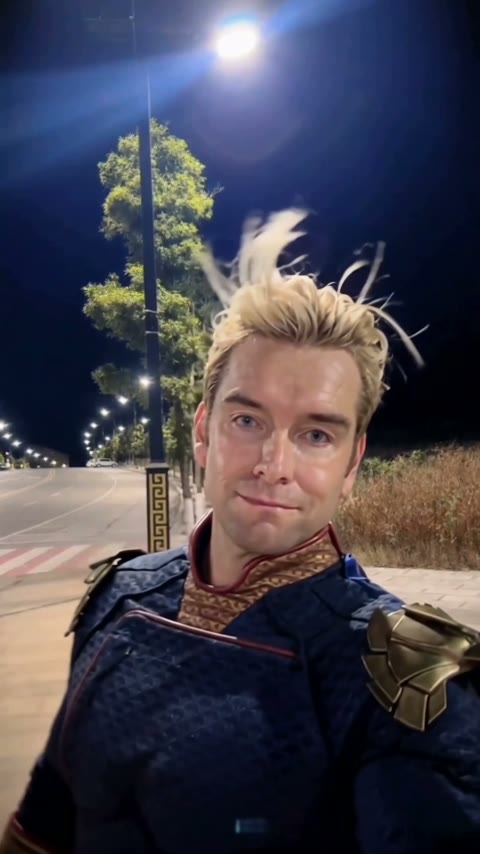
  • Street Light Trend AI
    NEWStreet Light Trend AIYou grab the lamp post, slip out of frame and pop back in as a selfie.↗
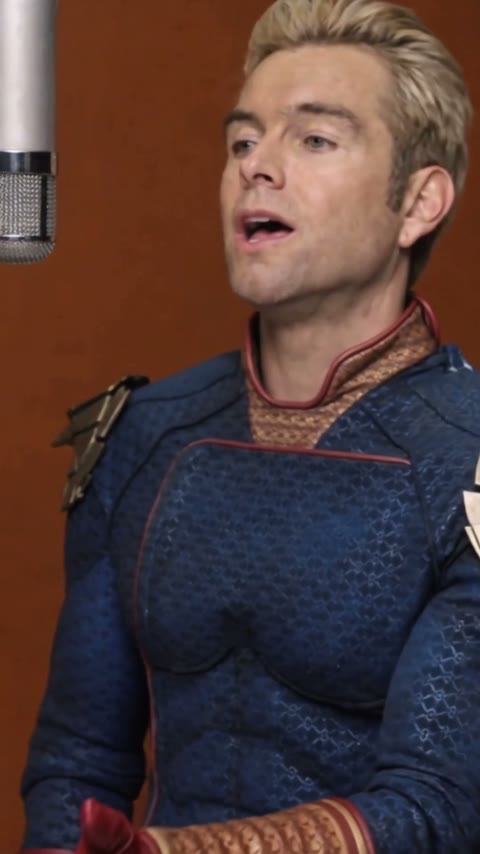
  • Bécane Yamê AI Trend
    NEWBécane Yamê AI TrendYou at the hanging mic in the orange studio, singing Bécane.↗
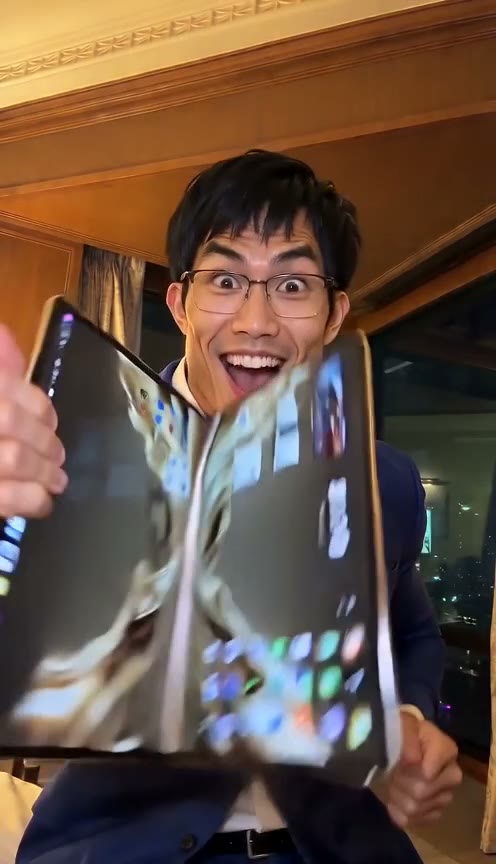
  • iPhone Kupi Dance AI
    NEWiPhone Kupi Dance AIOne photo, and you unfold a phone that keeps growing to the iPhone Kupi song.↗
  • Bonito Bonito AI Baby Dance
    NEWBonito Bonito AI Baby DanceOne photo of your baby, and they dance to Bonito Bonito in their own room.↗
  • Oh You Can Make It Cap AI
    NEWOh You Can Make It Cap AIOne of you asks for a 360 and can't stop laughing. The other spins.↗
  • Middle Finger Dunk AI
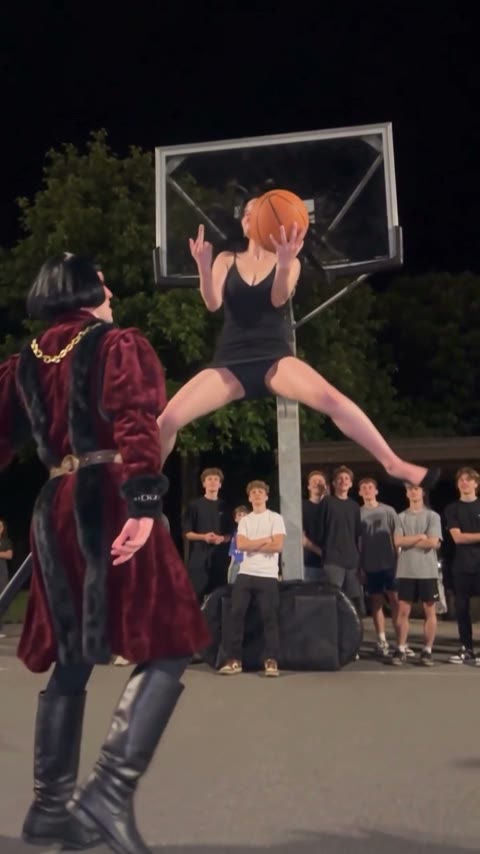
    NEWMiddle Finger Dunk AIOne of you dunks over the other, then flips off the camera. From two photos.↗
  • Bottle Kick Challenge
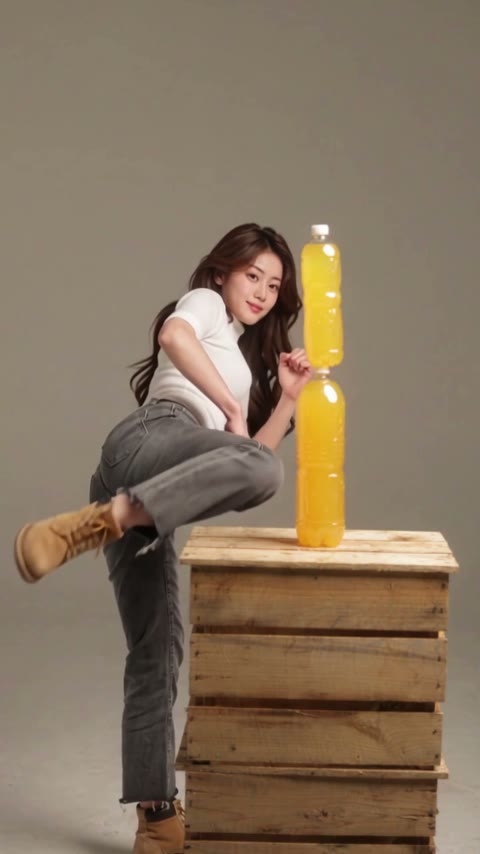
    NEWBottle Kick ChallengeAll that wind-up, then the kick hits the crate. From one photo.↗
  • Shaking Head Trend
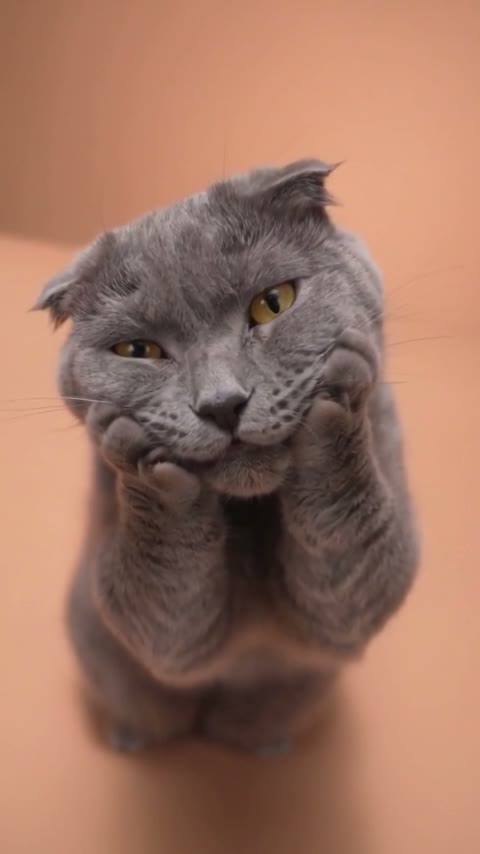
    NEWShaking Head TrendYour pet grins at the camera and shakes its head like crazy.↗
  • Angry Dance AI
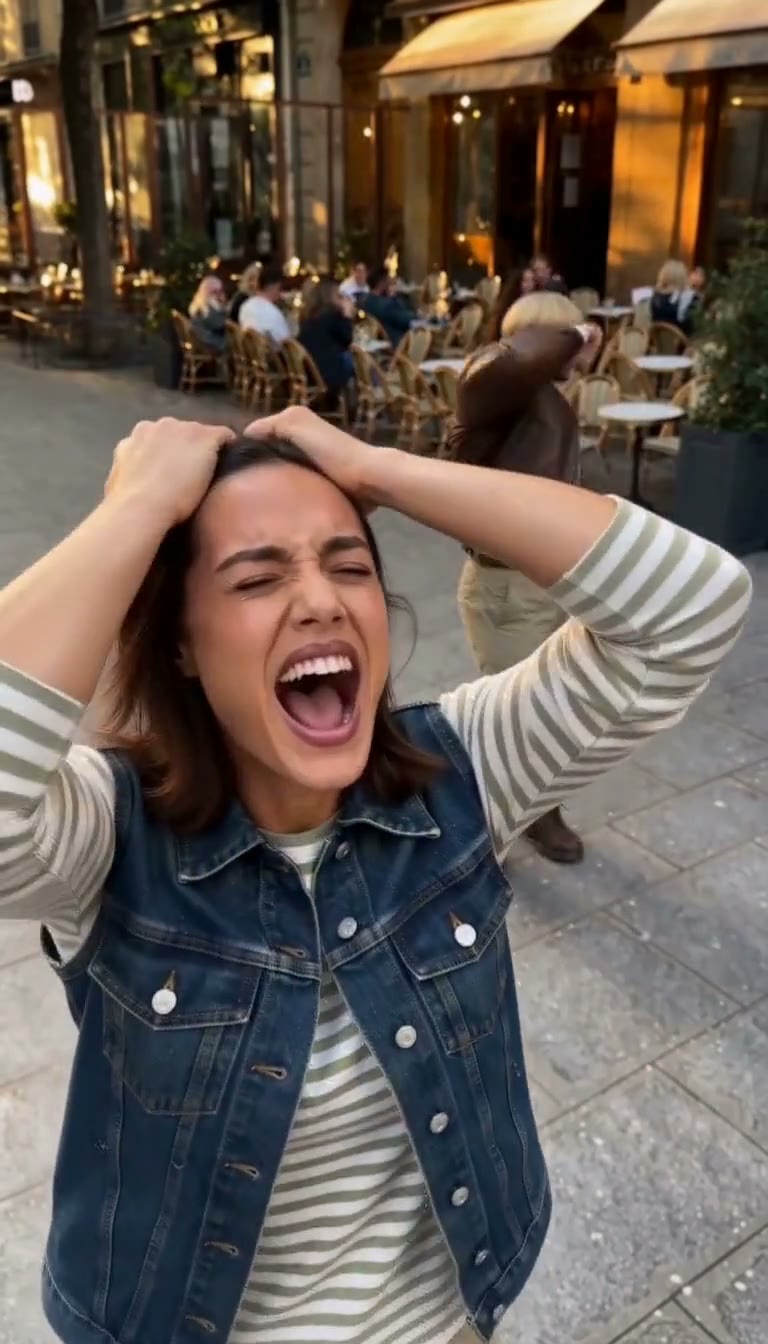
    NEWAngry Dance AIPoint, shrug and tell the camera off, from one photo.↗
  • Tiny Desk AI
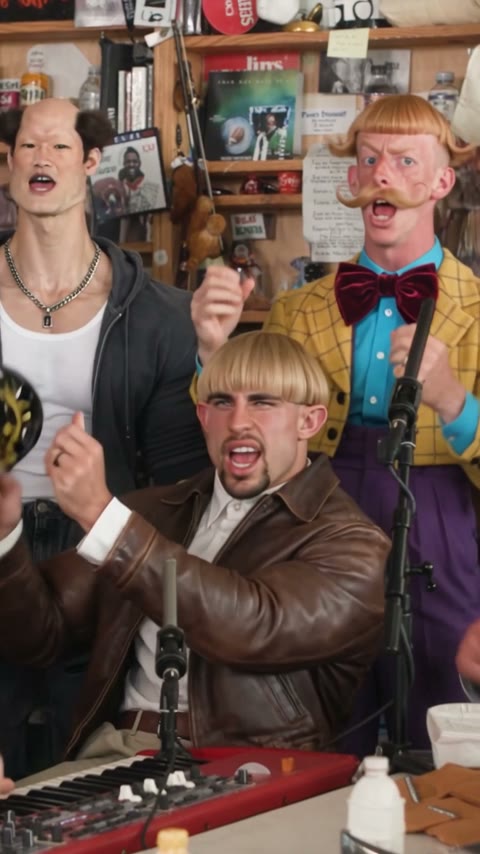
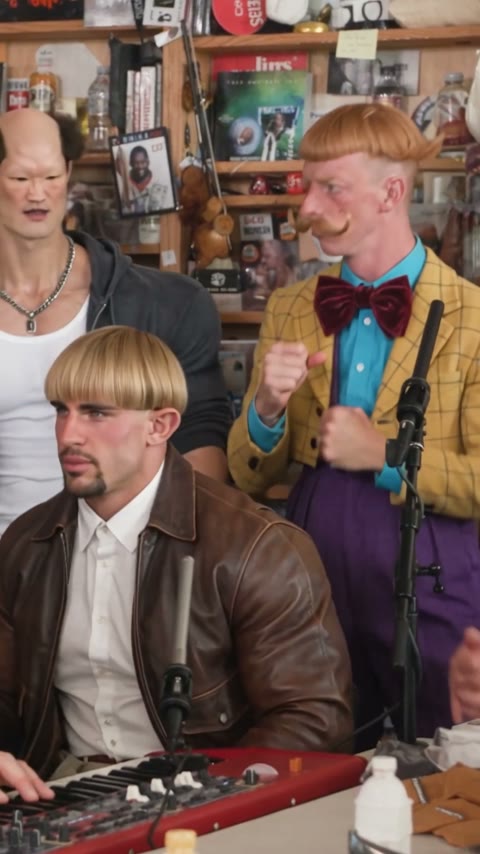
    NEWTiny Desk AIYour four friends, live at the Tiny Desk, belting Outstanding.↗
  • Toy Car to Real Car
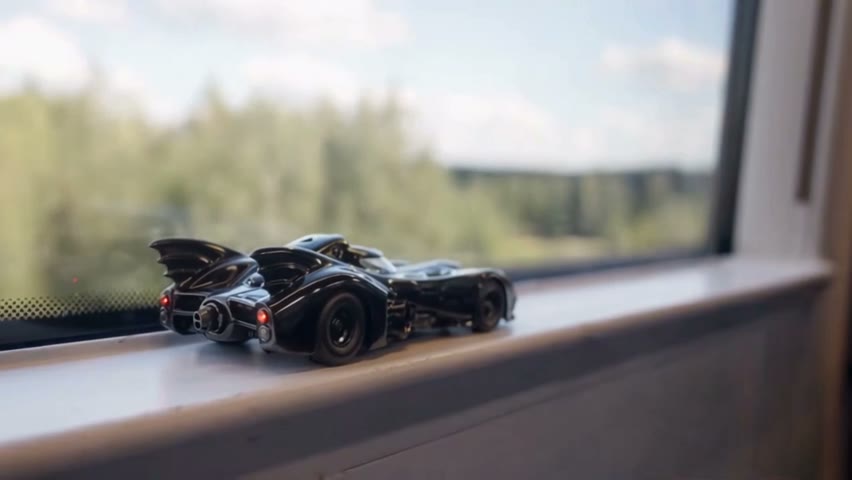
    NEWToy Car to Real CarA tiny model on the windowsill drives off as the real thing.↗
  • Money Flex AI
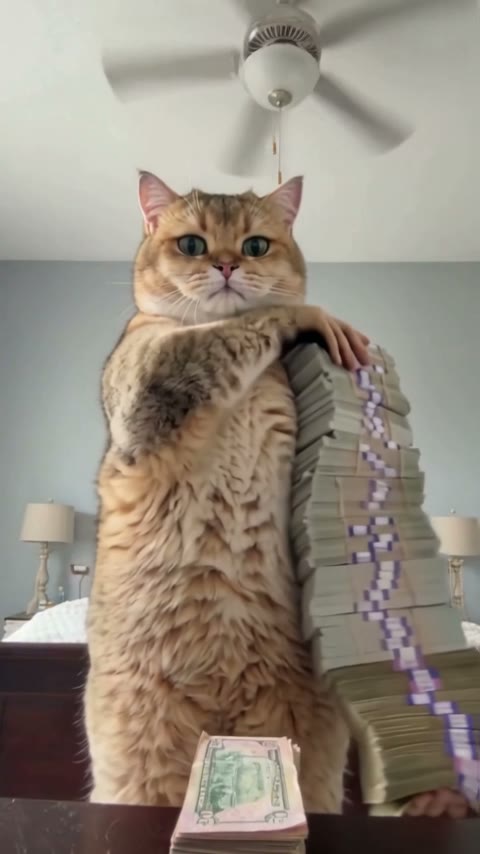
    NEWMoney Flex AIYour cat hugs a tower of cash and fans the bills at the camera.↗
  • Window Peeper AI
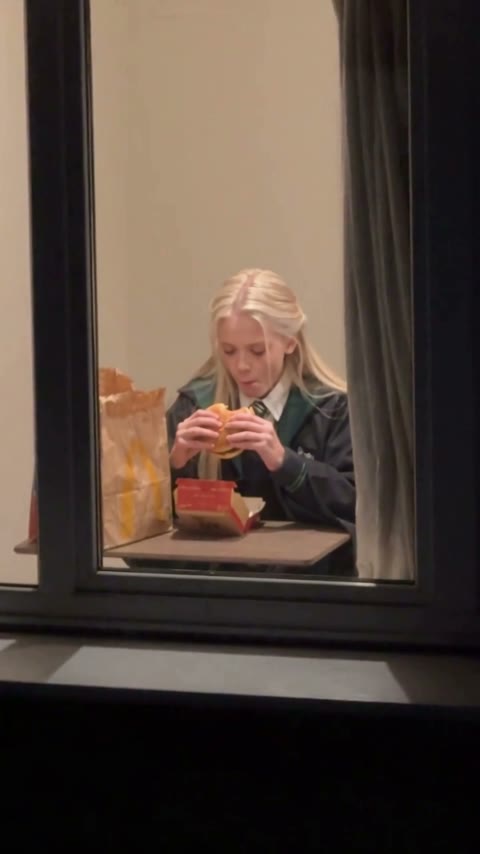
    Window Peeper AICaught eating a burger at night, and you stare right back.↗
  • What Stop Sign AI
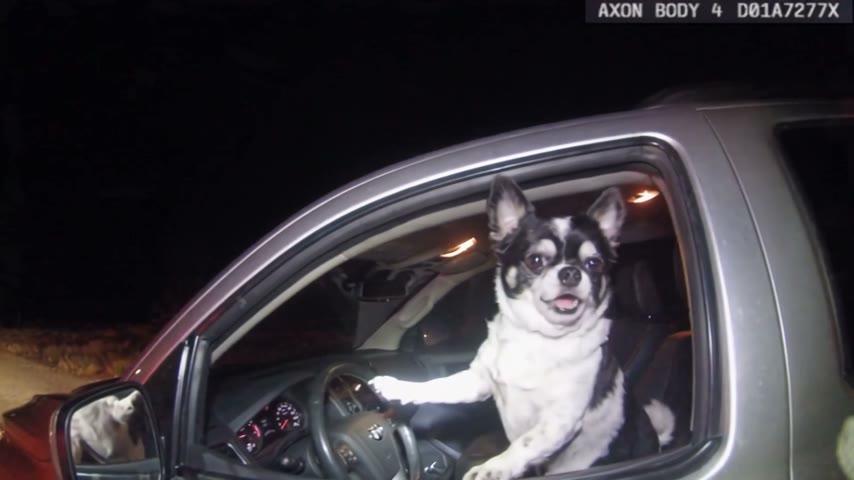
    What Stop Sign AIYour dog gets pulled over and asks: what stop sign?↗
  • Line-Art Officer Blows the Whistle
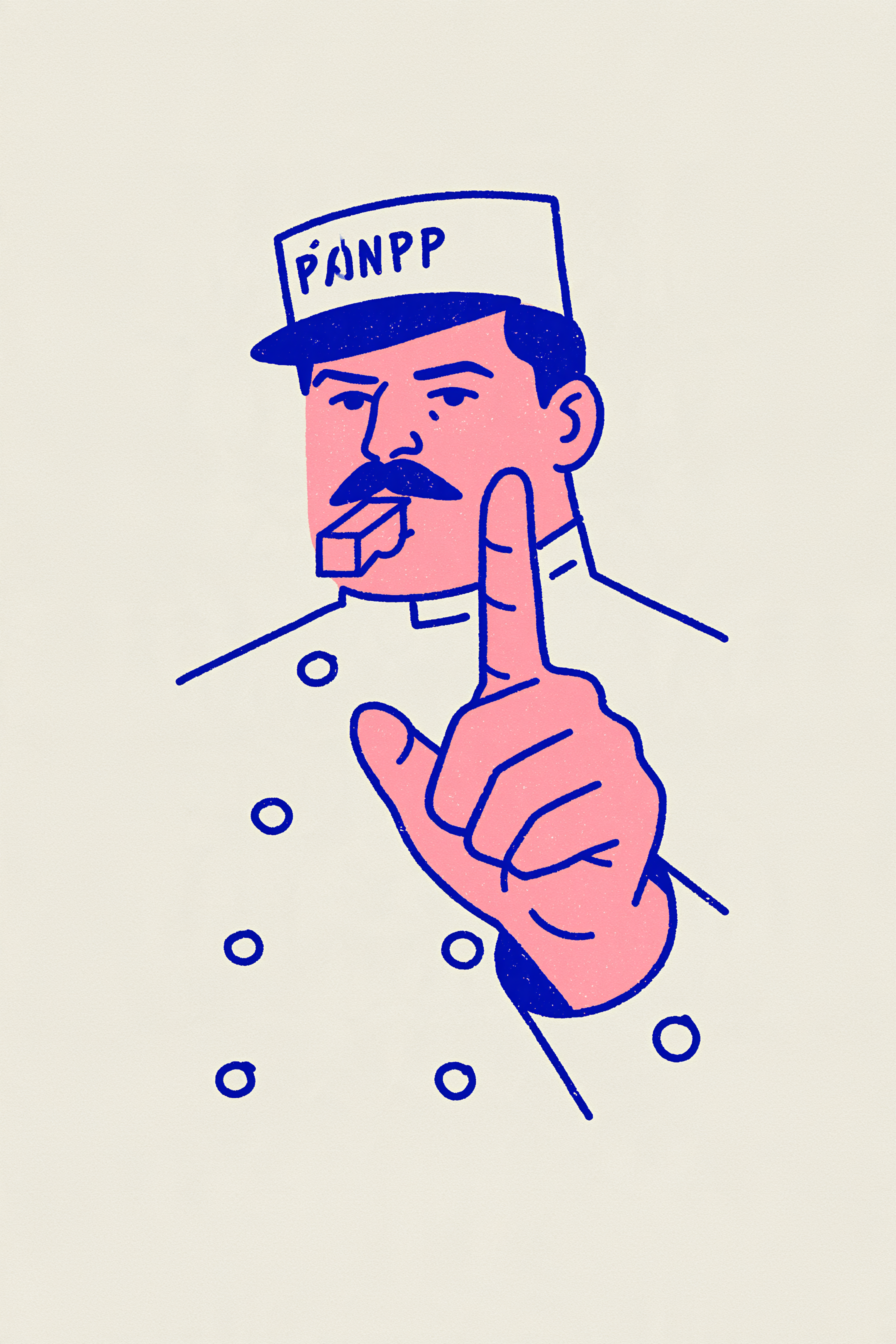
    Line-Art Officer Blows the WhistleTwo colors, flat lines, puffed cheeks and a sharp whistle.
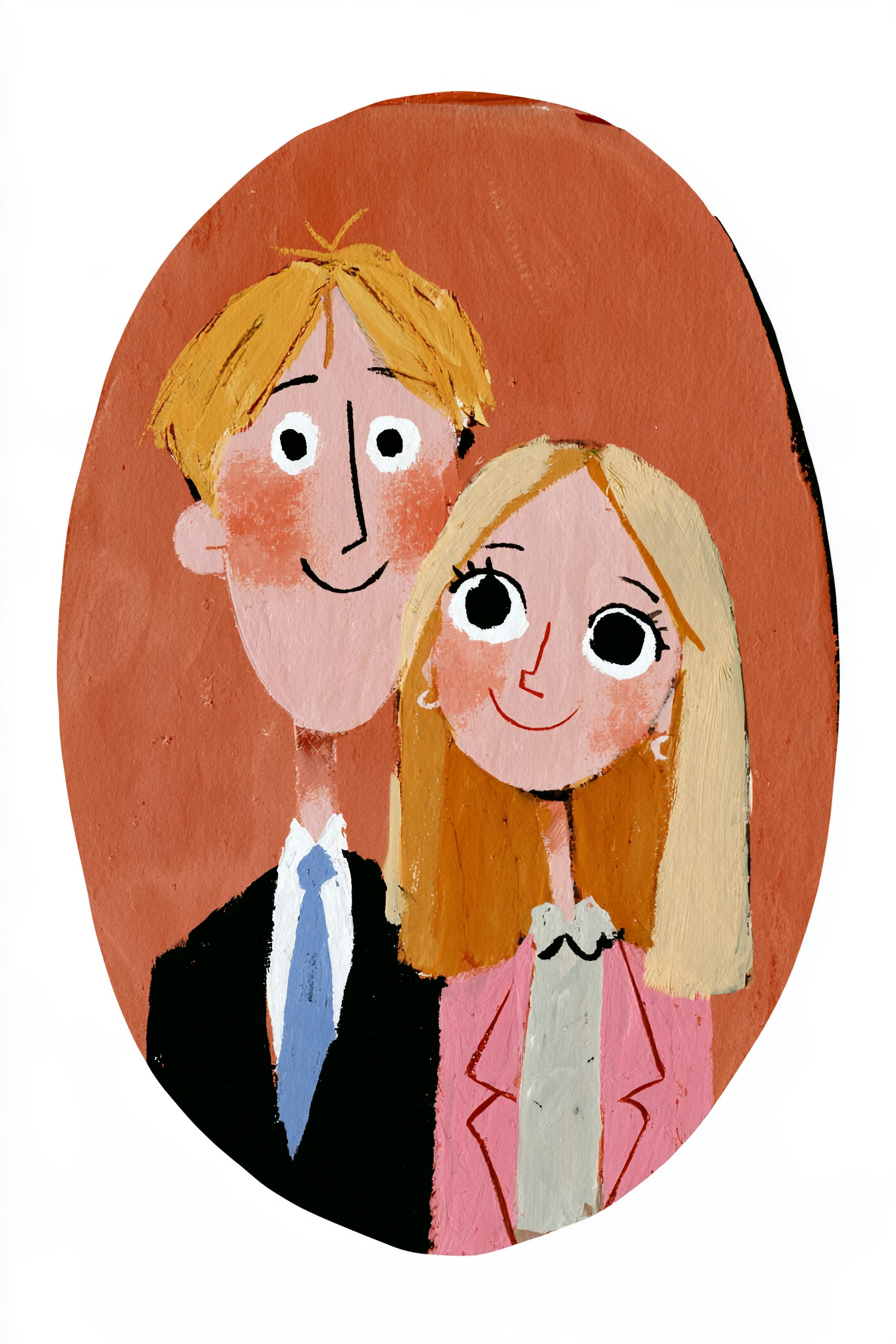
  • Gouache Couple Portrait
    Gouache Couple PortraitTwo painted faces smile and lean in, brush strokes intact.
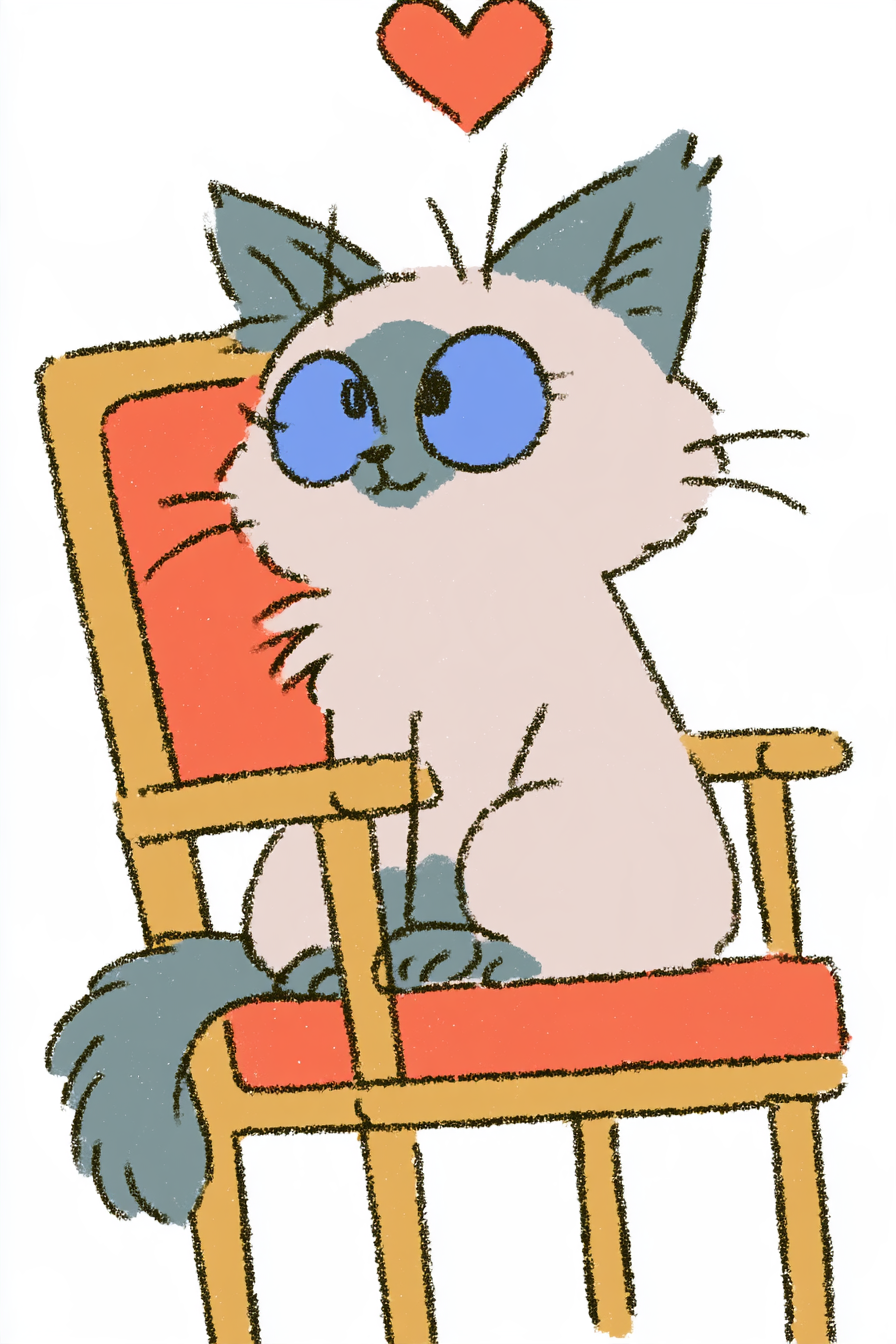
  • Crayon Cat on a Chair
    Crayon Cat on a ChairThe cat blinks, tilts its head and swishes its tail. Still crayon.
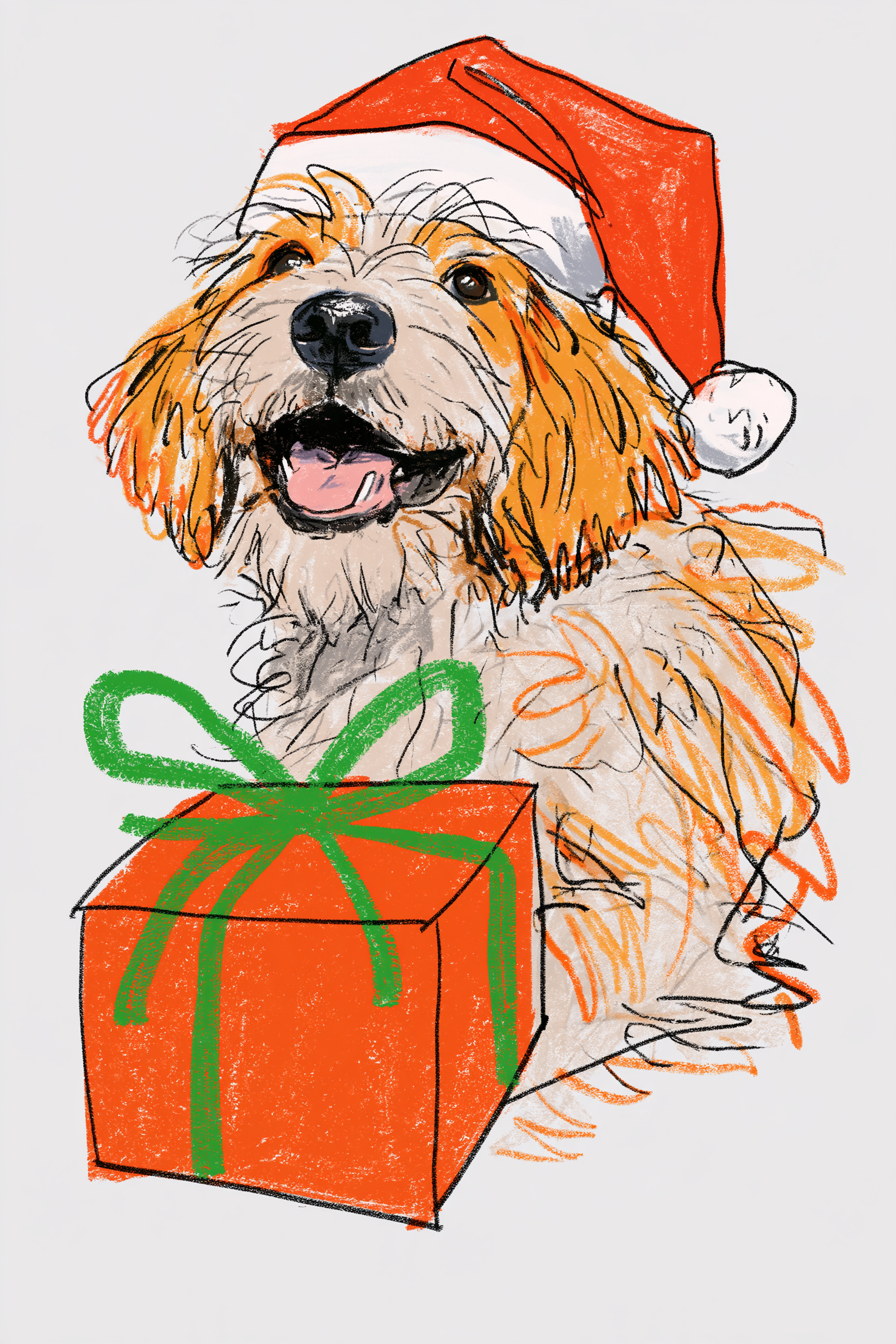
  • Colored-Pencil Christmas Dog
    Colored-Pencil Christmas DogA happy dog, a bouncing Santa hat and pencil-drawn snow.
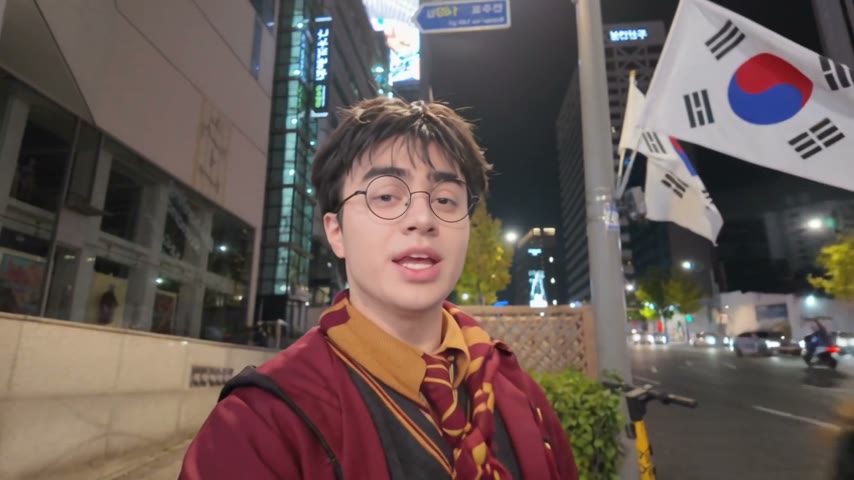
  • Gangnam Style AI
    Gangnam Style AIYou and your crew take over a Seoul street at night.↗
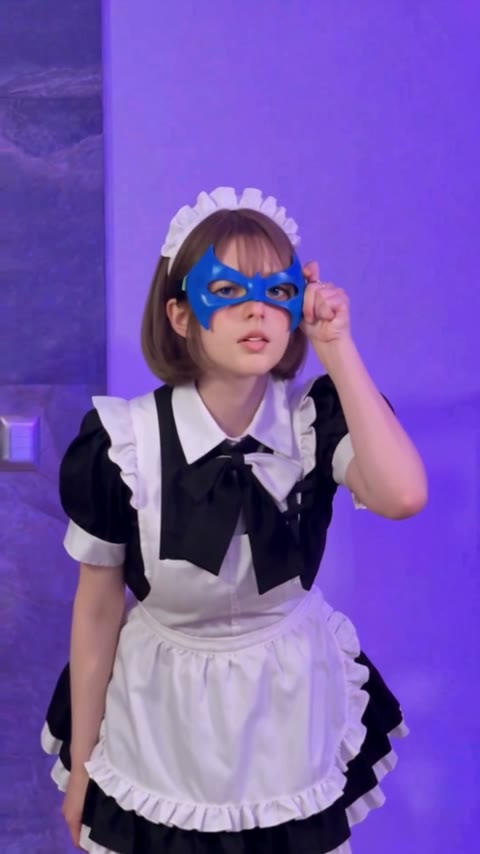
  • Nightwing Trend
    Nightwing TrendMask on, mask off, then the glowing-stick dance.↗
  • Dame Hombro
    Dame HombroTake the mic in the Dame Hombro street scene.↗
  • Firestarter K/DA Dance
    Firestarter K/DA DanceOne photo, and you take Kai'Sa's spot in the FIRESTARTER dance.↗
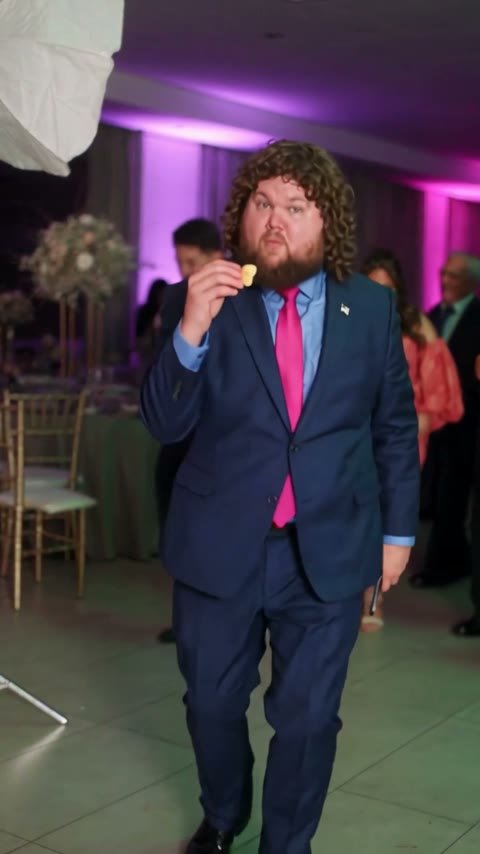
  • Bby Wow Dance Guy
    Bby Wow Dance GuyOne photo, and you are the guy chewing a snack and staring down the camera.↗
  • Enzo Fernandez Celebration AI
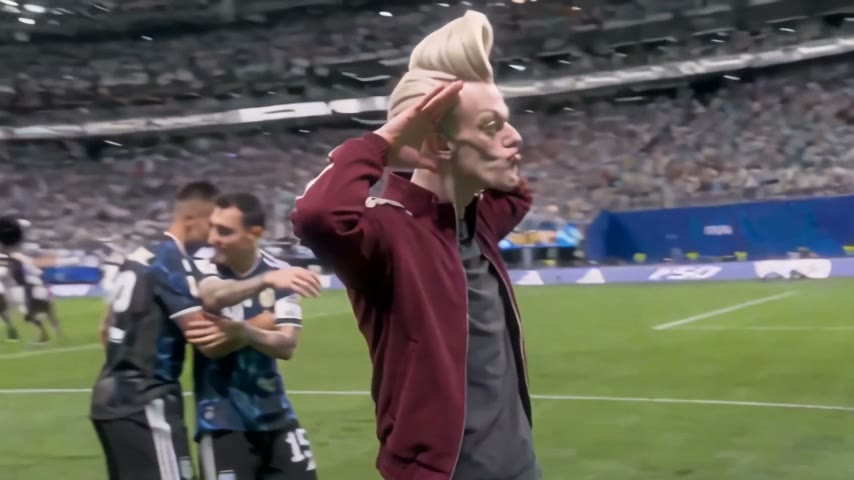
    Enzo Fernandez Celebration AIOne photo, and you cup your ears at the stadium after the goal.↗
  • Uptown Funk AI
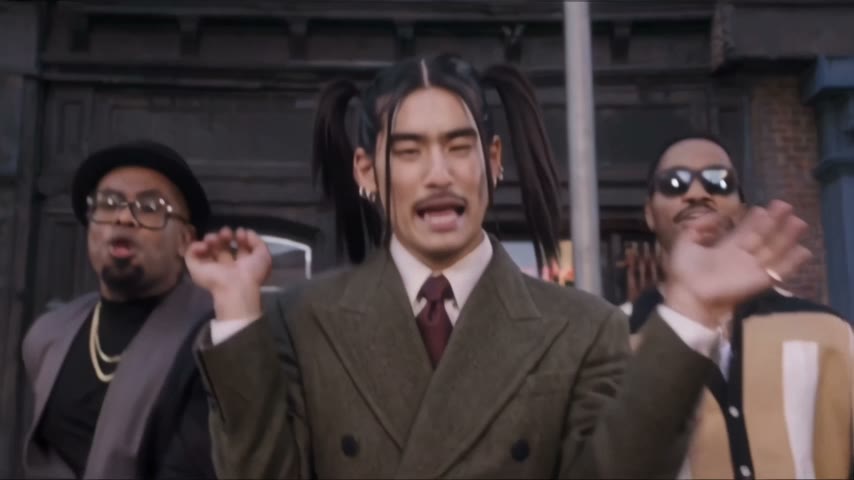
    Uptown Funk AIOne photo, and you front the Uptown Funk crew on the street.↗
  • Dime Dime Baby AI
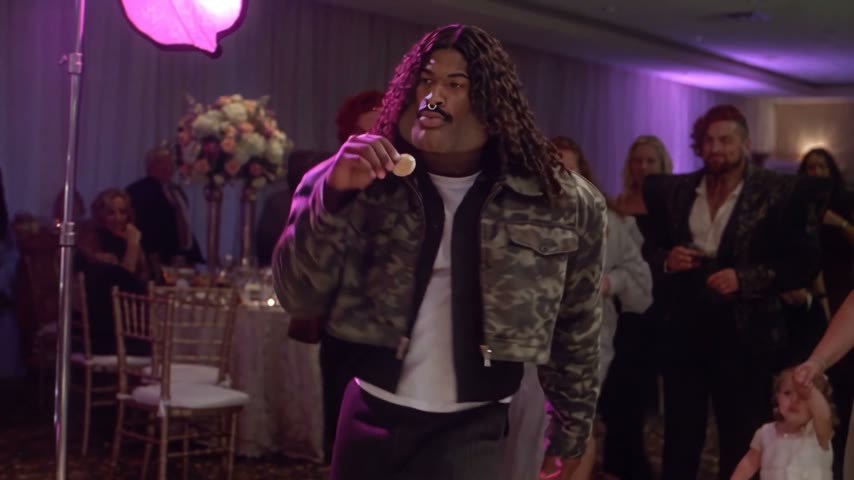
    Dime Dime Baby AIOne photo, and you strut into the party to Bby Wow, snack in hand.↗
  • Otsukare Summer AI
    Otsukare Summer AIGood job, summer. One photo of your cat or dog, and it stands up and dances to HALCALI.↗
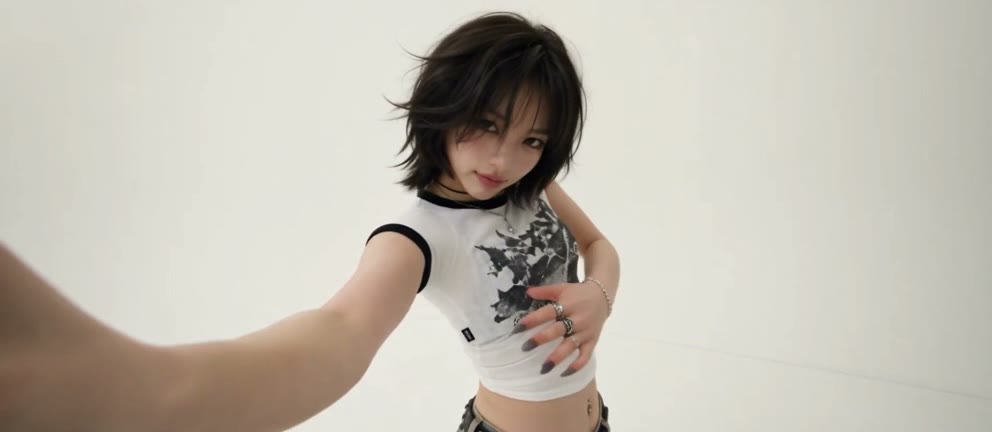
  • Sawadika Dance AI
    Sawadika Dance AIHello, สวัสดีค่ะ. One photo, and you are doing the Sawadika dance in a white studio.↗
  • Crazy Frog AI
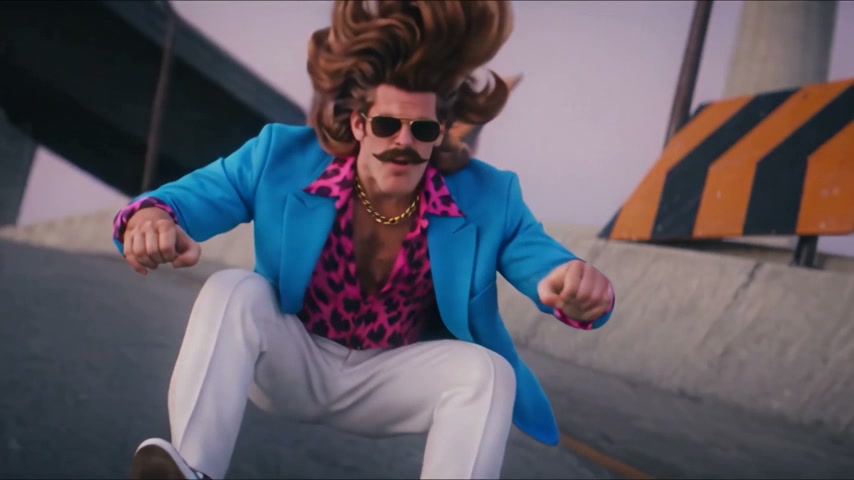
    Crazy Frog AIRide an invisible motorbike down the overpass, Crazy Frog style, while a cop on a hover bike closes in.↗
  • A2O LITE NEON Duo
    A2O LITE NEON DuoYou and a friend take over the NEON duo intro, side by side on a bright white stage.↗
  • Cheba Man Dance
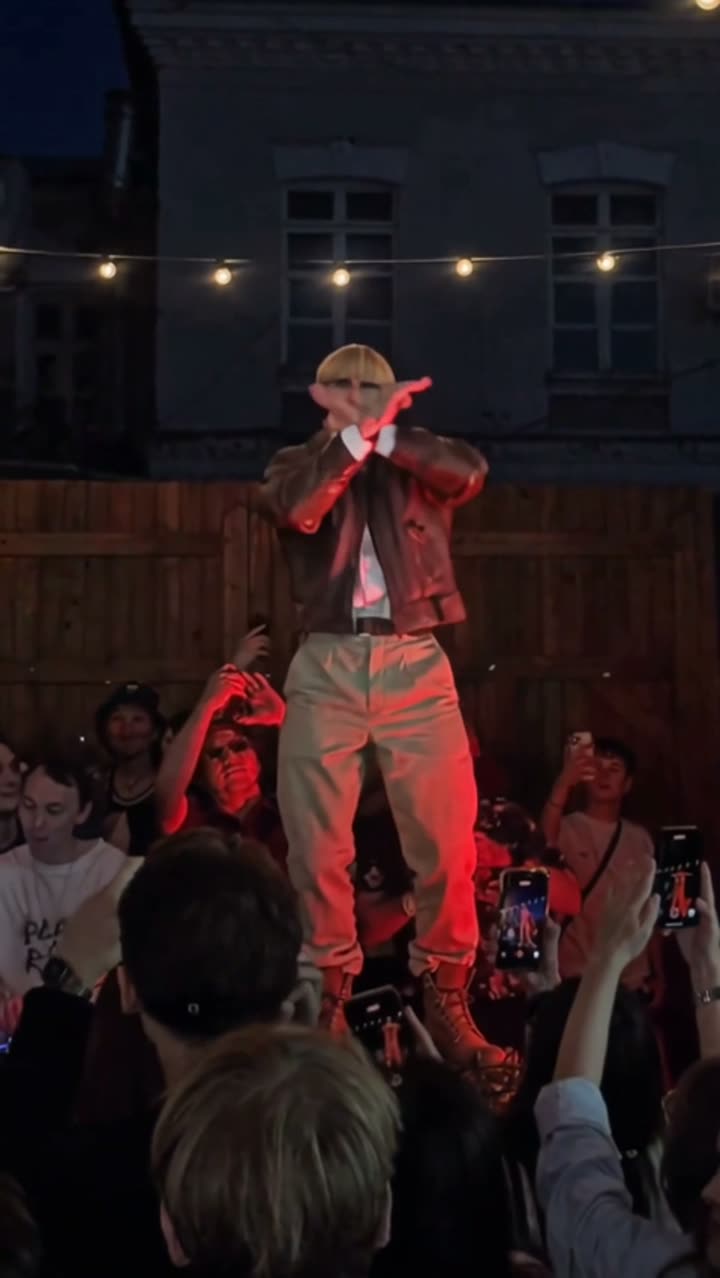
    Cheba Man DanceOwn the red-lit stage with fast Tecktonik arms while the whole crowd films you.↗
  • Talk Dirty Hip Hop
    Talk Dirty Hip HopTake center stage under the spotlight and hit a hip hop solo with the backup dancers.↗
  • AI Flying Roadster
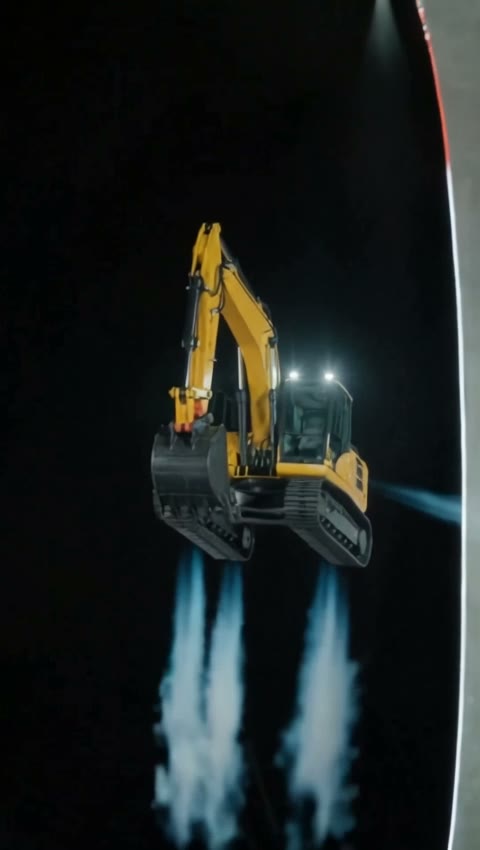
    AI Flying RoadsterPut your own car into the viral Roadster stunt run.↗
  • Balcony Stare at the Dancer
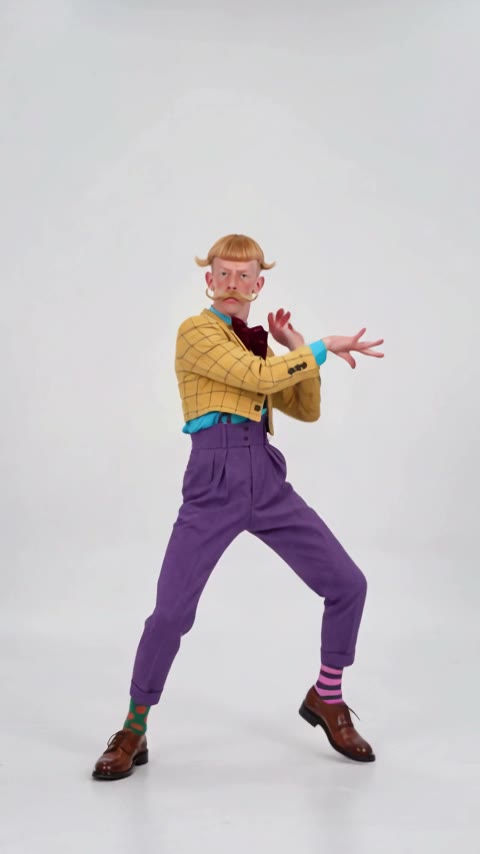
    Balcony Stare at the DancerOne friend leans on the balcony, grinning, then freezes watching the other pull off a very sus dance below.↗
  • AI Moonwalk
    AI MoonwalkGlide backwards across the floor in a smooth, Michael Jackson–style moonwalk.↗
  • AI Basketball Dunk
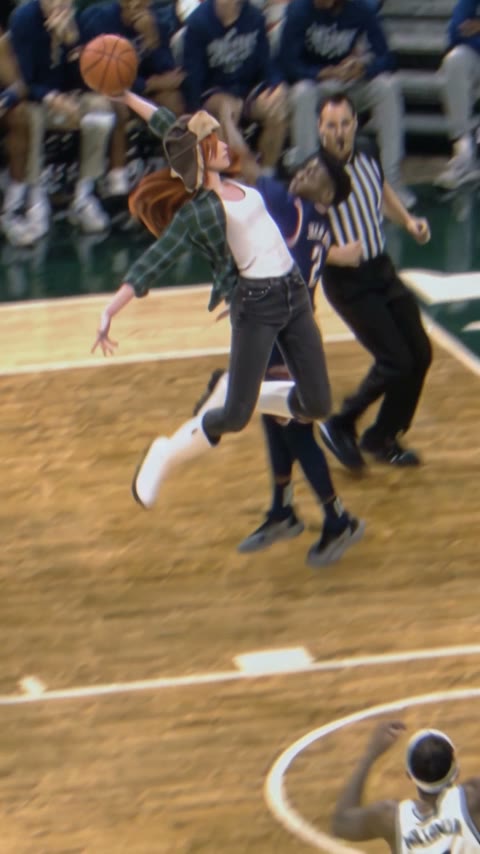
    AI Basketball DunkFly past the defender and throw it down in front of a packed arena.↗
  • Ozil Goal
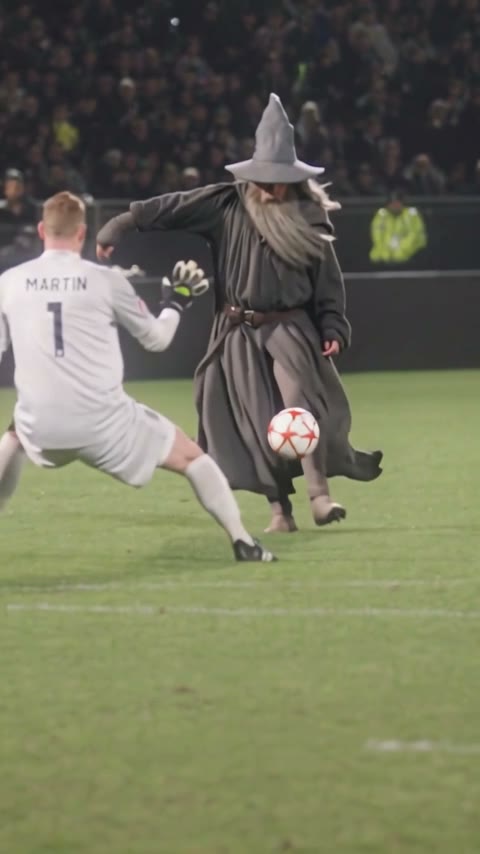
    Ozil GoalChip the keeper and score the Ozil goal under the stadium lights.↗
  • Nicole Kidman Dance
    Nicole Kidman DanceDo the ADÉLA "Nicole Kidman" dance in your own outfit.↗
  • AI Camera Orbit Video
    AI Camera Orbit VideoThe camera flies around you while you hold your pose and never break eye contact.
  • Bad Times AI
    Bad Times AIAct out the Bad Times argument in your own photo's setting.↗
  • AI Broom Riding
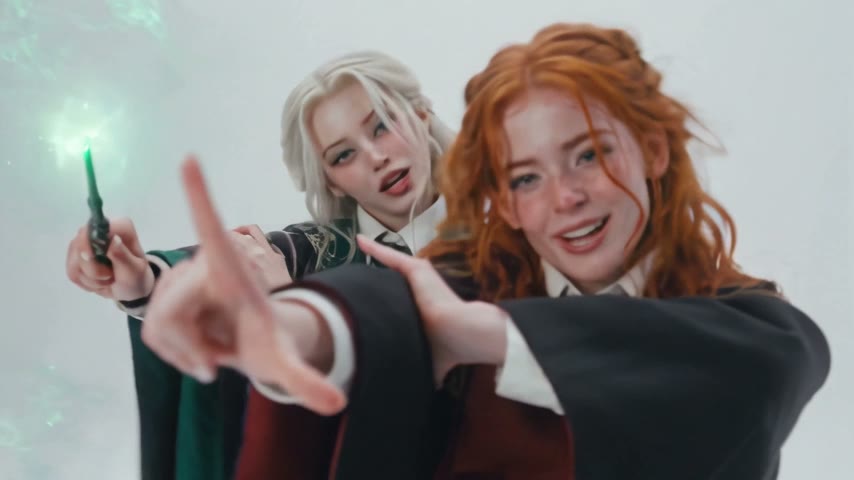
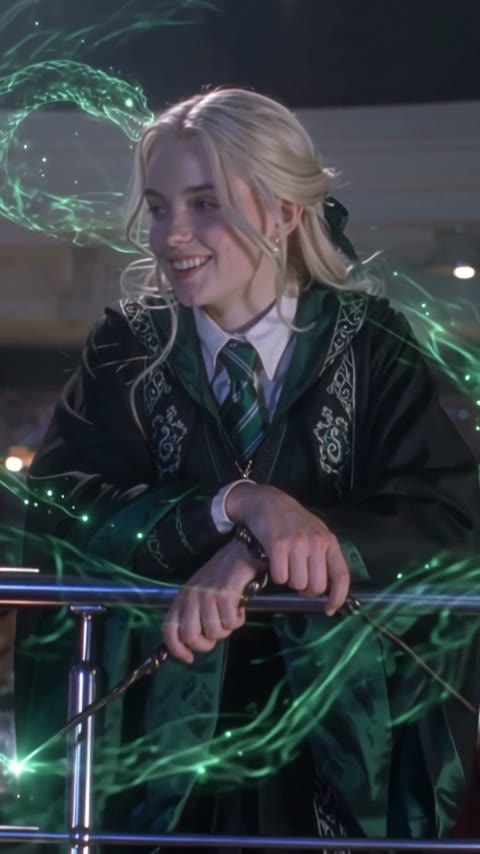
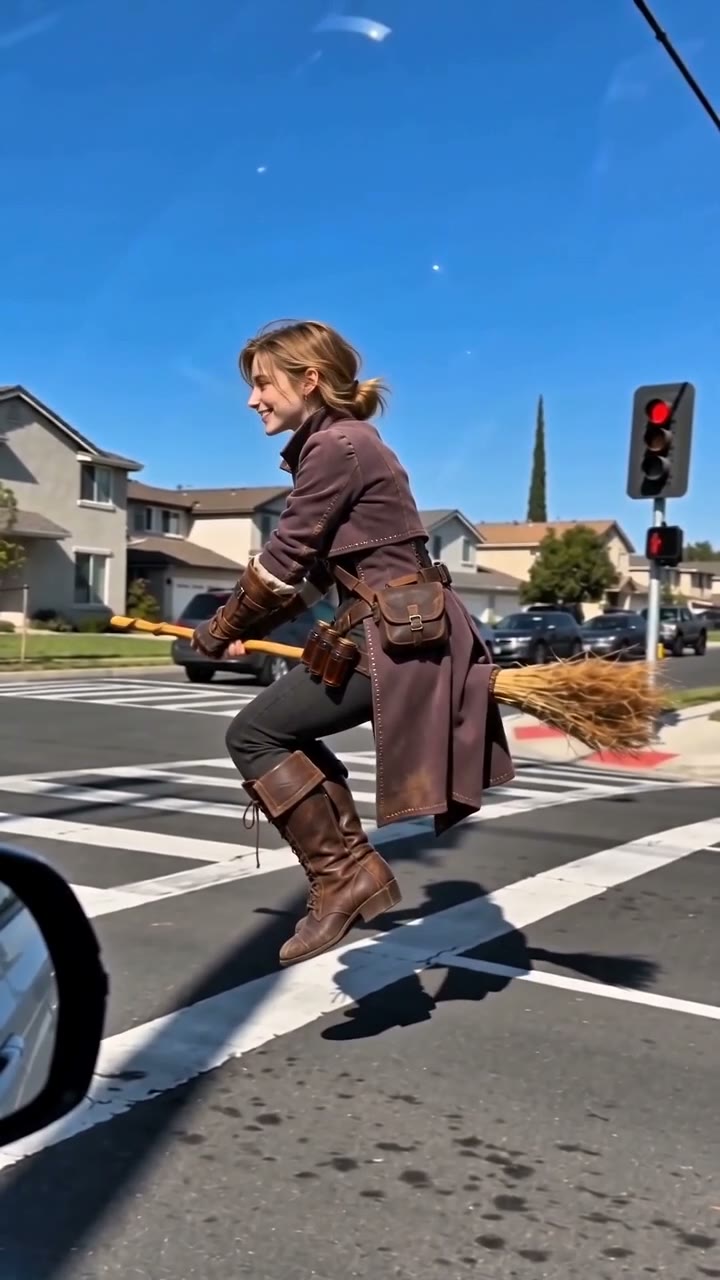
    AI Broom RidingFly a broomstick past the car window — the viral My Ride Is Here trend.↗
  • Smalltown Boy AI Dance
    Smalltown Boy AI DanceTwo people, one wild Smalltown Boy street dance.↗
  • Zoolander AI Stare
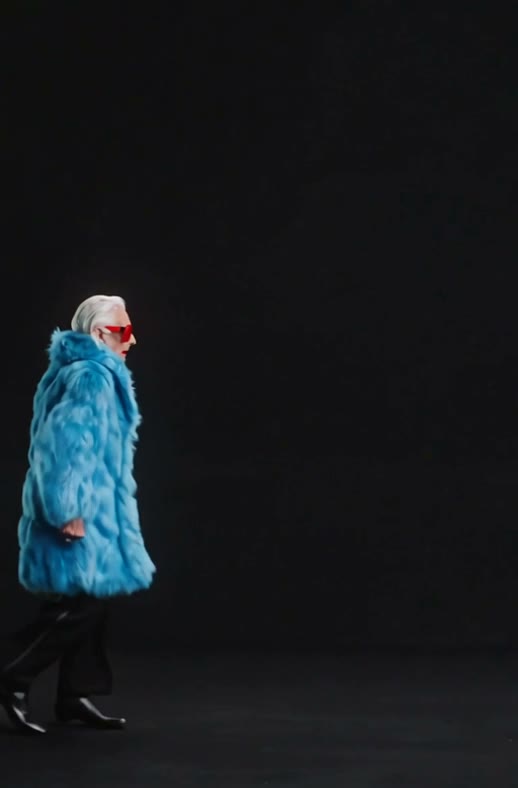
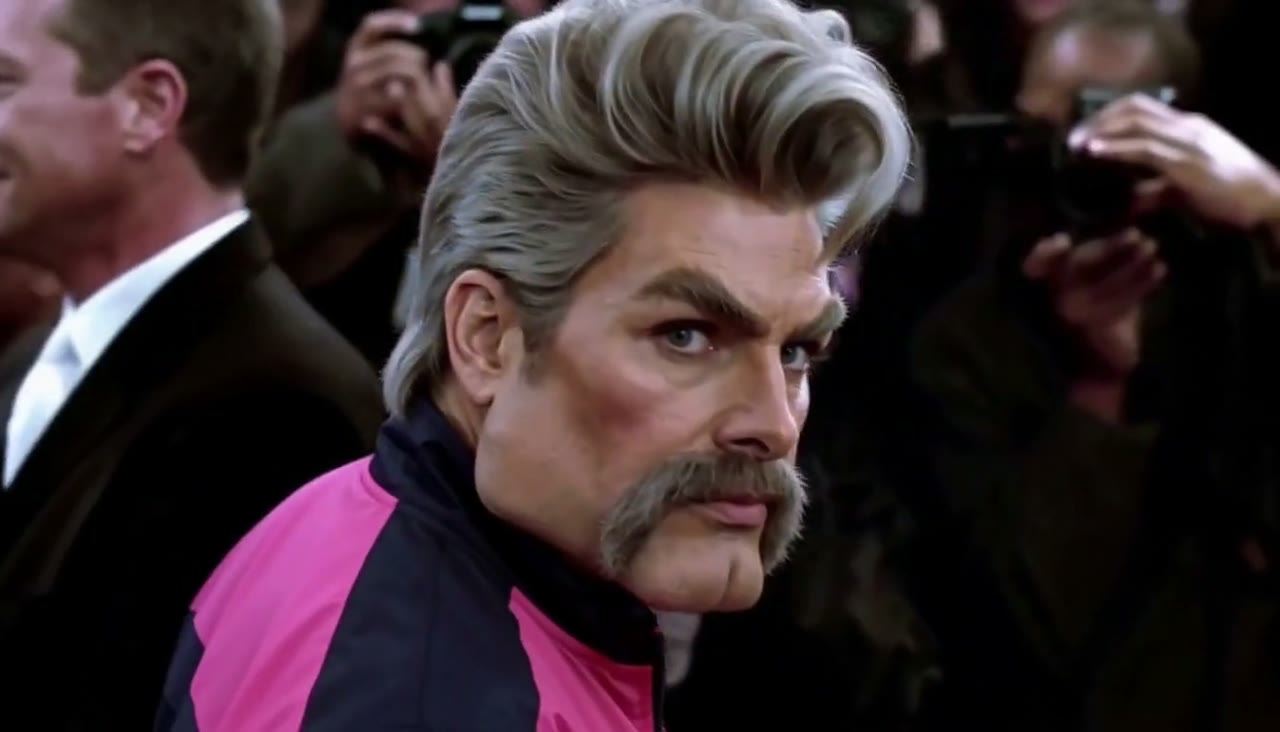
    Zoolander AI StarePut two people into the viral Zoolander red-carpet stare.↗
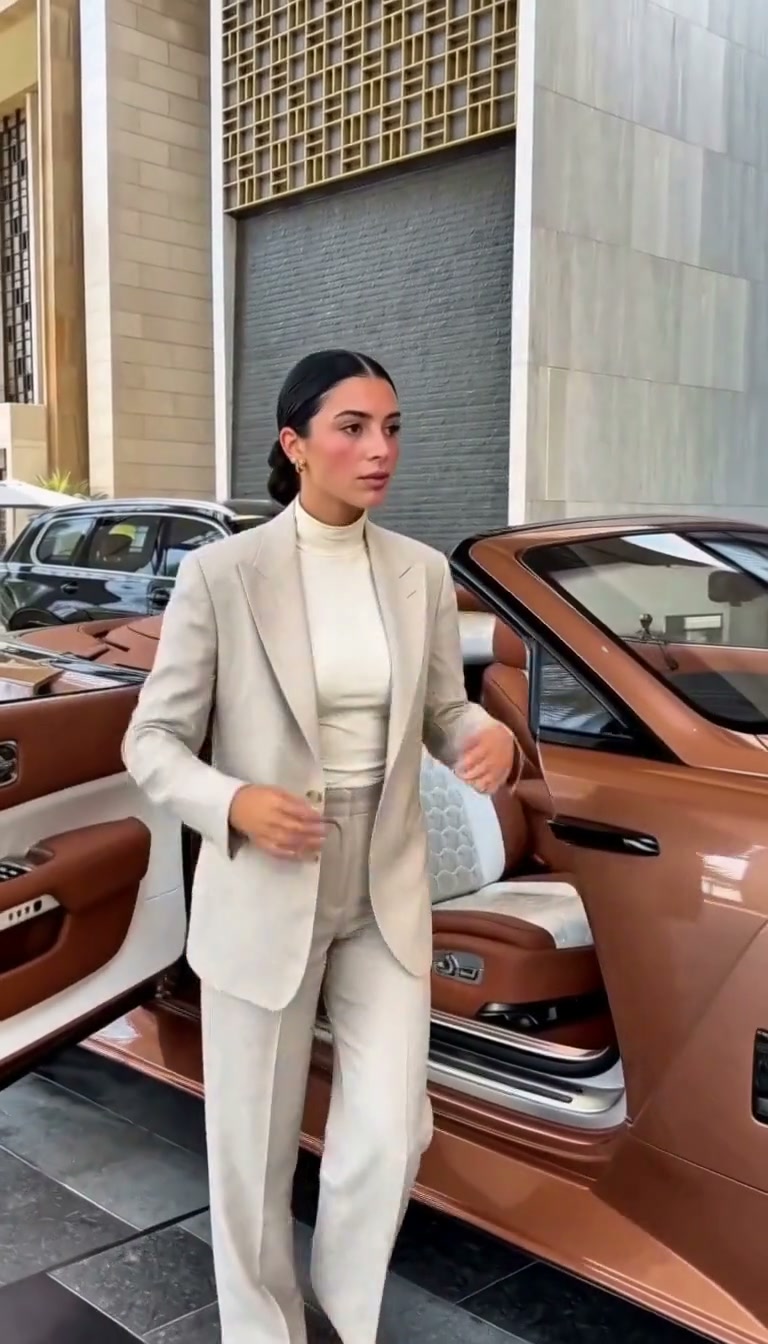
  • Luxury Hotel Arrival
    Luxury Hotel ArrivalStep out of a luxury car like a fashion campaign star.
  • Toc Toc AI Dance
    Toc Toc AI DancePut yourself into the viral Toc Toc dance.↗
  • Bulin 47
    Bulin 47Star in the viral Bulin 47 freestyle.↗
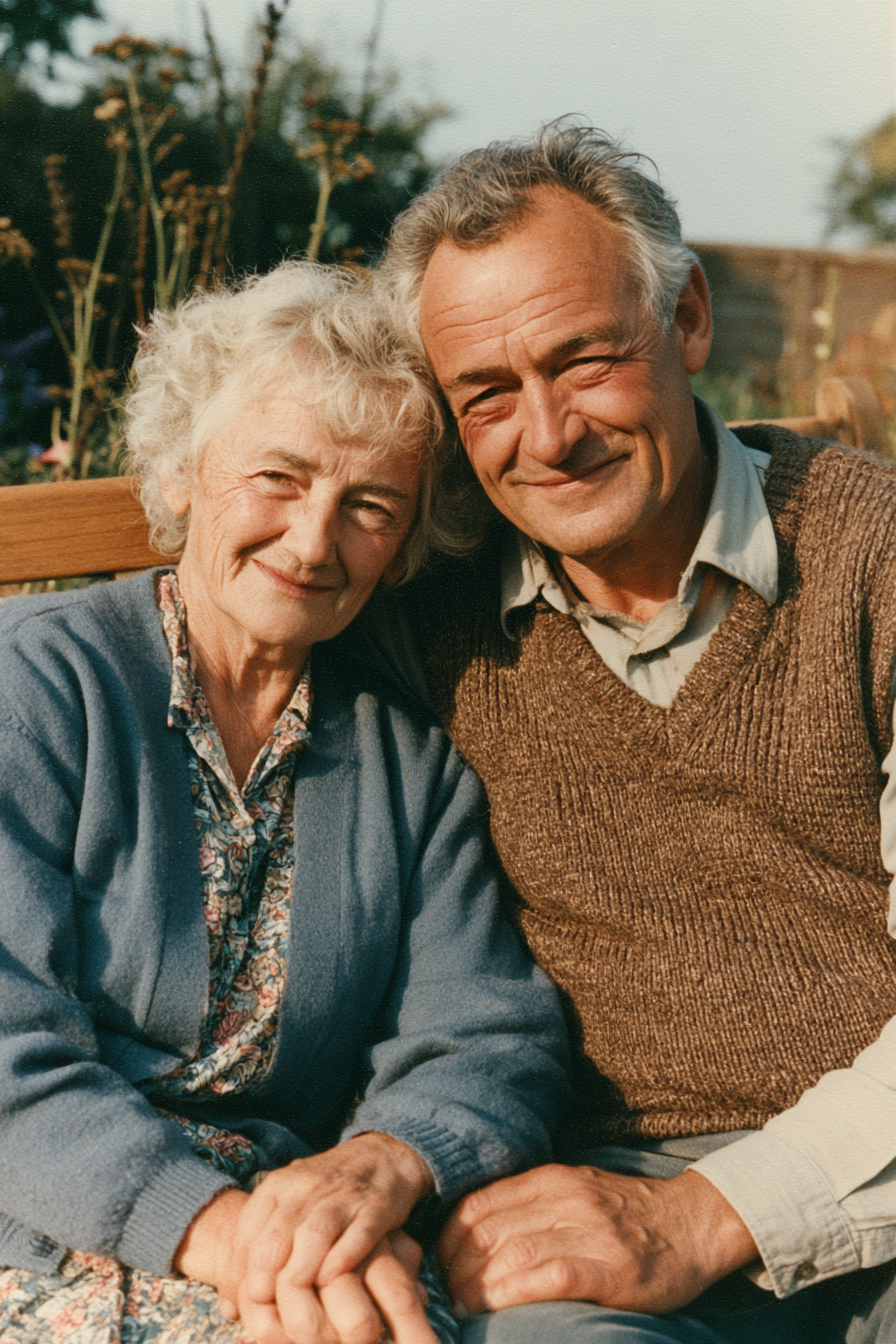
  • A Quiet Moment Together
    A Quiet Moment TogetherA gentle lean brings an old couple’s portrait to life.
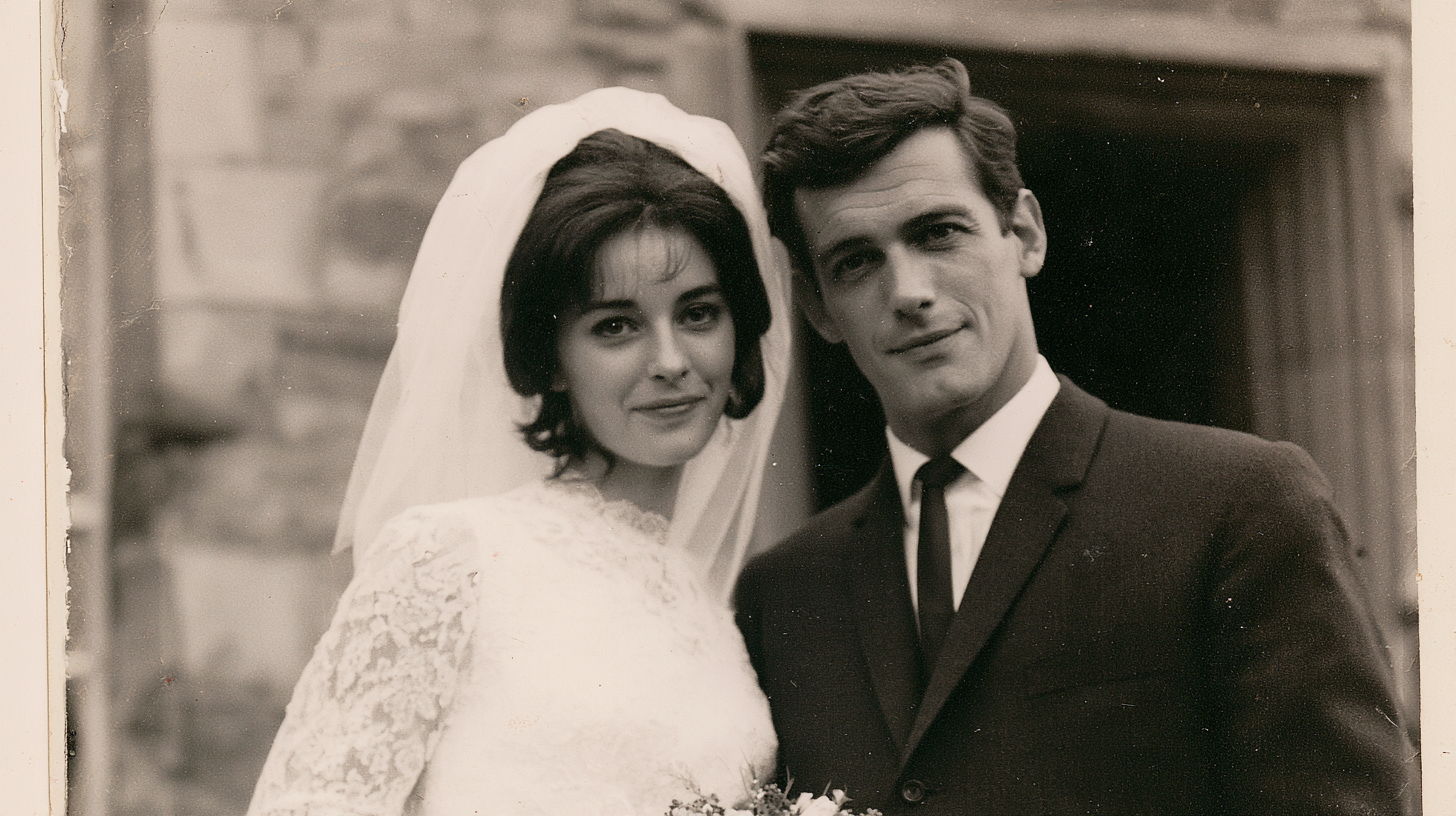
  • A Wedding Memory
    A Wedding MemorySubtle movement brings a vintage wedding portrait to life.
  • 360° Frozen Orbit
    360° Frozen OrbitTime stops and the camera circles your product in one seamless loop.
  • Old Photo Revival
    Old Photo RevivalAn old portrait blinks, smiles and turns to the camera — film look intact.
  • AI 360 Rotation Video
    AI 360 Rotation VideoTime freezes and the camera flies a full circle around your photo, then loops.

Free credits on sign-up · Price shown before you generate

Ideas

What do you want to animate?

About

What you get from our AI photo animator

AI Photo Animator turns one still photo into a short video with sound. The person in the video still looks like the person in your photo, and the motion stays natural: a smile, a blink, a turn of the head, or a full dance.

Simple when you just want it to move. Upload a photo, pick a template or describe the motion in one sentence, and download the MP4 a few minutes later.

Control when you want it exact. Lock your photo as the first frame, add an end frame, choose between Seedance, Kling, Wan and Hailuo, and set the length (4–30s), aspect ratio (9:16 for TikTok and Reels) and quality up to 4K.

Input
1 photo
Length
4–30s
Quality
Up to 4K
Watermark
None
How it works

How to animate a photo with AI

  1. Upload a photo

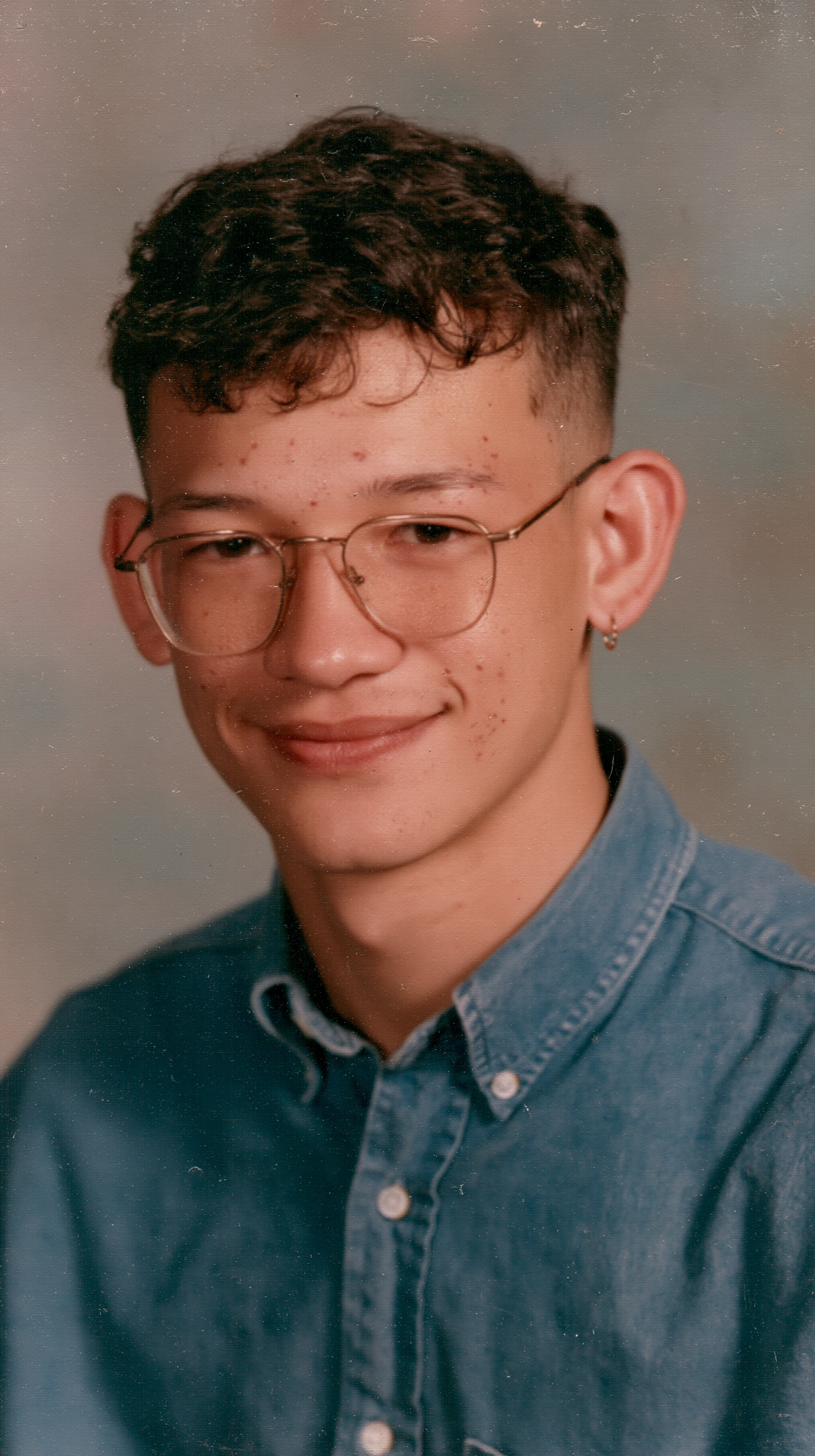
    Drop in a JPG, PNG or WebP. Clear, front-facing faces give the most natural results. Old scans and pet photos work too.

  2. Describe the motion

    Write what should happen, like “she smiles and turns to the camera”, or start from an idea. Pick a model, length and aspect ratio.

  3. Check the cost, generate

    The credit price shows before you click. Most clips are ready in 1–3 minutes; download the MP4 with sound.

Viral AI effects

Animate your photo into a viral trend

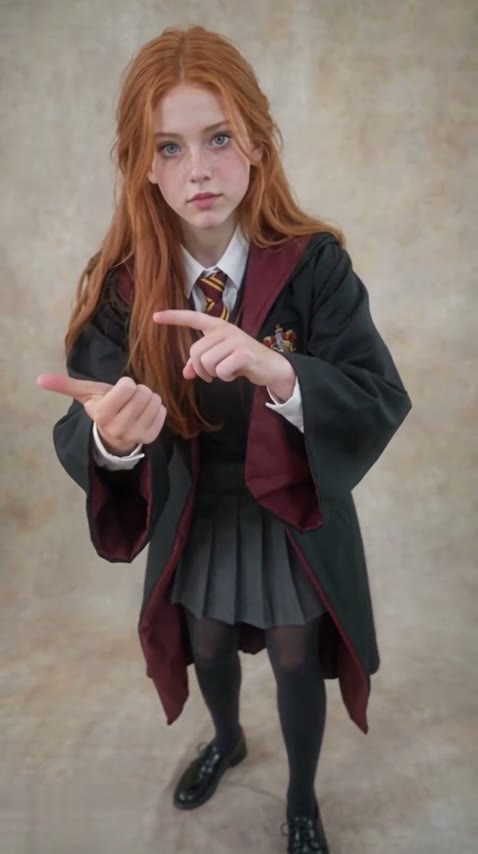
Don't want to write a prompt? Start from a template. Pick a trend, upload one photo, and get the video everyone is posting: AI dances, memes, movie moments. The model and prompt are already set up.

Why here

Animate photos with top models, sound and no watermark

  • The top video models in one place

    Seedance, Kling, Wan and Hailuo are four of the most-used video models, and each is good at something different. Here they sit side by side, so you can run the same photo on two of them and keep the better take.

  • The same face, from first frame to last

    In Frames mode your photo is the exact first frame, so features, age and hairstyle stay as they are. The Bring to life preset keeps motion small and gentle, which suits old photos.

  • It comes with sound

    Laughter, footsteps, music: supported models make the audio with the picture.

  • 0

    No watermark. No surprise bills.

    Every download is clean, free plan included. You see the cost before you click, and if a video fails, the credits come back.

  • Your photos, your call

    Every video is private by default and never shown in public galleries. Your history is behind your sign-in, and you can ask us to delete your files and account.

  • Use it commercially

    Paid plans include commercial use of your videos, so they can go into ads, store pages and client work. Only upload photos you have the right to use.

Two ways to animate

Two ways to animate a photo: a new scene or the original frame

Pick by what you want the video to look like.

PHOTO

Put your photos in a new scene (Photo mode)

Your photos tell the AI who and what should appear. It builds a brand-new scene around them.

Upload 1–9 photos (10 on Wan 3.0), then write “image 1 …, image 2 …” in your prompt. The first frame doesn’t have to match any photo.

Best for

  • Putting a character into a brand-new place
  • Keeping a character or outfit consistent
  • Product shots in a new setting
Try it →
FRAMES

Keep your photo, just add motion (Frames mode)

Your photo becomes the exact first frame of the video. The AI only adds the motion.

Upload a start frame, and optionally an end frame. The AI fills in the movement between them.

Best for

  • Bringing one photo to life exactly as it is
  • Old photos and portraits that must stay untouched
  • Smooth transitions from one image to another
Try it →
Models

Which model is best for animating photos?

Each model is good at something different. Pick one that fits your photo. Each card says what it does best.

seedance logo

Seedance

ByteDance
  • Seedance 2.5NEWTop Seedance quality, clips up to 30sNewest · Up to 30s
  • Seedance 2.0 MiniNEWCheapest way to test ideas and draftsBest value · Native audio
  • Seedance 2.0 FastFast and affordable — great for everyday social clipsFastest · Native audio
  • Seedance 2.0Best all-rounder: stable, detailed, multi-image referenceNative audio · True-to-life physics
kling logo

Kling

Kuaishou
  • Kling 4.0NEWNewest Kling: clips up to 30s with native audio, references and keyframesNewest · Native audio
  • Kling 3.0NEWCinematic camera moves and crisp 4K detailNative audio · Up to 4K
wan logo

Wan

Alibaba
  • Wan 3.0NEWLong clips up to 30s at low cost, up to 10 reference photosNative audio · Up to 30s
  • Wan 3.0 PrimeWan with more cinematic, polished qualityNative audio · Up to 30s
hailuo logo

Hailuo

MiniMax
  • MiniMax H3Expressive characters in 2K with stereo soundNative audio · Up to 2K
  • Hailuo 2.3Natural acting and facial expressions from one photoImage to video · Expressive characters
  • Hailuo 2.3 StandardBudget Hailuo for quick draftsImage to video · Best value
  • Hailuo 02 ProRealistic physics and motion in 1080pTrue-to-life physics · 1080p
For AI agents · MCP

Use AI Photo Animator from ChatGPT, Claude or Cursor

Our MCP server lets AI agents animate photos, run viral effects, create and edit videos and restore old photos with your own account and credits. Ask in plain words; the agent does the rest.

  • ChatGPT
  • Claude
  • Cursor
  • Any MCP client
  • Connect once with a URL, no code to write
  • Animate photos, viral effects, text to video, video edits, photo restore
  • Same credits and plan as the website; videos land in your library
MCPhttps://aiphotoanimator.ai/api/mcp
Connect your AI agent →
Tips

Tips for better photo animations

  1. 01

    Use a clear, well-lit face

    Front-facing photos with visible eyes animate most naturally. Very small, blurry or heavily shadowed faces are more likely to change.

  2. 02

    Describe one main action

    “She smiles and slowly turns to the camera” works better than a long list of moves. Add camera motion separately, such as “slow push-in”.

  3. 03

    Match the aspect ratio

    Choose 9:16 for TikTok and Reels, 16:9 for YouTube, or keep the photo’s own framing to avoid cropping heads and hands.

  4. 04

    Start short and cheap

    Test your prompt with a 5-second clip on an affordable model, then switch to a higher-quality model for the final version.

  5. 05

    Restore before you animate

    For torn or faded old photos, a sharper scan or a quick restoration first gives smoother, more believable motion.

  6. 06

    Keep backgrounds simple

    Busy backgrounds can warp as the camera moves. If the subject matters most, ask for a static camera.

AI photo animator FAQ

What is an AI photo animator (AI image animator)?

An AI photo animator, also called an AI image animator, turns a still image into a short video. You upload a photo, describe the motion you want, and an AI video model generates realistic movement (blinking, smiling, turning or dancing) while keeping the original look of the photo.

Who is AI Photo Animator for?

Anyone with a photo they want to see move. Families use it to bring old portraits of parents and grandparents back with a gentle smile. Everyday users turn selfies and family photos into short clips without filming anything. TikTok and Reels creators use viral effect templates to make trend videos from one photo. Pet owners make their cats and dogs dance or react for funny clips. Artists and AI art creators animate illustrations while keeping the original style. Sellers and marketers turn product photos into short ads without a shoot.

Is AI Photo Animator free?

Yes, it's free to start. New accounts get free credits on sign-up, which is enough to animate a photo with our most affordable model. After that you can buy credits or subscribe. The exact cost of every generation is shown before you click. If a generation fails, the credits are refunded automatically.

What is the best free AI photo animator?

Look for one that lets you try several models before you pay. Here, new accounts get free credits, you can compare Seedance, Kling, Wan, Hailuo and more on the same photo, the price shows before you generate, failed videos are refunded, and downloads have no watermark. For a side-by-side test of the leading tools, see our best AI photo animator apps comparison.

Is there an AI that can animate pictures?

Yes. Upload any picture (a portrait, an old family photo, a pet, a product shot or a drawing), describe the motion in one sentence, and an AI video model turns it into a short clip with sound. You can also start from a one-click template.

How do I make a photo move?

Upload your photo, write a short prompt such as “she smiles and waves”, choose a model and length, then click Generate. Your video is ready in about a minute and can be downloaded as MP4.

Can I animate a photo online?

Yes. AI Photo Animator runs in your browser, so you can animate a picture online without installing an app. Upload a photo, describe the motion, choose a model and click Generate; your MP4 is ready in about a minute.

Is there an AI photo animator app?

Yes, and you don't need to download anything. AI Photo Animator is a web app that works in the browser on iPhone, Android and desktop. Open the site on your phone, upload a photo from your camera roll and save the finished MP4 straight to your phone. To open it like an app, use your browser's "Add to Home Screen" option. Comparing apps? Read the best AI photo animator apps, tested.

Will my photo look different after animating?

In Frames mode, videos start from your exact photo and keep its look, colors and details. Clear, well-lit photos work best; heavy blur or extreme angles make results less stable.

Will the animation look creepy or unnatural?

Use Frames mode and ask for small motion like “a soft smile and a slow blink”, or pick the Bring to life preset. Big actions on old or low-resolution photos are where faces distort, so keep the motion gentle.

My old photo is blurry or damaged. Can I still animate it?

Restore it first with our old photo restorer (scratches, fading, blur, optional colorizing), then animate the restored image. A sharper face gives a much more natural result.

Does it work with group photos or small faces?

Yes, but each face needs enough pixels. Crop closer to the people you want to move, and say who does what, e.g. “the woman on the left smiles”.

Are my photos private?

Every video is private by default and never shown in public galleries, your asset history needs your sign-in, and you can contact us to delete your files and account. Your photo is sent to the AI provider that runs the model; see our Privacy Policy for details.

Can I make vertical videos for TikTok and Reels?

Yes. Choose 9:16 before generating. Most models export up to 1080p, and Kling 3.0 goes up to 4K. Viral templates are already set to vertical.

Can I animate old photos?

Yes. Scanned prints and black-and-white photos animate well. For damaged photos, a sharper scan gives a more natural result.

Does the video have sound?

Models that support audio generate ambient sound and voices together with the video. You can turn audio off where the model allows it.

Which AI model should I choose?

Seedance 2.0 Mini is the cheapest for quick tests, Seedance 2.0 and Kling 3.0 give the most consistent motion, and Hailuo is strong at subtle facial expressions. For clips up to 30s, use Seedance 2.5 or Wan 3.0.

Can I use the videos commercially?

Paid plans include commercial use of your generations, subject to our Terms and each model’s conditions. Only upload photos you have the right to use.

Ready

Make your first photo move

Free credits on sign-up. No editing skills needed.