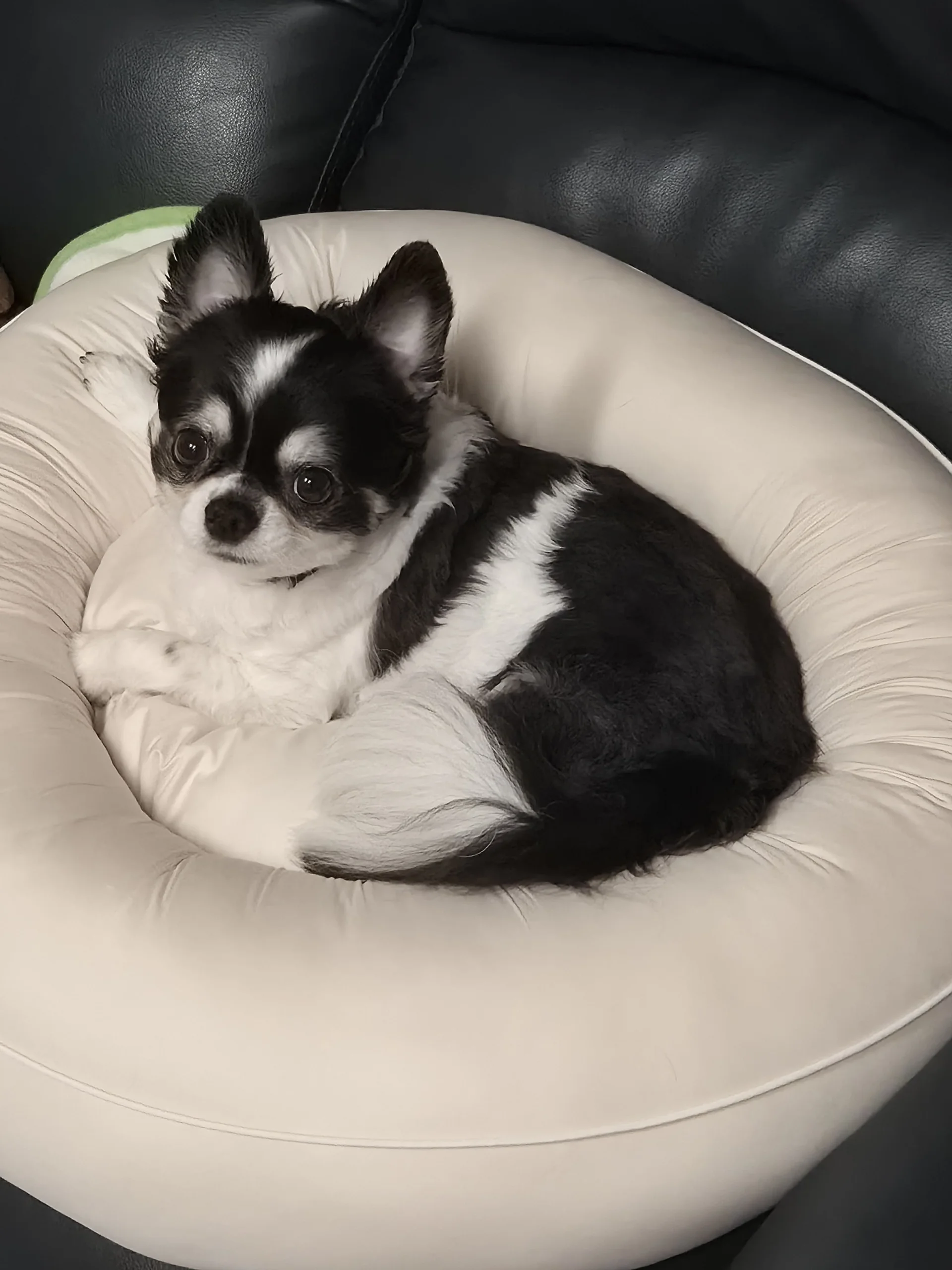
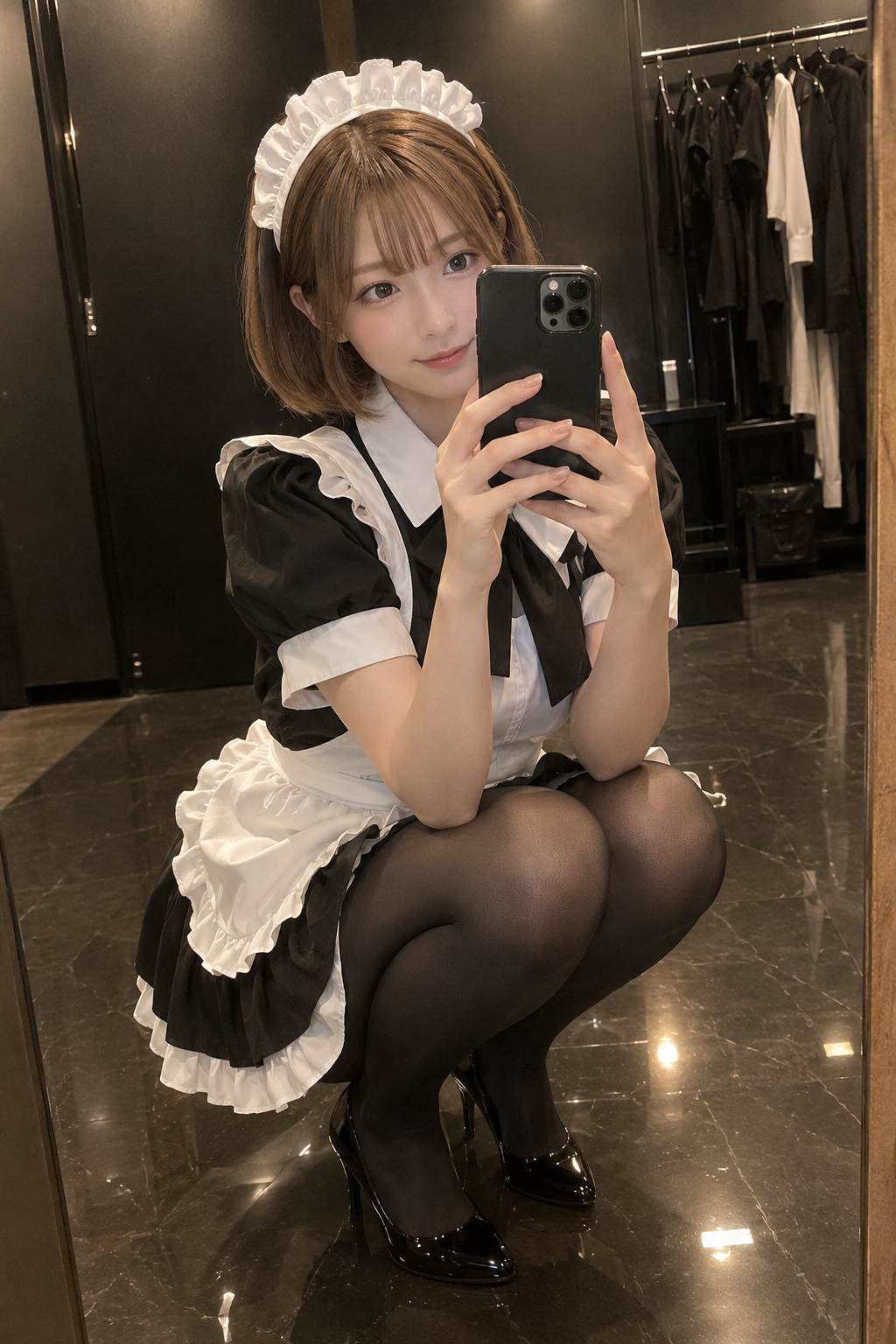
AI Photo Animator: Make Any Photo Move

An AI photo animator that brings still photos and pictures to life. Animate portraits, old photos and pets into short videos with sound, using one-click templates or your own prompt.

Engine

Reference images0/9

Prompt0/4000

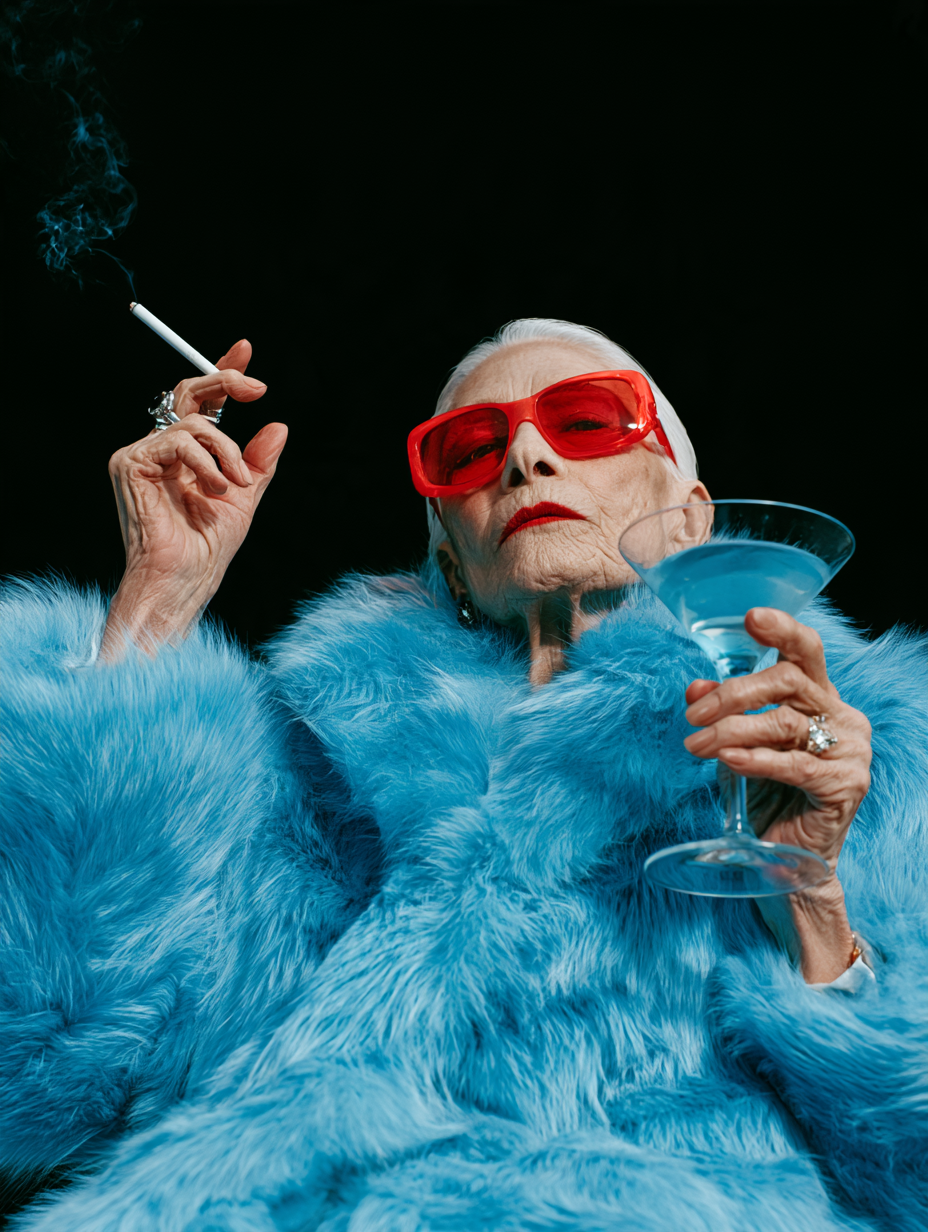
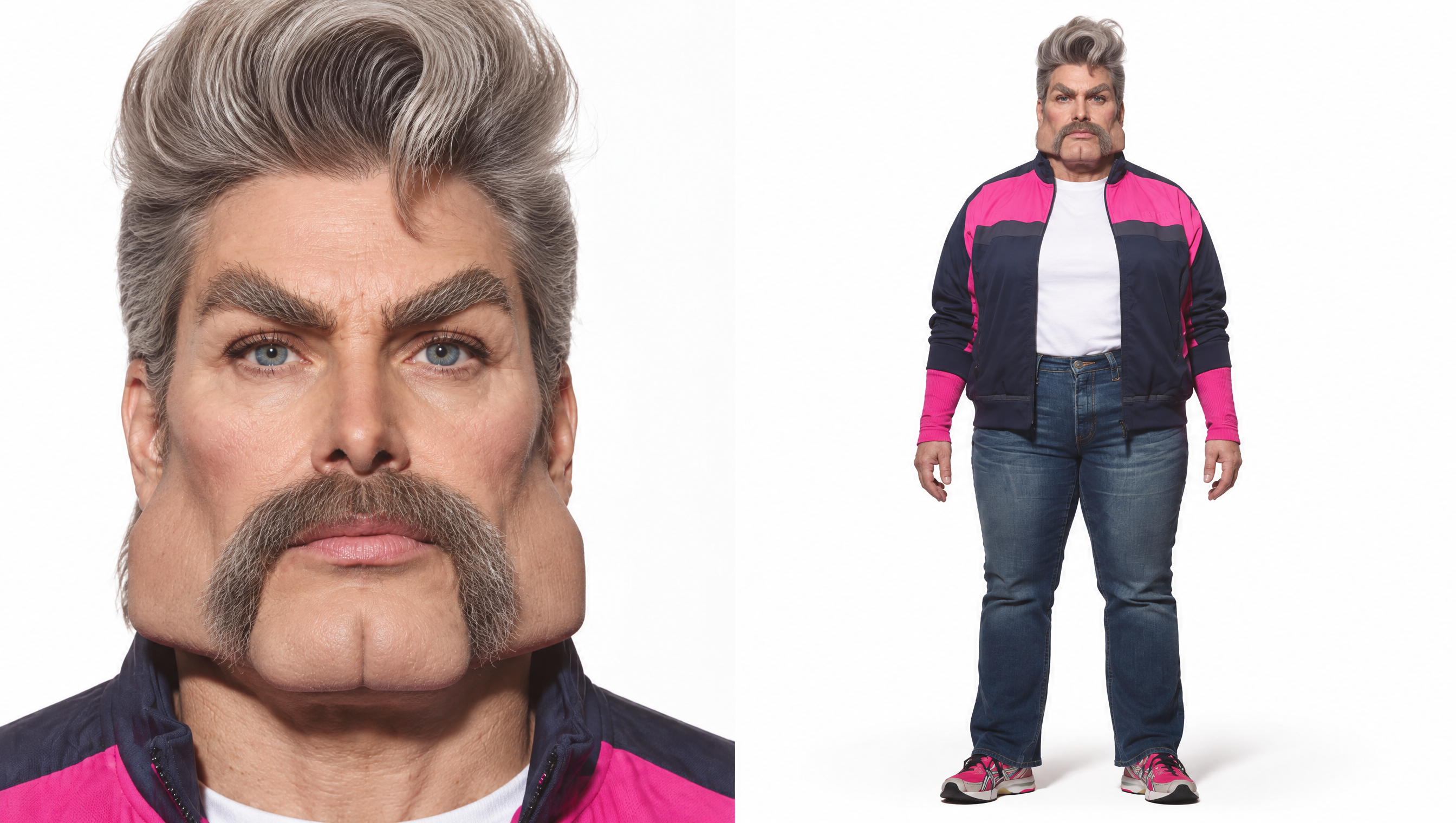
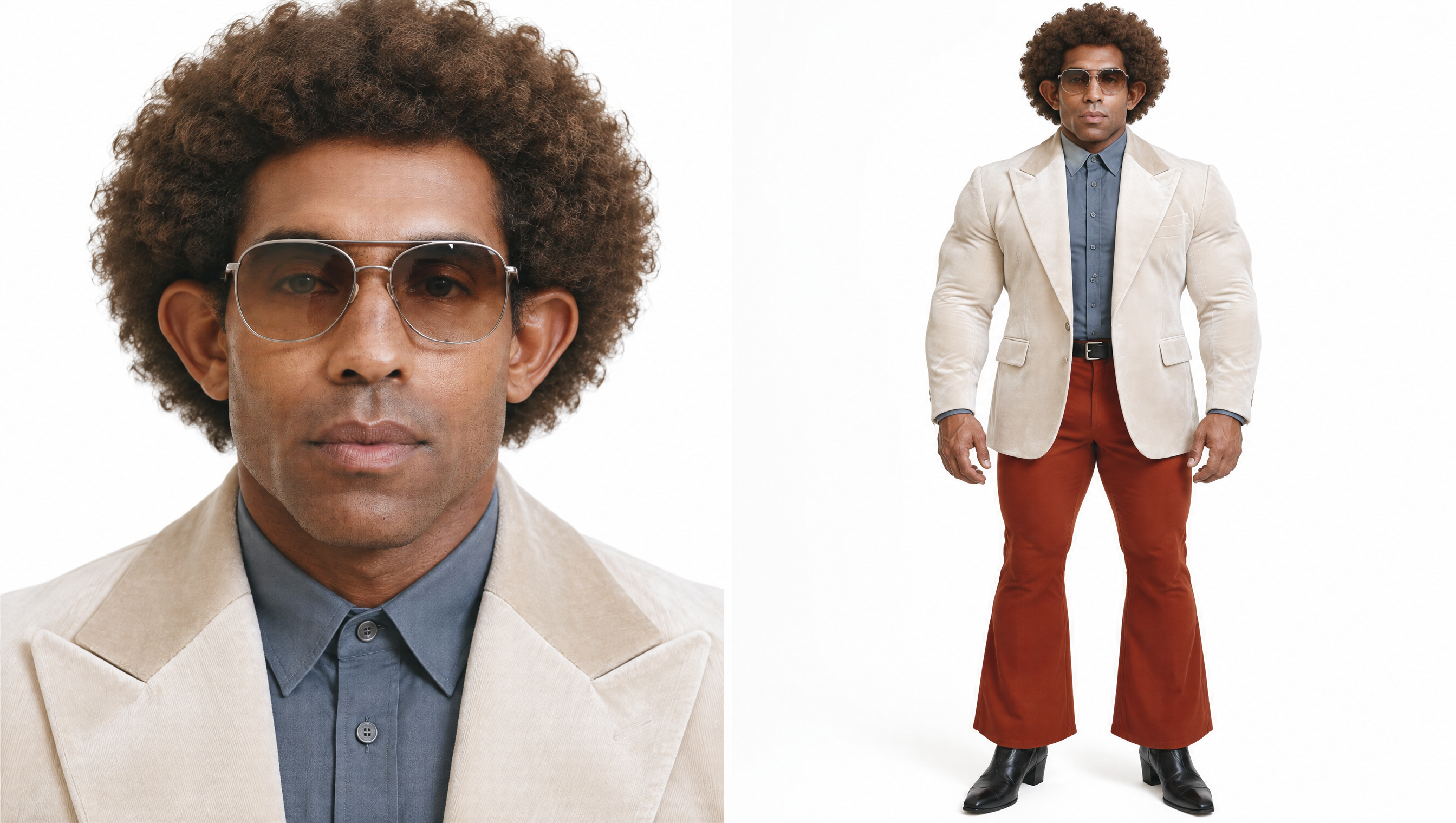
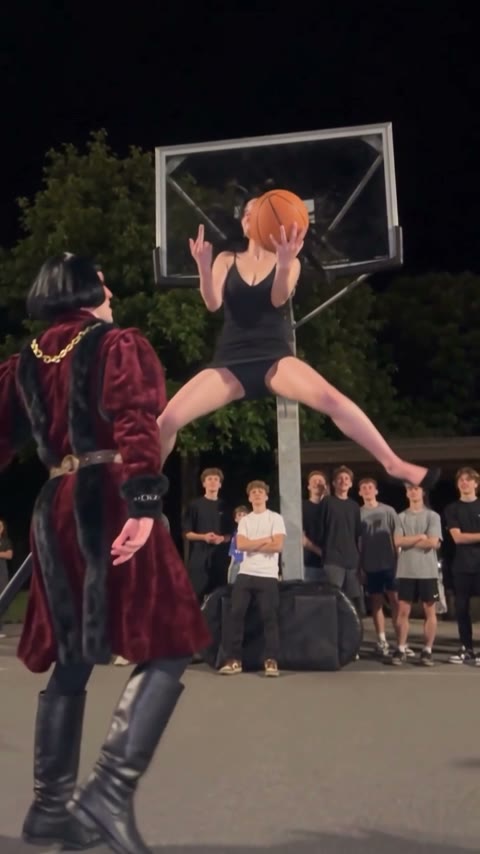
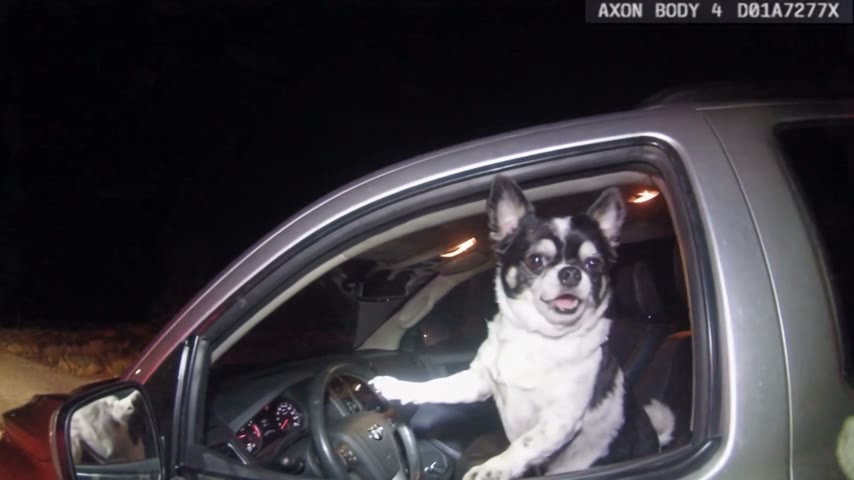
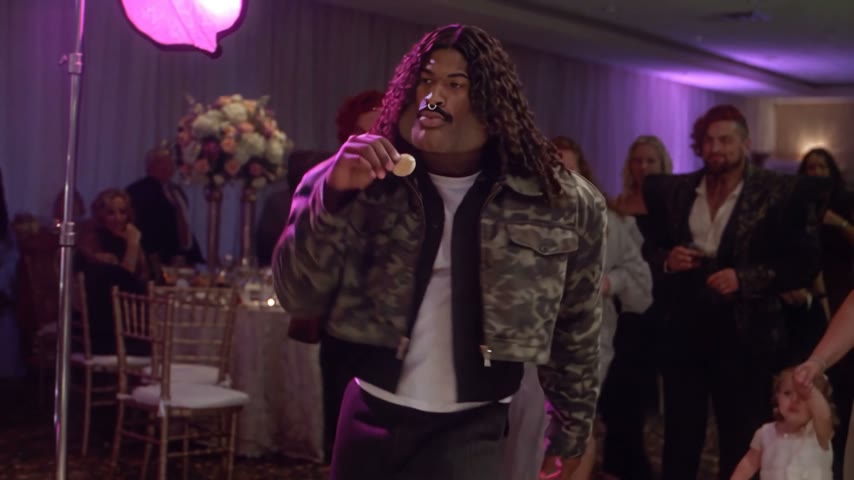
Middle Finger Dunk AI – reference photo
Middle Finger Dunk AI
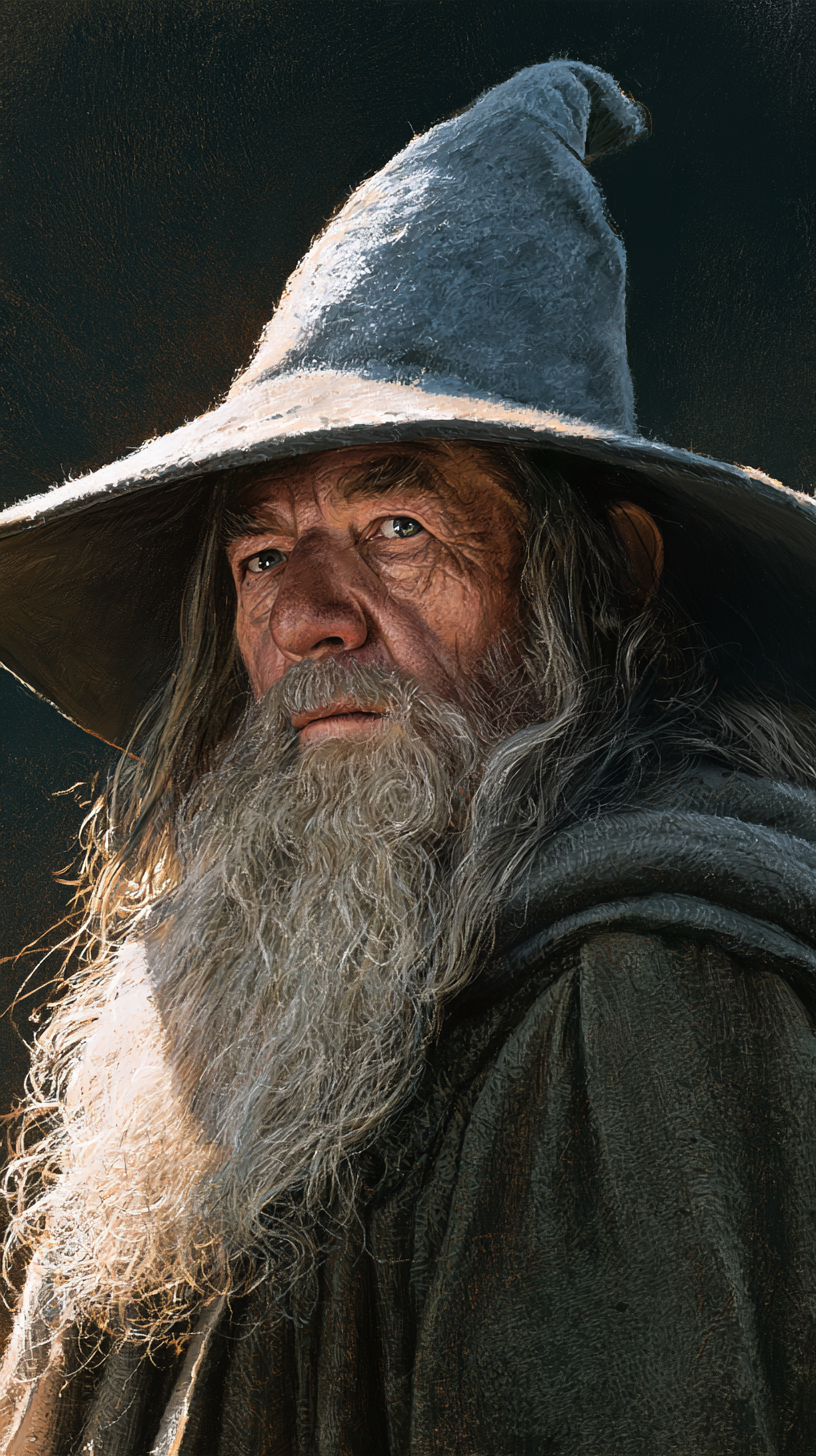
Shaking Head Trend – reference photo
Shaking Head Trend
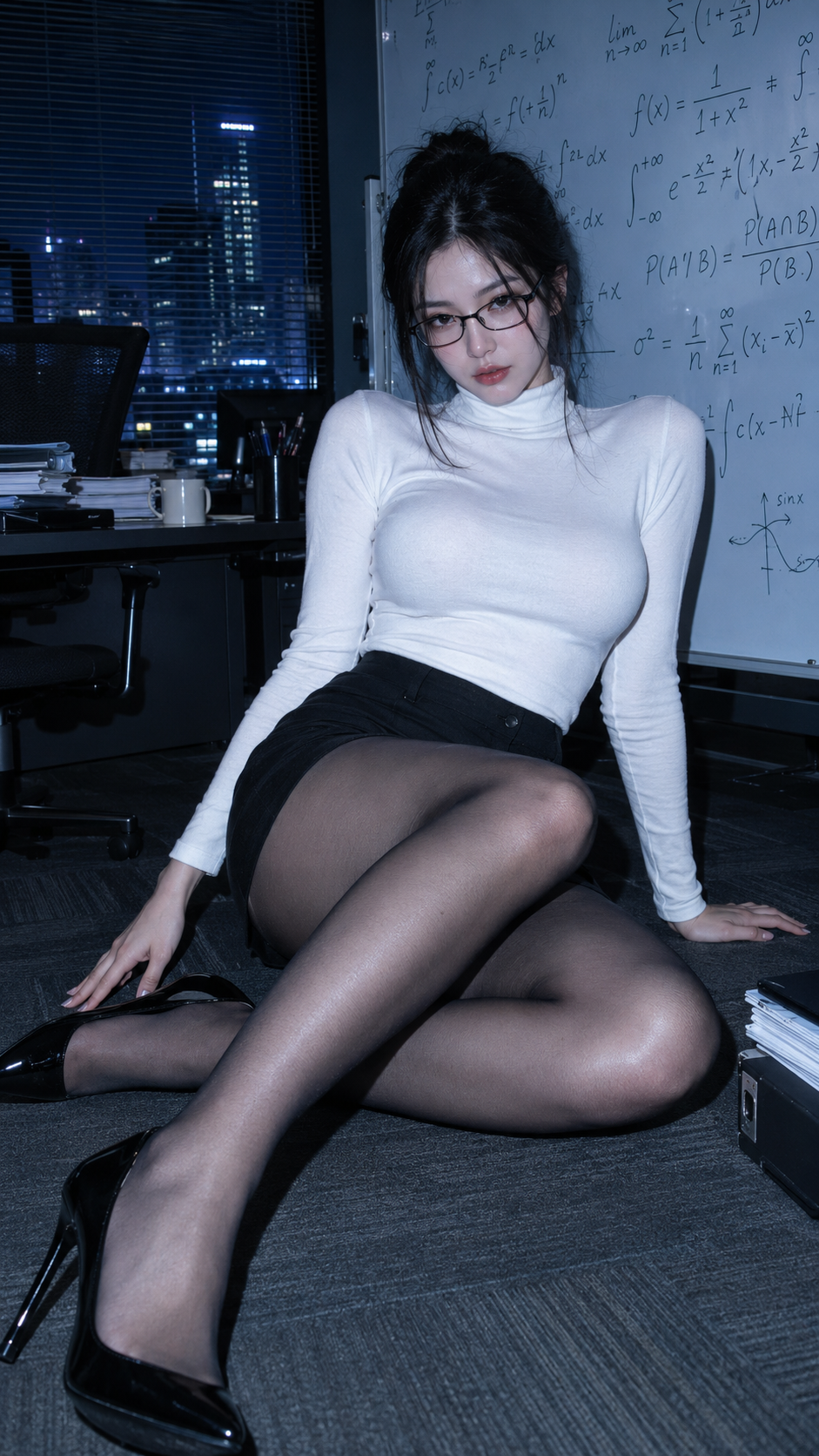
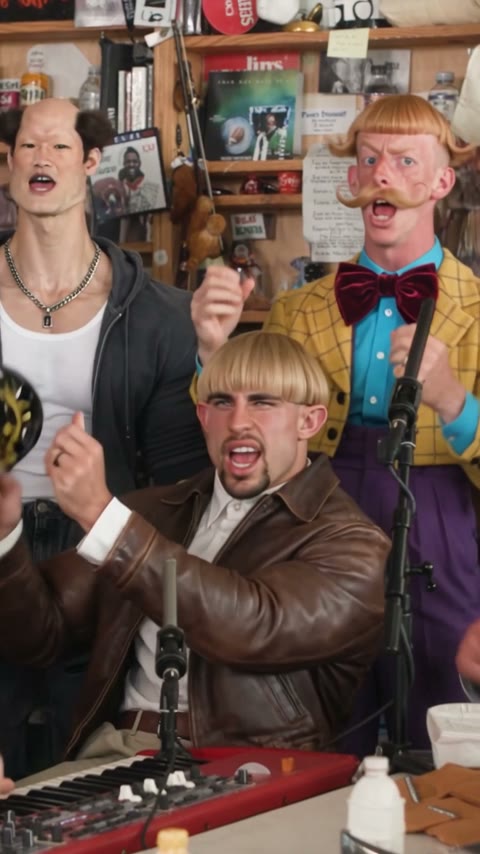
Tiny Desk AI – reference photo
Tiny Desk AI
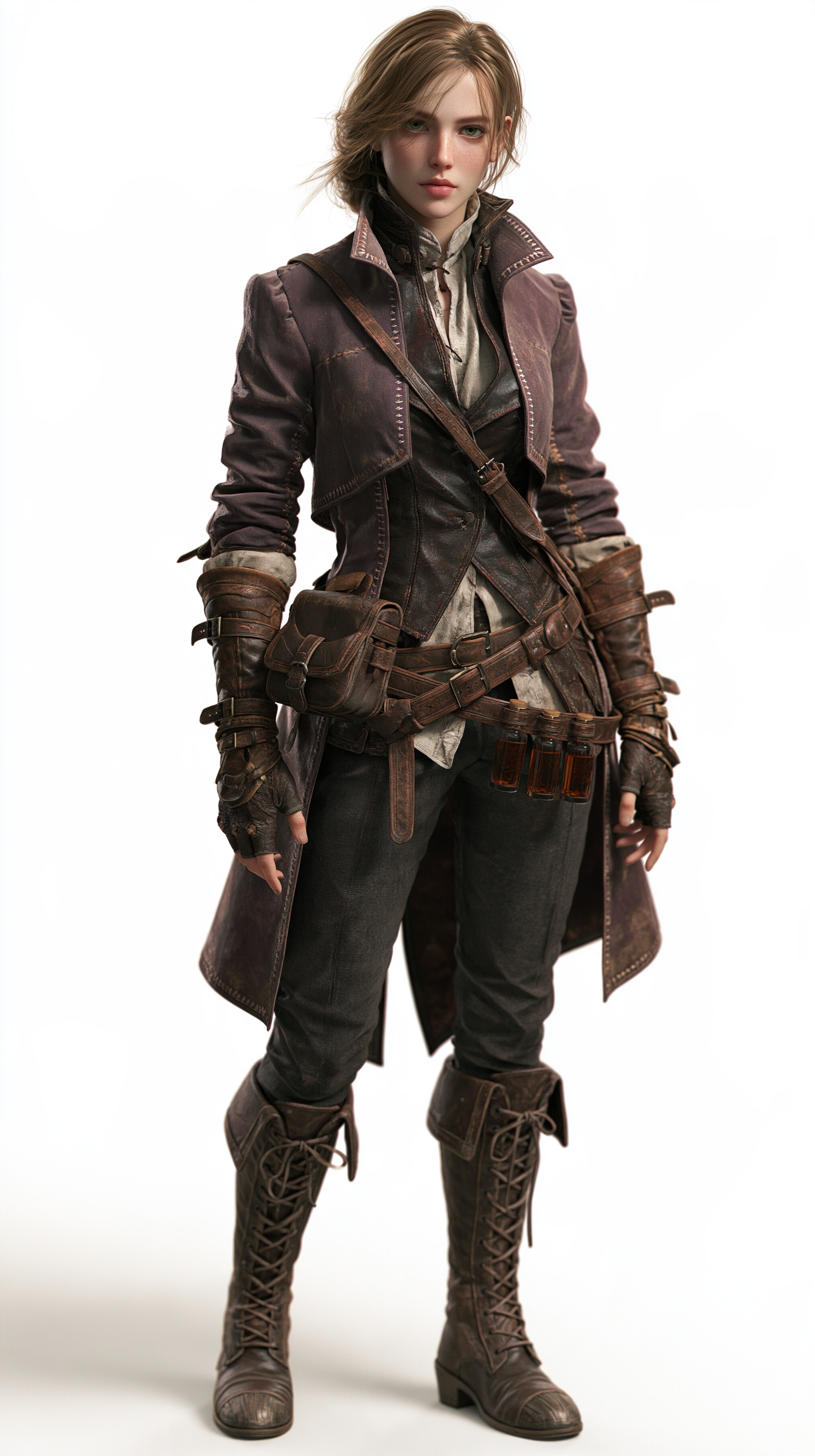
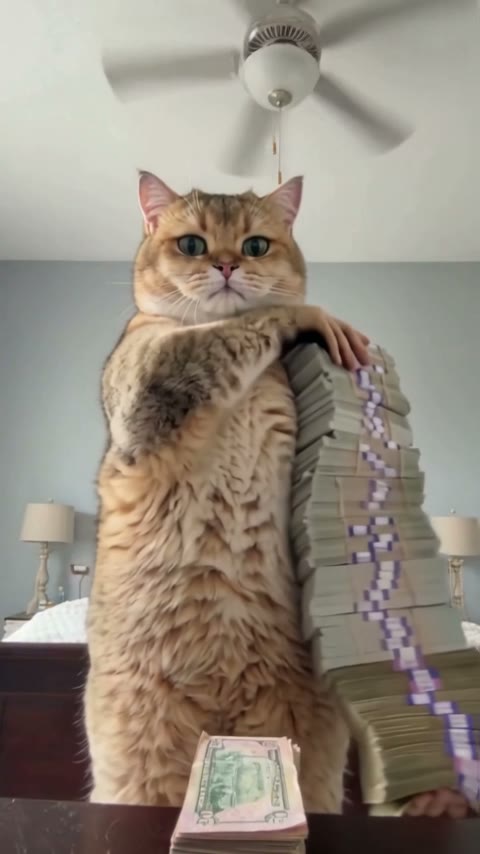
Money Flex AI – reference photo
Money Flex AI
What Stop Sign AI – reference photo
What Stop Sign AI
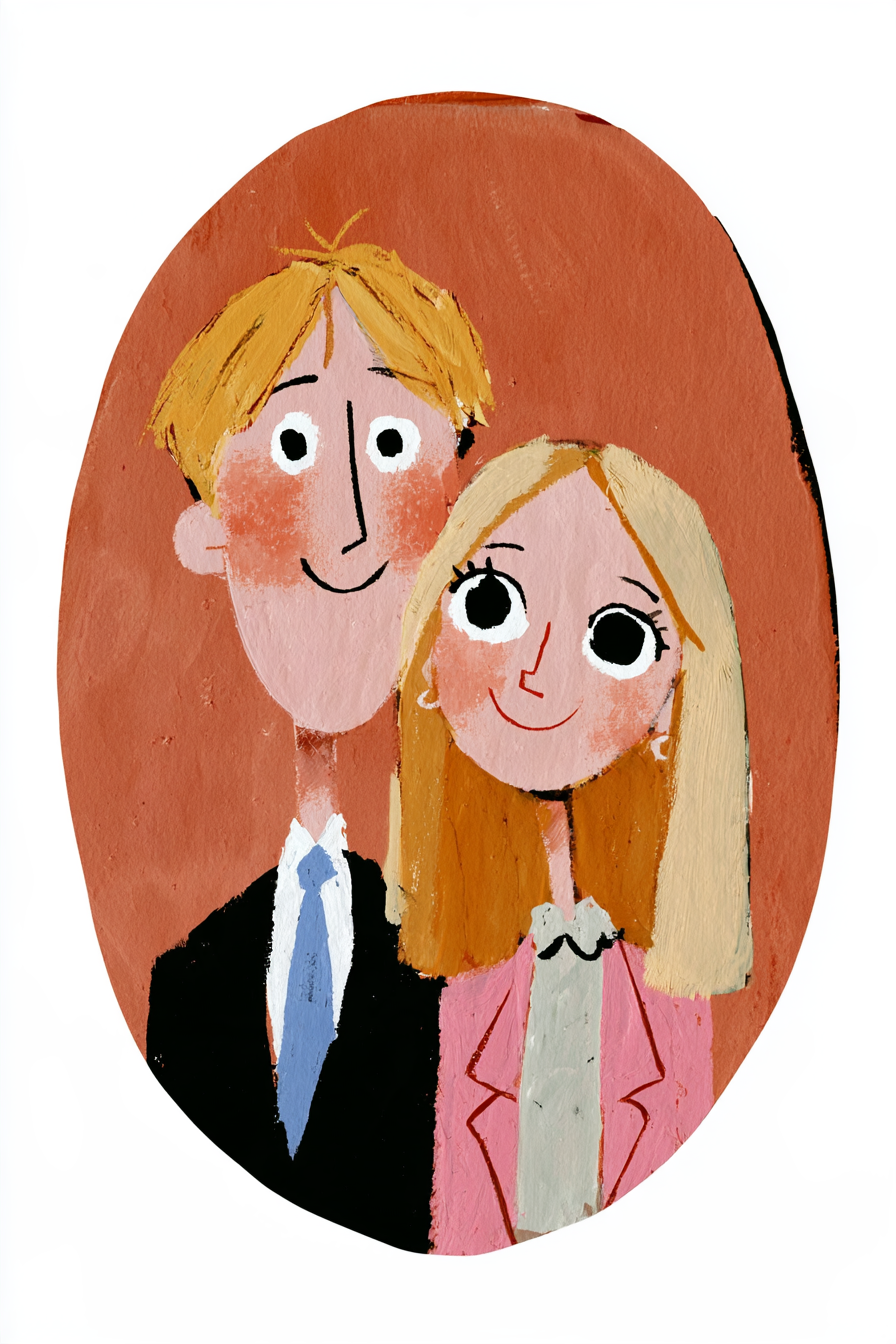
Gouache Couple Portrait – reference photo
Gouache Couple Portrait
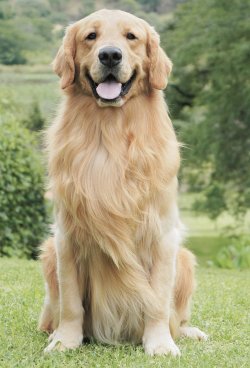
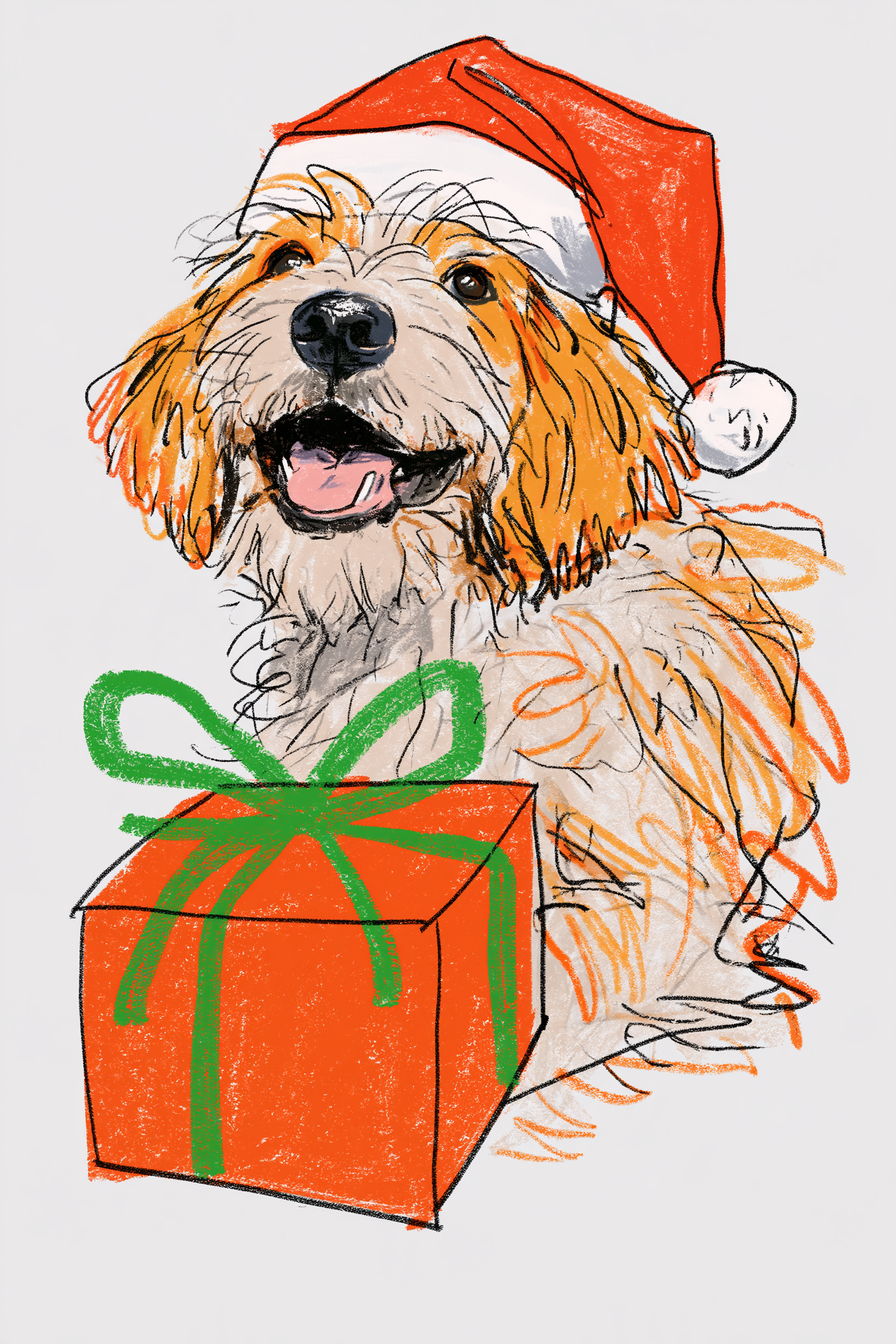
Colored-Pencil Christmas Dog – reference photo
Colored-Pencil Christmas Dog
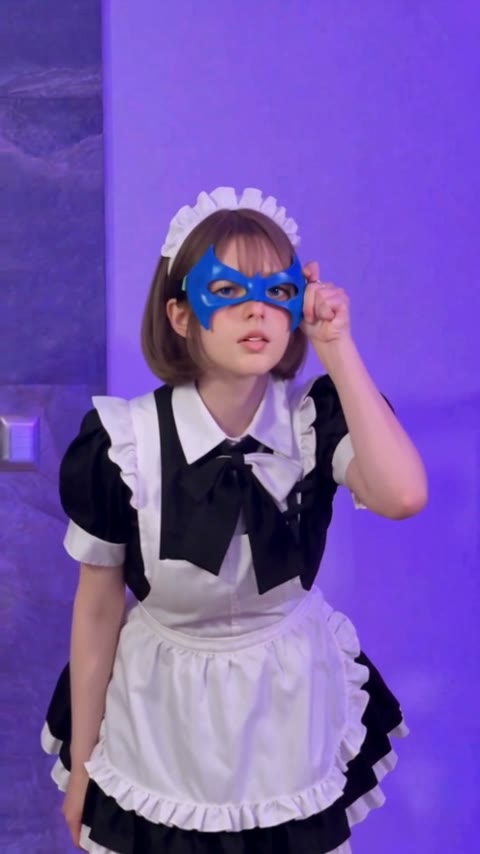
Nightwing Trend – reference photo
Nightwing Trend
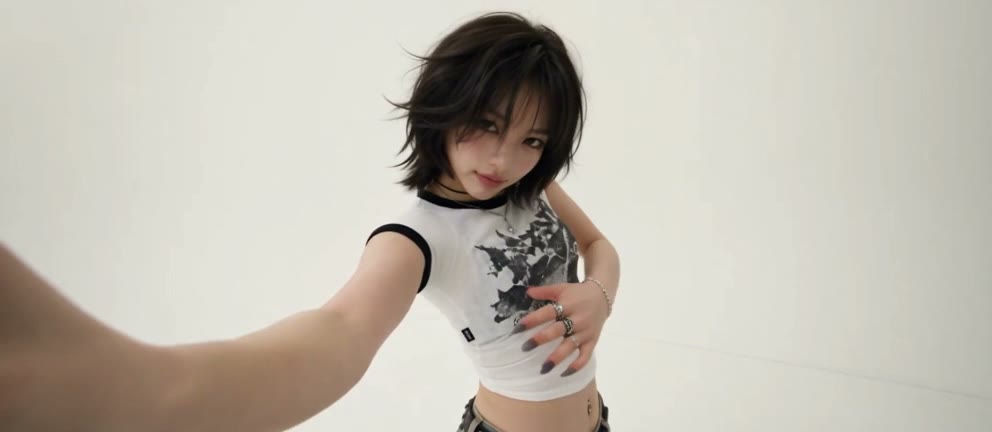
Firestarter K/DA Dance – reference photo
Firestarter K/DA Dance
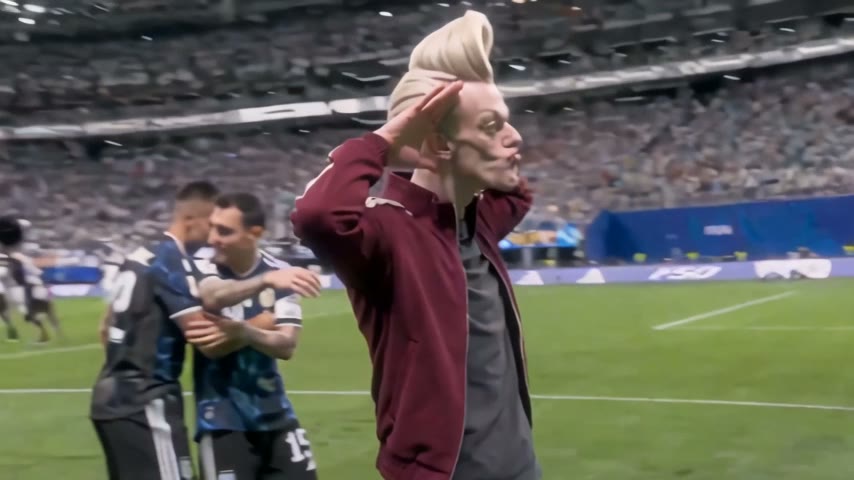
Enzo Fernandez Celebration AI – reference photo
Enzo Fernandez Celebration AI
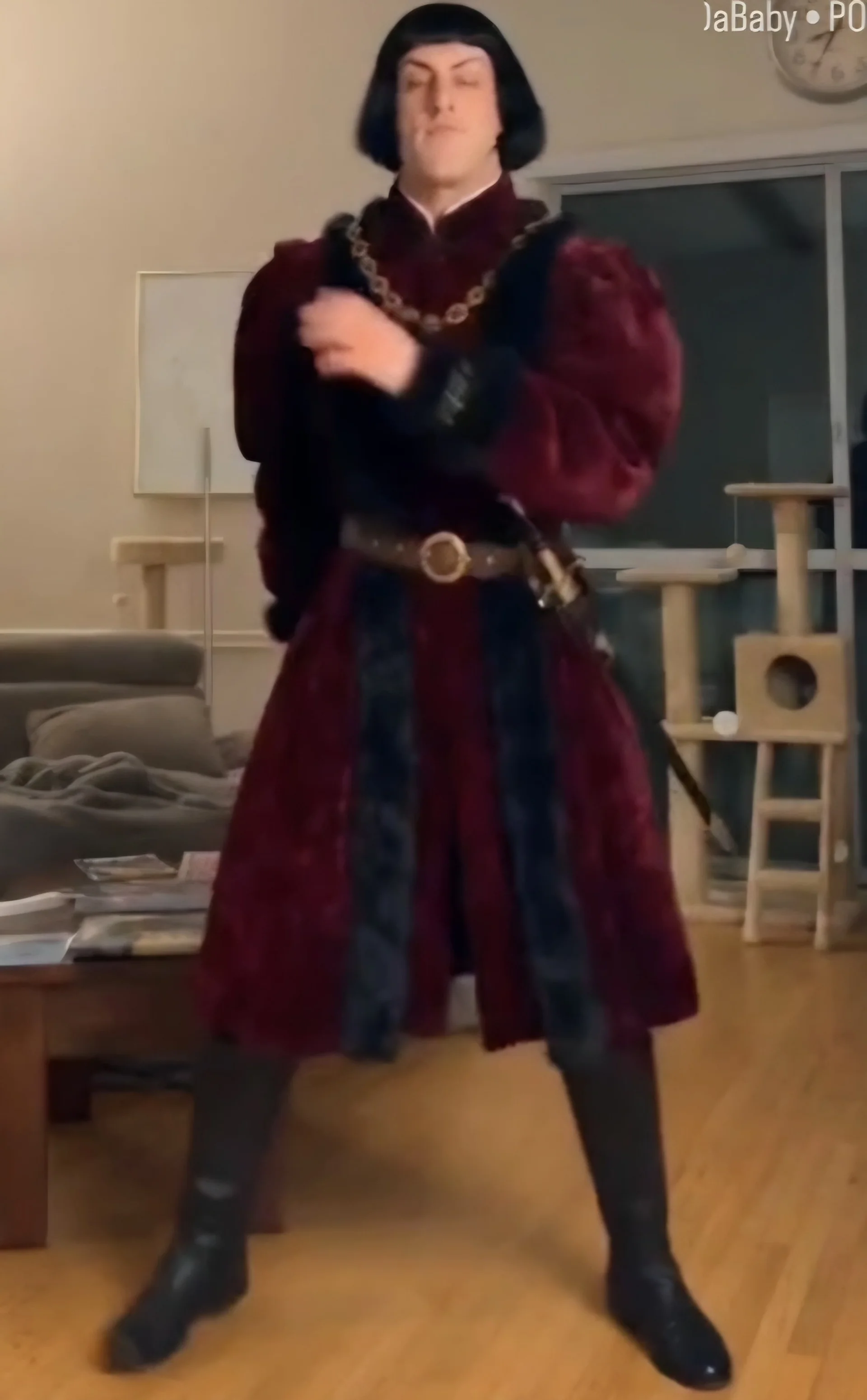
Dime Dime Baby AI – reference photo
Dime Dime Baby AI
Sawadika Dance AI – reference photo
Sawadika Dance AI
A2O LITE NEON Duo – reference photo
A2O LITE NEON Duo
Talk Dirty Hip Hop – reference photo
Talk Dirty Hip Hop
Balcony Stare at the Dancer – reference photo
Balcony Stare at the Dancer
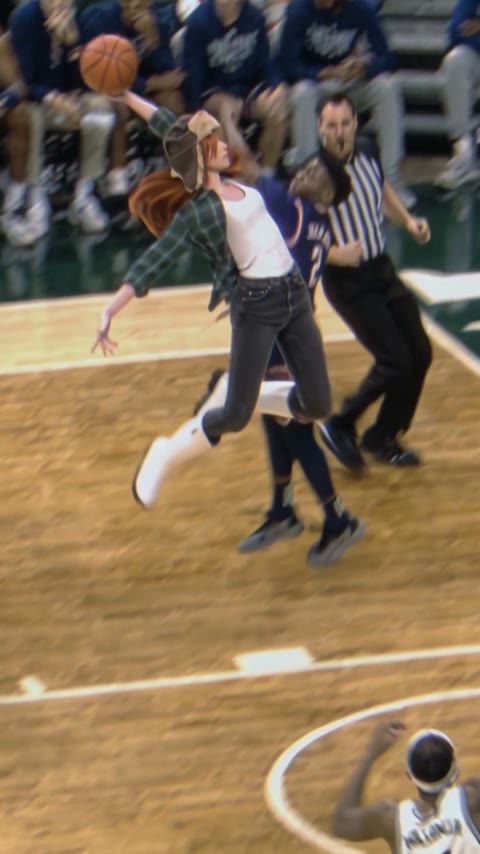
AI Basketball Dunk – reference photo
AI Basketball Dunk
Nicole Kidman Dance – reference photo
Nicole Kidman Dance
Bad Times AI – reference photo
Bad Times AI
Smalltown Boy AI Dance – reference photo
Smalltown Boy AI Dance
Luxury Hotel Arrival – reference photo
Luxury Hotel Arrival
Bulin 47 – reference photo
Bulin 47
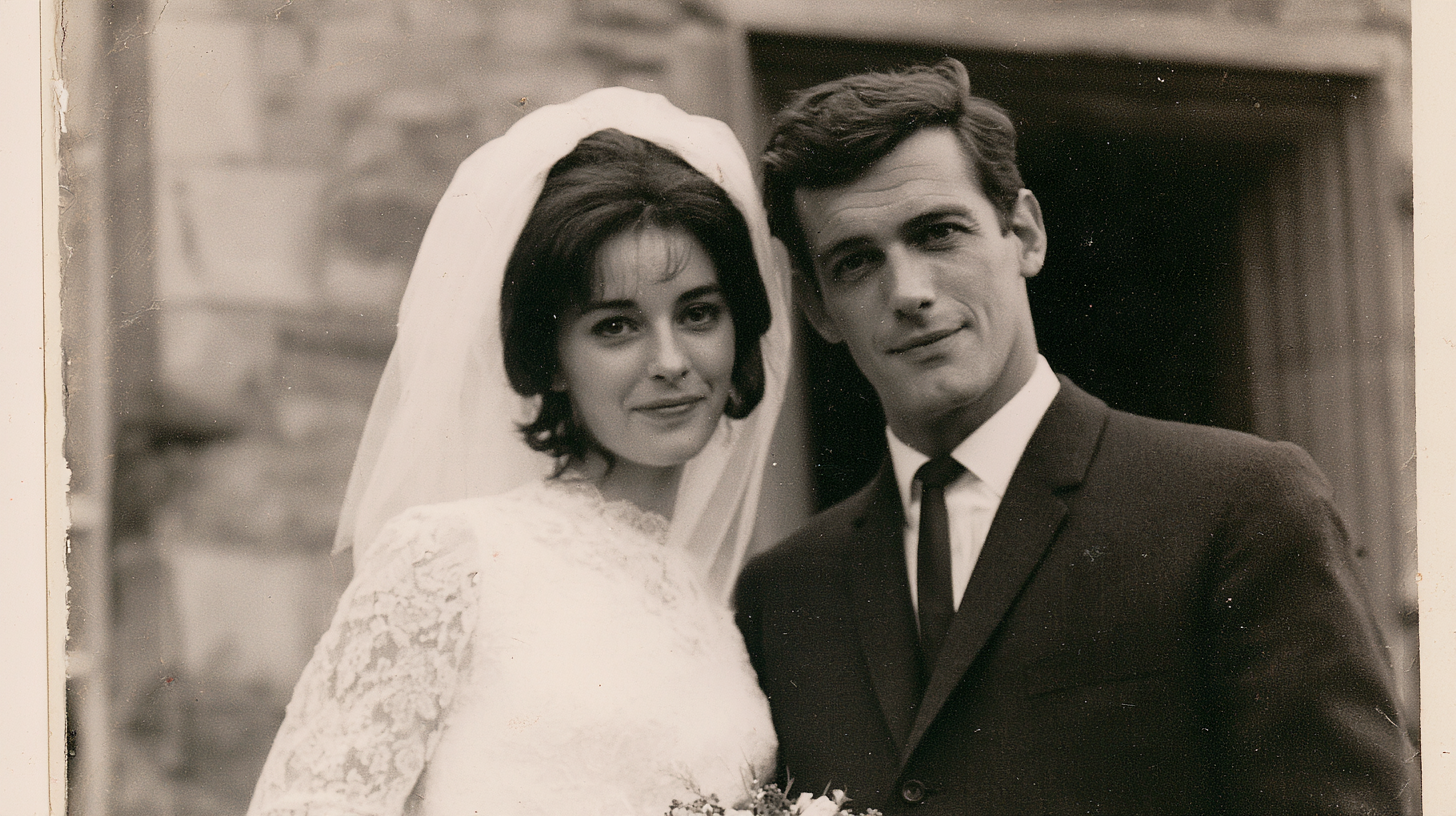
A Wedding Memory – reference photo
A Wedding Memory
Old Photo Revival – reference photo
Old Photo Revival
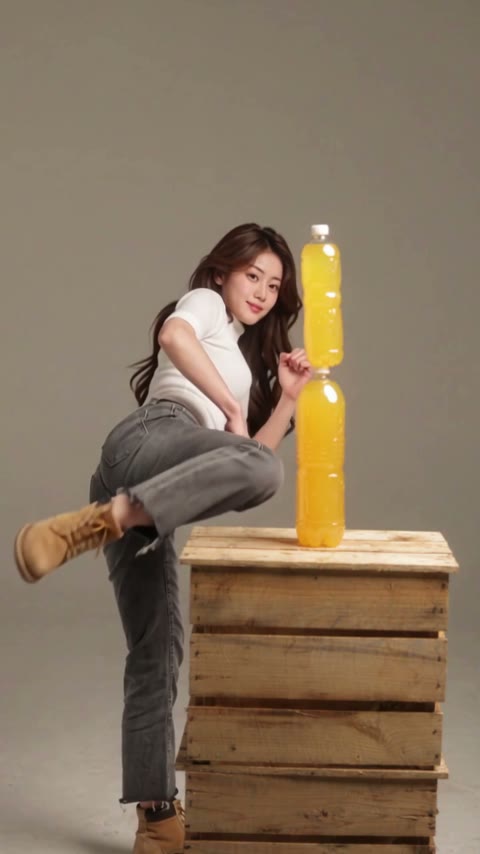
Bottle Kick Challenge – reference photo
Bottle Kick Challenge
Angry Dance AI – reference photo
Angry Dance AI
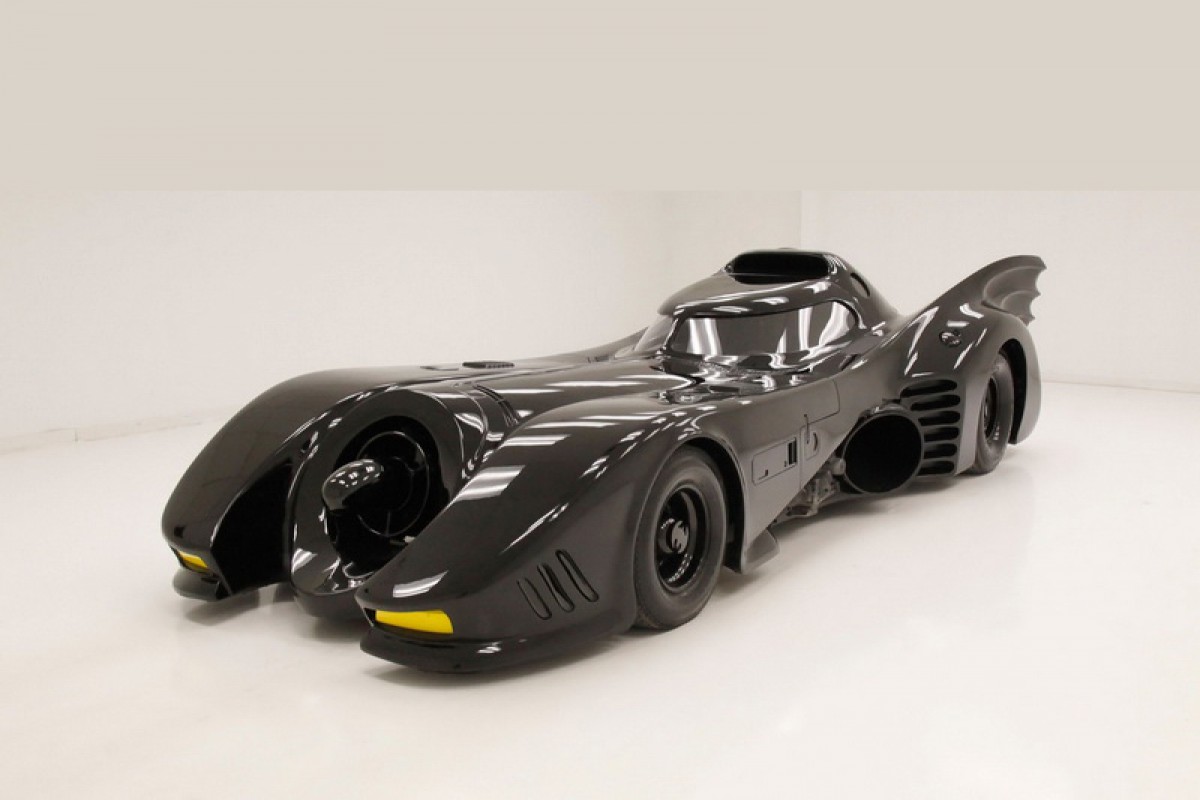
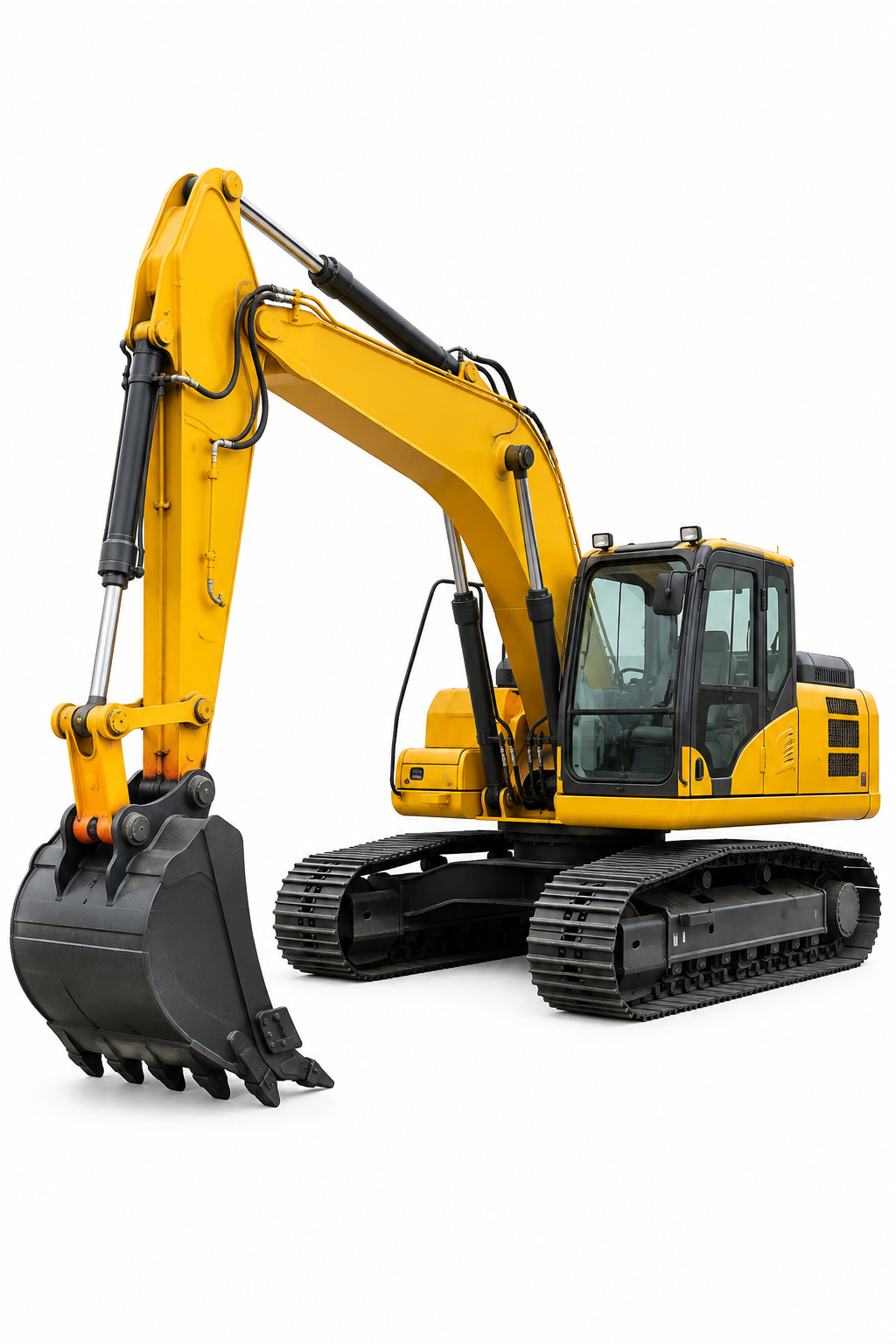
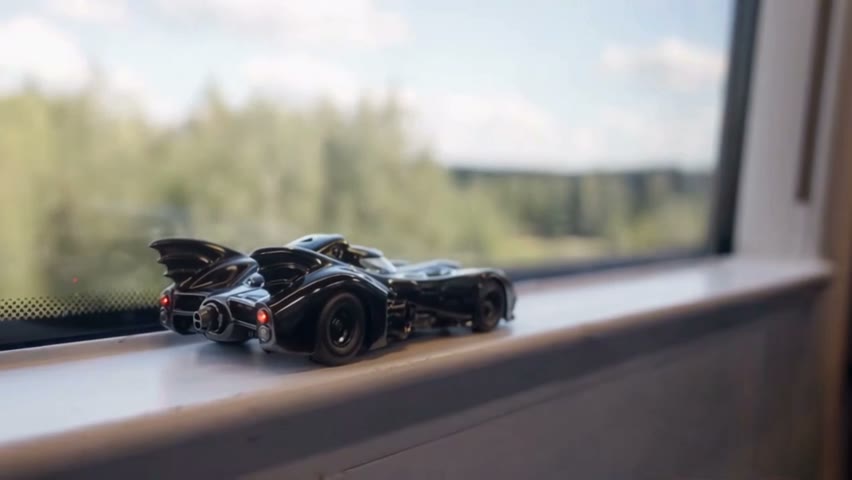
Toy Car to Real Car – reference photo
Toy Car to Real Car
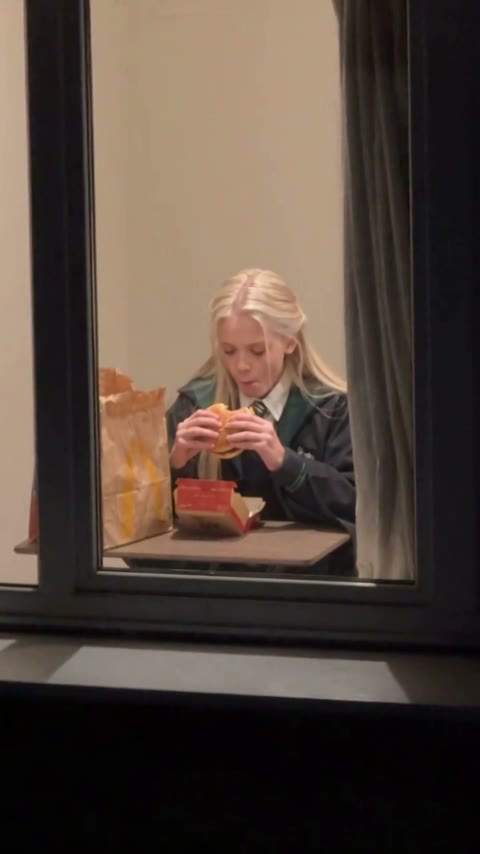
Window Peeper AI – reference photo
Window Peeper AI
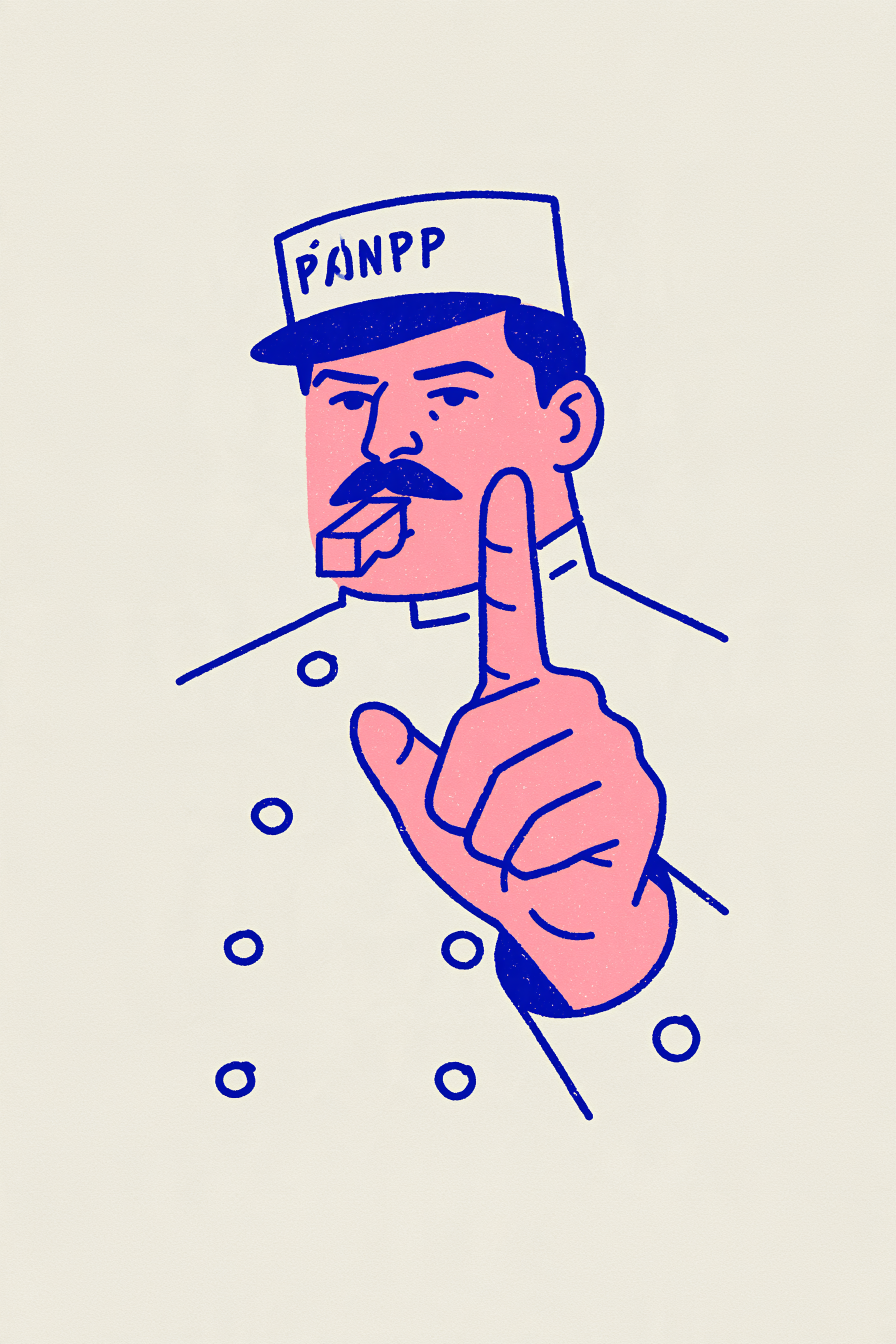
Line-Art Officer Blows the Whistle – reference photo
Line-Art Officer Blows the Whistle
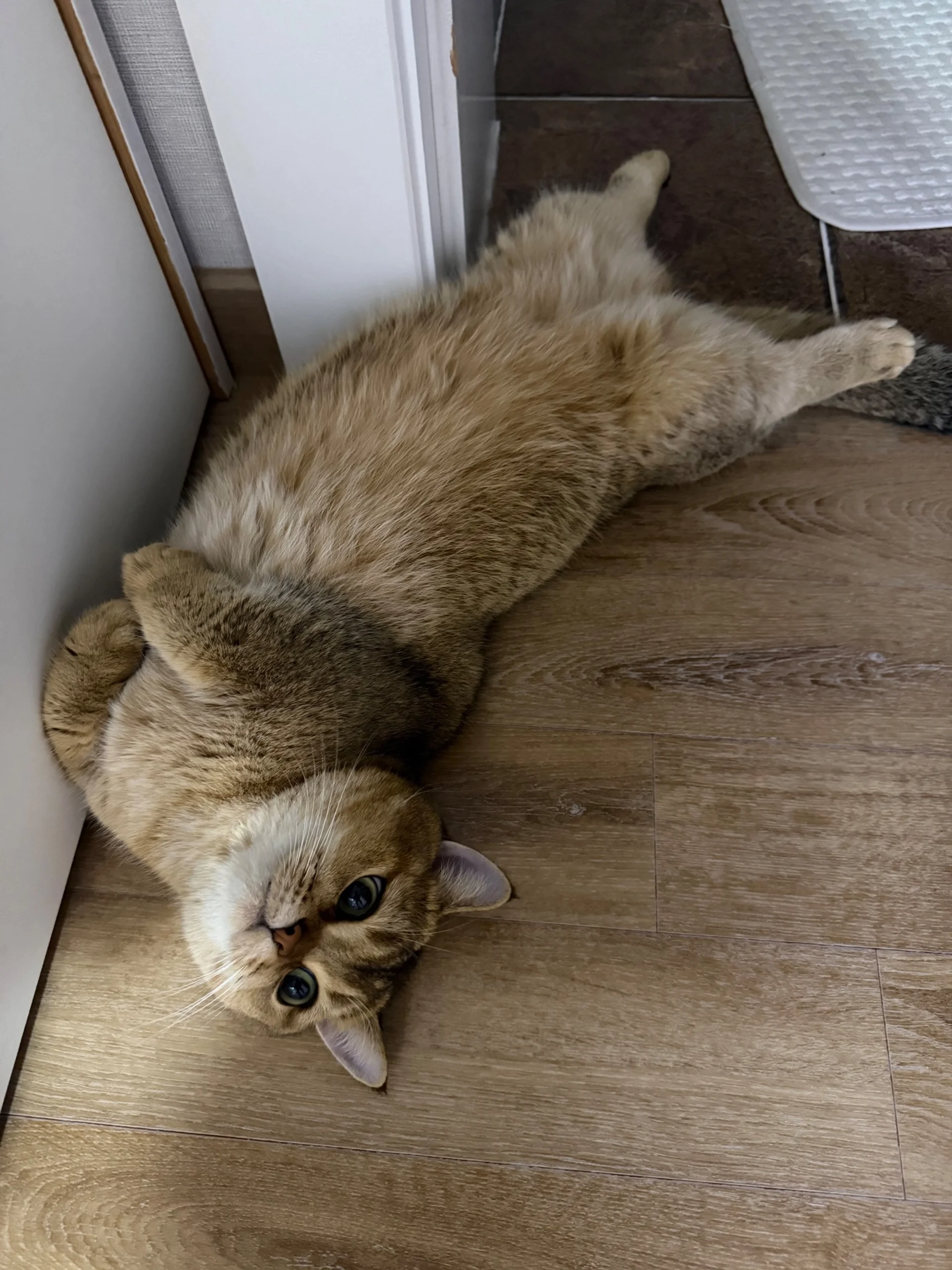
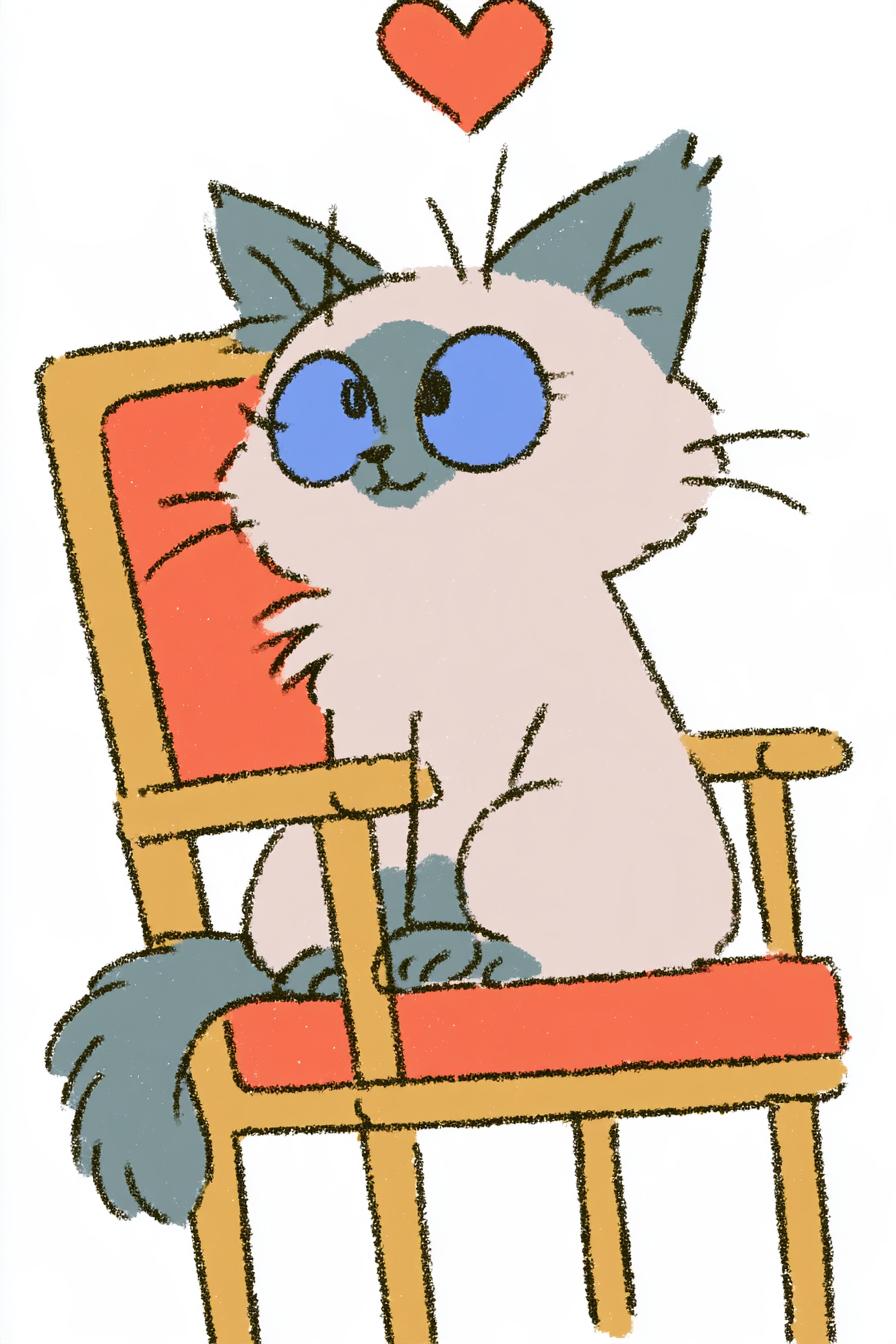
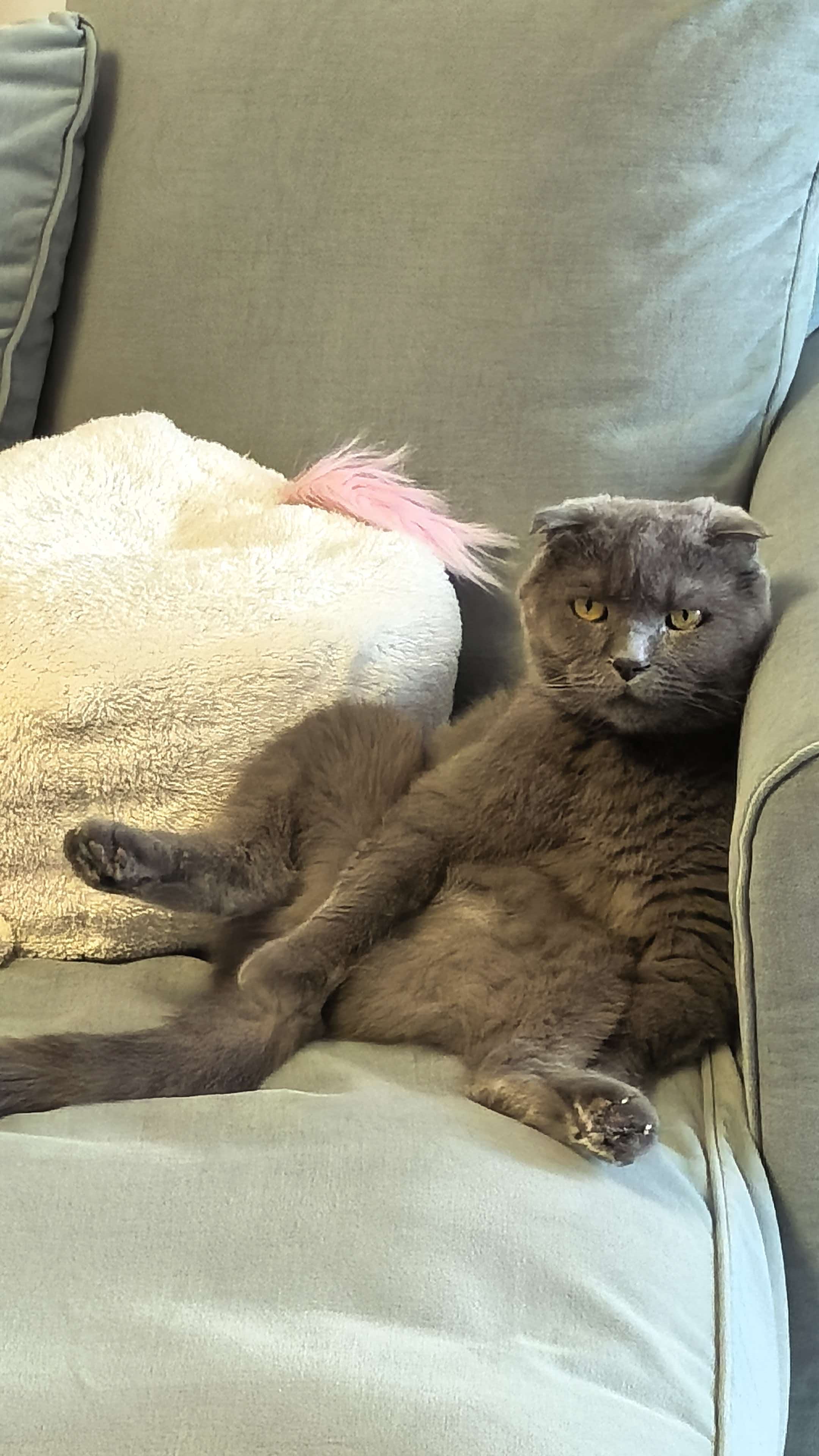
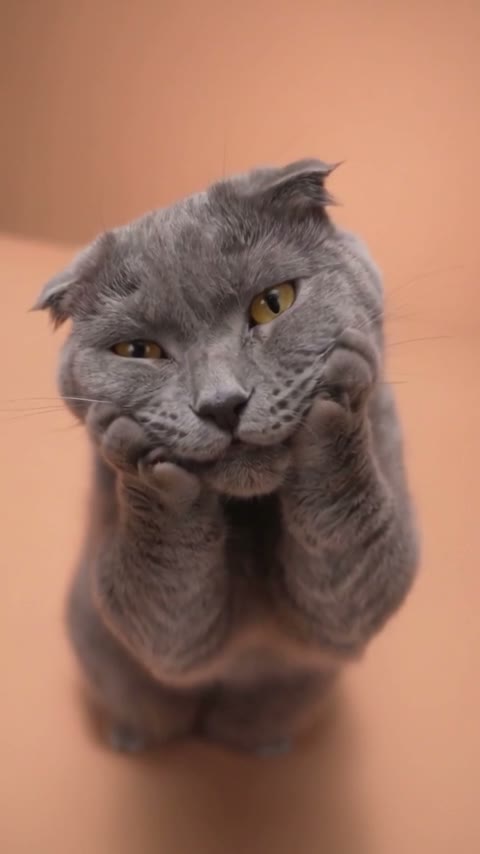
Crayon Cat on a Chair – reference photo
Crayon Cat on a Chair
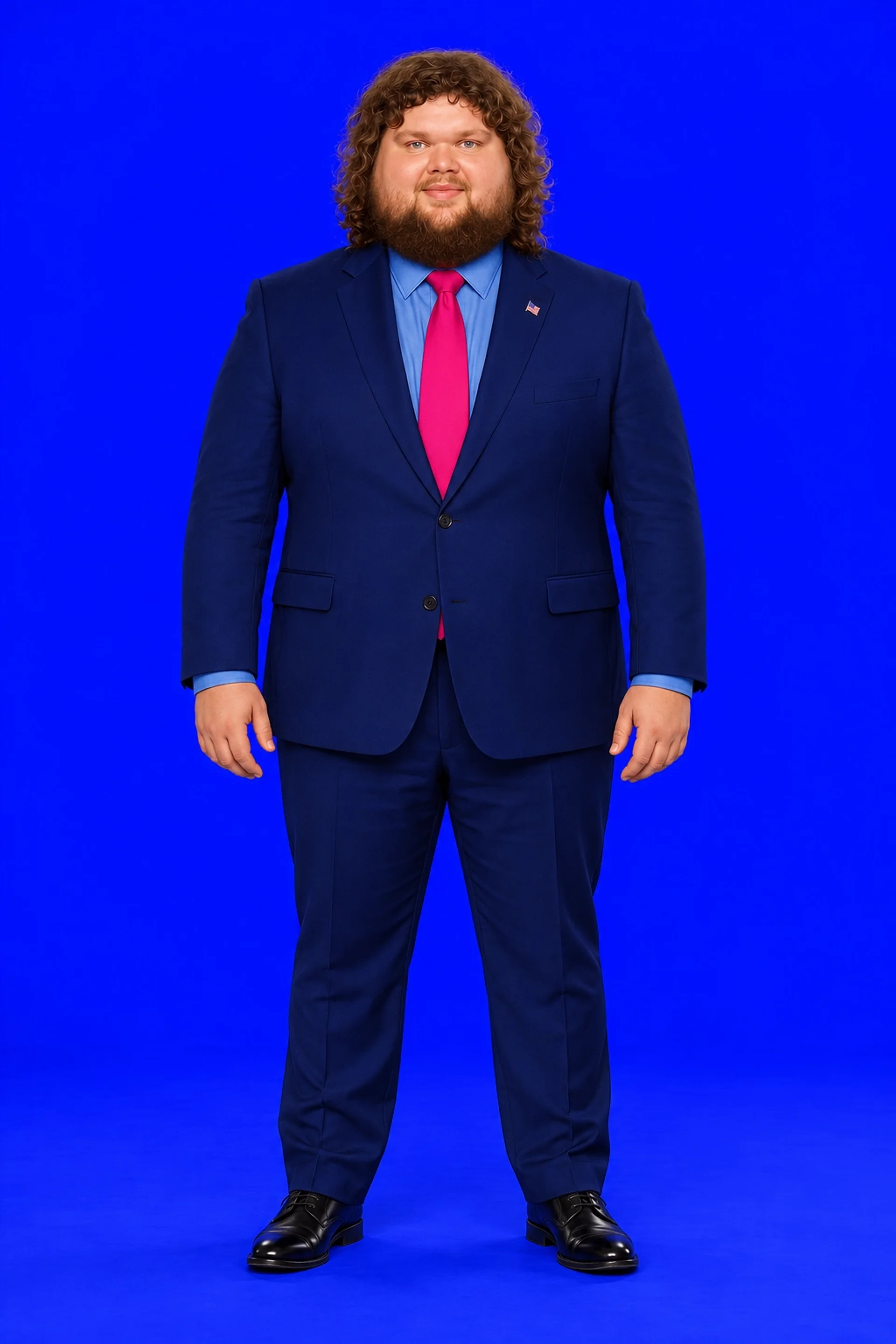
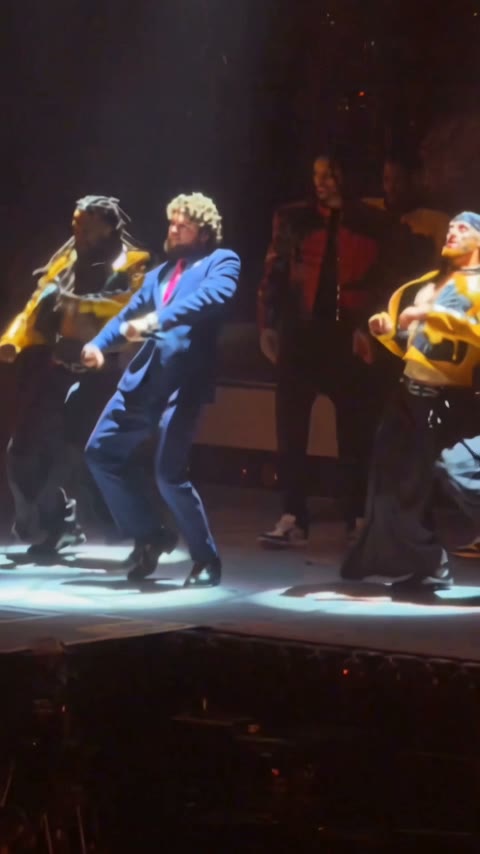
Gangnam Style AI – reference photo
Gangnam Style AI
Dame Hombro – reference photo
Dame Hombro
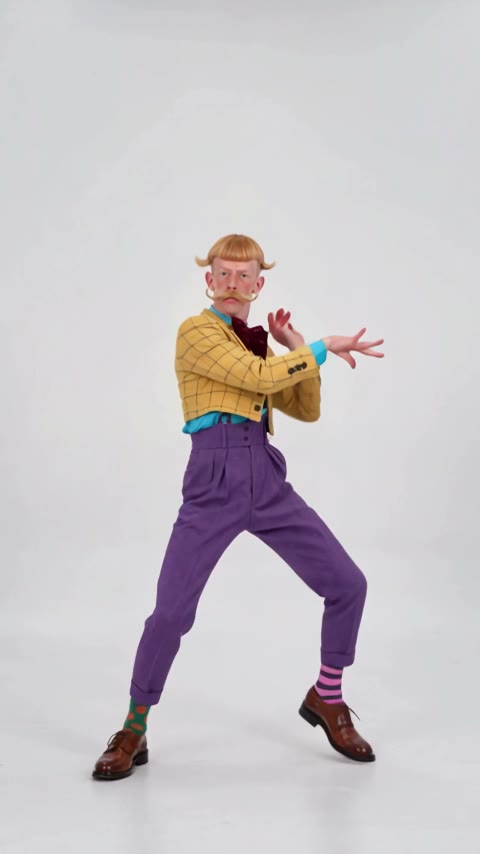
Bby Wow Dance Guy – reference photo
Bby Wow Dance Guy
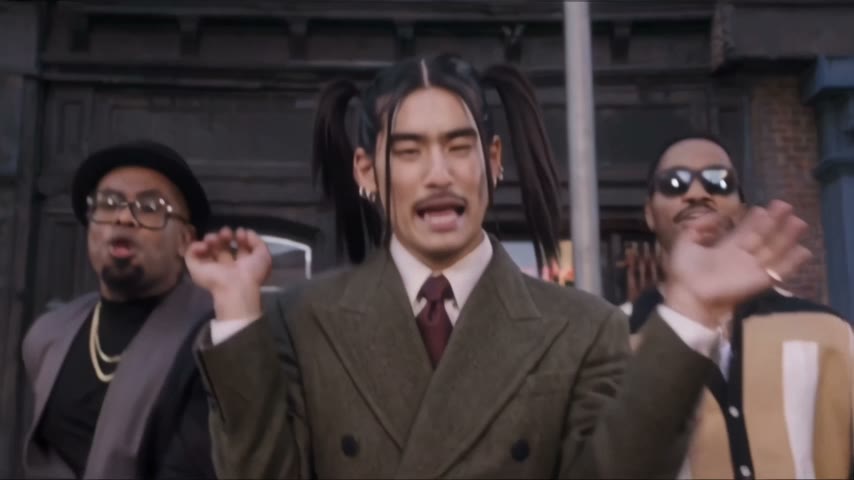
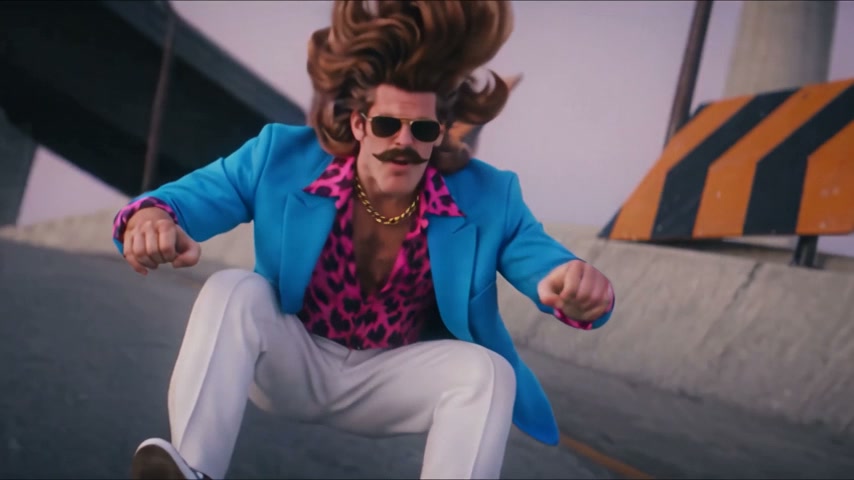
Uptown Funk AI – reference photo
Uptown Funk AI
Otsukare Summer AI – reference photo
Otsukare Summer AI
Crazy Frog AI – reference photo
Crazy Frog AI
Cheba Man Dance – reference photo
Cheba Man Dance
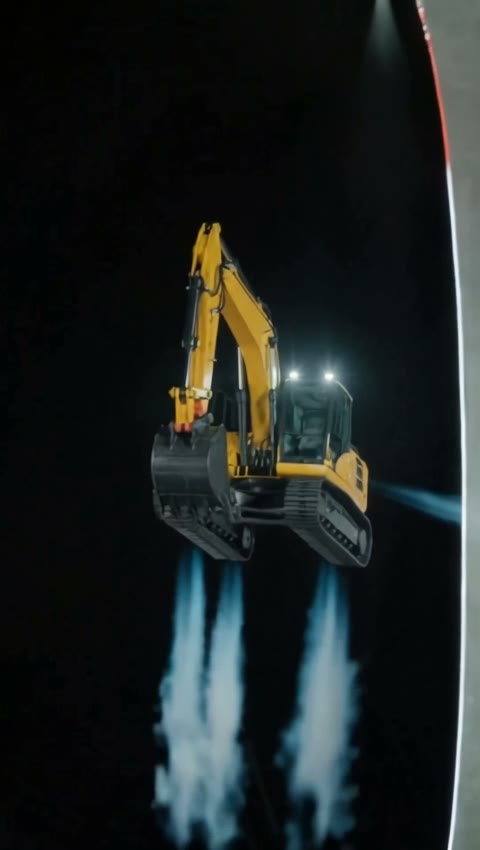
AI Flying Roadster – reference photo
AI Flying Roadster
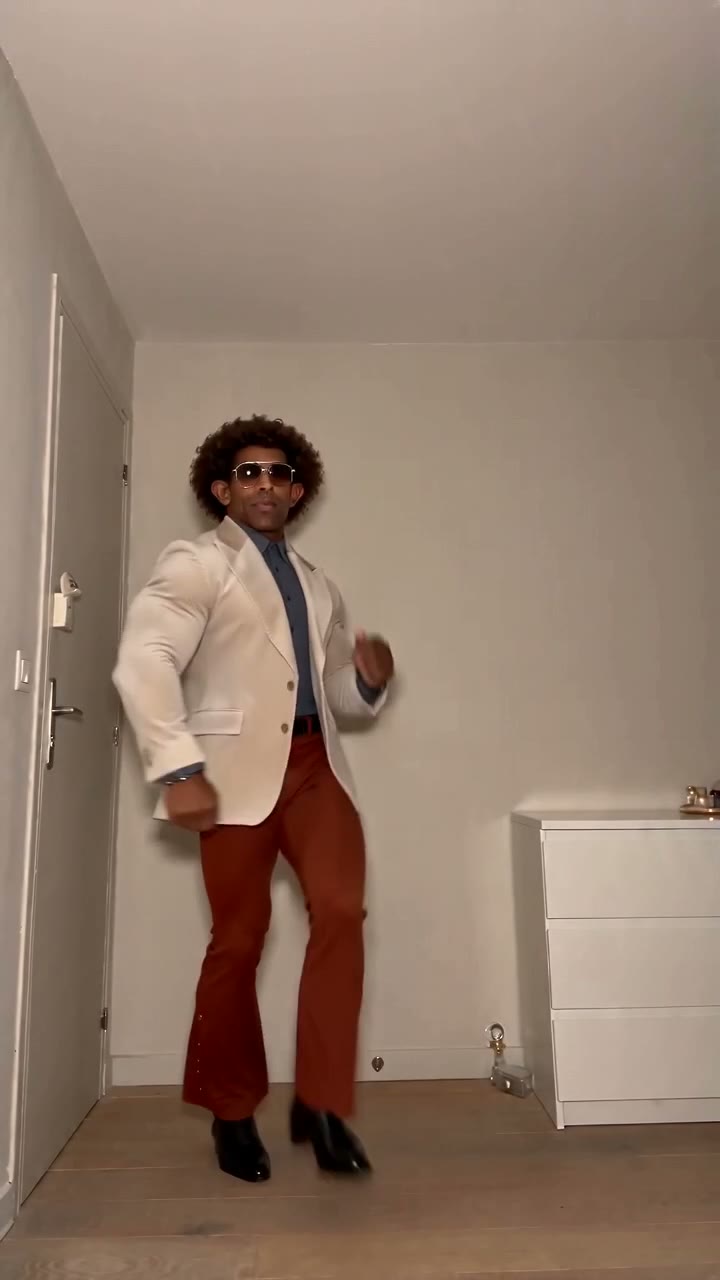
AI Moonwalk – reference photo
AI Moonwalk
Ozil Goal – reference photo
Ozil Goal
AI Camera Orbit Video – reference photo
AI Camera Orbit Video
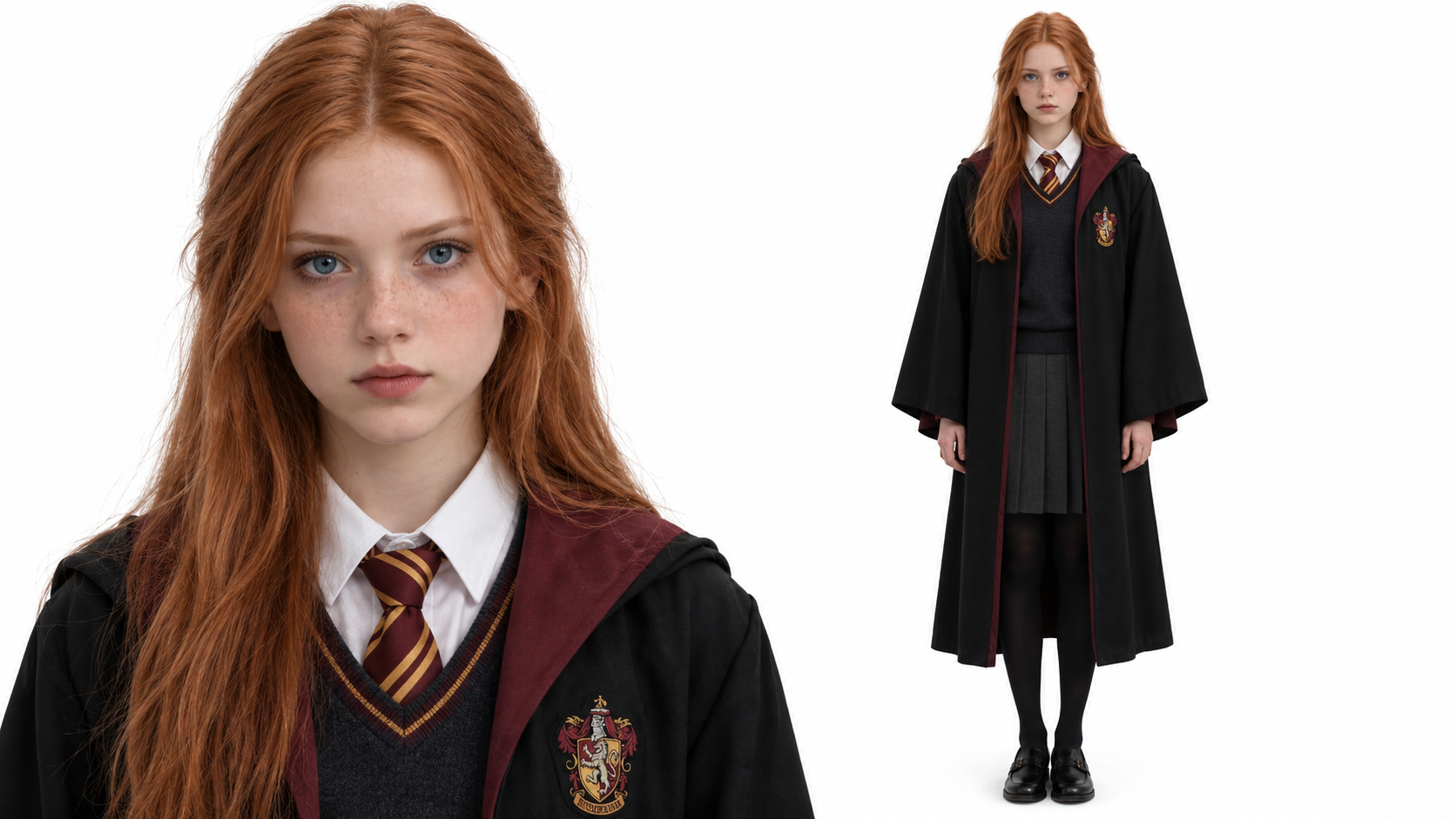
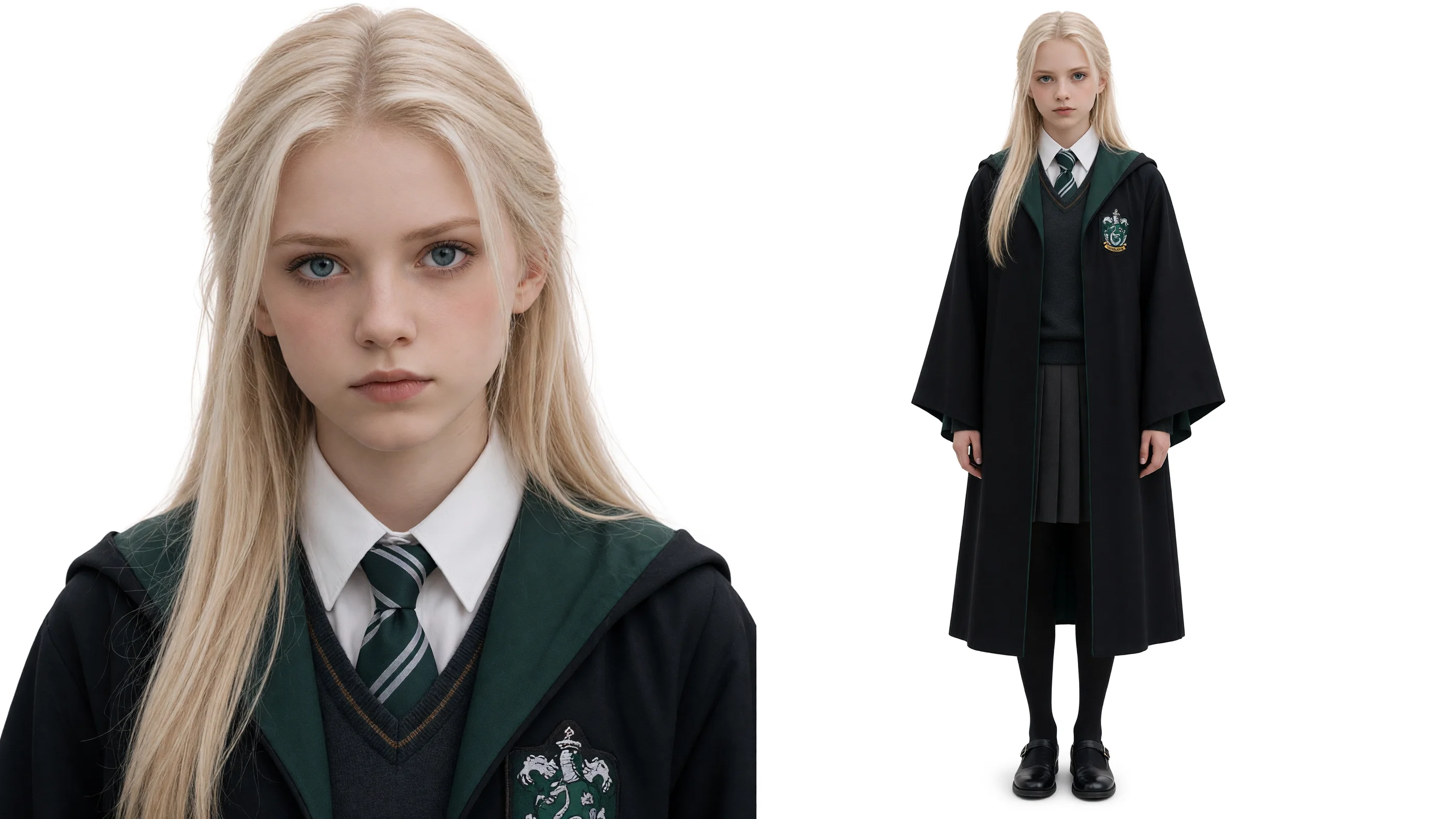
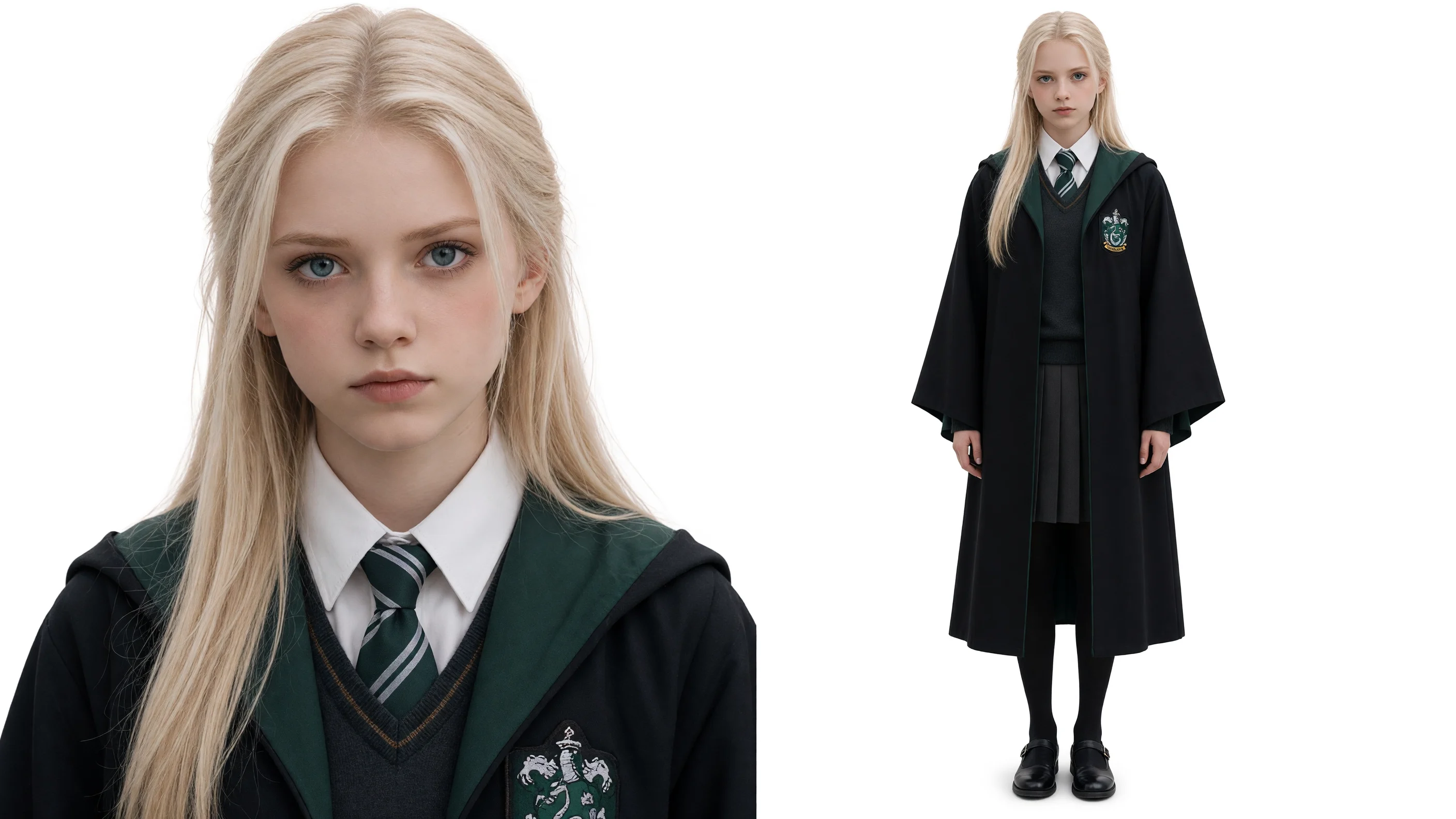
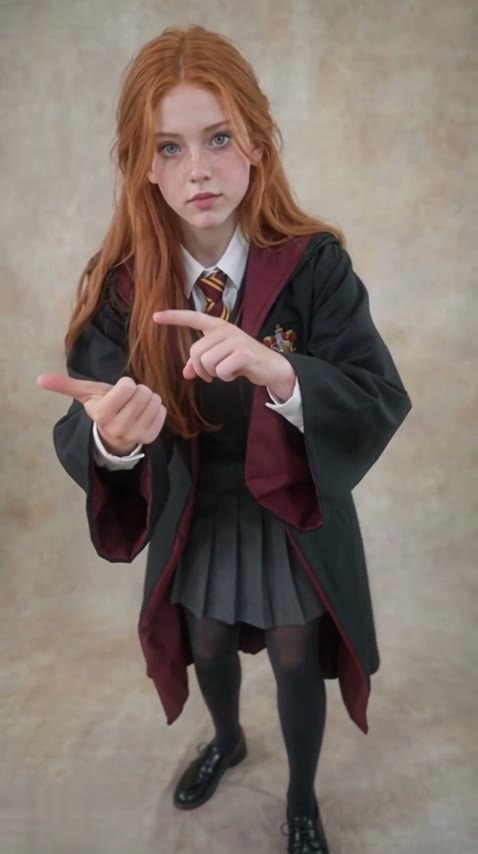
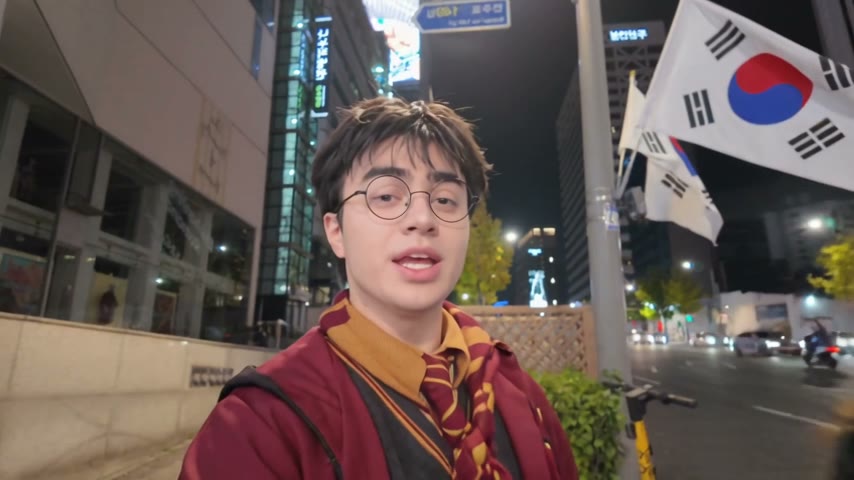
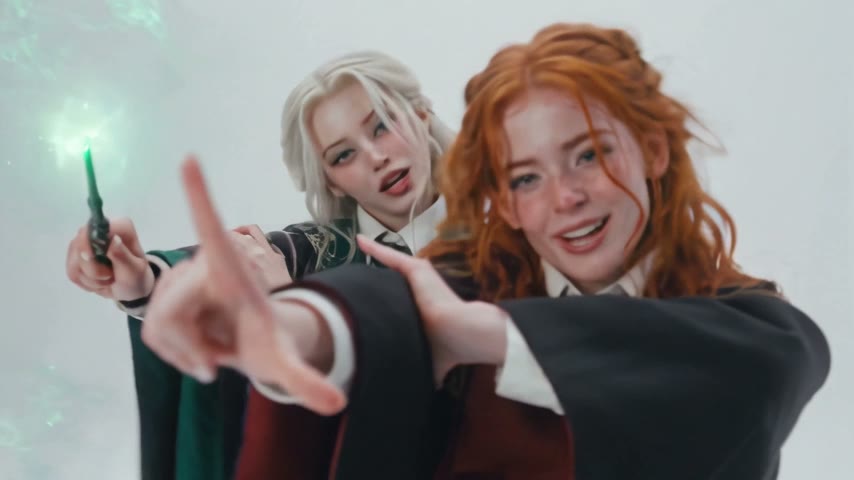
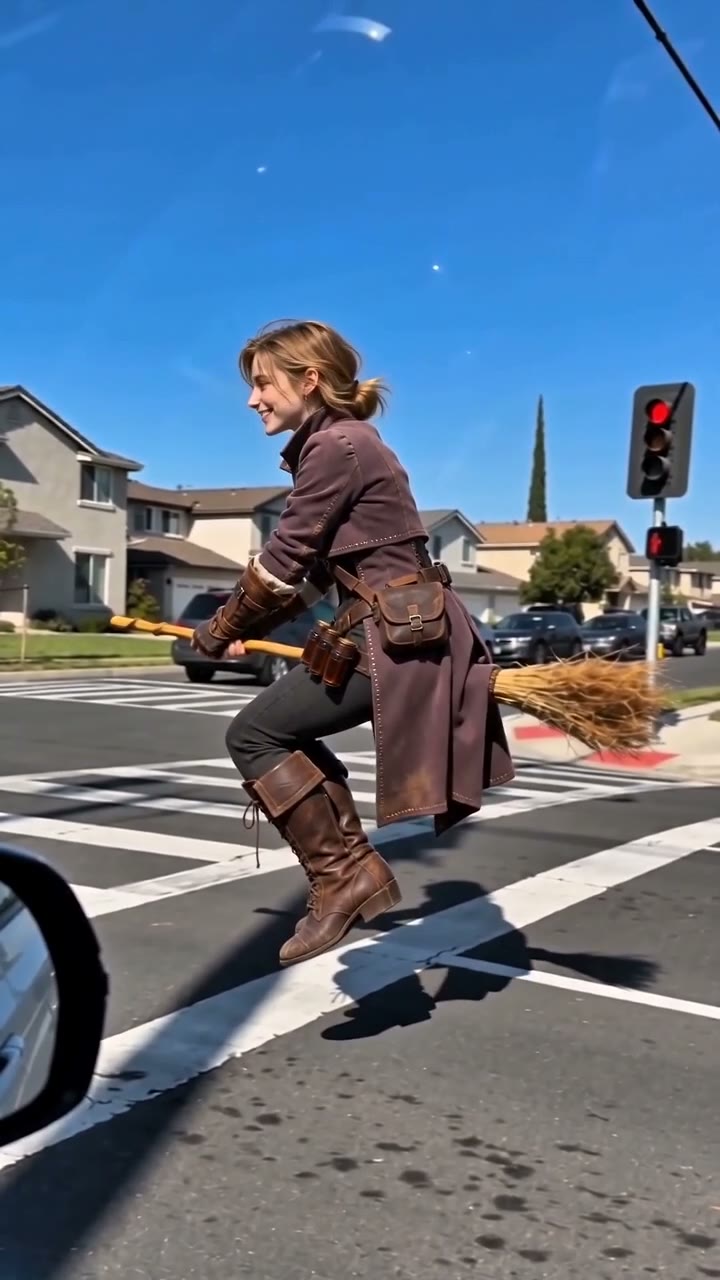
AI Broom Riding – reference photo
AI Broom Riding
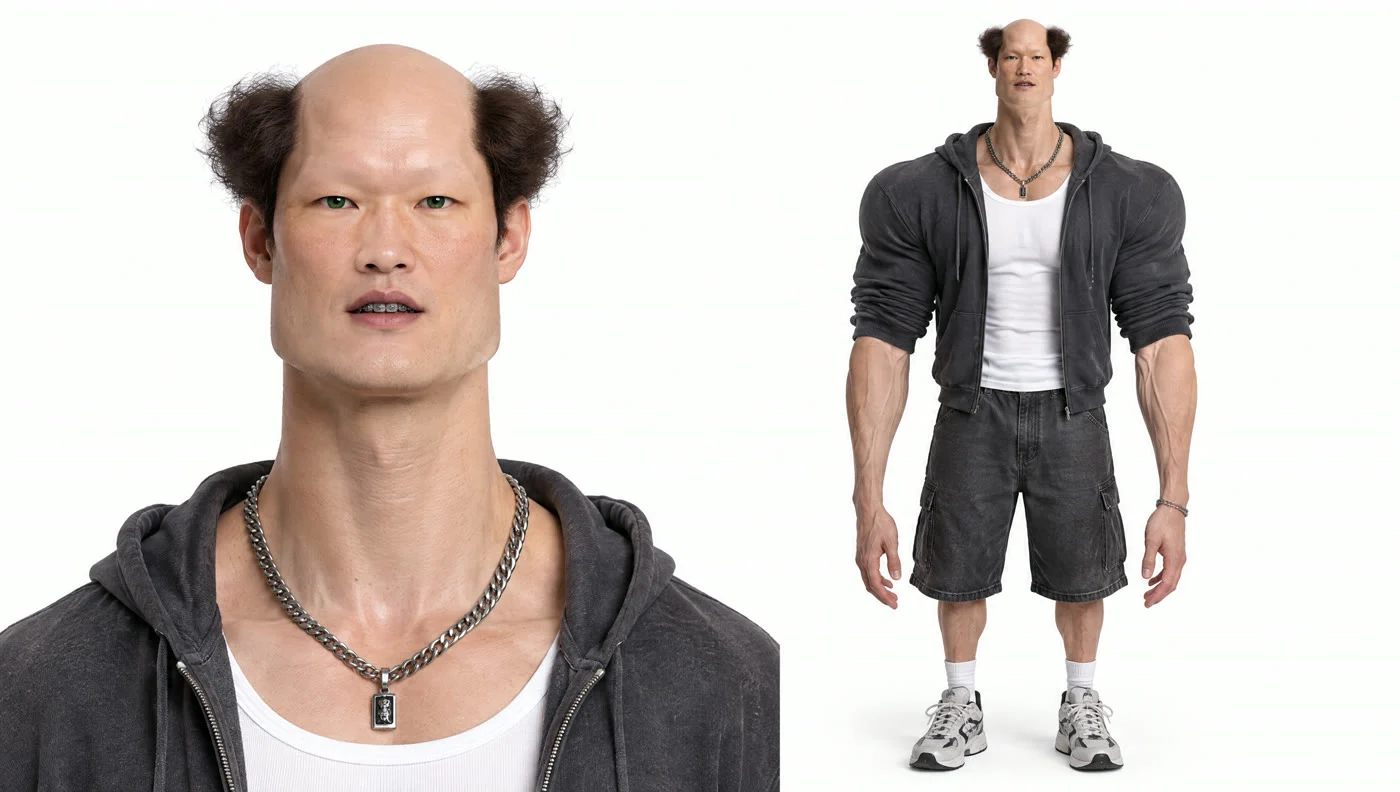
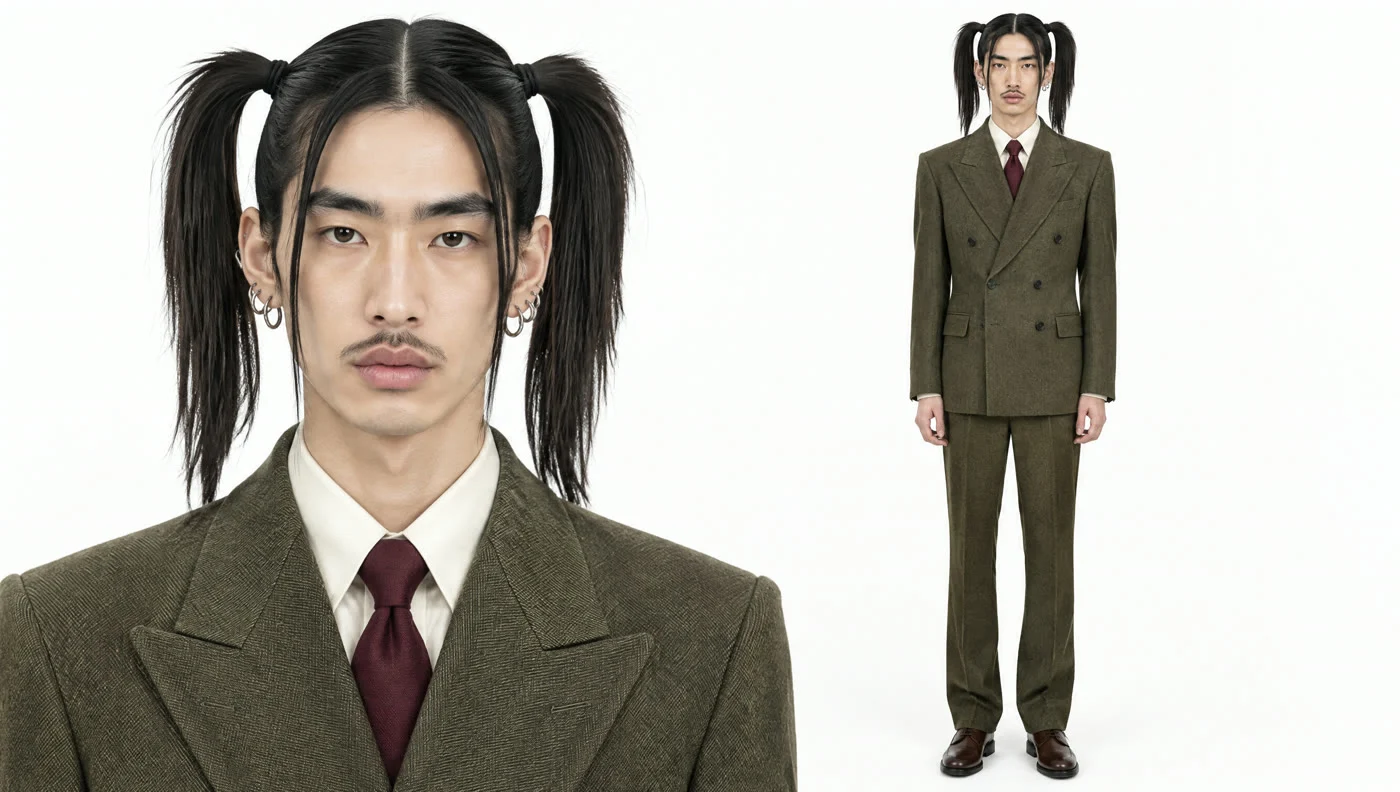
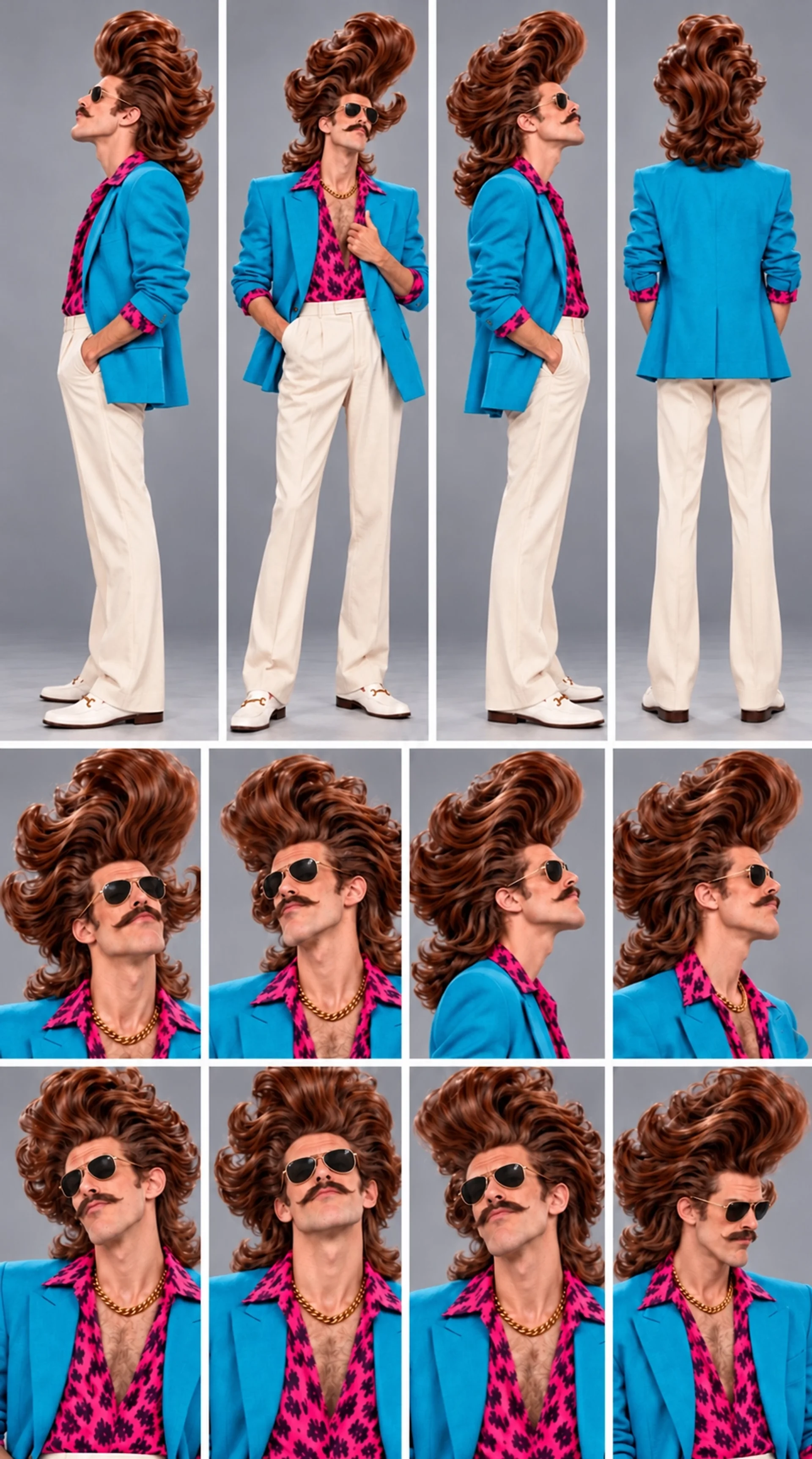
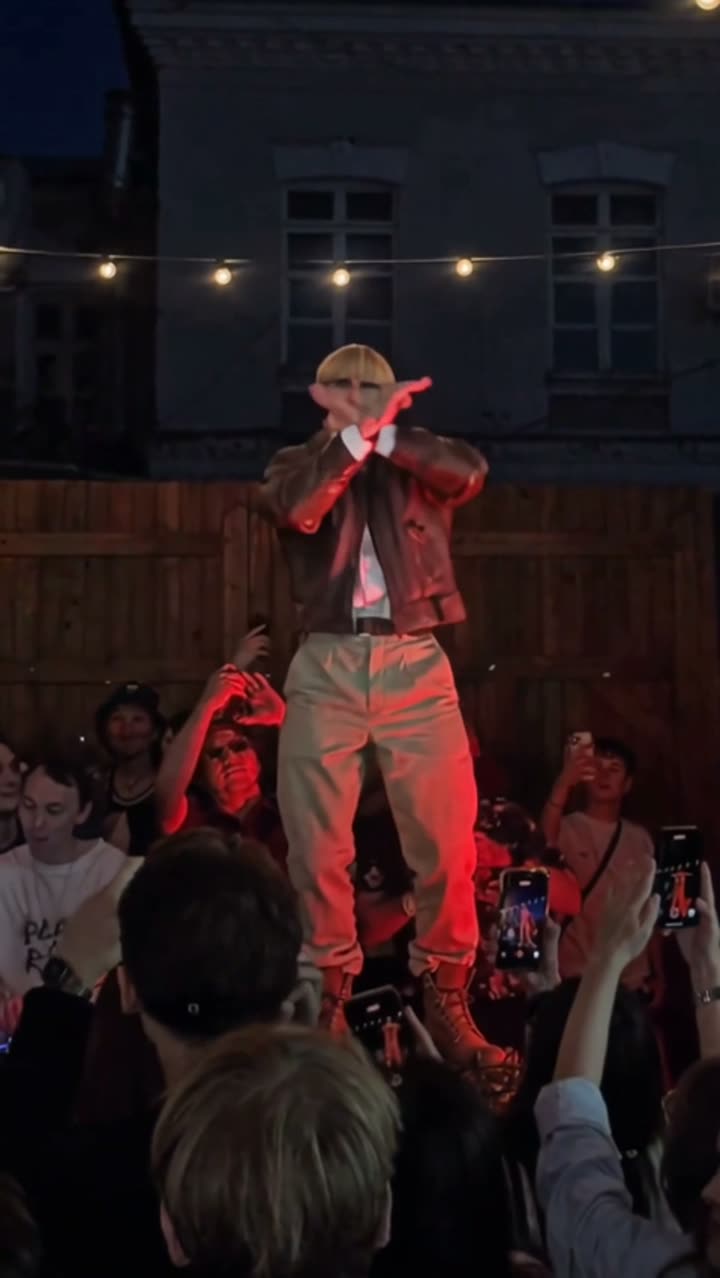
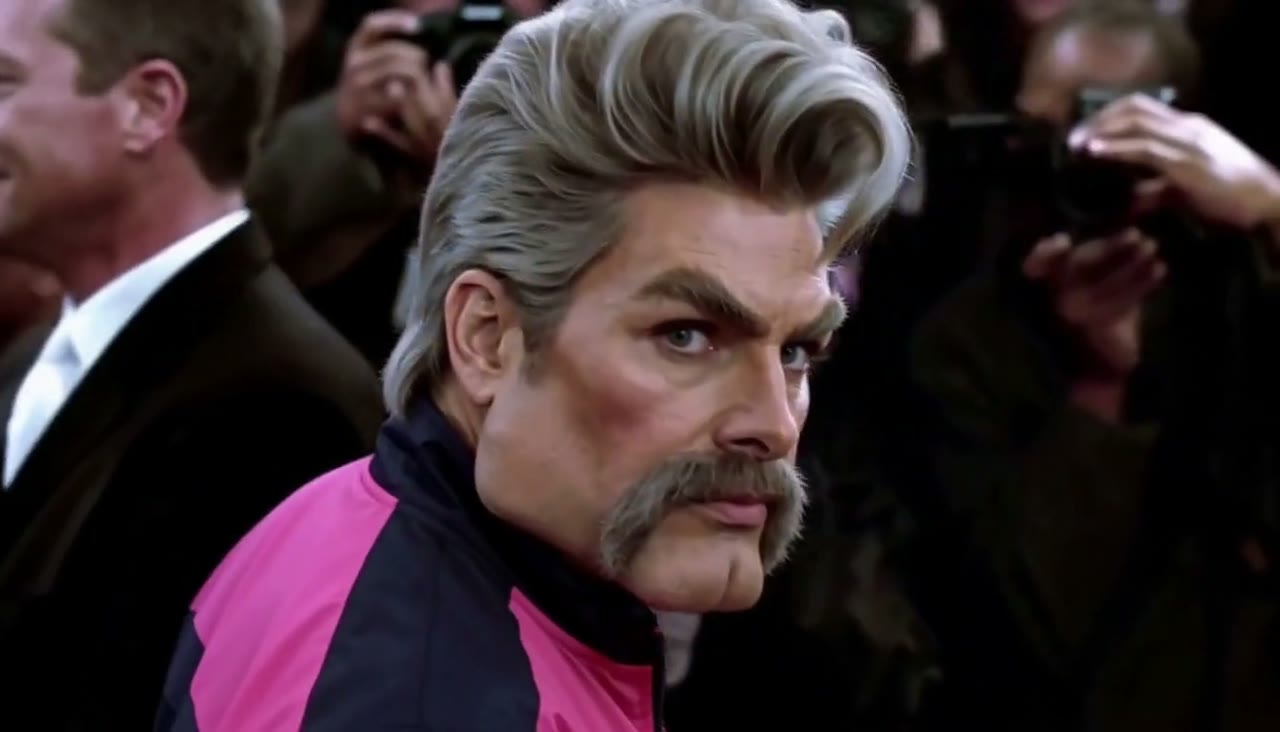
Zoolander AI Stare – reference photo
Zoolander AI Stare
Toc Toc AI Dance – reference photo
Toc Toc AI Dance
A Quiet Moment Together – reference photo
A Quiet Moment Together
360° Frozen Orbit – reference photo
360° Frozen Orbit

Free credits on sign-up · Price shown before you generate

Viral AI effects

Animate your photo into a viral trend

Pick a trend, upload one photo, and our AI photo animator turns it into the video everyone is posting: AI dances, memes, movie moments. The model and prompt are already set up.

About

What you get from our AI photo animator

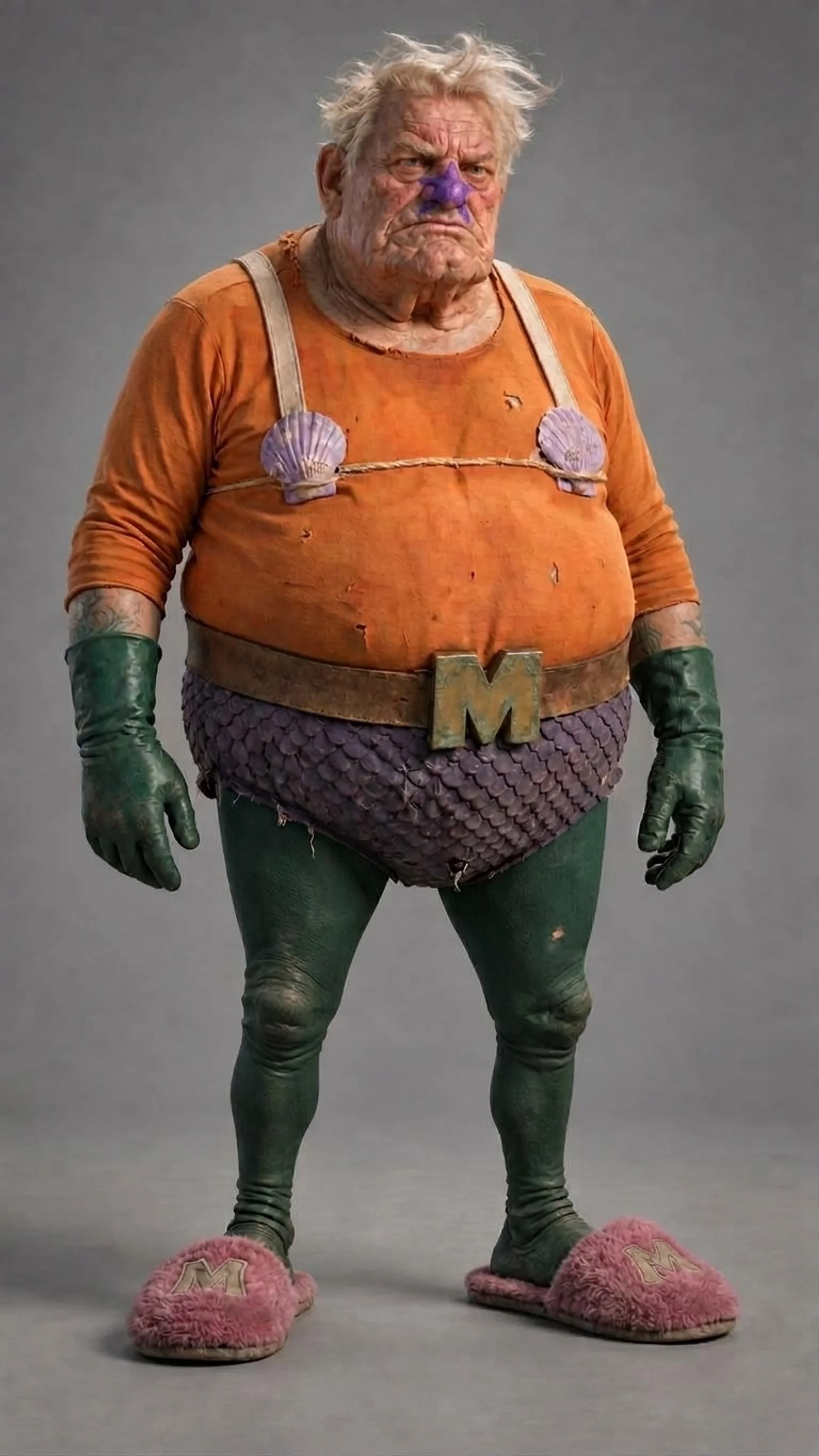
Our AI photo animator brings still photos to life. Upload one photo and get a short video with sound: grandparents smiling again, a dog running at the camera, a product spinning for an ad. It's ready for TikTok, Reels or the family chat in a few minutes.

No prompt writing or editing needed. Pick a one-click template, or describe the motion in one sentence. To keep the photo exactly as it is, use it as the first frame.

The top video models in one account: Seedance, Kling, Wan, Hailuo and more. Run the same photo on two and keep the better take. The price shows before you click, failed videos are refunded, and downloads have no watermark. New accounts start with free credits.

Input
1 photo
Length
4–30s
Quality
Up to 4K
Watermark
None
How it works

How to animate a photo with AI

  1. Upload a photo

    Drop in a JPG, PNG or WebP. Clear, front-facing faces give the most natural results. Old scans and pet photos work too.

  2. Describe the motion

    Write what should happen, like “she smiles and turns to the camera”, or start from an idea. Pick a model, length and aspect ratio.

  3. Check the cost, generate

    The credit price shows before you click. Most clips are ready in 1–3 minutes; download the MP4 with sound.

Why here

Animate photos with top models, sound and no watermark

  • The top video models in one place

    Seedance, Kling, Wan and Hailuo are four of the most-used video models, and each is good at something different. Here they sit side by side, so you can run the same photo on two of them and keep the better take.

  • True to the original

    Colors, details and style stay faithful to your photo from the first frame to the last.

  • It comes with sound

    Laughter, footsteps, music: supported models make the audio with the picture.

  • 0

    No watermark. No surprise bills.

    Every download is clean, free plan included. You see the cost before you click, and if a video fails, the credits come back.

  • 10+

    10+ models, one wallet

    One account, one credit balance. No juggling five subscriptions to find out which looks best.

  • Use it commercially

    Paid plans include commercial use of your videos, so they can go into ads, store pages and client work. Only upload photos you have the right to use.

Models

Which model is best for animating photos?

Each model is good at something different. Pick one that fits your photo. Each card says what it does best.

seedance logo

Seedance

ByteDance
  • Seedance 2.5NEWTop Seedance quality, clips up to 30sNewest · Up to 30s
  • Seedance 2.0 MiniNEWCheapest way to test ideas and draftsBest value · Native audio
  • Seedance 2.0 FastFast and affordable — great for everyday social clipsFastest · Native audio
  • Seedance 2.0Best all-rounder: stable, detailed, multi-image referenceNative audio · True-to-life physics
kling logo

Kling

Kuaishou
  • Kling 4.0NEWNewest Kling: clips up to 30s with native audio, references and keyframesNewest · Native audio
  • Kling 3.0NEWCinematic camera moves and crisp 4K detailNative audio · Up to 4K
wan logo

Wan

Alibaba
  • Wan 3.0NEWLong clips up to 30s at low cost, up to 10 reference photosNative audio · Up to 30s
  • Wan 3.0 PrimeWan with more cinematic, polished qualityNative audio · Up to 30s
hailuo logo

Hailuo

MiniMax
  • MiniMax H3Expressive characters in 2K with stereo soundNative audio · Up to 2K
  • Hailuo 2.3Natural acting and facial expressions from one photoImage to video · Expressive characters
  • Hailuo 2.3 StandardBudget Hailuo for quick draftsImage to video · Best value
  • Hailuo 02 ProRealistic physics and motion in 1080pTrue-to-life physics · 1080p
Two ways to animate

Two ways to animate a photo: a new scene or the original frame

Pick by what you want the video to look like.

PHOTO

Put your photos in a new scene (Photo mode)

Your photos tell the AI who and what should appear. It builds a brand-new scene around them.

Upload 1–9 photos (10 on Wan 3.0), then write “image 1 …, image 2 …” in your prompt. The first frame doesn’t have to match any photo.

Best for

  • Putting a character into a brand-new place
  • Keeping a character or outfit consistent
  • Product shots in a new setting
Try it →
FRAMES

Keep your photo, just add motion (Frames mode)

Your photo becomes the exact first frame of the video. The AI only adds the motion.

Upload a start frame, and optionally an end frame. The AI fills in the movement between them.

Best for

  • Bringing one photo to life exactly as it is
  • Old photos and portraits that must stay untouched
  • Smooth transitions from one image to another
Try it →
Ideas

Animate any photo: portraits, old photos, pets and more

Portraits & selfies

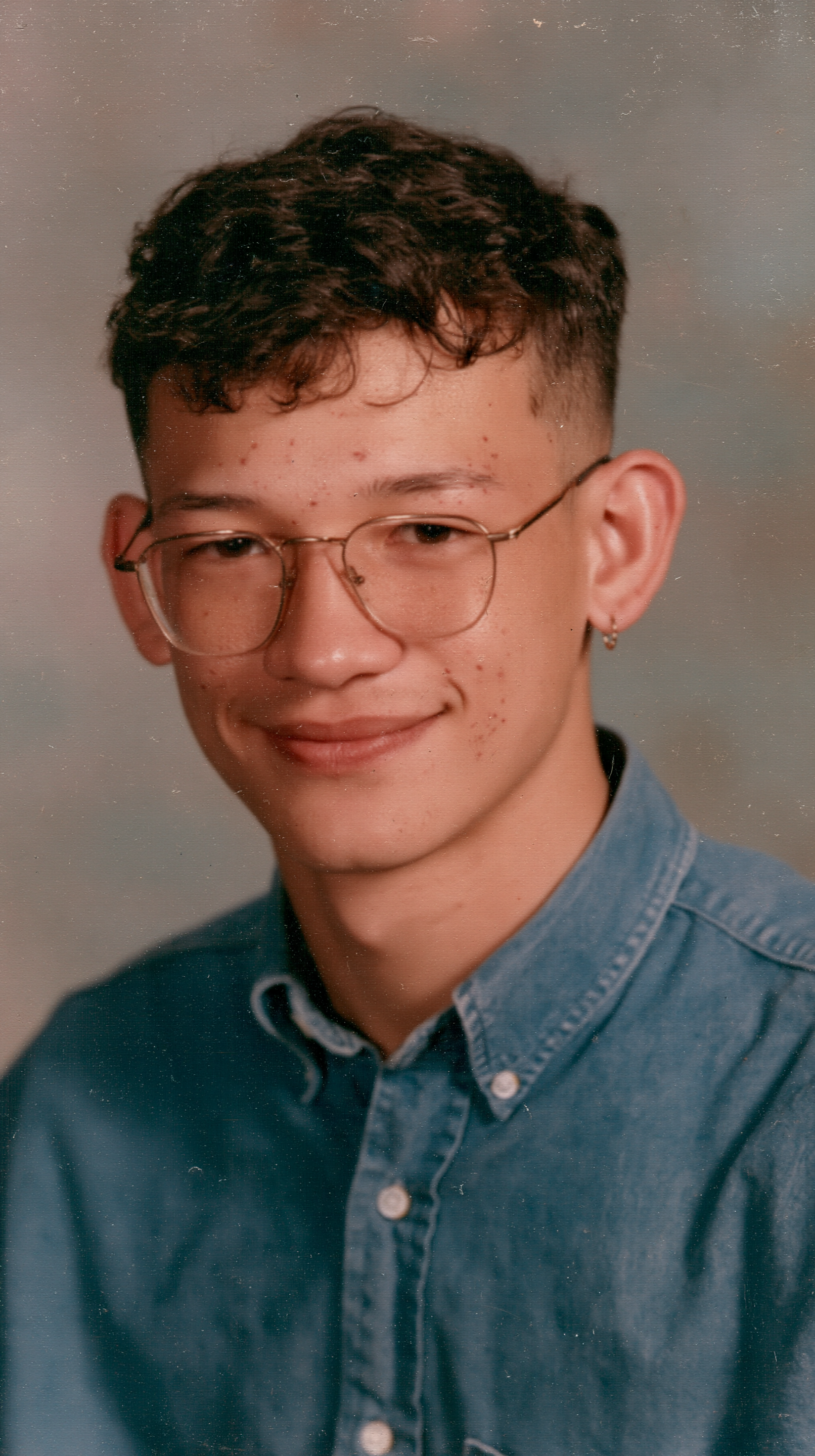
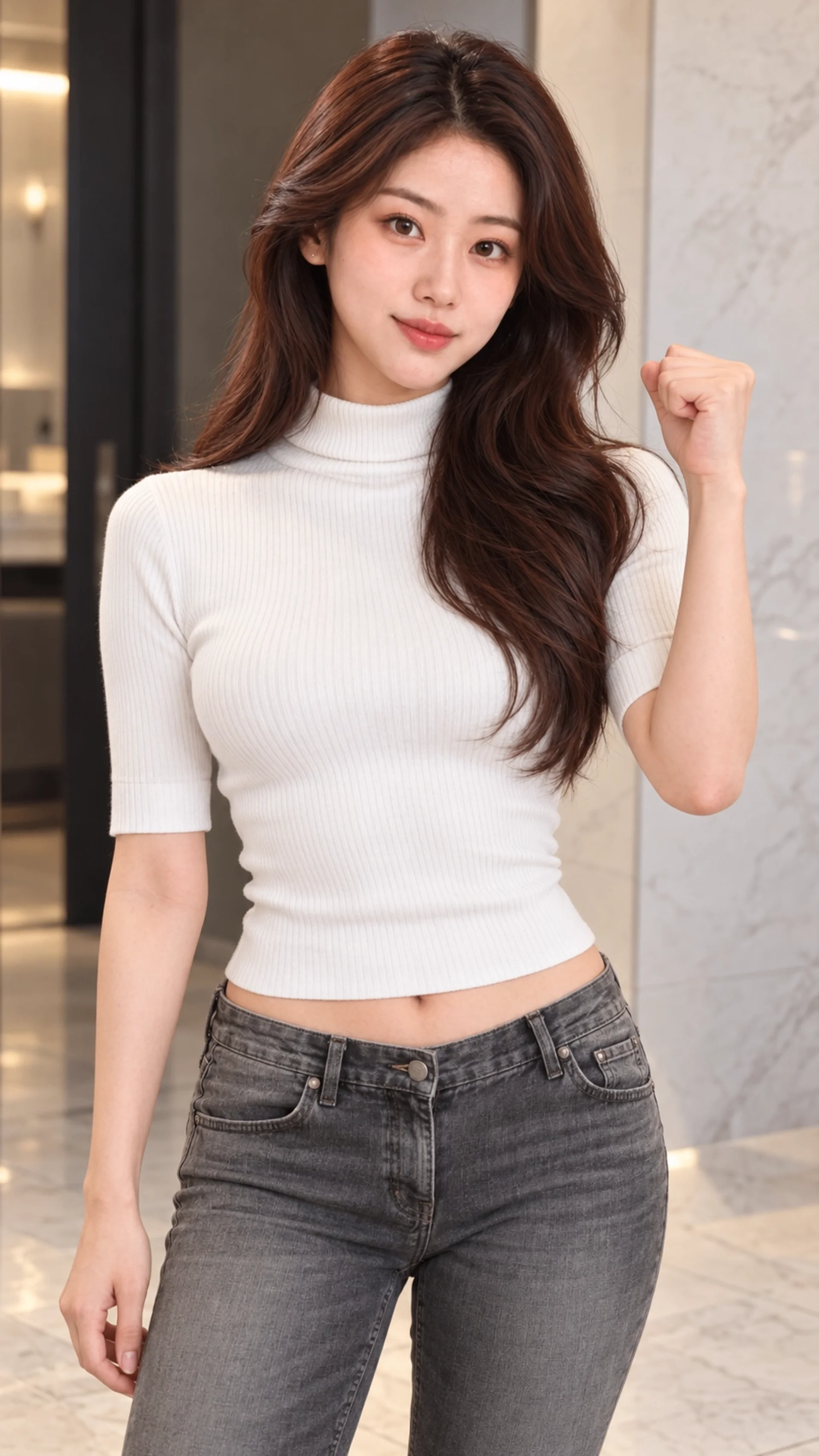
A wink, a head turn or a little dance, all from one selfie.

Old photos

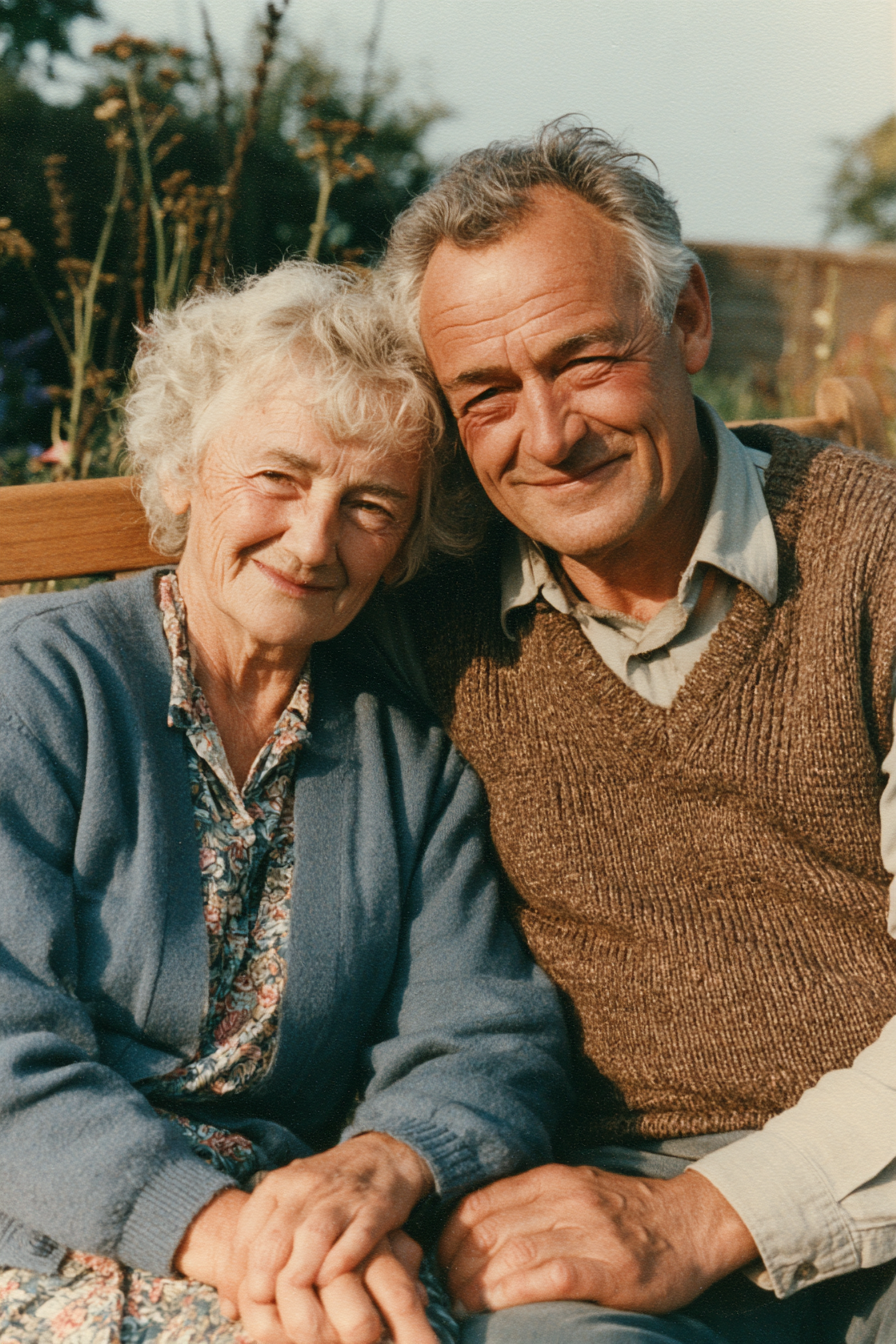
See grandparents smile and move again.

Landscapes & travel

Clouds drift, waves roll and city lights flicker in your travel shots.

Pets

Ears up, tail going, ready to pounce.

Products

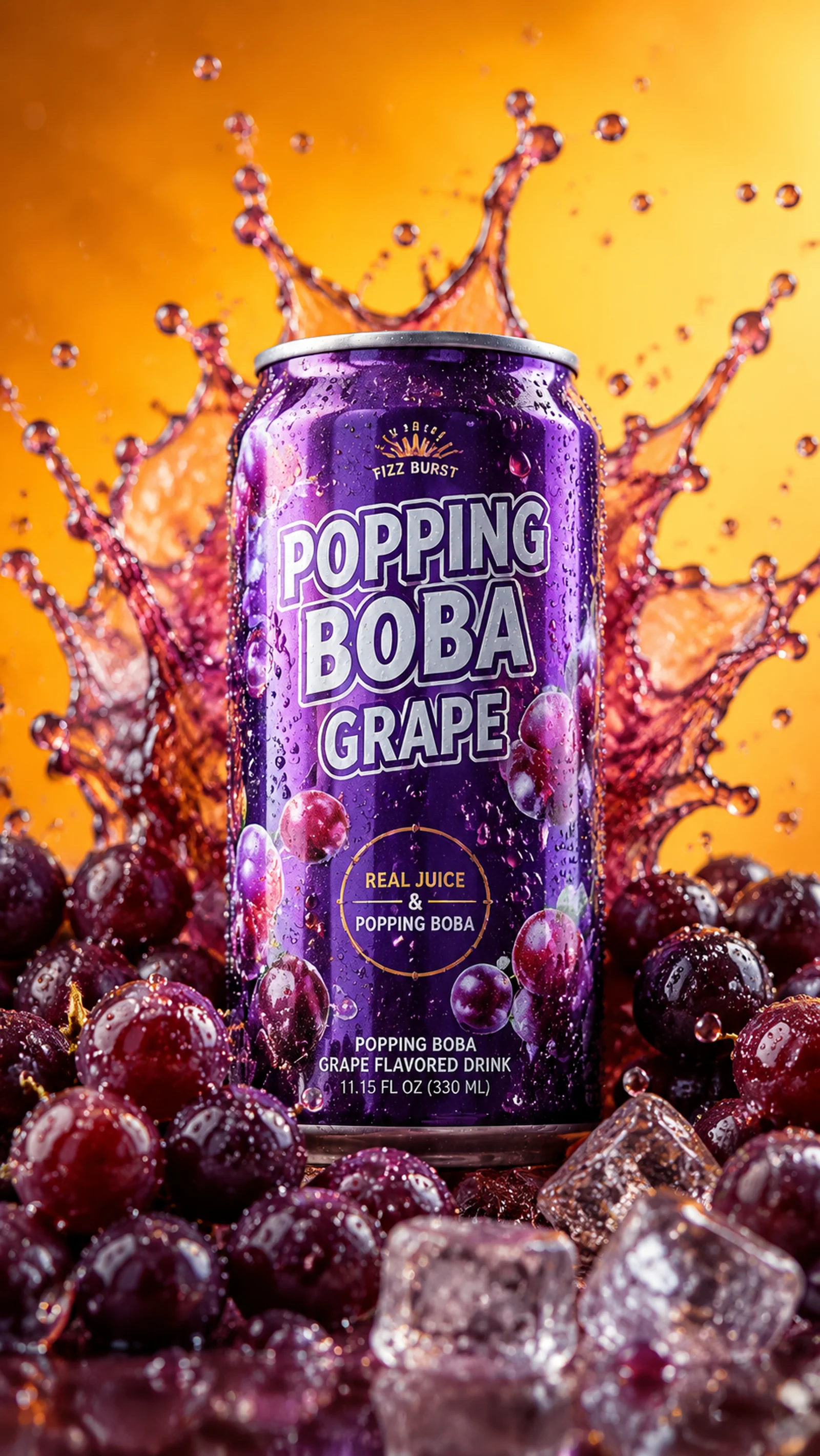
A slow spin, a splash, a bit of light. Ads without a shoot.

Drawings & art

Sketches, paintings and anime characters move, in the original style.

Tips

Tips for better photo animations

  1. 01

    Use a clear, well-lit face

    Front-facing photos with visible eyes animate most naturally. Very small, blurry or heavily shadowed faces are more likely to change.

  2. 02

    Describe one main action

    “She smiles and slowly turns to the camera” works better than a long list of moves. Add camera motion separately, such as “slow push-in”.

  3. 03

    Match the aspect ratio

    Choose 9:16 for TikTok and Reels, 16:9 for YouTube, or keep the photo’s own framing to avoid cropping heads and hands.

  4. 04

    Start short and cheap

    Test your prompt with a 5-second clip on an affordable model, then switch to a higher-quality model for the final version.

  5. 05

    Restore before you animate

    For torn or faded old photos, a sharper scan or a quick restoration first gives smoother, more believable motion.

  6. 06

    Keep backgrounds simple

    Busy backgrounds can warp as the camera moves. If the subject matters most, ask for a static camera.

AI photo animator FAQ

What is an AI photo animator (AI image animator)?

An AI photo animator, also called an AI image animator, turns a still image into a short video. You upload a photo, describe the motion you want, and an AI video model generates realistic movement (blinking, smiling, turning or dancing) while keeping the original look of the photo.

Is AI Photo Animator free?

Yes, it's free to start. New accounts get free credits on sign-up, which is enough to animate a photo with our most affordable model. After that you can buy credits or subscribe. The exact cost of every generation is shown before you click.

What is the best free AI photo animator?

Look for one that lets you try several models before you pay. Here, new accounts get free credits, you can compare Seedance, Kling, Wan, Hailuo and more on the same photo, the price shows before you generate, failed videos are refunded, and downloads have no watermark.

Is there an AI that can animate pictures?

Yes. Upload any picture (a portrait, an old family photo, a pet, a product shot or a drawing), describe the motion in one sentence, and an AI video model turns it into a short clip with sound. You can also start from a one-click template.

How do I make a photo move?

Upload your photo, write a short prompt such as “she smiles and waves”, choose a model and length, then click Generate. Your video is ready in about a minute and can be downloaded as MP4.

Can I animate a photo online?

Yes. AI Photo Animator runs in your browser, so you can animate a picture online without installing an app. Upload a photo, describe the motion, choose a model and click Generate; your MP4 is ready in about a minute.

Will my photo look different after animating?

In Frames mode, videos start from your exact photo and keep its look, colors and details. Clear, well-lit photos work best; heavy blur or extreme angles make results less stable.

Can I animate old photos?

Yes. Scanned prints and black-and-white photos animate well. For damaged photos, a sharper scan gives a more natural result.

Does the video have sound?

Models that support audio generate ambient sound and voices together with the video. You can turn audio off where the model allows it.

Which AI model should I choose?

Seedance 2.0 Mini is the cheapest for quick tests, Seedance 2.0 and Kling 3.0 give the most consistent motion, and Hailuo is strong at subtle facial expressions. For clips up to 30s, use Seedance 2.5 or Wan 3.0.

Can I use the videos commercially?

Paid plans include commercial use of your generations, subject to our Terms and each model’s conditions. Only upload photos you have the right to use.

Ready

Make your first photo move

Free credits on sign-up. No editing skills needed.